
How Long Apple Watch Ultra 3 Battery Really Lasts
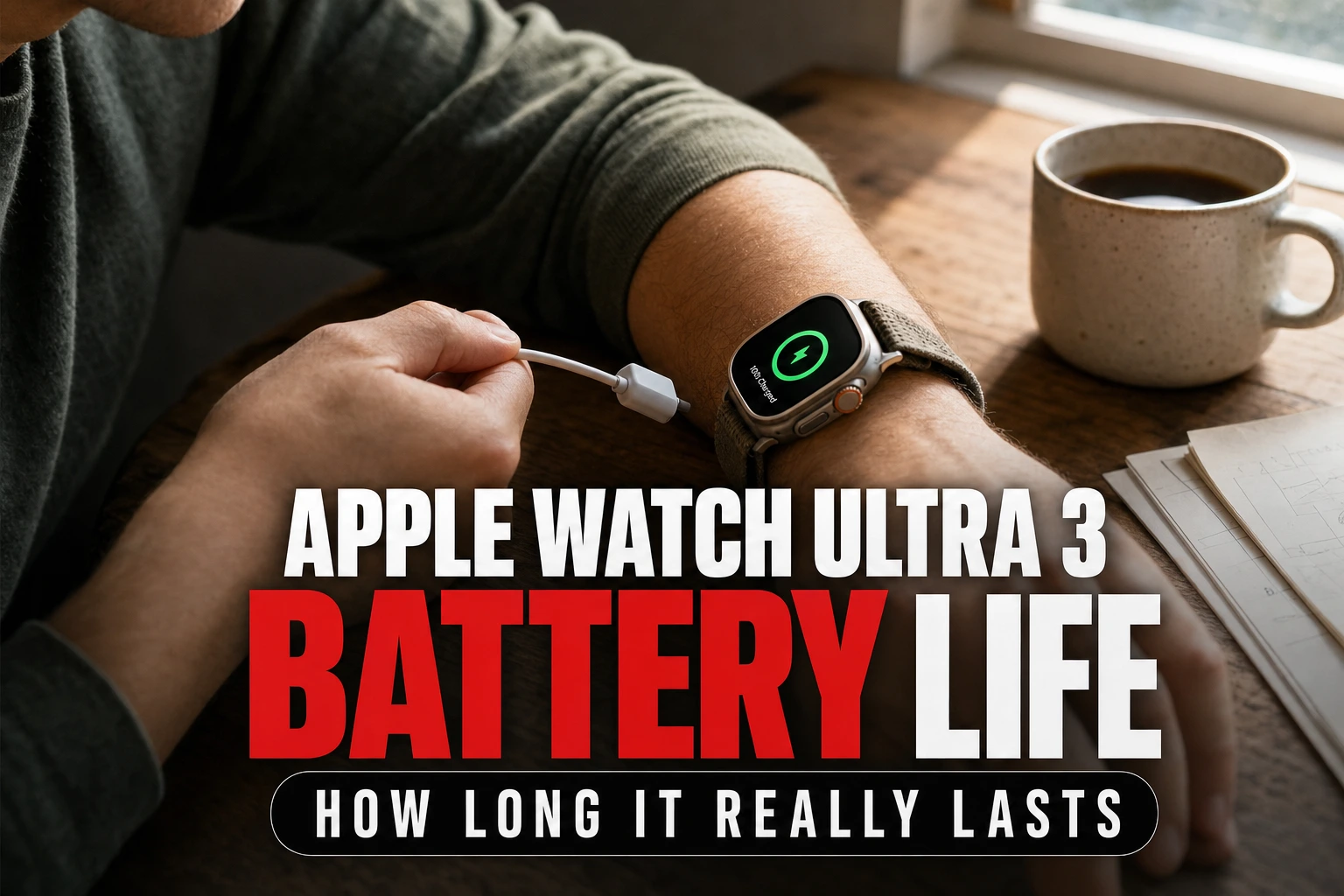
Apple rates the Apple Watch Ultra 3 [GPS + Cellular 49mm] for up to 42 hours of normal use and up to 72 hours in Low Power Mode, although GPS, cellular use and workouts affect the result.
This article is informational and does not place shopping buttons in the story. Related buying guides may include affiliate links.
As an Amazon Associate I earn from qualifying purchases. This does not affect the price you pay. Affiliate disclosure
On this page10 sections
- 1The short answer
- 2How long does the Apple Watch Ultra 3 battery last?
- 3How Apple calculates its Ultra 3 battery estimate
- 4How cellular, GPS and workouts affect battery life
- 5What independent reviews say about real-world endurance
- 6How to extend Apple Watch Ultra 3 battery life
- 7Low Power Mode versus standard operation
- 8How to plan a practical charging routine
- 9Frequently asked
- 10Sources
The short answer
- Standard daily use delivers up to 36 hours of battery life on a single charge.
- Low Power Mode can extend the wearable's battery life up to 72 hours total.
- Heavy GPS tracking and cellular calls will significantly accelerate the rate of battery consumption.
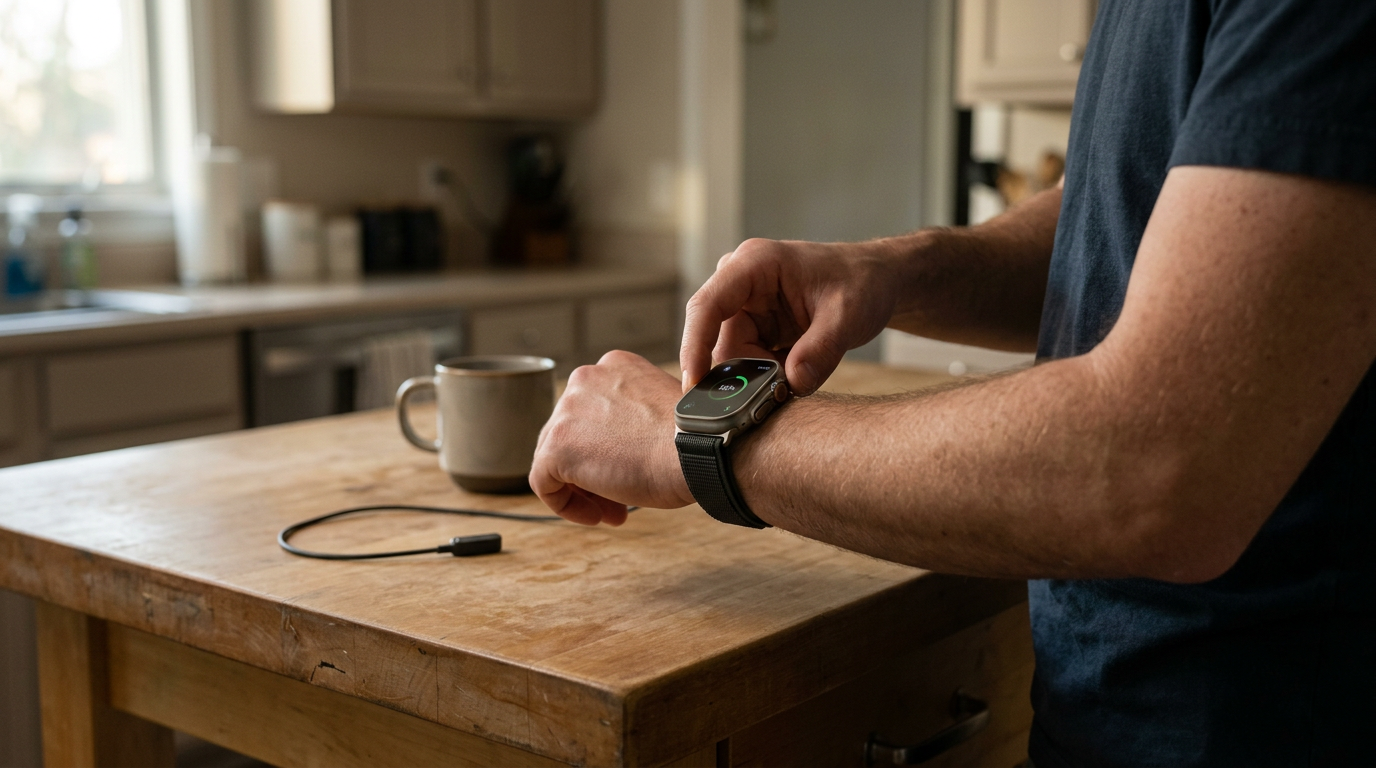
The Apple Watch Ultra 3 [GPS + Cellular 49mm] battery lasts up to 42 hours during normal use, according to Apple. Low Power Mode extends the official estimate to up to 72 hours. Actual runtime varies with cellular connectivity, GPS workouts, display use, signal strength and other settings.
Those figures are manufacturer estimates rather than a promise for every routine. Apple bases them on defined test scenarios that combine time checks, notifications, app use and workouts. A day dominated by passive wear can consume less power than one spent navigating, streaming or communicating without an iPhone nearby.
This guide explains the official claims, the activities that increase consumption and the settings that can preserve charge. For broader coverage of the design and features, read our [Apple Watch Ultra 3 [GPS + Cellular 49mm] Review](/reviews/apple-watch-ultra-3-gps-cellular-49mm-review).
How long does the Apple Watch Ultra 3 battery last?
Apple lists up to 42 hours of normal use for the Apple Watch Ultra 3 and up to 72 hours in Low Power Mode. These figures provide a useful ceiling under Apple's test conditions, but they do not translate into an identical charging interval for every owner.
The normal-use test combines many short interactions rather than continuous heavy operation. According to Apple's technical specifications, its testing includes time checks, notifications, app use, a workout with music playback and sleep tracking. The precise mix also includes periods connected to an iPhone and periods using LTE.
The practical answer is therefore a range rather than a fixed number. Light notification use and brief workouts may keep the watch running nearer the official normal-use estimate. Long GPS sessions, frequent screen use or sustained LTE connectivity can shorten it. Battery age, network configuration, settings and environmental conditions can also affect the result.
How Apple calculates its Ultra 3 battery estimate
Apple's normal-use figure comes from a specified pattern of interactions rather than simply leaving the watch idle. Its technical specifications describe a mixture of time checks, notifications, app use, a workout with music playback and sleep tracking. The test also accounts for both Bluetooth-connected and LTE use.
That distinction matters because a benchmark built from intermittent activity cannot predict continuous navigation, calling or music streaming. A user who checks notifications occasionally may experience a very different discharge curve from someone recording an extended outdoor workout while separated from their iPhone.
Apple also publishes separate workout estimates. Its specifications state up to 14 hours for an outdoor workout with full GPS and heart-rate readings and up to 20 hours for an outdoor workout in Low Power Mode with fewer GPS and heart-rate readings. These scenarios are more relevant to endurance activity than the broad normal-use number.
 See the picks in our buying guide
How cellular, GPS and workouts affect battery life
The watch can make calls, send messages and use data while away from an iPhone, but sustained LTE operation is more demanding than relying on a nearby phone connection. Weak coverage can add further demand because the device must maintain or re-establish its network connection. Apple therefore includes only a defined amount of LTE activity in its normal-use testing.
Outdoor workout recording also keeps several systems active. The dual-frequency GPS tracks position, while the optical heart sensor and workout software collect activity data. Map viewing, music playback and repeated display activation add to that load. Running navigation and cellular services together can reduce runtime more quickly than passive daily wear.
This does not mean those features must always be disabled. It means users planning an extended hike, run or ride should start with a strong charge and choose settings around the activity. Apple's dedicated workout estimates are a more useful planning guide than its mixed-use claim. Our full Apple Watch Ultra 3 review discusses the watch's wider feature set.
What independent reviews say about real-world endurance
Independent reports help place Apple's controlled figures in context, although they should not be treated as universal results. Matt Birchler's Apple Watch Ultra 3 review describes battery life as broadly consistent with the multi-day experience expected from the Ultra line. His observations reflect his own routine, settings and review period rather than a standardized result for every owner.
DC Rainmaker's in-depth review examines battery behavior in more demanding sports scenarios, where GNSS tracking, heart-rate collection, mapping and display use can matter more than ordinary notification checks. That coverage reinforces the importance of comparing like-for-like use: mixed daily wear and continuous workout recording are fundamentally different workloads.
Taken together, Apple's specifications and the two independent reviews support a cautious conclusion: the Ultra 3 is designed for more than a full day of mixed use, while long workouts and cellular-heavy use shorten the interval between charges. No single anecdotal result can replace monitoring the watch during your own routine.
How to extend Apple Watch Ultra 3 battery life
If you need the watch to last through a long day or outdoor activity, focus first on the features that stay active for extended periods. Enable Low Power Mode before the battery becomes critically low. Apple says this mode reduces or disables selected background functions and changes how often some readings occur.
You can also limit unnecessary screen activity. Turn off the always-on display if continuous glanceability is not essential, reduce brightness to a comfortable level and avoid repeatedly waking the screen. Review Background App Refresh so applications that do not need frequent updates are not consuming resources unnecessarily.
During a workout, use the lowest-power configuration that still records the information you need. Apple's workout setting with fewer GPS and heart-rate readings can extend the official outdoor-workout estimate, but the reduced sampling may not suit every activity. Keeping an iPhone nearby can also reduce reliance on LTE. These adjustments are especially useful before travel, sleep tracking or an extended session away from a charger.
Low Power Mode versus standard operation
Standard operation keeps the full everyday feature set available and is the basis for Apple's up to 42-hour normal-use estimate. It is the appropriate setting when you want regular background measurements, the always-on display and normal network behavior without prioritizing maximum endurance.
Low Power Mode extends Apple's estimate to up to 72 hours by reducing selected functions. Apple states that it turns off the always-on display, background heart-rate measurements, high- and low-heart-rate notifications, irregular-rhythm notifications and background blood-oxygen measurements where that feature is available. It can also reduce Wi-Fi and cellular connections when the iPhone is not nearby and delay some notifications.
A separate workout option reduces the frequency of GPS and heart-rate readings. That mode trades measurement frequency for longer runtime, so it should be selected deliberately rather than treated as a free extension. See our Apple Watch Ultra 3 performance review for additional context on its capabilities.
How to plan a practical charging routine
The most useful schedule depends on whether you wear the watch overnight. If sleep tracking matters, charging during a shower, desk session or other predictable period can be easier than leaving it connected overnight. A short top-up before a long workout can also provide more margin than waiting for a low-battery warning.
Apple's technical specifications say the Ultra 3 can charge from zero to 80% in about 45 minutes and to 100% in about 75 minutes with compatible fast-charging equipment under its test conditions. Apple also states that about 15 minutes of charging can provide up to 12 hours of normal use, while five minutes can support up to eight hours of sleep tracking. Actual charging times vary with region, settings, environment and equipment.
Track your typical end-of-day percentage for several days. That personal pattern is more useful than assuming the maximum claim will apply every time. If the watch regularly finishes with little reserve, schedule a daily top-up; if it retains ample charge, a less frequent routine may be practical.
Frequently asked
Sources
![A candid daylight photograph of an anonymous person in ordinary sportswear mid-activity around apple watch ultra 3 [gps + cellular 49mm] review: lacing trainers on a park bench, st](/api/public/media/articles/apple-watch-ultra-3-gps-cellular-49mm-review-cover-1788273118099.webp)
As an Amazon Associate I earn from qualifying purchases. This does not affect the price you pay. Affiliate disclosure