What Are the Best AdCreative.ai Alternatives?
Compare top AdCreative.ai alternatives like Marpipe, Celtra, and Canva to find the perfect automated layout, testing, or design tool for your marketing team.
Some links are affiliate links: we may earn a commission if you sign up or buy through them, at no extra cost to you.
On this page8 sections
- 1The short answer
- 2Automated Layout Engines vs Template Libraries
- 3Scaling Up with Multivariate Testing Systems
- 4Balancing Automation and Manual Design Control
- 5Side by Side Comparison of Core Features
- 6Enterprise Solutions and Dynamic Creative Optimization
- 7Deciding Which Ad Creation Alternative Fits Your Workflow
- 8Frequently asked
The short answer
- Marpipe handles complex variant generation for teams that prioritize systematic ad creative testing.
- Canva offers superior hands-on design adjustments compared to fully automated layout generation engines.
- Celtra supports large-scale campaigns needing dynamic, real-time creative updates across multiple ad networks.
The best AdCreative.ai alternatives are Marpipe for multivariate testing, Celtra for enterprise-scale dynamic ads, and Canva for manual design control. Choose your platform based on whether you need automated bulk production or pixel-perfect layout editing.
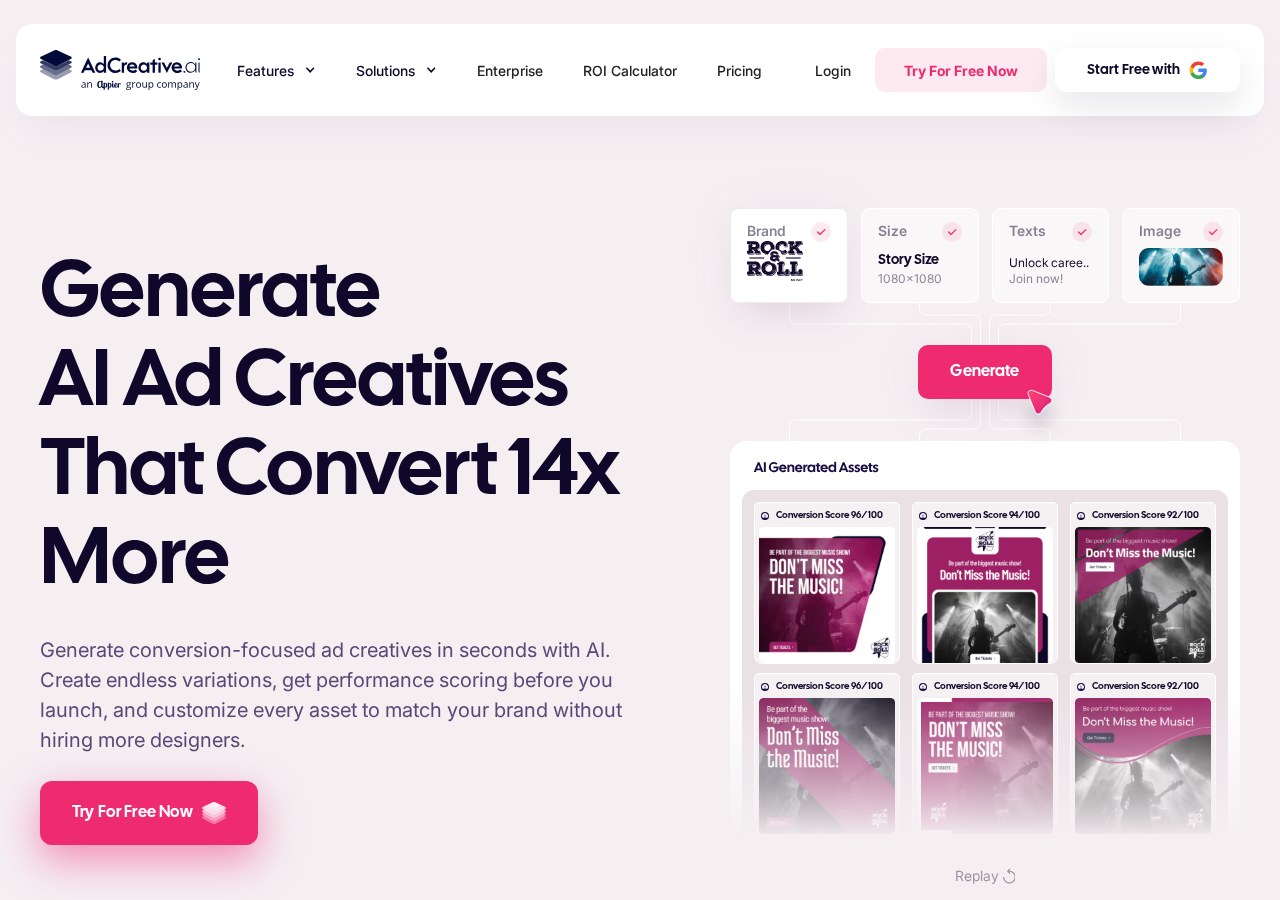
While AdCreative.ai specializes in generating conversion-focused social media ads and banners rapidly, it is not always the perfect fit for every marketing team. Some designers find its templated structures too restrictive, while high-volume agency buyers often require deeper programmatic controls and split-testing capabilities than what is offered in standard AI generation workflows.
By shifting your focus to options that align with your specific creative processes, you can bypass the common frustrations of rigid layouts. Here is a breakdown of the leading alternatives to help you choose the right design automation system for your advertising campaigns.
Automated Layout Engines vs Template Libraries
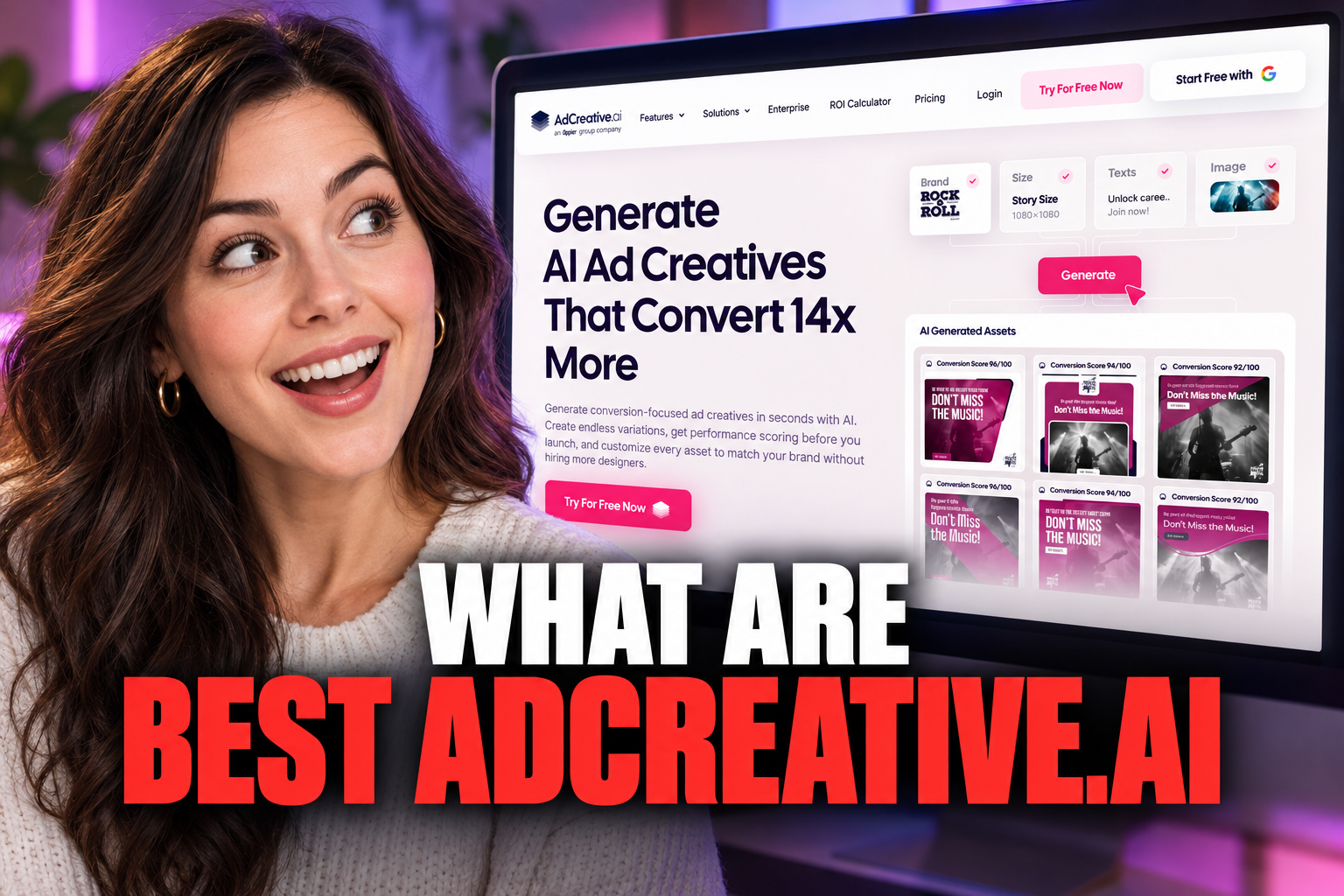
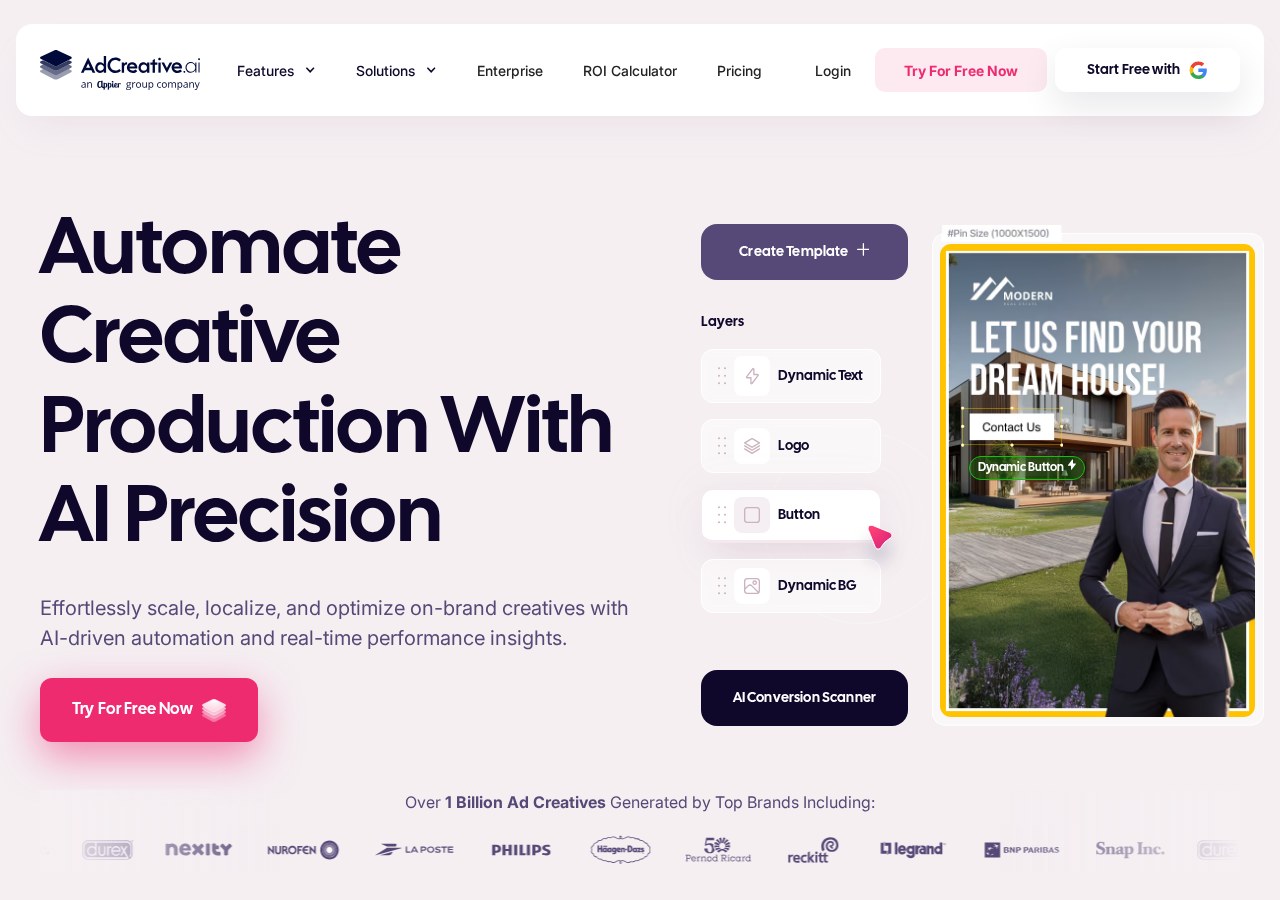
Evaluating alternative tools starts with examining how they structure their core design interfaces. AdCreative.ai uses a centralized generation screen where you enter your brand assets, color codes, and copywriting prompts, then lets its system output a massive array of formatted banners. In contrast, many alternatives rely on traditional visual editing canvases. These editors require you to manually position elements, though they increasingly incorporate machine learning to suggest layouts or resize your assets on the fly.
Understanding this basic structural difference is critical. When you read our comprehensive AdCreative.ai review, you will see how its algorithmic design generator prioritizes speed and raw output numbers. However, if your team needs to fine-tune the exact kerning of a headline or place a logo in a highly specific, non-standard position, a layout system that allows you to drag individual vector graphics is often more practical.
The software design process you choose dictates how much creative control you surrender to the automated engine. While prompt-based platforms produce variations in seconds, classic template engines ensure your brand guidelines are followed without unexpected visual errors. This trade-off is the first major decision point when moving away from a fully automated layout generator.
Scaling Up with Multivariate Testing Systems
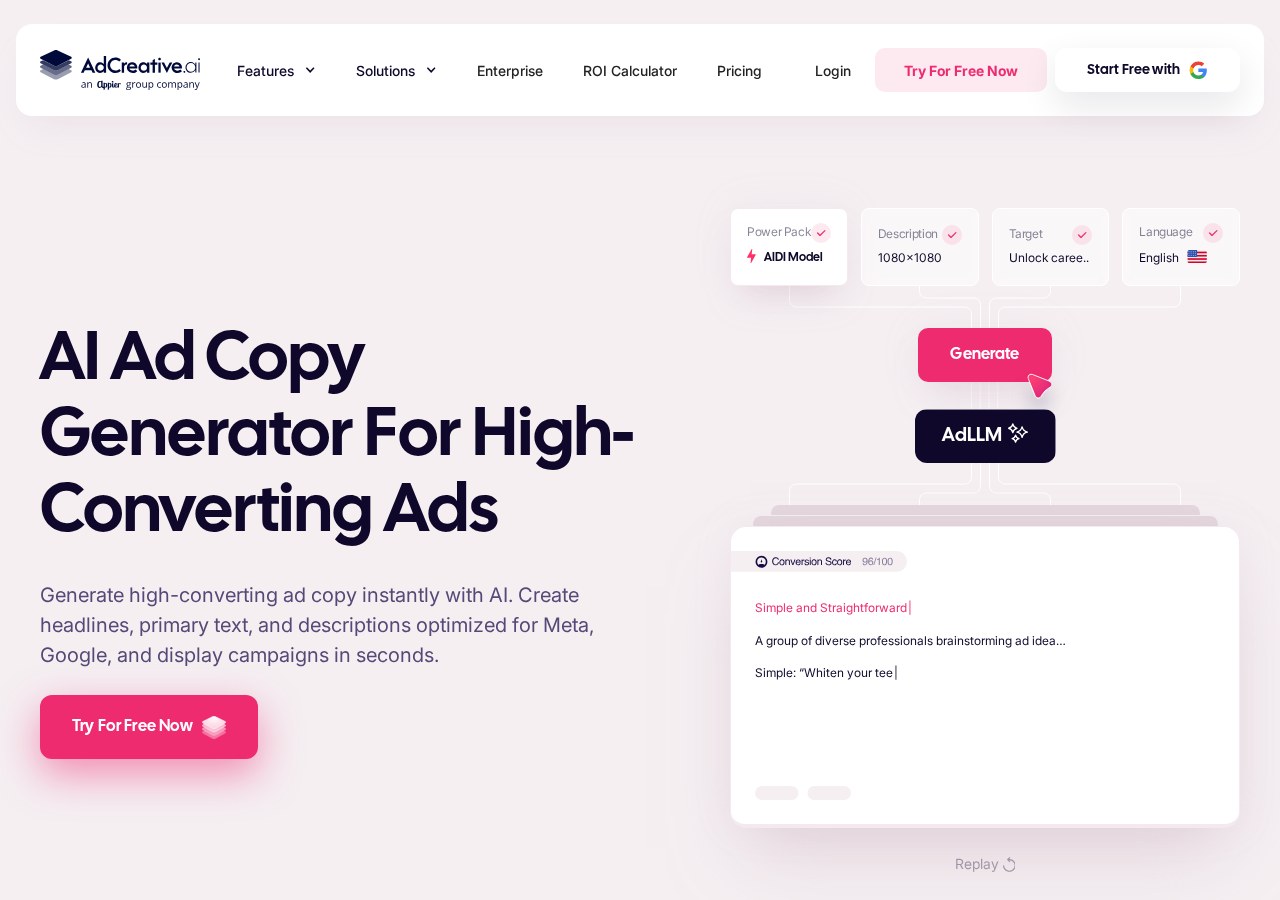
If your goal is to identify which background color or product image performs best, a platform built around systematic testing is essential. Marpipe excels at mapping different creative variables to find the exact asset combinations that drive conversions. Instead of generating random aesthetic options, this type of alternative relies on a clear testing grid where you upload five backgrounds, five headlines, and three product shots to instantly generate dozens of specific variations.
These platforms then connect directly to your advertising dashboards to run automated multivariate testing. Rather than forcing you to download the images and manually upload them to Meta or Google, these systems upload the variants programmatically and track the performance of each individual element. This creates a closed-loop system where data directly informs your next design phase.
Using this structured approach prevents creative fatigue because your team only designs the modular building blocks rather than the final composite images. For brands that run extensive media campaigns, this structured methodology removes the guesswork that often comes with purely generative visual tools, making your media spend significantly more efficient over long campaigns.
Balancing Automation and Manual Design Control
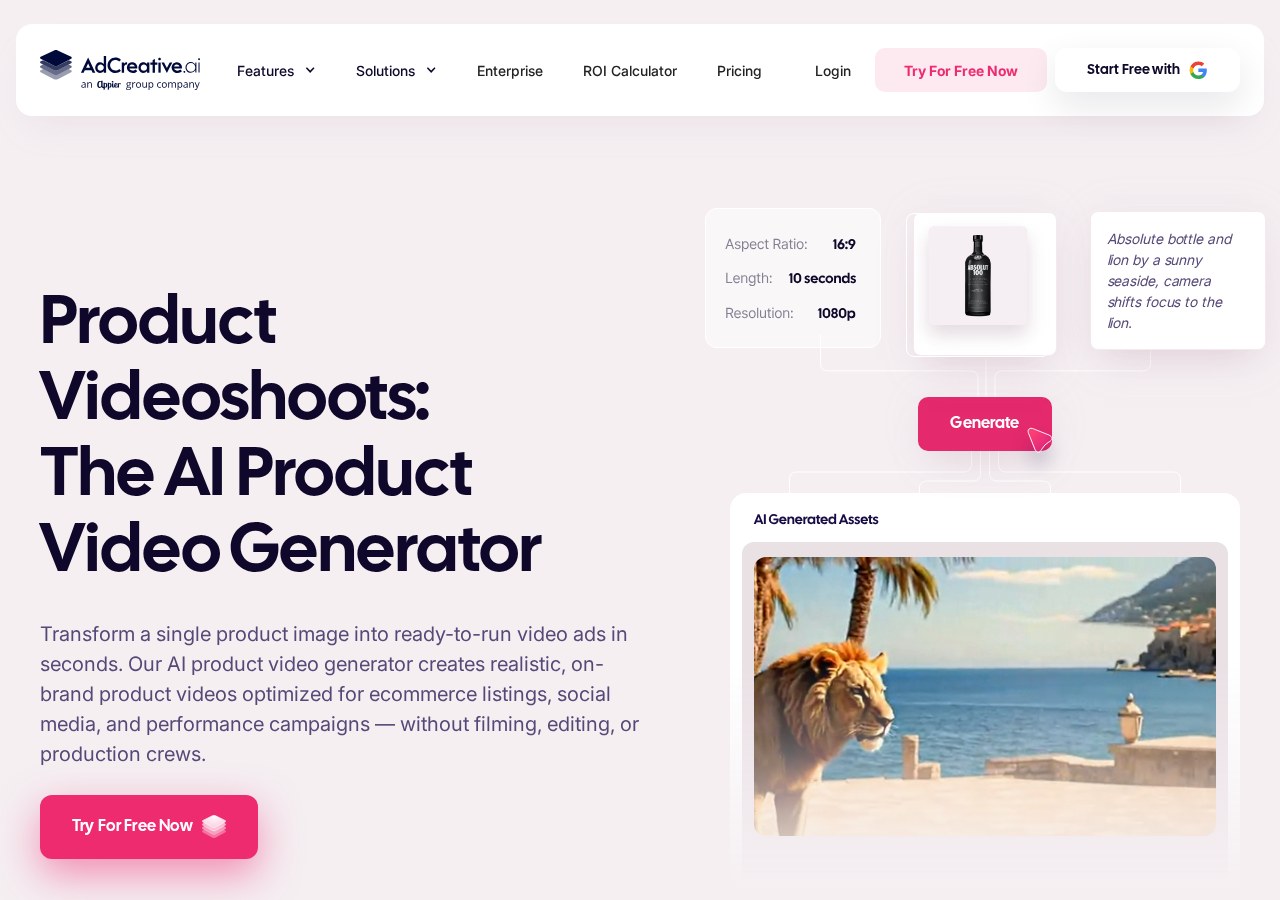
For teams that want a middle ground, tools with hybrid design systems offer the best of both worlds. Canva remains the practical choice if you prefer manual drag-and-drop layout control over automated generative algorithms. With its integrated suite, you can start with a basic layout, utilize AI tools to write copy or remove image backgrounds, and then manually adjust every element on the canvas.
This approach is radically different from platforms that hide the design canvas entirely behind a generation button. When using a hybrid tool, you maintain complete ownership over the alignment, font pairings, and layer order. This eliminates the awkward overlapping text or cropped product photos that can sometimes occur when relying solely on algorithmic generation.
If you are exploring these options after reading our AdCreative.ai review, you may find that having an open canvas reduces the frustration of trying to prompt an image into looking correct. When you can simply grab an element and move it two pixels to the left, your actual production time often drops significantly.
Side by Side Comparison of Core Features
To clarify how these tools function during daily operation, it helps to examine their features across key design and testing tasks. Different platforms focus on different stages of the asset creation pipeline. While some prioritize the generation of raw assets, others emphasize how those assets are deployed and evaluated across your active marketing campaigns.
- Aspect: Layout creation, where AdCreative.ai generates static grids instantly, while hybrid tools allow manual canvas editing.
- Aspect: Creative testing, where Marpipe automates split-testing on Meta, while AdCreative.ai provides scoring indicators based on historical databases.
- Aspect: Brand consistency, where Celtra uses strict dynamic templates, while generative engines rely on AI to interpret your brand colors.
- Aspect: Asset management, where enterprise tools offer deep digital asset databases, while lightweight apps focus on fast, temporary storage.
Evaluating these specific operational patterns reveals that there is no single tool that covers every requirement perfectly. Some platforms are built for media buyers who do not want to design, while others are built for professional designers who need to speed up their repetitive production tasks. Understanding your internal personnel's specific technical skillsets helps you choose the platform that matches their workflow.
Enterprise Solutions and Dynamic Creative Optimization
Large brands and agencies with complex, multi-market campaigns often outgrow standard AI generators quickly. These operations typically turn to enterprise-grade platforms that support dynamic creative optimization (DCO). Enterprise teams requiring dynamic creative optimization should prioritize platforms with deep API integrations. Platforms like Celtra allow you to feed real-time data, such as local weather or live inventory levels, directly into your ad templates to adjust the visual output automatically.
This workflow depends on high-quality scaling engines rather than basic text-to-image prompts. Instead of generating static files that must be manually updated, the system reads from a dynamic spreadsheet or product feed. If a product goes out of stock or the price changes, the live ads update across all networks simultaneously without requiring a designer to open a single project file.
This level of automation requires a significant initial setup and structured vector graphics templates, but it eliminates manual production errors entirely. If your organization handles thousands of active product variations across multiple international regions, moving to a dynamic template feed is far more efficient than generating individual banner files.
Deciding Which Ad Creation Alternative Fits Your Workflow
Choosing the right platform comes down to identifying where your creative pipeline currently experiences its biggest bottleneck. Select your alternative based on your internal design resources and your monthly testing budget. If your team is struggling to keep up with the demand for creative variations but still wants pixel-perfect control over the final output, a hybrid canvas system is the most natural transition.
For media buyers who run large-scale budget campaigns and need to test dozens of minor variations systematically, a dedicated multivariate testing platform is the smartest choice. This approach shifts your focus from individual asset beauty to programmatic performance data, ensuring your budget is spent on high-performing layout combinations.
Conversely, if you represent an enterprise brand managing thousands of SKUs, investing in a dynamic creative platform with feed integration will save hundreds of design hours. By matching the tool to your operational structure, you can build a more predictable, scalable, and stress-free creative development process, allowing your design team to focus on big-picture concepts instead of resizing repetitive banners.
Frequently asked
Some links are affiliate links: we may earn a commission if you sign up or buy through them, at no extra cost to you. Affiliate disclosure