Best ElevenLabs Alternatives for Realistic Voice Generation
Compare the top ElevenLabs alternatives for text-to-speech, custom voice cloning, and API integration to find the right voice engine for your workflow.
Some links are affiliate links: we may earn a commission if you sign up or buy through them, at no extra cost to you.
On this page8 sections
- 1The short answer
- 2Navigating the Text-to-Speech Editor Interface
- 3Custom Voice Cloning and Training Panels
- 4The Video Timeline and Multi-Media Canvas
- 5The Developer Console and API Playground
- 6Direct Feature Comparison Across Core Workflows
- 7The Final Selection Matrix: Which One to Choose?
- 8Frequently asked
The short answer
- Play.ht excels at long-form text-to-speech with a highly flexible pronunciation engine.
- Murf.ai offers a built-in video editor for syncing voice-overs directly to presentations.
- OpenAI and Deepgram APIs provide high-speed voice synthesis with minimal latency.
The best ElevenLabs alternatives are Play.ht for realistic long-form narration, Murf.ai for synchronized video voice-overs, and Lovo.ai for character-driven creative content. Your choice depends on your specific production workflow and API needs.
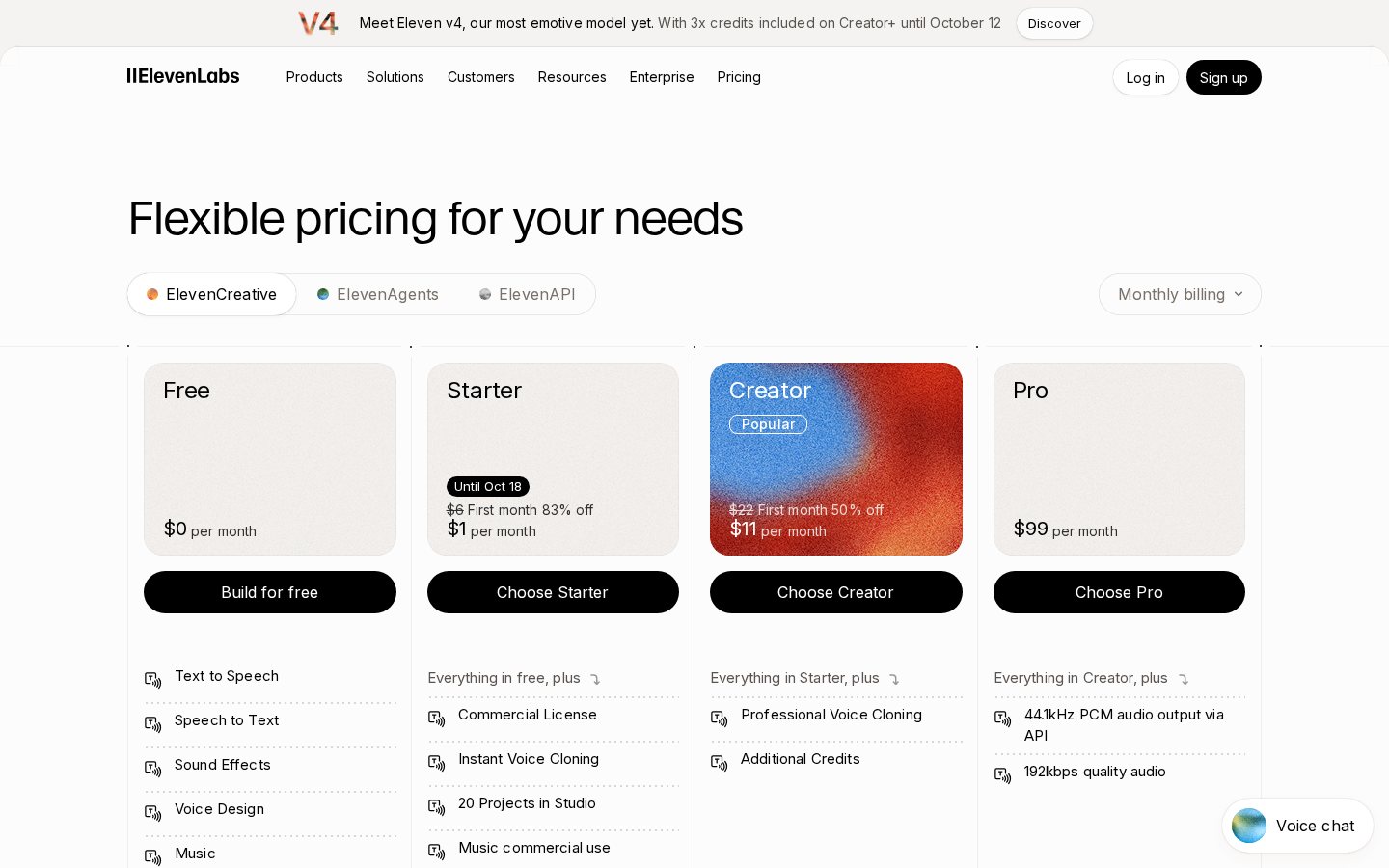
While ElevenLabs delivers realistic voices, creators often seek other options to access advanced timeline editors or reduce processing costs. Selecting an alternative requires evaluating how the software handles multi-voice scripts, custom voice training, and real-time generation speeds. Detailed information about the original platform is available in our ElevenLabs Review: Pricing, Features and Limitations.
Choosing another platform changes how you build audio. Some options prioritize developer integration, while others focus on providing a full multimedia studio. Understanding these functional differences helps you avoid paying for features you do not use.
Navigating the Text-to-Speech Editor Interface
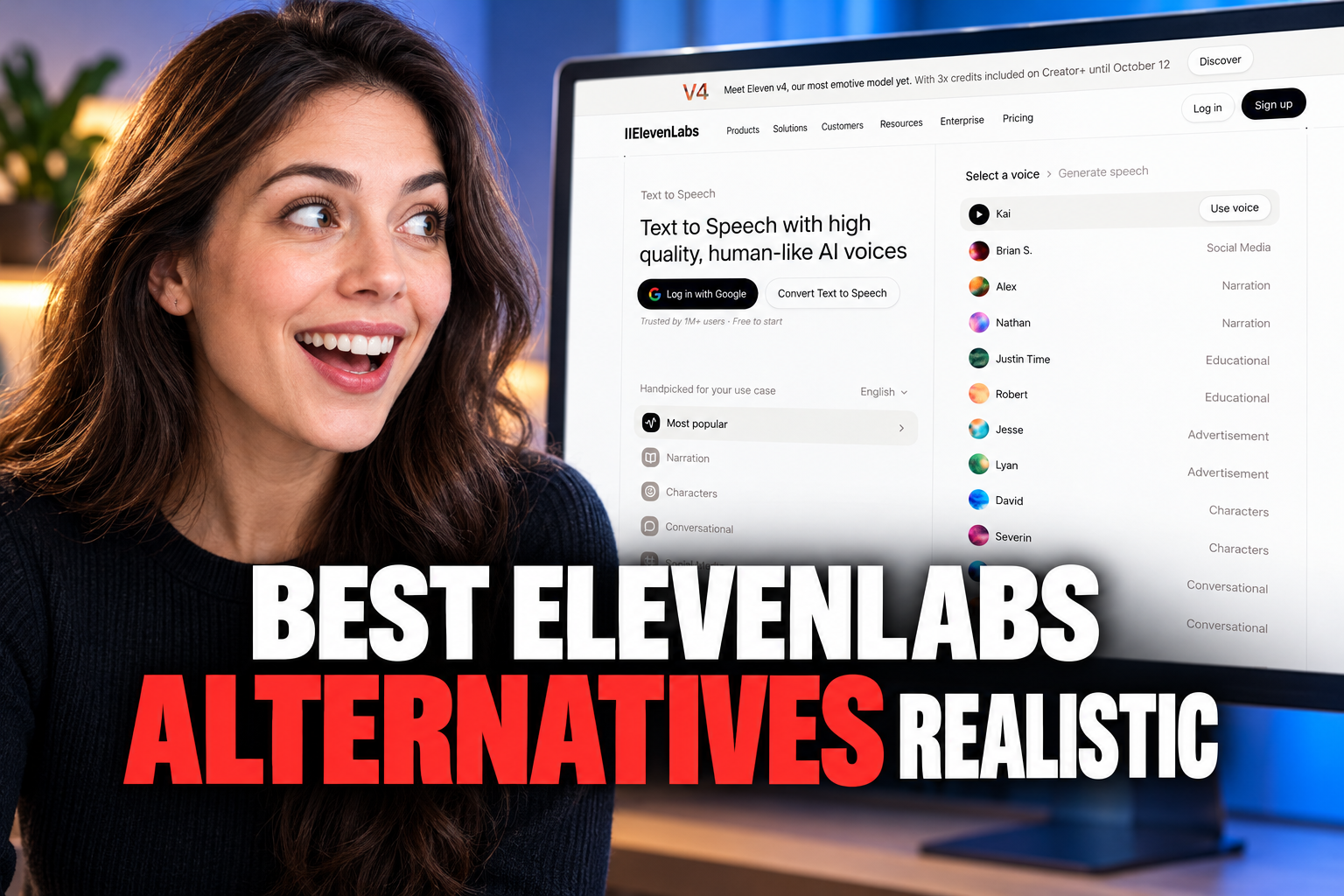
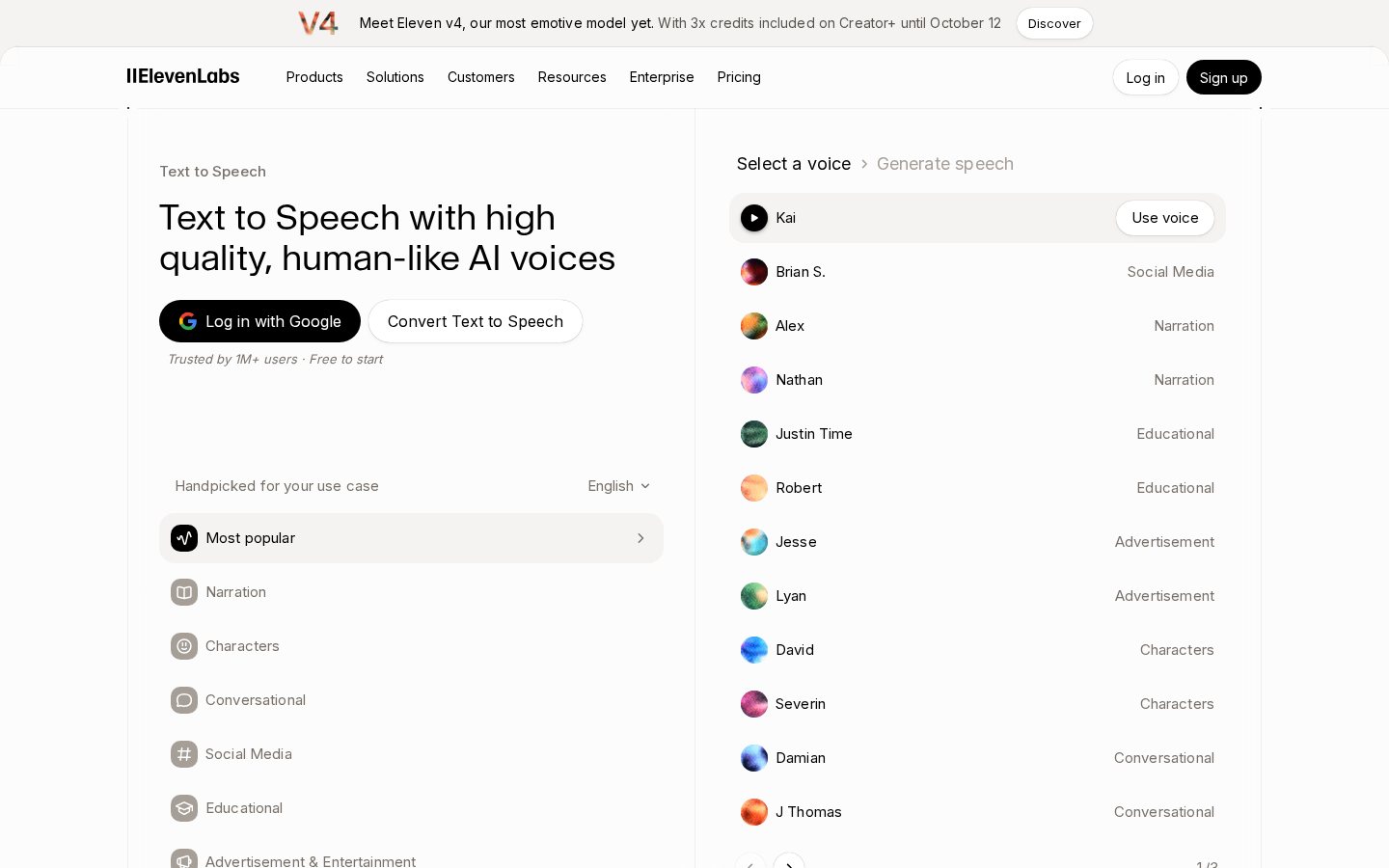
The standard workspace in modern audio software dictates how fast you can turn scripts into usable sound files. In ElevenLabs, the interface centers on a clean, single-column text field where you paste prose and click generate. This design works well for short paragraphs but can feel limiting when managing complex, multi-speaker dialogues that require precise pause placements.
Play.ht takes a different approach by offering a block-based document editor. Users can split paragraphs into distinct blocks, assigning unique virtual voices to each segment without reloading the entire page. This workspace layout mirrors modern content management systems, making it highly intuitive for creators who write and edit audio scripts simultaneously.
Murf.ai expands this concept further by pairing its text editor with a visual timeline. Each block of text aligns with an audio bar, allowing users to stretch, shrink, or shift segments relative to one another. For teams producing educational slides or marketing materials, having this visual representation of speech duration simplifies the editing process.
When comparing these workspaces, the decision comes down to your primary content format. A minimalist layout encourages fast, straightforward generation, while a block-based timeline editor is essential for complex multi-voice projects. For an analysis of the original tool's layout, refer to our ElevenLabs Review: Pricing, Features and Limitations.
Custom Voice Cloning and Training Panels
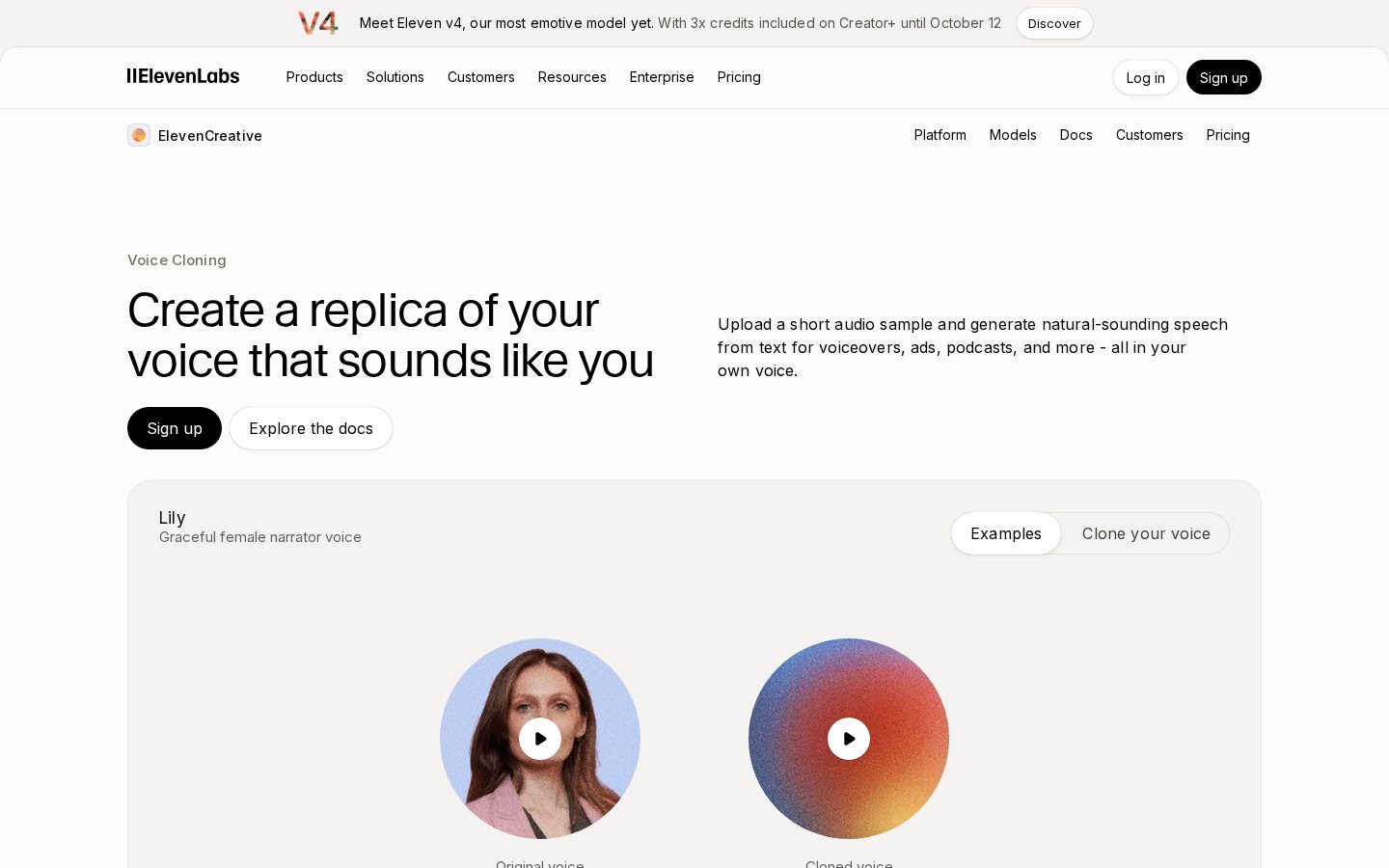
For many creative projects, creating a digital replica of a specific human voice is the primary goal. The voice cloning dashboard is where users upload reference audio files to train the generative model. ElevenLabs offers two methods: a rapid setup requiring short audio clips and a deep-training option utilizing hours of studio-quality sound.
Play.ht offers a highly competitive cloning dashboard that focuses on capturing emotional nuances. The interface guides you through a strict checklist, ensuring your source audio is free of background noise and echo. This structured workflow reduces the trial-and-error often associated with generative voice modeling by catching bad audio before training begins.
Lovo.ai approaches cloning with a simpler interface tailored to casual creators. Instead of requiring complex audio engineering knowledge, the platform provides direct prompts for users to read aloud. This gamified onboarding screen makes custom voice creation highly accessible, though it offers fewer advanced sliders for fine-tuning acoustic properties.
The visible controls on these training dashboards differ significantly in their approach to parameters. Some interfaces hide advanced settings behind simple toggles, while others expose detailed controls for stability, clarity, and style exaggeration. Choosing the right panel depends on whether you prefer automated refinement or manual, granular adjustments.
The Video Timeline and Multi-Media Canvas
Creators who produce social media videos, tutorials, or advertisements often find that isolated audio generation is only half the battle. If you use a basic text-to-speech platform, you must download the generated file and import it into video editing software. This constant switching between applications slows down production.
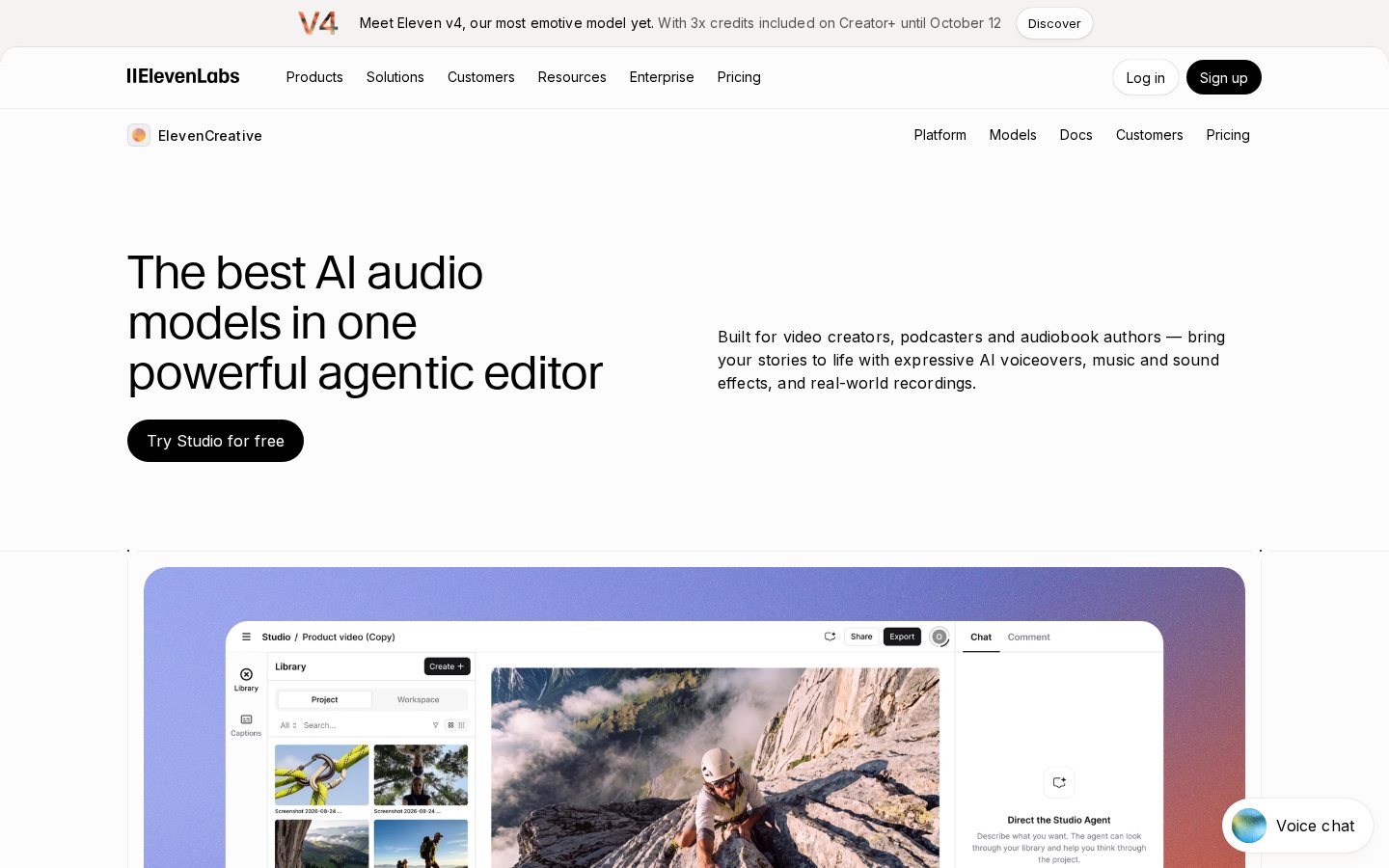
Platforms like Lovo.ai and Murf.ai resolve this issue by integrating a multi-media canvas directly into the browser. Their editing screens let you upload video files, background music, and images alongside the text-to-speech engine. You can preview the finished video with the synthetic voice-over playing in real-time.
This integrated workflow changes how you edit script pacing. If a spoken sentence is too long for a video clip, you can rewrite the text inside the media editor and immediately regenerate the audio. The timeline automatically updates to reflect the new speech duration, removing the need for manual realignment.
This level of visual integration is absent from simpler audio-only platforms. While those tools focus entirely on perfecting the speech synthesis output, media-canvas alternatives trade ultra-deep voice customization for rapid, all-in-one video assembly.
The Developer Console and API Playground
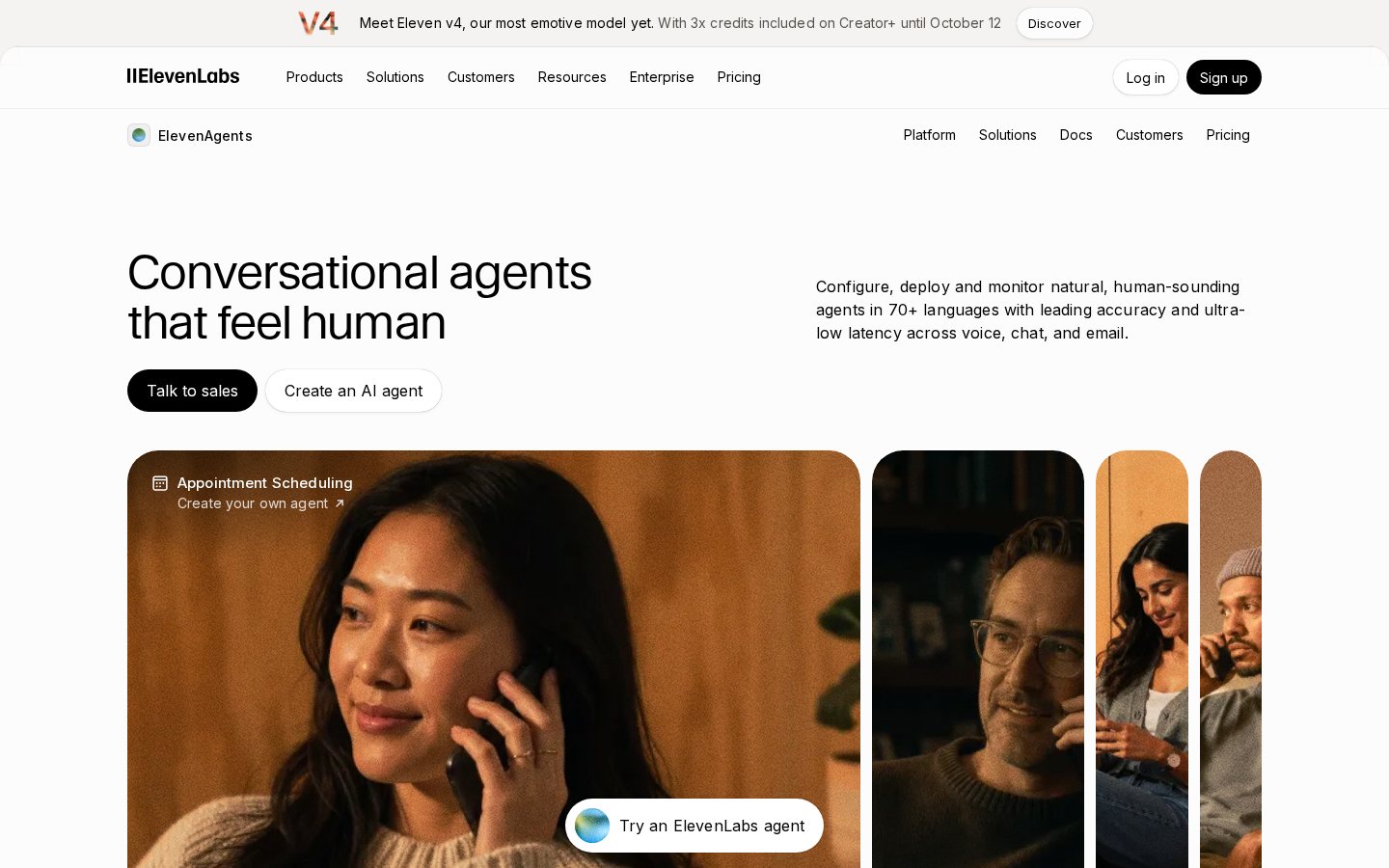
When building interactive applications, automated voice generation requires a robust developer environment. The API playground is the critical interface where programmers test code snippets, monitor usage, and analyze request speeds. ElevenLabs provides a highly documented API that developers use for real-time applications.
OpenAI offers a formidable alternative with its audio API, accessible via a streamlined developer console. The playground allows developers to test different voice models with minimal setup. The primary advantage of this infrastructure is the speed of response, which is crucial for building responsive conversational bots.
Deepgram is another powerful alternative that focuses on high-performance infrastructure. Its console provides deep insights into latency metrics, showing exactly how many milliseconds pass between sending a text request and receiving the audio stream. For enterprise software that handles thousands of concurrent requests, these metrics are vital.
Developers must weigh the ease of API integration against the natural variation of the voices. Some developer dashboards prioritize simple integration with popular programming languages, while others focus on providing comprehensive webhooks and security settings for scaled operations.
Direct Feature Comparison Across Core Workflows
To understand which alternative fits your workflow, it helps to compare how these platforms behave across major operational areas. Each tool optimizes for a different stage of the creation process, meaning no single application is the perfect fit for every user. You must align your platform choice with your primary output format.
This point-by-point breakdown illustrates how the main platforms handle key elements of voice production: - Aspect: ElevenLabs does voice library generation from user-uploaded clips, while Murf.ai does curated voice casting with vetted voice actors. - Aspect: ElevenLabs does single-box continuous text generation, while Play.ht does block-by-block multi-speaker text layout. - Aspect: ElevenLabs does standalone audio generation requiring manual downloads, while Lovo.ai does visual multi-media timeline coordination. - Aspect: ElevenLabs does deep-learning custom voice modeling, while OpenAI does simplified standardized developer voice options.
These differences in design philosophies directly impact how you spend your time. A platform built for editing documents saves time during the scripting phase, while a platform built for developers saves time during application deployment.
To see how these differences translate into real-world use, check out our comprehensive ElevenLabs Review: Pricing, Features and Limitations, which details the strengths and weaknesses of the underlying technology.
The Final Selection Matrix: Which One to Choose?
Choosing your generative voice platform is not about finding the absolute best technology, but rather finding the tool that matches your routine. If your daily work involves writing long training manuals or audiobooks, you need an editor that handles huge text blocks seamlessly. In this scenario, Play.ht is a highly practical choice.
If your primary output is visual presentation, such as training videos or product demonstrations, look toward Murf.ai. The ability to upload slide decks and match voice-overs to specific visual transitions saves hours of post-production editing. This workflow prevents the common headache of audio-visual desynchronization.
For developers building mobile apps, customer service agents, or interactive tools, the choice shifts away from heavy visual interfaces. The priority becomes speed, reliability, and cost-efficient scaling. Platforms with highly optimized API terminals, like OpenAI or Deepgram, serve these technical requirements best.
Ultimately, you should select an alternative based on where you experience the most friction in your current workflow. Transitioning to a new platform is simple once you identify whether your bottleneck lies in text editing, video synchronization, custom voice training, or software integration.
Frequently asked
Some links are affiliate links: we may earn a commission if you sign up or buy through them, at no extra cost to you. Affiliate disclosure