Best Murf AI Alternatives for Realistic Voice Generation
Find the best Murf AI alternatives by comparing voice cloning tools, pronunciation editors, and timeline sync features to match your video editing workflow.

Some links are affiliate links: we may earn a commission if you sign up or buy through them, at no extra cost to you.
On this page8 sections
- 1The short answer
- 2The Pronunciation Dictionary and Phonetic Editors
- 3The Voice Cloning Dashboard and Custom Profiles
- 4The Multi-Track Studio Timeline and Video Synchronization
- 5Direct Feature Comparison across Key Platforms
- 6Step-by-Step Migration of Voice Assets
- 7Which Voice Generator Fits Your Production Workflow?
- 8Frequently asked
The short answer
- ElevenLabs excels at expressive emotional inflections and high-fidelity custom voice cloning.
- PlayHT offers expansive voice libraries and a dedicated editor for fine-tuning pronunciation.
- Lovo focuses heavily on character voices and video synchronization within a timeline interface.
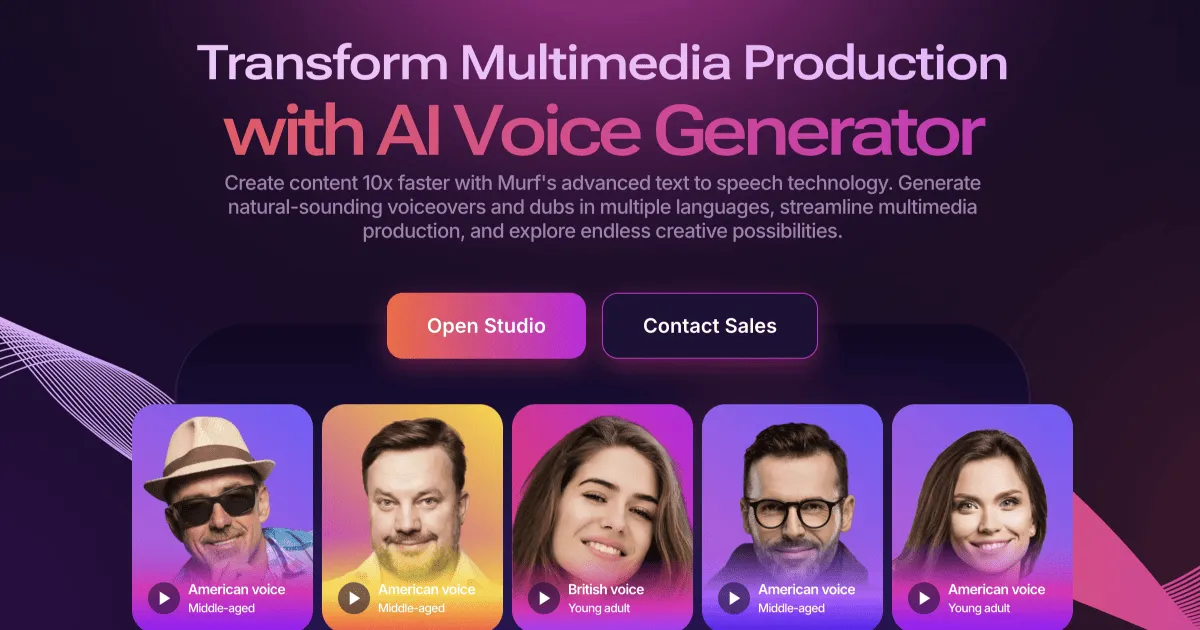
The best Murf AI alternatives focus on ultra-realistic speech synthesis, timeline video synchronization, and scalable voice cloning. Depending on your design workflow, tools like ElevenLabs, PlayHT, and Lovo serve as powerful substitutes.
While Murf AI is a strong contender in the text-to-speech landscape, creator needs differ wildly. Video editors might require frame-by-frame timing controls, while global localization teams prioritize multilingual dialect accuracy and custom voice cloning. Examining how alternatives handle these specialized tasks helps you find the right engine.
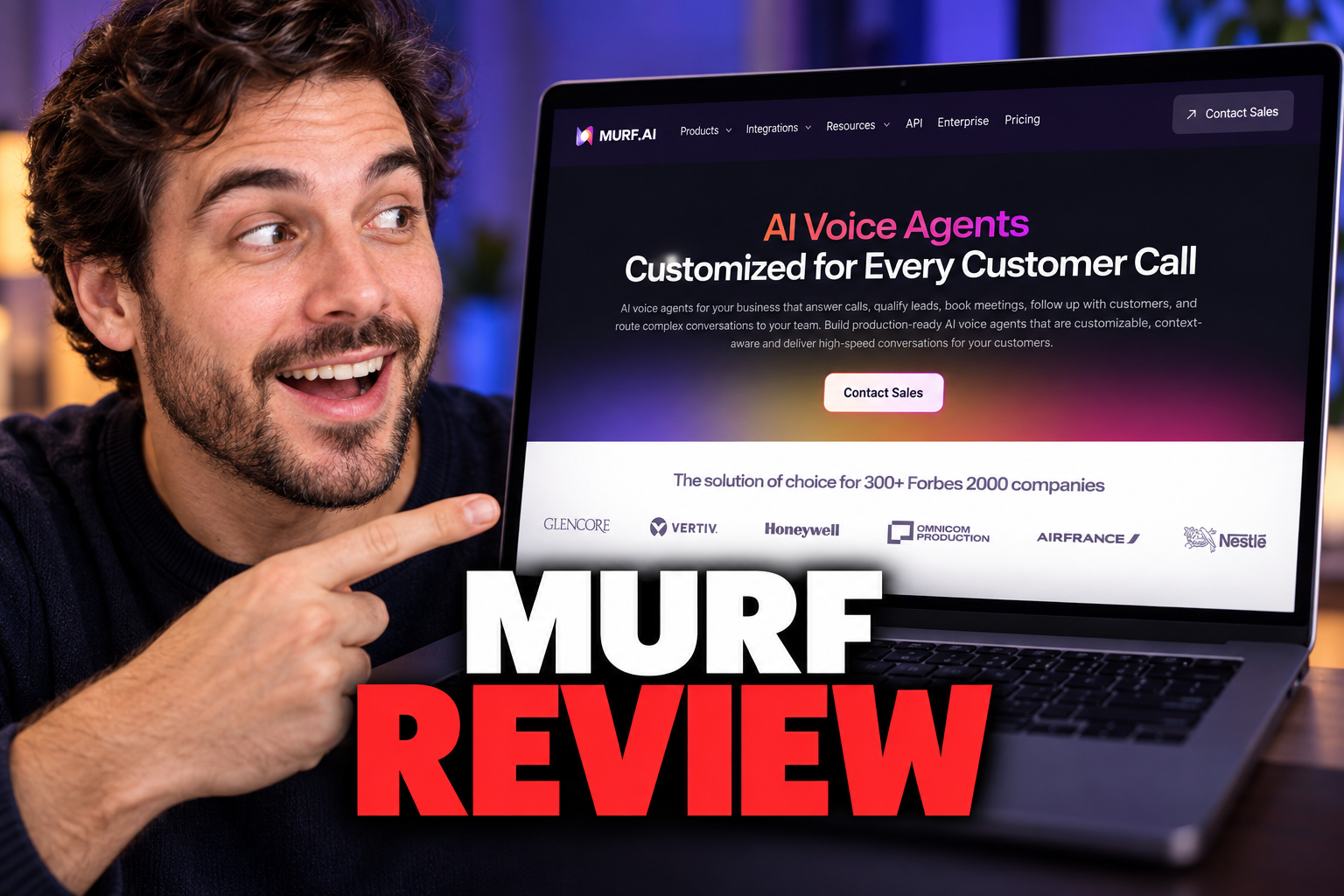
To understand where these tools stand, you can read our detailed Murf AI Review 2026: Pricing, Voices and Who It's For to see how it performs in standard production environments. From there, we can analyze the competing interfaces to see where other platforms offer distinct advantages.
The quick version
- Export your existing script libraries
- Gather high-quality voice samples
- Configure the pronunciation dictionary
- Test rendering speeds and character limits
- Train your production team
The Pronunciation Dictionary and Phonetic Editors
When generating synthetic speech, industry jargon and brand names often require manual adjustment. The interface where you tweak these sounds determines how fast you can finalize an audio file. In Murf, this is handled via a dedicated pronunciation library where you can swap out words globally or type phonetic spellings.
In a real-world workflow, you will often find yourself importing a script only to hear the synthetic engine mispronounce a key technical term. Having to manually correct these words block by block can destroy your editing speed. A robust pronunciation dictionary ensures that any correction you apply instantly updates across your entire project file, preserving consistency.
Alternatively, tools like PlayHT provide a highly detailed phonetic editing window. In this workspace, you can highlight individual syllables and apply specific phonemes to ensure the engine delivers the exact regional accent you need. This is particularly useful for technical documentation where standard AI models stumble on complex terminology.
Ultimately, selecting an alternative with a robust phonetic dictionary prevents you from having to manually edit audio clips in external software later. If your projects rely heavily on specialized industry terms, look for an alternative that lets you save these phonetic rules across your entire team workspace.
The Voice Cloning Dashboard and Custom Profiles
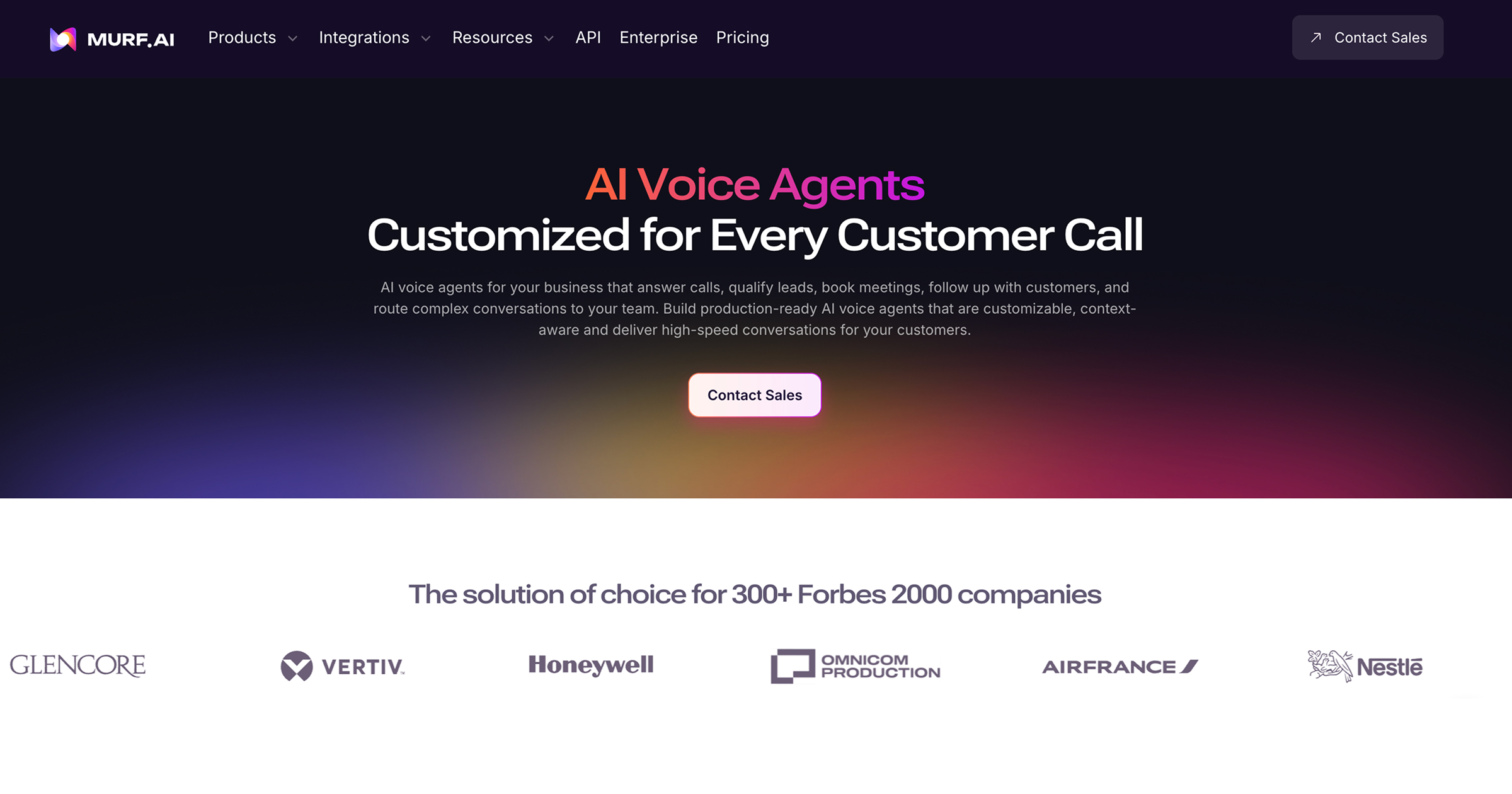
Voice cloning is a critical workflow for companies wanting to maintain a consistent brand voice across dozens of training videos. The setup screen for this feature usually requires uploading a high-quality, noise-free audio sample of the target speaker.
ElevenLabs dominates this workflow with its advanced instant voice cloning dashboard. While Murf requires professional-grade studio recordings and manual approval for high-tier clones, ElevenLabs allows you to create a high-fidelity voice profile using just a few minutes of clear audio. The system analyzes the unique timbre and cadence of the speaker to generate natural-sounding emotional inflections.
This dashboard also includes stability and clarity sliders, letting you fine-tune how closely the generated speech mimics the original speaker's random variances. For teams running large-scale localization campaigns, this level of control over the voice profile makes a noticeable difference in the final product's quality.
When selecting a cloning tool, the ease of creation is only half of the equation. You also need to look at how the interface manages multiple speaker profiles. If your company uses separate voices for marketing, customer support, and internal training, a well-organized voice library dashboard will save you hours of searching during the production phase.
The Multi-Track Studio Timeline and Video Synchronization
If your main output is video, the multi-track timeline interface is where you will spend most of your production time. In this space, you align your synthesized voiceovers directly with video clips, background music, and sound effects.
Comparing timeline screens reveals distinct differences in how platforms handle timing. Lovo features a highly visual multi-track editor called Genny, which behaves much like a traditional non-linear video editing software. You can drag audio blocks, trim video assets, and lay down background tracks on separate visual layers.
In contrast, Murf utilizes a block-based text-to-speech editor where audio is tied directly to blocks of text. While this keeps the translation and scripting process clean, it can feel restrictive if you need to offset a voiceover by a fraction of a second to match an on-screen transition. Choosing a timeline with independent track manipulation offers much greater creative freedom.
This timeline comparison is especially important if you work with fast-paced video content like social media ads or software demonstrations. In these projects, the voiceover must sync precisely with visual cues. Having a timeline that allows you to stretch, split, and move audio clips independent of the text block is a massive advantage for complex visual edits.
Direct Feature Comparison across Key Platforms
To help you evaluate which interface aligns with your team's specific production demands, it helps to examine how the primary alternatives divide their core features. Below is a breakdown of how the key systems handle common audio tasks.
- Aspect: Speech Synthesis Style, ElevenLabs uses highly expressive contextual models, whereas Murf relies on precise block-by-block parameter adjustments.
- Aspect: Multi-track Editing, Lovo provides a traditional non-linear video timeline, whereas Murf structures its timeline strictly around text paragraph blocks.
- Aspect: Pronunciation Control, PlayHT offers a highly granular phonetic library that maps rules across all projects, whereas Murf handles pronunciation overrides on an individual or workspace level.
- Aspect: Language Support, ElevenLabs processes dozens of languages through a single multilingual model to preserve voice characteristics, whereas Murf uses dedicated regional models for different localized dialects.
Step-by-Step Migration of Voice Assets
When transitioning your production pipeline from one voice generation tool to another, you need a structured approach to prevent losing your brand assets. Follow these steps to port your scripts, voice profiles, and settings smoothly.
- Export your existing script libraries. Download all written scripts and pronunciation guidelines from your current workspace into structured text files.
- Gather high-quality voice samples. Collect original, uncompressed audio recordings of your custom speakers to train the new cloning engine.
- Configure the pronunciation dictionary. Input your specialized industry terms and brand names into the new platform's phonetic database before generating fresh audio.
- Test rendering speeds and character limits. Run a brief pilot project to measure how the new timeline handles script blocks and background audio layers.
- Train your production team. Share the new timeline shortcuts and voice selection workflows with your content creators to maintain a consistent output.
Porting your assets manually might seem tedious, but taking a systematic approach ensures that your brand's unique audio identity remains intact on the new platform. It also gives you a clean opportunity to audit your current voice library and remove outdated files.
Which Voice Generator Fits Your Production Workflow?
Deciding on the best path forward depends on your specific media formats and team size. If you are creating high-impact storytelling content or audiobooks where emotional range is non-negotiable, ElevenLabs is a compelling option. Its contextual understanding of text allows it to insert natural sighs, pauses, and shifts in tone without manual scripting.
On the other hand, if you are producing tutorial videos or corporate training modules, Lovo or PlayHT might serve your needs better. These platforms keep the focus on the visual timeline, making it easy to build a complete video project without exporting files back and forth between multiple software programs.
Before making a final transition, take a moment to read our comprehensive Murf AI Review 2026: Pricing, Voices and Who It's For to ensure you are not leaving behind any features your current workflow relies on daily. Balancing voice realism against timeline flexibility will lead you to the right platform.
Frequently asked
Some links are affiliate links: we may earn a commission if you sign up or buy through them, at no extra cost to you. Affiliate disclosure