Can You Use AdCreative.ai for Commercial Work? Rules Explained
Secure full commercial rights for client campaigns and digital ads by generating assets inside AdCreative.ai under an active paid subscription.
Some links are affiliate links: we may earn a commission if you sign up or buy through them, at no extra cost to you.
On this page8 sections
- 1The short answer
- 2Understanding AdCreative.ai Commercial Licensing Terms
- 3Setting Up Brand Kits in the Onboarding Console
- 4Generating Compliant Ad Creatives in the Campaign Builder
- 5Step-by-Step: How to Generate and Download Commercial Assets
- 6Comparing Free and Paid Commercial Terms
- 7Exporting and Monitoring Assets in the Creative Insights Screen
- 8Frequently asked
The short answer
- All active paid subscription plans grant complete commercial rights for generated ad creatives and copy.
- You can safely use these assets for your own campaigns or deliver them directly to agency clients.
- Commercial coverage requires using legally cleared brand logos and original product images during the generation process.
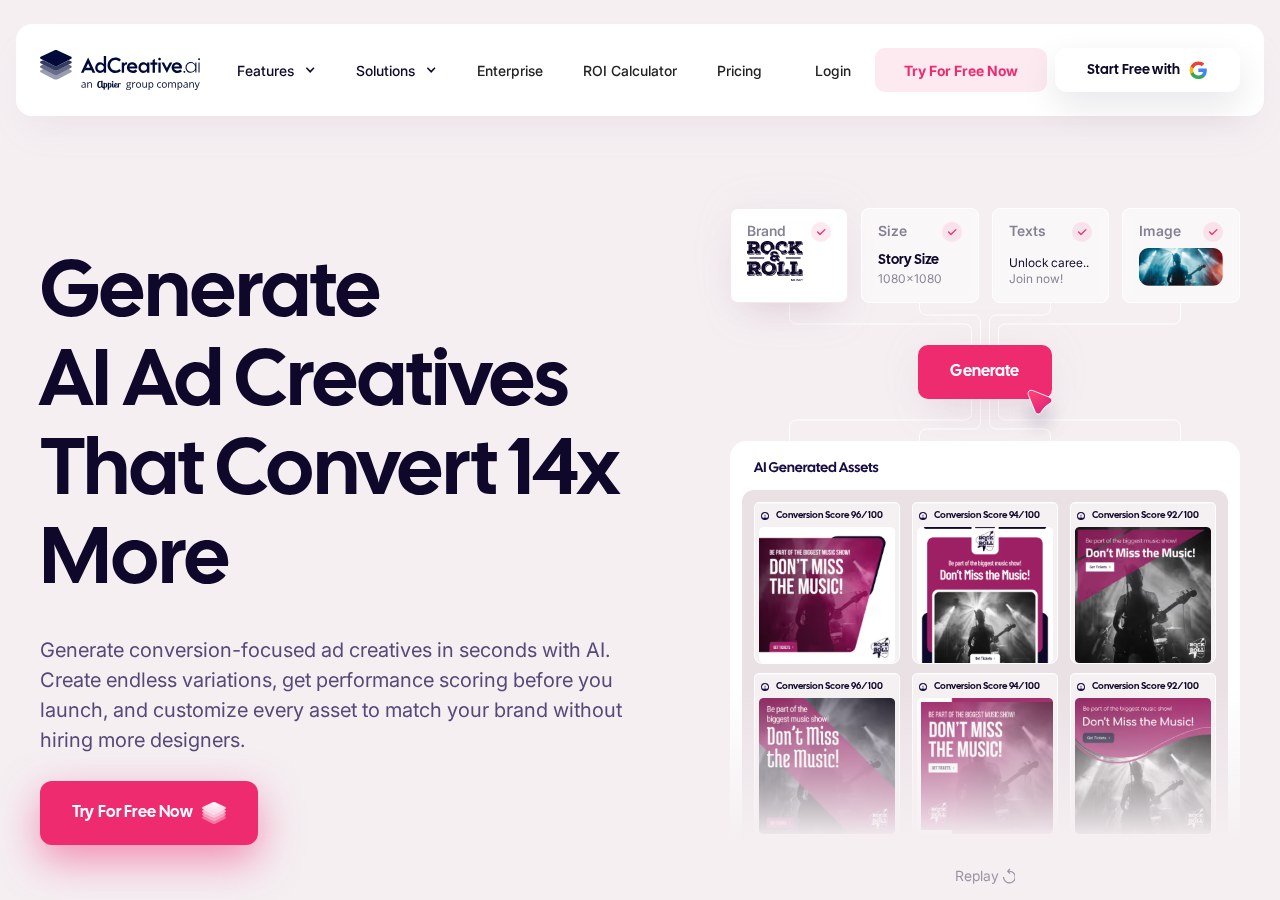
Yes, you can use AdCreative.ai for commercial work on any active paid subscription. The platform grants you complete ownership and commercial rights over all generated banner designs, social media graphics, and ad copy.\n\nWhen utilizing automated tools, understanding the boundary of intellectual property is vital for protecting your agency or business. AdCreative.ai operates on a model where your paid subscription covers the licensing fees for the underlying graphics, layout templates, and font elements. This means you do not need to worry about additional royalties when running campaigns across networks like Google, Meta, or LinkedIn.\n\nHowever, if you are on a free trial or have downgraded to a free tier, certain restrictions on asset distribution may apply depending on the current service agreement. Understanding how to set up your account profile, configure your brand kits, and download high-resolution outputs ensures that your marketing assets remain fully compliant and ready for public distribution. You can read more about the platform's core capabilities in our detailed AdCreative.ai Review 2026.
Understanding AdCreative.ai Commercial Licensing Terms
The core licensing structure of AdCreative.ai is straightforward but relies heavily on your active subscription status. When you generate graphics, headlines, or complete ad packages, commercial rights are fully secured upon download as long as your account is in good standing. This ensures that the generated outputs do not violate existing copyrights, allowing you to deploy them across competitive commercial spaces without legal friction.\n\nFor agencies serving multiple clients, the platform provides white-label options on higher-tier plans. This setup allows you to present the AI-generated outputs as your own proprietary work, which is highly beneficial for client-facing relationships. Since you own the commercial rights, you can safely use these assets for client campaigns and charge your standard agency rates without paying additional royalties.\n\nIt is important to remember that the commercial license is tied to the account that generates the files. If you cancel your membership, the assets you downloaded during your active subscription remain fully licensed for commercial use. However, you cannot generate new commercial-grade variations or access the live generation engine once your subscription lapses, making continuous membership necessary for ongoing campaign iterations.
Setting Up Brand Kits in the Onboarding Console
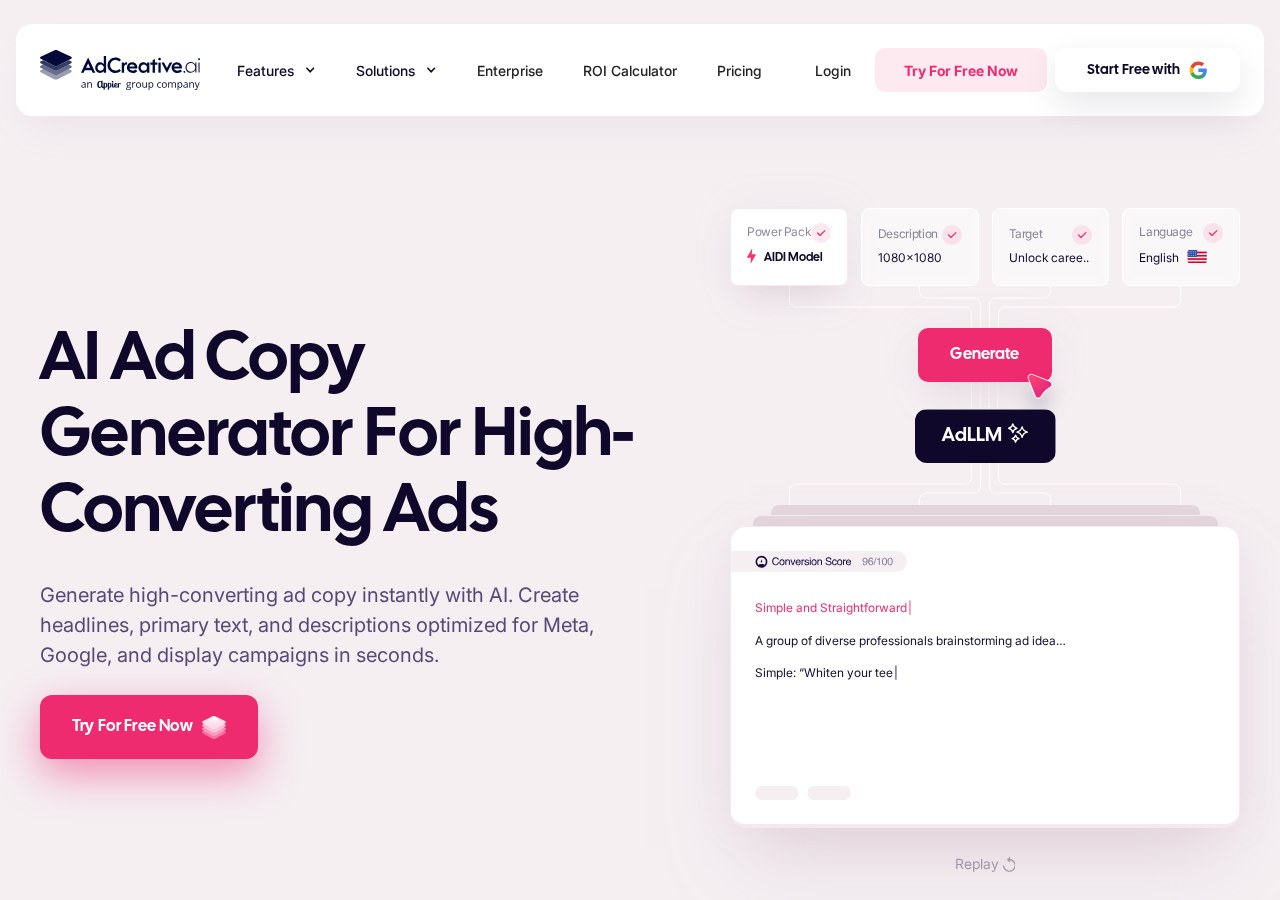
To ensure your commercial outputs are legally sound and brand-compliant, your first step should be configuring your brand profile within the onboarding console. This dashboard area is where you upload your brand colors, primary typography, and official logos. By centralizing these assets, the AI engine can automatically weave your specific brand identity into every generation, avoiding generic layouts that might fail trademark checks.\n\nWhen uploading assets to this screen, you must ensure that your starting materials, such as custom brand logos or specific product photography, are fully owned by you or your client. The AI tool processes these inputs to create variations, but it does not retroactively clear copyrights for materials you upload. Maintaining clean, authorized source files is the best way to safeguard your final commercial designs.\n\nThe platform utilizes these brand kits to maintain design consistency across different platforms. This consistency is essential for commercial work, where a cohesive brand identity directly impacts conversion rates and trust. By locking in your brand guidelines early in the setup process, you ensure that every generated banner, social post, or text snippet aligns perfectly with your marketing goals.
Generating Compliant Ad Creatives in the Campaign Builder
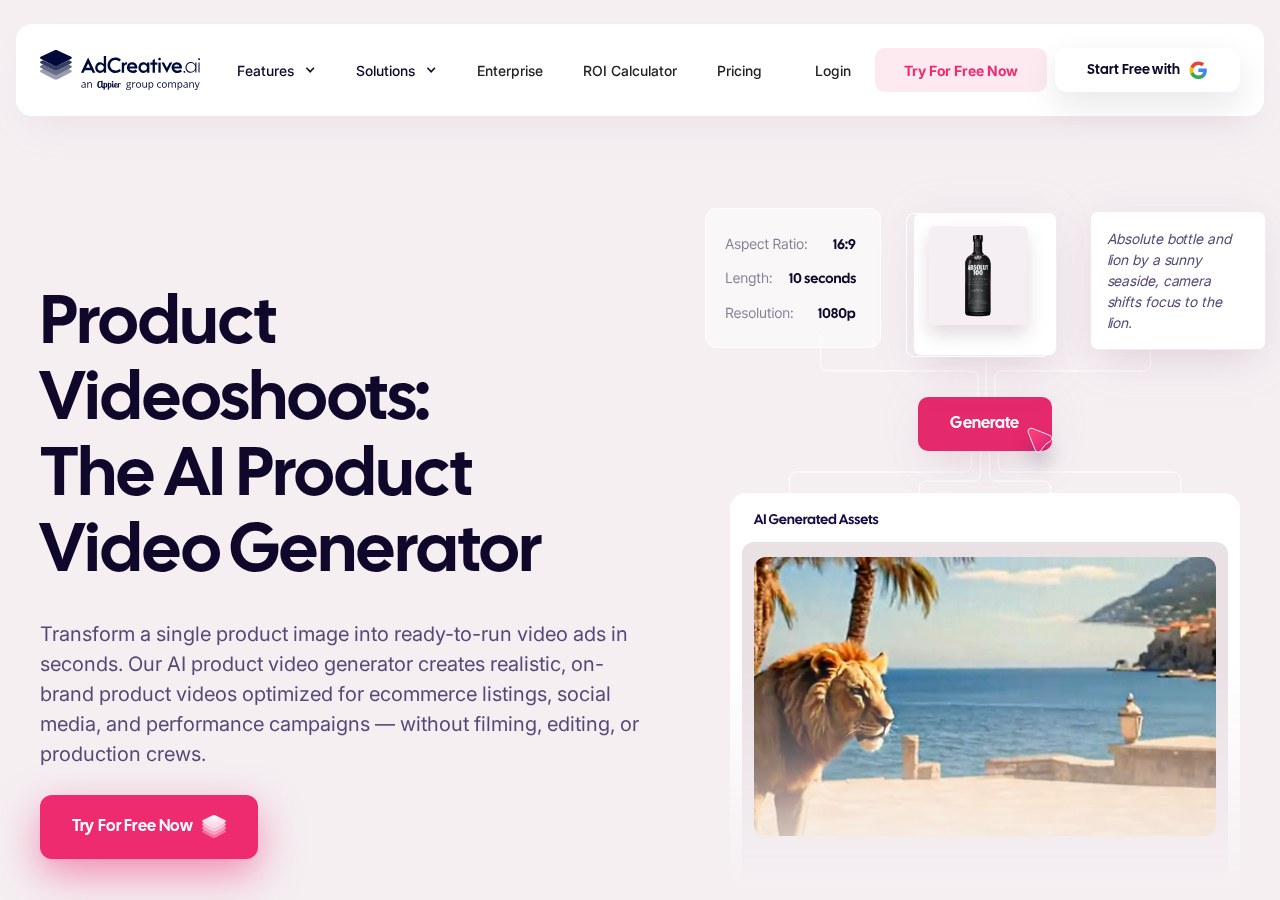
The Campaign Builder is where you translate your brand kits into active marketing materials. Here, you select your target audience, choose the platform format—such as square posts for Instagram or landscape banners for Google Display—and input your value propositions. The system then matches your brand assets with templates designed to drive user action.\n\nBecause these layouts use structured machine learning, they avoid copyright pitfalls common with unstructured generators. Rather than stitching random web images, the generator applies your specified brand colors and uploaded product images onto conversion-optimized layouts. This structured approach means the resulting banners are safe for paid commercial distribution on major networks.\n\nDuring this stage, you can also generate ad copy variants tailored to your target audience. The text generation tools are designed to draft headlines and body copy that comply with standard advertising policies. However, before pushing these lines live, you should review them to ensure they align with industry-specific regulations.
Step-by-Step: How to Generate and Download Commercial Assets
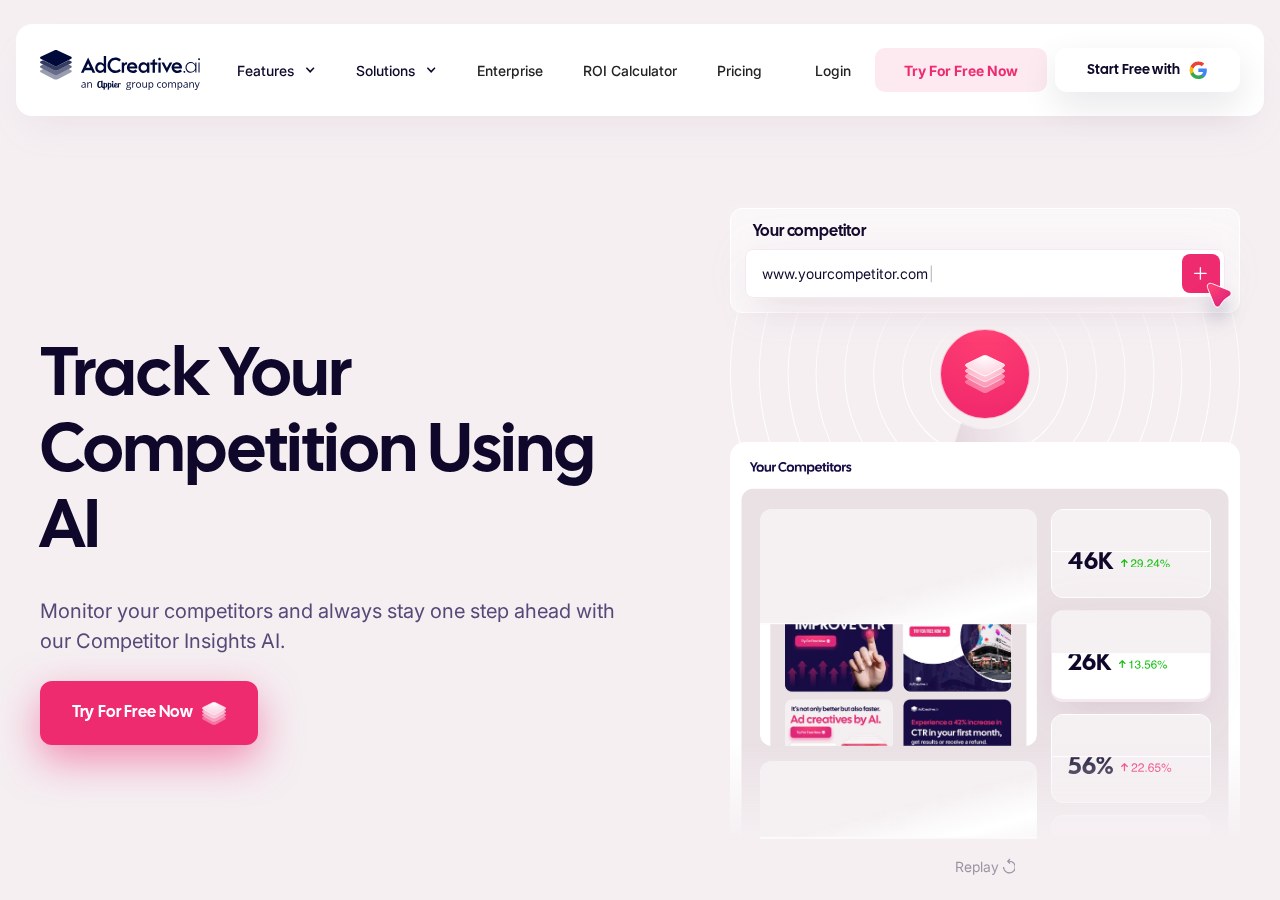
Creating compliant commercial graphics involves a structured workflow within the main interface. By following a systematic generation process, you ensure that all brand parameters are met and that your final high-resolution files are correctly formatted for your media buys. This structured approach reduces errors and guarantees that your client deliverables are professional and ready for immediate deployment.\n\nEach step in the campaign setup influences how the AI algorithm structures the visual hierarchy of your banner. Paying close attention to details like text contrast and button placement during these steps will yield much higher conversion rates once your ads go live. To assist you with this setup, our comprehensive AdCreative.ai Review details the user experience of navigating these specific menus.\n\nOnce you complete the setup steps, the platform generates a large batch of creative variations. You can preview these files directly on your screen to check for readability and visual balance. Once you are satisfied, downloading the high-resolution files grants you complete ownership of the generated designs, allowing you to use them in any digital or print media.\n\n1. Select your target brand. Choose the pre-configured brand kit from your dashboard drop-down menu to apply your saved colors and logos.\n2. Define the project format. Select the specific dimensions required for your campaign, such as social media squares or display banners.\n3. Input your copy and images. Fill in the header, sub-header, and call-to-action fields, and upload your high-quality product images.\n4. Click the generate button. Initiate the AI rendering process to produce dozens of unique, conversion-focused design layouts.\n5. Review and select variants. Browse the generated options and select the designs that best match your brand guidelines.\n6. Download the high-resolution files. Export your chosen graphics in PNG format to lock in your commercial usage rights.
Comparing Free and Paid Commercial Terms
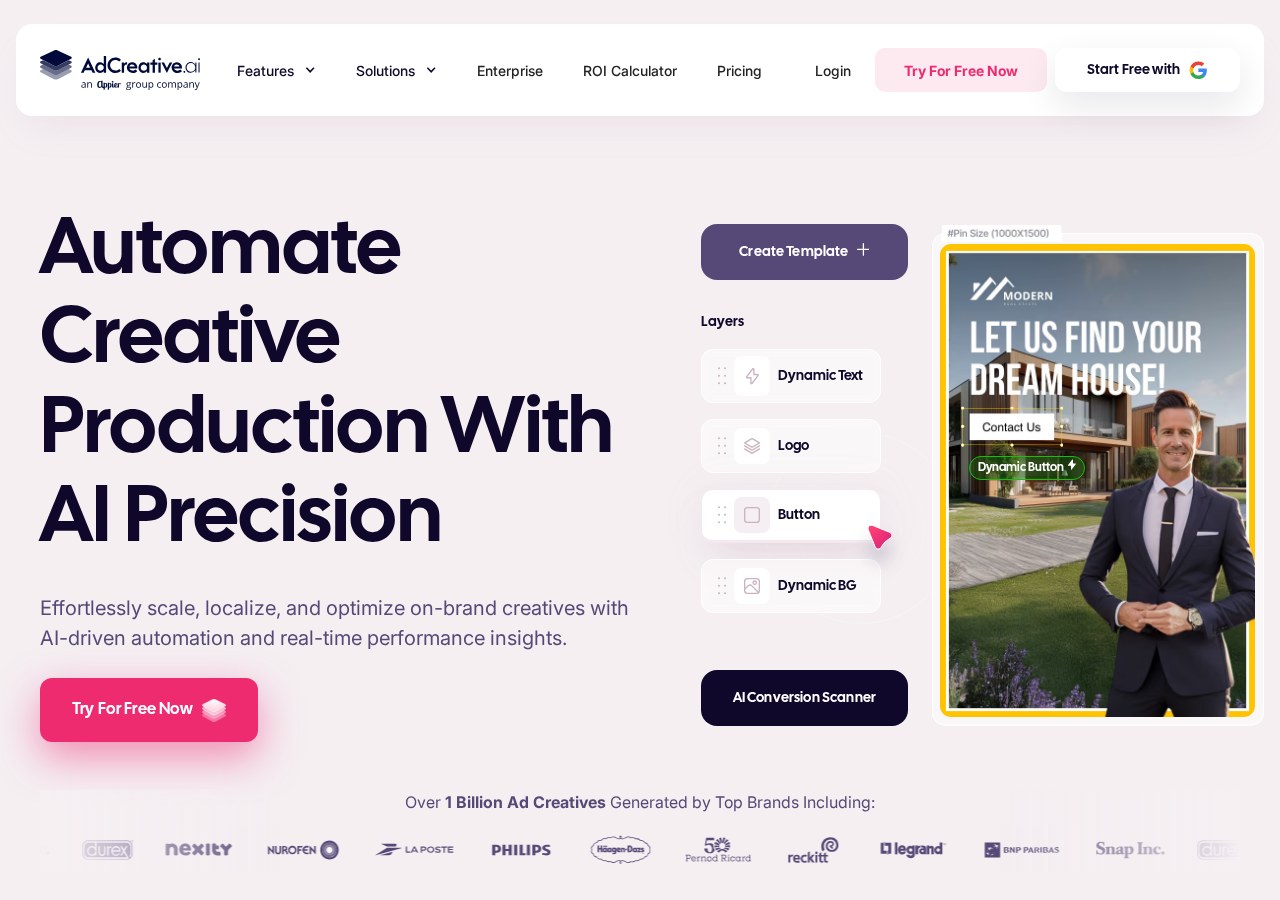
When deciding whether to use a free trial or upgrade to a paid subscription, the scope of commercial use is a major factor. Free trials are often intended for evaluation purposes only, allowing you to test the interface and generate sample banners. To legally run these assets in live commercial campaigns, you typically need to transition to a paid plan that explicitly includes commercial licensing.\n\n- White-label features: Trial accounts feature standard branding, whereas paid plans offer full white-label capabilities for agency clients.\n- Download volume limits: Trial accounts restrict active image generation, while paid subscriptions allow high-volume asset exports.\n- Legal protections: Trial creations may carry distribution restrictions, but paid plan outputs grant clear, unrestricted commercial ownership rights.\n- Custom integrations: Trial tiers limit your software connections, whereas paid plans unlock advanced integrations with major ad networks.\n\nChoosing the right plan depends heavily on your team's size and the volume of ads you need to produce. Individual freelancers and agencies alike can generate unlimited commercial-grade variations to match the demands of active marketing campaigns. For larger organizations, the team-based subscription tiers provide additional seat licenses, collaborative workflows, and shared brand assets to keep campaigns running smoothly.
Exporting and Monitoring Assets in the Creative Insights Screen
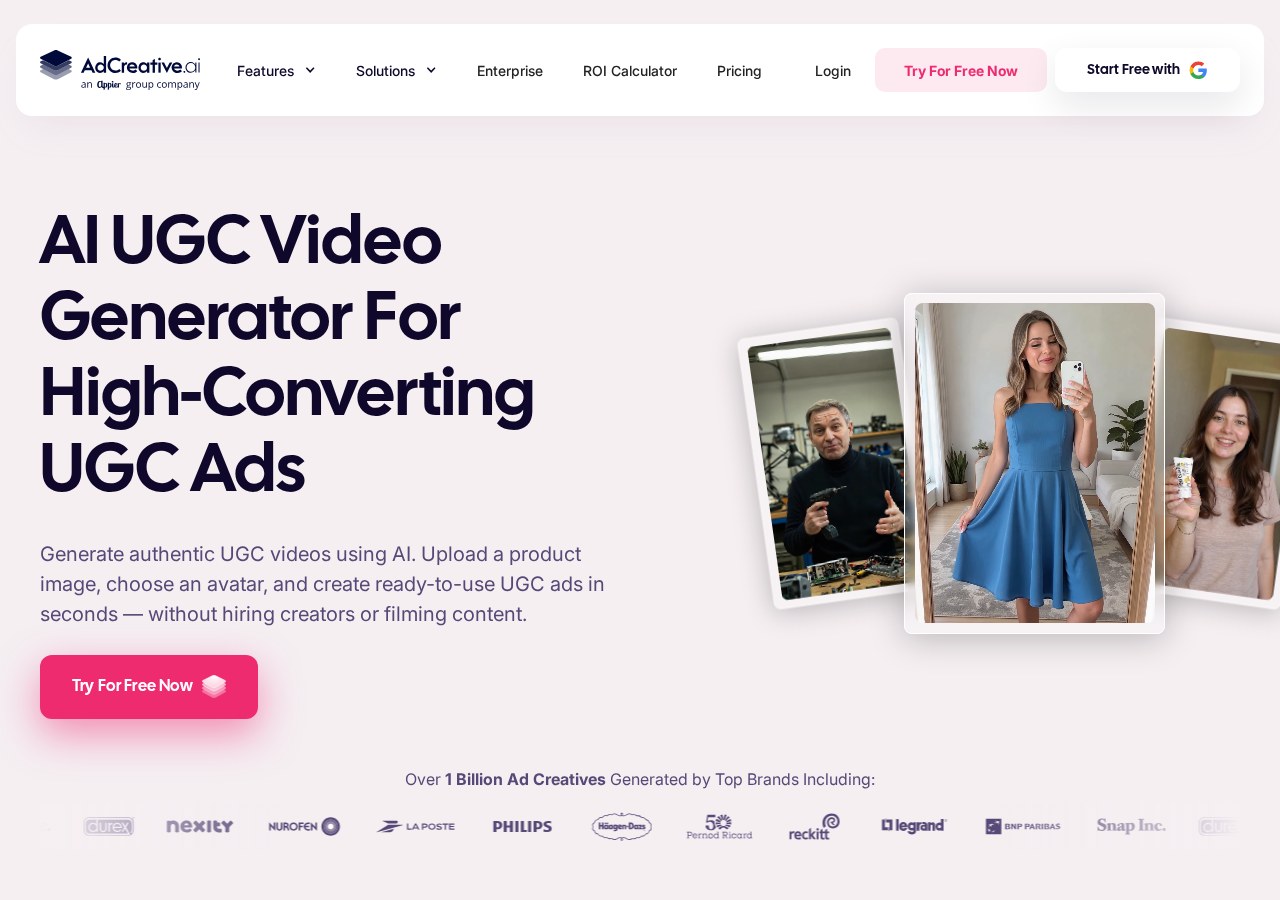
After your commercial campaigns are live, the Creative Insights screen helps you analyze which designs are performing best. By linking your ad accounts to this dashboard, you can view real-time data on click-through rates and user engagement. This integration helps you identify which AI-generated assets are driving the most value for your business.\n\nThe platform rates your live creatives on a performance scale, allowing you to see exactly which layout styles resonate with your audience. This feedback loop is invaluable for commercial work, as it takes the guesswork out of design updates. You can use these insights to generate a new batch of similar high-performing banners.\n\nUsing this data to guide your next generation cycle ensures that your creative output continuously improves. You can quickly duplicate successful campaigns, swap out product images, and generate fresh assets that inherit the characteristics of your top-performing ads. For more on this, refer to our AdCreative.ai campaign insights guide.
Frequently asked
As an Amazon Associate I earn from qualifying purchases. This does not affect the price you pay. Affiliate disclosure