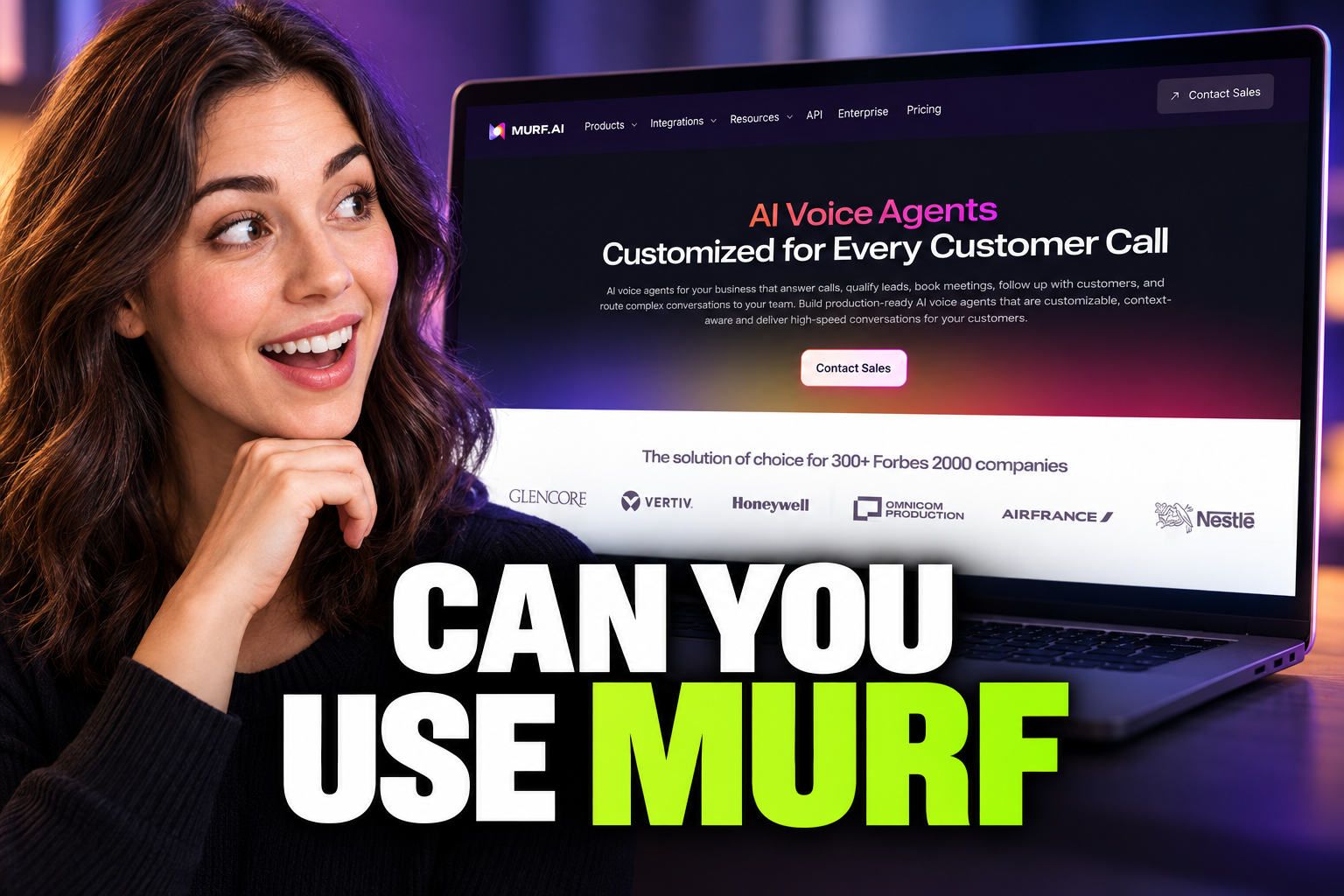
Can You Use Murf AI for Commercial Work? Licensing Explained
Using Murf AI for business? Discover which subscription tiers include commercial rights and how to generate license certificates for your client projects.
Some links are affiliate links: we may earn a commission if you sign up or buy through them, at no extra cost to you.
On this page8 sections
- 1The short answer
- 2Understanding Murf AI Commercial Rights
- 3Identifying the Free Plan Restrictions
- 4Selecting the Right Subscription for Business Work
- 5How to Generate and Download a Commercial License Certificate
- 6Managing Client Deliverables and Agency Work
- 7Which Plan Tier Should You Pick?
- 8Frequently asked
The short answer
- Paid subscription tiers grant full commercial rights for your generated voiceover audio files.
- The free tier strictly prohibits commercial usage, restricting downloads to personal testing and evaluation.
- You can download official commercial license certificates directly from your Murf AI project dashboard.
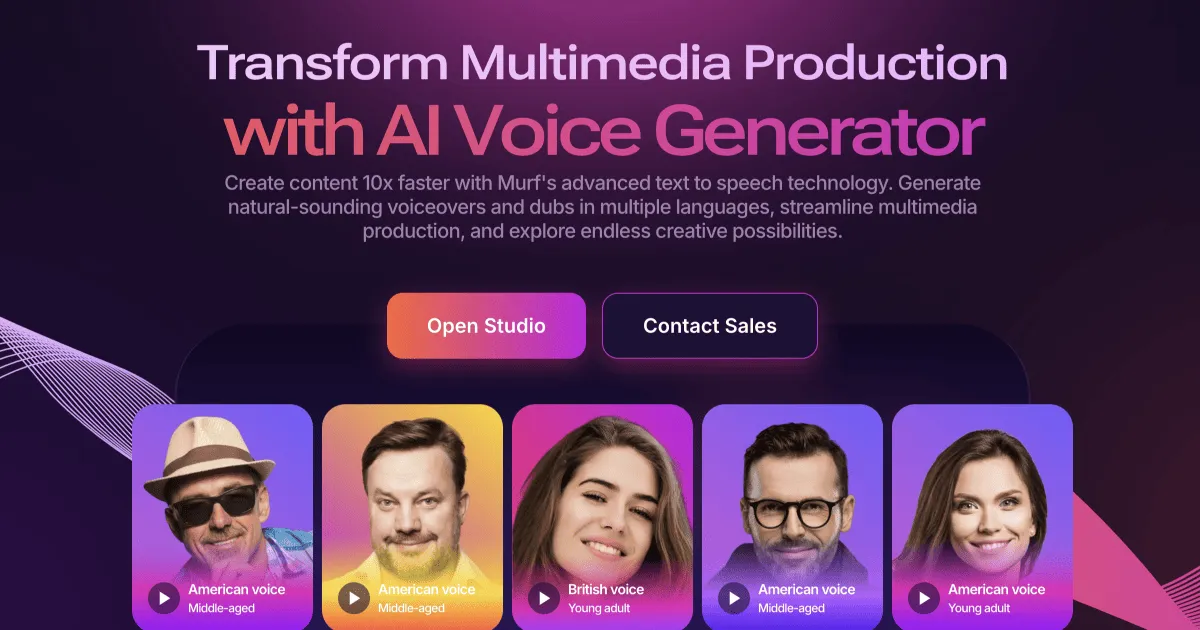
You can use Murf AI for commercial work, but only if you are on a paid subscription tier. The free plan does not grant you the commercial rights required to monetize your generated audio. To avoid copyright issues or legal disputes, creators must understand how Murf AI handles licensing across its different account tiers. Simply downloading an audio file does not automatically mean you own the rights to broadcast it or use it in paid advertising campaigns. Understanding these licensing boundaries is crucial when choosing a voice generator. In this guide, we break down how Murf AI manages commercial rights, which plans grant these permissions, and how to download your commercial license certificates directly from the platform.
Understanding Murf AI Commercial Rights
When you create a voiceover, you need legal clearance to use that voice in public-facing media. Murf AI splits its accounts into personal and business categories. If you intend to use the voiceovers for promotional videos, corporate training materials, podcast intros, or social media ads, you are performing commercial work. For these activities, you must possess commercial rights, which are legal permissions granted by the creator platform. Without these rights, hosting platforms or advertising networks can flag your content for copyright infringement. Murf AI explicitly defines which activities require this legal clearance within their terms of service. Knowing your usage limits beforehand prevents costly re-recordings. If you use a free account's output for an advertisement, you run the risk of legal action or platform takedowns. For a broader overview of how the platform structures its features and subscription options, you can consult our detailed Murf AI Review 2026: Pricing, Voices and Who It's For.
Identifying the Free Plan Restrictions
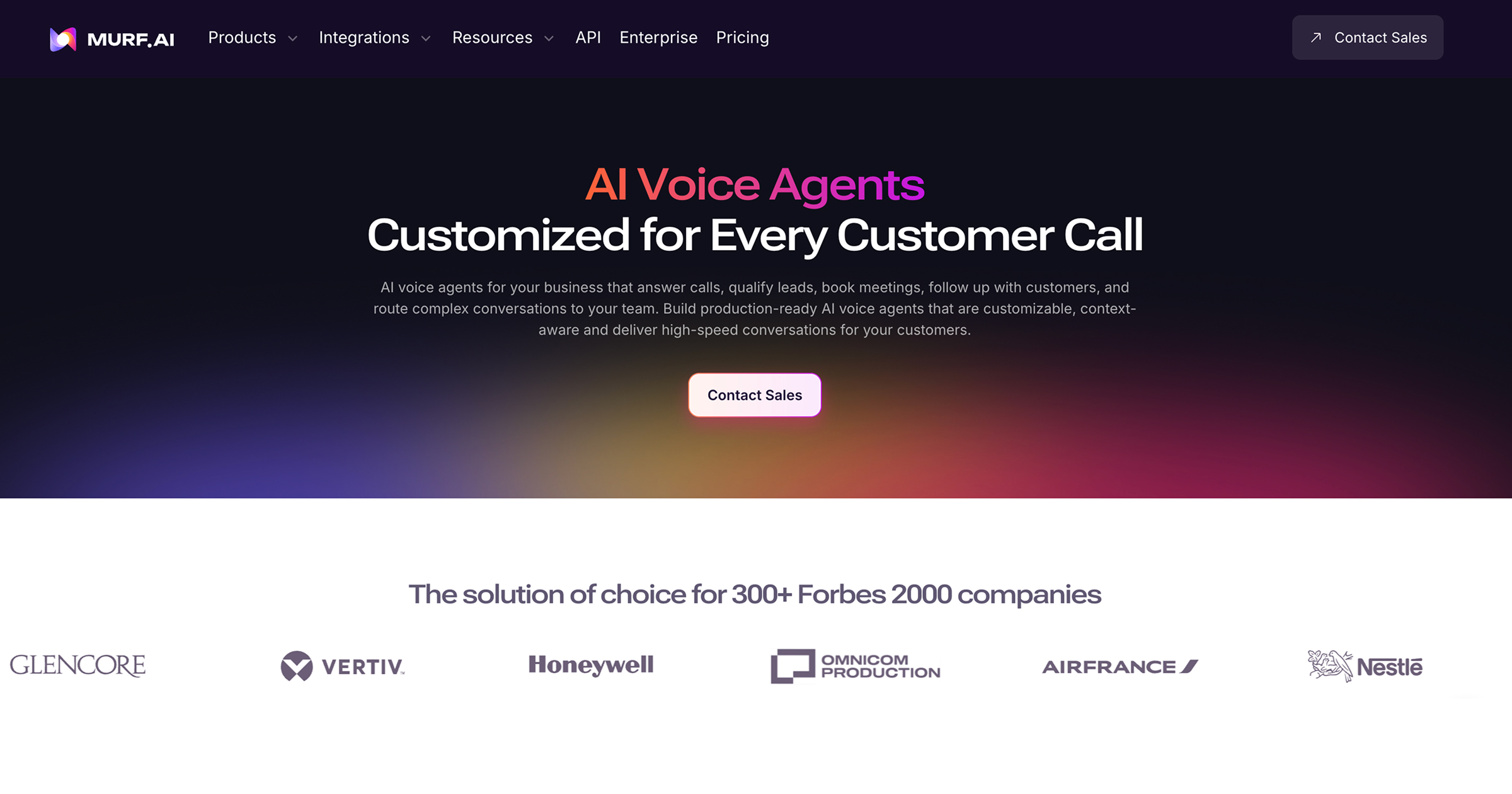
The free plan acts as a sandbox for testing voices and exploring the editing workspace. When you generate text-to-speech voiceovers on this tier, the system allows you to preview the audio but restricts your ability to export high-quality files. More importantly, any audio generated here is strictly for personal, non-commercial use. Attempting to bypass these restrictions by recording your computer speaker audio violates the terms of service. Murf AI tracks the generation history associated with your account. If those voices appear in commercial campaigns without a corresponding paid subscription, your content lacks the necessary licensing protection. The interface actively reminds users of these boundaries. When you attempt to share or link to audio on the free plan, the software prompts you to upgrade. This clear division ensures that creators do not accidentally publish unlicensed voiceovers to commercial channels, so you must upgrade to a paid subscription before publishing any professional work.
Selecting the Right Subscription for Business Work
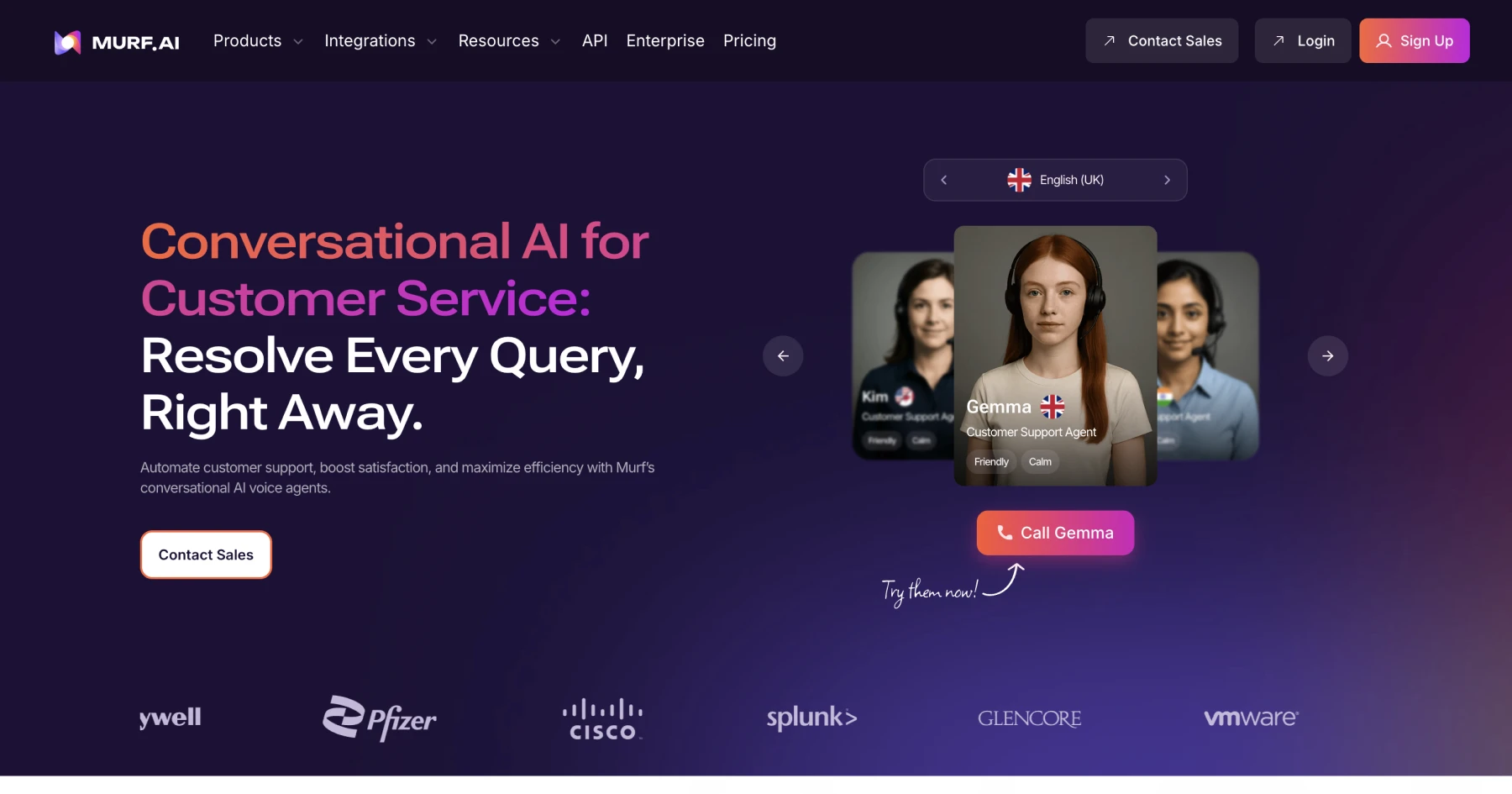
To secure commercial rights, you must choose between the Basic, Pro, or Enterprise subscription tiers. Each paid plan automatically includes commercial usage rights for the audio you generate while your subscription is active. This licensing covers platforms like YouTube, Vimeo, and corporate websites. The specific subscription level you choose affects the number of voices you can access and the volume of voice generation hours allocated to your workspace monthly. The Pro and Enterprise tiers offer expanded libraries, including high-definition voices and multi-language options suitable for global campaigns. For teams, the Pro and Enterprise workspaces provide collaborative features. Multiple users can edit the same voiceover script, share custom voice styles, and manage active licenses from a single billing dashboard. This centralized control simplifies compliance for agencies managing multiple client accounts and ensures that commercial rights are only included in paid subscriptions.
How to Generate and Download a Commercial License Certificate
To prove your content is legally cleared, Murf AI allows you to generate individual license certificates for your projects. These documents are vital if a video-hosting platform or an advertising network requests proof of your right to use the AI-generated voice. The process takes place inside your active project dashboard. Having these certificates on hand protects your business from automated copyright claims and streamline the monetization approval process on platforms like YouTube. Follow these steps within your account to secure your official documentation and download a dedicated commercial license certificate: 1. Navigate to your project dashboard. Locate the specific voiceover project for which you need to generate a certificate. 2. Click on the export menu button. This option is typically found in the top-right corner of the editor interface. 3. Choose the license download option. The system will prepare a downloadable PDF document containing your unique license details. 4. Save the certificate file securely. Store this document alongside your project files so you can present it immediately if a copyright claim arises.
Managing Client Deliverables and Agency Work
If you are an independent creator or agency producing voiceovers for clients, you must ensure the clients are covered. Murf AI allows you to transfer rights to your clients under the higher-tier plans. This transfer ensures that the final video does not trigger copyright flags when hosted on client-owned domains. When working inside the editor, you can organize your work into specific folders or workspaces dedicated to individual clients. This structure makes it easier to track which voiceover belongs to which project, ensuring that the correct license certificate is matched with the final video file. Some enterprise clients may require specialized custom voice clones or unique licensing terms. Murf AI offers tailored legal agreements for these scenarios through their custom plans, allowing large agencies to operate without worrying about standard volume limits.
Which Plan Tier Should You Pick?
Choosing the correct tier depends entirely on your production volume and the variety of voices your projects require. If you are an individual creator producing occasional promotional videos, the Basic tier provides essential voice options and the necessary commercial clearance. For busy content creators, agencies, and businesses with regular video production schedules, the Pro tier is the more practical choice. It offers access to the complete voice library, collaborative workspaces, and a significantly larger pool of voice generation time. Large corporations or organizations requiring custom integrations, dedicated support, and custom voice replication should look toward the Enterprise tier. This plan offers the ultimate flexibility in licensing and security protocols for sensitive brand assets. For a full breakdown of the features included in these plans, read our Murf AI Review 2026: Pricing, Voices and Who It's For.
Frequently asked
As an Amazon Associate I earn from qualifying purchases. This does not affect the price you pay. Affiliate disclosure