
How to Choose a 4K TV with Alexa and Dolby Atmos
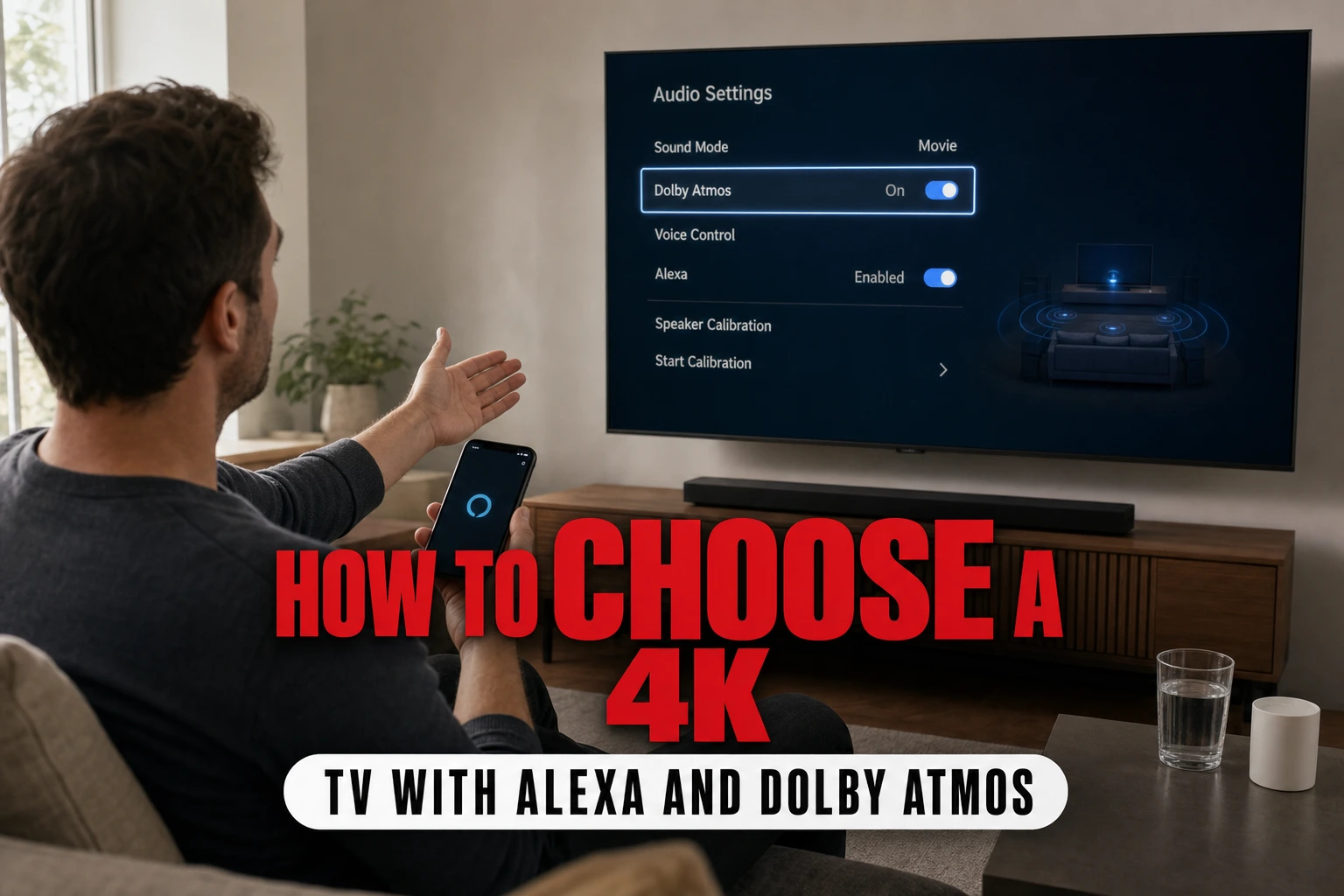
To choose the right 4K TV with Alexa and Dolby Atmos, prioritize screen technology, voice integration depth, and spatial audio speaker layouts.
This article is informational and does not place shopping buttons in the story. Related buying guides may include affiliate links.
As an Amazon Associate I earn from qualifying purchases. This does not affect the price you pay. Affiliate disclosure
On this page8 sections
- 1The short answer
- 2Decode the Panel Technology (OLED vs. QLED)
- 3Understanding Voice Assistant Integration Levels
- 4How Dolby Atmos Performance Varies Across Screens
- 5Essential Steps to Set Up Your Alexa and Atmos TV
- 6Key Differences That Influence Your Buying Decision
- 7Which One Should You Pick for Your Home?
- 8Frequently asked
The short answer
- Select OLED panels for dark viewing areas and QLED screens for bright, sunlit rooms.
- Ensure the television supports eARC ports to send uncompressed spatial audio to external soundbars.
- Look for "Alexa Built-in" to control your television without needing a separate smart speaker.
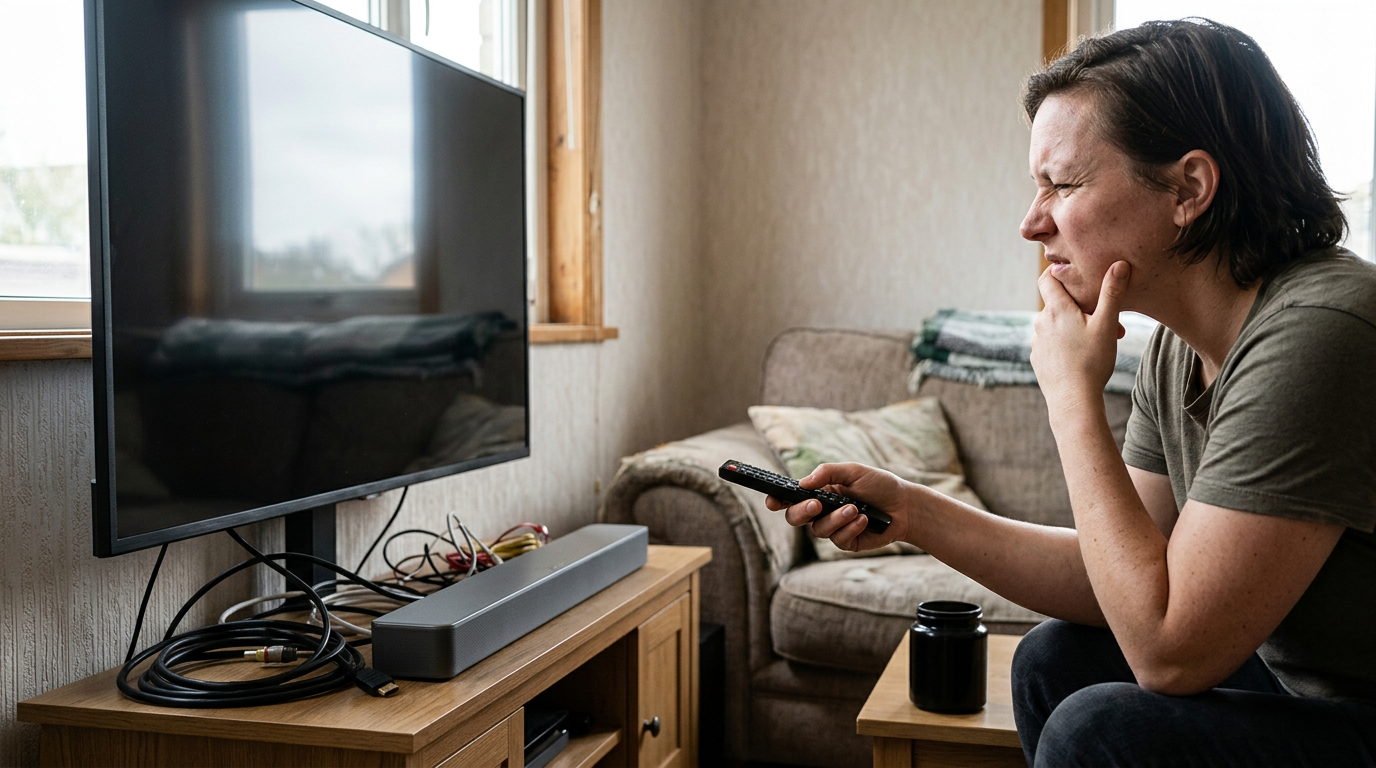
Choosing the right 4K TV with Alexa and Dolby Atmos requires matching your room's lighting to the display panel and selecting a model with either built-in or passthrough spatial audio. This ensures both seamless voice control and immersive sound.
The integration of smart home ecosystems and advanced theater-quality audio has transformed the modern living room. Today, a television is no longer just a screen; it is the visual centerpiece of your home, a smart home controller, and an audio processor all in one. Combining the voice capabilities of Amazon's assistant with Dolby's spatial sound format can create an incredible entertainment hub.
However, navigate this market carefully. Many manufacturers advertise these features on the box, but the actual implementation varies wildly from one model to another. Some televisions merely pass through audio signals, while others can process them natively with built-in upward-firing speaker arrays.
The quick version
- Connect to the correct port
- Configure your TV audio settings
- Pair your Amazon account
- Position your screen and soundbar correctly
- Verify the incoming audio signal
Decode the Panel Technology (OLED vs. QLED)
Choosing the perfect visual canvas is your absolute first priority when shopping. While smart assistant features and audio processing define your daily interaction and listening experience, the physical display panel dictates your overall viewing comfort and picture quality. The two main premium options on the market today are OLED and QLED, each excelling in very different environmental conditions.
OLED screens utilize self-emissive pixels that can turn off completely to create perfect, deep black levels. This makes them outstanding for dedicated home theater rooms, dark basements, or low-light evening viewings. The contrast is virtually infinite, which makes high-dynamic-range content look incredibly lifelike, with stars popping against a truly black sky.
QLED panels, on the other hand, rely on quantum dots and a powerful LED backlight to produce much higher peak brightness. If you plan to place your television in a bright living room with large windows, a QLED screen will combat glare much more effectively than an OLED. They deliver vibrant colors even in rooms flooded with natural daylight.
Understanding Voice Assistant Integration Levels
Voice integration comes in two main categories: "Alexa Built-in" and "Works with Alexa." Understanding the difference prevents immense frustration when setting up your new smart home ecosystem. A television with built-in voice capabilities contains microphones directly inside the physical frame or built into the remote control itself.
This native integration allows you to speak commands directly to your television without needing any other smart home hardware nearby. You can ask your screen to search for movies, change the physical input, adjust the volume level, or show your smart security camera feed on the display.
Conversely, televisions labeled "Works with Alexa" do not have built-in microphones to receive commands. Instead, they require a separate smart speaker to function. Prioritize screens that offer native hands-free voice control if you want to bypass external accessories, which you can find highlighted in our guide to the top Alexa-enabled screens.
 See the picks in our buying guide
How Dolby Atmos Performance Varies Across Screens
Dolby Atmos is an object-based audio format that creates a three-dimensional soundscape around your seating position, placing sound effects in precise physical locations. However, slim modern television bezels leave very little physical room for large, powerful speaker drivers. This means internal television audio rarely does justice to a true spatial soundtrack.
While some high-end screens feature multiple physical speakers pointing upwards and outwards to bounce sound off your ceiling, most budget screens use software virtualization. Virtualized Atmos attempts to mimic surround sound through standard two-channel stereo speakers, but it lacks the physical depth, punch, and clarity of a dedicated sound system.
To get the absolute best audio performance, ensure your chosen television has an enhanced Audio Return Channel port, commonly known as eARC. An enhanced Audio Return Channel port is essential for sending uncompressed spatial audio to soundbars. When browsing the top-rated Atmos models, make sure this port is present.
Essential Steps to Set Up Your Alexa and Atmos TV
Setting up your new television correctly ensures you actually receive the high-fidelity sound and smart voice control you paid for. Many users miss out on true spatial audio simply because they plug their cables into the wrong ports or overlook critical software settings during the initial installation process. Follow these straightforward steps to configure your system properly.
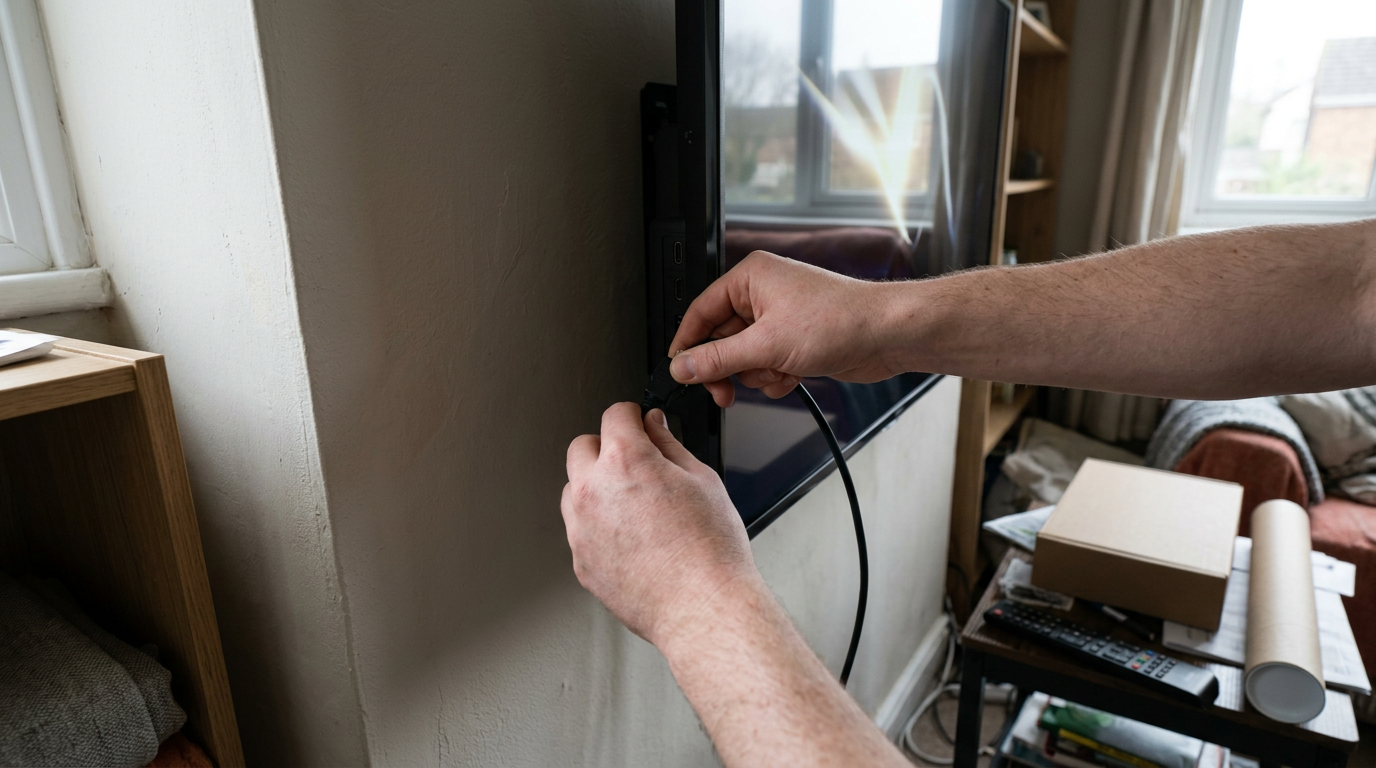
- Connect to the correct port. Use a certified high-speed HDMI cable to link your external soundbar or receiver to the port explicitly labeled eARC on your television.
- Configure your TV audio settings. Change the digital audio output format from standard PCM to pass-through or bitstream mode within your system settings menu.
- Pair your Amazon account. Open the integrated smart assistant app on your television screen and scan the registered QR code to sign in securely.
- Position your screen and soundbar correctly. Avoid placing books or decorations directly in front of up-firing speakers, as physical barriers block the bouncing soundwaves.
- Verify the incoming audio signal. Play a compatible spatial audio title from a streaming app and check your sound system's display to ensure the Atmos badge appears.
Once these physical and digital steps are complete, your voice assistant can control your entire media setup smoothly. You will be able to launch streaming apps, adjust the overall volume, and control compatible smart household lights without lifting a finger. Taking the time to configure these options correctly guarantees a seamless entertainment experience.
Key Differences That Influence Your Buying Decision
Making the final decision comes down to comparing how different television classes handle these integrated technologies. Let us compare the critical aspects of premium screens against mid-range alternatives to see where your money is best spent.
- Panel Backlighting: Premium models use mini-LED or OLED to offer precise lighting control, whereas entry-level options use edge-lit LED backlights that can look washed out.
- Audio Processing: High-end displays decode spatial soundtracks natively and pass them uncompressed, while cheaper models often downmix the audio to stereo before sending it out.
- Smart Assistant Responsiveness: Fast internal processors in flagship screens handle voice requests instantly, whereas slower, budget processors can cause noticeable lag during voice search.
- High-Dynamic Range (HDR) Support: Premium screens support advanced formats like Dolby Vision alongside standard HDR, while basic models are limited to standard formats.
By focusing on these specific technical trade-offs, you can avoid paying for extra features you do not need. Premium models use mini-LED or OLED to provide superior contrast in high-end entertainment setups. If you already own an external streaming stick, for instance, built-in smart platform speed might matter less than raw panel quality. Focus your budget on the display performance first, then on audio passthrough capabilities.
Which One Should You Pick for Your Home?
Your final choice depends entirely on your room layout and your existing audio equipment. If you want a simple setup without extra speakers, look for a model with multiple built-in speakers. If you want a full cinema experience, a screen with eARC is essential.
For dark, dedicated viewing rooms where movie nights are the main event, choose an OLED panel. For bright, multi-purpose family rooms where daytime viewing is common, choose a bright QLED or mini-LED model instead. Match your room's ambient light to the screen technology to ensure optimal picture quality.
To find specific models that excel in these areas, explore our detailed recommendations in the Best 4K TVs with Alexa and Dolby Atmos guide. This curated list will help you match your budget with the exact performance level you need.
Frequently asked

As an Amazon Associate I earn from qualifying purchases. This does not affect the price you pay. Affiliate disclosure