Choosing the Right Alexa Class Dolby TV
Learn how to select the perfect smart TV combining Amazon Alexa voice control with Dolby Vision and Dolby Atmos audio-visual technology.
This article is informational and does not place shopping buttons in the story. Related buying guides may include affiliate links.
As an Amazon Associate I earn from qualifying purchases. This does not affect the price you pay. Affiliate disclosure
On this page9 sections
- 1The short answer
- 2Decoding the Dolby Standards for Picture and Sound
- 3Understanding Alexa Built-In vs Works With Alexa
- 4Step-by-Step Guide to Selecting Your TV
- 5Display Panel Technologies Compared
- 6How Audio Pass-Through Affects Sound Quality
- 7Which Alexa Class Dolby TV Should You Pick?
- 8Frequently asked
- 9Sources
The short answer
- Prioritize TVs with Alexa built-in rather than those that only work with external speakers.
- Verify Dolby Vision support to ensure superior high-contrast dynamic HDR content playback.
- Look for HDMI eARC ports to send uncompressed Dolby Atmos spatial audio to soundbars.
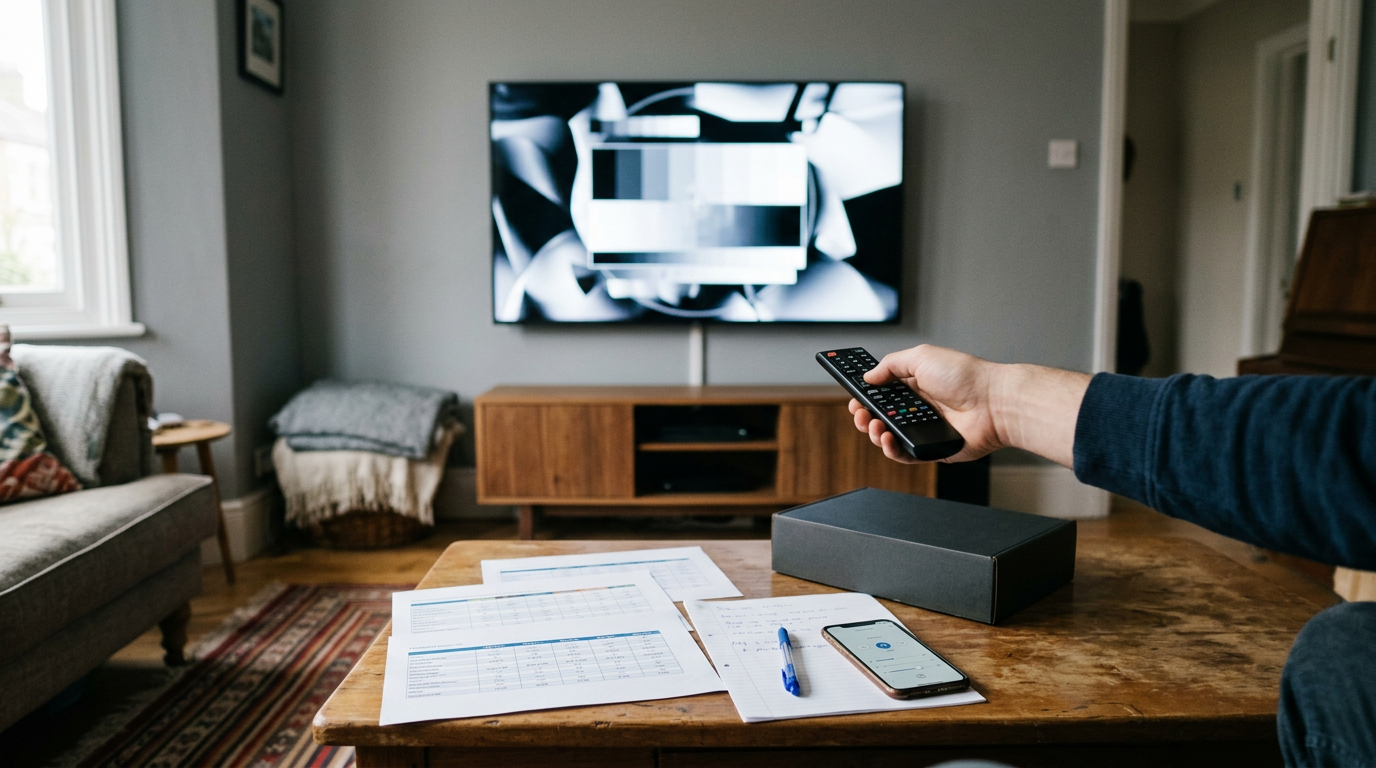
To choose the right Alexa Class Dolby TV, prioritize your preferred Dolby format (like Dolby Vision or Dolby Atmos) and determine whether you want Alexa built directly into the screen or controlled via an external smart speaker.
Smart televisions have transformed from simple display panels into highly integrated hubs for home entertainment and smart automation. When you look for a TV that supports both Amazon's voice assistant and Dolby's advanced audio-visual suite, you are aiming for a seamless blend of hands-free control and cinematic immersion.
Understanding how these technologies interact will prevent you from buying a system that lacks essential capabilities. By focusing on display technology, audio pass-through options, and the specific way voice commands are processed, you can find a television that serves as the perfect centerpiece for your living space.
The quick version
- Measure your viewing distance accurately
- Verify Dolby Vision format support
- Confirm the type of Alexa integration
- Inspect the physical HDMI connection ports
- Check your smart home hub requirements
Decoding the Dolby Standards for Picture and Sound
When searching for a Dolby-compatible television, you will primarily encounter two distinct technologies under this brand. The first is Dolby Vision, an advanced proprietary form of High Dynamic Range (HDR) that adjusts brightness and color frame-by-frame. This format ensures that dark scenes maintain deep shadow detail while bright highlights remain crisp without washing out the rest of the image.
The second technology is Dolby Atmos, which handles multi-dimensional spatial audio. Instead of traditional channels, Atmos treats sounds as individual objects that can be positioned anywhere in a three-dimensional space, including overhead. Choosing a TV that supports both ensures you get the highest standard of modern home theater performance.
Many manufacturers include these technologies to attract movie enthusiasts who want a theater-like experience at home. However, simply having the Dolby logo on the box does not guarantee the same performance across all brands. The underlying screen technology and speaker quality will heavily influence how these formats actually look and sound in your living room.
To get the most out of your high-definition movies, you must look for televisions that handle these signals natively. This avoids unnecessary scaling or conversion, which can degrade the picture sharpness or muddy the dialogue during loud action sequences. True native rendering ensures that you see and hear exactly what the director intended.
Understanding Alexa Built-In vs Works With Alexa
The way a television handles voice commands largely defines your daily experience. A TV labeled as "Alexa Built-In" has a microphone array integrated directly into the chassis or the remote control. This allows you to speak commands directly to the screen to change inputs, search for movies, or control smart home devices without needing another device nearby.
Conversely, a television labeled "Works with Alexa" relies entirely on an external device, such as a smart speaker, to receive and route commands. If you already have several smart speakers in your room, this option might suffice. However, integrated voice control offers a more responsive experience because the software runs directly on the television's processor, reducing communication lag.
Having Alexa directly on your TV also allows for visual feedback on the screen itself. When you ask about the weather or request a camera feed from your front door, the television can display this information as an overlay. This dual-purpose functionality transforms your display into an interactive dashboard for your entire smart household.
Additionally, built-in systems often feature advanced noise-cancellation technology. This ensures the television can hear your voice clearly even when a loud movie is playing or people are talking in the background. Without this feature, you might find yourself shouting at the screen to pause a video or adjust the volume.
 See the picks in our buying guide
Step-by-Step Guide to Selecting Your TV
Selecting the ideal television requires a systematic approach to ensure the hardware fits your living space and smart home setup. By following a structured process, you can avoid common compatibility issues and find a screen that integrates perfectly. This method ensures every feature delivers maximum utility.
To help you navigate the various models on the market, we have outlined the key steps you should follow. By focusing on these primary factors, you can narrow down your options to the units that match your specific home configuration and entertainment goals.
- Measure your viewing distance accurately. Calculate the ideal screen size in inches to prevent eye strain and ensure immersive viewing.
- Verify Dolby Vision format support. Check the manufacturer specifications to ensure the panel handles dynamic metadata for optimal high-contrast scenes.
- Confirm the type of Alexa integration. Decide if you prefer hands-free voice control directly through the frame or via the remote.
- Inspect the physical HDMI connection ports. Look for at least one dedicated HDMI eARC port to route high-quality Dolby Atmos audio.
- Check your smart home hub requirements. Ensure the television can connect directly to your local network to control other smart appliances.
By completing these steps before making a final decision, you eliminate the risk of purchasing a television that lacks the necessary processing power or audio connections. This preparation ensures that your home theater functions flawlessly from the moment you turn it on for the first time.
Display Panel Technologies Compared
The type of panel inside your television dictates how well Dolby Vision content actually looks in your living room. Different panel technologies handle brightness, contrast, and black levels in fundamentally unique ways, which directly impacts how dynamic HDR images are rendered on screen during dark or highly contrasted scenes.
- Aspect: OLED panels offer perfect contrast because each pixel turns off completely, making them exceptional for dark-room viewing of Dolby Vision content, whereas Mini-LED panels offer much higher peak brightness which helps Dolby highlights pop in sunny living spaces without any visible blooming around bright objects.
- Aspect: Traditional LED-LCD screens are far more cost-effective but suffer from light bleed around bright objects, while QLED displays add quantum dots to improve color volume and richness under bright ambient conditions, making them ideal for daytime watching.
Ultimately, matching the panel to your lighting is the most critical decision when trying to get the best visual return on your investment. A dark, dedicated home theater room benefits immensely from the infinite contrast of OLED, while a bright, open-concept living room with large windows is better suited for a high-brightness Mini-LED display to combat glare.
How Audio Pass-Through Affects Sound Quality
Even if a television decodes Dolby Atmos, its built-in speakers are often too small to deliver a true surround-sound experience. This is where audio pass-through becomes crucial for your decision-making process. The TV must be able to send the complex audio data to an external receiver or soundbar without downgrading the signal quality.
Using an eARC (Enhanced Audio Return Channel) connection is the modern standard for this task. Without eARC, the television may compress the audio into a lower-quality format before it reaches your speakers. If you plan to build a true home theater, prioritizing a TV with high-bandwidth eARC is essential for maintaining pristine Dolby Atmos quality.
Furthermore, the processing chips inside the TV must support passthrough mode without introducing latency. If there is a delay in the processing, you might experience lip-sync issues where the audio does not match the actors' mouth movements. Modern televisions usually have settings to adjust this delay, but native sync is always preferred.
It is also worth noting that some audio systems require specific licensing to decode Atmos properly. Ensuring your entire chain of devices is certified for Dolby standards prevents unexpected downmixing. This keeps your spatial audio field wide, immersive, and fully detailed during complex movie scenes with overlapping background noises.
Which Alexa Class Dolby TV Should You Pick?
Your final decision should rest on your room layout and how deeply you plan to integrate your TV into a smart home network. If you want a simple, all-in-one bedroom setup where voice control and picture quality are balanced without external speakers, a mid-range model with Alexa built into the remote is highly practical.
For a dedicated media room, focus on screen brightness and eARC capabilities first, letting your external receiver handle the heavy lifting. This allows you to experience the full visual impact of Dolby Vision while routing uncompressed Dolby Atmos audio directly to your dedicated multi-channel surround sound speaker array.
If you are still weighing your options and want to see how the top models perform side-by-side, take a look at our comprehensive comparison of the Best Alexa Class Dolby: 5 Picks Compared to find the perfect match for your home. This guide breaks down the physical dimensions and exact audio specifications of each recommended unit.
Remember that the best television is one that fits your viewing environment and budget. Take time to measure your space, assess your lighting, and choose a display technology that highlights the spectacular colors and immersive soundscapes that Dolby formats are designed to deliver to your home.
Frequently asked
Sources

As an Amazon Associate I earn from qualifying purchases. This does not affect the price you pay. Affiliate disclosure