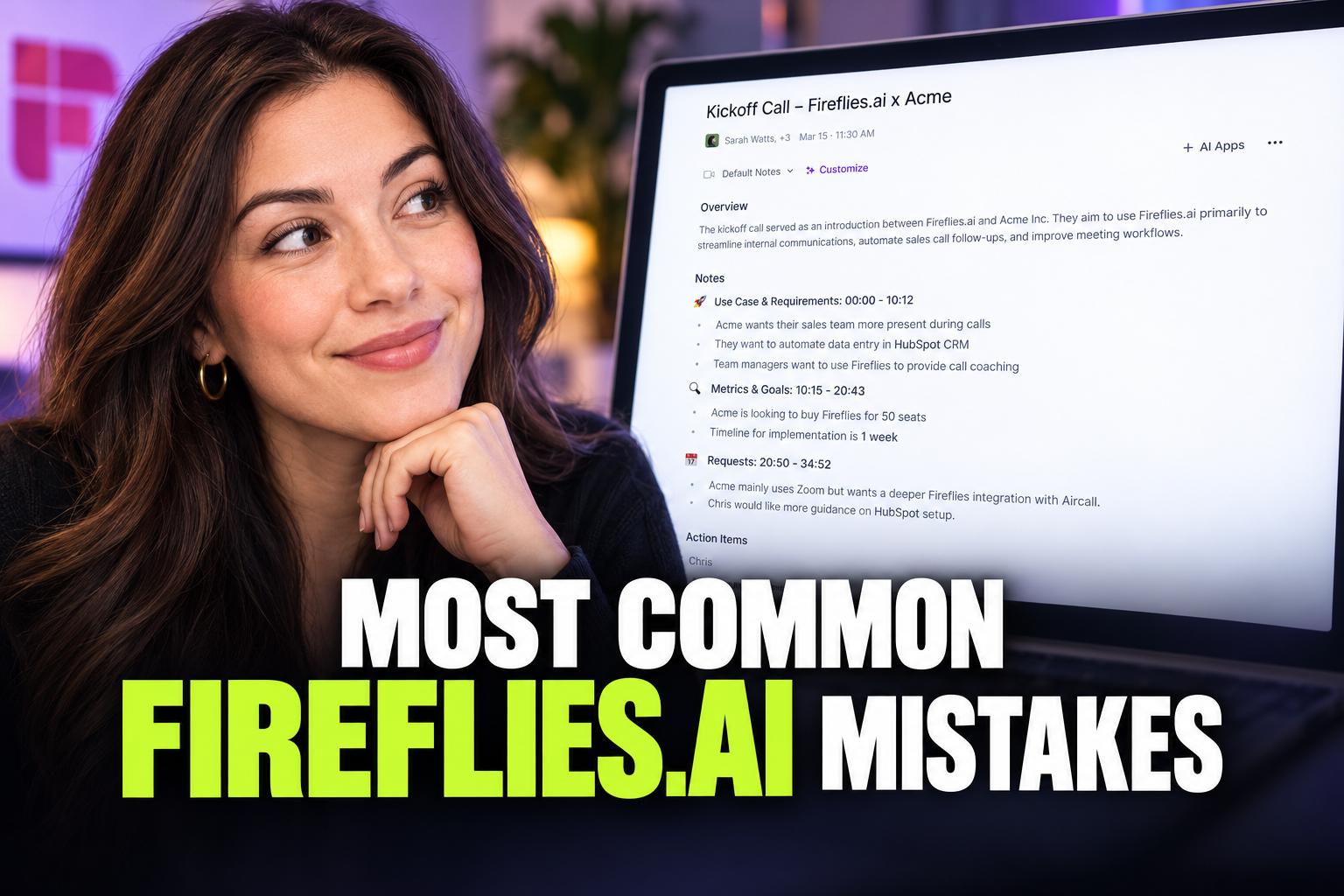
Most Common Fireflies.ai Mistakes and How to Avoid Them
Prevent privacy leaks, inaccurate transcripts, and unwanted meeting bots by mastering Fireflies.ai auto-join settings and custom vocabulary.
Some links are affiliate links: we may earn a commission if you sign up or buy through them, at no extra cost to you.
On this page9 sections
- 1The short answer
- 2Leaving the Auto-Join Settings on Default
- 3Skipping the Custom Vocabulary Training
- 4Distributing Raw Summaries Without Human Review
- 5Neglecting Participant Consent and Legal Compliance
- 6How to Safely Configure Your Fireflies Assistant
- 7Overlooking Security and Data Retention Rules
- 8Which Meeting Assistant Configuration Fits Your Workflow?
- 9Frequently asked
The short answer
- Always restrict auto-join settings to prevent the bot from entering sensitive, uninvited calendar meetings.
- Set up custom vocabulary terms early to prevent the transcription engine from misspelling brand names.
- Turn off automatic summary distribution to external clients until you have manually verified the text.
The most common Fireflies.ai mistakes include recording meetings without consent, auto-sharing unedited AI summaries, and leaving auto-join settings unrestricted. Managing these configurations prevents privacy leaks and inaccurate transcriptions.
While automatic note-taking offers remarkable efficiency gains, setting up a digital assistant on complete autopilot without adjusting the default parameters often causes professional embarrassment. From silent bots crashing confidential board meetings to garbled transcripts loaded with misspelled industry terms, these frequent slip-ups are highly preventable if you understand how the platform coordinates with your calendar.
Understanding how to configure the platform correctly ensures your team captures high-quality action items while respecting strict corporate data security. This guide covers the critical errors users make during their initial setup and daily workflows, ensuring your virtual assistant remains a valuable administrative asset rather than an intrusive liability.
The quick version
- Access your account settings
- Restrict the join preferences
- Modify the bot's name
- Disable automated email sharing
- Input custom vocabulary phrases
- Establish data retention rules
Leaving the Auto-Join Settings on Default
When you first connect your digital calendar to Fireflies.ai, the system default configuration is typically set to join every single event. This means the digital assistant automatically inserts itself into any meeting containing a video link. While highly convenient for busy professionals, this aggressive capture setting is one of the most frequent missteps new users make.
The unfortunate consequence is that the recording bot shows up in private doctor appointments, internal performance reviews, and highly sensitive client negotiations. It is incredibly jarring for participants to see a silent recording entity enter a virtual room unexpectedly. This presence compromises confidential discussions and instantly makes meeting attendees defensive from the start of the call.
To prevent this issue entirely, you must actively customize who the assistant tracks in your main account dashboard. By adjusting your auto-join settings, you ensure the bot only records specific, intended meetings. You can limit it strictly to calendar events you host, or only events where you explicitly invite the assistant’s email address.
Skipping the Custom Vocabulary Training
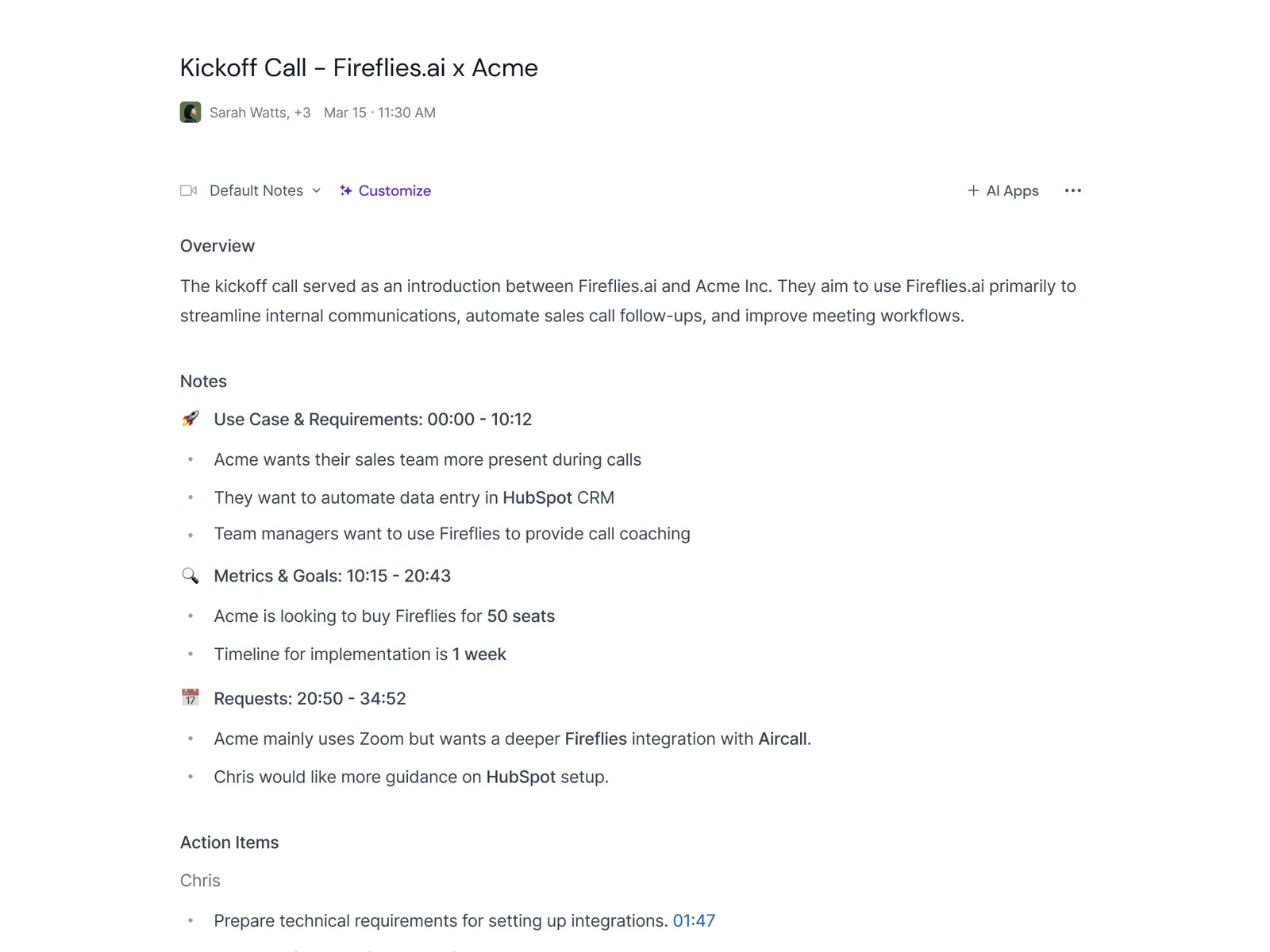
Modern speech-to-text software relies on sophisticated machine learning models to translate human audio signals into readable text. However, even advanced models struggle with highly specialized industry terminology, unique brand names, and teammate names. Skipping the initial engine training phase leads to frustratingly inaccurate summaries that require heavy editing.
Many users complain about poor transcription quality without realizing they have direct control over the platform's linguistic training. Spending a few minutes during your first two weeks inputting your company's distinct terminology makes a massive difference in output accuracy. If your team frequently uses technical acronyms or proprietary product names, the software must be taught how to spell them.
If you do not configure custom vocabulary terms, you will spend excessive hours correcting meeting transcripts by hand. Correcting these errors manually completely defeats the purpose of hiring an automated meeting assistant. A brief initial investment in teaching the software your team's vocabulary pays massive productivity dividends over the coming months.
Distributing Raw Summaries Without Human Review
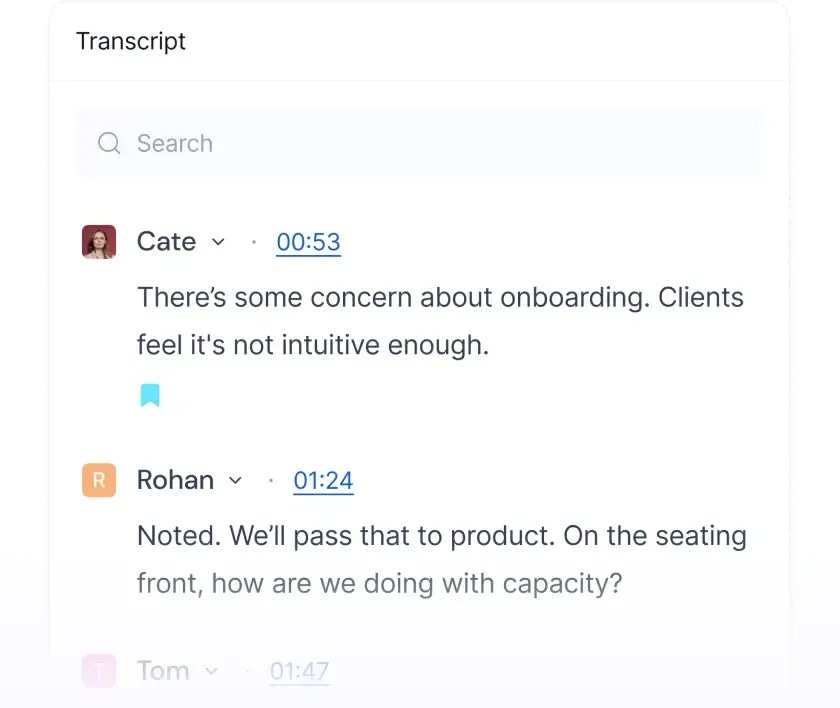
Fireflies offers an automated sharing feature designed to distribute completed meeting summaries to all participants immediately after a call ends. While this sounds like an ideal time-saver for busy project managers, relying on it blindly is a critical operational error. AI transcription models are excellent, but they are not infallible and often misinterpret human nuance.
Raw summaries can easily misinterpret sarcasm, amplify casual remarks into official tasks, or misattribute statements to the wrong speaker. Sending these unvetted recaps directly to external clients can cause significant business confusion or professional embarrassment. It is far safer to review and edit the output yourself before anyone else in the organization sees it.
We strongly recommend you always manually approve meeting summaries before hitting the final send button. Taking two minutes to delete incorrect action items or fix spelling mistakes protects your professional reputation. Our Fireflies.ai Review 2026: Pricing, Free Plan and Who It's For highlights how this simple review step transforms automated summaries from risky drafts into polished executive briefs.
Neglecting Participant Consent and Legal Compliance
Recording virtual conversations without explicit permission can lead to serious legal, compliance, and ethical issues. Depending on where your meeting participants are geographically located, recording without their knowledge may violate local wiretapping laws. Treating AI assistants as simple, harmless background software can expose your organization to severe regulatory penalties.
Beyond the legal implications, secret recording quickly destroys professional trust between colleagues and clients. Clients and team members may feel highly uncomfortable speaking openly if they realize their casual remarks are being transcribed into a permanent record. Transparency is the only way to maintain a healthy, collaborative environment when using automation.
To avoid these ethical pitfalls, you should establish explicit notification protocols before every single call begins. Make sure your assistant's display name clearly indicates its recording status, and verbally confirm that everyone is comfortable with the session being captured. This open approach ensures regulatory compliance and keeps your client relationships fully intact.
How to Safely Configure Your Fireflies Assistant
Setting up your AI assistant correctly from the beginning eliminates the most common recording errors. Taking a structured approach to your configuration settings ensures privacy while maximizing transcription accuracy. Follow these straightforward steps to secure your virtual workspace and optimize your daily meeting workflow without risking corporate data.
- Access your account settings. Navigate to the main dashboard menu to locate the integration and meeting controls.
- Restrict the join preferences. Toggle the automation settings to ensure the assistant only joins meetings you manually approve.
- Modify the bot's name. Change the default display name to something that clearly signals a recording is active.
- Disable automated email sharing. Set the recap distribution to "only send to host" to prevent unvetted summaries from reaching clients.
- Input custom vocabulary phrases. Add your specific company brand names, acronyms, and employee names to the dictionary tab.
- Establish data retention rules. Define how long your meeting files should remain in the cloud before deletion.
Once these quick adjustments are saved, your meeting assistant will function much more predictably. You no longer have to worry about uninvited bots popping into private calendar events or sending embarrassing transcripts. This structured setup forms the foundation of a highly secure, reliable, and professional transcription process for your entire organization.
Overlooking Security and Data Retention Rules
Storing hours of meeting audio and detailed text transcripts on third-party servers presents a major security vector. Teams often treat these platforms as permanent archives, forgetting that recorded conversations contain sensitive trade secrets, personal employee data, and financial strategies. Leaving records online indefinitely is a dangerous habit that increases your corporate attack surface.
Implementing a strict data retention policy is essential for minimizing your digital footprint over time. If your account is ever compromised, a clean database with minimal historical records limits the potential damage. Leaving years of strategic business discussions sitting in a cloud vault exposes your business to unnecessary long-term risk and liability.
Determine how long your team actually needs access to old meeting transcripts. Once that administrative period expires, download the necessary summaries to your secure internal drives and delete them from the cloud platform. You can find more details on workspace security options in our Fireflies.ai Review 2026: Pricing, Free Plan and Who It's For guide.
Which Meeting Assistant Configuration Fits Your Workflow?
Choosing between fully automated recording and a highly restricted manual setup depends entirely on your day-to-day work environment. There is no one-size-fits-all answer, and understanding your specific team needs will prevent operational friction. Balancing transcription speed with data control is key to a successful software deployment.
For teams that primarily conduct internal engineering standups or routine product syncs, a semi-automated approach works beautifully. In these settings, transcription errors are minor issues, and the speed of automated delivery outweighs the risk. The bot can join freely, helping developers capture technical details without administrative overhead.
However, agencies, legal consultants, and medical professionals should opt for a strictly manual configuration. In these highly regulated fields, recording must be handled with extreme care. Manually inviting the bot only to specific sessions and disabling all automatic sharing options ensures you protect your clients' sensitive information.
Frequently asked

As an Amazon Associate I earn from qualifying purchases. This does not affect the price you pay. Affiliate disclosure