
Dyson V15 Detect Maintenance: How Much Is Needed?
The Dyson V15 Detect needs moderate routine maintenance: empty the bin as needed, inspect the cleaner heads, and wash the filter monthly.
This article is informational and does not place shopping buttons in the story. Related buying guides may include affiliate links.
As an Amazon Associate I earn from qualifying purchases. This does not affect the price you pay. Affiliate disclosure
On this page9 sections
- 1The short answer
- 2How Much Maintenance Does the Dyson V15 Detect Need?
- 3Wash the Filter at Least Once a Month
- 4Empty the Bin and Check the Airflow Path
- 5Clean the Motorbar and Fluffy Optic Heads Correctly
- 6Care for the Sensor, Cyclone and Battery
- 7Is the Maintenance Burden Reasonable?
- 8Frequently asked
- 9Sources
The short answer
- Wash the filter in cold water every month and dry for a full 24 hours.
- Clear tangled hair from the screw-driven brush rolls to maintain steady rotating speeds.
- Clean the smart sensor and bin cyclically to keep particle counting accurate.
The Dyson V15 Detect needs moderate maintenance. Empty the bin before debris reaches the max line, check the cleaner heads for tangled hair and blockages, and wash the filter at least monthly according to Dyson. Allow washable parts to dry fully before refitting them. Most tasks are simple, but they must be performed regularly to protect airflow and suction.
Cordless stick vacuums generally need more hands-on care than bagged models because their bins and airflow paths are compact. On the V15, accumulated dust can restrict airflow, while hair and thread can obstruct a cleaner head. The machine’s display can provide maintenance alerts, but routine visual checks remain useful.
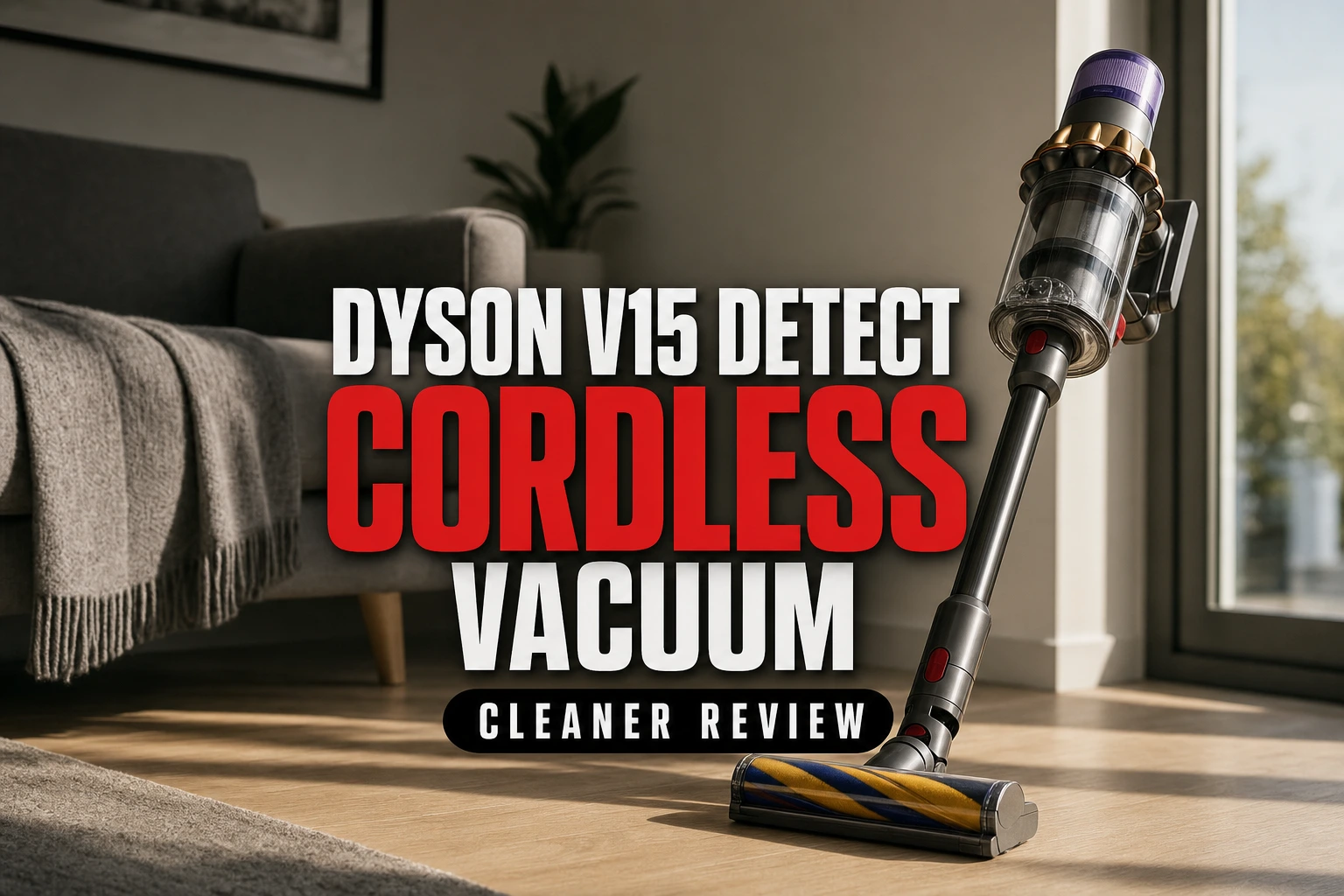
The work is manageable rather than maintenance-free. Bin emptying may be required during or after cleaning, particularly in homes with pets, while filter and cleaner-head care is less frequent. For performance, features and ownership context, read our Dyson V15 Detect Cordless Vacuum Cleaner Review (2026).
How Much Maintenance Does the Dyson V15 Detect Need?
The recurring work falls into four groups: emptying the bin, washing the filter, removing obstructions, and caring for the cleaner heads. Empty the clear bin whenever debris approaches its max line. Inspect the inlet, wand and cleaner head if suction changes or the machine displays an airflow warning. Hair and thread should be removed before they interfere with brush-bar movement.
Dyson advises washing the filter at least once a month. A heavily used machine may need attention sooner, so the calendar should not replace visual inspection or an on-screen alert. Cleaner-head maintenance depends on the floor type, debris and amount of hair collected. The practical burden is therefore brief, frequent bin care plus a more thorough periodic clean.
No special servicing skill is needed for these routine jobs. The filter, bin, wand and cleaner heads are removable, and the click-in battery can be detached. However, only parts identified by Dyson as washable should be rinsed. The cyclone, motor body and electrical components must remain dry.
Wash the Filter at Least Once a Month
The filter is the most important scheduled maintenance item because trapped fine dust can restrict airflow. Dyson advises washing the filter at least monthly, with more frequent cleaning if the machine is used heavily. A dirty filter can contribute to reduced suction or pulsing, although a blockage elsewhere in the airflow path can produce similar symptoms.
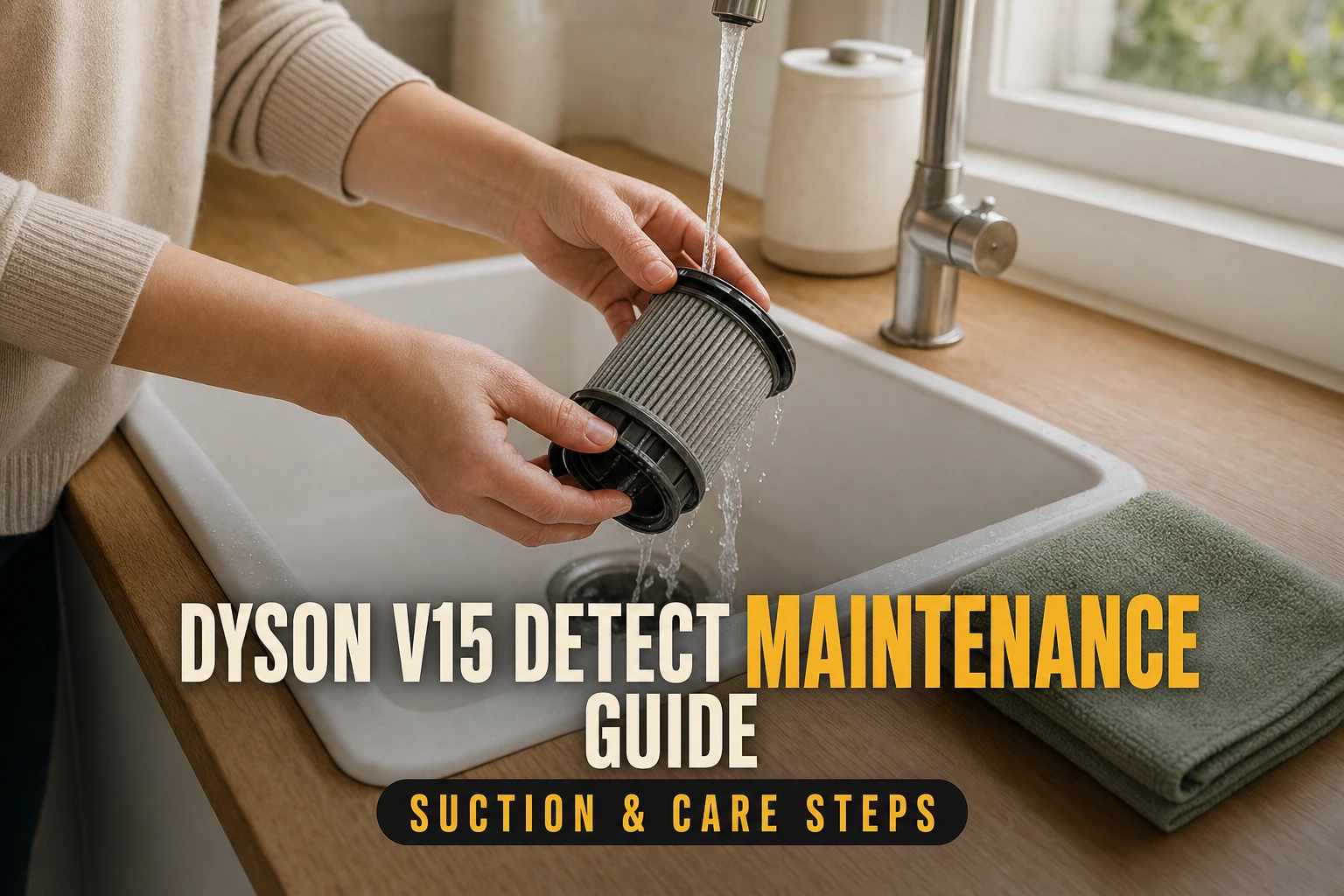
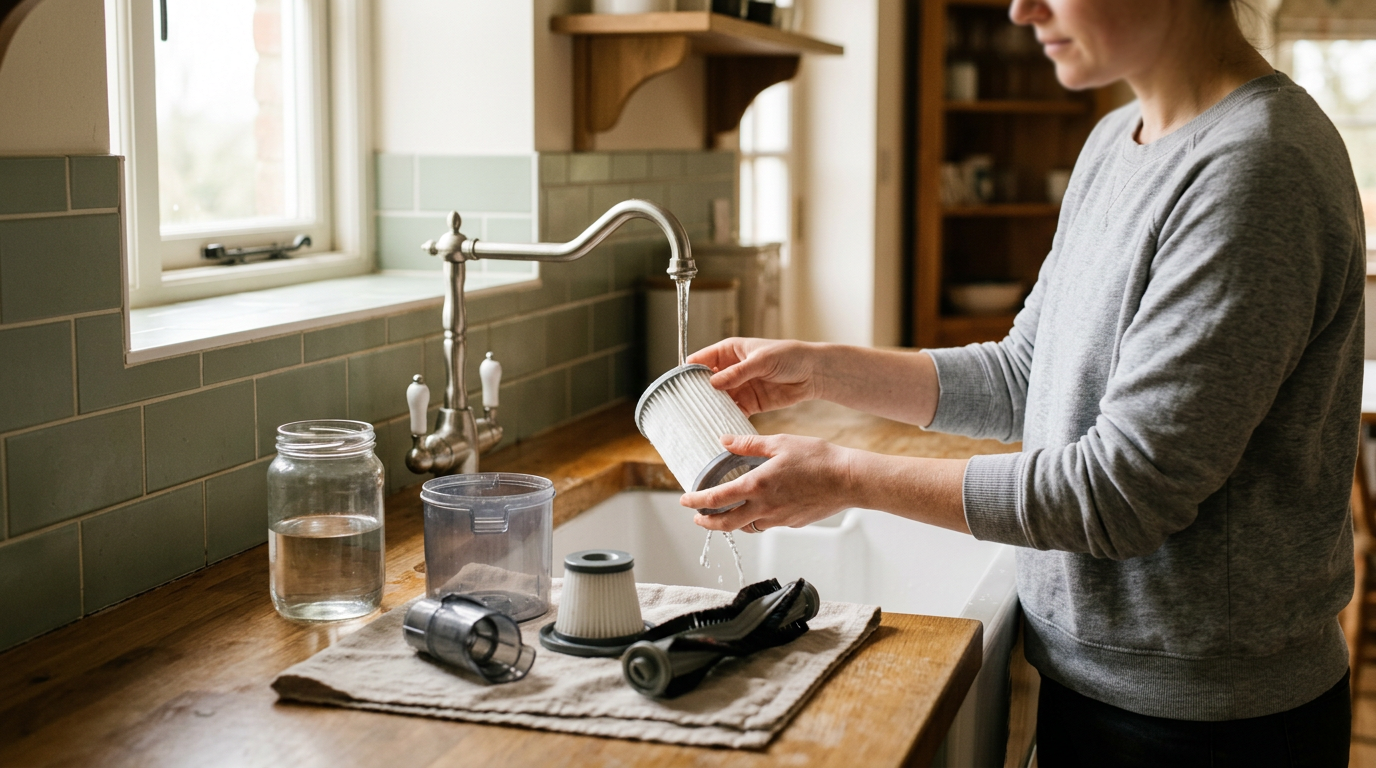
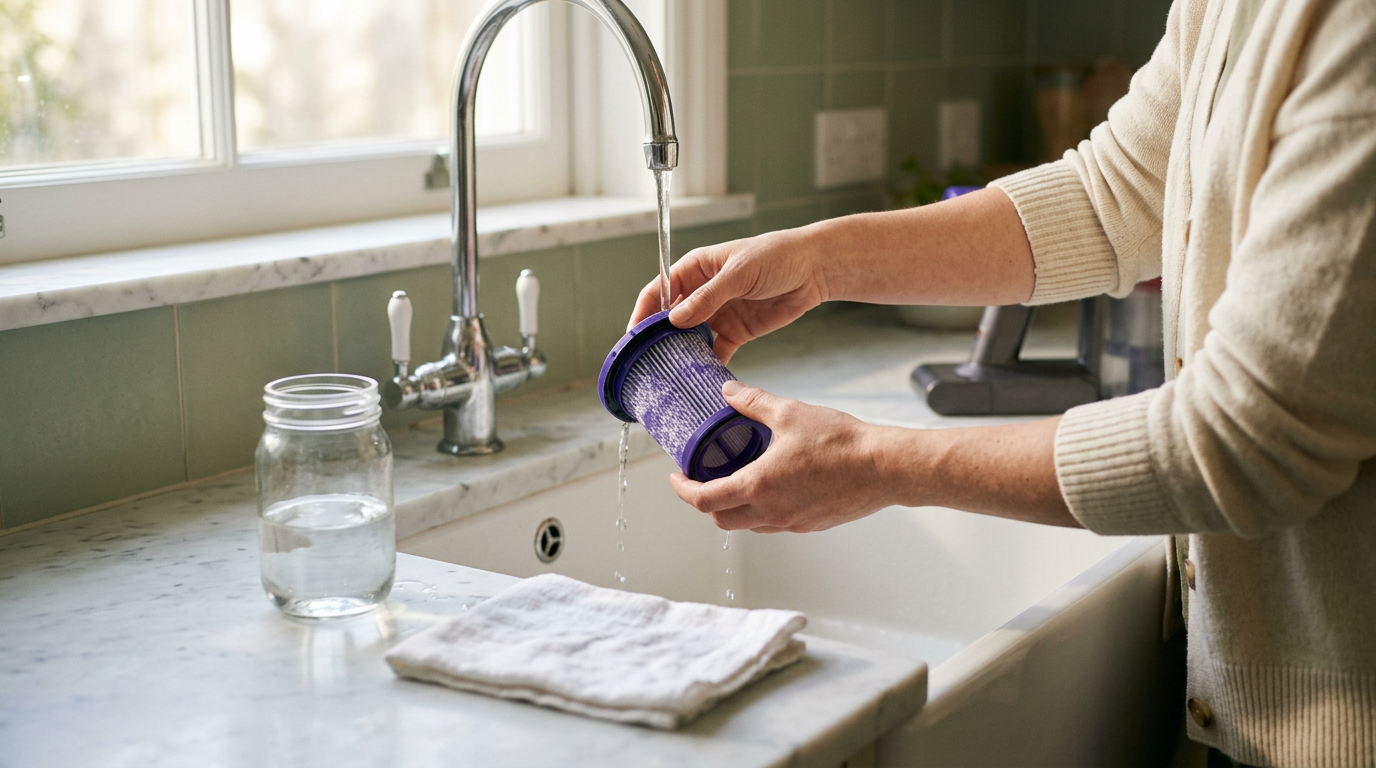
Remove the filter by twisting it away from the rear of the machine. Tap it gently to dislodge loose dust, then wash it in cold water without detergent. Follow Dyson’s support instructions for rinsing each part of the filter, continuing until the water runs clear. Shake out excess water after washing.
Leave the filter in a well-ventilated place for at least 24 hours and make sure it is completely dry before refitting it. Do not place it in a tumble dryer, microwave or near a naked flame. Running the vacuum with a damp filter could damage the machine.
 See the picks in our buying guide
Empty the Bin and Check the Airflow Path
Empty the bin before dirt passes the max line. Overfilling can reduce airflow and make debris harder to eject cleanly. Hold the machine over a waste bin and use the red release mechanism to open the base and push collected material out. Keep fingers away from the mechanism while operating it.
If debris remains in the clear bin, remove the bin according to Dyson’s instructions and wipe it with a damp cloth. Do not use detergent, polish or air freshener. The clear bin must be completely dry before refitting. Do not immerse the cyclone or motor assembly, and do not direct compressed air into the machine.
If the V15 pulses, stops or reports a blockage, switch it off and disconnect it from the charger before investigating. Check the bin inlet, wand and cleaner-head passages for lodged debris. Allow the motor and battery to cool before handling them if the machine has just been used. Reassemble every part securely before restarting the vacuum.
Clean the Motorbar and Fluffy Optic Heads Correctly
The V15 may be supplied with different cleaner heads depending on the package and market. The Digital Motorbar uses detangling vanes to help move hair from the brush bar into the bin, but long hair, string and thread can still require removal. Switch off the machine and detach the head before checking the bar. Carefully cut wrapped fibres without damaging the bristles or bar.
Do not wash the complete Digital Motorbar cleaner head. Remove dry debris from its airway, soleplate and small wheels instead. Grit trapped around a wheel can affect movement and may mark a delicate floor, so inspect these contact points periodically.
The Fluffy Optic cleaner head uses a removable soft roller for hard floors. Dyson identifies the roller as washable, but the cleaner-head housing is not. Remove the roller, rinse it with cold water and leave it upright to dry for at least 24 hours. Refit it only when fully dry. Also wipe the optical lens with a soft, dry, lint-free cloth rather than using water or cleaning products.
Care for the Sensor, Cyclone and Battery
The V15 uses a piezo sensor to measure particles passing through the inlet and support automatic suction adjustment. This component sits within the machine rather than being a routine user-washable part. Avoid inserting tools, liquids or compressed air into the sensor area. Keeping the bin below its max line and maintaining clear airflow paths are the appropriate owner-care steps.
The cyclone assembly should also remain dry. If dust is visible on accessible exterior surfaces, use a soft, dry cloth. Do not remove or wash components unless Dyson’s model-specific support instructions identify them as user-removable and washable. This distinction matters because the clear bin may be wiped separately, whereas the cyclone and motor contain parts that should not be exposed to water.
For the click-in battery, use the compatible charger and keep the machine away from excessive heat. Dyson advises allowing the vacuum to cool before charging if the battery is hot. There is no need to deliberately run a lithium-ion battery flat each month. For troubleshooting, replacement steps or alerts, consult Dyson’s support material for the exact V15 variant.
Is the Maintenance Burden Reasonable?
The V15 suits an owner who is comfortable with frequent bin emptying and a scheduled filter wash. The required tasks use removable parts and ordinary cold water or cloths, but drying time means the filter and soft roller cannot be washed immediately before cleaning. Planning their care after a session avoids leaving the vacuum unavailable unexpectedly.
Homes with shedding pets, long hair or substantial fine dust will usually require more brush-bar checks and bin emptying. A larger home may also fill the compact bin during a single session. By contrast, light cleaning on hard floors may produce less frequent tangling, although the max line and machine alerts should still guide maintenance.
The decision is less about difficult servicing than tolerance for small recurring tasks. The V15 is not a fit-and-forget appliance, but its routine care is straightforward when the correct components are kept dry. Our full Dyson V15 Detect review explains how this upkeep relates to its cleaning features and day-to-day use.
Frequently asked
Sources
As an Amazon Associate I earn from qualifying purchases. This does not affect the price you pay. Affiliate disclosure