
Is Fireflies.ai Free? What the Free Plan Really Includes
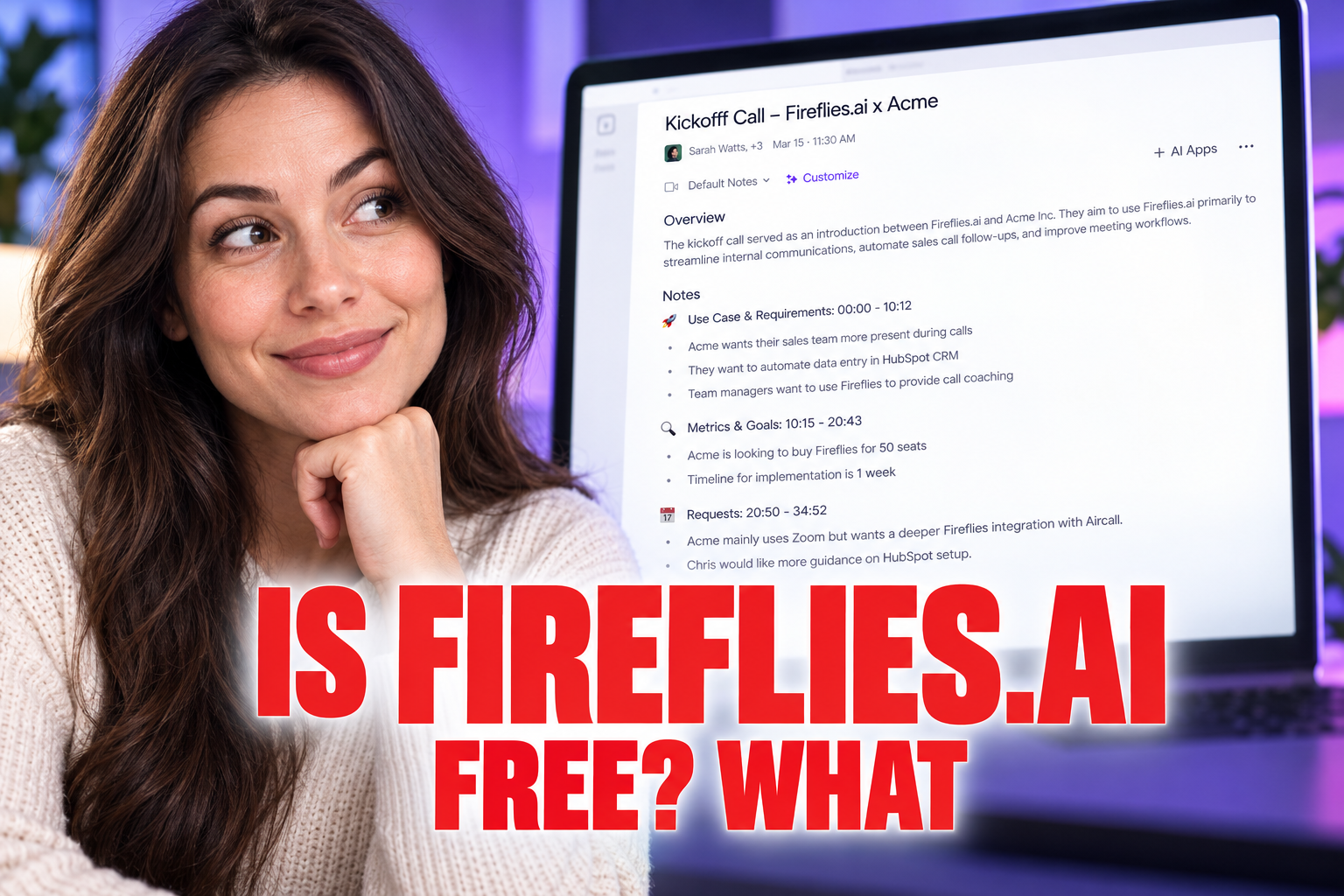
Discover what features are actually included in the Fireflies.ai free plan, from monthly transcription credits to storage limits and platform integration.
Some links are affiliate links: we may earn a commission if you sign up or buy through them, at no extra cost to you.
On this page8 sections
- 1The short answer
- 2Navigating the Fireflies Dashboard and Calendar Settings
- 3Understanding Free Transcription Credits and Storage Caps
- 4How to Configure the Free Bot for Your Next Meeting
- 5Inside the Notebook: Free AI Summaries vs. Paid Search
- 6Integration Restrictions on the Free Workspace
- 7Which Plan Should You Pick for Your Meetings?
- 8Frequently asked
The short answer
- The free plan provides limited monthly transcription credits and restricted storage for your audio files.
- Free users receive basic transcription summaries but lose out on advanced AI search filters.
- Automating your CRM updates is locked behind paid tiers, requiring manual exports on free accounts.
Yes, Fireflies.ai offers a genuinely free plan that allows you to transcribe meetings without paying anything upfront. However, this free tier comes with strict limits on monthly transcription credits, storage capacity, and advanced AI search features.
Understanding these boundaries is essential before you invite the virtual assistant to your calendar. While individual users can get immediate value, teams often hit restrictions quickly when trying to share notes or automate workflows. Let us break down exactly what the free plan includes and where the paywall begins.
The quick version
- Link your calendar
- Adjust join settings
- Send the invite
- Admit the bot
- Confirm active recording
Navigating the Fireflies Dashboard and Calendar Settings
When you first create a free account, the dashboard directs you to sync your primary work calendar. This central screen controls how the virtual assistant, named Fred, joins your upcoming scheduled sessions. You can set the bot to auto-join every calendar event that has a video link, or configure it to join only when you explicitly invite it.
The interface on the free tier is clean but contains several locked navigation options. The main dashboard highlights your available recording credits and shows your overall storage history. Navigating this screen requires careful attention to the automatic join toggle, as letting the bot enter every meeting will rapidly exhaust your limited monthly resources.
Managing these settings early prevents the bot from recording casual calls where documentation is unnecessary. The dashboard also features an upload tab, allowing you to manually import pre-recorded audio files for automated transcription, though these files count directly against your monthly limits.
Understanding Free Transcription Credits and Storage Caps
The Fireflies free plan restricts your account to a specific allotment of transcription credits each month. Every time the virtual assistant joins a call or you upload an audio file, it consumes one credit from your monthly allowance. Once you exhaust these credits, the bot will stop joining your scheduled video calls until the next billing cycle begins.
In addition to the monthly limit on new recordings, the free tier imposes a permanent ceiling on overall storage. Your dashboard displays a storage bar that tracks how many total hours of meeting audio remain saved in your account. When you reach this storage threshold, you must delete older recordings to make room for new transcriptions.
This storage restriction forces free users to establish a regular maintenance routine. If you want to keep permanent records of your discussions, you will need to manually export the text files and audio files to your local drive before clearing space in your account dashboard.
How to Configure the Free Bot for Your Next Meeting
To begin using the free software helper, you must first connect it to your workspace. The integration setup is designed to prevent unwanted recordings while keeping the setup process highly straightforward.
- Link your calendar. Connect your calendar account during the initial workspace setup to let the system read your scheduled video calls.
- Adjust join settings. Set your auto-join preferences to only join meetings when explicitly invited, preserving your limited transcription credits.
- Send the invite. Add the assistant email address directly to your calendar event ten minutes before your session begins.
- Admit the bot. Allow the virtual guest into your video meeting room from the waiting lobby to start the process.
- Confirm active recording. Monitor the participant sidebar to ensure the automated recorder is visible and actively transcribing.
Taking these manual steps ensures your account only processes the conversations you prioritize. This control mechanism is vital for staying within the platform boundaries.
Inside the Notebook: Free AI Summaries vs. Paid Search
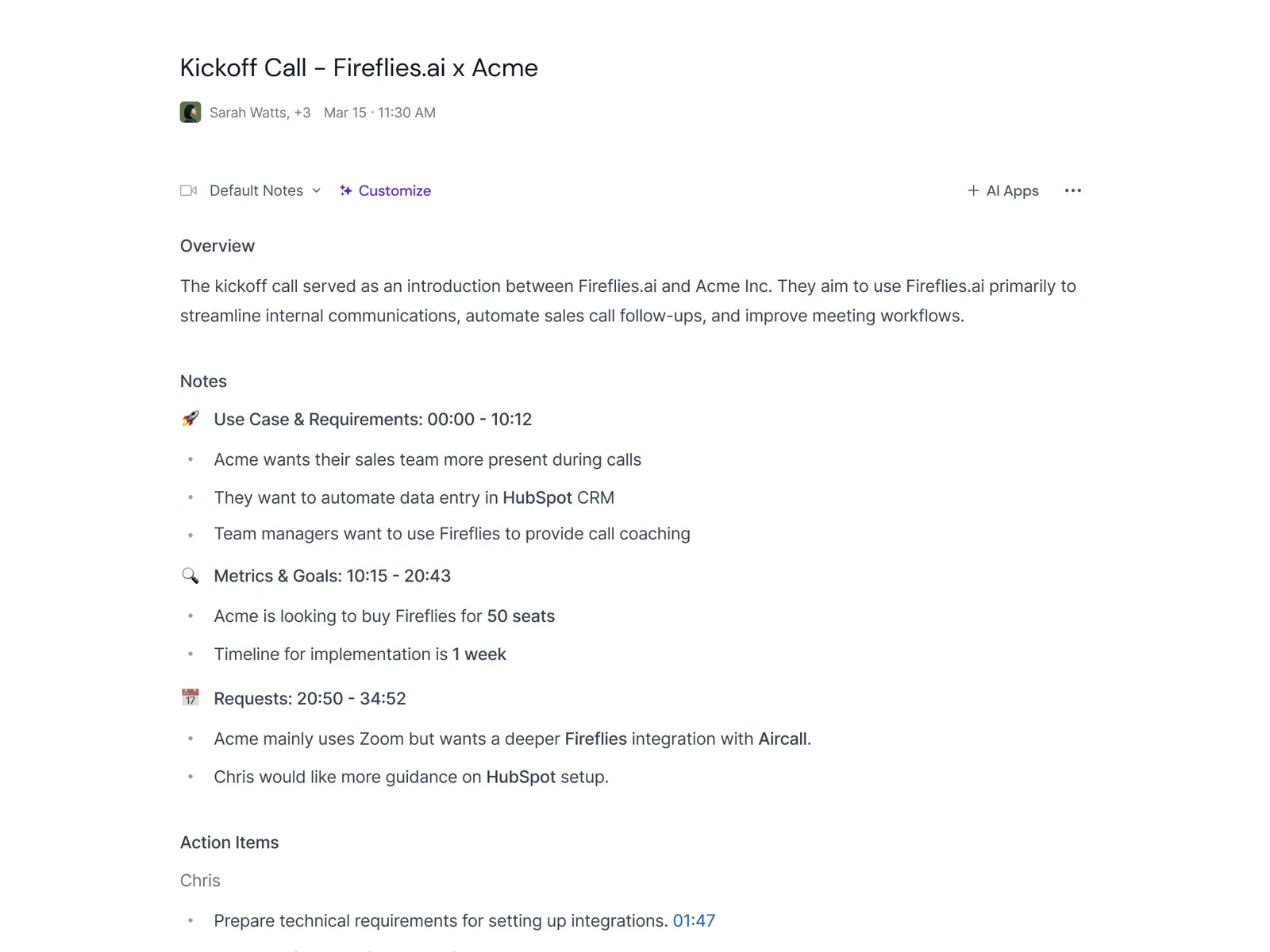
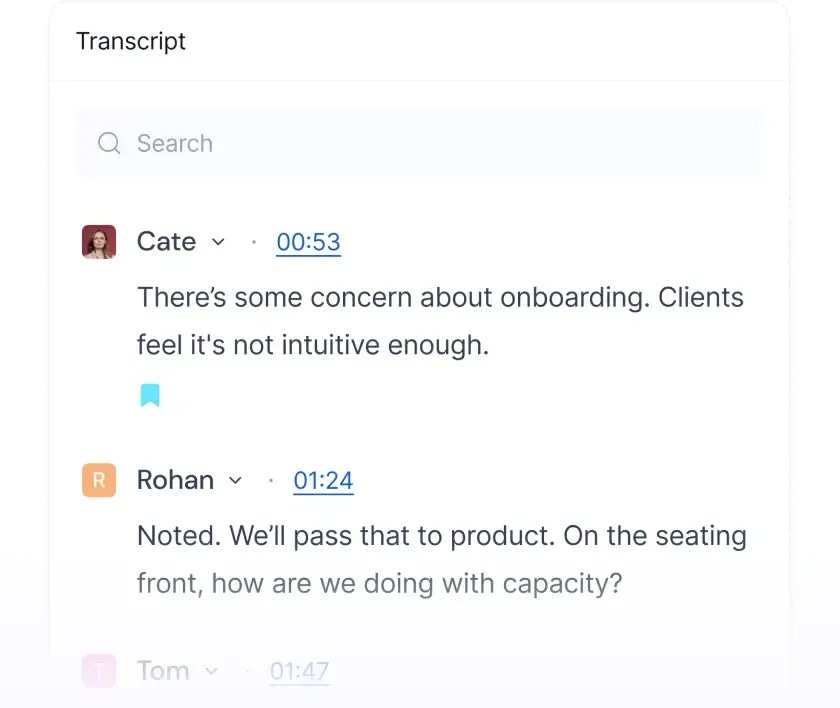
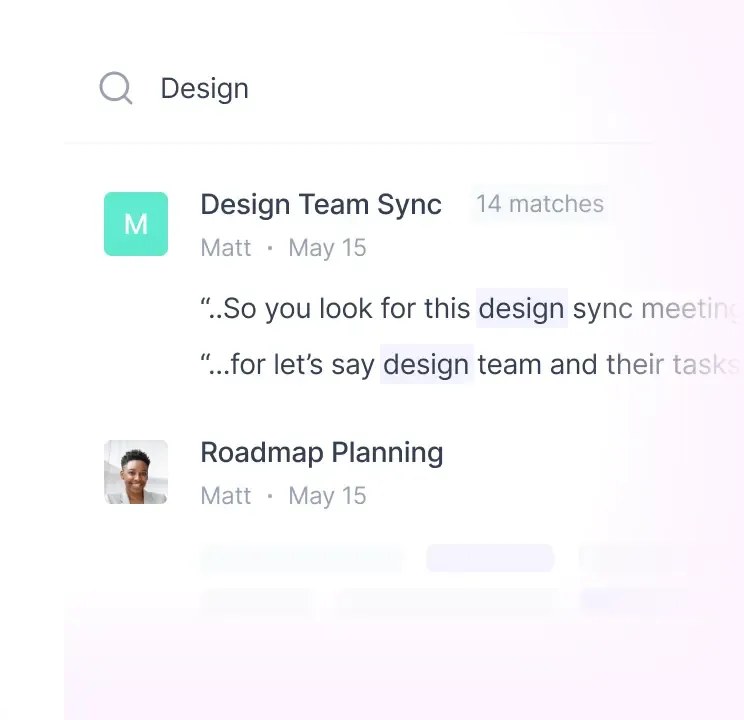
Once a meeting concludes, the software processes the audio and generates a transcript within your online workspace. On the free tier, you can read the complete transcript, view the time-stamped text, and download basic text summaries. This level of access is highly functional for single users who simply need a searchable record of what was said.
However, the free workspace lacks the advanced search and filtering tools found in paid accounts. While you can search for exact words, you cannot use custom AI filters to quickly extract action items, dates, or specific speaker questions. For deeper workflow analysis, read our Fireflies.ai Review: Is It the Best AI Teammate in 2026? to see how the paid options compare.
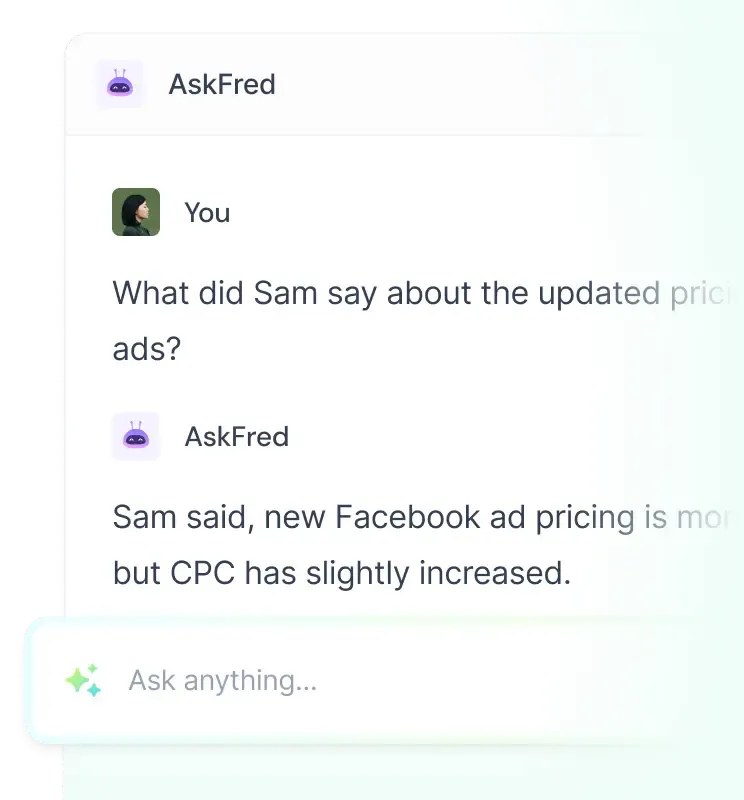
The free summary screen provides a basic overview, but it does not support the custom prompt template feature. Paid users can ask the AI assistant specific questions about the conversation, whereas free users must scroll through the standard output and extract key insights manually.
Integration Restrictions on the Free Workspace
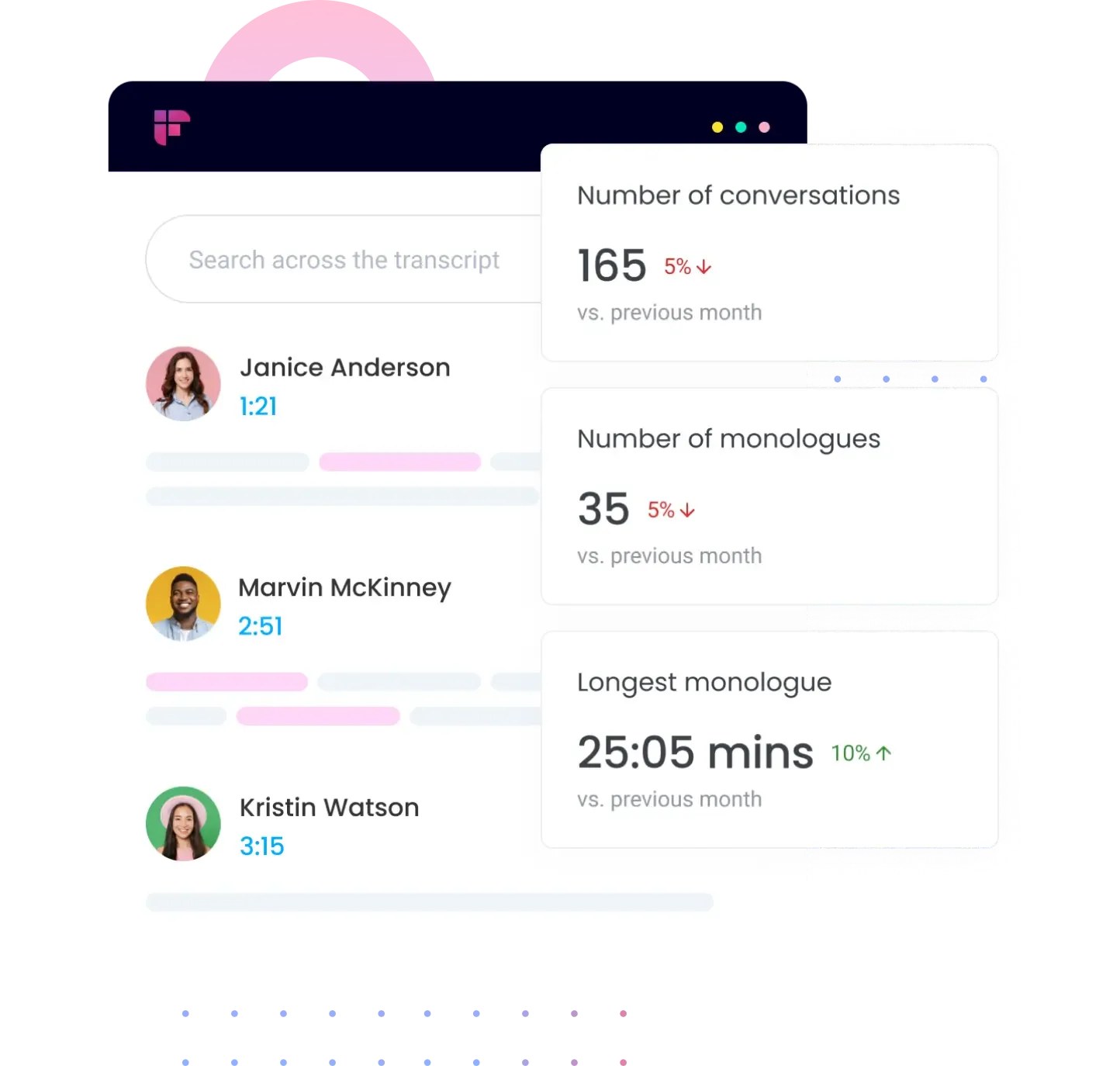
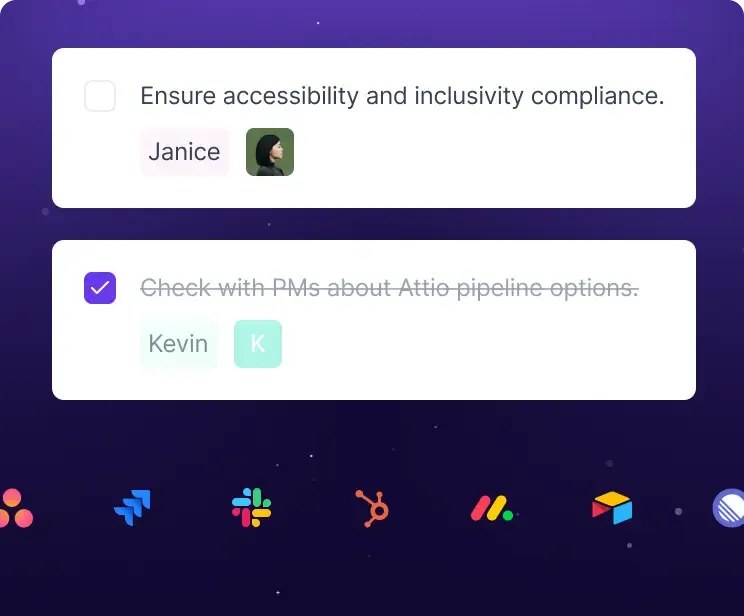
The integration directory is another area where free users face immediate limits. While the free plan allows you to link your account to basic calendar tools and certain storage platforms, automated CRM syncing is completely locked. If your team relies on sending meeting notes directly to Salesforce, HubSpot, or Slack channels automatically, the free tier will feel highly restricted.
Instead of direct pipelines, free users must export transcripts manually. This workflow requires downloading the text file to your computer and then copying the contents into your project management system or team channel. This added step can disrupt fast-paced business workflows.
Furthermore, API access is unavailable on the free plan. If you want to build custom automated connections between the transcription engine and your internal software tools, you will need to upgrade to a paid subscription tier.
Which Plan Should You Pick for Your Meetings?
Choosing between the free tier and a paid subscription depends heavily on your daily meeting volume and team collaboration style. For independent freelancers, consultants, or students who only have a few key discussions each week, the free plan provides more than enough core utility to capture transcripts without a financial commitment. It serves as an excellent starting point for testing the transcription accuracy in real-world scenarios.
On the other hand, growing teams and power users who handle multiple client calls every day will quickly outgrow the free storage and credit caps. If you need automated system handoffs, direct CRM entries, and the ability to query your collective meeting history using advanced AI tools, upgrading is necessary. You can explore our detailed review of the software to find the best alternative.
Evaluate your weekly meeting patterns to determine if the time spent manually exporting files exceeds the value of a premium license. If you only host occasional meetings, the manual workaround on the free tier is a minor inconvenience compared to the cost savings.
Frequently asked
As an Amazon Associate I earn from qualifying purchases. This does not affect the price you pay. Affiliate disclosure