
How to Choose the Right Hatch Restore 3
Learn how to choose the right Hatch Restore 3 sunrise alarm clock by assessing its sunrise light, sleep sounds, controls, app and optional subscription.
This article is informational and does not place shopping buttons in the story. Related buying guides may include affiliate links.
As an Amazon Associate I earn from qualifying purchases. This does not affect the price you pay. Affiliate disclosure
On this page11 sections
- 1The short answer
- 2How Do You Choose the Right Hatch Restore 3 Sunrise Alarm Clock?
- 3Assess the Sunrise Light and Wake-Up Settings
- 4Evaluate the Sleep Sounds and Speaker Controls
- 5Compare Free Features With the Optional Subscription
- 6Consider the App, Controls, Power and Placement
- 7Set Up a Routine That Reflects Your Sleep Habits
- 8Compare the Restore 3 With a Traditional Sunrise Alarm
- 9Decide Whether the Restore 3 Fits Your Sleep Style
- 10Frequently asked
- 11Sources
The short answer
- Assess if you prefer multi-stage light transitions or simple alarms before purchasing.
- Compare the free sound library against the paid monthly membership content.
- Measure your nightstand space to ensure the compact hybrid footprint fits comfortably.

Choose the right Hatch Restore 3 sunrise alarm clock by checking whether its sunrise light, overnight sounds, app-based routines and optional subscription suit your sleep habits. A useful review should also explain the controls, power requirements and free features, helping you decide whether you need a structured bedside routine or a simpler alarm.
The market for sleep aids has expanded beyond basic digital displays. Modern users increasingly turn to multifunctional devices that combine ambient lighting, white noise generators, and smart app integration to manage their evening and morning transitions. The Hatch Restore 3 represents the third generation of this product line, combining a physical clock, a customized light dome, and a sound generator into a compact bedside footprint.
Understanding the model's functions is essential before reading a detailed Hatch Restore 3 sunrise alarm clock and sound review. Focus on the features you will use every day rather than the number of available options. Light brightness and timing matter for waking, while sound choice, volume control and playback behaviour matter more if you want overnight noise masking. App dependence and subscription boundaries can affect both setup and long-term use.
How Do You Choose the Right Hatch Restore 3 Sunrise Alarm Clock?
Start by defining the job you want the device to perform. If waking in a dark room is your main concern, assess the sunrise simulation: look for adjustable brightness, colour choices, ramp duration and an audible alarm that can follow the light. If outside noise disturbs you, prioritise sound selection, volume range and whether audio can continue overnight.
Next, consider how much routine-building you want. The Restore 3 combines light and audio into scheduled wind-down, sleep and wake stages. That is more relevant to someone seeking a repeatable bedside routine than to someone who needs only a clock and alarm. The right choice should match your actual evening and morning habits, not an idealised routine you are unlikely to maintain.
Finally, check the practical requirements covered by the full Hatch Restore 3 review: app setup, Wi-Fi use, bedside controls, subscription limits and dependence on mains power. These details determine whether the device will feel convenient after the novelty of setup has passed.
Assess the Sunrise Light and Wake-Up Settings
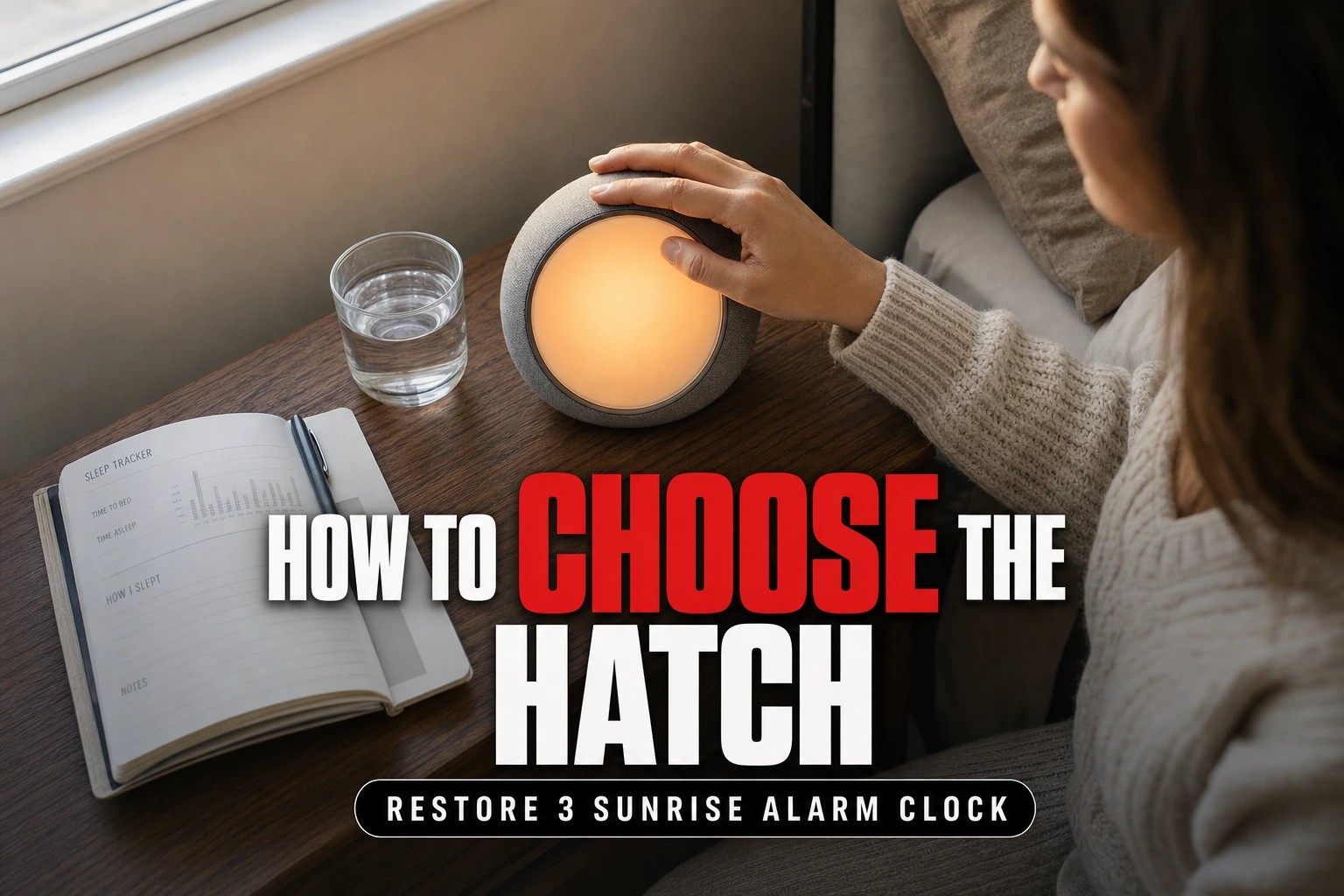
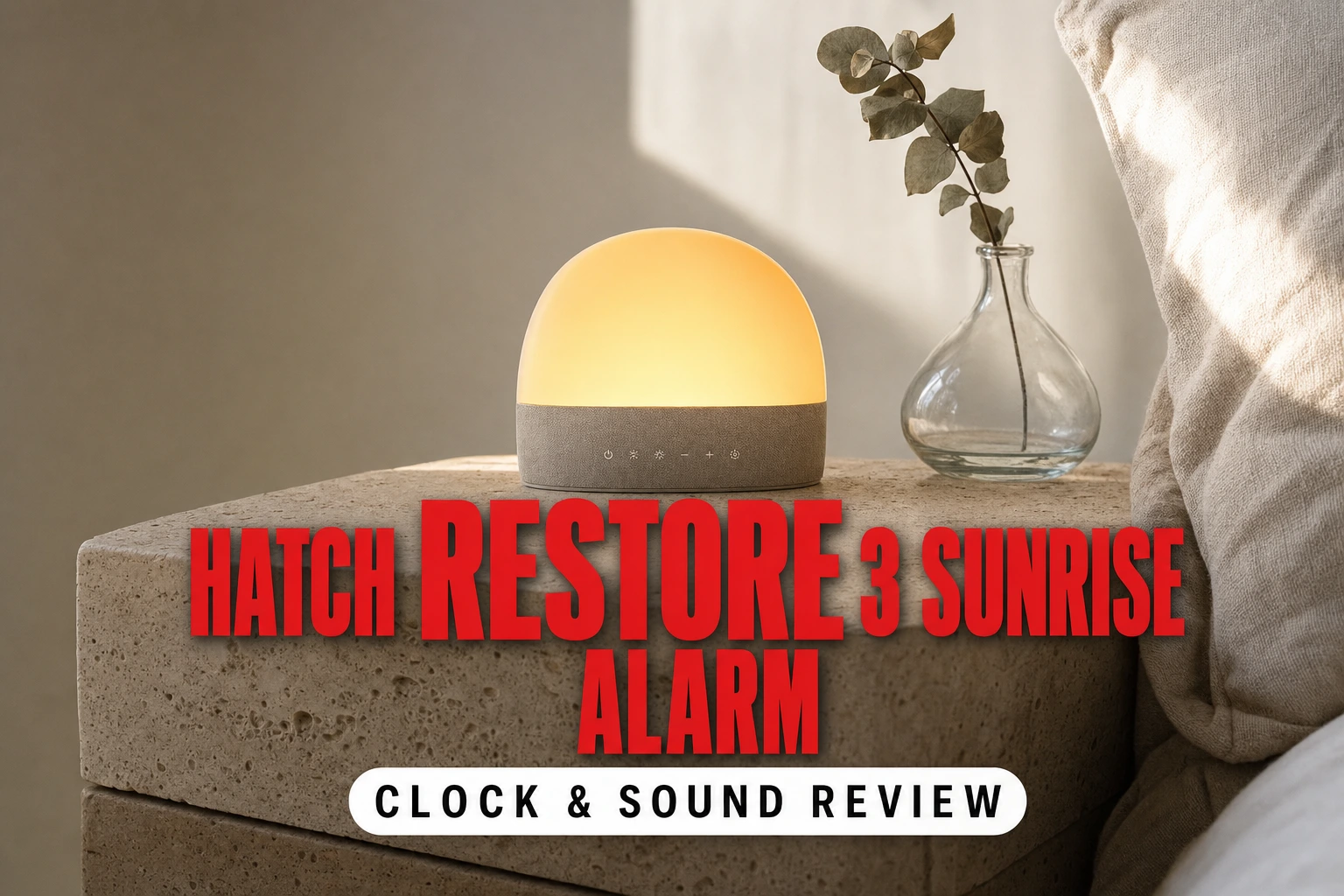
The Hatch Restore 3 is designed as an all-in-one sleep companion rather than a simple digital clock. It combines a dimmable light, an internal speaker and a digital time display. Its central wake-up feature is sunrise simulation, in which the light changes gradually before the selected alarm time instead of switching immediately to full brightness.
When interpreting a review, look beyond statements that the light is pleasant or bright. Check whether the reviewer explains the available brightness adjustment, colour selection and duration of the light sequence. Your room also matters: a bedside light will be more noticeable in a dark room than in a space already receiving daylight. Placement affects visibility, so the device should sit where the light can reach you without being blocked by books, furniture or a high headboard.
Also decide whether light alone is likely to wake you. People who sleep through visual changes may prefer to pair the sunrise sequence with sound. Adjustable light and audio are more useful than a single fixed wake-up effect because they allow the routine to reflect changing seasons and schedules.
 See the picks in our buying guide
Evaluate the Sleep Sounds and Speaker Controls
A significant portion of any Hatch Restore 3 Sunrise Alarm Clock & Sound Review should focus on the audio capabilities. The device is intended to provide sleep sounds as well as alarm audio, so the useful questions concern control and comfort rather than music performance.
Check whether the available free library contains a sound you would willingly hear repeatedly. Noise colours and environmental tracks can have noticeably different characters: white noise is comparatively bright, while pink noise and brown noise place more emphasis on lower frequencies. Rain, wind and fan-style sounds may feel less abstract, but preference is personal. A larger catalogue has little value if you use only one track.
For overnight use, look for clear volume adjustment, continuous playback and simple ways to stop or change a routine from bed. Sound masking works by making intermittent background noises less noticeable, but it does not physically block sound. Reviews should avoid implying that one noise profile works better for everyone. If you are sensitive to repetitive loops or sudden transitions, seek specific comments about playback rather than broad praise for audio quality.
Compare Free Features With the Optional Subscription
One of the most critical aspects of choosing the Hatch Restore 3 is understanding the role of the paid subscription. The device provides core functionality without requiring every content option, while an optional membership expands the audio and guided-content catalogue. The exact distinction matters because it determines what remains available if you decide not to maintain a subscription.
Before choosing, list the functions you consider essential. Basic alarm scheduling, sunrise use and standard sleep sounds may cover your needs if you prefer a set-and-forget routine. Guided relaxation, sleep stories or a changing selection of content may matter more if variety helps you follow a regular wind-down sequence. Do not treat the optional content library as essential unless you expect to use it consistently.
A useful review should separate device controls from membership content and explain the experience without the subscription. It should not merely list everything accessible during initial setup. Read the Hatch Restore 3 feature review with your must-have list beside you, then identify which items are core functions and which depend on additional access.
Consider the App, Controls, Power and Placement
The Restore 3 uses a companion app for initial setup and detailed routine customisation, while physical controls support routine interactions at the bedside. That balance will suit people who are comfortable creating schedules on a phone but want to avoid handling the phone during the night. It may be less appealing if you want every setting available through buttons and an on-device menu.
Before deciding, confirm that your home setup can accommodate Wi-Fi configuration and continuous mains power. Select a stable bedside location close to an outlet, with enough space for the light to remain visible. Think about the clock display as well: a visible time can be convenient, but some sleepers prefer a dark room and will want display-brightness controls.
App dependence is a practical selection criterion, not a minor specification. Ask how often you change alarms, whether different weekdays need different schedules and whether another household member may need to operate the device. Reviews are most useful when they describe both initial configuration and routine bedside use, including which changes require the app.
Set Up a Routine That Reflects Your Sleep Habits
Setting up the Hatch Restore 3 correctly is essential to judging whether its combined features are useful. Begin with a simple routine rather than activating every available stage. Place the device where the light is visible, complete the app and Wi-Fi setup, and choose one warm light with one quiet sound for the evening. Set a duration that fits what you already do before bed.
For overnight playback, select a sound you find unobtrusive and keep the volume only as high as needed for your room. For the morning, choose a gradual light sequence and add an audible alarm if light alone may not wake you. Change one setting at a time over several mornings so you can identify whether brightness, timing, sound or volume needs adjustment.
Multi-stage routines are useful only if their timing matches real behaviour. A reading stage should allow enough time to finish a chapter or put items away, while the sleep stage should not begin so early that you repeatedly override it. Consistency and easy adjustment matter more than creating a complicated sequence on the first night.
Compare the Restore 3 With a Traditional Sunrise Alarm
To make an informed choice, compare the device with a conventional sunrise alarm in the areas that affect daily use. The Restore 3 combines configurable light, sleep audio and multi-step routines, with detailed scheduling handled through its app. Simpler models may focus on a single light alarm and use physical buttons or an on-device menu.
The combined approach can reduce the need for separate bedside light, sound machine and alarm functions, but it also introduces more setup. More features are valuable only if they replace functions you already want. If you need a gradual wake-up and a basic alarm, a straightforward sunrise clock may be enough. If you also use continuous sleep sounds and want linked wind-down stages, the Restore 3's broader routine system becomes more relevant.
Compare control preferences too. App scheduling can make complex routines easier to create, while manual controls may be preferable for someone avoiding connected devices. The choice is therefore not simply between premium and basic hardware; it is between two different approaches to bedtime automation.
Decide Whether the Restore 3 Fits Your Sleep Style
The Restore 3 is most relevant to people who want a structured transition at both ends of the night. Its combined light and audio routines may suit someone who wants a clear cue to stop evening activities, play a consistent sound overnight and wake gradually in a dark bedroom. Light sleepers may value a continuous background track, while people with changing schedules may appreciate configurable routines.
It is a weaker fit if you need only a visible clock, a loud alarm or a basic bedside lamp. It may also frustrate someone who dislikes app-based setup, does not want a connected device near the bed or has no interest in maintaining multi-stage routines. A simpler device can be the more appropriate choice when extra functions would remain unused.
Use reviews to confirm practical behaviour, not to outsource the decision. Compare comments about light adjustment, sound selection, controls, display settings and unsubscribed use with your own checklist. The linked Hatch Restore 3 alarm and sound review can provide product-specific context, while this guide helps determine which observations should carry the most weight.
Frequently asked
Sources
As an Amazon Associate I earn from qualifying purchases. This does not affect the price you pay. Affiliate disclosure