
How ElevenLabs Pricing and Credits Work: A Complete Guide
Understand how the character-based credit system works in ElevenLabs, how to avoid wasting credits, and how to manage your monthly budget.
Some links are affiliate links: we may earn a commission if you sign up or buy through them, at no extra cost to you.
On this page8 sections
The short answer
- ElevenLabs charges by text character inputs, which include letters, spaces, and punctuation for every generation.
- Unused standard monthly credits reset each billing cycle and do not roll over to the next month.
- Users can enable usage-based overage billing to generate additional audio once their primary monthly credit limit is reached.
ElevenLabs pricing operates on a monthly subscription model where you purchase a set allotment of character credits to use across various voice generation tools. Your monthly character credits are consumed based on the number of text characters you input into the generation engine, with paid tiers offering the option to enable automatic overage billing. This credit-based structure means your ongoing costs depend directly on the volume of content you produce rather than a flat usage fee.\n\nUnderstanding this system is essential for matching your audio production goals with the correct subscription plan. Because credit usage resets every month, selecting an inappropriate tier can result in either lost characters that do not carry over or unexpected interruptions during active projects. By navigating the billing dashboard and understanding the character-consumption mechanics, you can optimize your generation workflows without overpaying.\n\nThis guide clarifies how character tracking works across different generation consoles, how voice cloning options impact your credit balance, and how to configure limits to prevent surprising overage charges. With this knowledge, you can confidently estimate your monthly needs and choose the right workspace tier.
Navigating the Subscription Plans Screen
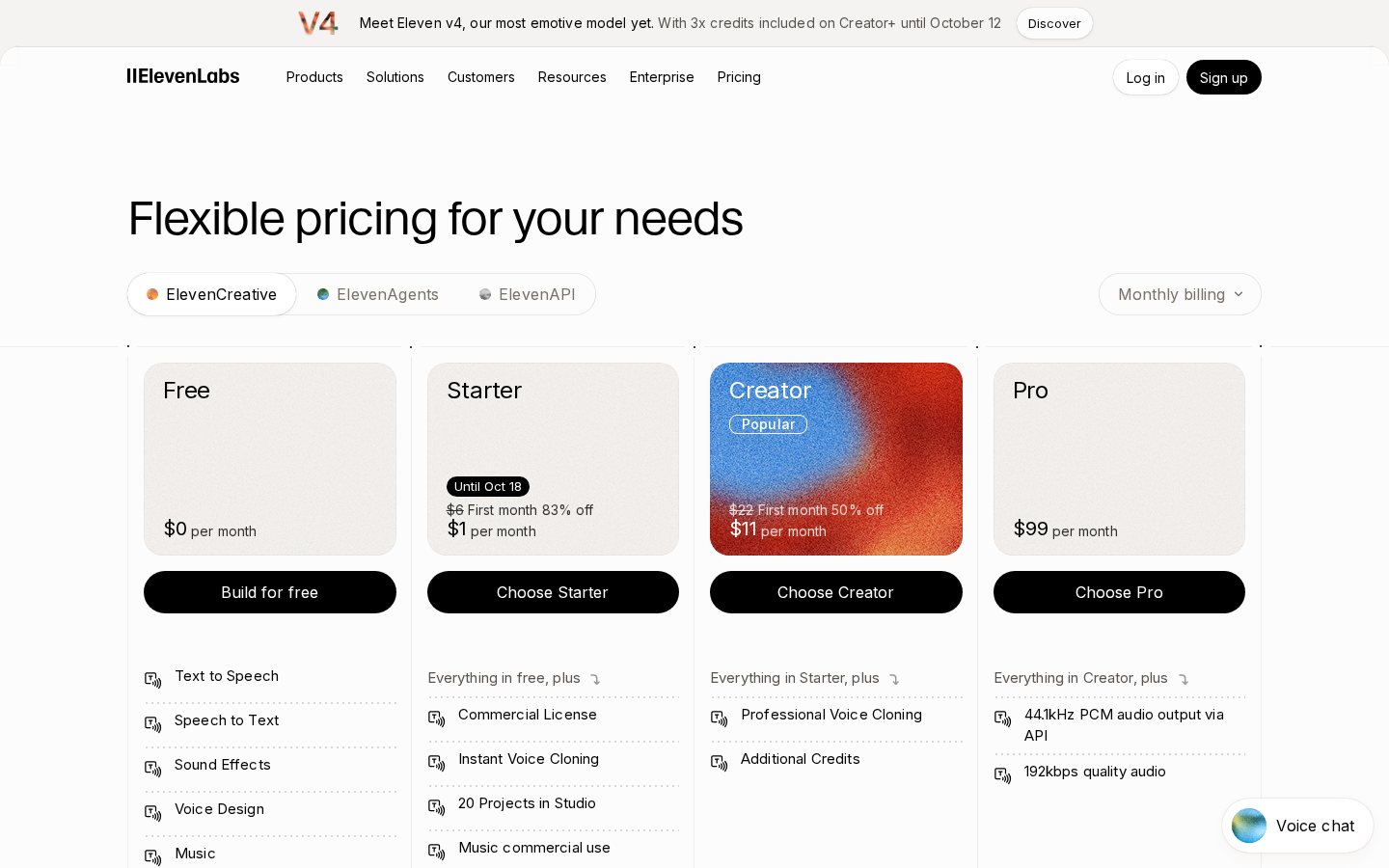
The first step in understanding your account balance is examining the Subscription Plans screen, which serves as the portal for selecting your monthly tier. ElevenLabs structures its offerings in tiers that scale from a highly restricted complimentary tier to high-volume creator and publisher levels. As you move up the tiers, you receive a larger monthly character allotment, better priority in generation queues, and access to more sophisticated voice tools.\n\nWhen viewing this page, you must look beyond the basic monthly quotas and evaluate how the limits translate to actual audio output. An average page of printed text contains roughly a few thousand characters, which means the introductory paid tiers are designed primarily for short-form narrations, social media clips, or experimentation. For larger projects such as full podcast episodes or interactive narration, you will quickly exceed these entry-level boundaries and require professional-grade tiers.\n\nBefore committing your budget to a recurring plan, you can read our comprehensive ElevenLabs Review to see how the overall voice quality compares to competitors. Choosing a tier is not a permanent decision, as the platform allows you to upgrade or downgrade your tier directly from this console as your project demands shift.
Inside the Speech Synthesis Console
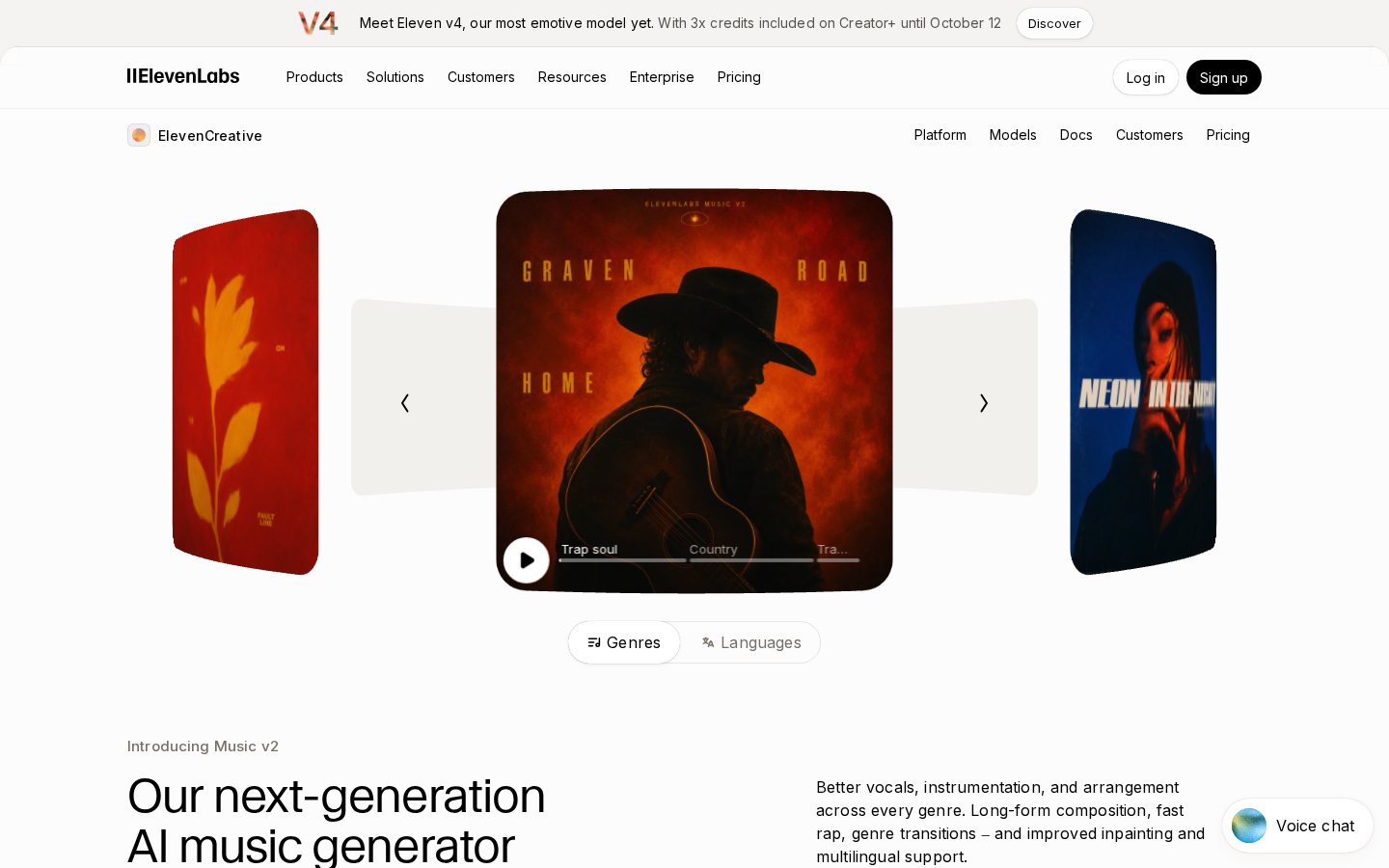
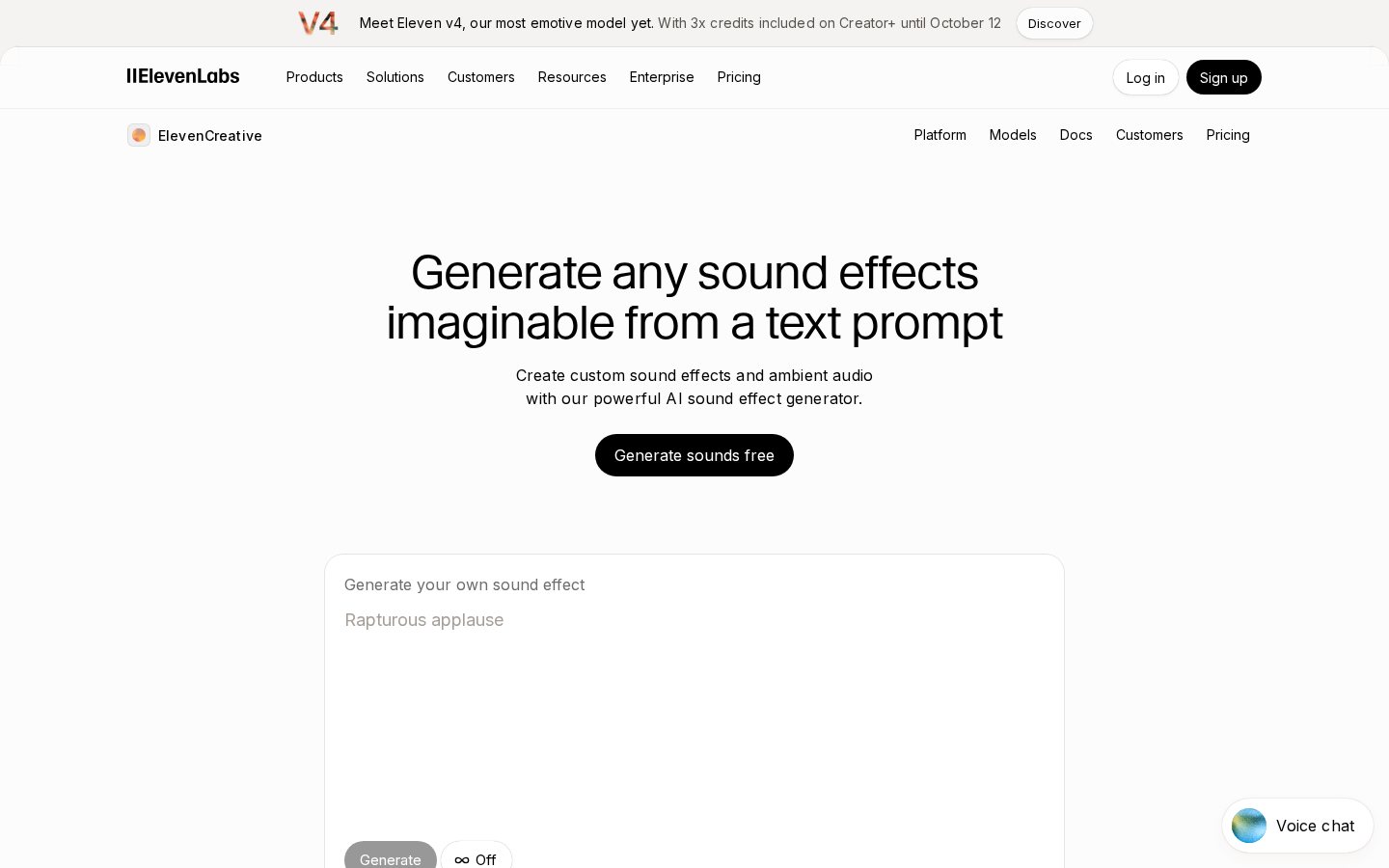
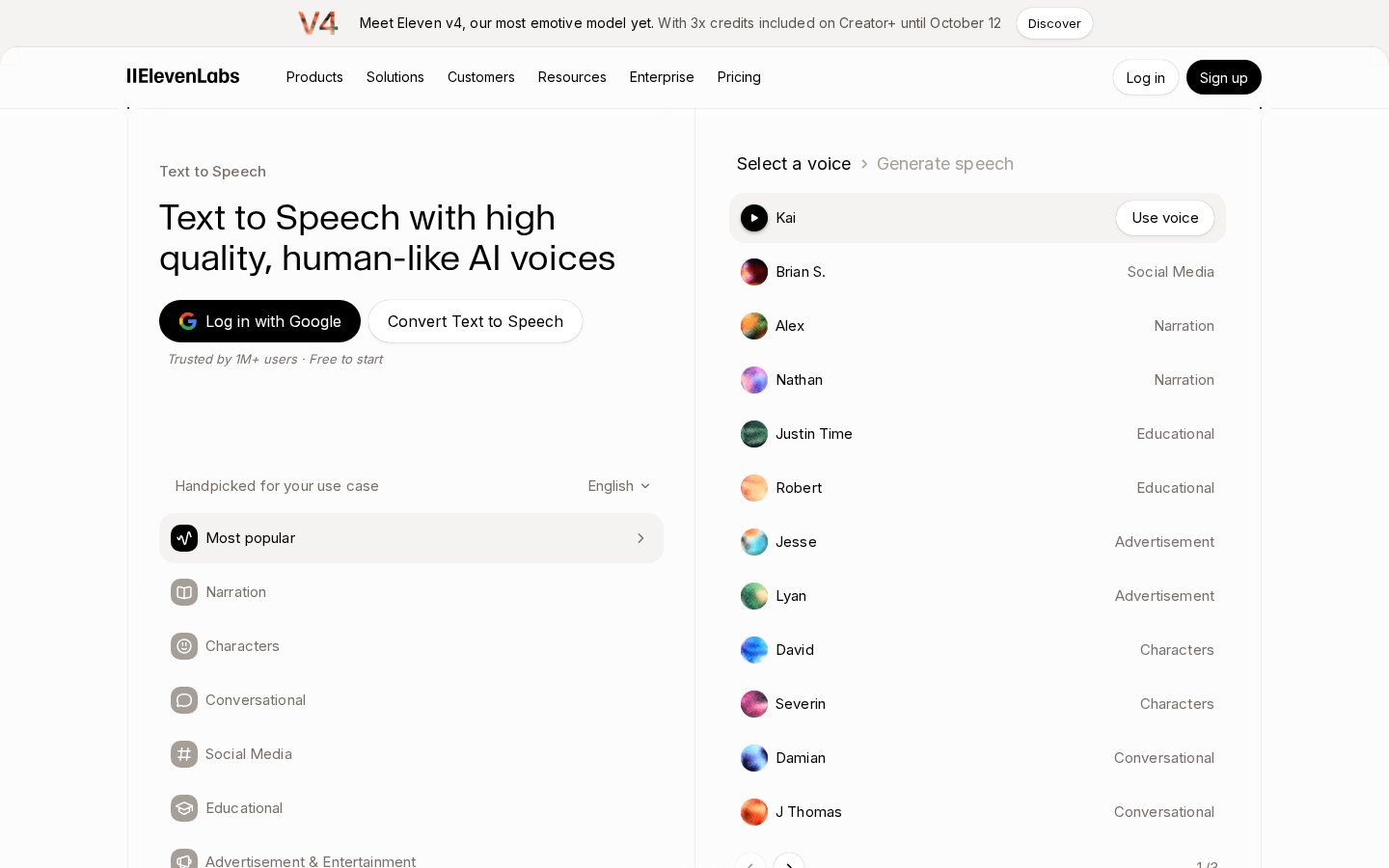
The Speech Synthesis screen is where you will spend the majority of your characters. To generate audio, you enter text into the main generation box, choose your target voice, select a synthesis model, and click the generate button. One character generated equals one character credit deducted from your monthly balance. This direct deduction model means that every single attempt at voice generation carries an active credit cost.\n\nIf you generate a paragraph and realize you made a typo, or if you adjust the slider settings to change the emotional tone, any subsequent generation of that same text will charge your balance again. Because of this, small edits can accumulate significant character costs if you do not check your text carefully before hitting the generation trigger. Developing a habit of strict proofreading is vital for budget protection.\n\nThe choice of underlying AI model also plays a role in how your console behaves. While standard models provide reliable speech, advanced multilingual or high-fidelity models may consume processing resources differently on backend servers, though the text character count remains the primary metric for billing. To learn more about how these models sound, our detailed ElevenLabs Review details the auditory differences and performance across different languages.
Voice Cloning and VoiceLab Allocations
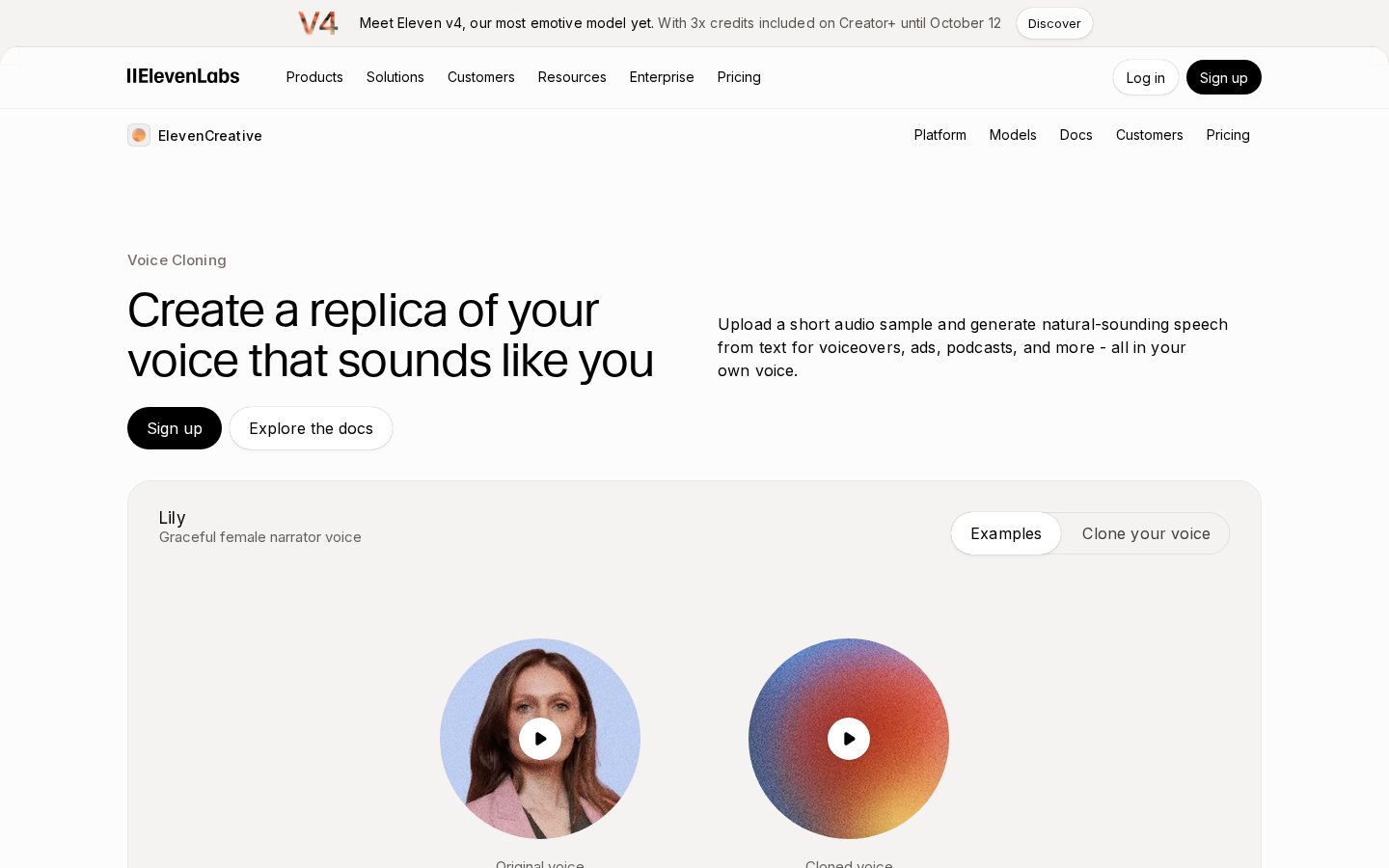
The VoiceLab screen is where you create custom digital voices, which introduces separate credit considerations depending on the depth of cloning required. Standard users can utilize instant voice cloning, which utilizes short audio samples to synthesize a replica voice. This quick setup does not cost a large lump sum of character credits to initiate, but using that cloned voice in the Speech Synthesis console will cost the standard character rate.\n\nFor high-profile projects, the platform offers professional voice cloning, a process that trains a custom model on hours of clean studio audio. professional voice cloning is restricted to higher-tier paid plans because it requires significant backend computation. The training process itself may require a specific subscription commitment, making it crucial to assess whether your production budget justifies the specialized tier required to enable this feature.\n\nWhen working with cloned voices, you must also consider the generation efficiency. Because cloned voices rely on complex neural maps, they can occasionally require multiple generations to achieve the exact inflection you desire. Navigating these settings on the VoiceLab screen requires a balanced approach to ensure your custom voices do not exhaust your character pool through repetitive trials.
Managing Spend on the Billing Dashboard
To keep your monthly costs predictable, the billing dashboard provides granular visibility into your credit usage. Here, you can review a detailed consumption history that charts your character usage over time, helping you identify which projects are consuming the most resources. If you are close to running out of credits, you can also manage your limits here to prevent work stoppages.\n\nWhen your account runs completely out of characters, you hit a hard ceiling unless you adjust your account configuration. If you choose to enable overage limits, you can keep synthesizing audio without interruption by paying for additional characters as you go. Setting up these controls properly on your account dashboard is the best way to maintain continuous workflow during tight deadlines.\n\nFollow these steps to configure your credit monitoring and spending limits:\n1. Navigate to your profile icon in the top right. This action opens the main account drop-down menu containing your workspace settings.\n2. Select the billing tab from the navigation list. Here, you will find your current character balance, subscription details, and billing history.\n3. Locate the subscription tier overview panel. This area displays the exact day your character allotment resets for the upcoming month.\n4. Access the overage settings control toggle. Enabling this allows you to set a hard cap on extra characters generated beyond your base plan limit.\n5. Set your maximum monthly spend threshold. This safety mechanism prevents unexpected charges if your voice generation projects run longer than anticipated.\n\nOnce these steps are completed, your budget is protected. You will receive notifications when you reach specific consumption thresholds, allowing you to manually upgrade or pause generation before incurring extra charges.
The Projects Workspace for Long-Form Audio
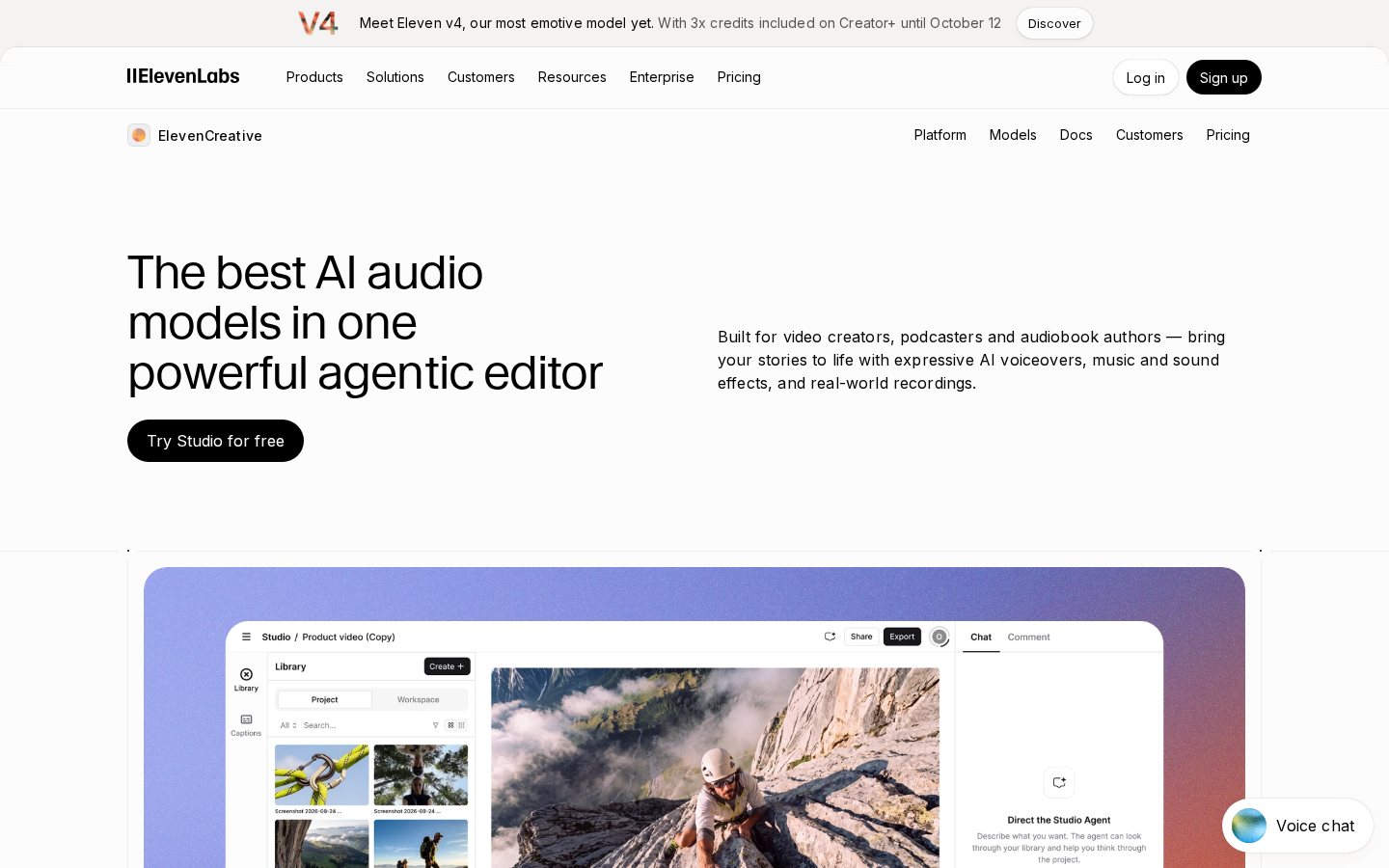
When handling massive text documents, such as full audiobooks or multi-page reports, using the standard Speech Synthesis bar becomes inefficient. The Projects screen is a specialized multi-chapter creation workspace designed specifically to prevent credit waste on large-scale tasks. While standard generation works for short paragraphs, long-form content is best handled through the specialized tools discussed in our ElevenLabs Review, which examines workflow efficiency.\n\nThe major benefit of the Projects workspace is its granular editing control. The major benefit of the Projects workspace is its granular editing control. Rather than rendering an entire three-thousand-word document at once, the Projects interface divides your text into smaller, manageable blocks or paragraphs. This allows you to generate, listen to, and modify individual sections of your text without having to re-synthesize the surrounding paragraphs that are already perfect.\n\nBy isolating your edits to single paragraphs, you significantly reduce character consumption. If you only need to change a single sentence in a twenty-minute chapter, the Projects screen ensures you only pay credits for that specific sentence's characters. This targeted rendering makes the Projects tool the primary mechanism for professionals looking to stretch their monthly character quotas as far as possible.
Choosing the Right Credit Tier
Selecting the correct tier comes down to matching your production volume with the platform's credit constraints. If your goal is simply to test the voice outputs or add brief narrations to personal video clips, the entry-level options will serve you well. However, if you are producing professional content, the limitations on commercial use and smaller character pools will necessitate upgrading to advanced tiers.\n\nLet's compare the free and paid offerings to see how credit limits and licensing rules change your generation workflow:\n- Access Rights: The Free Tier restricts you to non-commercial use with required attribution, while Paid Tiers grant full commercial distribution rights for generated audio.\n- Character Pools: The Free Tier provides a small monthly quota that resets completely without rollover, while Paid Tiers offer larger standard pools with the option to purchase overages.\n- Voice Cloning: The Free Tier only allows basic voice design from pre-made assets, while Paid Tiers enable the high-fidelity custom voice replication tools.\n- Generation Priorities: The Free Tier shares standard processing queues which can cause delays during peak traffic, while Paid Tiers receive priority processing for faster audio rendering.\n\nFor independent creators producing weekly content, the intermediate paid tier is generally the sweet spot, providing enough credits for several hours of audio alongside custom cloning features. Businesses handling high-volume voice-over production or localization should look to the professional or publisher tiers, where the lower cost per character and advanced project tools justify the higher subscription.
Frequently asked
As an Amazon Associate I earn from qualifying purchases. This does not affect the price you pay. Affiliate disclosure