
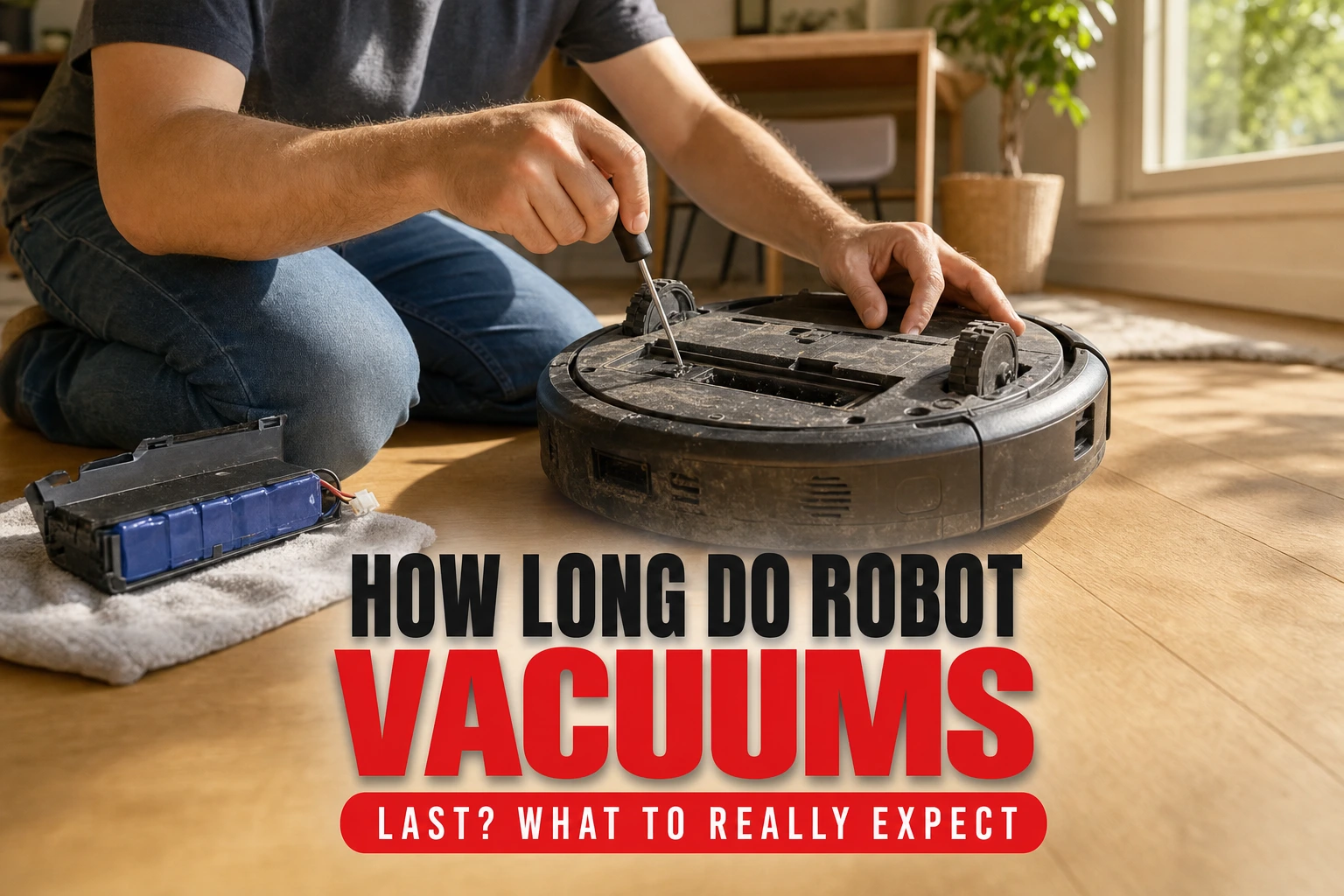
How Long Do Robot Vacuums Last? What to Really Expect
Most robot vacuums last between three and six years, though battery performance usually begins to decline after two to four years of regular use.
This article is informational and does not place shopping buttons in the story. Related buying guides may include affiliate links.
As an Amazon Associate I earn from qualifying purchases. This does not affect the price you pay. Affiliate disclosure
On this page9 sections
- 1The short answer
- 2What Fails First on a Robot Vacuum?
- 3How Brands and Build Quality Affect Lifespan
- 4Five Steps to Extend Your Vacuum's Lifespan
- 5Repair vs. Replace: Making the Right Call
- 6Environmental Factors That Shorten Vacuum Life
- 7Which Robot Vacuum Category Fits Your Needs?
- 8Frequently asked
- 9Sources
The short answer
- Expect three to six years of total life, with battery replacement needed around year three.
- Regular brush cleaning and sensor wiping prevent the drive motors from overworking and burning out.
- Check for easily sourceable replacement parts before buying to ensure your vacuum remains repairable.
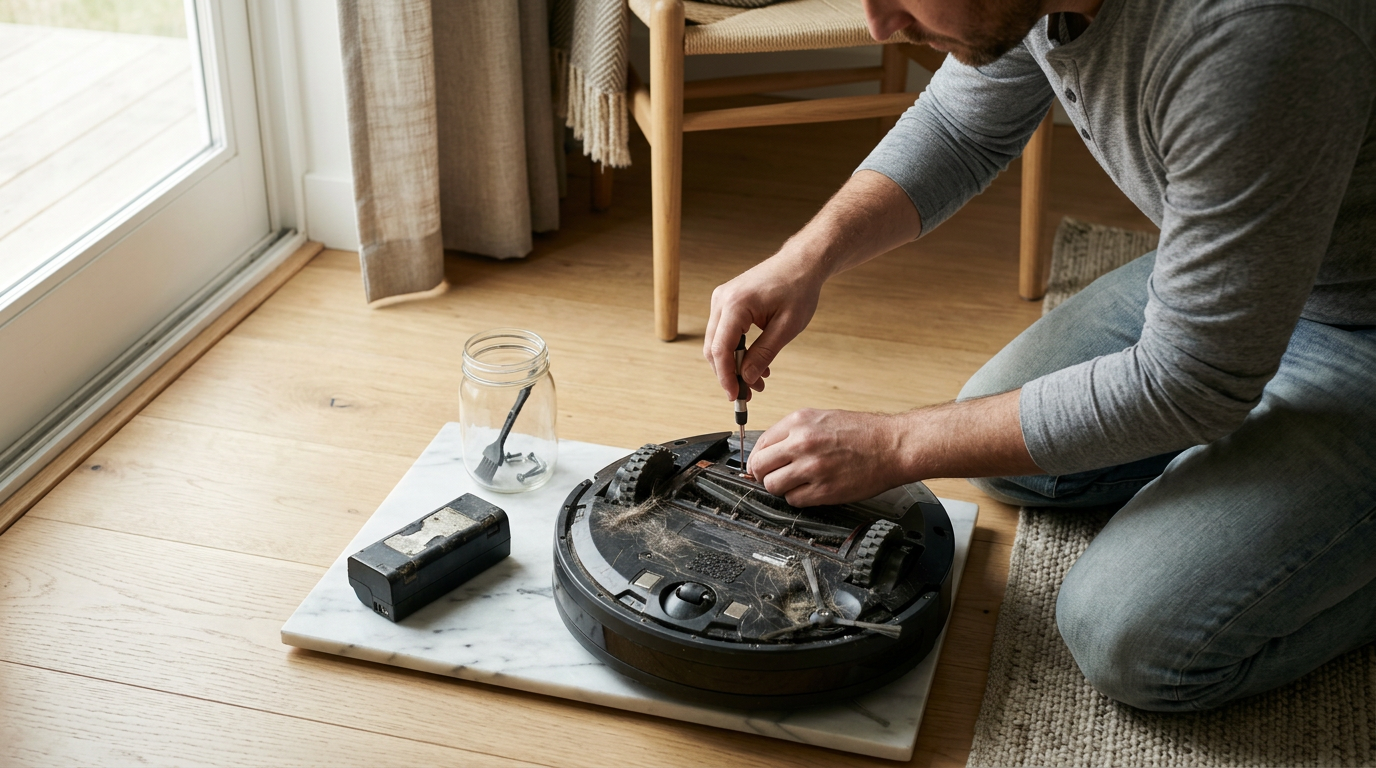
A typical robot vacuum lasts between three and six years. While the physical chassis and motors can survive longer, the rechargeable battery usually begins to degrade and requires replacement after two to four years of regular floor cleaning.
Deciding to invest in an automated cleaning assistant is a significant choice. The upfront cost often leads buyers to expect a decade of service, but these machines are complex mobile computers. They combine physical drive wheels, vacuum motors, spinning brushes, and optical sensors, all working together in dusty environments.
To get the longest possible service life, you need to understand which parts degrade first and how basic maintenance can prevent premature failure. In this guide, we break down real-world expectations for your automatic vacuum's lifespan and explain how to keep it running smoothly.
The quick version
- Clean the main roller brush weekly
- Wipe down all optical sensors and
- Tap out the high-efficiency filter after
- Clear the front caster wheel of
- Store the dock in a cool,
What Fails First on a Robot Vacuum?
The most vulnerable component in any autonomous cleaning device is its power source. Almost all modern models rely on lithium-ion batteries to navigate your home without cords. Over hundreds of charge cycles, these batteries lose their ability to hold a charge, eventually leading to shortened runtimes and incomplete cleaning jobs.
Aside from the battery, the moving parts suffer the highest rate of mechanical wear. The side brushes, main roller brushes, and small caster wheels continuously contact dirt, hair, and carpet fibers. If these parts are not regularly cleared of debris, they create resistance, forcing the internal motors to work much harder.
Finally, the navigational sensors can become clouded or scratched over time. Robot vacuums use infrared, laser, or camera-based guidance systems to map your rooms. When dust accumulates over these sensor windows, the robot may bump into furniture more aggressively, causing physical wear to the front bumper and internal circuitry.
How Brands and Build Quality Affect Lifespan
Build quality varies significantly across different price tiers in the cleaning market. Premium models often feature impact-resistant plastics, sealed motor compartments, and modular designs that make swapping worn components straightforward. Budget-friendly alternatives may look similar on the outside but often rely on integrated parts that are difficult or impossible to repair.
Software support is another critical factor that determines the actual lifespan of your machine. A smart vacuum requires regular firmware updates to maintain its mapping efficiency and connectivity with modern smartphone applications. Well-supported models receive updates for several years, while cheaper, generic brands may lose app functionality much sooner.
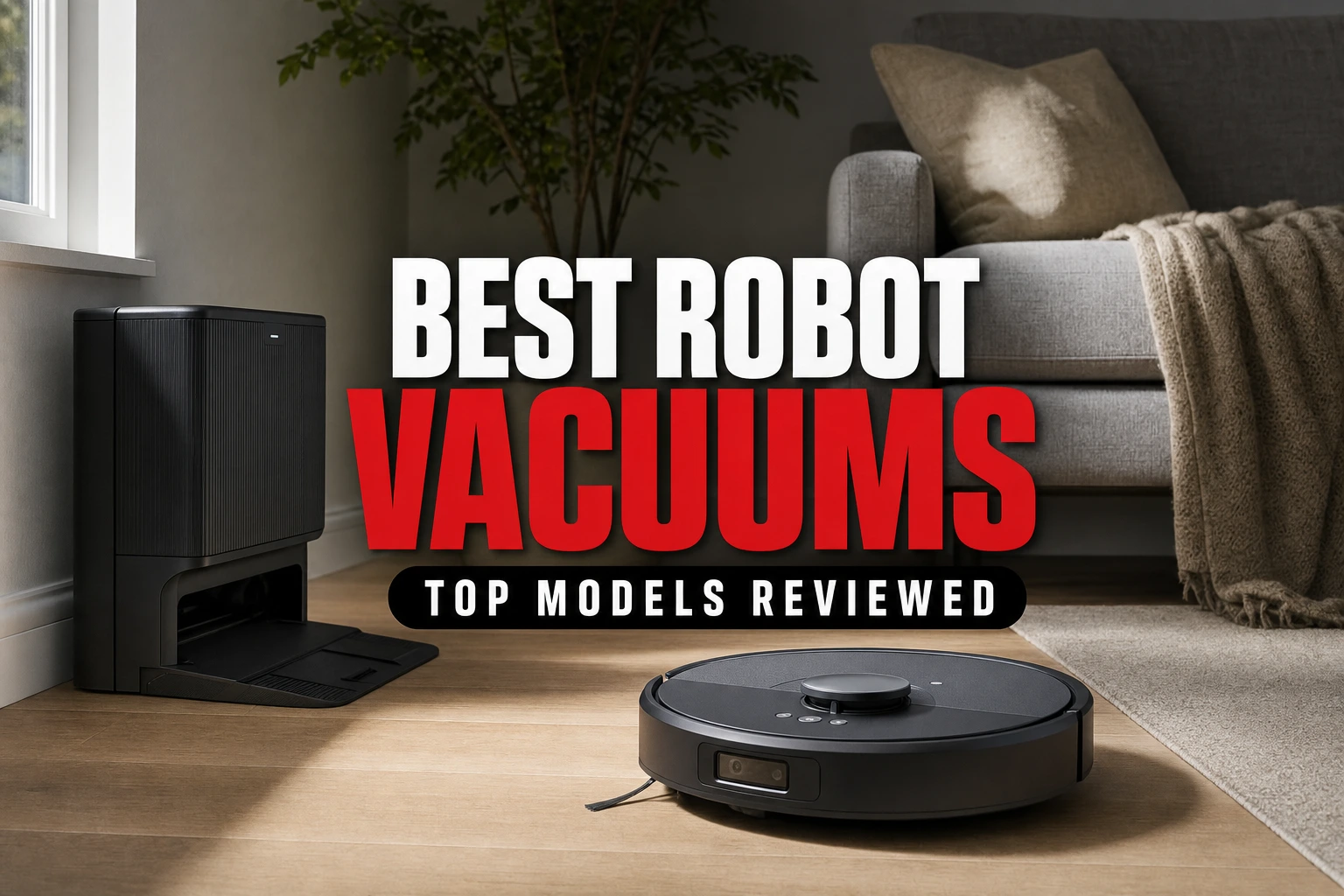
When browsing the Best Robot Vacuums: Top Models Reviewed, look for brands with a proven track record of stocking replacement parts. If a manufacturer stops selling replacement wheels or filters after eighteen months, your machine effectively has a very short expiration date, regardless of its build quality.
 See the picks in our buying guide
Five Steps to Extend Your Vacuum's Lifespan
You can significantly prolong the operational life of your automated helper by establishing a consistent maintenance routine. Skipping basic upkeep forces the small internal motors to overheat and degrades the battery much faster than normal. Follow these steps to keep your machine in top condition.
- Clean the main roller brush weekly. Remove wound hair and fibers from the ends of the brush to prevent friction from melting the plastic bearings and wearing out the motor.
- Wipe down all optical sensors and charging contacts. Use a dry microfiber cloth to clear dust from the drop sensors and metal charging plates on both the robot and dock.
- Tap out the high-efficiency filter after every three runs. Replace the filter completely every two to three months to maintain strong suction and prevent motor strain.
- Clear the front caster wheel of debris monthly. Pop the small wheel out of its socket to remove hair wrapped around the axle, which can prevent smooth turning.
- Store the dock in a cool, dry place. Extreme temperatures degrade lithium-ion batteries rapidly, so avoid placing the charging station in direct sunlight or damp basements.
Repair vs. Replace: Making the Right Call
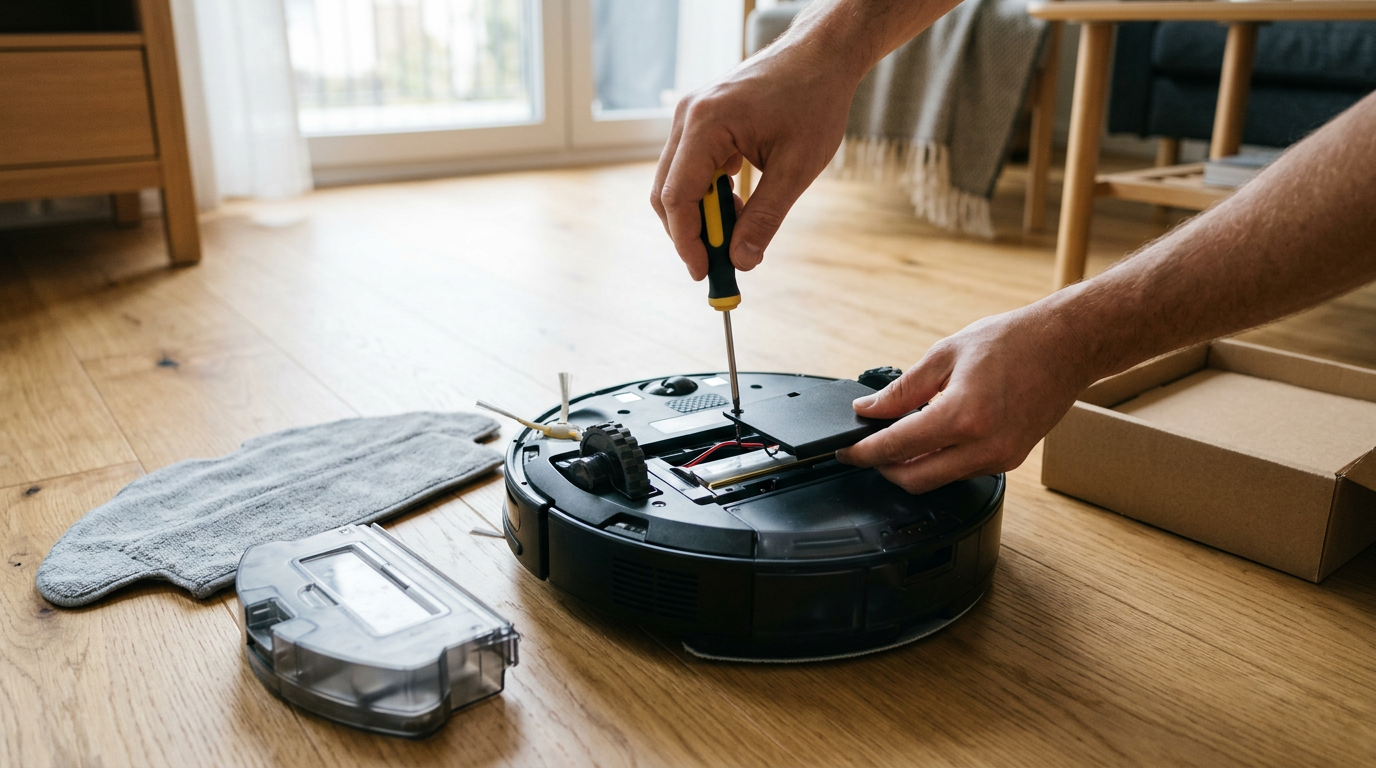
Deciding whether to repair or replace your robot vacuum comes down to the cost of parts relative to the machine's age. If your vacuum is under three years old and simply runs out of energy quickly, purchasing a replacement battery is a highly cost-effective remedy that extends its life for several more years without requiring you to buy a whole new appliance.
However, if the main motherboard fails or the primary navigation sensor stops spinning, the repair costs can quickly approach the price of a brand-new machine. In these cases, spending money on complex professional repairs for an older platform is rarely worth the investment, especially given how fast cleaning technology improves each season.
It is also worth considering how much the navigation software has advanced since your original purchase. Older robots that bump aimlessly around a room are far less efficient than modern models that use advanced mapping to clean systematically. Upgrading can save you time and frustration if your current machine requires constant troubleshooting.
Environmental Factors That Shorten Vacuum Life
The specific layout and environmental conditions of your home play a massive role in how quickly your robotic vacuum wears down. Homes with multiple long-haired pets put a tremendous amount of stress on the brush rollers and vacuum inlets, requiring far more frequent maintenance to prevent motor blockages and internal heat buildup.
Thick, high-pile carpeting also forces the drive wheels and brush motors to consume more battery power as they struggle against the dense fibers. Robots designed primarily for hard floors will wear out their drive gears much faster if forced to climb onto deep carpets and rugs on a daily basis.
Finally, exposure to moisture is a common silent killer for these electronic devices. Running a standard dry vacuum over wet kitchen spills or pet accidents can pull liquid directly into the motor and main circuit board, causing immediate and permanent electrical short circuits that are impossible to repair.
Which Robot Vacuum Category Fits Your Needs?
Choosing the right model depends on finding the sweet spot between upfront cost and long-term durability. If you want a machine that is built to last and easy to repair, look for established brands that offer modular components and long-term software support. Check out our curated list of the Best Robot Vacuums: Top Models Reviewed to compare reliable options.
For homes with mostly hard floors and minimal pet hair, a mid-range model with basic mapping features will likely last for many years with minimal intervention. These machines face less mechanical resistance, meaning their motors and wheels experience very little wear over time.
Conversely, if you have large carpeted areas and heavy shedding pets, investing in a heavy-duty model with dual rubber rollers and self-cleaning docks is highly recommended. These advanced systems are specifically engineered to handle high debris volumes without winding hair around the motor shafts, ensuring a much longer functional life.
Frequently asked
Sources
As an Amazon Associate I earn from qualifying purchases. This does not affect the price you pay. Affiliate disclosure