How Much Does Murf AI Cost Per Month? Plans Explained
Understand the tier structures, billing cycles, and generation limits of Murf AI to choose the right voiceover subscription for your workflow.

Some links are affiliate links: we may earn a commission if you sign up or buy through them, at no extra cost to you.
On this page8 sections
- 1The short answer
- 2Navigating the Murf Studio Billing Dashboard
- 3The Differences Between Creator and Business Tiers
- 4Understanding Voice Generation Hours and Limits
- 5Step-by-Step Guide to Tracking Your Monthly Usage
- 6Deciding Between Monthly and Annual Commitments
- 7Hidden Factors That Impact Your True Monthly Expenses
- 8Frequently asked
The short answer
- Billing cycles dictate your rate, with annual commitments offering substantial discounts over standard month-to-month terms.
- Tiers limit voice generation hours, meaning high-volume video producers will require upper-level subscription brackets.
- Commercial licensing rights are restricted on free tiers, demanding paid upgrades for business or social media use.
Murf AI operates on a tiered subscription model where your actual monthly cost depends on your billing cycle and the specific package tier you choose. The service offers options ranging from a limited free trial to paid Creator, Business, and custom Enterprise tiers. Choosing the right tier requires looking beyond the basic monthly price tag, as users must analyze underlying voice limits, user seat allocations, and licensing rights. Opting for an annual commitment significantly lowers the ongoing monthly rate compared to paying on a rolling month-to-month basis, making prepayments attractive for consistent content creators. Understanding these structural differences helps you avoid overpaying for features you do not use. To get a complete overview of how these tiers translate to real-world performance, consult our comprehensive Murf AI Review 2026: Pricing, Voices and Who It's For.
Navigating the Murf Studio Billing Dashboard
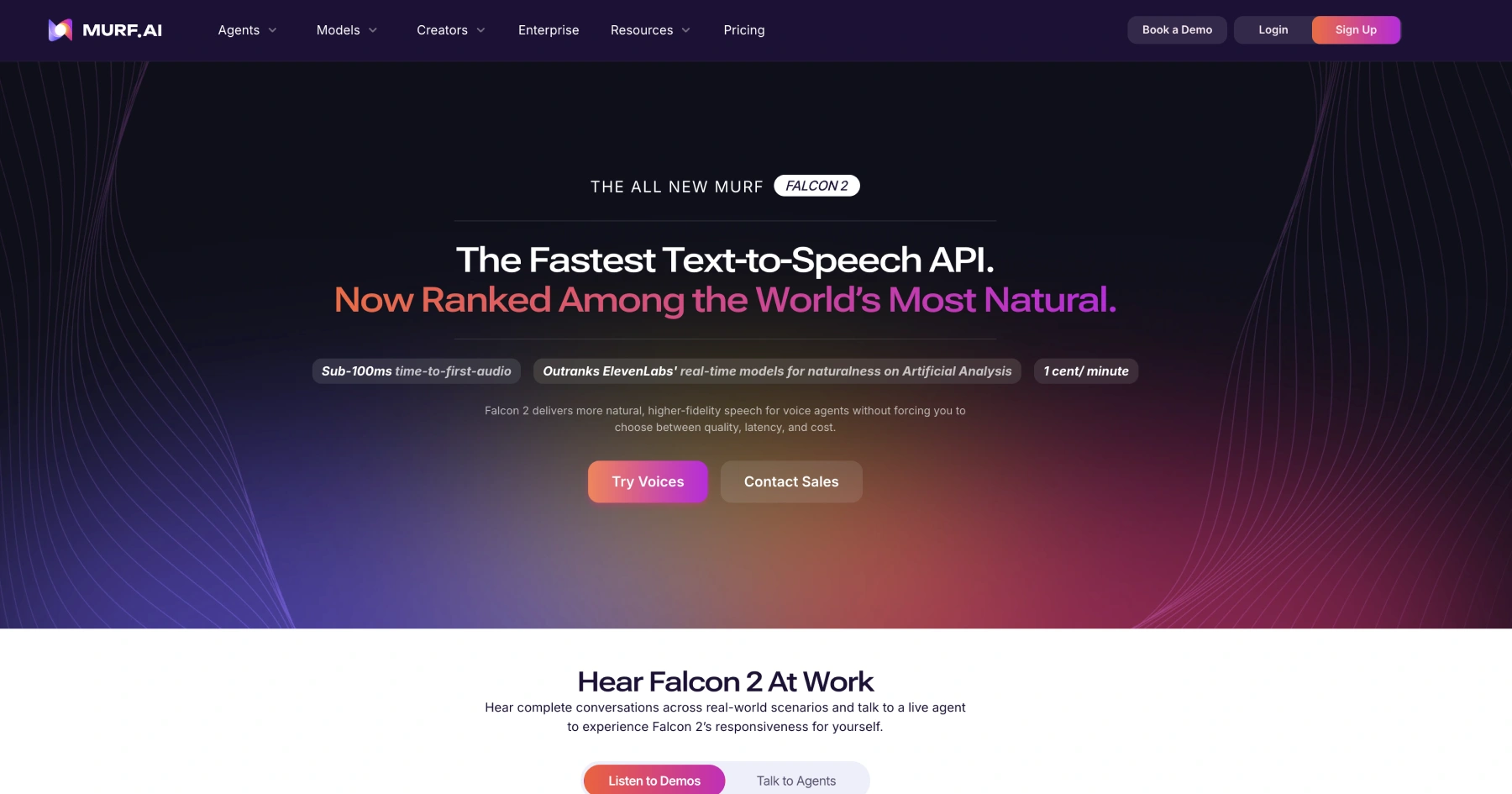
The billing interface inside the platform serves as the central hub for managing your subscription and monitoring your financial commitment. When you log in and head to the account settings, you are presented with a toggle switch that allows you to alternate between monthly and annual payment structures. This toggle is the most critical control on the screen because it instantly alters the displayed rates across all available plans, highlighting the systemic savings applied to long-term commitments. Within this dashboard, you will also find your current billing period dates and a summary of your active plan details. Users can view their registered credit card information, download historical tax invoices, or initiate a plan migration. This screen clearly states the renewal date, which is vital to keep track of if you intend to cancel or adjust your subscription before the next automatic billing cycle occurs. Understanding how to navigate this dashboard ensures that you remain in control of your software spend. It is also the designated area where you can input promotional codes or transition from a trial workspace to a paid tier. The interface clearly breaks down individual line items so you know exactly what services compose your recurring invoice.
The Differences Between Creator and Business Tiers
The primary operational divide in the platform's paid structure lies between the Creator tier and the Business tier. The Creator tier is designed primarily for individual developers, educators, and independent video makers who require high-quality voice synthesis but work alone. Under this plan, you receive access to a robust selection of voices and a fixed allocation of voice generation hours, but you are limited to a single user account. In contrast, the Business tier is structured to support multi-user collaboration and high-volume media output. This tier grants access to the full library of premium voices, including advanced stylistic variations and accents. It also increases the overall monthly voice generation limits and allows multiple team members to share a single workspace, simplifying project collaboration and asset management. The choice between these two tiers ultimately changes your daily workflow. If you work within an agency environment where multiple editors need to generate voice tracks simultaneously, the collaborative features of the Business tier are necessary. For solo creators who do not need shared folders or multi-seat administration, the more affordable Creator tier offers identical voice rendering quality at a lower overall cost.
Understanding Voice Generation Hours and Limits
A common point of confusion for new users is how the platform measures and caps your monthly usage. Rather than charging per word or per character, the service utilizes a system based on finished voice generation hours. A finished hour refers to the actual duration of the rendered audio files that you generate inside the editor, not the time you spend customizing the voice attributes. Every time you click the play button to preview a modified paragraph or adjust the pitch of a sentence, the system processes that request through its neural network. On most plans, these minor adjustments do not deplete your main download hours, but full audio renders and finalized file exports do. Each tier comes with a hard cap on these hours, reset at the beginning of each billing cycle, making it essential to monitor your consumption. If you exceed your allocated generation time before the month concludes, you cannot generate additional high-quality audio files until the next cycle begins, or until you purchase an overage package or upgrade your subscription. This mechanism prevents abuse of the system's processing power and ensures that professional users pay proportionally to the compute resources they consume.

Step-by-Step Guide to Tracking Your Monthly Usage
To avoid unexpected limits during active production cycles, you must actively track your resource consumption. The platform provides a dedicated usage meter within the workspace to display how much of your monthly allotment remains. Follow these steps to locate and read this data: 1. Open your workspace dashboard by loading the editor homepage in your web browser. This acts as your starting point for all projects and account settings. 2. Click on the workspace settings menu located on the left-hand navigation sidebar. This will open a sub-menu containing your project folders and user settings. 3. Select the usage tab to view your active consumption graphs. This screen displays a visual representation of your used versus remaining minutes for the current billing period. 4. Analyze the breakdown of voice rendering hours against your historical project needs. If your usage is trending high, you can plan your content schedule accordingly or prepare for an upgrade. 5. Set up email alerts if your plan supports threshold notifications. This feature automatically warns you when you approach the end of your allocated voice synthesis time.
Deciding Between Monthly and Annual Commitments
Choosing between a rolling monthly contract and a prepaid annual agreement is the most significant financial decision you will make on this platform. The monthly subscription model offers the highest level of flexibility, allowing you to pay only for the exact months you have active production pipelines. This is ideal for freelance creators who handle sporadic voiceover projects throughout the year. However, this flexibility comes with a price premium, as the month-to-month rate is significantly higher than the prorated monthly cost of an annual plan. By committing to a full year upfront, you receive a substantial discount on the overall cost of the software, making it the more economical choice for dedicated agencies, in-house marketing teams, and consistent content creators. > When managing production budgets, the predictable overhead of an annual software subscription often offsets the occasional down month where no voiceovers are produced. Before committing, evaluate your editorial calendar. If you only produce videos during a specific seasonal campaign, a month or two of the non-discounted rate will still cost less overall than a full twelve-month commitment. Conversely, if your content pipeline runs continuously, the annual prepayment is the clear choice for maximizing your budget.

Frequently asked
As an Amazon Associate I earn from qualifying purchases. This does not affect the price you pay. Affiliate disclosure