
Dolby Atmos and Dolby Vision TVs: How to Choose
Choose a Dolby Atmos and Dolby Vision TV by matching its panel, brightness and contrast to your room, then checking eARC, audio passthrough and source compatibility.
This article is informational and does not place shopping buttons in the story. Related buying guides may include affiliate links.
As an Amazon Associate I earn from qualifying purchases. This does not affect the price you pay. Affiliate disclosure
On this page11 sections
- 1The short answer
- 2How to Choose the Right Dolby Atmos and Dolby Vision TV
- 3What Dolby Vision Support Means for Picture Quality
- 4What Dolby Atmos Support Means on a TV
- 5OLED vs Mini-LED for Dolby Vision
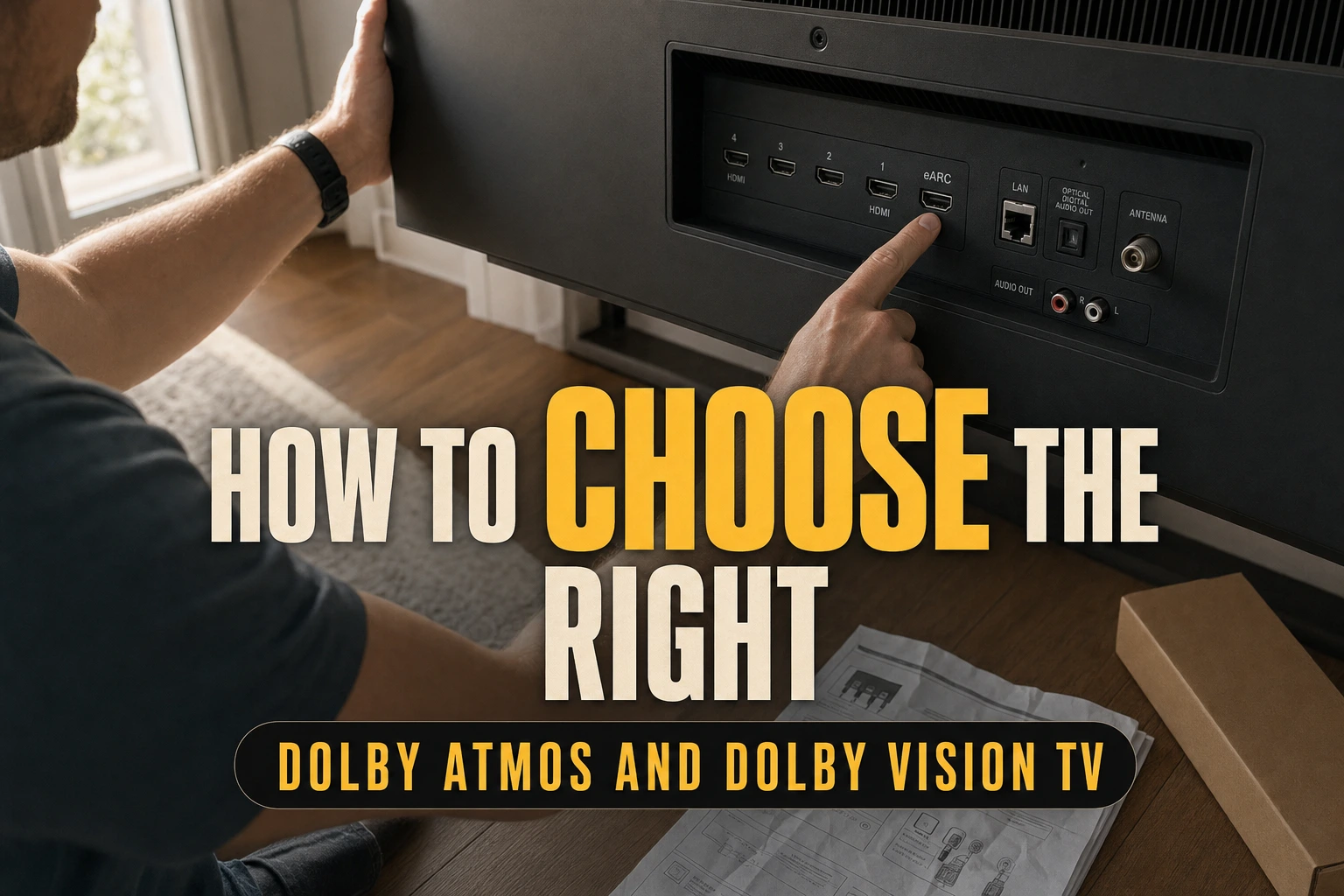
- 6HDMI eARC and Audio Passthrough Requirements
- 7A Practical Dolby TV Buying Checklist
- 8Which Display and Audio Setup Should You Pick?
- 9Sources and Further Reading
- 10Frequently asked
- 11Sources
The short answer
- Verify true hardware capabilities like peak brightness and local dimming rather than trusting basic box labels.
- Prioritize HDMI eARC ports to transmit uncompressed Dolby Atmos spatial audio to your external sound system.
- Select OLED panels for dark room viewing or Mini-LED displays for bright, sunlit living rooms.

To choose the right Dolby Atmos and Dolby Vision TV, match the panel’s brightness and contrast to your room, then confirm that the TV has HDMI eARC and the audio passthrough support your sound system needs. Also check that your streaming service, player and content support both formats.
Many modern screens display Dolby logos, but actual performance depends on the underlying hardware. A TV may decode Dolby Vision without having the brightness, contrast or local control needed to show its full visual benefits. Likewise, built-in Dolby Atmos processing does not mean slim TV speakers can reproduce the height and placement available from a compatible external audio system.
Evaluating your viewing environment, planned sound system and panel preferences will help you distinguish format support from hardware capability. Focus on picture quality, room suitability and connection options, rather than treating Dolby branding as the only buying criterion.
The quick version
- Note the room’s daylight, reflections, viewing
- Choose a panel type that suits
- Confirm Dolby Vision support for the
- Check whether your streaming services provide
- Decide whether built-in audio is sufficient
- For external audio, verify eARC, Atmos
How to Choose the Right Dolby Atmos and Dolby Vision TV
Start with the room. For a bright living space, prioritise a TV with enough brightness and reflection handling to keep HDR visible during daytime viewing. For a dim room, deep blacks and precise contrast control may matter more. Seating position also counts because some panels lose contrast or colour accuracy when viewed from the side.
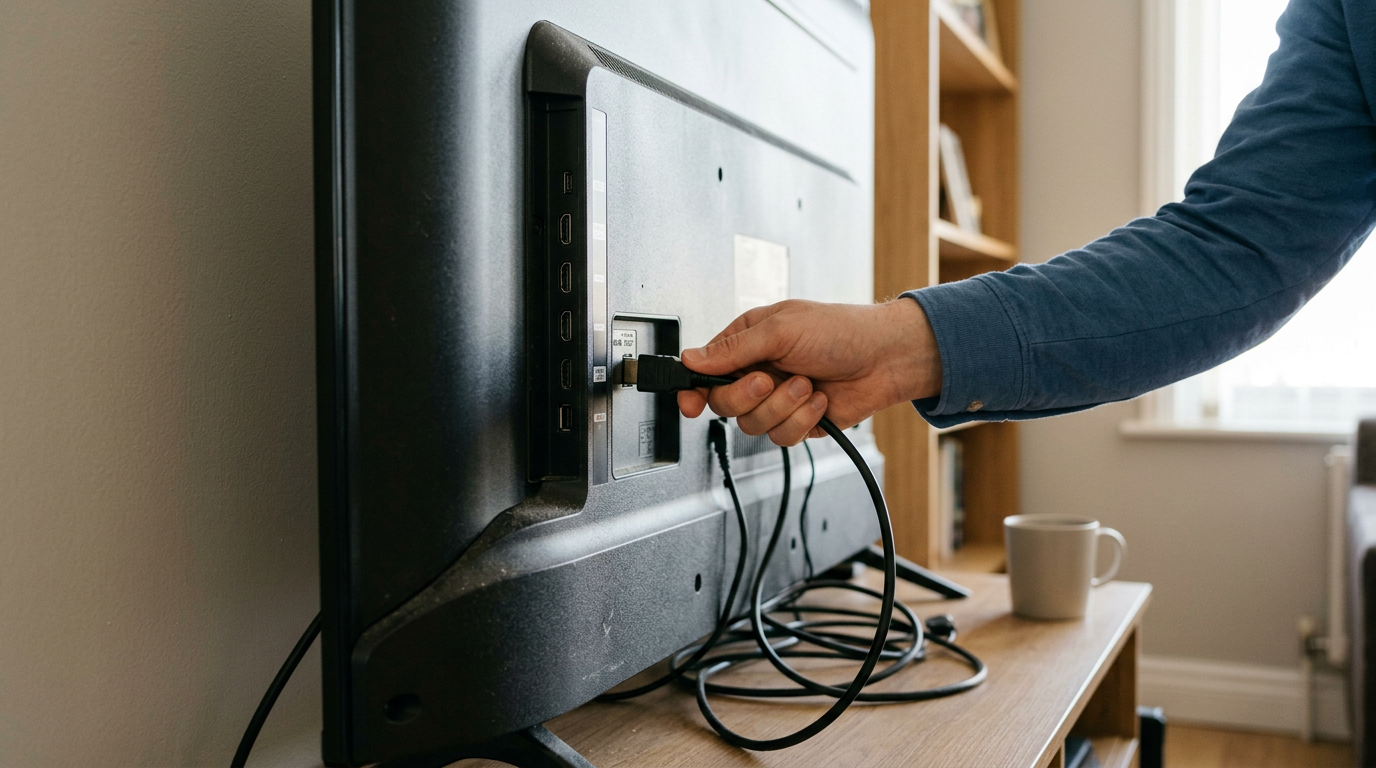
Next, decide whether you will use built-in speakers, a soundbar or an AV receiver. External Atmos systems need compatible connections and passthrough, so look for an HDMI port labelled eARC and check the TV’s supported output formats. Finally, verify that your source device, app, subscription and chosen content offer Dolby Vision and Dolby Atmos. Every component in the playback chain must be compatible for the relevant format to work.
Once you know your room and audio requirements, use our Dolby Atmos and Dolby Vision TV comparison to narrow the options without relying on format logos alone.
What Dolby Vision Support Means for Picture Quality
Dolby Vision is a dynamic HDR format that can provide scene-by-scene or frame-by-frame picture instructions. Dolby explains that compatible TVs use this information to adapt the presentation to the display’s capabilities. By comparison, HDR10 uses static metadata for a programme as a whole.
However, format compatibility does not make every Dolby Vision TV look alike. Panel contrast, brightness, colour capability and image processing still determine the visible result. A TV with limited brightness or imprecise backlight control may reproduce less impact in bright highlights or lose detail around light objects in dark scenes.
Look beyond the logo by assessing the panel technology, local dimming system and suitability for your room. Wide seating arrangements also require attention to viewing angles. If possible, compare familiar dark and bright scenes from different positions rather than judging a TV only by vivid shop-floor demonstration footage.
 See the picks in our buying guide
What Dolby Atmos Support Means on a TV
Dolby Atmos is an object-based audio format designed to position sounds around the listener, including a sense of height when the playback system has suitable speakers or processing. Dolby lists TVs that support Dolby Vision and Dolby Atmos, but support can refer to decoding, virtualised playback through the TV or passing Atmos audio to another device.
The physical reality of thin modern screens limits their built-in speakers. Some televisions use processing or additional drivers to create a broader, taller soundstage, but the result is not the same as a system with separate height-capable speakers. Treat built-in Atmos as one feature to assess, not proof of room-filling spatial audio.
If you intend to add a soundbar or receiver, concentrate on output compatibility. Confirm whether the TV can pass Atmos from its internal apps and HDMI inputs, and whether the connected audio system accepts the same format. Manufacturer manuals are the appropriate place to verify model-specific behaviour.
OLED vs Mini-LED for Dolby Vision
Your choice of display panel dictates how Dolby Vision content appears in your home. OLED displays excel in dark rooms because each pixel generates its own light, providing precise black levels and pixel-level contrast control. This control helps bright objects remain distinct from the dark areas surrounding them.
Mini-LED displays use many small backlights grouped into local dimming zones. They can provide strong brightness, making them well suited to bright living rooms with natural light. Their performance still varies with the number and control of those zones, so the panel label alone does not describe picture quality.
Ultimately, choosing between OLED and Mini-LED depends on your typical viewing environment. Consider OLED if dark-room contrast and viewing angles are priorities. Consider Mini-LED if daytime brightness is more important. Edge-lit LED TVs can support Dolby Vision too, but their less precise backlight control may limit contrast in demanding HDR scenes.
HDMI eARC and Audio Passthrough Requirements
To get the most out of spatial audio, your screen may need to act as a bridge between your media source and your sound system. If you connect a player or console directly to the television, the TV must support the required audio passthrough format. Otherwise, it may convert the signal before sending it to the soundbar or receiver.
Standard ARC can carry Atmos delivered in compressed Dolby Digital Plus, which streaming services commonly use. HDMI eARC offers more audio bandwidth and can carry higher-bandwidth formats used by compatible disc players and other local sources. Check both the TV and audio device manuals because an eARC connection operates according to the capabilities shared by the two devices.
Also review the number and specifications of the TV’s HDMI inputs if several sources will be connected. DTS support is separate from Dolby Atmos and varies by model, so verify it if your media library requires it. A Certified Ultra High Speed HDMI cable is useful where HDMI 2.1 bandwidth is needed, while cable requirements otherwise depend on the signal being carried.
A Practical Dolby TV Buying Checklist
Before choosing a model, work through these checks:
- Note the room’s daylight, reflections, viewing distance and seating width.
- Choose a panel type that suits those conditions rather than relying on Dolby branding.
- Confirm Dolby Vision support for the TV and each external player you expect to use.
- Check whether your streaming services provide Dolby Vision and Atmos on your plan and chosen content.
- Decide whether built-in audio is sufficient or whether you will use a soundbar or receiver.
- For external audio, verify eARC, Atmos passthrough and the supported Dolby formats in both manuals.
- Count the HDMI ports needed for consoles, players and audio equipment.
- Confirm the required cable specification for each connection.
This process separates essential compatibility from optional features. For a shorter model list, consult our guide to five Dolby Atmos and Dolby Vision TVs, then verify each model’s current specifications with its manufacturer before choosing.
Which Display and Audio Setup Should You Pick?
Choose a brighter Mini-LED TV if you mainly watch in a sunlit room and need HDR images to remain clear against ambient light. Choose OLED if you mainly watch films in a dim room and place greater value on black levels, fine shadow detail and wide viewing angles. Either technology can support Dolby Vision, so compare implementation rather than assuming the format logo settles the choice.
For audio, built-in speakers may suit everyday viewing where simplicity is the priority. A compatible Atmos soundbar is a more practical route to a larger soundstage without installing multiple speakers, while an AV receiver and separate speakers allow a more flexible layout. The right choice balances room conditions, listening expectations and connection compatibility.
If you remain undecided, the Best Dolby Atmos and Dolby Vision TVs: Top 5 Displays Compared organises suitable displays for further comparison. Use it alongside manufacturer specifications for ports, passthrough and panel features.
Sources and Further Reading
Dolby’s overview of TVs enabled with Dolby Vision and Dolby Atmos explains the roles of its picture and audio formats and identifies compatible television brands and models. The Soundcore guide to Dolby Vision versus Dolby Atmos distinguishes the visual format from the object-based audio format.
For additional context on built-in Atmos implementations, see SoundCy’s brand guide to TVs with built-in Dolby Atmos sound. Manuals Plus also provides a general Dolby Atmos TV and soundbar user guide covering connections and setup. These references provide general guidance; always consult the manufacturer’s manual for the exact TV, player, soundbar or receiver because supported inputs and passthrough formats vary by model.
Frequently asked
Sources
- TVs Enabled with Dolby Vision and Dolby Atmos - Dolby
- electronics.alibaba.com
- Exploring Tvs With Built-In Dolby Atmos Sound: A Brand Guide | SoundCy
- The OLED TV that actually belongs in a Dolby Atmos home theater—and the ones that don’t
- Dolby Vision vs Dolby Atmos: Choosing the Right One
- Dolby Atmos 4K and 8K TVs and Soundbars User Guide
As an Amazon Associate I earn from qualifying purchases. This does not affect the price you pay. Affiliate disclosure