
Choose the Right 16GB Kindle Faster
Choose a 16GB Kindle quickly by comparing screen size, page-turn responsiveness, lighting, water resistance and portability in that order.
This article is informational and does not place shopping buttons in the story. Related buying guides may include affiliate links.
As an Amazon Associate I earn from qualifying purchases. This does not affect the price you pay. Affiliate disclosure
On this page9 sections
- 1The short answer
- 2How to Choose the Right 16GB Kindle Faster
- 3Why 16GB Is Usually Enough for an E-Reader
- 4What Makes One Kindle Feel Faster?
- 5Standard Kindle vs Paperwhite: Which Fits Your Routine?
- 6How Screen Size and Lighting Affect the Choice
- 7Make the Final Choice Without Overbuying
- 8Frequently asked
- 9Sources
The short answer
- Match screen size to your portability needs, choosing between six and nearly seven inches.
- Focus on newer processor generations to secure the fastest, most responsive page-turning speeds.
- Determine if waterproofing is necessary for reading safely near baths, pools, or beaches.
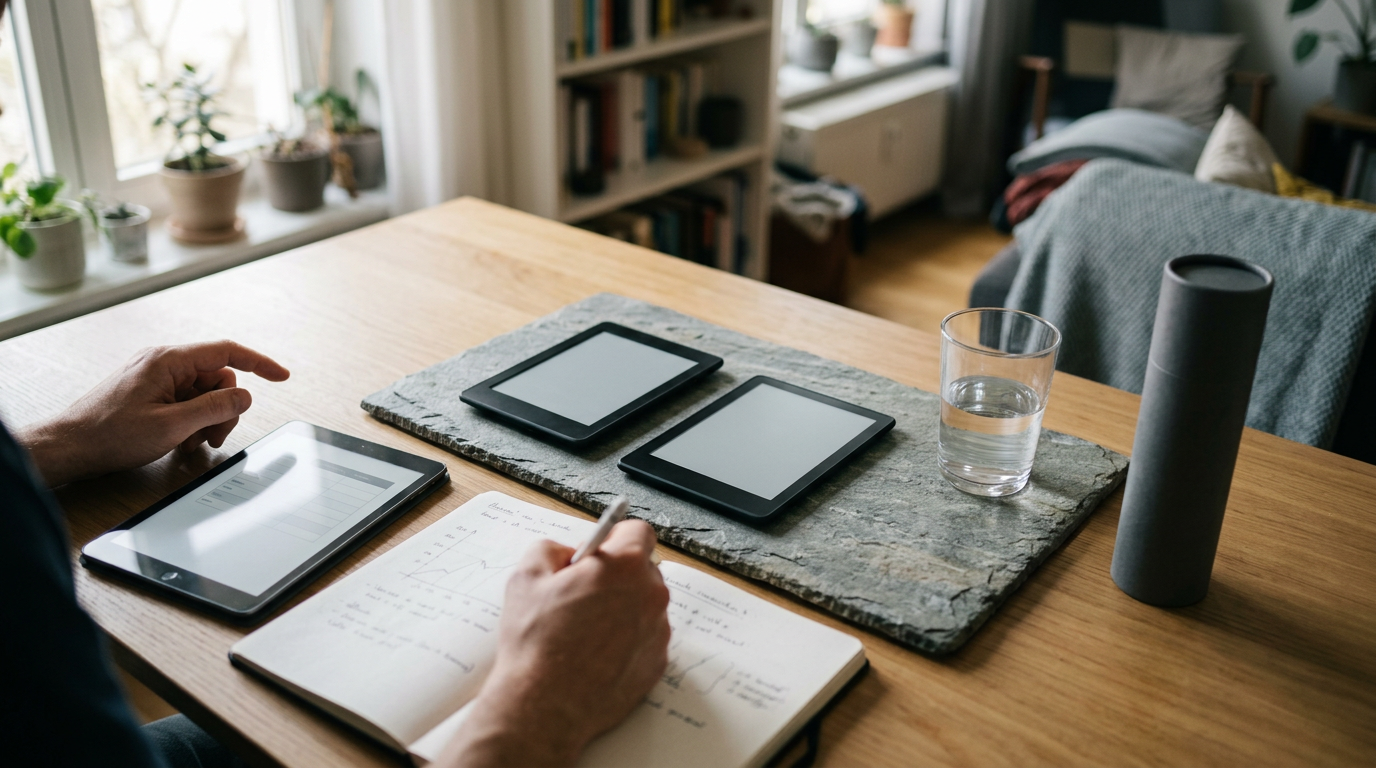
To choose the right 16GB Kindle faster, first decide whether portability or a larger screen matters more. Then compare page-turn responsiveness, warm lighting and water resistance. Choose the standard Kindle for a smaller, lighter design, or consider the Paperwhite if you want a larger display, warm light and added protection around water.
For many years, choosing an e-reader meant navigating a confusing web of storage sizes, display technologies, and connectivity options. Fortunately, the current landscape has simplified, making it much easier to identify the device that suits your daily habits. By focusing on a few distinct performance factors, you can make an efficient decision without getting overwhelmed by technical specifications.
Selecting a 16GB model gives you ample room for a large digital library. Once storage is settled, your primary decisions shift to the physical form of the device, how easily it handles low-light environments, and how quickly the screen responds to your touch. If you want a shortlist after working through those decisions, see our comparison of three 16GB Kindle options.
The quick version
- Identify your primary reading environments
- Choose your preferred screen size
- Evaluate your late-night reading habits
- Compare device generations
- Balance features against your needs
How to Choose the Right 16GB Kindle Faster
Finding the right model does not have to take hours of research. Follow this simple process to match your reading habits to the display dimensions and performance features that you will actually use every single day.
- Identify your primary reading environments. Determine if you will read mostly in a dry bedroom, on a crowded train, or near water where added protection is useful.
- Choose your preferred screen size. Opt for a compact screen for portability, or a larger display if you prefer seeing more text on each page.
- Evaluate your late-night reading habits. Consider adjustable warm light if you frequently read in dim rooms before sleep.
- Compare device generations. Newer hardware can improve page turns, menu navigation and book opening, but the exact difference depends on the models being compared.
- Balance features against your needs. Pay for options such as automatic brightness only if they suit your routine.
By systematically working through these steps, you can ignore the unnecessary extras and focus only on what makes your reading comfortable. This structured approach prevents decision fatigue and helps you choose your device with confidence.
Why 16GB Is Usually Enough for an E-Reader
For the vast majority of readers, 16GB is the modern sweet spot for digital book storage. Standard text ebooks are relatively small, so this capacity can accommodate a large library. The practical question is not simply how many titles you own, however, but what kinds of files you plan to keep downloaded at the same time.
This spacious capacity is particularly valuable if you enjoy content beyond simple text. Graphic novels, complex PDFs, audiobooks and image-heavy documents require significantly more digital space than standard novels. A reader who mainly downloads ordinary ebooks will use storage much more slowly than someone building an offline collection of illustrated or audio content.
Also remember that the stated capacity is not identical to the space available for personal files because the operating system uses part of it. If you mostly read text and remove finished downloads occasionally, 16GB should suit a substantial library. Consider storage above 16GB only if large files form a major part of your reading or listening habits.
 See the picks in our buying guide
What Makes One Kindle Feel Faster?
When discussing speed in e-readers, the primary factor is how quickly the screen updates when you turn a page. E-readers use a specialized display technology known as E Ink, which recreates the look of physical ink on paper. Its refresh behaviour differs from the LCD or OLED screens used by phones and tablets, so an e-reader should not be judged by smartphone-style animation speed.
Display sharpness is measured in PPI, or pixels per inch. A sharper display can make small text and fine details easier to distinguish, but resolution does not by itself make page turns faster. Responsiveness also depends on the processor, software, the book format and whether the device is indexing newly added content.
For a useful comparison, check how quickly each model opens books, moves through menus, searches a library and responds to page taps. Newer does not automatically mean faster in every task, so compare the exact generations under consideration. Large PDFs and image-heavy files can also respond differently from ordinary ebooks.
Standard Kindle vs Paperwhite: Which Fits Your Routine?
The primary choice for many readers comes down to deciding between the entry-level standard model and a Paperwhite. Features vary by generation, so verify the specifications of the exact devices you are considering rather than assuming every version has the same screen, lighting or water resistance.
- Screen and body: The standard Kindle generally prioritises compact dimensions, while Paperwhite models provide a larger reading area.
- Water resistance: Certain Paperwhite generations carry an IPX8 rating, while standard models may not offer equivalent protection.
- Screen illumination: A basic front light supports reading in dim conditions. Compatible Paperwhite models add an adjustable warm tone.
- Portability: A smaller device is easier to hold one-handed and place in a compact bag; a larger display fits more text at a chosen font size.
If you read near a pool or in the bath, verified water resistance may justify the larger device. If commuting and one-handed use matter more, the standard model may be the more practical fit. Compare these distinctions in the Best Kindle 16GB Faster guide.
How Screen Size and Lighting Affect the Choice
Screen illumination is one of the most useful distinctions between current e-readers because it determines where you can read comfortably. Unlike a typical phone or tablet display, a Kindle uses a front-light system that directs light across the display surface. This makes brightness adjustable without requiring a separate reading lamp, although preferences for colour tone and intensity remain personal.
For those who love reading at night, adjustable warm light can be a useful feature. It lets you shift the display from a cooler white towards an amber tone. This does not make the processor faster, but it can make a compatible device more pleasant to use in dim surroundings.
Screen size affects pace differently. A larger screen shows more words at the same font setting, reducing how often you turn pages. A smaller display is easier to carry and may be more comfortable for one-handed reading. Automatic brightness is another convenience on models that support it, but it should be treated as optional rather than essential. Choose according to your usual setting, hand position and preferred font size.
Make the Final Choice Without Overbuying
Your final decision should rest on where and how you plan to read most of your books. If your highest priority is a lightweight, portable device that you can carry during a daily commute, the standard 16GB model is a practical place to start. Confirm that its display, lighting and responsiveness meet your needs rather than paying for features you are unlikely to use.
If you prefer reading in bed, near water, or with larger text on each page, a compatible 16GB Paperwhite may be the more suitable choice. A larger display, adjustable warm lighting and verified water resistance can matter more than small differences in menu speed. Readers who use many PDFs should also consider how the larger screen handles fixed-layout documents.
Use a simple ranking: screen size first, reading environment second, responsiveness third and optional conveniences last. This keeps the decision tied to everyday use. To review a focused shortlist, open our three-pick 16GB Kindle comparison, which continues from this guide without adding unrelated product categories.
Frequently asked
Sources

As an Amazon Associate I earn from qualifying purchases. This does not affect the price you pay. Affiliate disclosure