
How to Choose the Right Kindle E-Reader for Your Reading Habits
Learn how to select the ideal Kindle by comparing screen sizes, lighting types, waterproofing, and storage capacities to match your reading style.
This article is informational and does not place shopping buttons in the story. Related buying guides may include affiliate links.
As an Amazon Associate I earn from qualifying purchases. This does not affect the price you pay. Affiliate disclosure
On this page8 sections
The short answer
- Assess your primary reading environment, especially if you read in bed or near water regularly.
- Screen size and warm lighting options are the most critical factors for eye comfort.
- Standard storage capacities are more than enough unless you rely heavily on large audiobook files.
To choose the right Kindle e-reader, you must match your reading habits to key hardware features like screen size, lighting, and waterproofing. Focus on where and when you read most to make the smartest decision.
Finding the right device means looking past marketing buzzwords and focusing on physical comfort. Screen glare, weight, and how easy the device is to hold during long reading sessions will dictate your satisfaction far more than storage size.
While all modern models display text clearly, subtle differences in screen technology, page turn speeds, and light adjustment options set them apart. Understanding these differences helps you avoid paying for features you do not actually need.
The quick version
- Identify your primary reading location
- Choose your ideal screen size
- Check the water resistance rating
- Assess your storage requirements
- Determine if you prefer physical buttons
Decode Screen Technology and PPI
When browsing options, you will encounter the term pixel density, measured in pixels per inch (PPI). A higher PPI means the text on the screen looks sharper, mimicking printed ink on paper. Most modern e-readers feature a high-resolution display that prevents fuzzy lettering, making reading easier on your eyes.
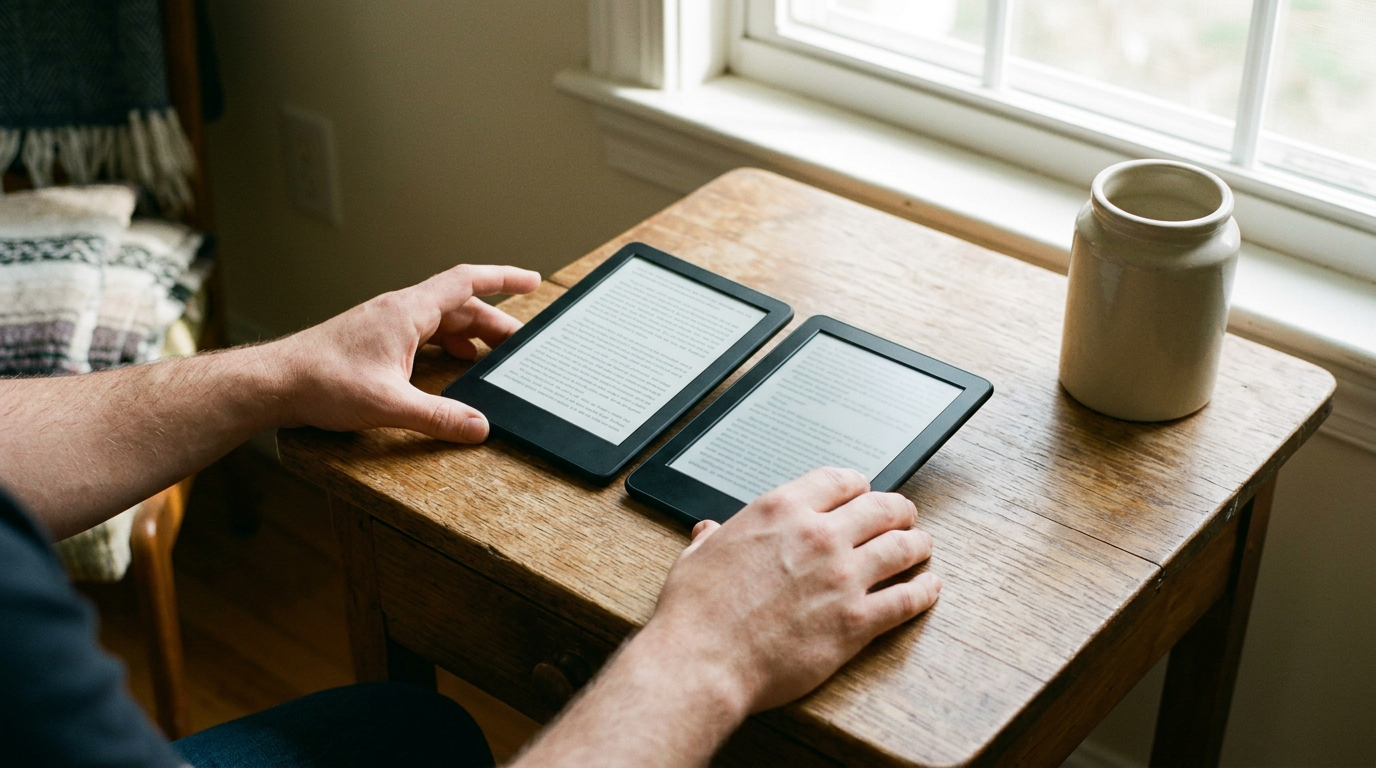
Screen size also plays a major role in your daily reading experience. Smaller screens are highly portable and fit easily into small bags or even large pockets. Larger screens show more text per page, meaning you do not have to turn pages as frequently, which can help maintain your reading flow.
Screen material differs across models too. While some have glass screens that sit flush with the borders, others have plastic screens recessed into the frame. Flush glass screens look sleek and are easier to clean, while recessed plastic screens are less prone to glaring reflections under bright lights.
A high-quality digital screen mimics real paper, making the technology disappear so you can focus entirely on the story.
Evaluate Your Lighting Environments
E-readers use front-lit screens rather than the back-lit screens found on tablets and smartphones. This lighting technology pushes light across the display toward the screen rather than pointing it directly at your eyes, which helps decrease visual fatigue during extended nighttime reading sessions.
Premium models offer a feature called warm light adjustment, which allows you to change the screen hue from cool blue to warm amber. This feature is particularly useful if you read in bed before sleeping, as warmer light is much gentler on the eyes in dark environments.
Some advanced models also include automatic light sensors. These sensors detect changes in your surroundings and adjust the screen brightness automatically. If you frequently move between sunny rooms and dark hallways, this automation saves you from constantly adjusting the settings manually.
 See the picks in our buying guide
Decide on Physical Features and Portability
The physical design of your e-reader determines how long you can comfortably hold it. Lightweight models are easy to grip with one hand, which is ideal for crowded commutes. Heavier models often compensate with larger batteries or premium metal builds that feel sturdier.
Physical page turn buttons are another design choice to consider. While most models require you to tap or swipe the touch screen, some premium designs include tactile side buttons. These physical buttons allow you to turn pages effortlessly without shifting your grip or smudging the glass screen.
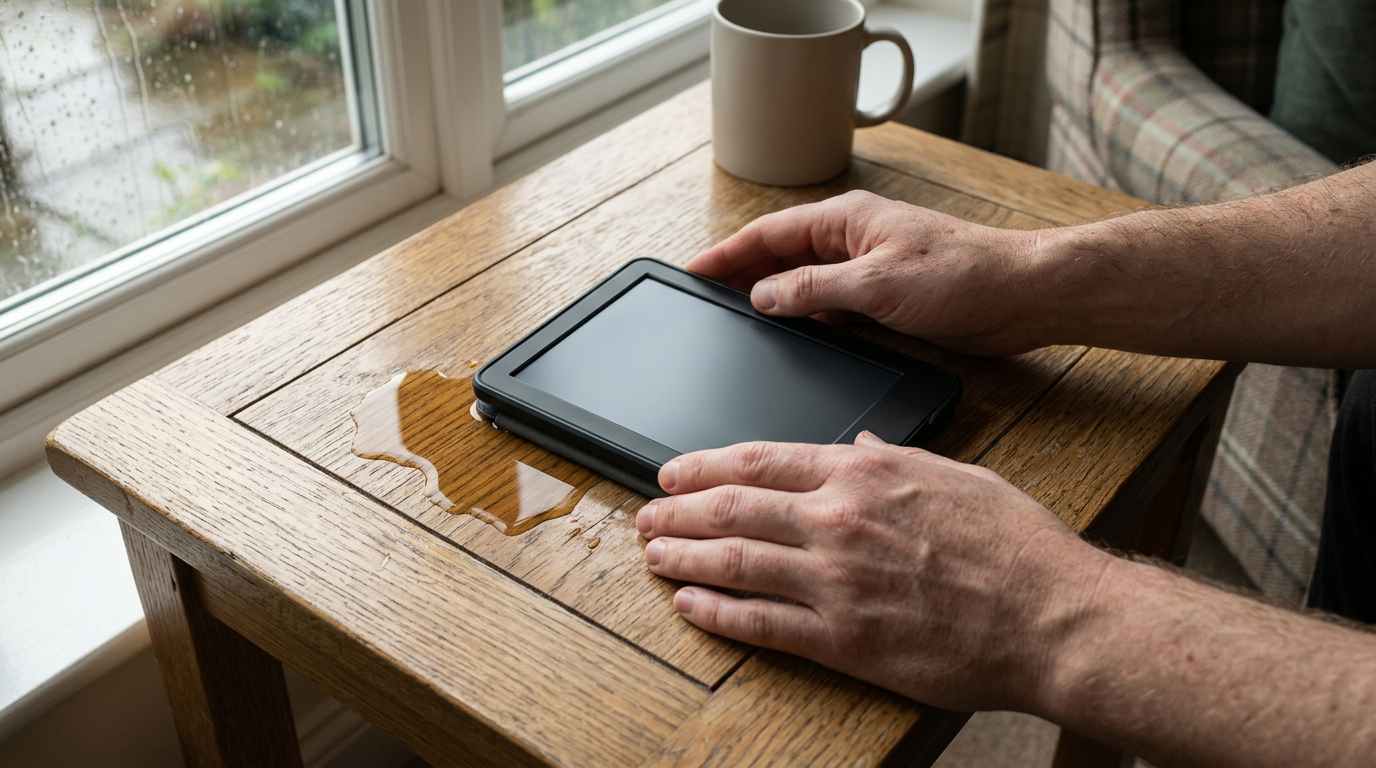
If you enjoy reading near the pool, in the bath, or at the beach, water resistance is a must-have feature. Look for devices with certified IPX8 ratings, meaning they can survive accidental drops in shallow water. For more details on which models offer this protection, see Best Kindle E-Readers: 3 Picks Compared.
Steps to Evaluate Your Personal Reading Needs
To find your perfect device, you should systematically evaluate how and where you plan to read. Buying the most expensive model is rarely necessary for the average reader.
- Identify your primary reading location. If you frequently read in bed, focus on models with adjustable warm light to reduce eye strain.
- Choose your ideal screen size. Select a compact display for easy portability or a larger screen for comfortable reading at home.
- Check the water resistance rating. Opt for a waterproof exterior if you intend to read near pools, beaches, or bathtubs.
- Assess your storage requirements. Stick to base storage for standard text books, or upgrade if you store large audiobook files.
- Determine if you prefer physical buttons. Decide if you prefer using a touchscreen or tactile side buttons for turning pages.
Following this simple process ensures you only pay for the features that directly improve your reading experience. It prevents you from overspending on unnecessary storage or advanced lighting features you will never use.
Compare Storage and Battery Life Needs
Most e-readers come with generous storage capacities that can hold thousands of standard text books. This means the average reader does not need to worry about running out of space. You only need to consider larger storage options if you listen to heavy audiobook files or read image-heavy graphic novels.
Battery life on these devices is measured in weeks rather than hours, thanks to highly efficient electronic ink technology. This technology only consumes power when the screen changes, such as when you turn a page. Therefore, you can travel for days without packing a charging cable.
Modern devices utilize standard charging ports like USB-C, which allows for faster recharging times. This universal connection means you can likely use your existing phone or laptop charger to power up your e-reader, reducing the amount of cable clutter in your travel bag.
Which One Should You Pick?
To determine your perfect match, think about your daily habits. If your main goal is lightweight portability and you mostly read during daytime hours or in well-lit rooms, a basic, compact model with crisp resolution is highly efficient and budget-friendly.
If you are an avid reader who stays up late, you should prioritize display quality and comfortable lighting. A middle-tier model featuring adjustable warm light and a slightly larger screen strikes the best balance between nighttime comfort, screen space, and ease of handling.
For those who read in the bath or travel frequently near water, water resistance is a non-negotiable feature. If you also prefer premium metal finishes and physical buttons for page-turning, look toward the higher-end options designed for maximum physical comfort. For a detailed breakdown of these options, check out Best Kindle E-Readers: 3 Picks Compared.
Frequently asked

As an Amazon Associate I earn from qualifying purchases. This does not affect the price you pay. Affiliate disclosure