Is AdCreative.ai Worth Paying For? What to Know Before Buying
Decide if AdCreative.ai is worth the subscription cost for your business by evaluating its automated ad generation features and campaign data integrations.
Some links are affiliate links: we may earn a commission if you sign up or buy through them, at no extra cost to you.
On this page8 sections
- 1The short answer
- 2Onboarding and Setting Up Your Brand Identity
- 3Choosing Formats and Generating Ad Creatives
- 4Crafting Ad Copy with Built-In AI Frameworks
- 5Analyzing Performance and Creative Insights
- 6How to Generate Your First Ad Campaign Step-by-Step
- 7AdCreative.ai vs. Standard Design Platforms
- 8Frequently asked
The short answer
- High-volume advertisers save substantial design hours by automating multi-format banner creation.
- Built-in performance scoring helps filter low-converting layout templates before spending ad budget.
- Low-volume businesses running static campaigns will find standard graphic design tools more cost-effective.
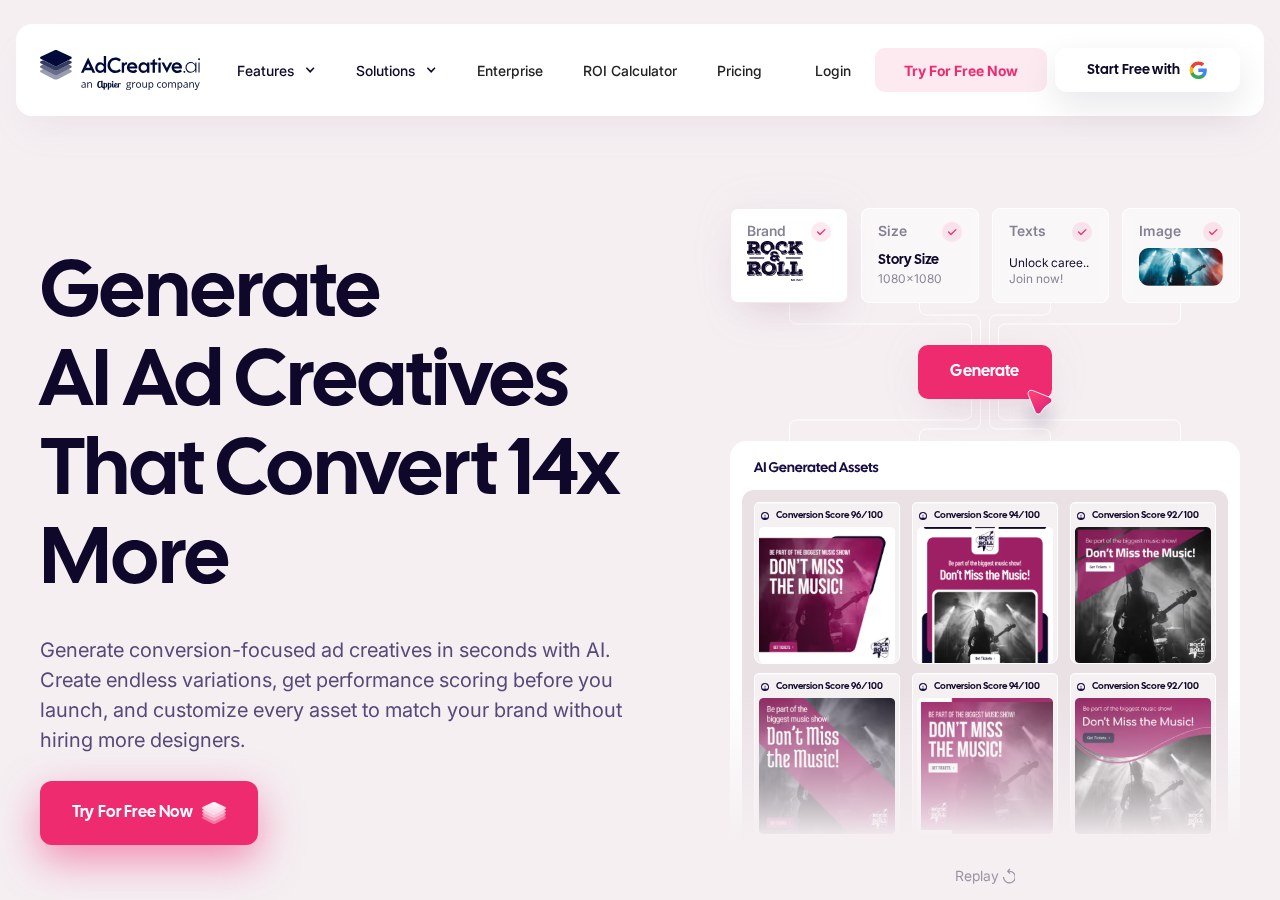
AdCreative.ai is worth paying for if you need to generate high-performing ad creatives at scale without hiring designers. For businesses launching dozens of weekly ad variations across social networks, the platform saves significant production time and creative testing resources.
High-volume agencies and e-commerce stores benefit most from the platform's automated generation engine. However, businesses running only one or two static ads a month will find the monthly subscription cost difficult to justify. To understand the full scope of features, read our comprehensive AdCreative.ai Review 2026: AI Ad Creatives, Copy and Campaign Insights before committing.
The software uses trained machine learning models to analyze visual layouts and predict performance based on historical conversion data. This helps advertisers pre-score assets before launching campaigns. By focusing on rapid visual production, the platform directly addresses the challenge of ad fatigue on major display networks.
The quick version
- Create your brand profile
- Select your layout format
- Upload your campaign imagery
- Input your copy headlines
- Generate and download your assets
Onboarding and Setting Up Your Brand Identity
The onboarding process begins on the brand setup screen, where you input core brand details to train the layout engine. You start by uploading your corporate logos and entering your primary hex color codes. The platform saves this profile so that every creative asset generated thereafter automatically conforms to your exact brand guidelines. This ensures that no off-brand colors are ever introduced into your visual designs.
This centralized brand identity system serves as the visual anchor for all automated campaigns. If you manage multiple clients or different product lines, you can configure individual brand folders to keep assets separated. This prevents accidental cross-contamination of logos and colors when generating assets at a high volume. It also allows agency teams to transition between client campaigns with a single click.
The primary benefit of this structured setup is the elimination of repetitive design tasks. Instead of manual adjustment of background colors and fonts for every layout, the automated engine applies your predetermined palette. This step ensures consistent aesthetics across your marketing materials without requiring graphic design experience. It turns a multi-hour design pipeline into a few seconds of automated work.
Choosing Formats and Generating Ad Creatives
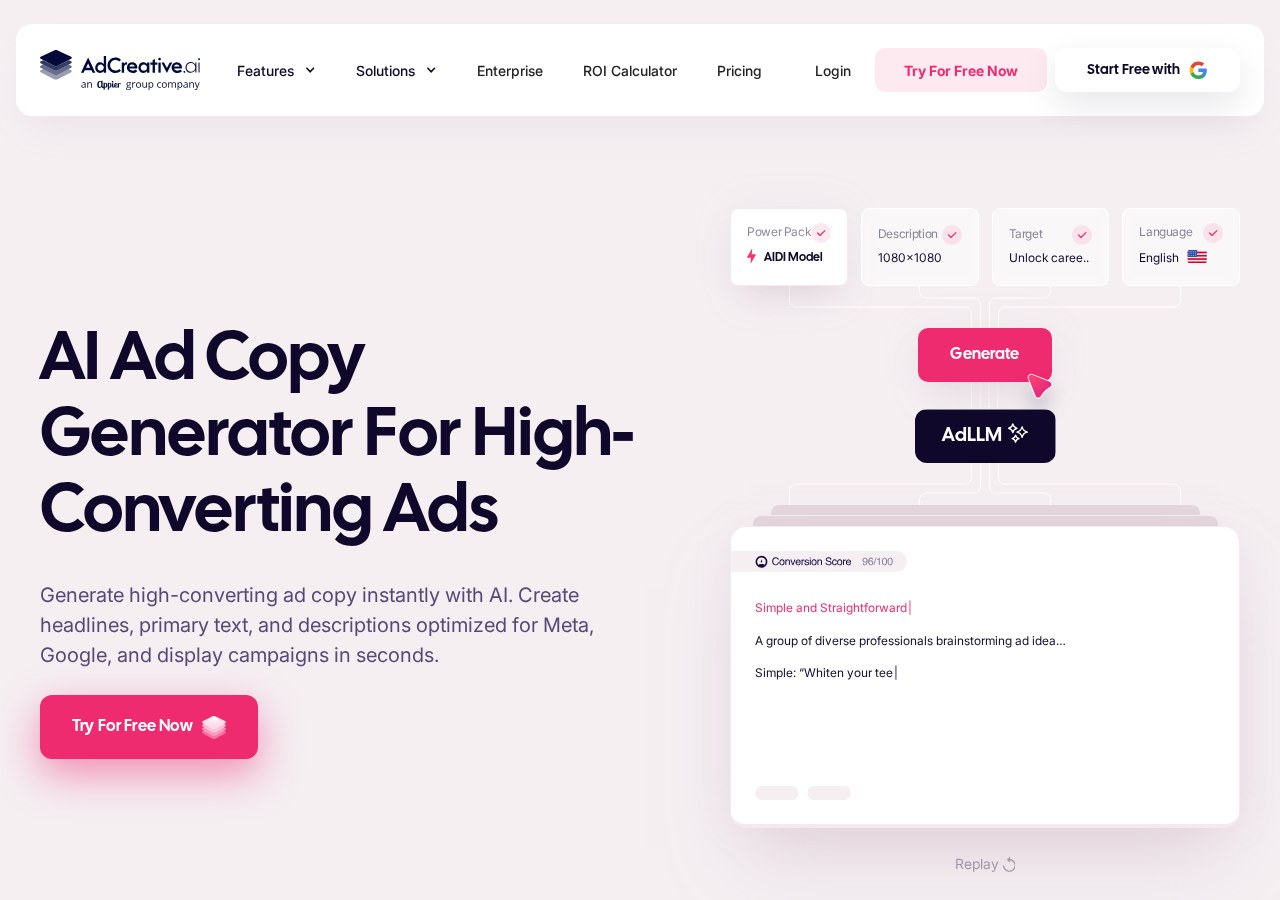
The core generation workflow begins inside the project setup dashboard. Here, you choose your desired output formats, such as square posts for Instagram, vertical stories, or horizontal banners for display networks. This multi-format flexibility ensures you can launch campaigns across Facebook, Google, and Pinterest without resizing files manually. It provides the base assets required for any standard digital advertising matrix.
Once you select the dimensions, you input your target audience profile and choose a background image. You can upload custom product photography or choose from the built-in library of royalty-free stock assets. The system analyzes these inputs to determine the optimal placement for text overlays. This ensures your promotional text never covers vital parts of your product imagery.
The platform generates hundreds of design variations within seconds, sorted by an AI-generated score. This rating system estimates which layout is most likely to drive high clicks based on historical advertising data. You can quickly filter out lower-performing templates and focus only on high-scoring assets. This data-driven approach removes the guesswork from choosing your visual elements.
Crafting Ad Copy with Built-In AI Frameworks
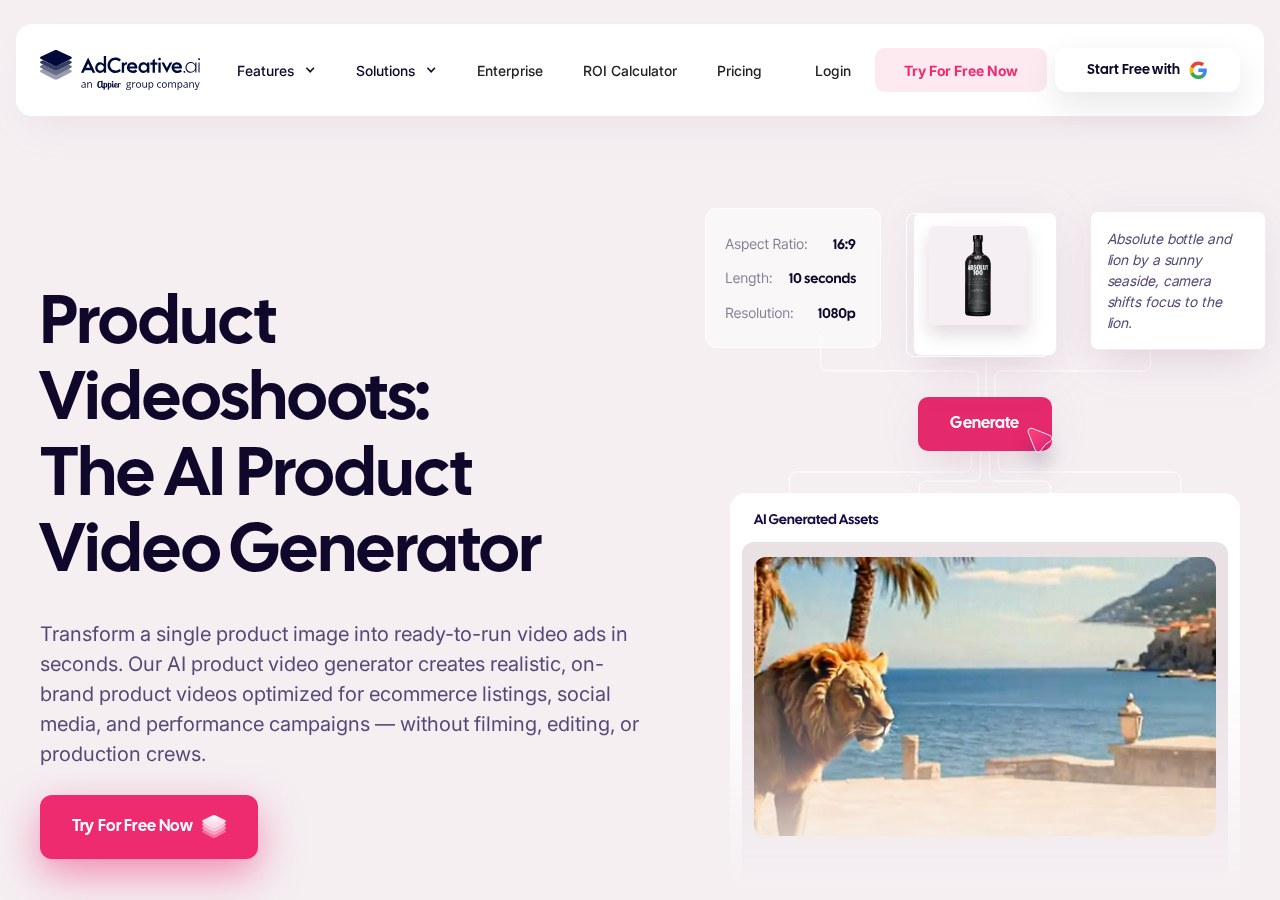
Generating visuals is only half the battle; copy remains a critical piece of any marketing campaign. The copywriting generator tab provides pre-structured frameworks designed to hook readers instantly. Users can generate headlines, subheadings, and call-to-action lines that match their target audience profile. This tool handles the writing process directly alongside visual construction.
Effective ad design is less about artistic perfection and more about layout consistency and clear messaging.
The tool offers structures like AIDA and PAS to align your text with proven marketing principles. This ensures your messages remain direct, concise, and engaging for prospect audiences. The platform matches your selected brand voice with the generated graphics to ensure complete visual and textual consistency. This alignment is vital for building trust with your prospects.
By automating both copy and layout in a single interface, you avoid the typical friction between copywriters and designers. The unified output ensures that headlines fit perfectly within text boxes without clipping or overlapping. This automated pairing saves hours of manual adjustments before your campaign launches. It streamlines your workflow so you can deploy ads faster.
Analyzing Performance and Creative Insights
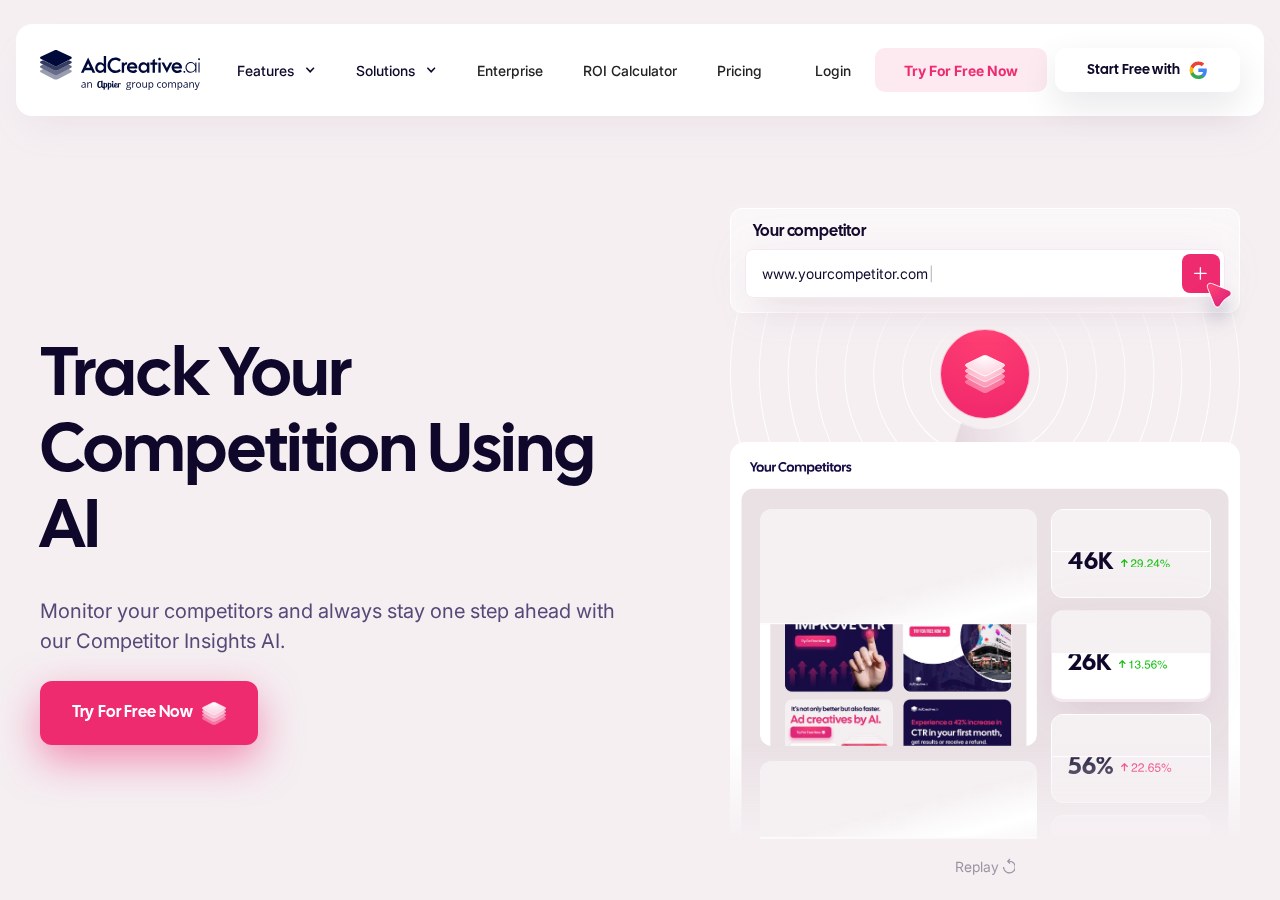
The Creative Insights screen connects directly to your advertising accounts to pull real-time performance data. This bridge helps you understand which colors, layouts, and copy formulas perform best in live environments. You no longer have to guess which design elements drive real conversions. The system brings the power of analytics directly into the design space.
This data integration simplifies the process of conversion rate optimization by highlighting underperforming assets. Instead of guessing why an ad failed, the platform flags specific design elements that may be hurting engagement. You can pause low-performing creatives before they waste your budget. This feedback loop is essential for maintaining efficient ad spend.
Regular analysis on this screen allows advertisers to run efficient multivariate testing campaigns. You can continually feed the highest-performing styles back into the generation engine to refine future outputs. This iterative loop helps maintain strong ad performance over long campaign runs. It ensures your creative library evolves alongside changing audience preferences.
How to Generate Your First Ad Campaign Step-by-Step
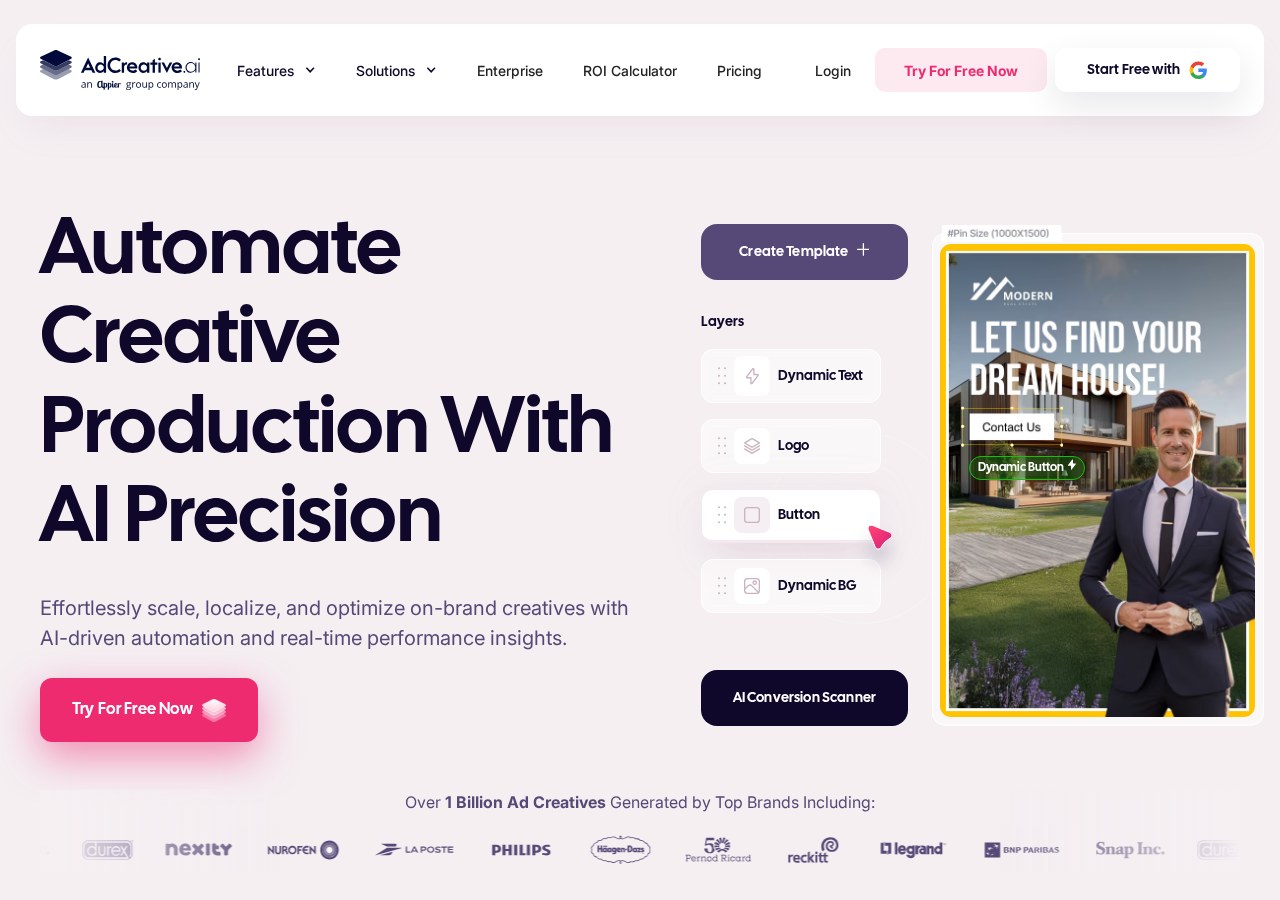
Setting up your first generation is a structured process designed to yield maximum variations with minimal inputs. Follow these steps to generate, evaluate, and export your brand assets from the platform dashboard. Each step requires simple inputs that influence the final automated layouts. This workflow allows you to go from concept to finished ads in minutes.
- Create your brand profile. Upload your logo files, select your primary colors, and add a brief description of your product or service.
- Select your layout format. Choose the social media dimensions that match your target advertising platform.
- Upload your campaign imagery. Provide high-resolution product photos or browse the integrated library of stock assets.
- Input your copy headlines. Enter the primary marketing messages and call-to-action text manually or use the AI text generator.
- Generate and download your assets. Review the scoring of each generated layout and export the top variations.
After downloading, you can immediately upload these files to your preferred ad managers. For a deeper look at how these files perform in real scenarios, check our detailed AdCreative.ai Review 2026: AI Ad Creatives, Copy and Campaign Insights. This will help you maximize your ROI. Utilizing these structured guides ensures you avoid common setup errors.
AdCreative.ai vs. Standard Design Platforms
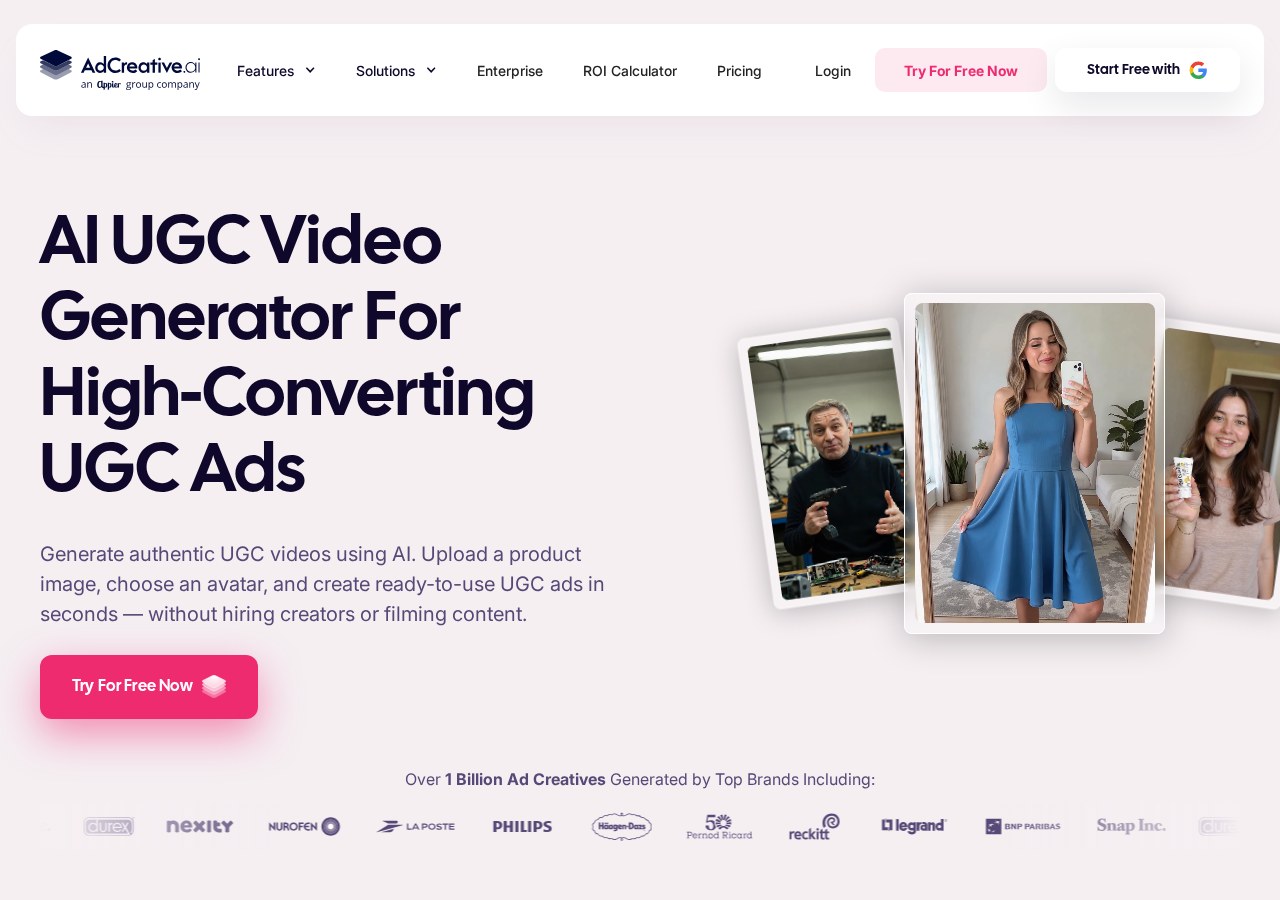
Choosing between dedicated AI generation and classic design software depends on your internal workflow. Traditional layout editors require manual positioning, while automated tools construct complete compositions using data-backed templates. Marketers must decide if they value pixel-level control or automated output speed. This choice defines your entire production pipeline.
- Speed: AdCreative.ai generates dozens of variations in seconds, whereas standard design tools require manual scaling for every aspect ratio.
- Control: Standard platforms offer pixel-perfect manual adjustments of vector graphics, while AdCreative.ai prioritizes automated template layouts.
- Writing: AdCreative.ai generates copywriting directly into the visual frames, while standard editors require manual copy entry.
- Analysis: AdCreative.ai scores layouts using conversion data, whereas traditional tools offer no pre-campaign performance feedback.
Users who need unique, hand-crafted artwork for branding will prefer traditional design environments. However, digital marketers running aggressive paid campaigns across multiple platforms will find the automated platform's speed far more valuable. The choice hinges on whether you prioritize custom art or rapid asset testing. Standard design packages struggle to match this specific workflow velocity.
Frequently asked
As an Amazon Associate I earn from qualifying purchases. This does not affect the price you pay. Affiliate disclosure