Is Fireflies.ai Worth Paying For? How to Choose Your Plan
Decide whether a paid Fireflies.ai subscription fits your workflow by comparing transcription limits, storage capacity, and advanced AI summary features.
Some links are affiliate links: we may earn a commission if you sign up or buy through them, at no extra cost to you.
On this page8 sections
The short answer
- Paid tiers enable unlimited AI-driven transcription and global keyword search.
- Free accounts restrict storage space and exclude custom summary templates.
- Active business teams require paid plans for CRM and dialer integrations.
Yes, Fireflies.ai is worth paying for if you need unlimited transcription, downloadable audio files, and customized summary formats. The free tier limits your storage and restricts access to advanced AI chat features.
For professionals who attend several meetings daily, relying on manual note-taking or restrictive free plans can lead to missed action items and lost productivity. Upgrading to a paid tier changes how you capture, search, and share conversational data across your team.
Understanding where the free limitations restrict your specific workflow is the key to deciding whether to subscribe. Analyzing your weekly usage pattern helps you avoid overpaying for software capabilities that you do not actually require.
The quick version
- Link your primary work calendar
- Set your default joining preferences
- Configure your video conferencing platform p…
- Verify the bot has successfully entered
- Review the processed transcript in your
Navigating the Fireflies Dashboard and Meeting Settings
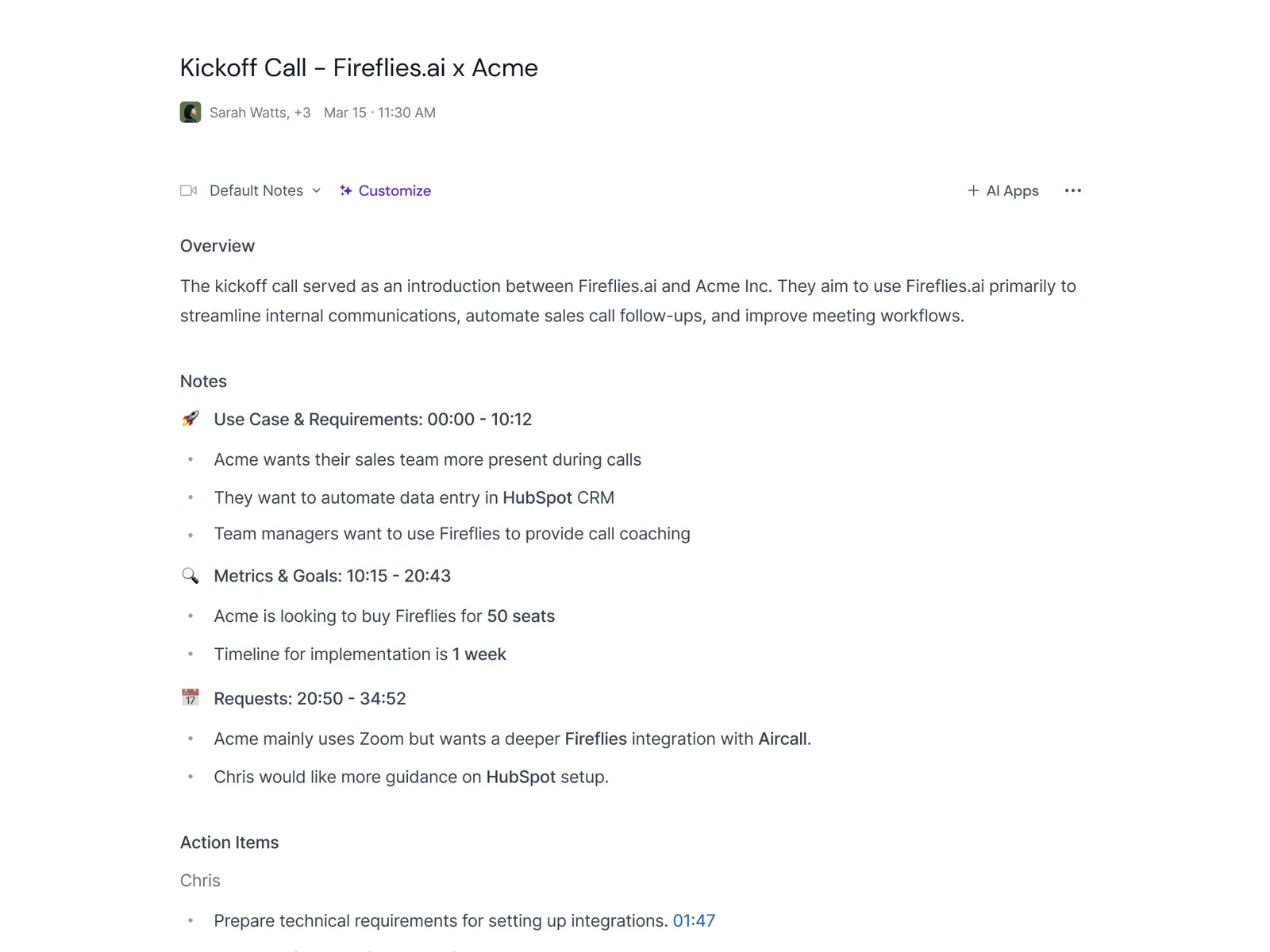
The primary interface of Fireflies.ai revolves around the central dashboard where you control how the assistant joins your scheduled calendar events. Users can toggle settings to determine whether the bot enters every meeting automatically or only those you explicitly invite. This dashboard acts as the command center for your entire recording workflow. Managing this automated entry is crucial for privacy and efficiency. If you operate on the free plan, the bot still joins your calls, but the system limits how many total minutes of audio are processed. Adjusting your settings here ensures you do not waste your limited transcription allocation on casual or non-essential conversations. On the paid tiers, this dashboard offers more granular controls, such as filtering which external attendees receive automatic copies of the notes. Managing these settings stops unauthorized distribution of sensitive meeting minutes while keeping your team fully aligned after every session.
Inside the Transcripts Tab and Editing Workspace
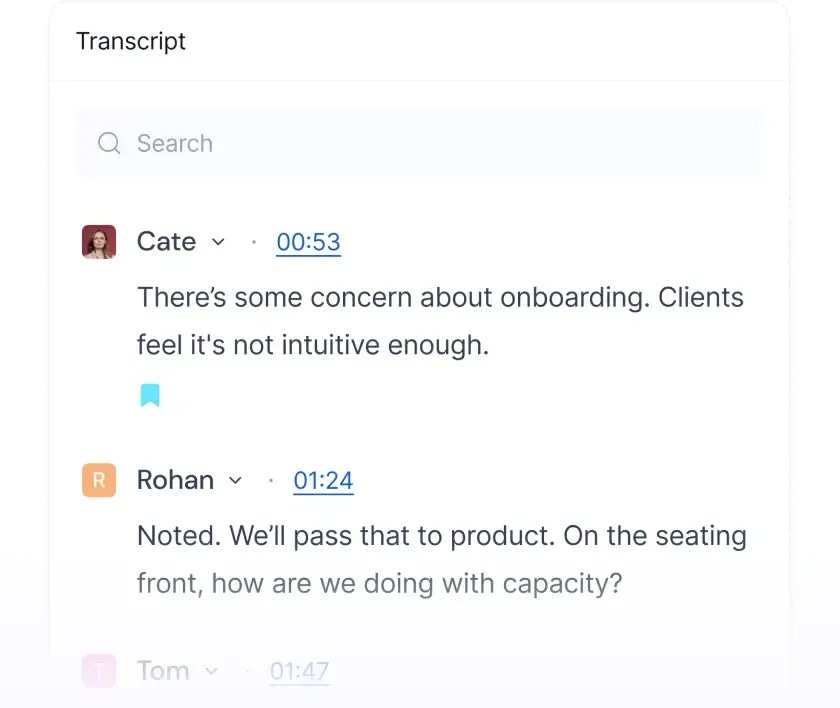
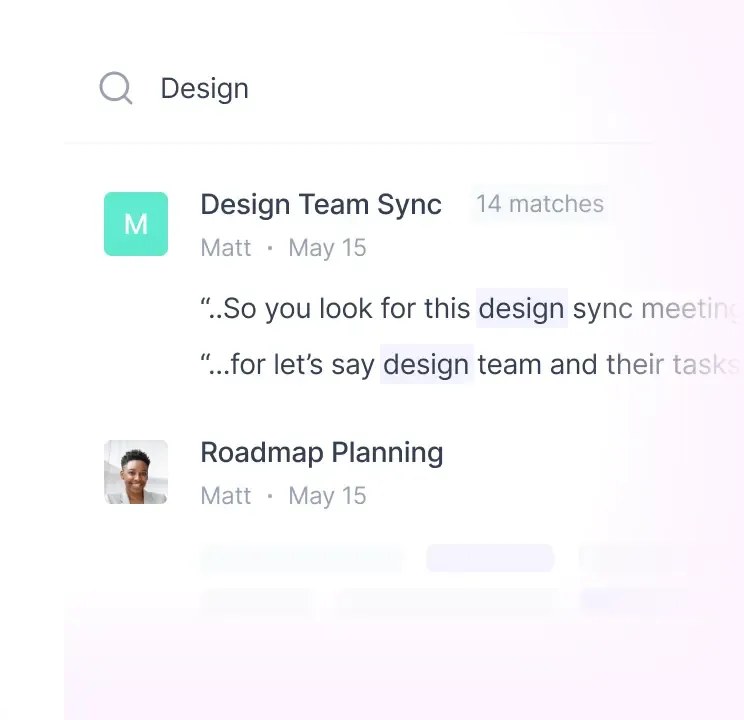
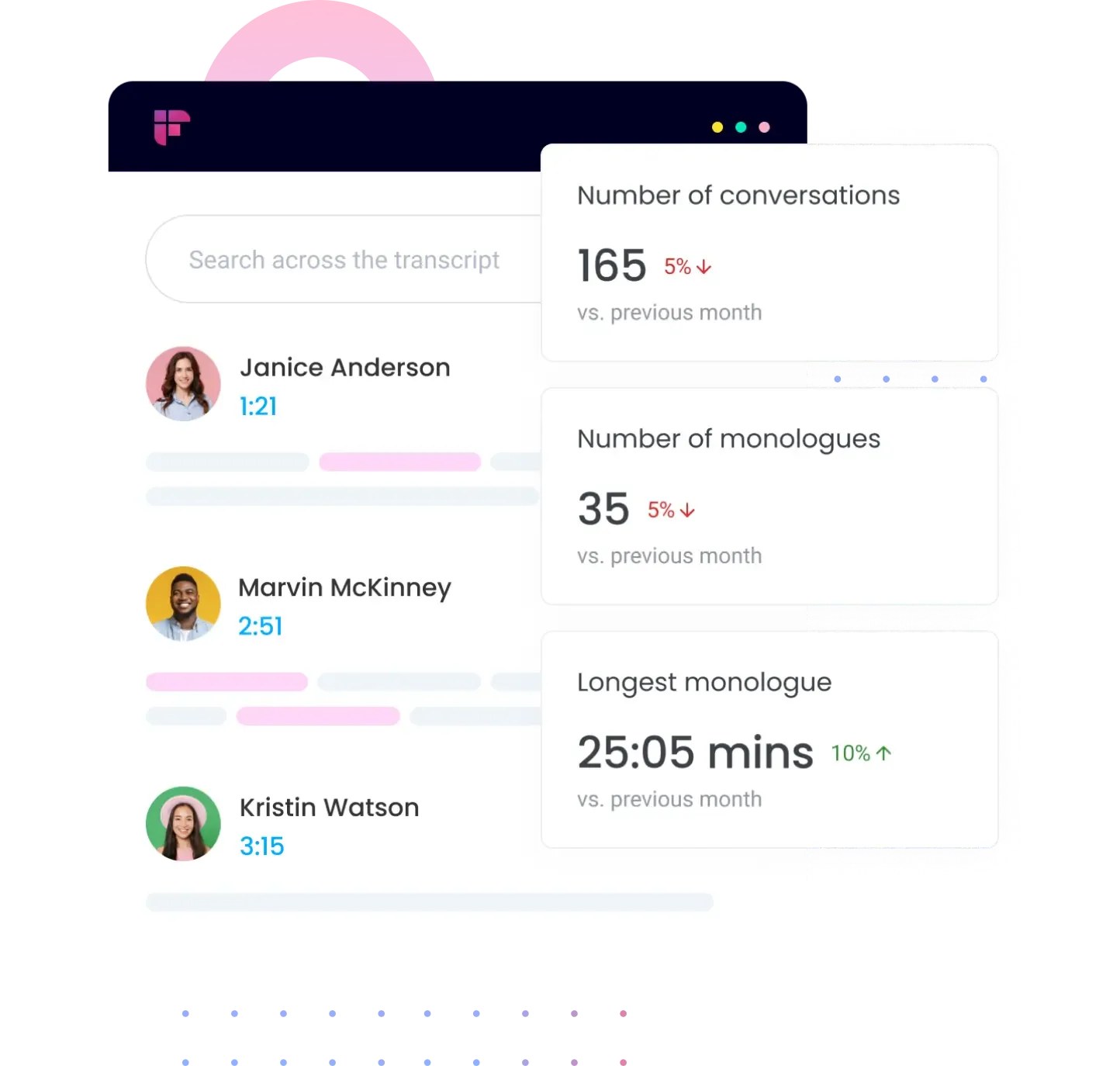
Once a meeting ends, the software processes the audio and places the result within the dedicated Transcripts tab. This workspace displays a side-by-side view featuring the full text log on one side and the interactive audio player on the other. Clicking on any sentence automatically jumps the audio playback to that exact timestamp. The editing workspace also handles speaker identification, allowing you to correct mislabeled voices or adjust spelling directly in the text. This is where the core value of automated transcription becomes visible, as you can quickly clean up technical jargon or proprietary product names. Paid plans allow you to search across your entire meeting history, allowing you to locate specific keywords across months of meetings. Free users are restricted to searching within individual transcripts, which drastically slows down your ability to retrieve old details. Additionally, the paid tiers allow you to download the transcript in multiple formats, including PDF, DOCX, and SRT. Free tier accounts can only view the text inside the browser, which limits how you can repurpose the written content.
How to Configure and Deploy the Recording Bot
Setting up the recording assistant correctly helps avoid missed meetings and ensures high-quality audio capture. Following these essential steps to integrate the tool with your everyday calendar and conferencing platforms helps you make the most of your transcription limits and stops manual errors during live calls.
- Link your primary work calendar. Connect your calendar through the account settings page to allow the software to scan upcoming events.
- Set your default joining preferences. Choose whether the bot should join all meetings, only those you host, or only events with specific keywords.
- Configure your video conferencing platform permissions. Ensure your Zoom, Google Meet, or Microsoft Teams settings allow external participants to join and record.
- Verify the bot has successfully entered the call. Check the participant list during your meeting to confirm the assistant is actively recording the audio stream.
- Review the processed transcript in your feed. Locate the finished text and audio file in your dashboard shortly after the meeting concludes.
After executing these steps, your meetings are consistently documented without manual intervention. This automated loop forms the baseline of the software, but the depth of analysis you can run on these files depends entirely on your subscription status.
Leveraging Ask Fred and Custom AI Prompts
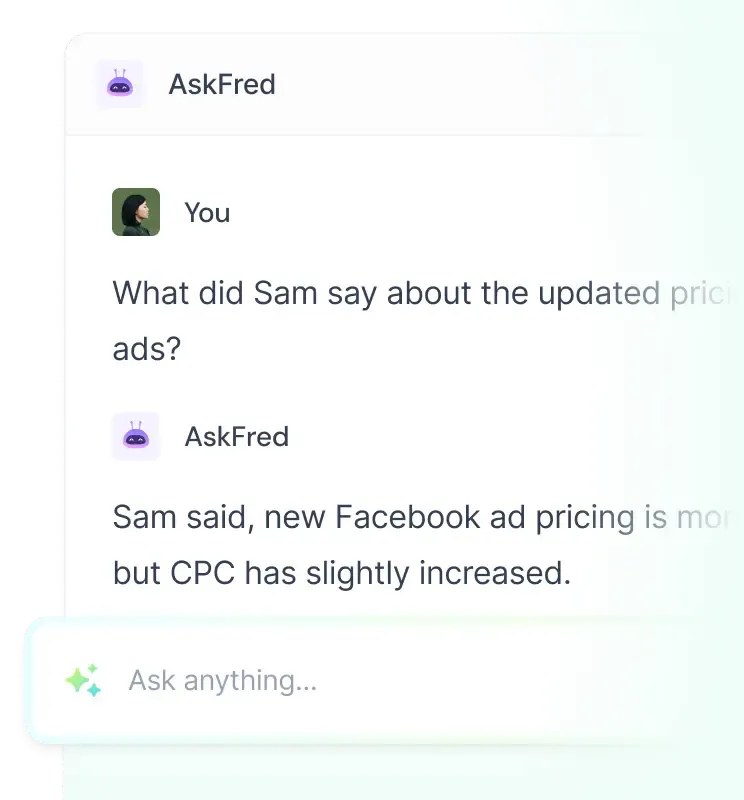
The paid tiers introduce Ask Fred, an interactive conversational AI companion designed to query your meeting logs. Instead of reading through an hour of dialogue, you can ask this chatbot to extract action items, summarize agreements, or draft follow-up emails. This conversational agent goes beyond basic transcripts, using sentiment analysis to flag points of tension or agreement during a call. While the free plan provides basic AI summaries, it does not allow you to customize the output structure. Paid accounts provide custom summary templates, enabling you to define exactly how you want your notes organized, whether that is as bulleted lists, SWOT analyses, or chronological updates. For teams managing complex project lifecycles, custom summary templates are where the paid upgrade delivers its highest return on investment. Standardizing your meeting summaries allows different departments to consume the same information quickly and act on decisions without wading through conversational noise.
Comparing Free and Paid Feature Limits
Deciding between a free account and a paid subscription requires a clear understanding of what you lose by remaining on the unpaid tier. The software imposes strict thresholds on storage, integrations, and AI capabilities that directly impact professional utility.
- Transcription Volume: Free accounts provide a limited pool of lifetime transcription credits, whereas paid tiers offer unlimited recording capacity every month.
- Search Functionality: Free users can only search for keywords within a single transcript, whereas paid subscribers can search across their entire meeting history.
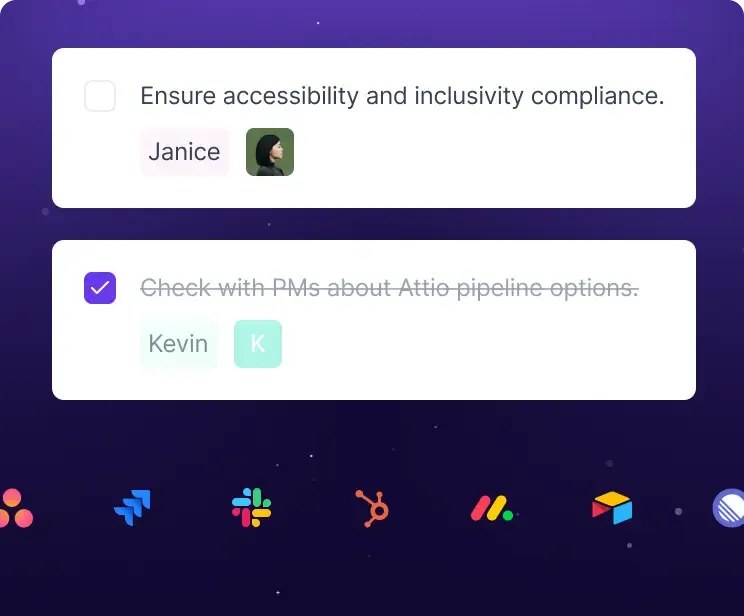
- Integrations: Free plans connect only to basic storage tools, whereas paid tiers integrate directly with CRM platforms, project management tools, and dialers using API webhooks.
- Audio Downloads: Free access restricts you to browser-only playback, whereas paid plans allow you to download audio and transcript files locally.
Reviewing these differences highlights that the free tier is designed primarily for trial purposes or occasional users. For regular business operations, the limitations on storage and search quickly become a bottleneck that hinders team collaboration.
Which Plan Should You Pick?
To decide if you should upgrade, assess your weekly meeting volume and your need for automated workflows. If you host more than a couple of meetings per week, the storage limits on the free plan will quickly force you to delete older recordings. If you require your meeting notes to sync automatically with CRMs or project boards, you should pick a paid plan. The time saved by avoiding manual copy-pasting justifies the subscription cost for sales and customer success teams. For more details on these tiers, refer to our comprehensive Fireflies.ai Review 2026: Pricing, Free Plan and Who It's For. Conversely, if you are a freelancer who only needs occasional transcription for personal reference, the free tier may suffice. You can manually copy the text out of your browser, provided you do not mind the lack of advanced AI analysis and search.
Frequently asked
As an Amazon Associate I earn from qualifying purchases. This does not affect the price you pay. Affiliate disclosure