
Is a Murf Review Worth Buying in 2026?
Decide whether Murf AI suits your workflow by examining its timeline editor, voice library, pronunciation controls, video syncing, voice cloning, and API options.
Some links are affiliate links: we may earn a commission if you sign up or buy through them, at no extra cost to you.
On this page9 sections
- 1The short answer
- 2Is a Murf Review Worth Buying for Your Workflow?
- 3Navigating the Murf Studio Timeline Workspace
- 4Selecting and Filtering the Voice Library
- 5Fine-Tuning Pronunciation and Custom Phonemes
- 6Synchronizing Audio with Video Tracks
- 7Evaluating Voice Cloning and API Integration
- 8Which AI Voice Generator Should You Choose?
- 9Frequently asked
The short answer
- Murf AI excels for creators needing precise, block-by-block control over voiceover synchronization and timelines.
- The platform focuses heavily on studio-grade editing controls rather than quick, single-click text-to-speech outputs.
- Casual users may find the structured workspace and premium subscription plans unnecessary for simple audio needs.
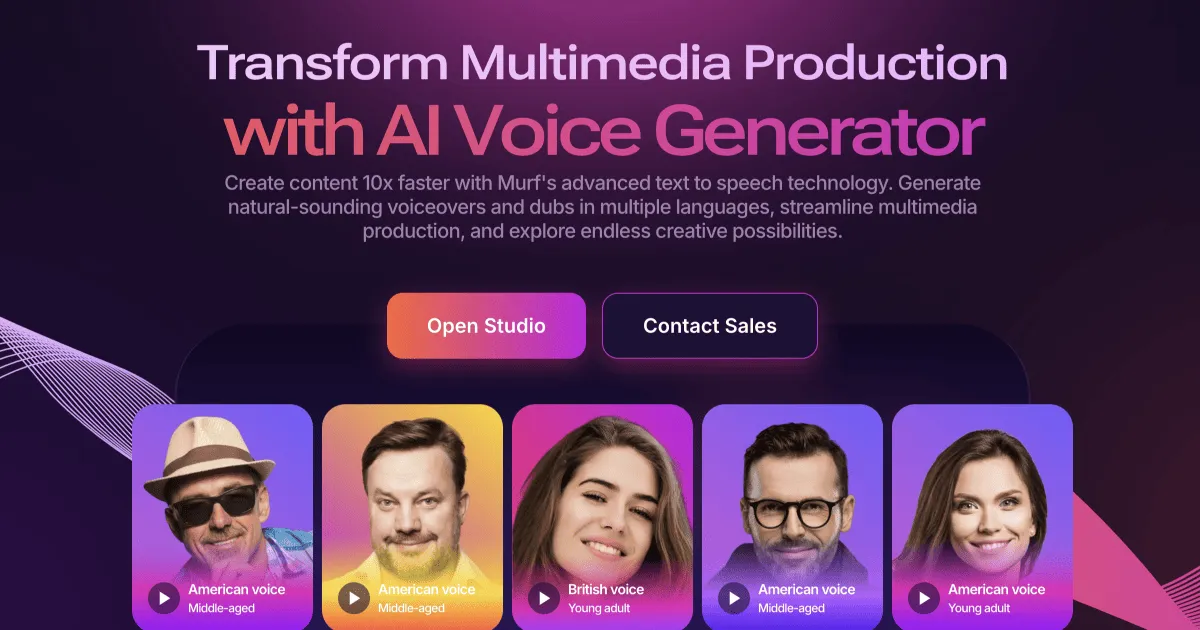
A Murf subscription can be worth buying in 2026 if you regularly create voiceovers that require precise timing, pronunciation control, and synchronization with video. Casual users who only need occasional text-to-speech audio may not benefit as much from its structured editing workflow. This article explains which features matter before you read a full Murf review or choose a plan.
For professionals producing e-learning modules, corporate presentations, and product marketing videos, the platform provides a dedicated workspace that bridges the gap between text input and natural human speech. Instead of simply converting words to audio, the tool functions as an active digital audio workstation designed specifically for voice management.
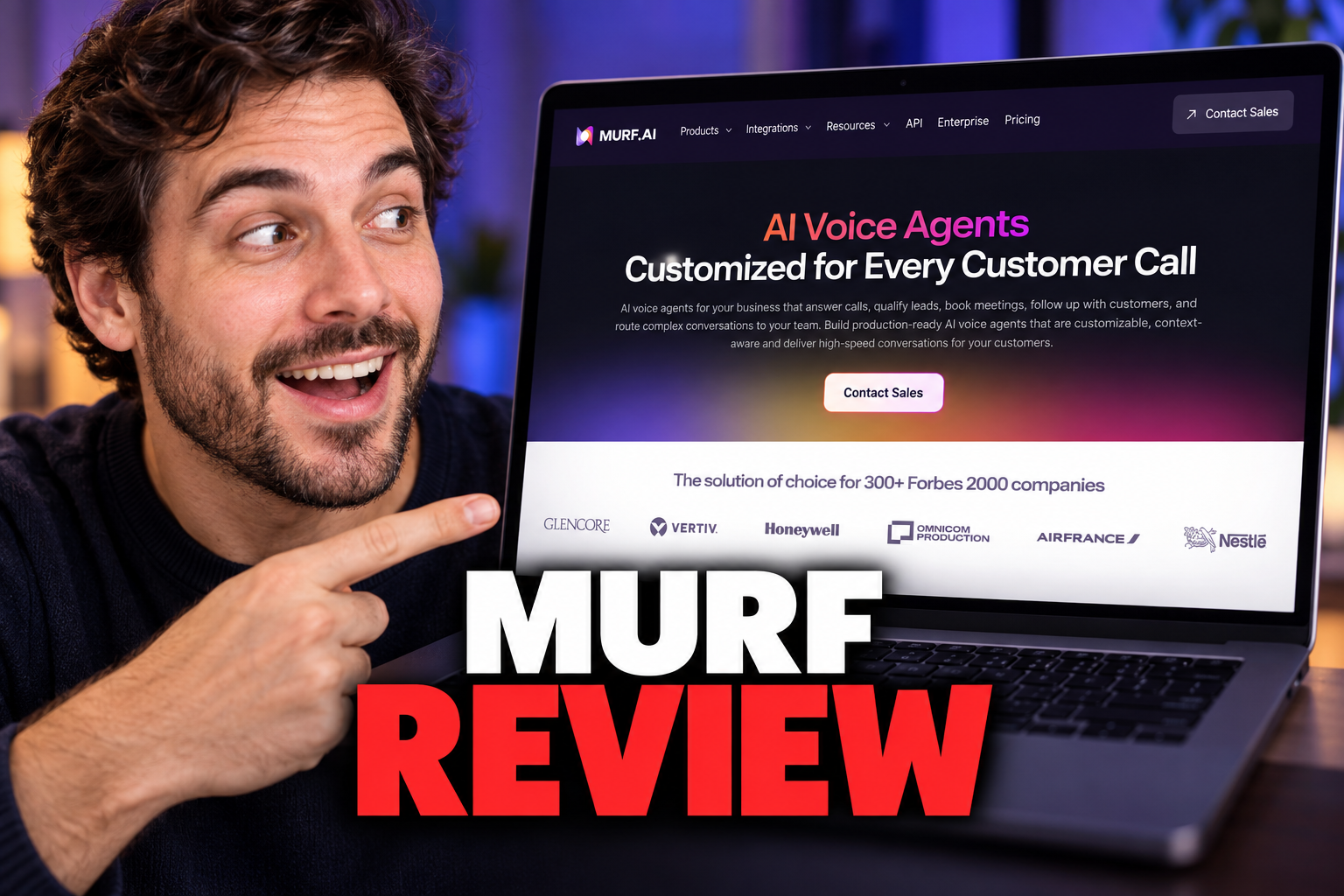
Before committing to a subscription, it helps to look closely at how the application operates in practical daily tasks. A sensible decision depends on whether the editor's controls match your production requirements. Our detailed Murf Review covers the broader product, while the sections below focus on whether its workflow offers enough value for your needs.
Is a Murf Review Worth Buying for Your Workflow?
Murf is most likely to justify a paid subscription for people who produce narration regularly and need to revise it inside a structured project. Its block-based workflow lets you divide a script into manageable segments. That can be useful for e-learning lessons, corporate explainers, product demonstrations, and other projects where each line must align with a visual or slide.
The value is less clear if you only generate short, occasional clips. In that case, a detailed production workspace may add controls you rarely use. Before deciding, estimate how often you need to correct pronunciations, change individual lines, manage several speakers, or synchronize narration with video. Those recurring tasks are more relevant than the number of voices alone.
A complete Murf review can help you assess the wider feature set. The practical question is whether editing precision and reusable project structure will save enough manual work in your own production process.

Navigating the Murf Studio Timeline Workspace
The core of the software is its main workspace, designed to look and feel like standard video editing software. When you open a project, you are presented with a workspace composed of individual timeline blocks. Each block corresponds to a specific segment of audio, allowing you to edit text, adjust pauses, and change speakers line by line.
Having granular control over audio timing means you do not have to regenerate a whole script just to fix a single word. Users can adjust individual blocks and insert silences, helping the audio match visual cues. The timeline layout provides a clear visual representation of how narration flows alongside other assets.
Managing long scripts becomes easier when you can break them into smaller segments rather than work with one large text field. It also makes revisions easier to track: a corrected name, changed instruction, or replacement sentence can remain isolated from the rest of the project. See our Murf Studio editor analysis for a broader breakdown of the interface.
Selecting and Filtering the Voice Library
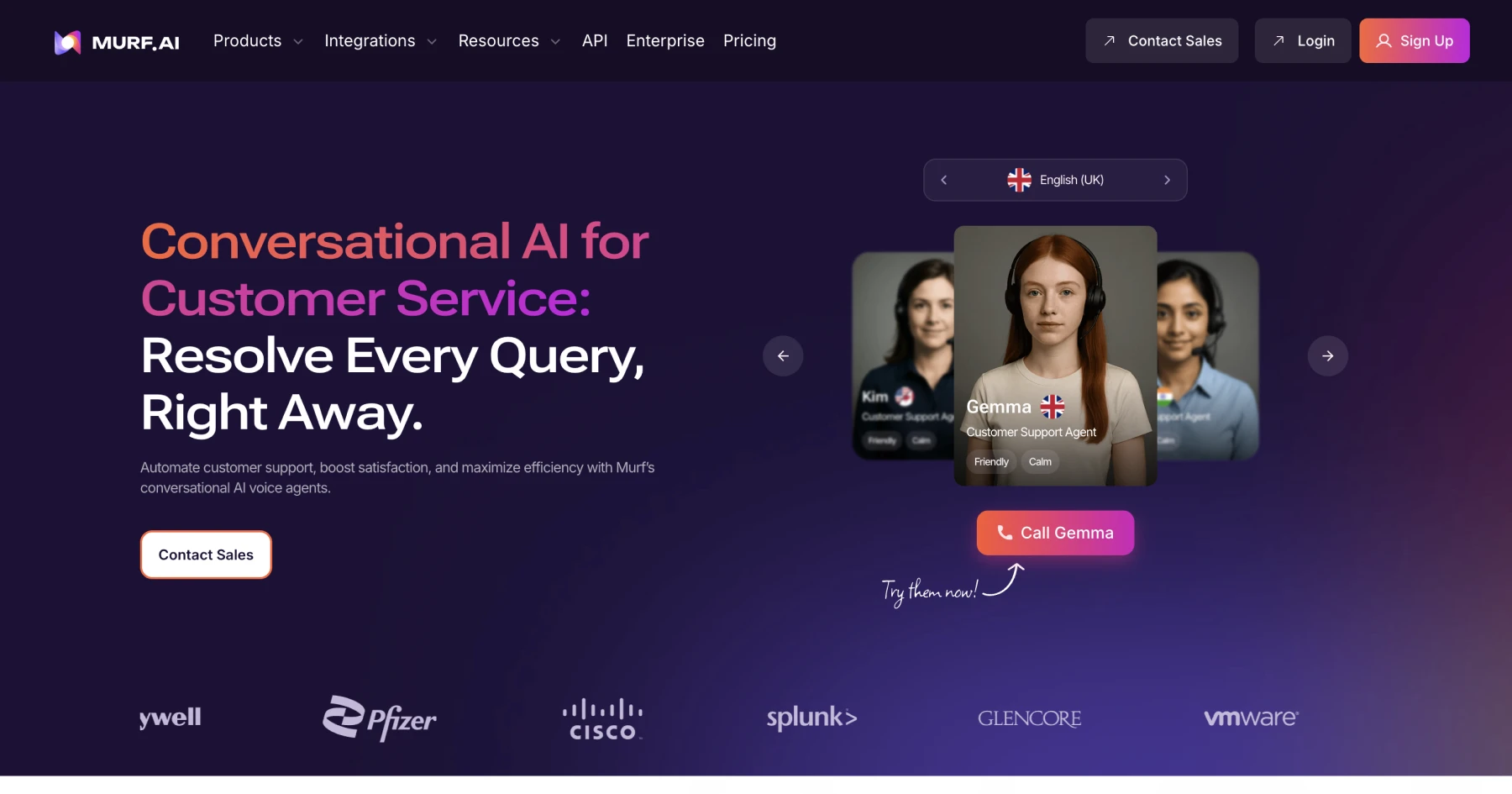
Finding the right tone of voice is often the most time-consuming part of an audio project. The voice selection screen contains a directory of digital voices that can be filtered by characteristics such as accent and intended use. These filters help narrow the options before a voice is applied to the script.
The filtering system allows you to preview audio samples before applying a voice to your text blocks. Regional choices can help teams tailor media to a particular audience. Categorization also reduces the need to listen to every available sample before finding an appropriate candidate.
Selecting a voice applies it to chosen blocks, so users can compare different speakers on the same script segment. This is useful for projects with several characters or distinct sections. The important buying consideration is not simply library size. It is whether voice filtering and block-level switching make casting and revising narration more manageable for your typical projects.

Fine-Tuning Pronunciation and Custom Phonemes
Once a voice is selected, the customization panel provides tools for refining speech patterns. The pronunciation editor lets users specify how names, brand terms, acronyms, or technical language should be spoken. Adjustments can involve phonetic spelling, which gives creators more control than repeatedly changing the source sentence and hoping for a different result.
Users can also adjust delivery controls such as pitch and speed. These settings can help correct pacing or make a section fit a defined time window. Emphasis controls may alter how key words are delivered, although results can vary by voice and script context.
This level of detail is particularly useful for instructional designers and software teams that work with specialized terminology. Instead of accepting a default pronunciation, they can save time during repeated revisions by standardizing how important terms are spoken. For a closer look at these controls, read the full Murf AI review. The subscription is easier to justify when pronunciation accuracy affects many recurring projects, not just one recording.
Synchronizing Audio with Video Tracks
The video integration screen allows users to upload video files into a project and coordinate generated narration with on-screen action. While previewing a video, creators can adjust text segments and pauses to match narration to visual assets. This can reduce the number of alignment changes required after audio is moved into a separate video editor.
The media workflow also supports background tracks, with controls for balancing music against narration. Creators should listen through the complete project rather than judge levels from a single section. Music that sounds suitably quiet during a calm sentence may compete with speech elsewhere in the timeline.
This feature matters most for teams producing explainers, tutorials, training modules, or presentations with fixed visual timing. Audio-only creators may receive less value from the integrated video view. Before subscribing, consider whether you currently spend substantial time exporting draft narration, aligning it elsewhere, and returning to the voice tool for corrections.

Evaluating Voice Cloning and API Integration
For organizations, a voice cloning workflow can create a digital version of a permitted speaker's voice from recorded material. Because cloned voices raise consent and governance questions, teams should confirm that they have the necessary authorization. They should also set clear internal rules for who may generate, approve, and publish audio made with that voice.
The platform also offers an API for businesses that want to connect voice generation to their own software or automated processes. This may suit organizations producing audio from frequently changing text. It is less relevant to creators who work manually inside the studio and export one project at a time.
These capabilities should not drive a purchase unless they solve a defined requirement. Voice cloning may support consistency across recurring content, while an API may reduce repetitive manual generation. Both can also introduce setup, review, and technical maintenance. Evaluate them separately from the standard editor rather than assuming every advanced feature adds value to your workflow.
Which AI Voice Generator Should You Choose?
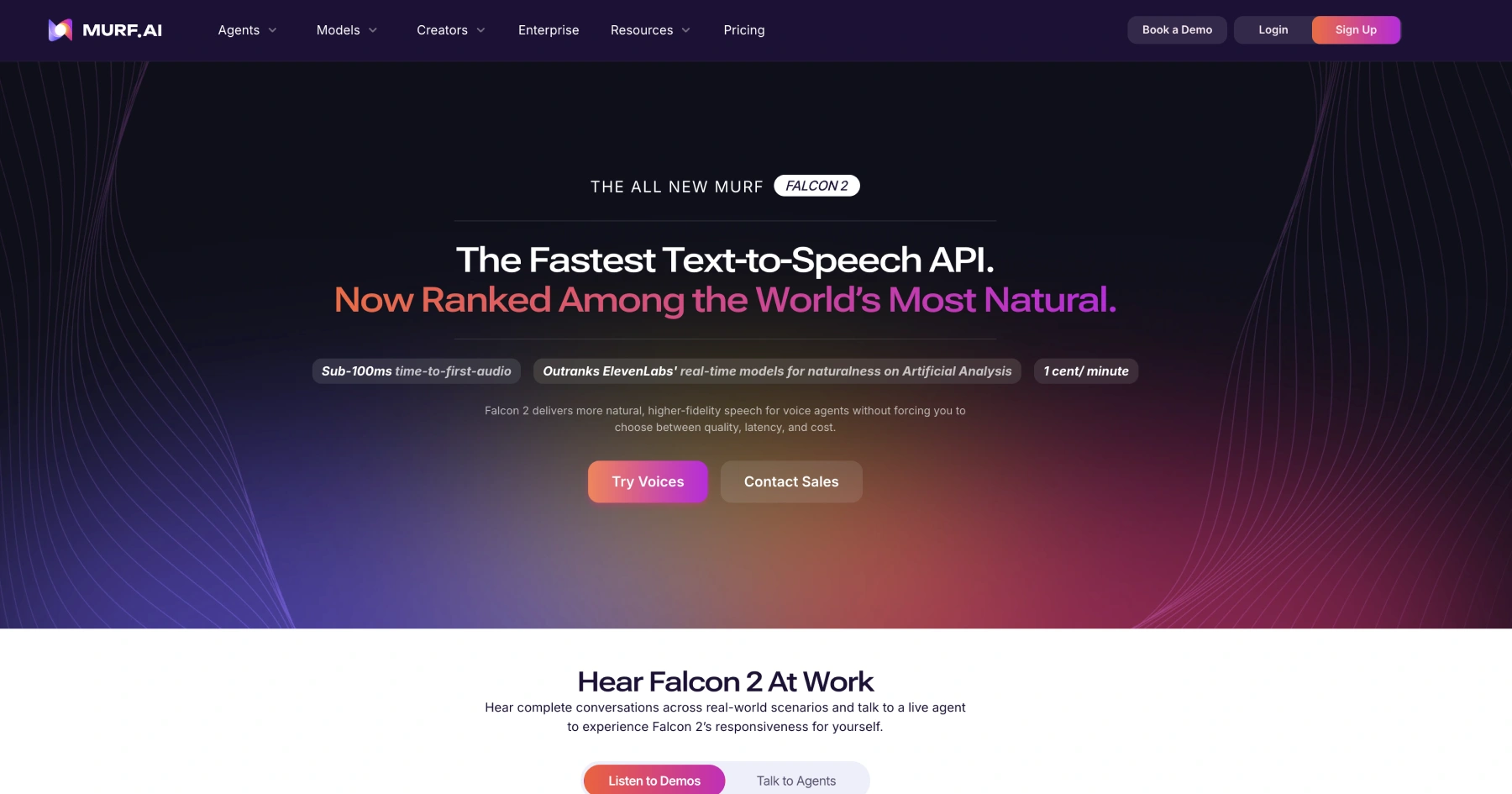
Choosing the right software depends on your production workflow and technical needs. If your main objective is to create multi-speaker voiceovers with precise visual synchronization, Murf's timeline-based approach may be a suitable fit. It provides a structured editing space for detailed projects and targeted revisions.
Compare tools by the work you perform most often. Murf emphasizes a block-based editing flow for segment timing. Other services may prioritize continuous text generation, expressive delivery, or prompt-led changes. Murf also presents controls for factors such as pitch, speed, and emphasis, while another platform may handle delivery through presets or written direction.
Do not base the decision on a single demonstration clip. Test the kinds of scripts you actually produce, including difficult names, abbreviations, several speakers, and sections that must fit visuals. Then assess revision effort, export requirements, and how easily collaborators can review changes. The Murf Review buying guide provides additional context for comparing those needs before you decide.
Frequently asked
As an Amazon Associate I earn from qualifying purchases. This does not affect the price you pay. Affiliate disclosure