Is Murf AI Worth Paying For in 2026? What to Know
Decide if Murf AI is worth a paid subscription by evaluating its Studio workspace, styling controls, commercial licensing, and voice catalog.

Some links are affiliate links: we may earn a commission if you sign up or buy through them, at no extra cost to you.
On this page7 sections
The short answer
- Cost-effective scaling: Replaces expensive voice talent bookings with accessible digital voices for rapid content production.
- Granular control: Users can adjust individual word emphasis, pause lengths, and custom pronunciation for polished outputs.
- Commercial safety: Subscribing grants full commercial rights, protecting marketing videos and training courses from copyright claims.
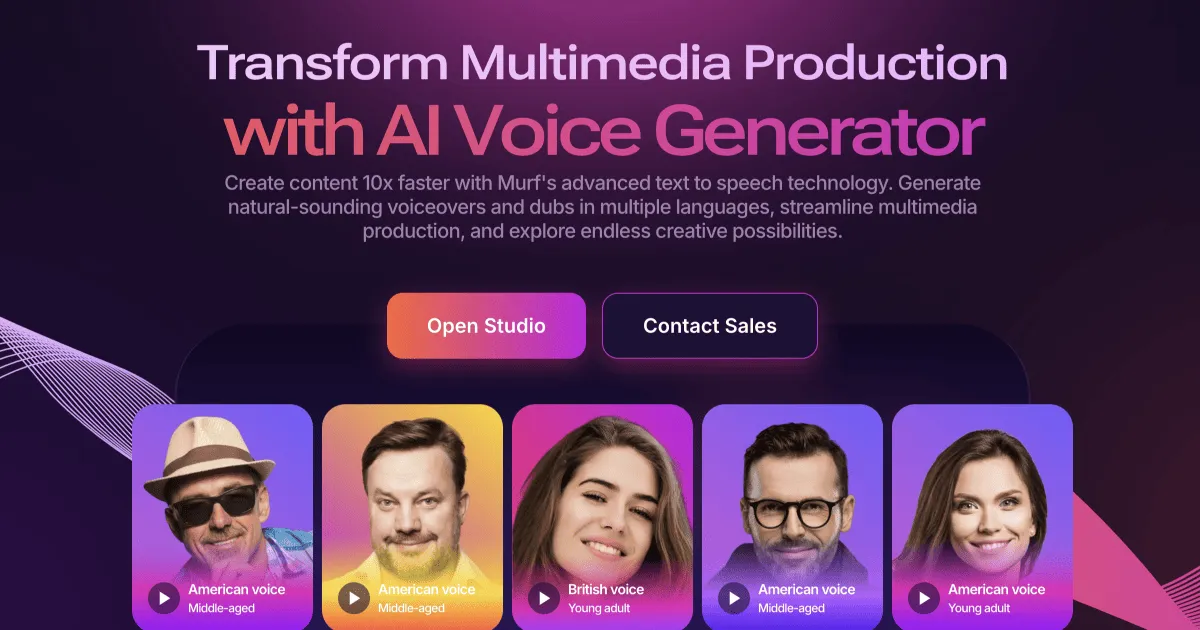
Yes, Murf AI is worth paying for if you need consistent, studio-quality voiceovers without the scheduling delays and high fees of hiring live voice actors. For creators, educators, and businesses producing regular multimedia content, the platform's advanced tuning controls justify the subscription.
While basic text-to-speech tools have become widespread, professional media production requires a higher standard of clarity, realism, and emotional control. To see if the features match your specific project workflows, explore our detailed analysis of the platform's options in the Murf AI Review 2026: Pricing, Voices and Who It's For.
The core decision comes down to your production volume. If your business regularly outputs tutorials, social media ads, or instructional courses, upgrading to a paid tier represents a massive time and cost savings compared to coordinating with voice actors.
The quick version
- Select your ideal digital voice
- Input your script into distinct text
- Apply pacing, pitch, and accent styling
- Align the voice blocks with visual
- Generate the preview and export your
Navigating the Core Murf Studio Workspace
The initial screen you encounter upon logging in is the Murf Studio Workspace, which relies on a block-based interface rather than a single, open text block. The block-based text editor allows users to easily update or swap voices for individual paragraphs without rebuilding the entire project timeline. This design prevents tedious manual editing when you need to make minor adjustments to a long script. This layout is especially useful when dealing with long scripts of several thousand words, where a minor typo would otherwise require re-recording or re-processing the entire file.
The voice library is the main draw of the workspace, housing over two hundred digital voices categorized by age, gender, accent, and ideal application. Finding the correct speaker is straightforward due to filters that isolate voices suitable for narration, presentation, or promotional styles. This targeted sorting is helpful because a voice that sounds excellent for a product advertisement may feel too intense for a training course. You can sort by regional variations, such as British, Australian, or US English, to ensure your message fits the local audience. For a deeper breakdown of how these voice choices perform in practice, see our Murf AI Review 2026: Pricing, Voices and Who It's For.
At the bottom of the studio window sits the timing timeline, which visualizes the duration of each audio segment. Here, you can click and drag text blocks to shift their positions or introduce deliberate gaps. This visual mapping allows editors to match the synthesized speech directly with corresponding video clips or presentation slides, simplifying the post-production process. Users can alter individual block volume levels right inside the timeline, eliminating the need to export the audio to external editing suites for basic audio balancing.
Fine-Tuning Voice Nuances for Realistic Speech
Raw text conversions often suffer from a mechanical, monotonic sound because digital models lack natural human speech patterns. To solve this, Murf provides style adjustments including pitch alteration, speed variations, and customized pause tools. Precise phonetic editing and custom pause tools allow creators to eliminate robotic cadences and match human speech patterns. Altering these properties helps simulate real-world speech pacing, which varies based on the importance of the information being spoken. The speed controls are helpful for tutorials where complex instructions need to be delivered slowly, or social media ads where a fast, energetic delivery is required to capture user attention.
The custom pronunciation tool is particularly helpful for specialized content. Within this panel, you can spell out terms phonetically or select specific phonemes to ensure accurate pronunciation of brand names, medical terms, or industry jargon. This level of phonetic control is essential for corporate training where mispronounced vocabulary immediately harms professional credibility. The pronunciation editor allows you to type out words phonetically, using spelling workarounds to force the AI to voice difficult syllables correctly without ruining the onscreen spelling of your script.
For enterprises looking to maintain a consistent brand identity, the studio offers advanced features like voice cloning. This feature allows teams to upload recorded samples of a designated spokesperson to build a dedicated digital voice model. Once the model is generated, any team member can draft script updates in that exact brand voice without booking a recording studio or scheduling additional sessions.
How to Generate Your First Audio Project in Murf
Creating a polished narration file requires a systematic approach. The interface guides you through the process from rough draft to the finalized sound file. Utilizing a structured sequence ensures that you do not burn through your monthly rendering limits on unpolished speech drafts. Many users find that starting with a clear script and a pre-selected voice saves considerable time during the editing phase, allowing them to focus entirely on timing and vocal inflections.
- Select your ideal digital voice. Browse the voice catalog and filter by age, gender, regional accent, and recommended use case to match your brand's personality.
- Input your script into distinct text blocks. Divide your script into manageable paragraphs or sentences to make fine-tuning and pacing adjustments easier.
- Apply pacing, pitch, and accent styling. Highlight key words to shift emphasis, raise or lower pitch, and insert pause markers where natural breathing should occur.
- Align the voice blocks with visual elements. Upload your presentation slides or video files directly to the editor to map the audio to specific frames.
- Generate the preview and export your file. Play the drafted track to verify pronunciation before downloading the final high-resolution audio format in your preferred file type.
Following this sequence helps maintain visual alignment and ensures the voice maintains a consistent pacing throughout. By working block-by-block, you can identify and fix awkward phrasing early in the creation process before downloading the final output. Once you complete these steps, you will have a finished voice file that is ready for publishing on any commercial channel without the need for additional post-production filters.
Assessing Commercial Licenses and App Integrations
A primary reason that professionals choose to upgrade from a free tier to a paid subscription is the commercial licensing model. A paid subscription grants full commercial rights, ensuring that your corporate training materials and marketing videos remain compliant with licensing laws. Using free voice generation tiers for public marketing campaigns, monetized videos, or client work is a clear violation of terms that can lead to copyright strikes. A premium subscription provides verified proof of licensing that you can present to social media platforms if your content is ever mistakenly flagged for automated copyright reviews.
Workspace integration is another benefit of the paid tiers. Users can link Murf directly to apps like Canva, allowing design teams to drop synthetic voiceovers directly into visual assets without switching browser tabs. There is also a dedicated Google Slides integration, which transforms typed slide notes into matching presentation narration with minimal manual setup. With this integration, changing a line of narration on a social media graphic takes seconds, allowing designers to update ad copies quickly in response to audience performance data.
For agencies and corporations, collaborative features change how production works. Paid accounts permit team members to share active workspaces, collaborate on script edits, and build shared pronunciation dictionaries. This ensures that every department pronounces product lines and company vocabulary identically, establishing a cohesive brand voice across different media teams, as discussed in our guide on Murf AI Review 2026: Pricing, Voices and Who It's For.
Which Voice Solution Fits Your Production Budget?
Deciding whether to pay for a dedicated text-to-speech platform depends on your creative goals, scheduling demands, and scaling needs. Different production paths offer distinct trade-offs between speed, cost, and creative nuance. Murf AI is the optimal choice for businesses requiring high-volume voice output on short deadlines, whereas live actors remain best for single, high-stakes brand films. For organizations scaling up localized media globally, the cost of translating, recording, and mastering dozens of separate human vocal tracks makes automation the only viable path to market.
Here is how the primary options compare for modern production pipelines: - Murf AI: Best for teams producing frequent corporate training modules, product explainers, or multi-language marketing videos who need rapid turnaround times, absolute voice consistency, and granular pacing control. - Live Voice Talent: Best for high-budget storytelling, video games, film dubbing, or emotional advertising where a human actor's unique performance and dramatic interpretation cannot be simulated. - Operating System TTS: Best for personal accessibility, private script proofreading, or low-stakes drafting where professional-grade styling, natural cadence, and commercial licensing are unnecessary.
Ultimately, if your weekly schedule requires frequent changes, fast translations, and immediate turnarounds, the software pays for itself in time saved. For occasional, highly creative projects, utilizing human performance remains a valuable alternative. Evaluating how often you produce audio files is the easiest way to clarify which investment matches your business goals.
Frequently asked
As an Amazon Associate I earn from qualifying purchases. This does not affect the price you pay. Affiliate disclosure