Productivity Software
GetResponse Review 2026: Pricing, Free Plan and Who It's For
What GetResponse costs in 2026, what the free plan and 14-day trial include, and whether its automation and courses are worth it for your business.
Disclosure: Some links are affiliate links: we may earn a commission if you sign up or buy through them, at no extra cost to you.
GetResponse
Visit GetResponsePaid link. Plans and availability can change — check the official website.
What's inside
Everything you get with GetResponse

On this page11 sections
In short
- GetResponse combines email marketing, landing pages, and automation tools for small businesses.
- The platform is best suited for coordinated marketing campaigns rather than simple, occasional newsletter dispatch.
- Potential buyers should prioritize the 14-day free trial to verify specific feature inclusions before subscribing.
GetResponse is a solid choice for small businesses and creators who want email marketing, automation and landing pages in one tool. It is less ideal if you only send a simple monthly newsletter, where cheaper tools are enough. This is an editorial review based on GetResponse's official website and pricing page; we did not run a campaign for this review. Prices were checked on 13 October 2026.
Why this choice matters
The problem
You’re deciding whether this subscription covers your marketing work at a price you can justify. The common buying mistake to avoid is treating a platform-wide feature list as the feature list for its lowest-priced plan.
How to solve it
The deciding criterion is plan entitlement: the specific tools and services included in the subscription you actually purchase. Match those inclusions to one complete campaign you intend to run, then use the trial to assess whether the workflow suits you.
What you get
- A subscription matched to your actual campaign needs.
- Clearer separation between useful tools and optional extras.
- A practical trial checklist before making a paid commitment.
- Fewer assumptions about entry-level pricing and feature access.
What we liked
- Unlimited email sends on all plans
- 14-day premium trial and free account
- Automation, landing pages and courses in one tool
- 18% off with annual billing
What could be better
- Price grows with list size
- Free plan adds a badge and limits landing pages
- Downgrades require contacting support
Is GetResponse worth it?
Yes, if you want automation without a complex tool. GetResponse includes unlimited monthly email sends on every plan, plus landing pages, and higher plans add automation, sales features and paid newsletters or courses. Its strength is the all-in-one setup for selling through email.
The trade-off: prices grow with your list size, and the free account has clear limits.
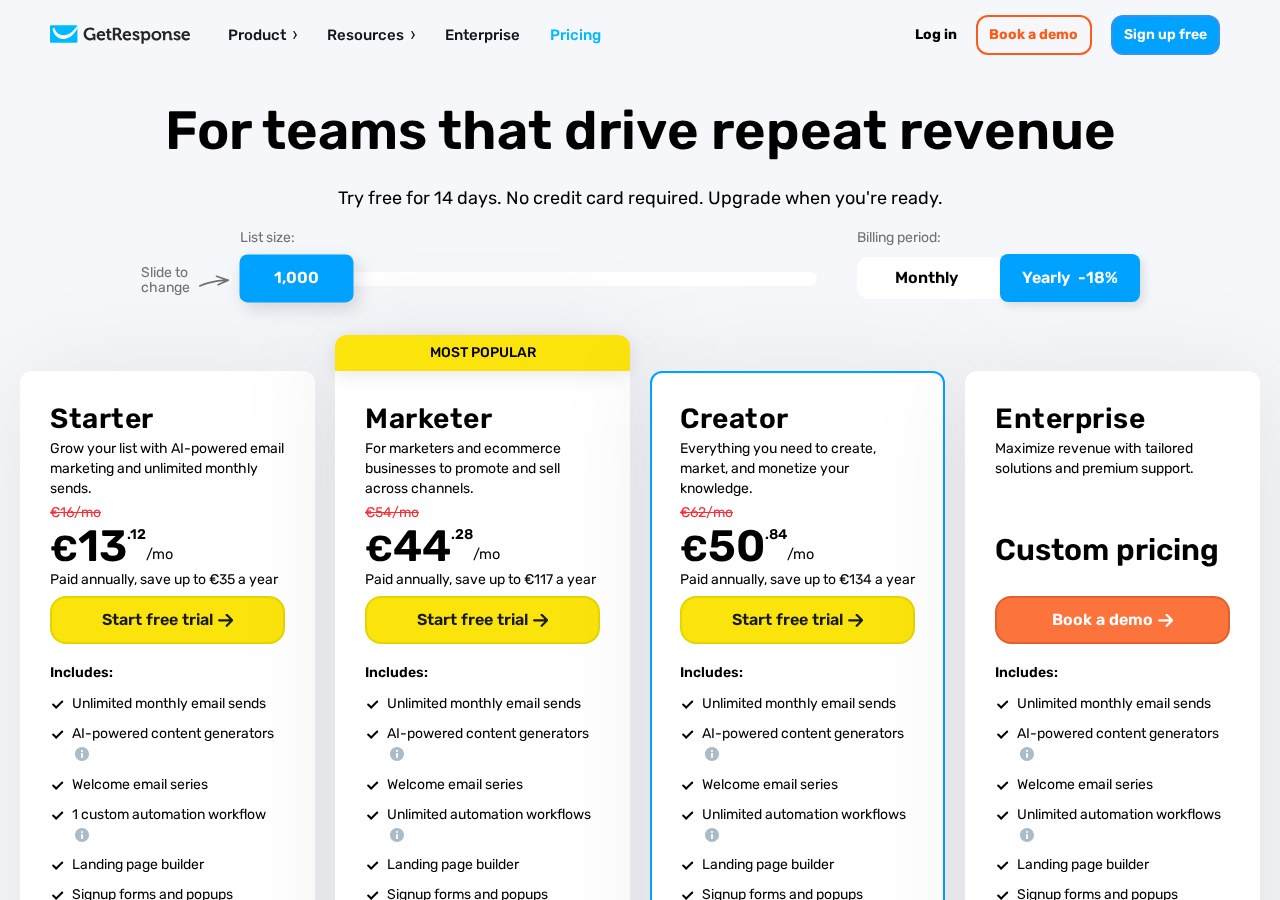
How much does GetResponse cost?
Prices checked on 13 October 2026 on the official pricing page (for a list of 1,000 contacts):
- Starter: $19/month, or $15.58/month billed annually.
- Marketer: $59/month, or $48.38/month billed annually.
- Creator: $69/month, or $56.58/month billed annually.
- Enterprise: custom pricing.
Prices rise with list size. Annual billing saves 18% and includes a free custom domain.
See the current product and plans on the official partner site.
Visit GetResponseIs GetResponse free? Trial and free plan
Every new account starts with a 14-day trial of premium features. After that, you keep a free account if you do not upgrade, with limits: a GetResponse badge on every message, landing pages capped at 1,000 unique visitors per month, and restricted automation, webinars and chats.
See the current product and plans on the official partner site.
Visit GetResponseGetResponse features that matter
- Email marketing with unlimited sends and AI help for writing.
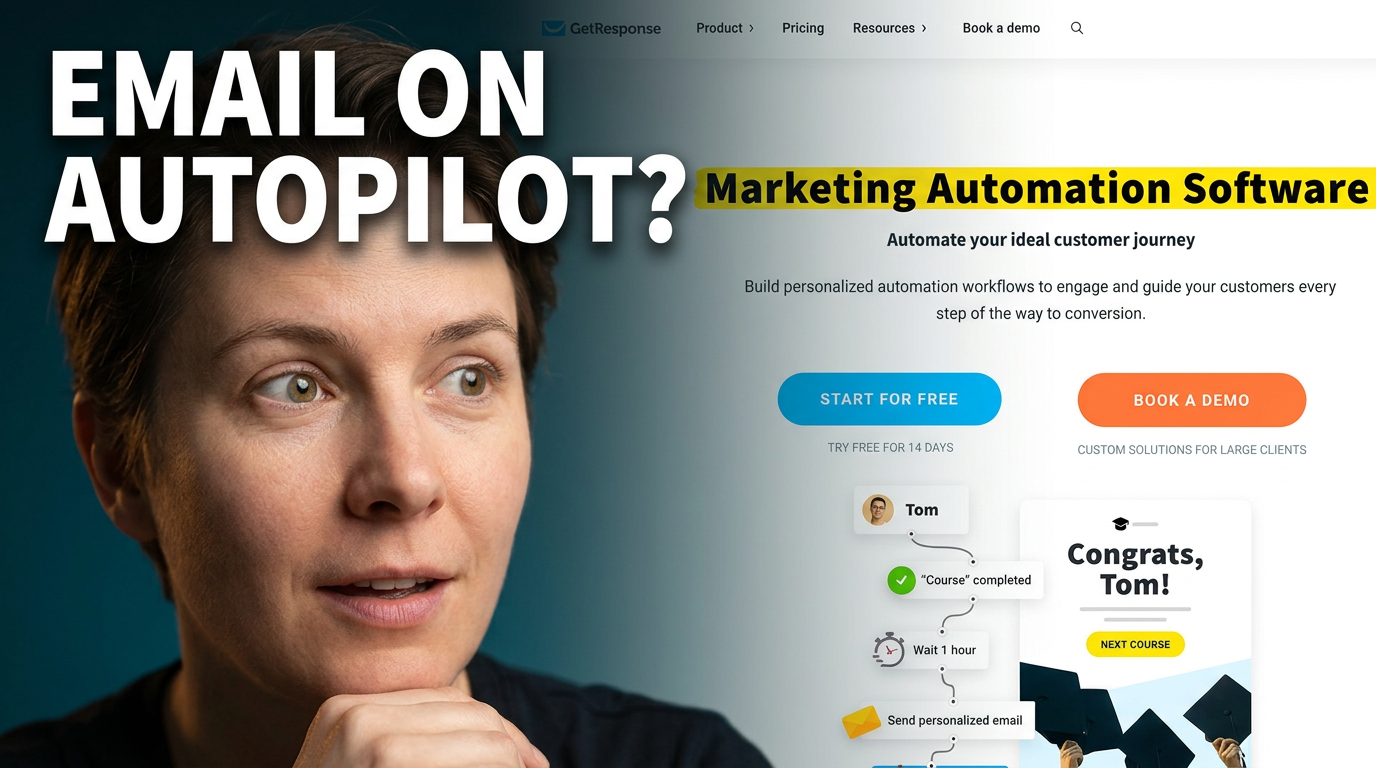
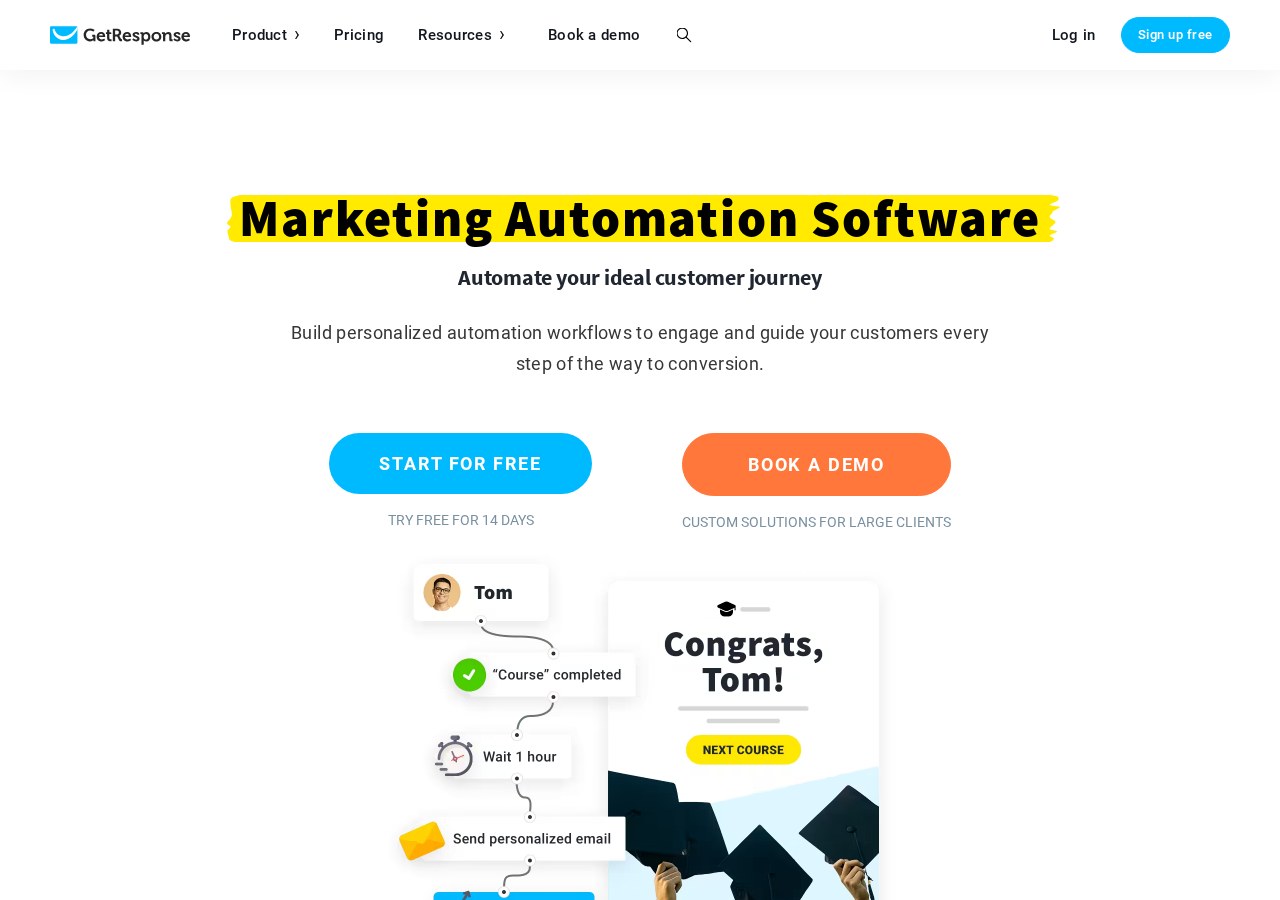
- Marketing automation for welcome series, abandoned carts and segments.
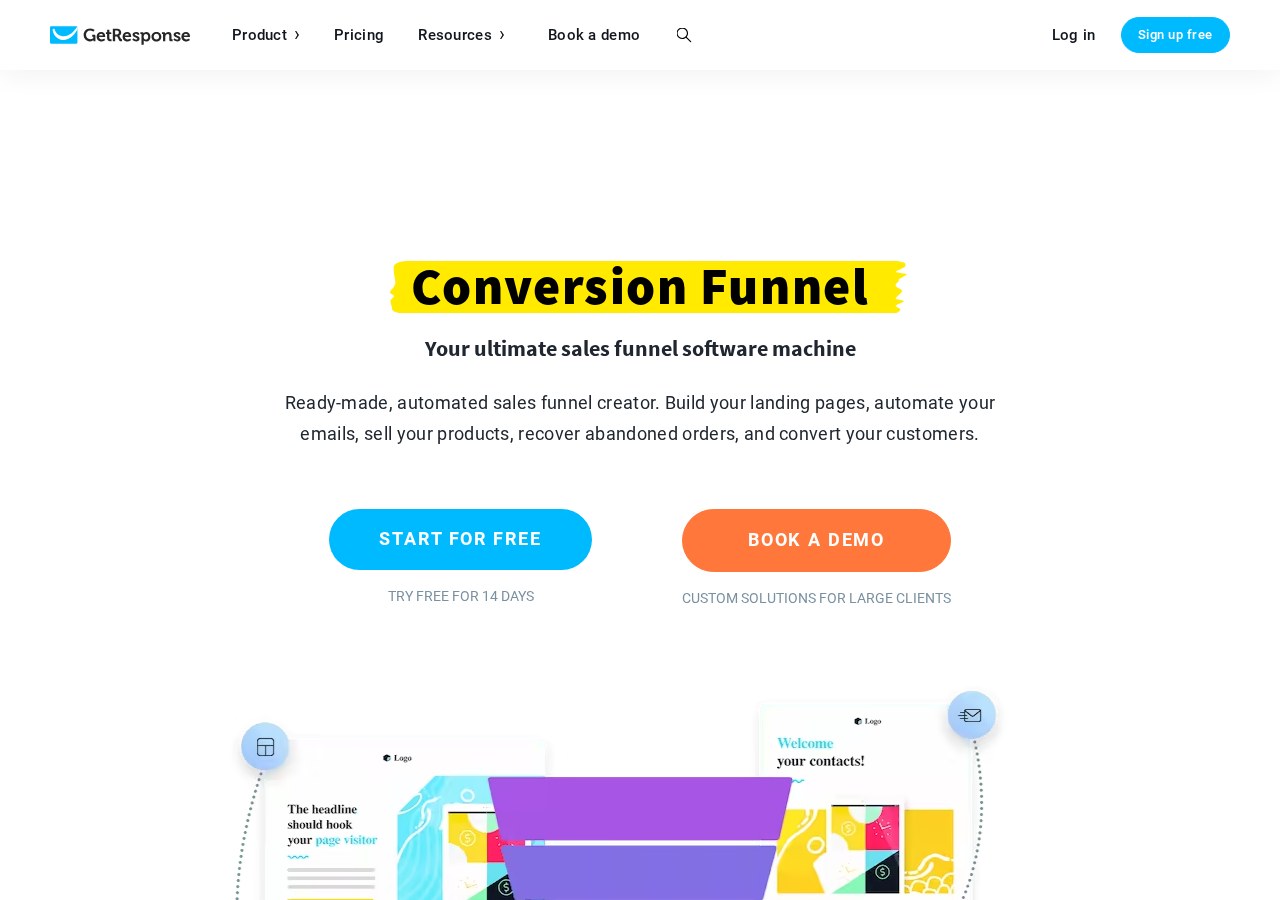
- Landing pages and forms to grow your list.
- Premium newsletters and courses for creators who sell content.
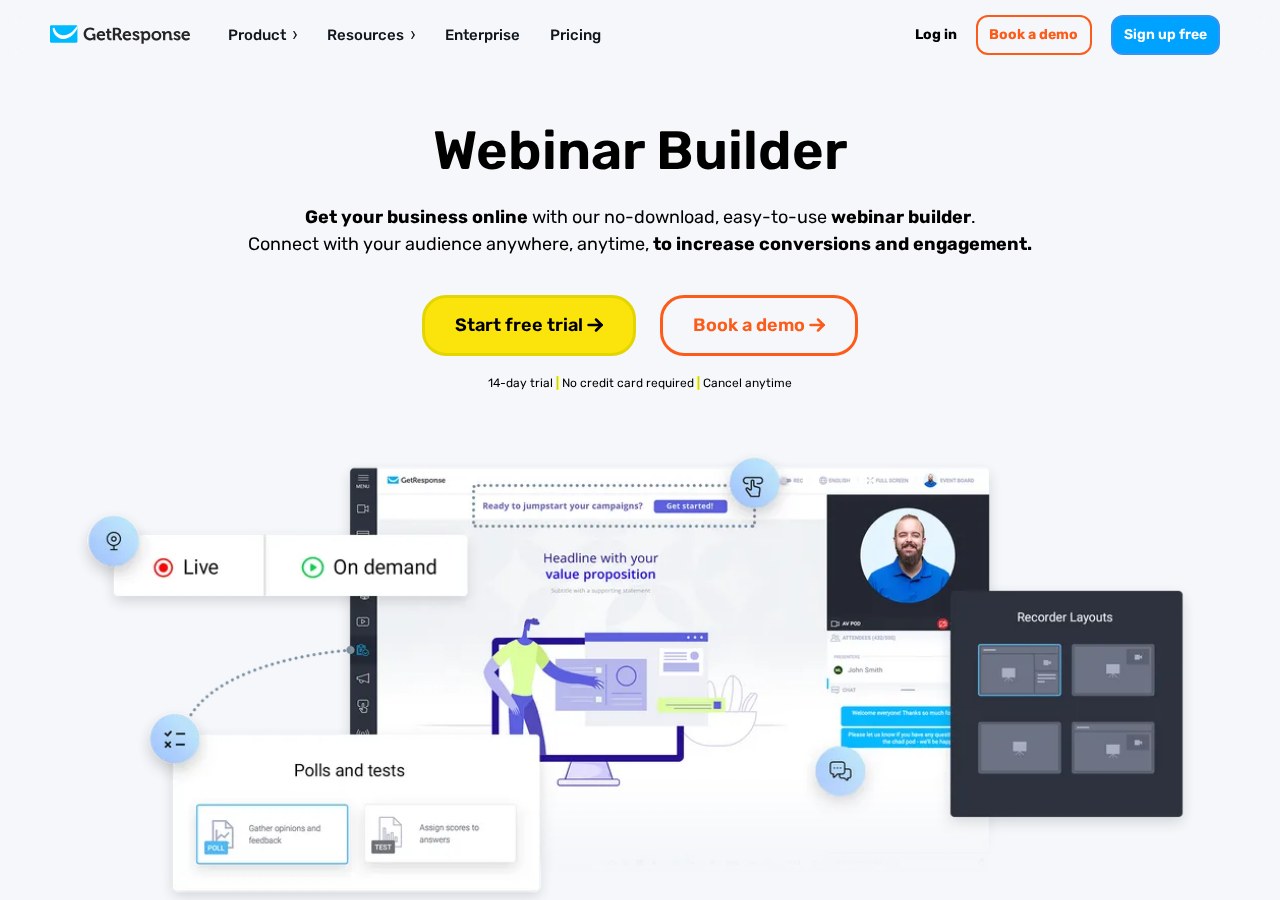
- Webinars on selected plans.
See the current product and plans on the official partner site.
Visit GetResponseReady to look at it yourself? Paid link — price and availability change.
Visit GetResponseGetResponse limitations
- Price depends on list size, so growing lists cost more each month.
- Free plan limits (badge, 1,000 landing page visitors).
- Downgrades need support: you contact the team via chat or ticket.
See the current product and plans on the official partner site.
Visit GetResponseGetResponse vs Mailchimp, Brevo and MailerLite
- Mailchimp: well-known, but automation and contacts get pricey.
- Brevo: priced by emails sent rather than contacts; good for big lists with few sends.
- MailerLite: cheaper and simpler for basic newsletters.
Pick GetResponse when automation, landing pages and selling courses matter.
Who should use GetResponse
Use it if you sell products, courses or services through email and want automation in one place.
Skip it if you only send a simple newsletter to a small list.
Bottom line
The verdict
GetResponse is a strong all-in-one email tool for small businesses and creators who sell through automation. Start with the 14-day trial, set up your welcome sequence, and choose Marketer if automation is your goal. For a simple newsletter, a cheaper tool may be enough.
Questions
Frequently asked questions
Transparency
How we selected these productivity software
- We start with the product’s official website and documented feature pages.
- We compare the published workflow, plans and limitations with the needs of the intended user.
- We verify time-sensitive details on the official website before publishing.
- We do not claim hands-on testing unless the article documents it explicitly.
We researched these productivity software using the official website, documented features and published plans; we did not run a hands-on lab test. The Pickveo score reflects workflow, usability, limitations and fit for the intended user.
Written by Pickveo Editorial Team
Pickveo editors review official product information, documented features and published plans to help readers choose software confidently. We do not claim hands-on testing unless explicitly stated.
Products last checked on .
Affiliate disclosure & transparency
Some links are affiliate links: we may earn a commission if you sign up or buy through them, at no extra cost to you.
Editorial review, not a hands-on test. We did not personally test this product. This review is based on the official website, published plans and features. The Pickveo score weighs workflow, usability, documented limitations and fit for the intended user.
Our recommendations are based on documented features, workflow and suitability. Plans and availability can change, so verify current details on the official website before subscribing.
Weekly pick
One AI tool worth trying, every week.
Short, practical, no spam. Unsubscribe any time. By subscribing you agree to our privacy policy.