
Productivity Software
Lovable Review 2026: Build Real Apps With AI
Lovable builds real websites and web apps from a plain-language prompt — with database, login and one-click publishing. Features, pricing, pros and cons.
Disclosure: Some links are affiliate links: we may earn a commission if you sign up or buy through them, at no extra cost to you.
What's inside
Everything you get with Lovable
On this page12 sections
In short
- The fastest way we know to go from idea to a working web app.
- Database, login and publishing are built in — not just pretty pages.
- Start free; upgrade to Pro when you want a custom domain.
Lovable lets you build a real website or web app just by describing it. You type an idea, it builds the pages, design, login and database, and you keep refining it by chat or by clicking on the preview. We tested how fast you can go from idea to a published app — here is what it does well, where it is limited, and who should try it.
Why this choice matters
The problem
You have an idea for a website or app, but hiring a developer is slow and expensive, and most no-code tools stop at static pages.
How to solve it
Lovable builds a real working app from your description — pages, data and login — and lets you refine it by chat, then publish in one click.
What you get
- Launch an idea in hours instead of weeks.
- No developer needed for the first version.
- Change anything by simply describing it.
- One place for design, data and publishing.
What we liked
- Builds a real, working app from a plain-language description
- Visual editing directly in the live preview
- Database, login and storage built in with Lovable Cloud
- Hundreds of templates for a fast, polished start
- Publish in one click, with custom domains on paid plans
- You own the code and can keep growing the project
What could be better
- Credits run out quickly on big, complex projects
- Not for native App Store / Play Store apps
- Very large or unusual systems still benefit from a developer
What is Lovable?
Lovable is an AI app builder: you describe what you want in plain language and it builds a working website or web app for you — pages, design, logic and data included. You keep chatting to change it ("add a pricing page", "make the header dark", "let users log in") and see the result live in the preview.
The big idea is speed: an idea that used to need a developer and weeks of work can become a usable first version in an afternoon. Under the hood it writes real code, so the project is yours and can grow with you.
Who should use Lovable?
Lovable is a great fit for founders testing an idea, freelancers and agencies building client sites, marketers who need landing pages fast, and teams who want internal tools (dashboards, admin panels, booking systems) without waiting for the dev queue.
Developers use it too: it handles the boring setup and first drafts so they can focus on the hard parts. If you need a native iPhone or Android app in the App Store, or a huge legacy system, it is not the right first tool.
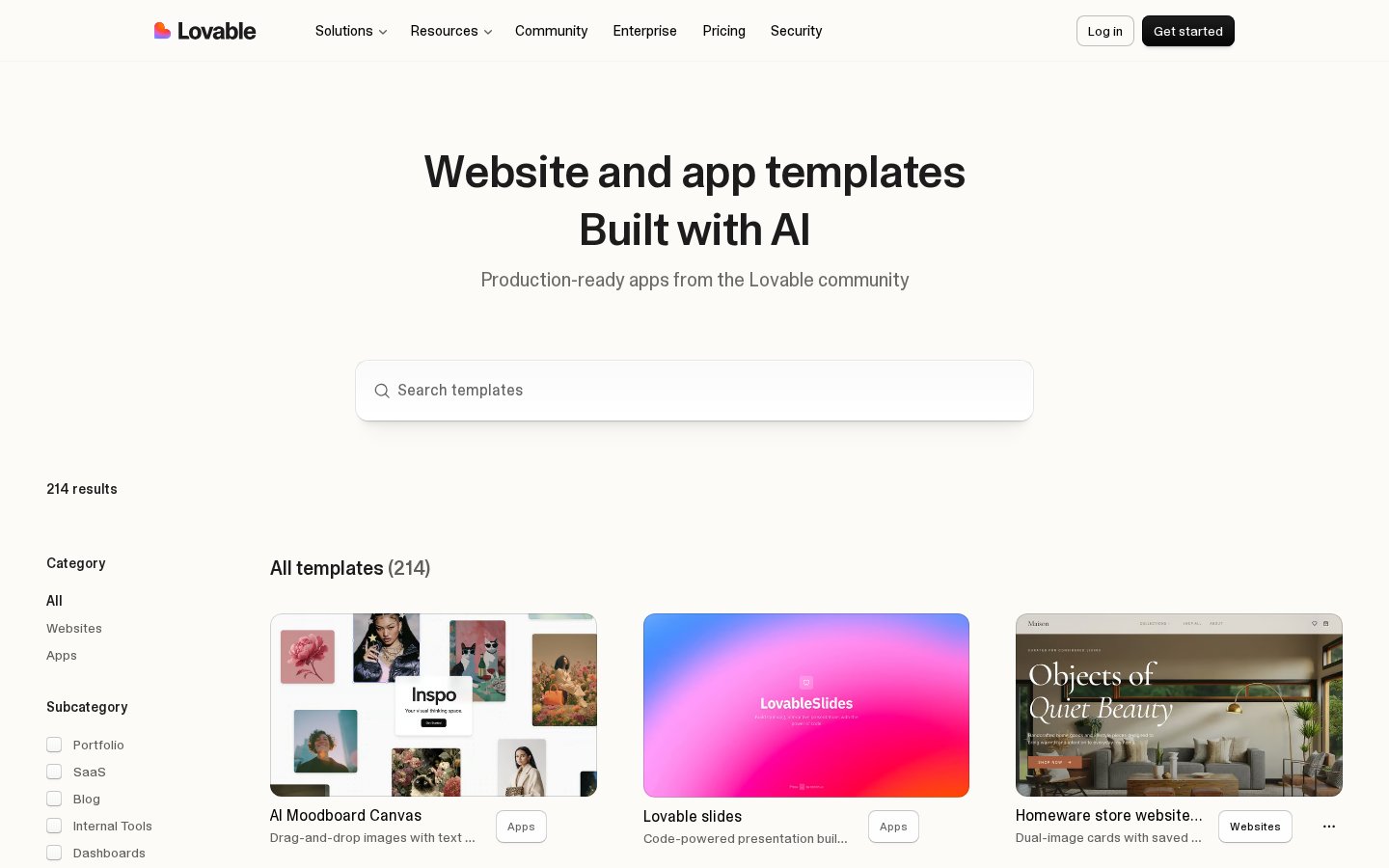
Start from a template or a blank prompt
You can begin with one sentence or pick from hundreds of community templates — portfolios, SaaS dashboards, blogs, stores, internal tools — and then customise everything by chat. Templates are the fastest way to get a polished look in minutes.
See the current product and plans on the official partner site.
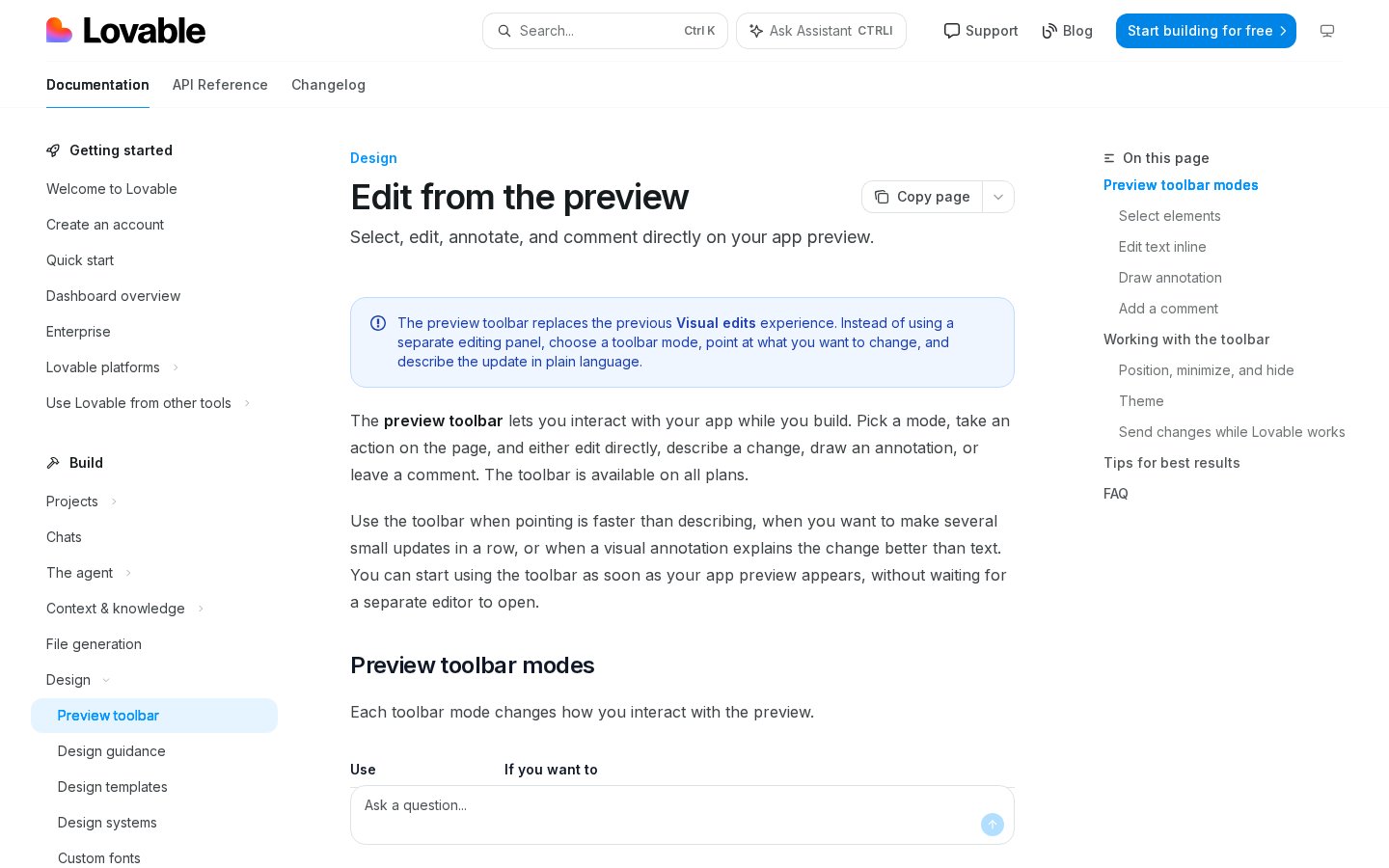
Visit LovableEdit visually, right in the preview
Not everything is easier to say in words. Lovable's preview toolbar lets you click any element on your app, edit text inline, draw an annotation or leave a comment, then describe the change. It feels closer to editing a design than writing code.
See the current product and plans on the official partner site.
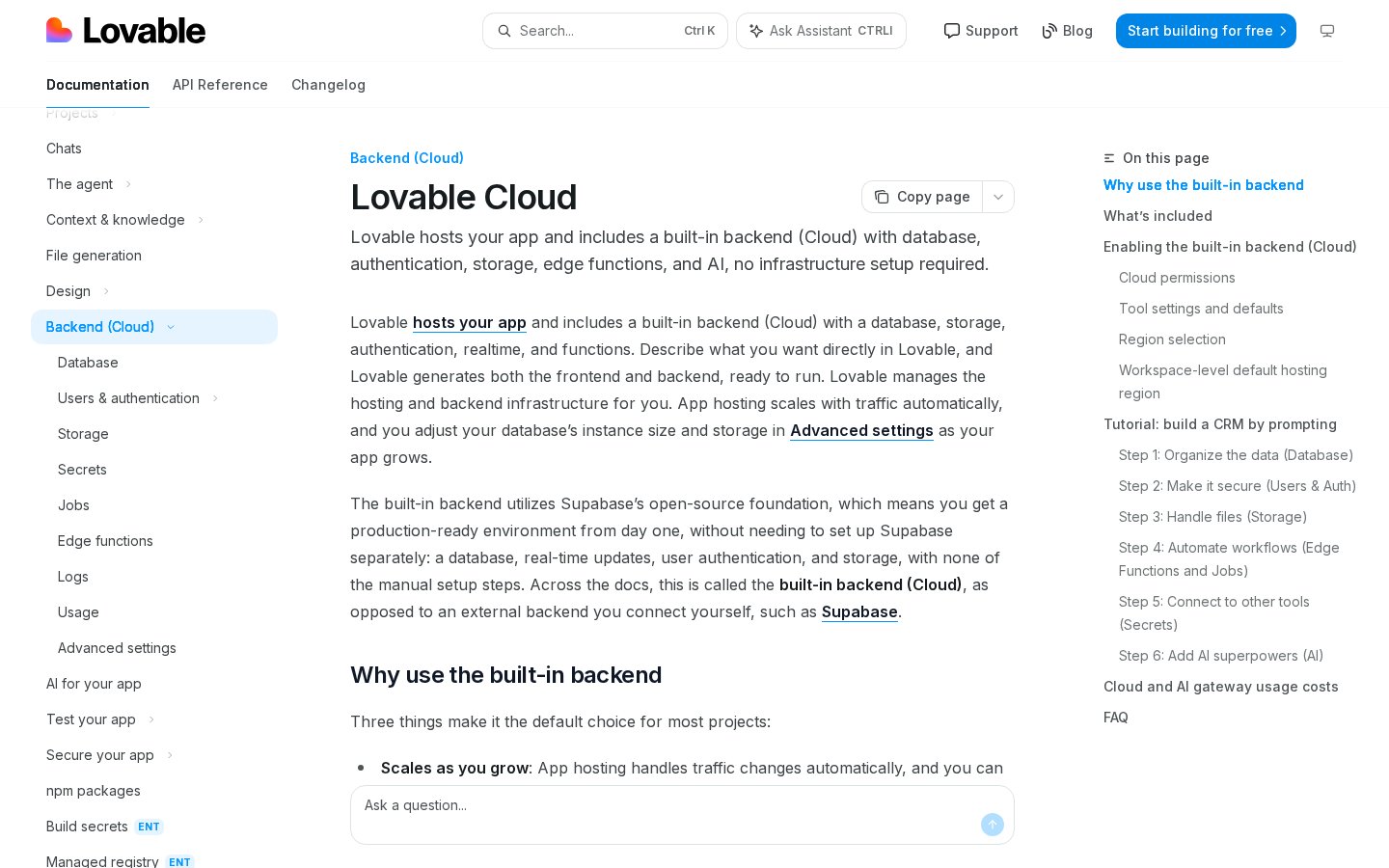
Visit LovableBackend, login and database built in
With Lovable Cloud you get a database, user accounts, file storage and server logic without setting up anything yourself. Ask for "user sign-up with email" or "save orders in a table" and it wires it up. You can also connect services like Stripe for payments, and AI features through the built-in AI gateway.
See the current product and plans on the official partner site.
Visit LovableReady to look at it yourself? Paid link — price and availability change.
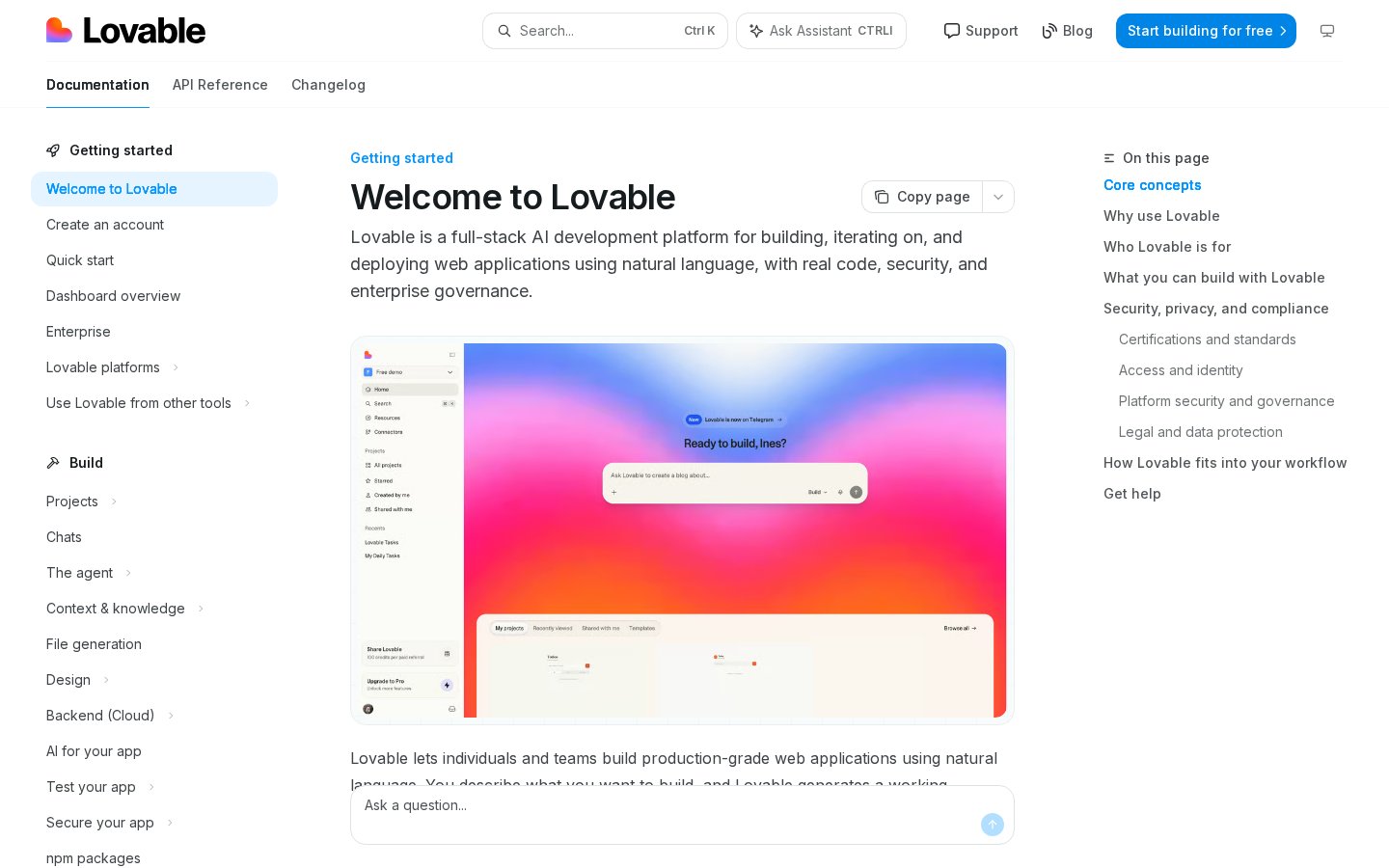
Visit LovableDocs, learning and support
The documentation is clear and beginner-friendly: quick start, how the agent works, design guidance, custom domains, publishing and integrations. There is also an in-app assistant and an active community where people share projects and prompts.
See the current product and plans on the official partner site.
Visit LovableSecurity and teams
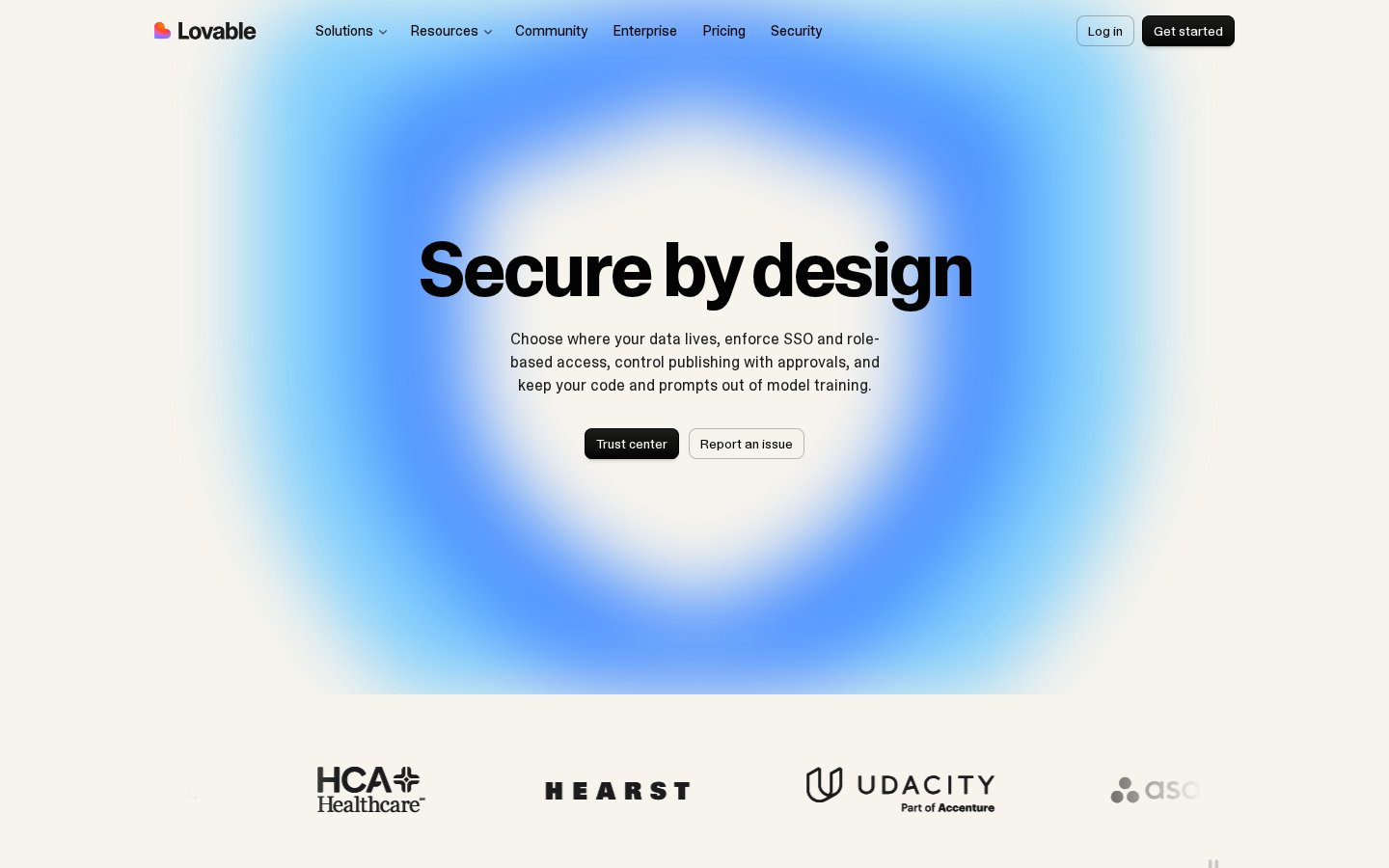
For companies, Lovable offers SSO, role-based access, publishing approvals, security scans and a choice of where data lives — and your code and prompts are kept out of model training. Business and Enterprise plans add team workspaces and admin controls.
See the current product and plans on the official partner site.
Visit LovableHow much does Lovable cost?
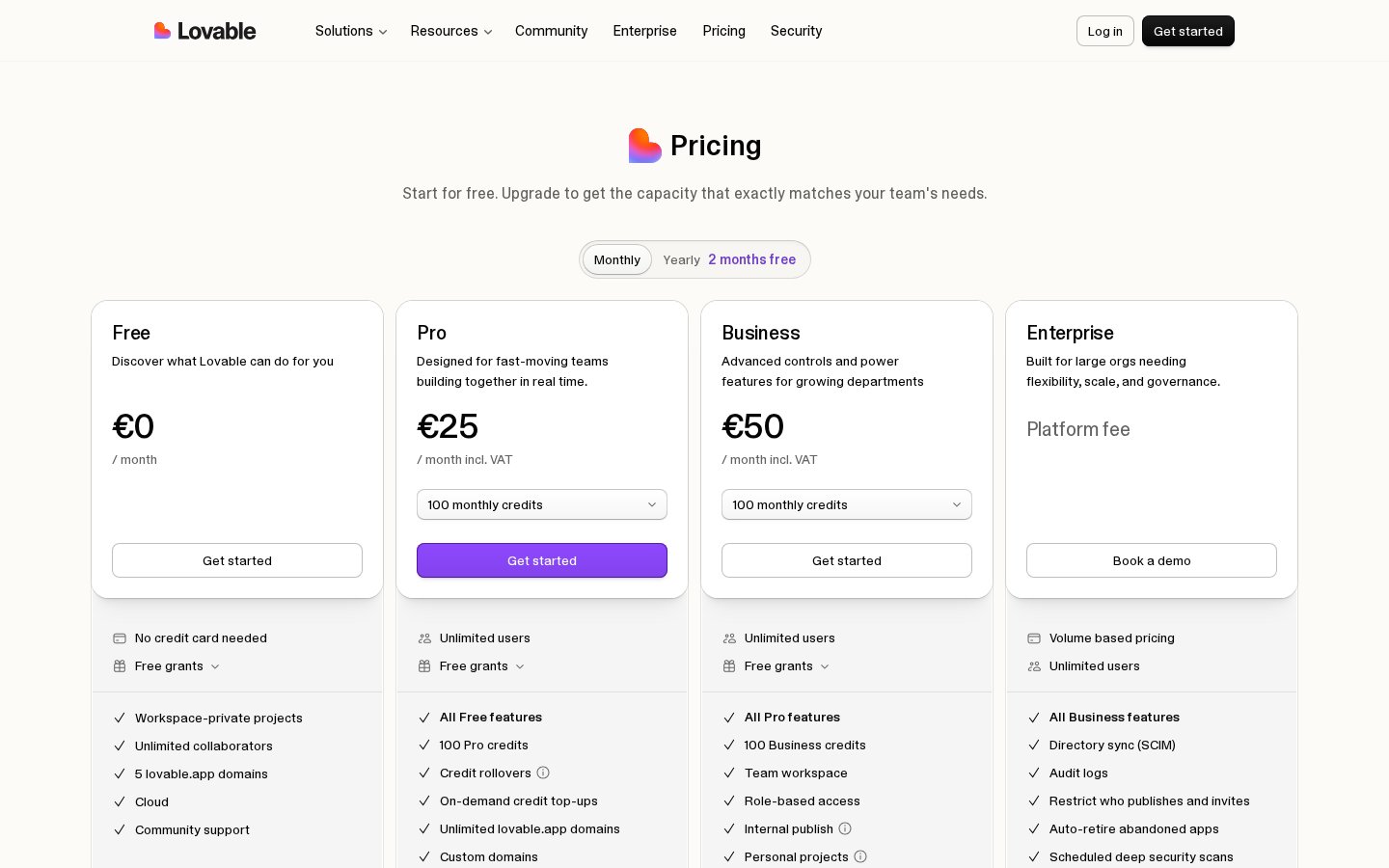
Lovable has a free plan (no credit card needed) to try it out. Pro starts around €25/month for individuals and fast-moving teams, with more monthly credits, custom domains and private projects. Business (around €50/month) adds team workspaces, roles and internal publishing, while Enterprise is custom. You pay with credits: each message to the AI uses some, and you can top up when needed. Prices shown on the official pricing page at the time of writing.
See the current product and plans on the official partner site.
Visit LovableBottom line
The verdict
Lovable is one of the fastest ways to turn an idea into a real, published web app. Visual editing, a built-in backend and one-click publishing make it useful for founders, freelancers and teams alike. Watch your credits on large projects, but for most people it is the easiest place to start building with AI. Our score: 4.7/5.
Questions
Frequently asked questions
Transparency
How we selected these productivity software
- We start with the product’s official website and documented feature pages.
- We compare the published workflow, plans and limitations with the needs of the intended user.
- We verify time-sensitive details on the official website before publishing.
- We do not claim hands-on testing unless the article documents it explicitly.
We researched these productivity software using the official website, documented features and published plans; we did not run a hands-on lab test. The Pickveo score reflects workflow, usability, limitations and fit for the intended user.
Written by Pickveo Editorial Team
Pickveo editors review official product information, documented features and published plans to help readers choose software confidently. We do not claim hands-on testing unless explicitly stated.
Products last checked on .
Affiliate disclosure & transparency
Some links are affiliate links: we may earn a commission if you sign up or buy through them, at no extra cost to you.
Editorial review, not a hands-on test. We did not personally test this product. This review is based on the official website, published plans and features. The Pickveo score weighs workflow, usability, documented limitations and fit for the intended user.
Our recommendations are based on documented features, workflow and suitability. Plans and availability can change, so verify current details on the official website before subscribing.