
Productivity Software
Shopify Review 2026: Pricing, Fees and Who It's For
What Shopify really costs in 2026: plan prices, the €1 trial offer, card fees, apps and themes, plus who should choose it and who should look elsewhere.
Disclosure: Some links are affiliate links: we may earn a commission if you sign up or buy through them, at no extra cost to you.
What's inside
Everything you get with Shopify

On this page12 sections
- 1Why this choice matters
- 2Is Shopify worth it in 2026?
- 3How much does Shopify cost?
- 4Is Shopify free? The trial explained
- 5Shopify payment and transaction fees
- 6Shopify features that matter most
- 7Shopify limitations to know
- 8Shopify vs WooCommerce, Wix and Squarespace
- 9Who should use Shopify, and who should skip it
- 10The verdict
- 11FAQ
- 12How we selected
In short
- We recommend considering Shopify for a selling operation rather than a purely informational website.
- According to Shopify, it combines storefront customization with product, inventory, payment and shipping management.
- Confirm ongoing pricing, channel requirements and optional app costs before subscribing.
Shopify is the safest choice if you want to sell physical or digital products online without managing hosting, security or checkout yourself. It is less attractive if you only need a simple website or sell a handful of items a year, because the monthly fee and app costs add up. This is an editorial review based on Shopify's official website, pricing page and documented features; we did not run a store for this review. Prices below were checked on 13 October 2026.
Why this choice matters
The problem
You want to start selling online without choosing separate tools for every part of the business. A common buying mistake is choosing a store builder for its appearance or introductory offer before checking whether it supports your everyday selling tasks at an acceptable ongoing cost.
How to solve it
The deciding criterion is workflow fit: whether the service matches how you add products, take payments and handle orders. Start with those tasks, then assess design choices and optional extras rather than letting a promotional offer decide.
What you get
- A store setup matched to the places you intend to sell.
- A clearer budget before committing to ongoing service.
- Fewer unnecessary additions to your store-building project.
- A practical checklist for evaluating the trial.
What we liked
- Reliable hosted checkout with fraud protection
- 3-day free trial, then €1/month for 3 months
- Huge app and theme ecosystem
- Sell online, on social, marketplaces and in person
- No setup fees
What could be better
- Paid apps and themes raise the real monthly cost
- Extra fee if you do not use Shopify Payments
- Basic blogging compared with WordPress
- Limited staff accounts on lower plans
Is Shopify worth it in 2026?
For most new online stores, yes. Shopify bundles hosting, a full checkout, payments, inventory and order management in one account, so you can launch without a developer. Its real strength is the checkout and the app ecosystem: you start simple and add features (reviews, subscriptions, email, upsells) when sales justify them.
The trade-off is cost creep. The plan price is only the start: paid themes, apps and payment fees often decide what you actually spend each month.
See the current product and plans on the official partner site.
Visit ShopifyHow much does Shopify cost?
Prices checked on 13 October 2026 on the official pricing page (shown in euros for our region; Shopify displays local currency, so your price may differ):
- Basic: €24/month billed yearly (€32 monthly). For solo sellers.
- Grow: €69/month billed yearly. Up to 5 staff accounts.
- Advanced: €289/month billed yearly. Up to 15 staff accounts and third-party shipping rates.
- Plus: from €2,100/month for large or complex businesses.
- POS Pro add-on: +€79/month per location for physical stores.
Shopify states there are no setup fees on any plan.
See the current product and plans on the official partner site.
Visit ShopifyIs Shopify free? The trial explained
There is no permanent free plan. According to the pricing page, you can try Shopify free for 3 days with no credit card, then most plans cost €1/month for the first 3 months before switching to the normal monthly price.
That is enough time to build the store, add products and test checkout. Put a reminder in your calendar for the end of the third month, when the full price starts.
See the current product and plans on the official partner site.
Visit ShopifyShopify payment and transaction fees
With Shopify Payments, the official online card rate on Basic is 2% + €0.25 per transaction; Amex and international cards are 3.2% + €0.25, and Klarna is 2.99% + €0.35. Higher plans get lower rates.
If you use a third-party payment provider instead of Shopify Payments, Shopify adds its own transaction fee that depends on your plan, on top of what your provider charges. For most small stores, Shopify Payments is the cheaper option.
See the current product and plans on the official partner site.
Visit ShopifyShopify features that matter most
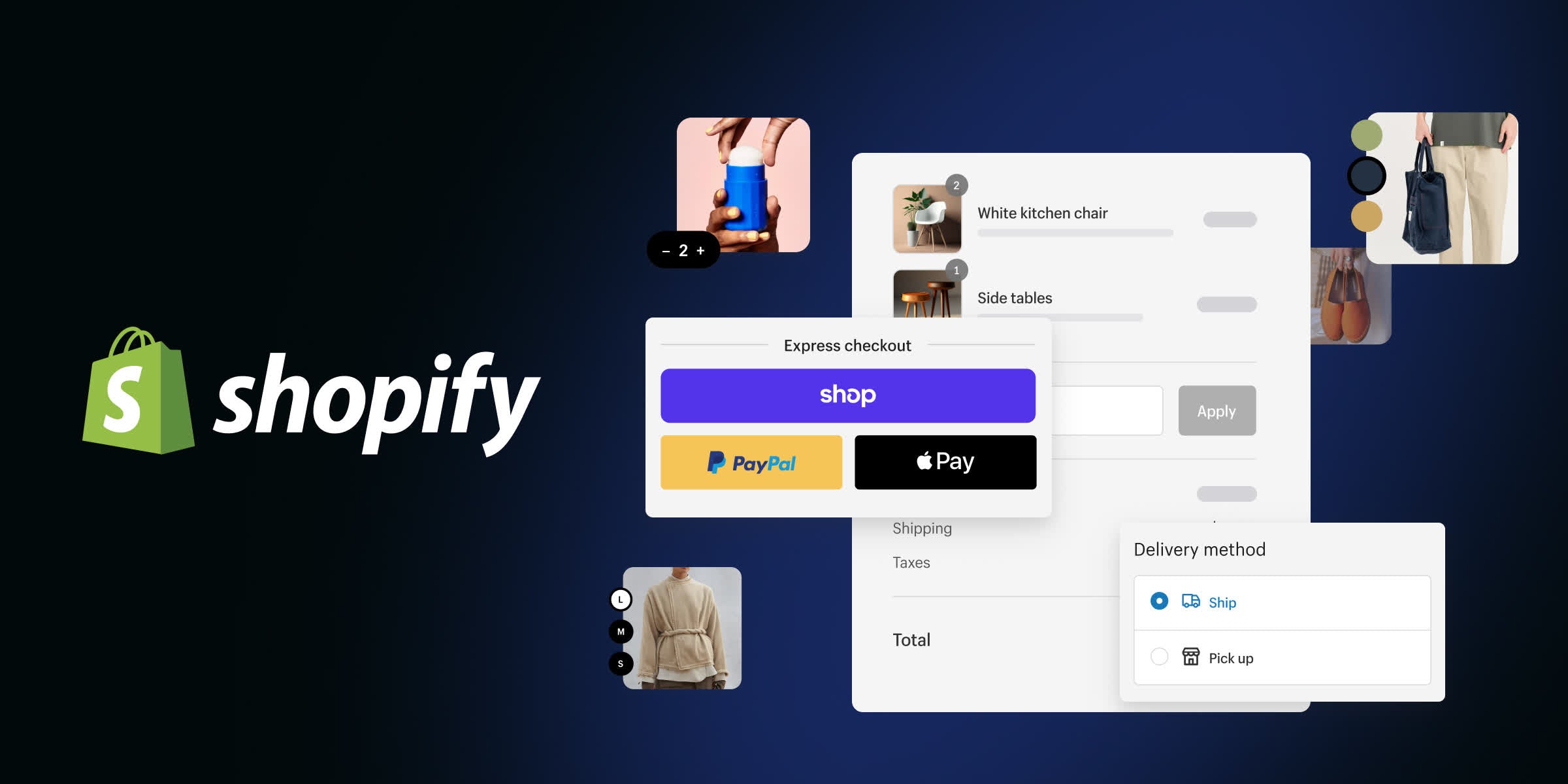
- Checkout: Shopify's hosted checkout with fraud protection and 3D Secure, which is the main reason sellers choose it.
- Themes and editor: drag-and-drop store design with free and paid themes; no coding required.
- Selling channels: online store, social channels, marketplaces and in-person sales with POS.
- Sidekick AI assistant: built-in help for writing product descriptions and running tasks.
- Tax tools: automatic VAT collection and GDPR tools in the EU.
- App Store: thousands of apps for reviews, email, subscriptions and more.
See the current product and plans on the official partner site.
Visit ShopifyReady to look at it yourself? Paid link — price and availability change.
Visit ShopifyShopify limitations to know
- Monthly costs grow with apps. Many useful features (product reviews, subscriptions, advanced filters) come from paid apps.
- Blogging and content are basic compared with WordPress.
- Staff accounts are limited on lower plans (Basic is for one person; Grow allows 5).
- Leaving Shopify takes work: products export easily, but your theme and app setup do not move with you.
See the current product and plans on the official partner site.
Visit ShopifyShopify vs WooCommerce, Wix and Squarespace
- WooCommerce: free plugin, but you pay for hosting, security and maintenance. Better if you already run a WordPress site and want full control.
- Wix: easier for simple sites with a few products; less powerful for growing stores.
- Squarespace: beautiful templates for creative brands and small catalogues; fewer selling apps.
Pick Shopify when the store is the business. Pick an alternative when the website is the business and selling is a side feature.
See the current product and plans on the official partner site.
Visit ShopifyWho should use Shopify, and who should skip it
Use Shopify if you are launching a product brand, dropshipping, selling across social and marketplaces, or moving from Etsy to your own store.
Skip it if you only need an informational site, sell fewer than a few items a month, or need deep custom content and SEO publishing, where WordPress is a better base.
See the current product and plans on the official partner site.
Visit ShopifySee the current product and plans on the official partner site.
Visit ShopifyBottom line
The verdict
Shopify is the most complete way to start an online store without technical work, and the €1 introductory offer makes it cheap to test. Budget for apps, a theme and card fees, not just the plan price. If selling is your main goal, start with Basic and upgrade only when staff or shipping needs require it.
Questions
Frequently asked questions
Transparency
How we selected these productivity software
- We start with the product’s official website and documented feature pages.
- We compare the published workflow, plans and limitations with the needs of the intended user.
- We verify time-sensitive details on the official website before publishing.
- We do not claim hands-on testing unless the article documents it explicitly.
We researched these productivity software using the official website, documented features and published plans; we did not run a hands-on lab test. The Pickveo score reflects workflow, usability, limitations and fit for the intended user.
Written by Pickveo Editorial Team
Pickveo editors review official product information, documented features and published plans to help readers choose software confidently. We do not claim hands-on testing unless explicitly stated.
Products last checked on .
Affiliate disclosure & transparency
Some links are affiliate links: we may earn a commission if you sign up or buy through them, at no extra cost to you.
Editorial review, not a hands-on test. We did not personally test this product. This review is based on the official website, published plans and features. The Pickveo score weighs workflow, usability, documented limitations and fit for the intended user.
Our recommendations are based on documented features, workflow and suitability. Plans and availability can change, so verify current details on the official website before subscribing.
Weekly pick
One AI tool worth trying, every week.
Short, practical, no spam. Unsubscribe any time. By subscribing you agree to our privacy policy.