
Best AI Tools for Making Faceless YouTube Videos
Compare AI tools for faceless YouTube videos, including prompt-to-video, script-to-video, voiceover, avatar and character-animation options.
Some links are affiliate links: we may earn a commission if you sign up or buy through them, at no extra cost to you.
On this page9 sections
- 1The short answer
- 2Best AI Tools for Making Faceless YouTube Videos by Workflow
- 3Prompt-to-Video vs Script-to-Video Workflows
- 4How the Main Faceless YouTube Tools Compare
- 5Choosing Stock Footage, Avatars or Generated Scenes
- 6Building a Reliable Faceless Video Pipeline
- 7Voiceovers, Voice Cloning and Captions
- 8How to Choose the Right AI Video Tool
- 9Frequently asked
The short answer
- InVideo AI excels at generating complete initial drafts from a single text prompt.
- Pictory automatically matches written blog articles or scripts with relevant stock video clips.
- Fliki combines realistic voiceovers with massive media libraries for fast, template-based video creation.
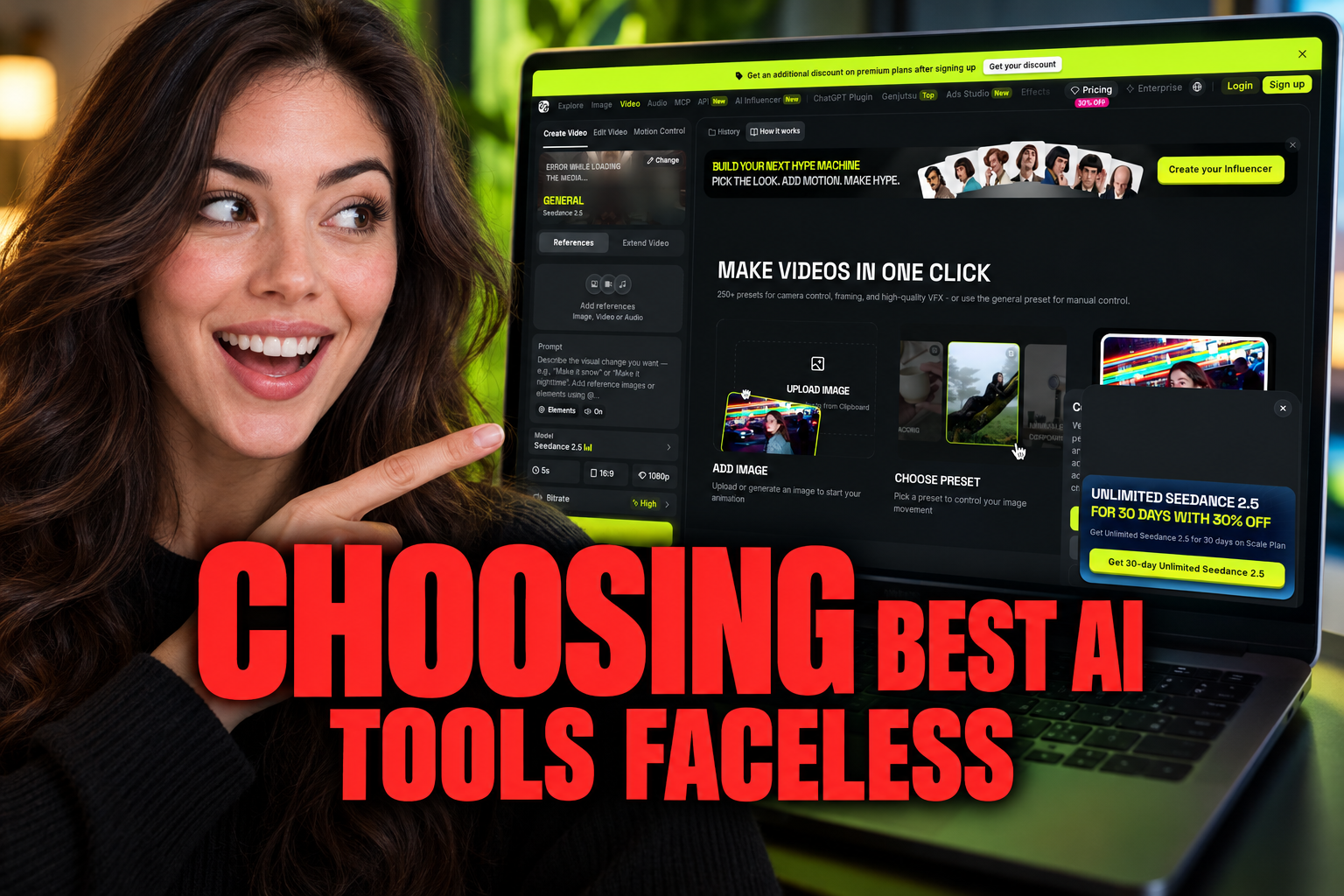
The best AI tools for making faceless YouTube videos include InVideo AI for prompt-based drafts, Pictory for turning scripts or articles into videos, and Fliki for combining text with synthetic narration. Higgsfield suits creators who need generated motion and camera controls, while avatar-led formats require tools designed around synthetic presenters.
The right choice depends on what you already have. A finished script calls for different software than a rough topic prompt. Your preferred visuals also matter: stock footage, generated scenes, animated characters and avatars each require a distinct workflow.
Faceless YouTube channels do not require the creator to appear on camera or use a personal voice. Instead, creators can combine scripts, synthetic narration, captions, stock media and generated visuals. AI can speed up several stages, but every draft still needs a manual review for factual accuracy, pacing, pronunciation and visual relevance.
Watch it in action
The quick version
- Research and outline the topic
- Write or generate the script
- Choose the format
- Create the narration
- Review each scene
- Edit captions and timing
Best AI Tools for Making Faceless YouTube Videos by Workflow
There is no single tool that fits every faceless channel. The most useful choice is the one aligned with your input material and intended visual format.
- InVideo AI: suited to creators who want to begin with a topic prompt and generate a broad first draft.
- Pictory: suited to writers converting a completed script or article into scenes built around stock media.
- Fliki: useful when synthetic narration and a text-led workflow are central to production.
- HeyGen: designed for videos that use synthetic presenters or avatars rather than a sequence of stock clips.
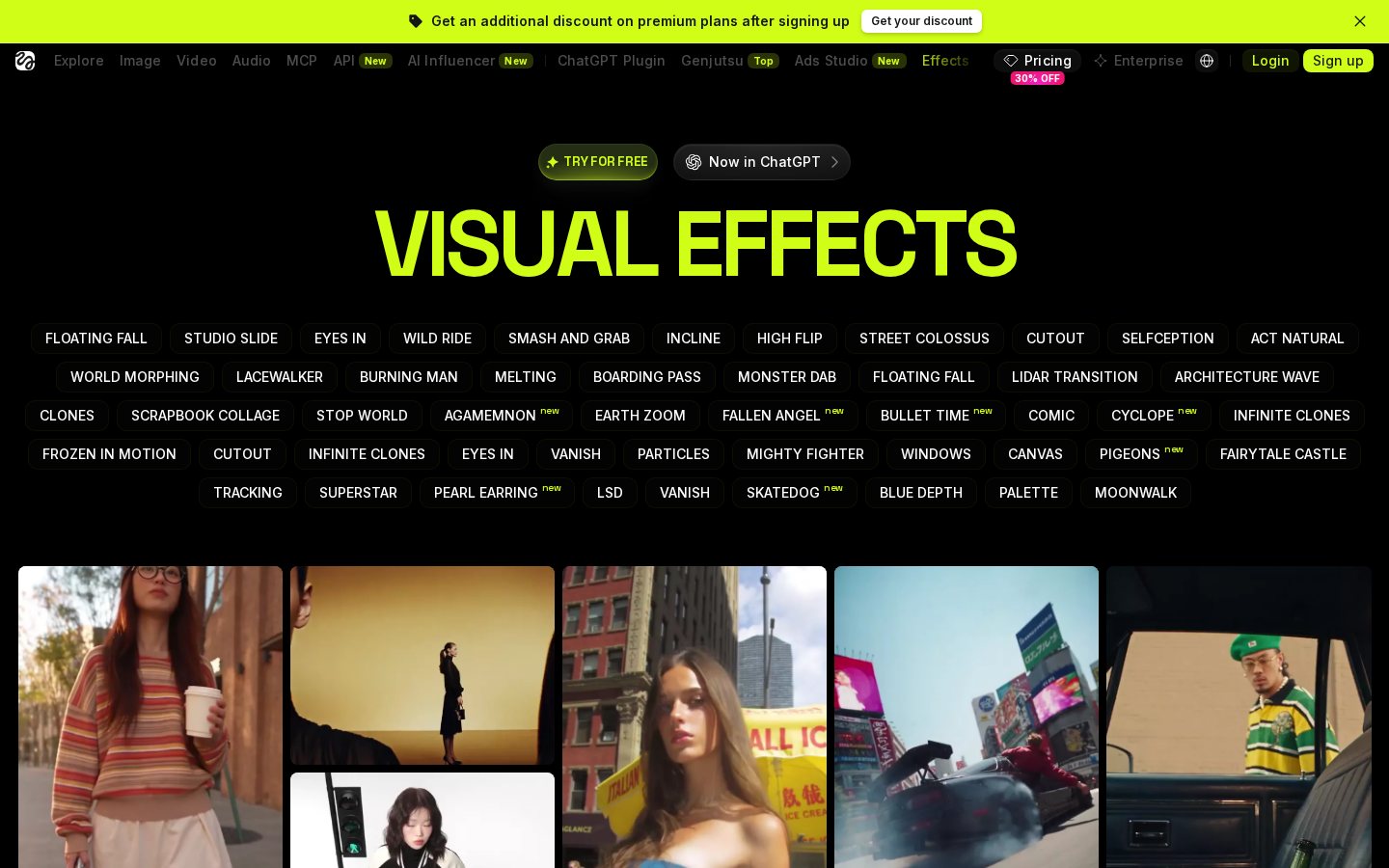
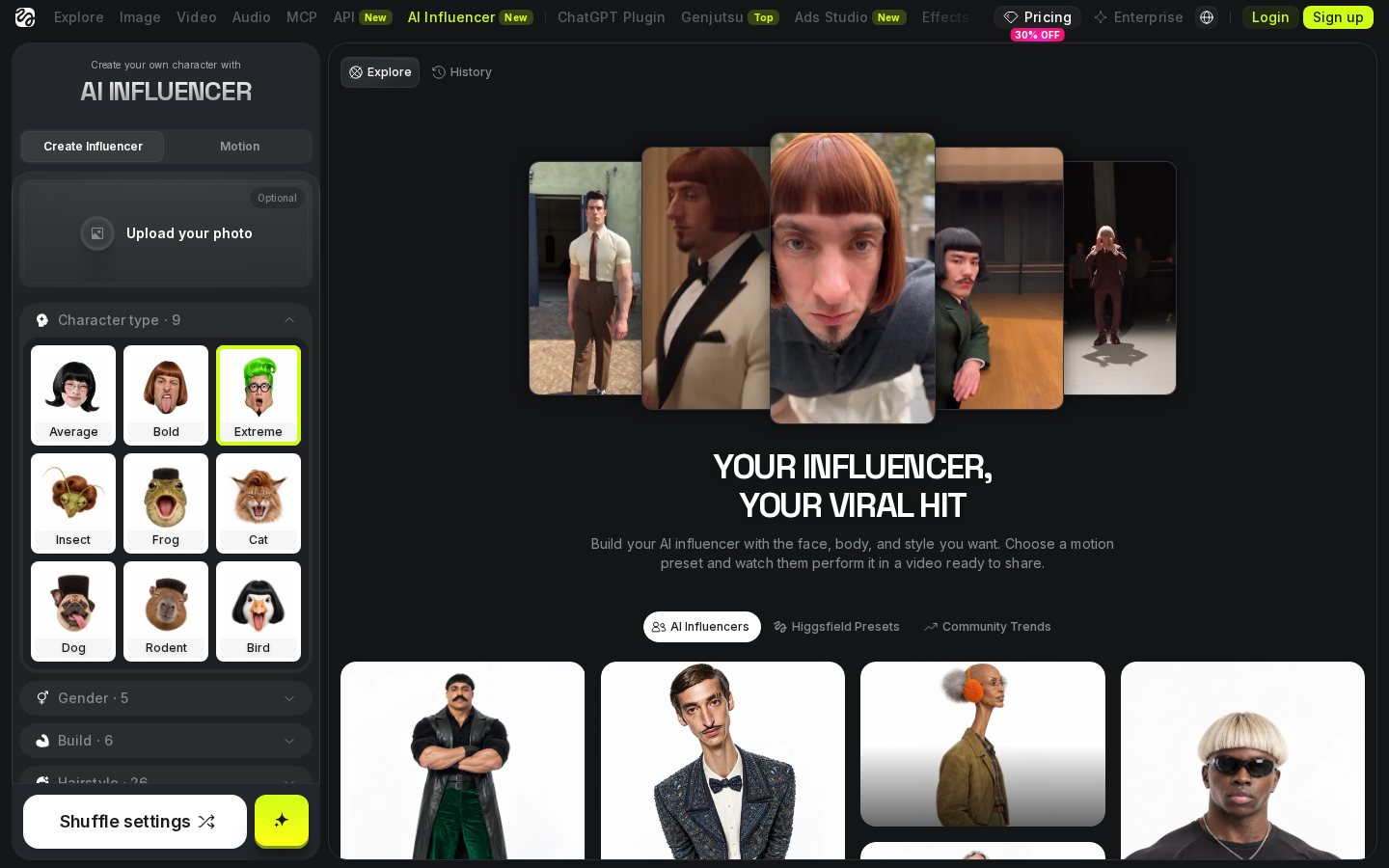
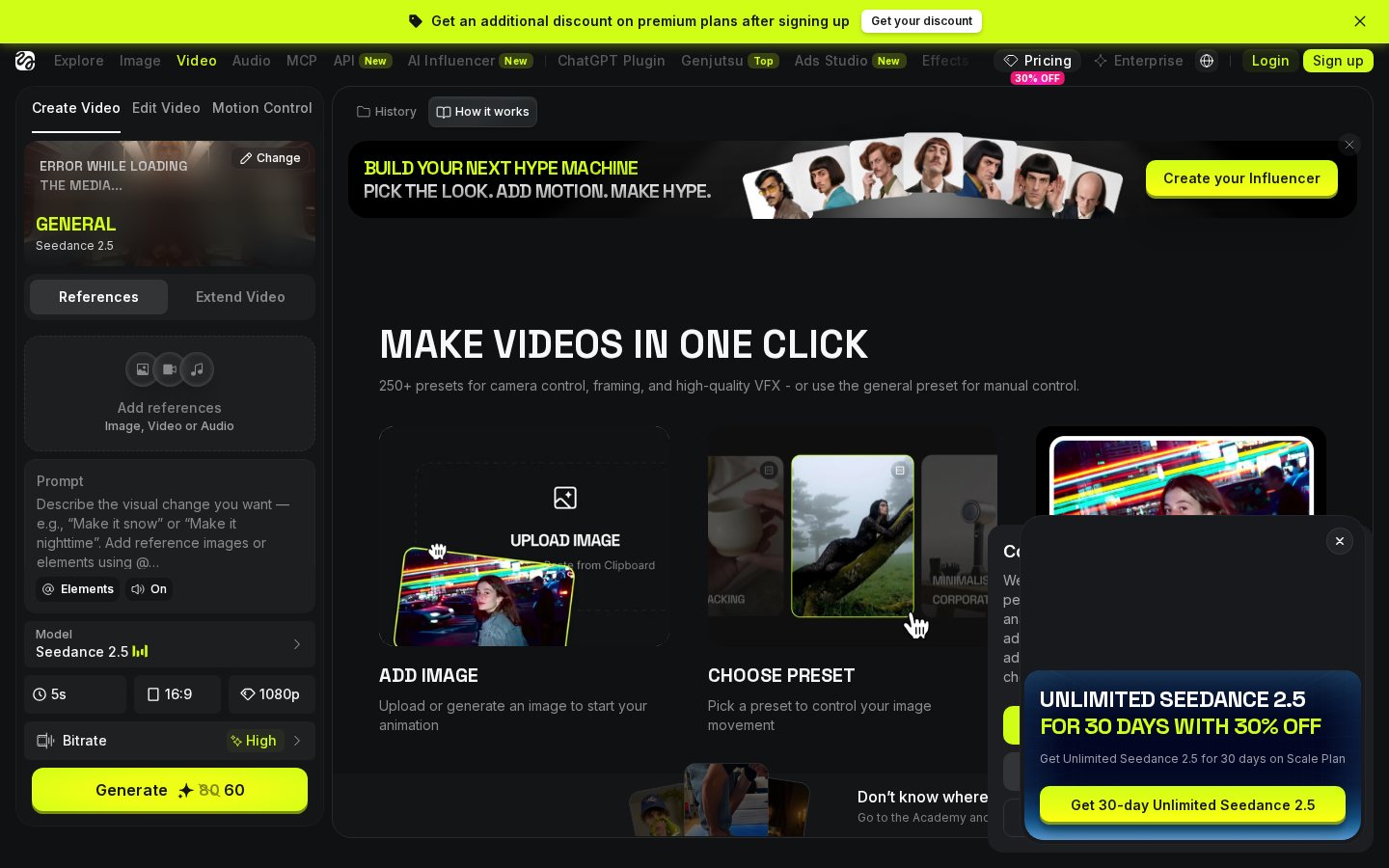
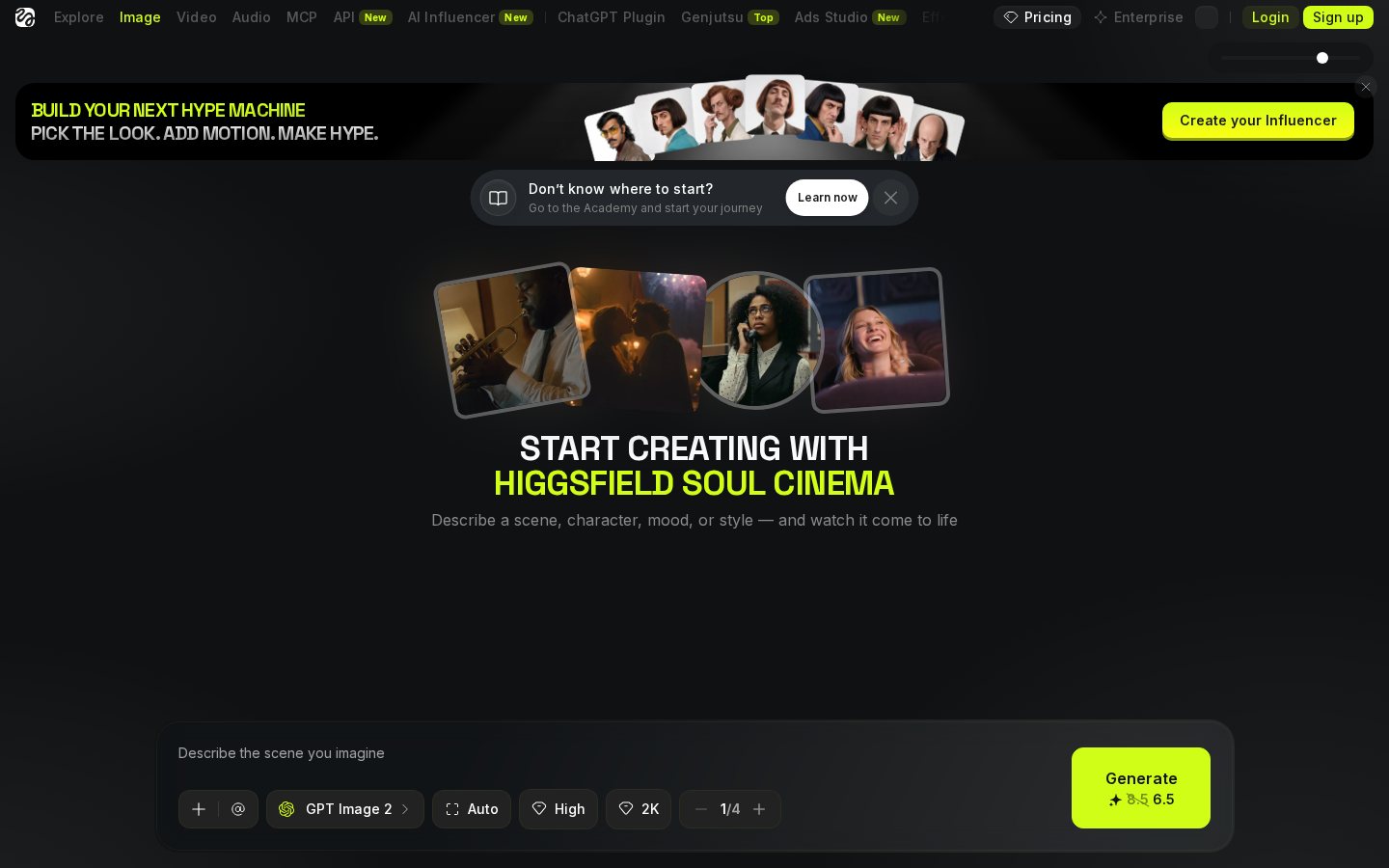
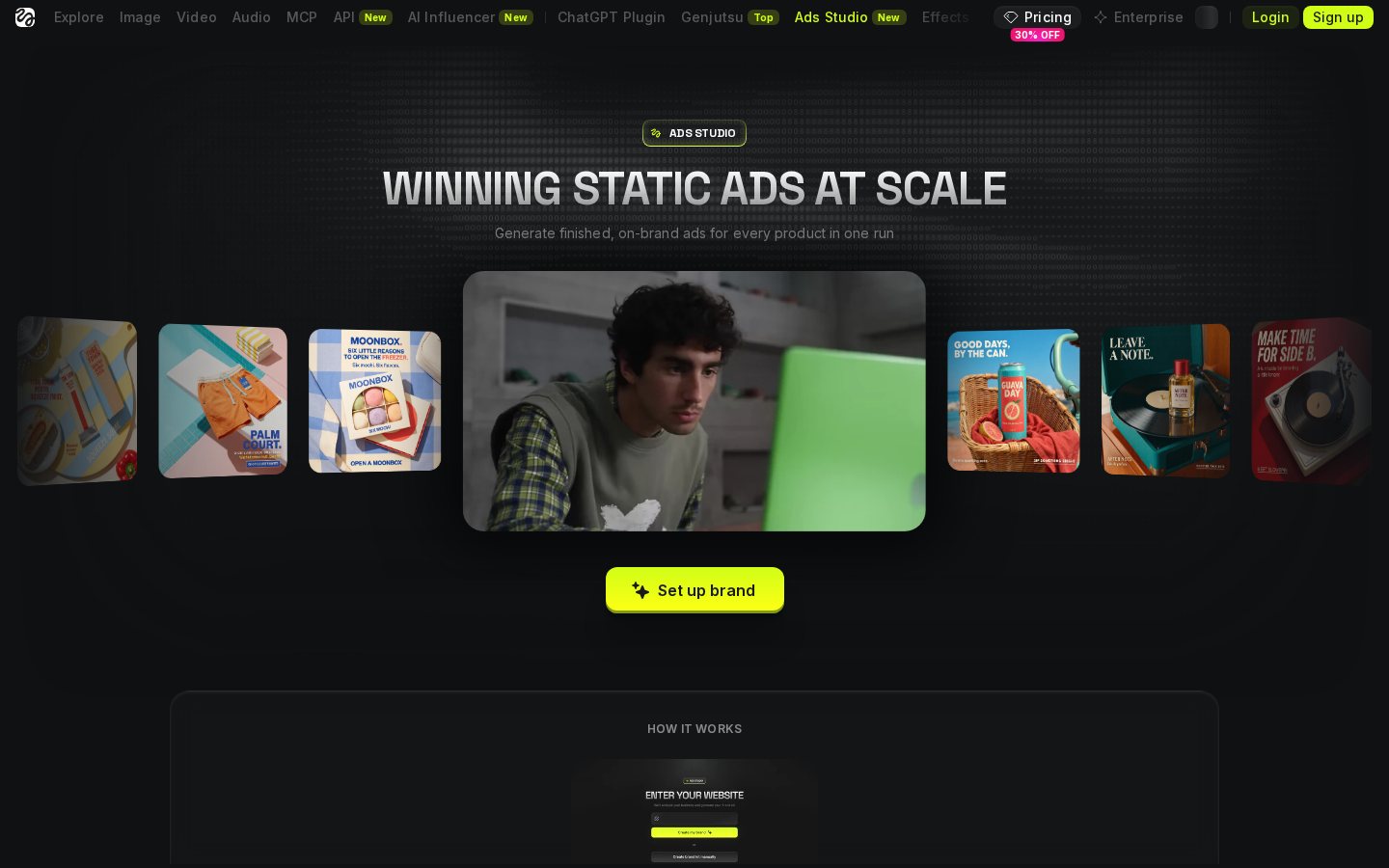
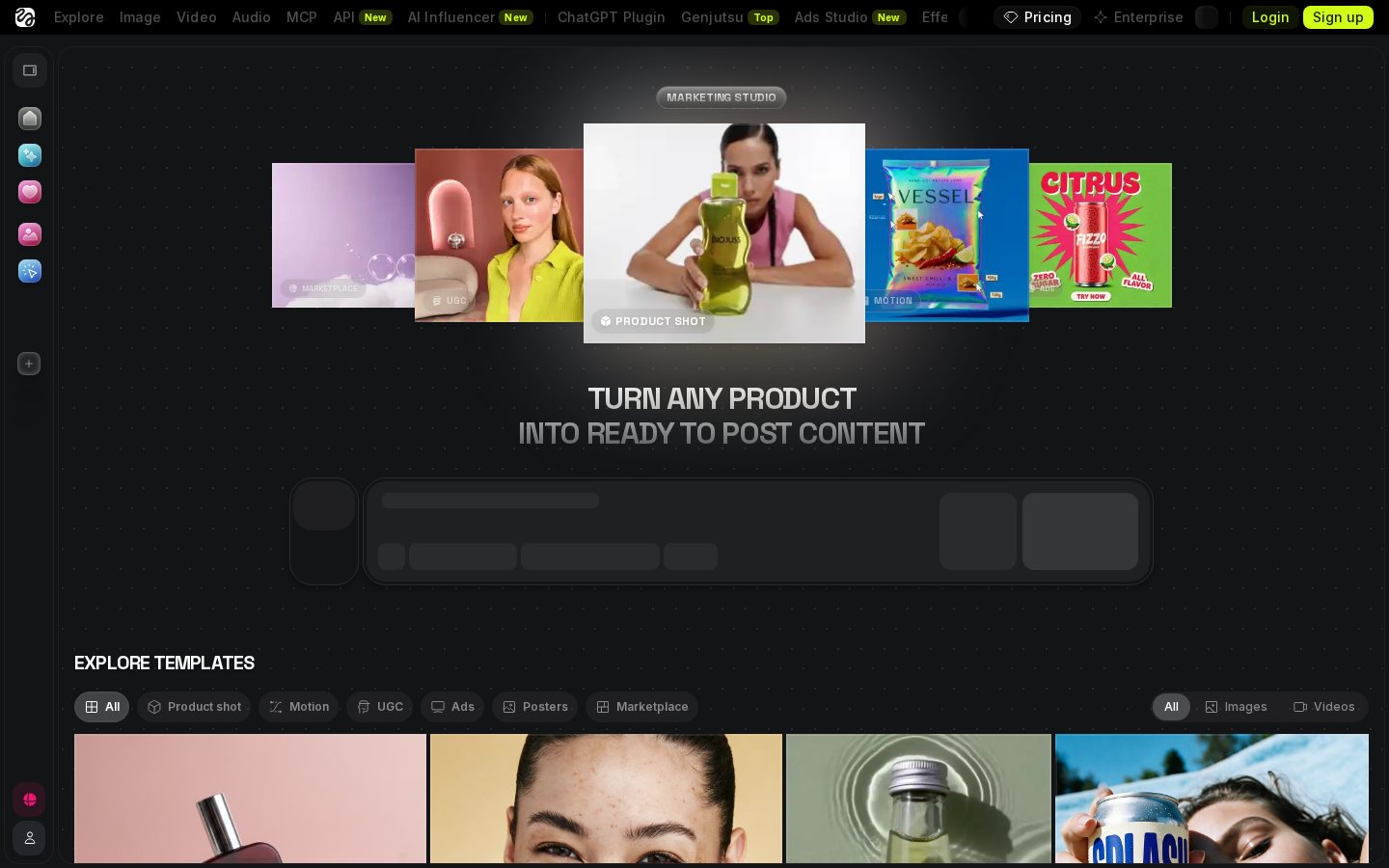
- Higgsfield: relevant to creators who need generated shots, camera movement or character-focused visuals. Our Higgsfield video generation review examines that workflow in more detail.
This shortlist covers different production methods rather than ranking unlike tools against one another. Start by deciding whether the channel needs fast automation, close script control, a recurring presenter or original generated scenes.
Prompt-to-Video vs Script-to-Video Workflows
Before selecting an application, you must understand how different software packages process your raw concepts. Most creators in the faceless niche utilize two main approaches: prompt-to-video generation and script-to-video generation. Each workflow demands a different level of initial preparation and offers distinct advantages depending on your desired level of control over the final visual output.
A script-to-video platform requires you to supply completed voiceover text before rendering starts. The system analyzes the words, divides them into scenes and suggests matching media. This route is useful for explainers, documentaries and educational videos because you retain control over the claims and narrative order.
A prompt-to-video platform begins with a descriptive instruction. It may draft a script, assemble media, add music and create narration. This method can produce a first draft quickly, but it also gives the software more editorial control. Review generated claims against reliable sources, then replace vague or unrelated visuals before publishing.
How the Main Faceless YouTube Tools Compare
InVideo AI and Pictory illustrate the main difference between automation-first and script-first production. InVideo AI starts from a prompt and uses text-based instructions to shape a draft. Pictory starts from supplied text and offers a visual process for changing scenes and stock assets.
Fliki places greater emphasis on turning text into narrated video, making it relevant when voice selection and multilingual output are priorities. HeyGen takes another route by centering the video on a synthetic presenter. That can suit explainers, training-style videos and news summaries that benefit from a consistent on-screen speaker.
Higgsfield belongs to the generated-visual category rather than the stock-assembly category. It is more relevant when a creator wants custom shots or controlled camera movement. See our review of Higgsfield's AI video tools for a closer look at its capabilities. Compare tools by input method, editing controls, visual source, voice options, caption tools and export format—not by the length of their feature lists.
Choosing Stock Footage, Avatars or Generated Scenes
The visual format has a direct effect on production time and channel identity. Stock-footage videos are often practical for list videos, business explainers and broad educational topics. Their main limitation is repetition: several creators may use similar clips, and literal keyword matching can produce visuals that miss the meaning of the narration.
Avatar videos provide a recurring presenter without filming a person. They work best when the script naturally supports direct address. Check lip synchronization, gestures and pronunciation closely, especially around names and specialized terms.
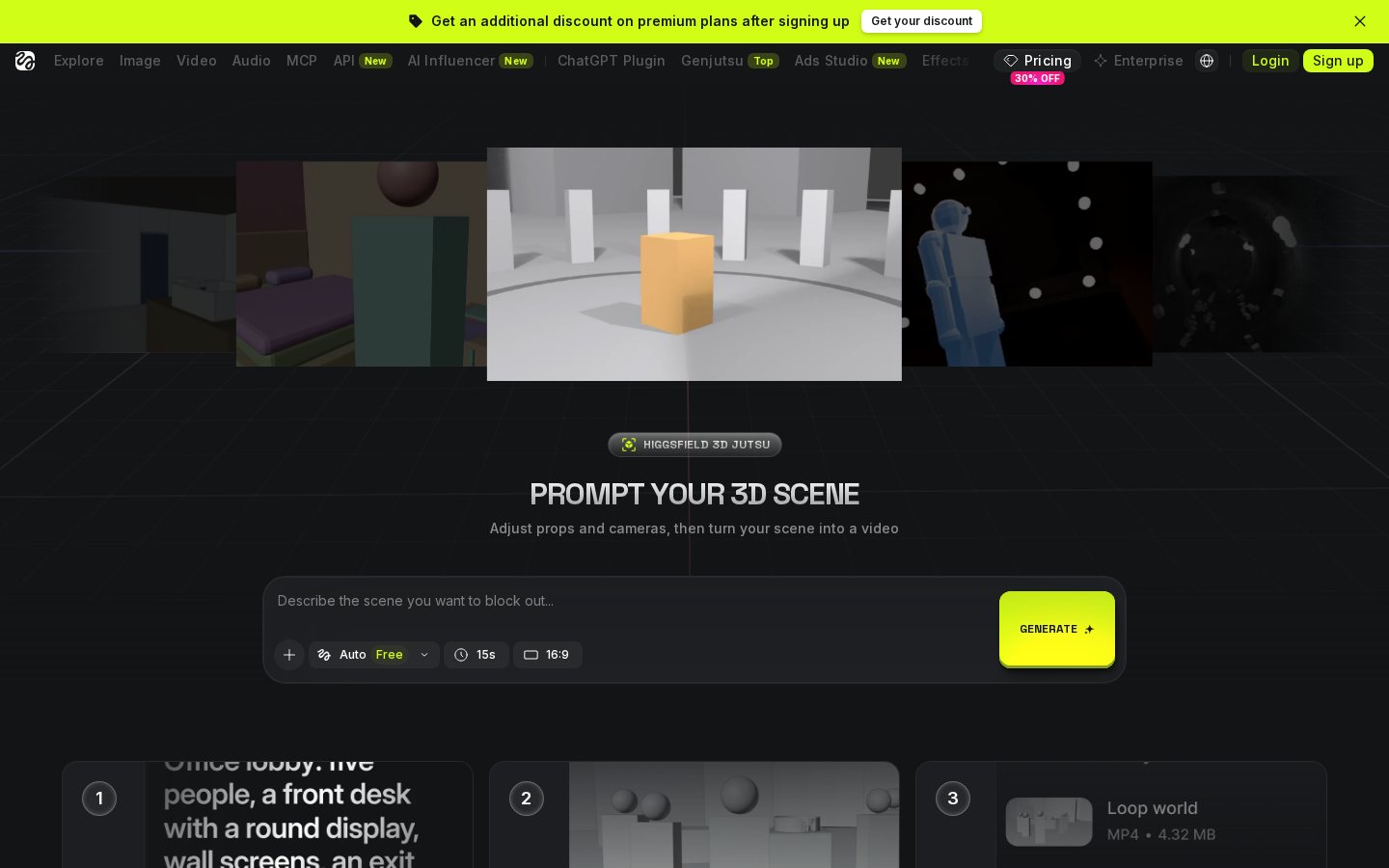
Generated scenes can provide custom environments, camera angles and actions that are unavailable in a stock library. They also demand more review because character appearance, object placement and motion may change between shots. Creators considering this approach can read the Higgsfield Review before deciding whether its controls suit their production process.
Whichever format you choose, build a repeatable visual language. Consistent typography, caption placement, transitions and color treatment help separate a channel from generic automated output.
Building a Reliable Faceless Video Pipeline
Establishing a standard production sequence helps you maintain a steady publishing schedule across your channels. Most platforms feature a central dashboard where you can manage projects, customize visual assets, and choose your rendering preferences.
- Research and outline the topic. Establish the video's purpose, audience and sources before asking a generator to draft anything.
- Write or generate the script. Edit it for factual accuracy, natural phrasing and a clear opening promise.
- Choose the format. Use 16:9 for standard YouTube videos or 9:16 for YouTube Shorts.
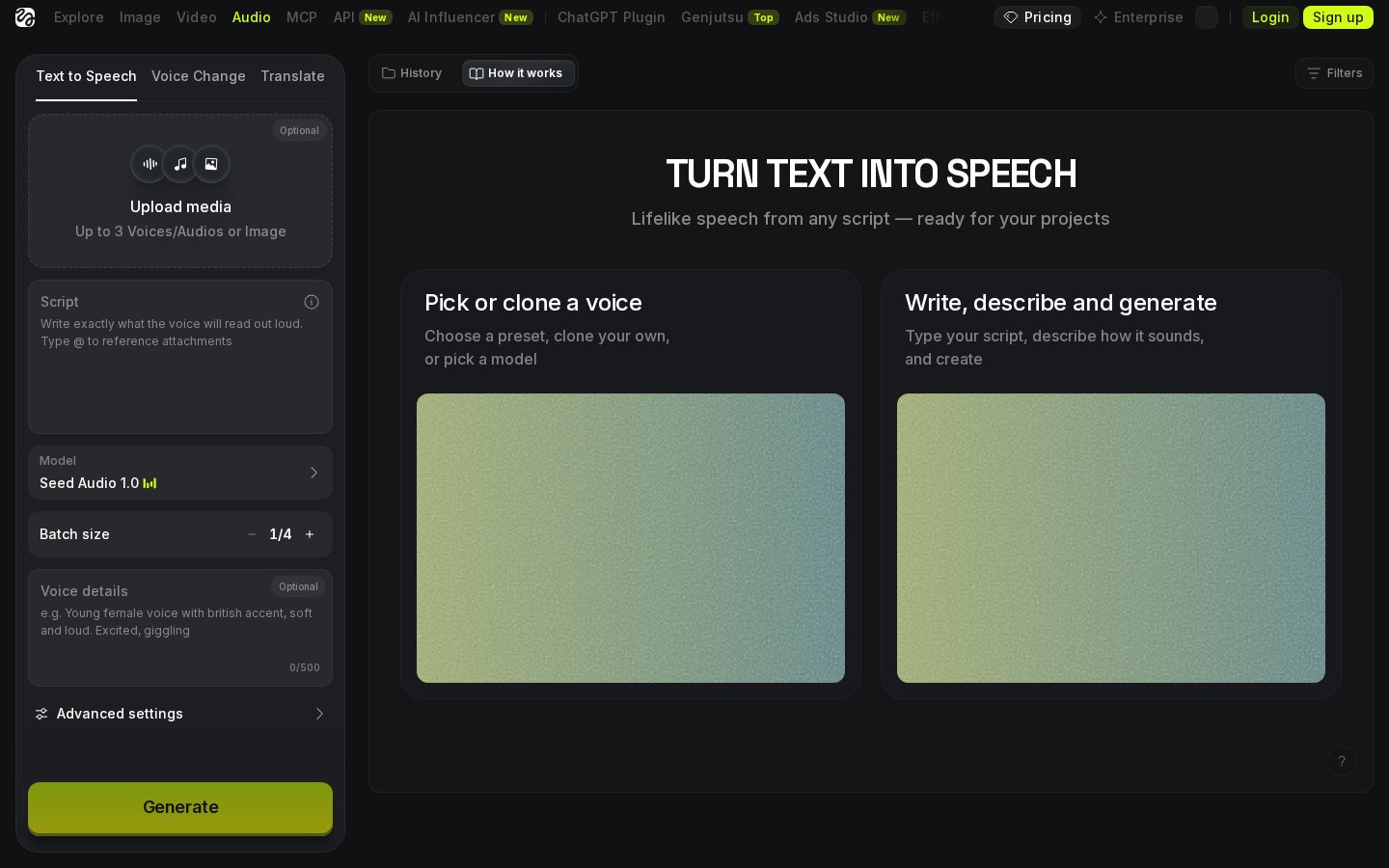
- Create the narration. Select a synthetic voice, upload narration or record your own audio where the tool permits it.
- Review each scene. Replace irrelevant media and check that maps, labels, people and locations fit the spoken point.
- Edit captions and timing. Correct names, punctuation and line breaks, then adjust pauses between ideas.
- Export and inspect the file. Watch the completed video on both a large screen and a phone before uploading it.
A reusable checklist is more valuable than generating drafts quickly. It prevents basic errors from reaching the published video.

Voiceovers, Voice Cloning and Captions
A faceless video is only as engaging as its audio track. If synthetic narration sounds flat or moves too quickly, viewers may struggle to follow the argument. Assess a voice by listening to complete paragraphs rather than short samples. Long passages reveal awkward pauses, repeated intonation and incorrect emphasis more clearly.
For creators who want a consistent audio identity, voice cloning can reproduce the characteristics of an approved voice sample. Use only a voice you own or have permission to use. Do not imitate another person without consent, and check the platform's rules for disclosure and permitted use.
Localization can help creators prepare versions in other languages, but direct translation is not enough. Review phrasing, names and cultural references with someone fluent in the target language. Captions also need manual attention. Keep lines readable, synchronize them with speech and avoid covering important visual elements. Tools that permit word-level pronunciation changes, pauses and emphasis provide more control than systems that regenerate the entire track after every correction.
How to Choose the Right AI Video Tool
Selecting the best AI tools for making faceless YouTube videos depends on your planned production style and personal comfort with manual editing. Begin with the material you already possess. A library of articles or finished scripts favors script-to-video software. A channel built around rapid topic exploration may benefit from prompt-led drafting, provided every claim is checked.
Next, identify the editing tasks you expect to perform most often. If you regularly replace footage, prioritize a clear timeline and searchable media library. If the channel uses narration heavily, compare pronunciation controls, pause editing and caption synchronization. For recurring presenter videos, inspect avatar consistency and lip synchronization. For original animated sequences, examine shot control and character continuity.
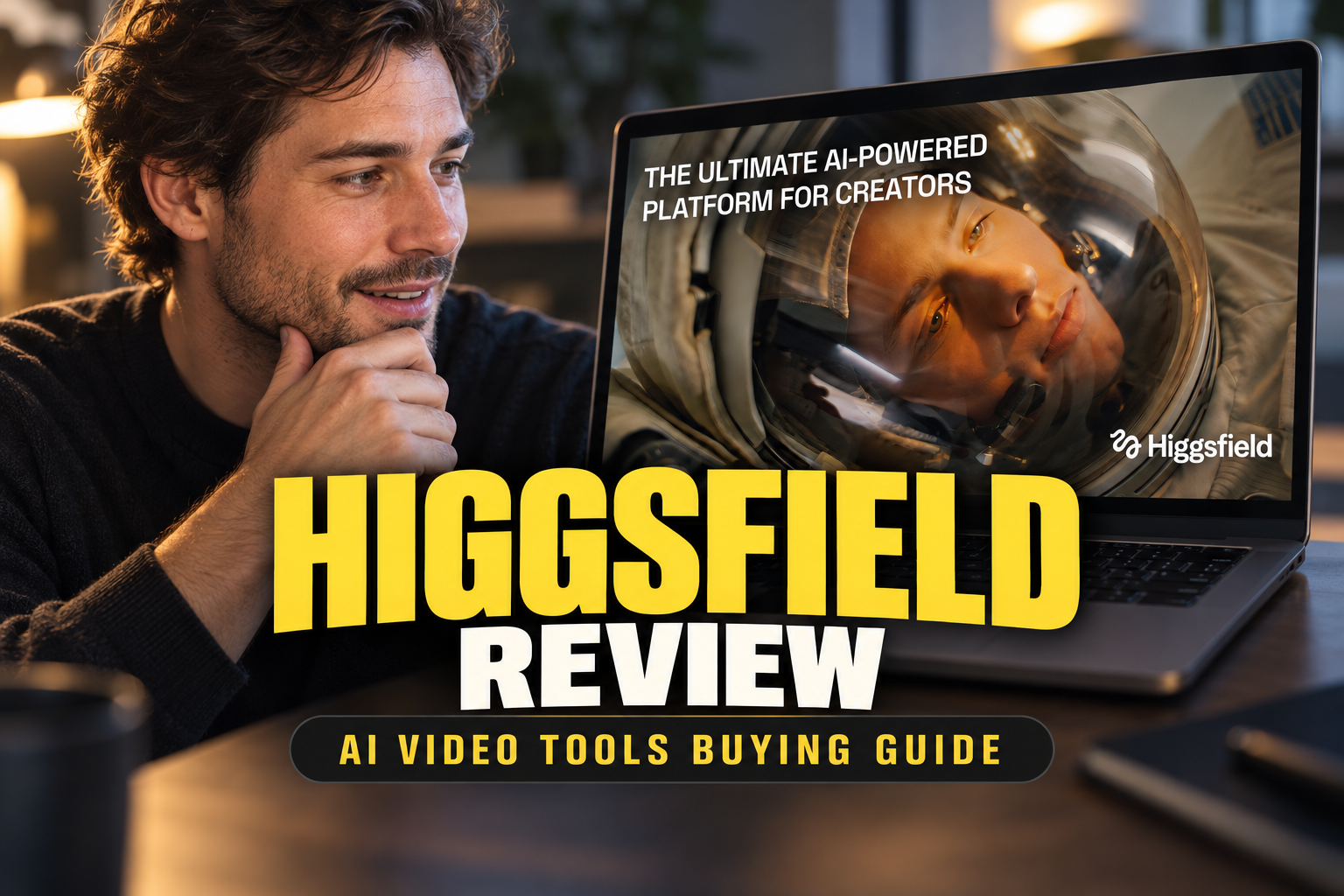
Finally, run the same short script through the tools on your shortlist. Compare the relevance of suggested visuals, the amount of cleanup required and the clarity of the final narration. If generated movement is central to the format, our detailed Higgsfield Review can help you assess that specialized workflow.
The right tool is the one that removes friction without taking away necessary editorial control. Combining a writing tool, a voice platform and a visual generator can also be more practical than expecting one application to handle every stage.
Frequently asked
As an Amazon Associate I earn from qualifying purchases. This does not affect the price you pay. Affiliate disclosure