4.4/5
Kling AI Review (2026): Video, Images and Motion Control
Read our comprehensive Kling AI review to evaluate subscription tiers, plan features, and what to verify before purchasing.
6 min read
Higher-value digital tools
Video editors, avatars, subtitles and dubbing.
9 guides•Updated weekly•No sponsored placements
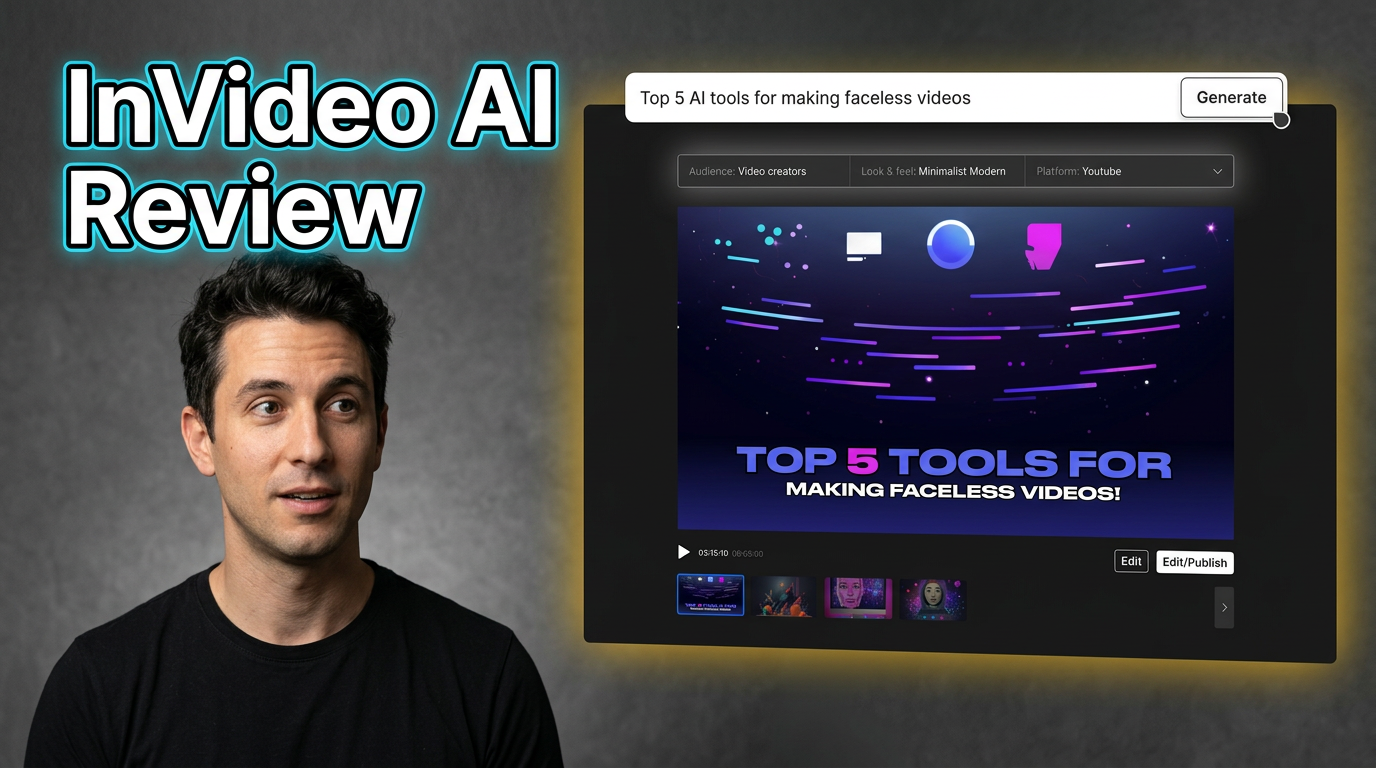
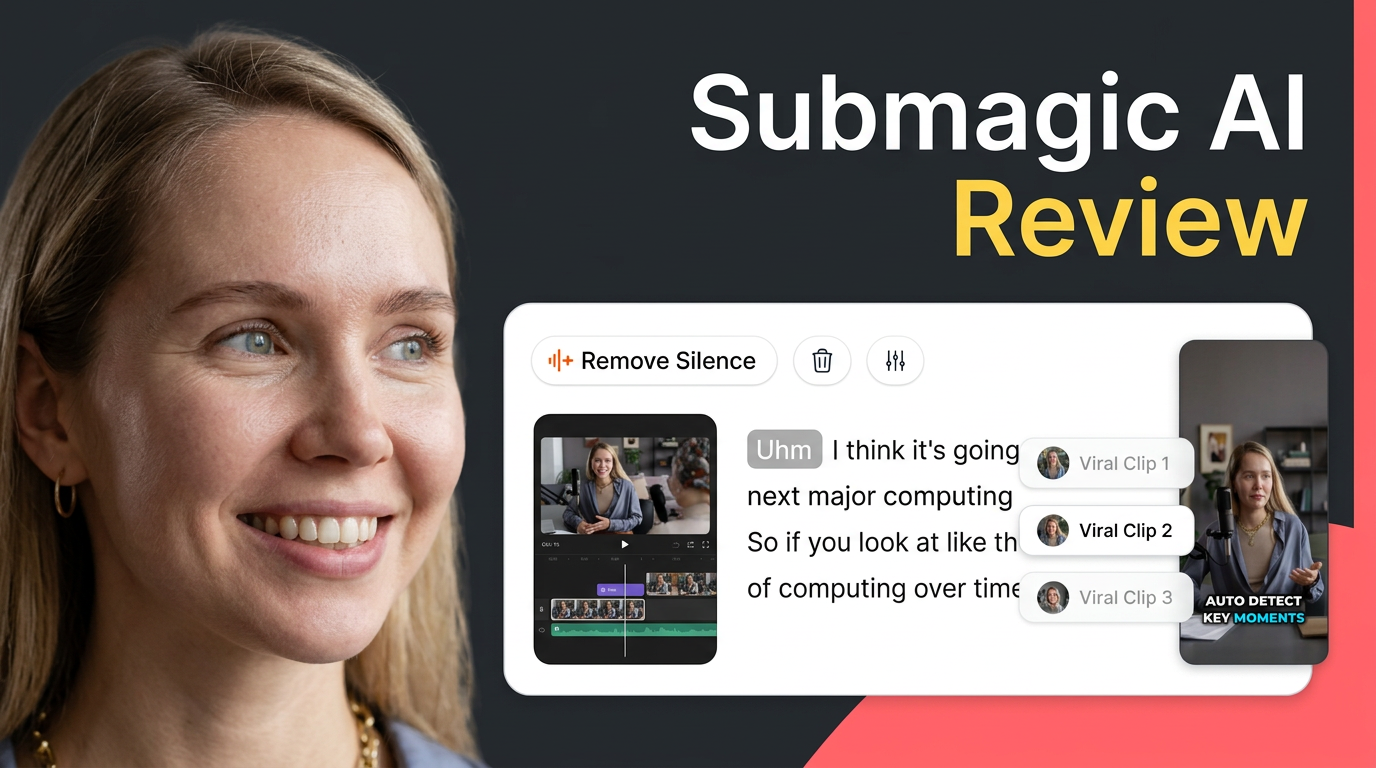
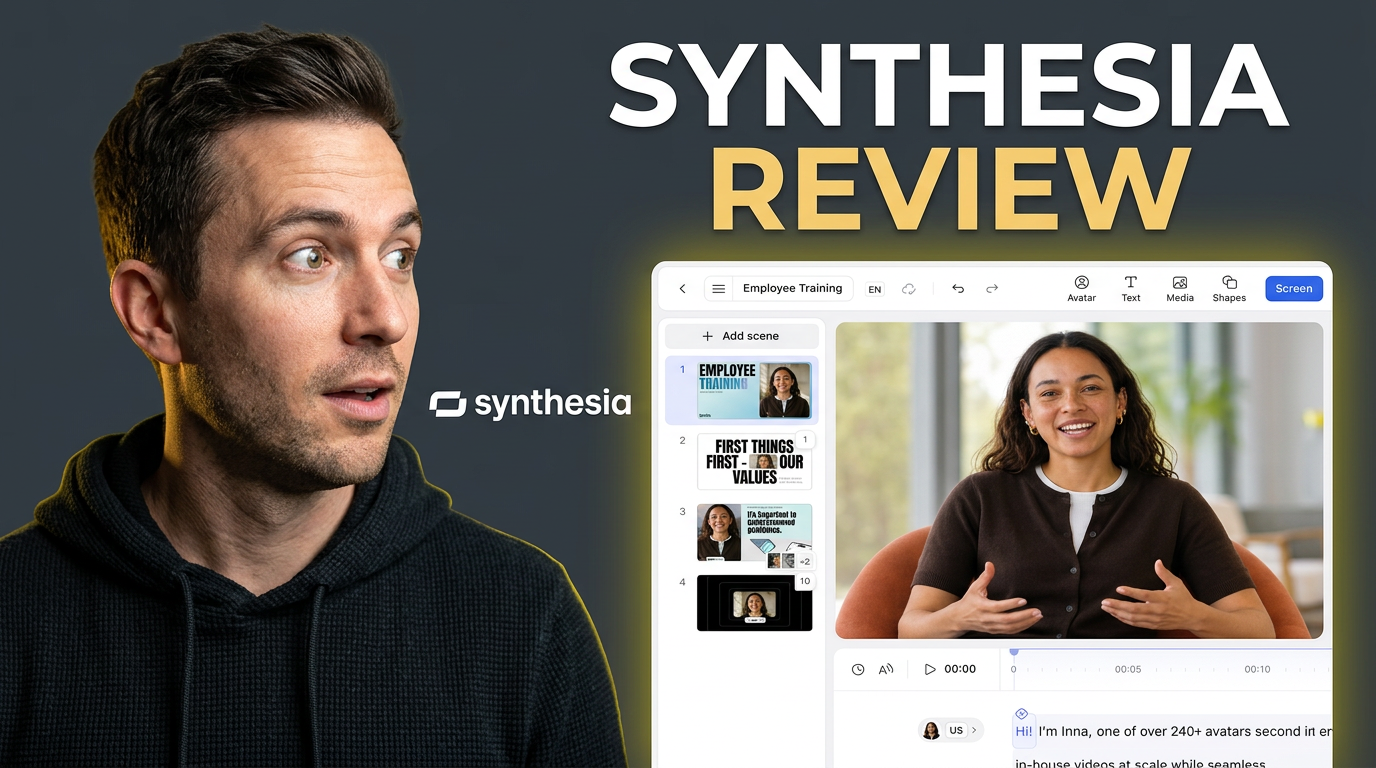
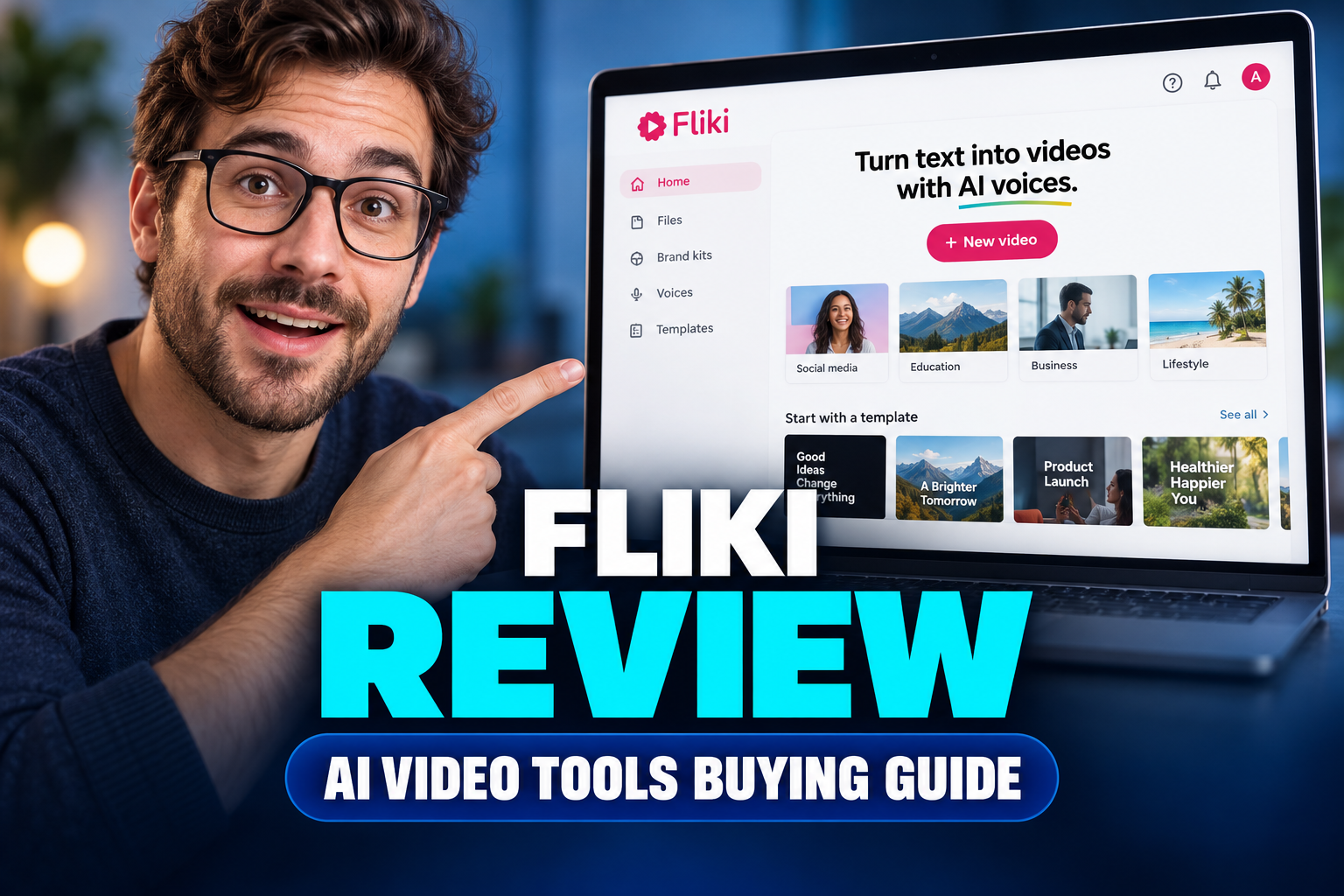
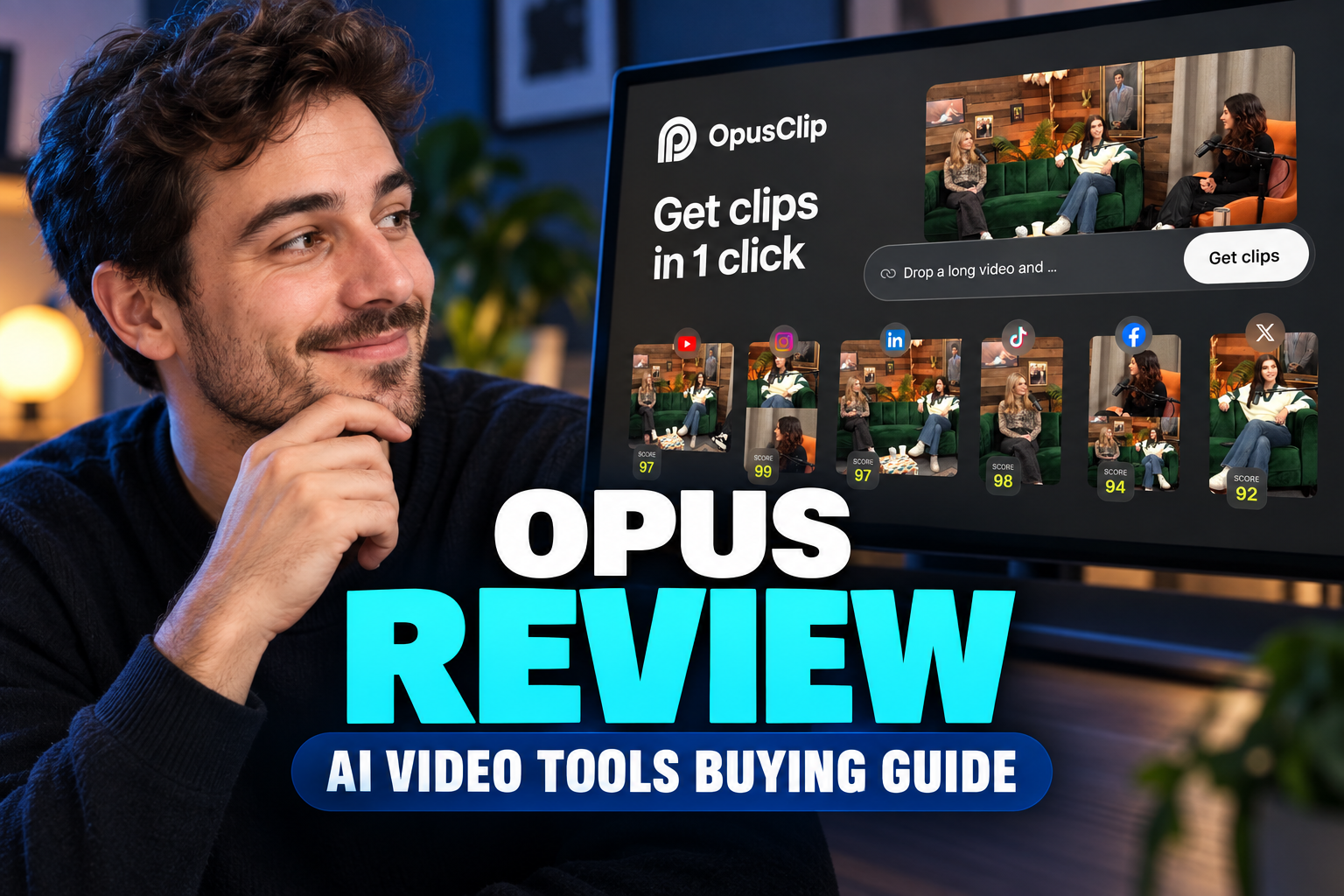
AI video tools fall into three groups: editors that cut and subtitle your own footage (VEED, Submagic), clip makers that turn long videos into shorts (OpusClip), and generators that create video from text, images or avatars (InVideo AI, Fliki, Synthesia, Kling AI, Higgsfield, Pollo AI).
Start from the job you need done, then check the credit system: most generators bill per second or per render, so the free plan is for testing, not publishing. Each review below lists pricing, free-plan limits and commercial-use rules.
Top-rated pick
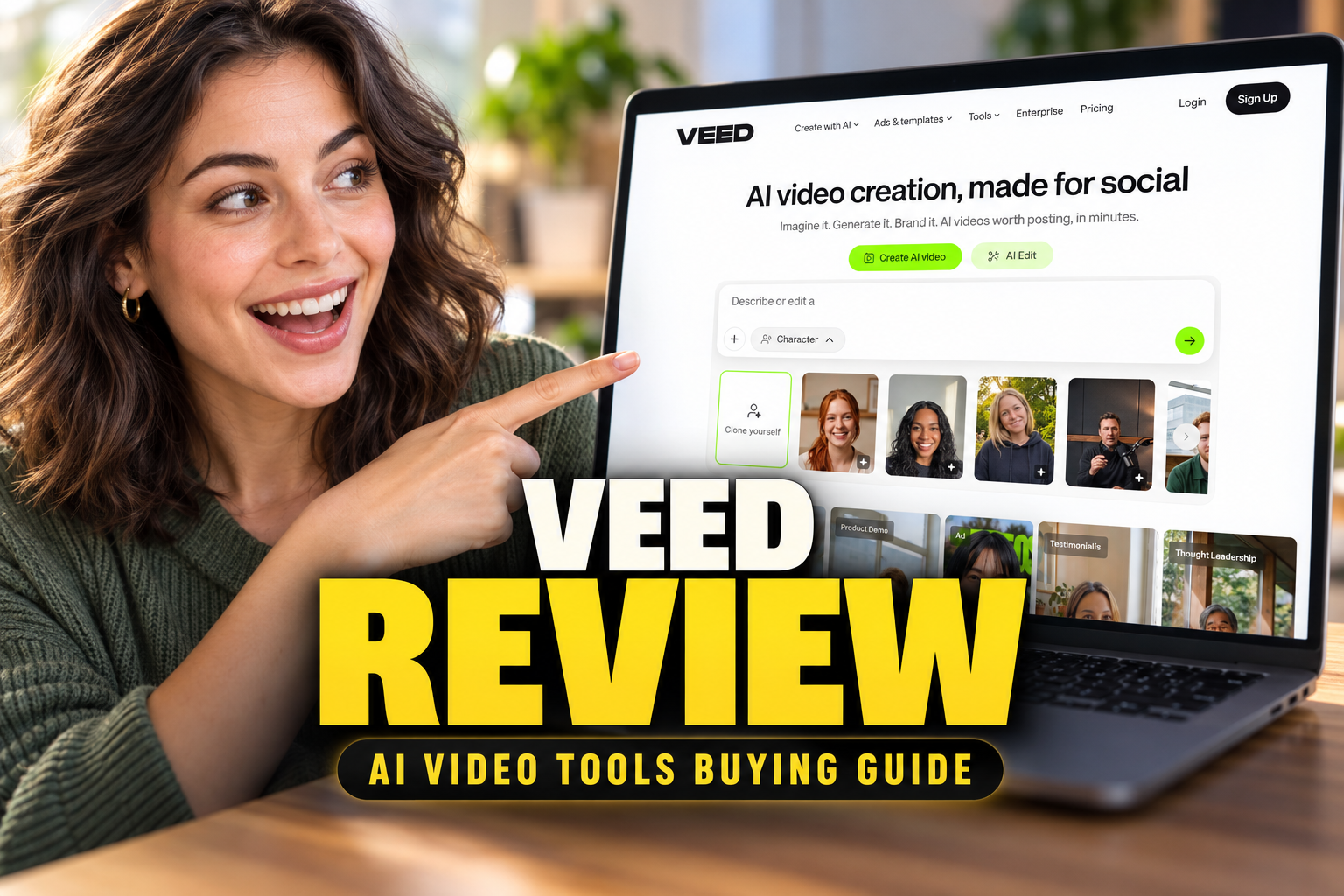
VEED Review 2026: Pricing, Free Plan and Who It's For
Score 4.6/5
Our highest-rated pick is covered in "VEED Review 2026: Pricing, Free Plan and Who It's For" (score 4.6/5). Every tool here is reviewed with real interface screenshots.
We review official documentation, pricing, limits and available product evidence. Hands-on findings are identified separately when available.
Most tools we review offer a free plan or trial. Each review lists what the free tier includes and when it is worth upgrading.
For adding captions to your own footage, look at VEED or Submagic. To cut a long video into several shorts automatically, OpusClip is built for that job.
InVideo AI and Fliki turn a script into a finished video with stock footage and voiceover. Synthesia uses AI avatars as presenters. Kling AI, Higgsfield and Pollo AI generate new footage from prompts or images.
Usually not without limits: free plans often add a watermark or restrict commercial use. Check the pricing section of each review before publishing client or monetised work.
Tell us what you want to make. We point you to the tool we rate highest for it, with a full review.