AI Video Tools
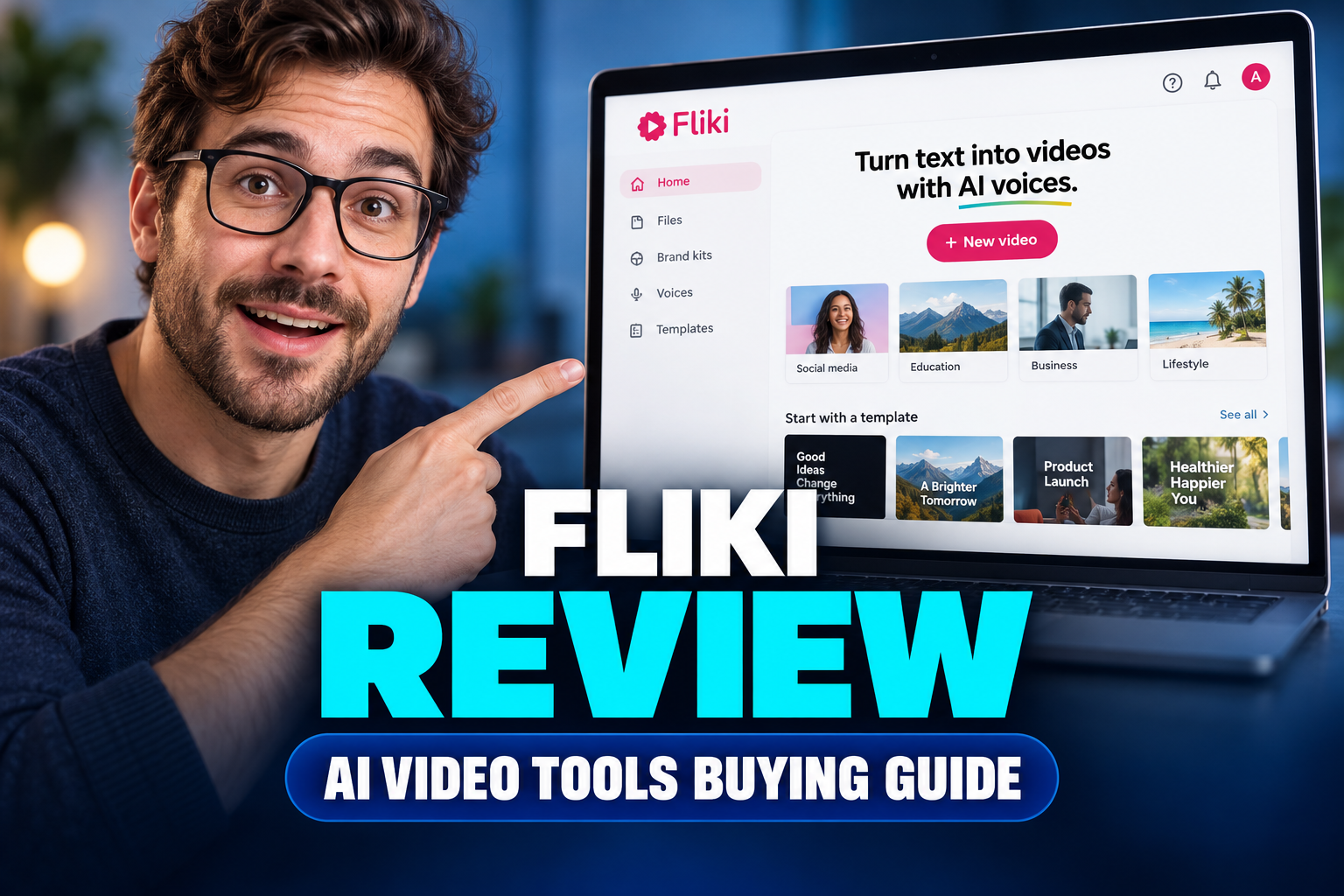
Fliki Review 2026: Pricing, Credits and Who It's For
What Fliki costs in 2026, what the free plan allows, how credits work and whether it is the right AI voice and video tool for you.
Disclosure: Some links are affiliate links: we may earn a commission if you sign up or buy through them, at no extra cost to you.
What's inside
Everything you get with Fliki
On this page11 sections
In short
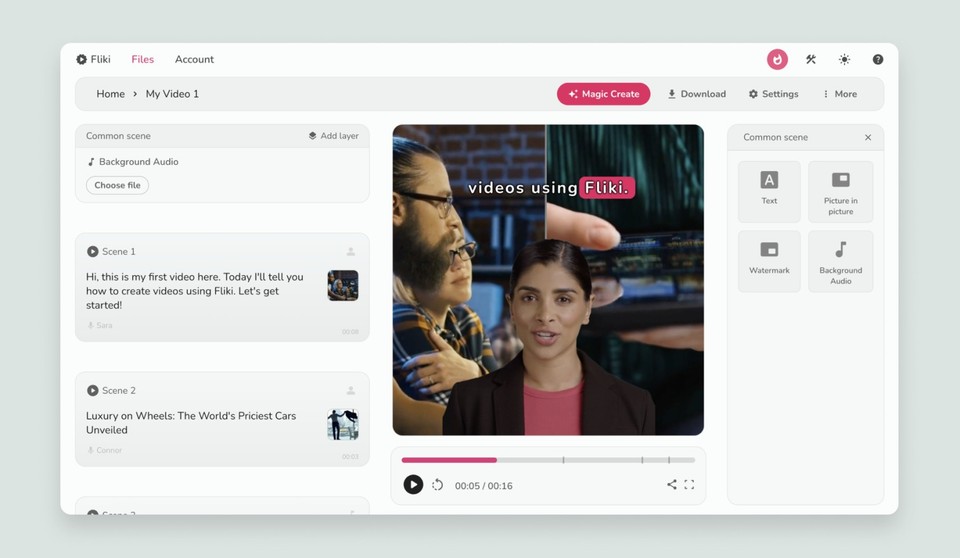
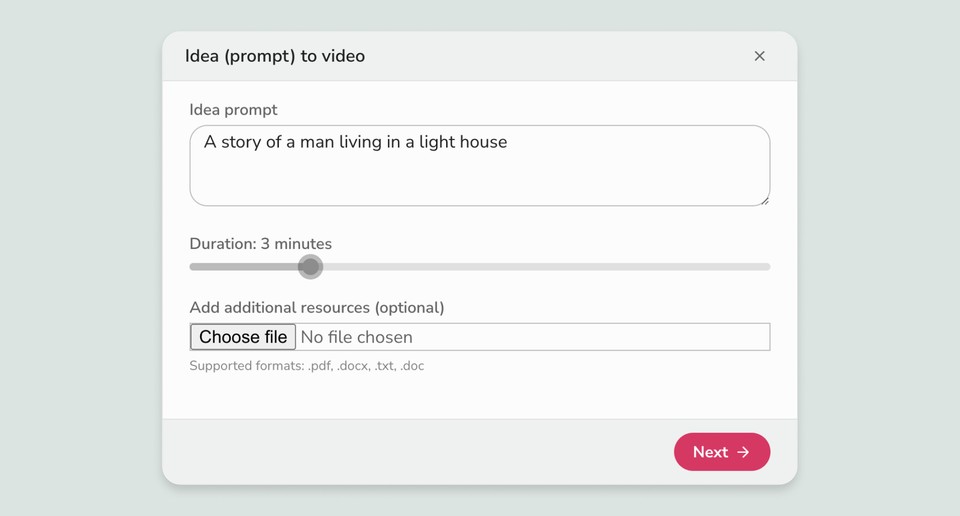
- According to Fliki, it converts text, scripts and blog posts into videos.
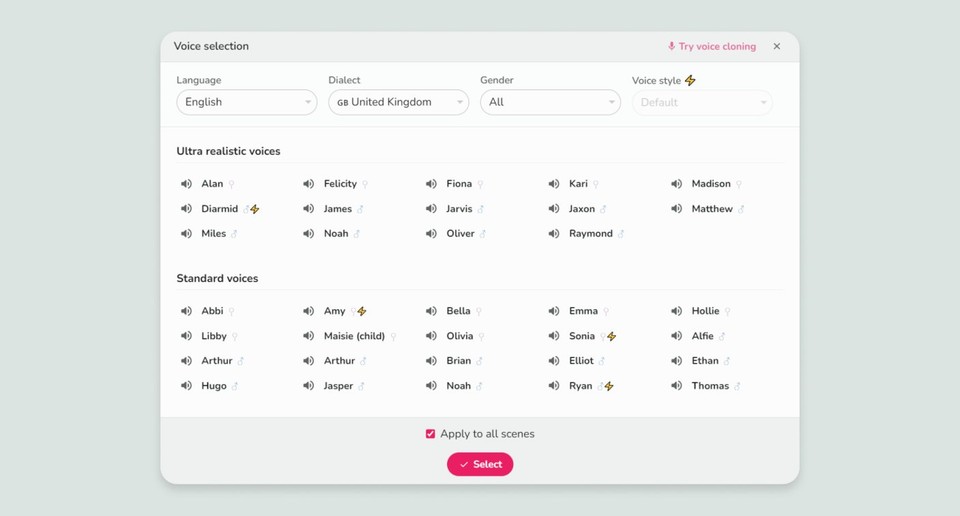
- According to Fliki, its catalog includes 2,000+ AI voices in 80+ languages.
- Evaluate your own script before paying.
Fliki is a good fit if you want to turn scripts, blog posts or ideas into narrated videos with AI voices, without filming or recording yourself. It is less suited to detailed video editing. This is an editorial review based on Fliki's official website and pricing page; we did not publish a project for this review. Prices were checked on 13 October 2026.
Why this choice matters
The problem
You have written content and want to turn it into video without building a filming workflow. The buying mistake to avoid is treating a large voice catalog as proof that the finished narration will suit your content.
How to solve it
The deciding criterion is output suitability: whether the finished video communicates your actual script in the voice and style you need. Choose by evaluating a representative piece of your content, rather than counting features you may never use.
What you get
- A workflow matched to your existing scripts or blog posts.
- A clearer assessment of narration before committing money.
- Fewer mismatches between language needs and tool selection.
- A buying decision based on usable results rather than promotional claims.
What we liked
- Free plan with no credit card
- Many AI voices and 80+ translation languages
- Commercial rights on paid plans
- 25% off with annual billing
What could be better
- Watermark and no commercial use on Free
- Export length caps by plan
- Limited editing control
Is Fliki worth it?
For faceless videos and voiceovers, yes. Fliki combines text-to-video with a large library of AI voices, and paid plans translate videos into 80+ languages. Its value is speed: you write, pick a voice and get a narrated video with stock visuals.
The trade-off: the free plan has a watermark and no commercial rights, so serious use needs a paid plan.
How much does Fliki cost?
Prices checked on 13 October 2026 on the official pricing page (per user):
- Free: $0, 3 credits per month, exports up to 5 minutes, Fliki watermark.
- Standard: $21/month billed annually ($252/year), or $28 monthly. 2,160 credits per year, videos up to 15 minutes, 50 publications per month, commercial rights.
- Premium: $66/month billed annually ($792/year), or $88 monthly. 7,200 credits per year, videos up to 40 minutes, 120 publications per month.
- Enterprise: custom credits and invoiced billing.
Is Fliki free?
Yes. The free plan needs no credit card and allows about 5 minutes of audio and video per month, with a watermark and no commercial rights. It is fine to test voices and the workflow, not for client or monetized content.
Fliki features that matter
- Text to video from scripts, blog posts or ideas.
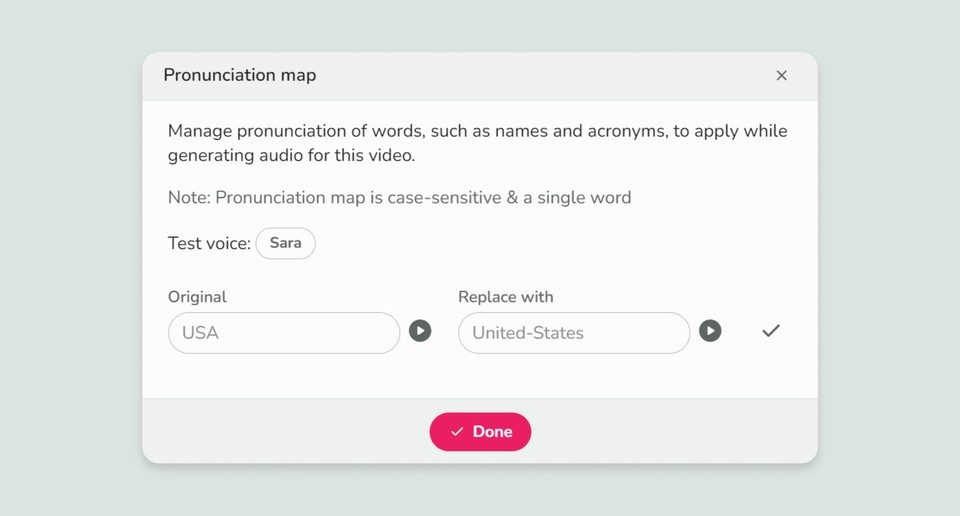
- AI voices in many languages and accents.
- Translation of videos into 80+ languages on paid plans.
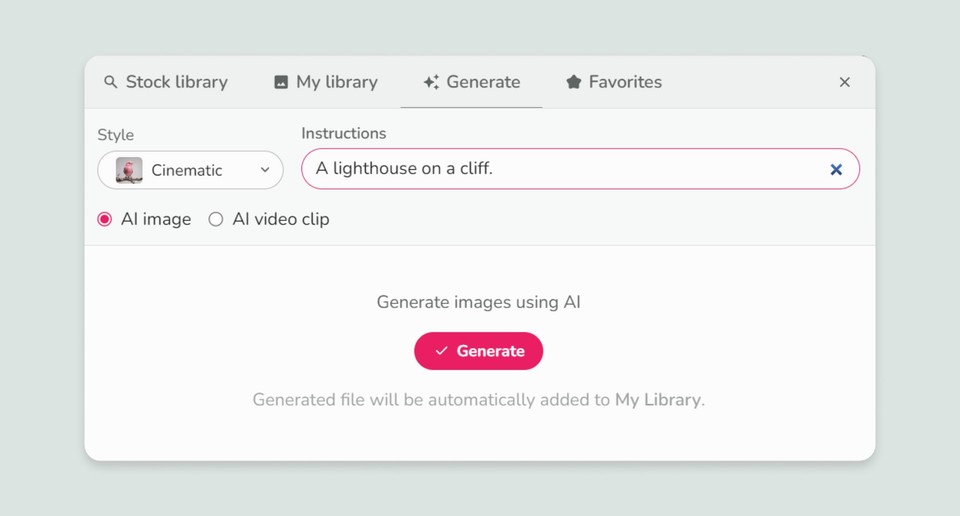
- AI Playground for extra generation features on paid plans.
- Stock media to illustrate scenes automatically.
Ready to look at it yourself? Paid link — price and availability change.
Visit FlikiFliki limitations
- Free plan: watermark and no commercial use.
- Credits are yearly on annual plans, so plan your usage across the year.
- Export length caps (5, 15 or 40 minutes by plan).
- Limited editing control compared with a timeline editor.
Fliki vs InVideo AI, Murf AI and Synthesia
- InVideo AI: stronger at generating full videos from a prompt with editing by text.
- Murf AI: focused on studio voiceovers and a voice API, less on video.
- Synthesia: AI avatars presenting on camera, mainly for business training.
Pick Fliki for narrated faceless videos at a low price.
Who should use Fliki
Use it if you run a faceless YouTube or social channel, turn blog posts into videos, or need fast multilingual voiceovers.
Skip it if you need avatars on camera or detailed editing.
See the current product and plans on the official partner site.
Visit FlikiSee the current product and plans on the official partner site.
Visit FlikiBottom line
The verdict
Fliki is one of the fastest and cheapest ways to make narrated faceless videos and voiceovers. Test on the free plan, then pick Standard annually for commercial use. Choose a full editor or an avatar tool if your videos need more control or a presenter.
Questions
Frequently asked questions
Transparency
How we selected these ai video tools
- We start with the product’s official website and documented feature pages.
- We compare the published workflow, plans and limitations with the needs of the intended user.
- We verify time-sensitive details on the official website before publishing.
- We do not claim hands-on testing unless the article documents it explicitly.
We researched these ai video tools using the official website, documented features and published plans; we did not run a hands-on lab test. The Pickveo score reflects workflow, usability, limitations and fit for the intended user.
Written by Pickveo Editorial Team
Pickveo editors review official product information, documented features and published plans to help readers choose software confidently. We do not claim hands-on testing unless explicitly stated.
Products last checked on .
Affiliate disclosure & transparency
Some links are affiliate links: we may earn a commission if you sign up or buy through them, at no extra cost to you.
Editorial review, not a hands-on test. We did not personally test this product. This review is based on the official website, published plans and features. The Pickveo score weighs workflow, usability, documented limitations and fit for the intended user.
Our recommendations are based on documented features, workflow and suitability. Plans and availability can change, so verify current details on the official website before subscribing.
Weekly pick
One AI tool worth trying, every week.
Short, practical, no spam. Unsubscribe any time. By subscribing you agree to our privacy policy.