AI Video Tools
Synthesia Review 2026: Pricing, Free Plan and Who It's For
What Synthesia costs in 2026, what the free plan includes, how credits and video minutes work, and whether AI avatar videos fit your business.
Disclosure: Some links are affiliate links: we may earn a commission if you sign up or buy through them, at no extra cost to you.
What's inside
Everything you get with Synthesia
On this page12 sections
In short
- Consider Synthesia for repeatable business training and communication.
- According to Synthesia, document conversion, multilingual translation, and multiple publishing options are available.
- Verify output quality and plan access before paying.
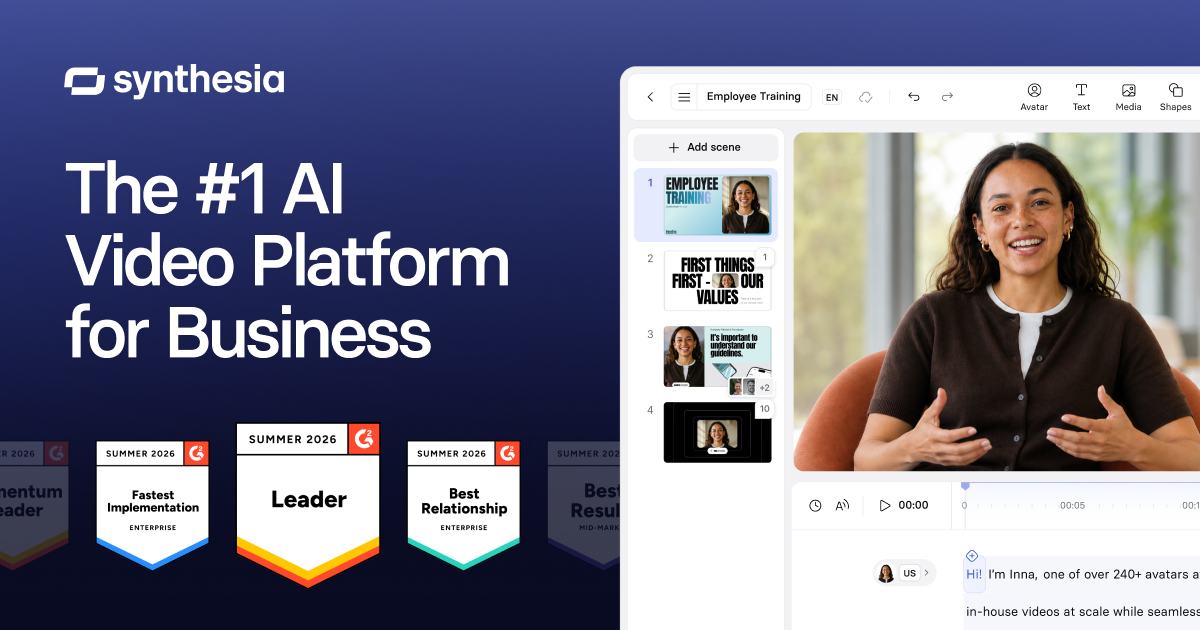
Synthesia is a strong choice for companies that need training, onboarding or explainer videos with an AI presenter, without cameras or studios. It is less suited to creative social content or cinematic video. This is an editorial review based on Synthesia's official website and pricing page; we did not produce a training course for this review. Prices were checked on 13 October 2026.
Why this choice matters
The problem
You have documents, presentations, or training material that you want people to watch rather than read. The buying mistake to avoid is choosing an AI video tool for an impressive demonstration without checking whether it fits your actual publishing workflow.
How to solve it
The deciding criterion is workflow fit: whether a tool can take your source material through review and into the place your audience watches it. Use the how-to-choose checks below to evaluate that whole process rather than judging the generated video alone.
What you get
- A clearer path from existing documents to audience-ready videos.
- A publishing method suited to your training or communication channel.
- A review process that accounts for translated content.
- A purchase decision grounded in your actual workflow.
What we liked
- Free plan with 10 video minutes
- Update videos by editing text
- Strong for multilingual training
- One shared credit pool
What could be better
- Watermark on Free
- Full avatar library only on Enterprise
- Corporate style, less creative
Is Synthesia worth it?
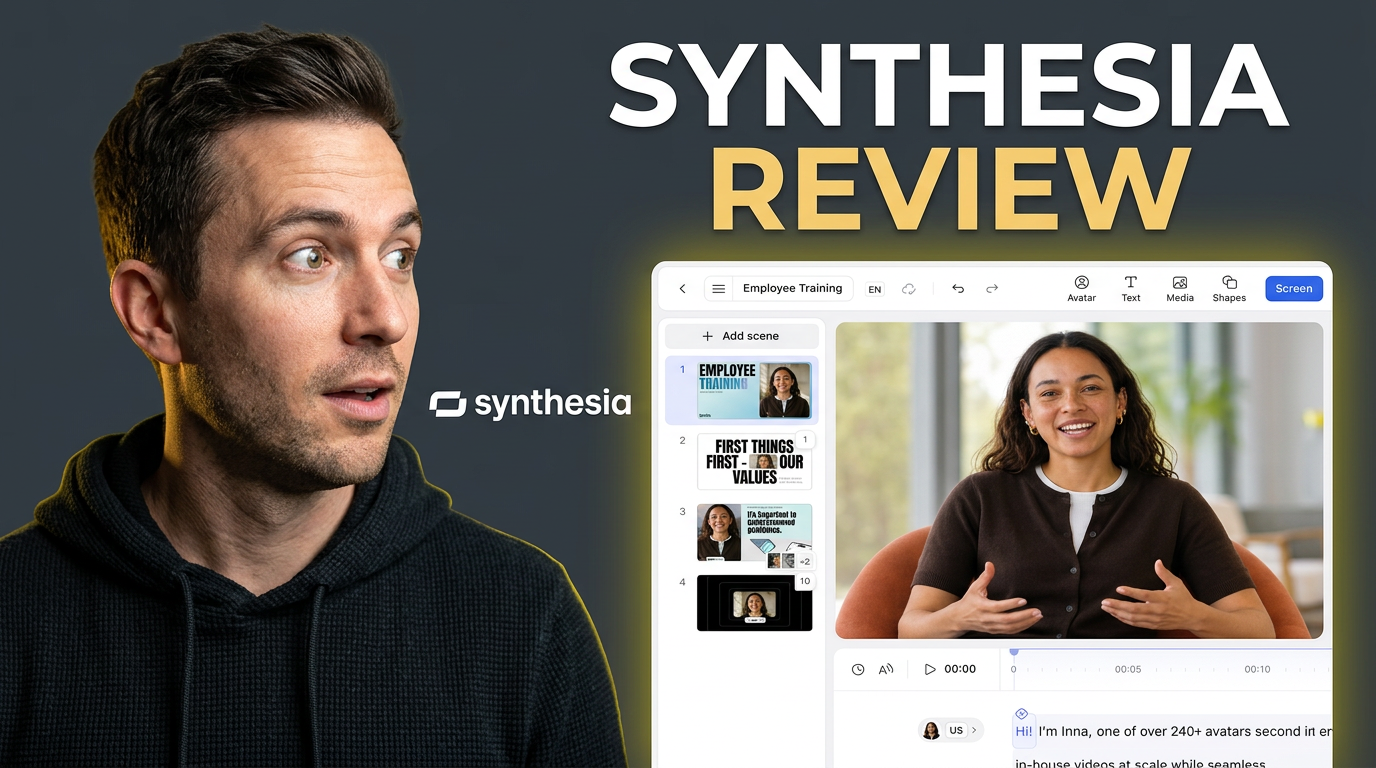
For business video at scale, yes. You type a script, choose an AI avatar and language, and Synthesia produces a presenter video you can update by editing text. Its value is updating videos without reshooting, which matters for training and product docs.
The trade-off: avatar choice is limited below Enterprise, and credits are needed beyond the included minutes.
How much does Synthesia cost?
Prices checked on 13 October 2026 on the official pricing page:
- Basic (free): $0/month, 10 minutes of video or dubbing and 500 credits per month, with a Synthesia watermark.
- Starter: from $19/month (the signup button shows $29/month for monthly billing), 1,250 credits per month on top of the free allowance.
- Pro: $89/month, 6,000 credits per month.
- Enterprise: custom pricing, full avatar library and unlimited video minutes.
- Roleplay Training add-on: $29 per learner per month.
See the current product and plans on the official partner site.
Visit SynthesiaHow Synthesia credits work
Credits are one shared pool for all AI features. According to the pricing page, video costs 100 credits per minute after the first 10 minutes included on every plan, and dubbing costs 76 credits per minute.
See the current product and plans on the official partner site.
Visit SynthesiaIs Synthesia free?
Yes, the Basic plan is free with 10 minutes of video per month, but videos carry a Synthesia watermark. It is good for testing avatars and scripts before choosing a paid plan.
See the current product and plans on the official partner site.
Visit SynthesiaSynthesia features that matter
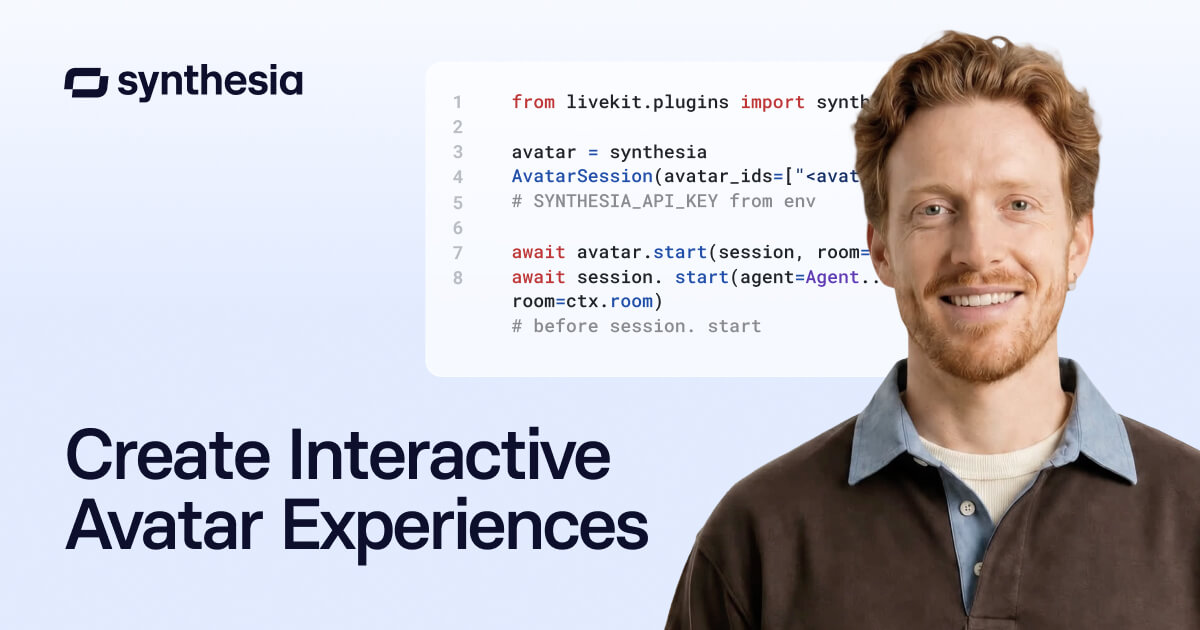
- AI avatars that present your script on camera.
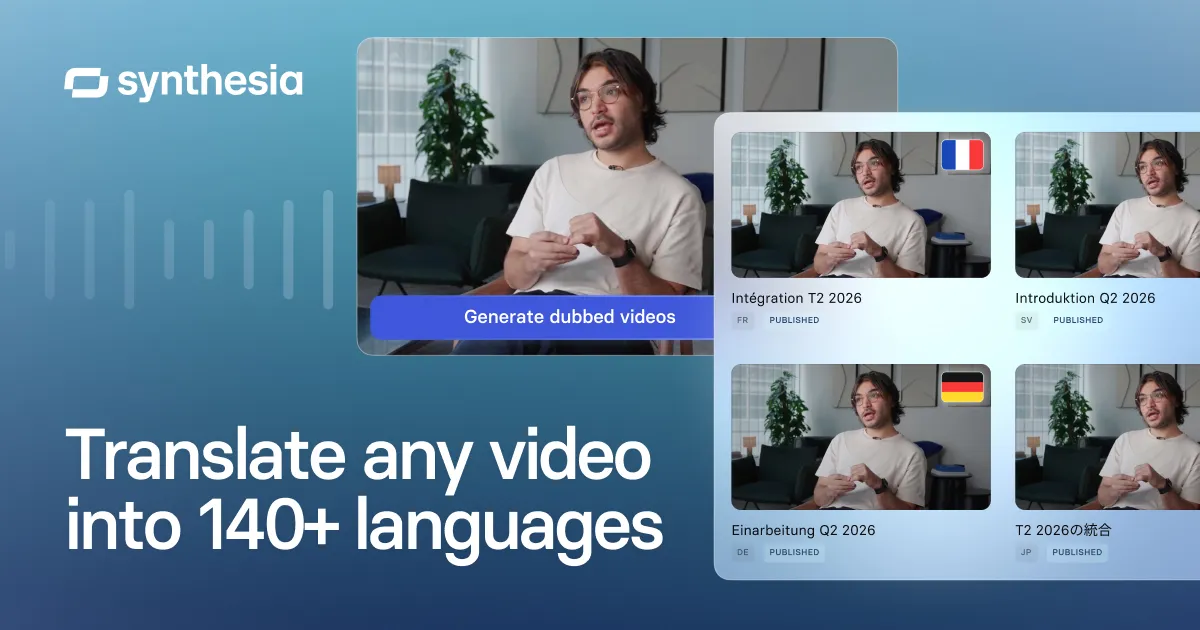
- Many languages and dubbing to localize videos.
- Text-based editing: change the script, the video updates.
- Templates for training, onboarding and sales.
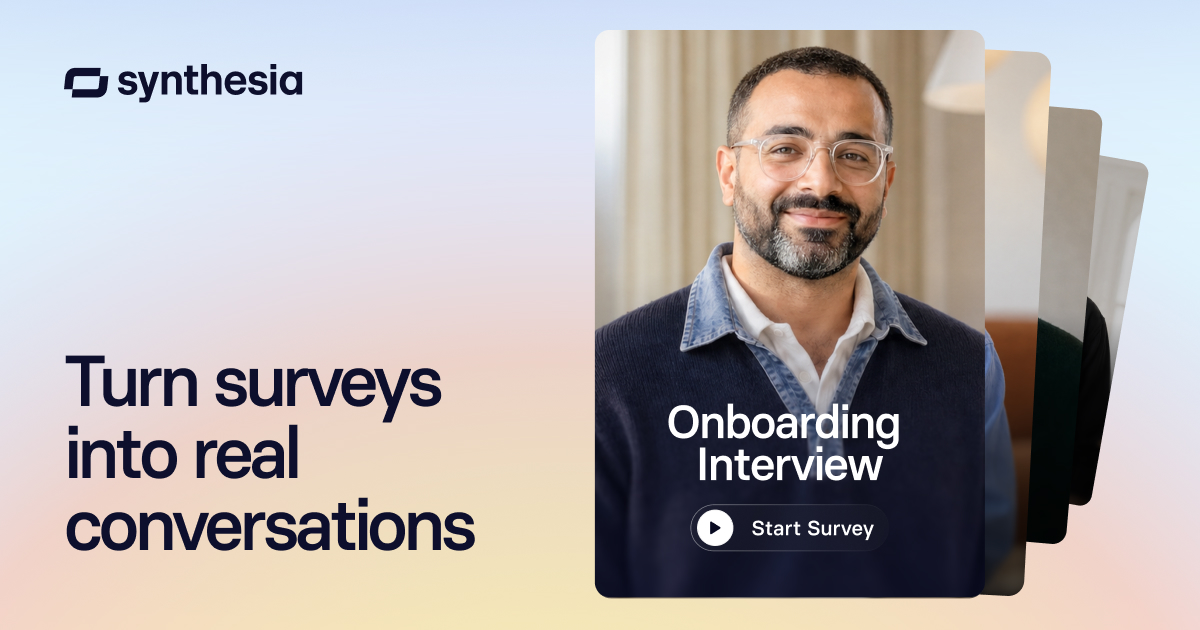
- Roleplay training for interactive learning.
See the current product and plans on the official partner site.
Visit SynthesiaReady to look at it yourself? Paid link — price and availability change.
Visit SynthesiaSynthesia limitations
- Watermark on the free plan.
- Limited avatar selection on Basic, Starter and Pro; the full library is Enterprise only.
- Avatar style is corporate, less suited to entertainment or creator content.
Synthesia vs HeyGen, Fliki and InVideo AI
- HeyGen: avatars with a stronger creator and marketing focus.
- Fliki: cheaper narrated videos with stock visuals, no presenter.
- InVideo AI: prompt-to-video for social and YouTube.
Pick Synthesia for professional training and corporate communication.
Who should use Synthesia
Use it if you create training, onboarding, compliance or product explainer videos in several languages.
Skip it if you make entertainment, vlogs or cinematic content.
Bottom line
The verdict
Synthesia is the safe pick for business training and explainer videos with AI presenters. Test on the free plan, move to Starter for small teams, and to Pro when you produce videos every week. Creators making social content will find better fits elsewhere.
Questions
Frequently asked questions
Transparency
How we selected these ai video tools
- We start with the product’s official website and documented feature pages.
- We compare the published workflow, plans and limitations with the needs of the intended user.
- We verify time-sensitive details on the official website before publishing.
- We do not claim hands-on testing unless the article documents it explicitly.
We researched these ai video tools using the official website, documented features and published plans; we did not run a hands-on lab test. The Pickveo score reflects workflow, usability, limitations and fit for the intended user.
Written by Pickveo Editorial Team
Pickveo editors review official product information, documented features and published plans to help readers choose software confidently. We do not claim hands-on testing unless explicitly stated.
Products last checked on .
Affiliate disclosure & transparency
Some links are affiliate links: we may earn a commission if you sign up or buy through them, at no extra cost to you.
Editorial review, not a hands-on test. We did not personally test this product. This review is based on the official website, published plans and features. The Pickveo score weighs workflow, usability, documented limitations and fit for the intended user.
Our recommendations are based on documented features, workflow and suitability. Plans and availability can change, so verify current details on the official website before subscribing.
Weekly pick
One AI tool worth trying, every week.
Short, practical, no spam. Unsubscribe any time. By subscribing you agree to our privacy policy.