
AI Video Tools
Kling AI Review (2026): Video, Images and Motion Control
Read our comprehensive Kling AI review to evaluate subscription tiers, plan features, and what to verify before purchasing.

Disclosure: Some links are affiliate links: we may earn a commission if you sign up or buy through them, at no extra cost to you.
What's inside
Everything you get with Kling AI
On this page11 sections
- 1Why this choice matters
- 2Is a Kling AI plan worth paying for?
- 3What Creative Deliverables Can You Plan with This Service?
- 4How the Kling AI Membership Models and Plan Tiers Differ
- 5Which Documented Account Features Matter for Daily Use?
- 6What Account Restrictions Should Buyers Verify First?
- 7How to Choose the Right Subscription Level for Your Projects
- 8Final Decision: Should You Register for a Subscription?
- 9The verdict
- 10FAQ
- 11How we selected
In short
- Consider Kling for AI video and image projects, but verify subscription terms before paying.
- Plan names alone do not establish quality, allowances, or value.
- Confirm current pricing, commercial permissions, and download restrictions on the official website.
This Kling AI review helps creators determine if this AI video and image tool fits their workflow in 2026. As an independent review publication, we have analyzed the published documentation, platform features, and user terms to guide your purchasing decision. Because we have not personally tested this tool, this guide focuses on verifiable features and the structural differences between subscription plans so you can choose wisely.
Why this choice matters
The problem
You are ready to pay for an AI creation tool, but you need to know whether its membership fits your actual projects. The mistake to avoid is treating a higher-tier name as proof that it offers better results or better value for your work.
How to solve it
The deciding criterion is usable allowance: how much work you can complete under a subscription’s usage rules and permissions. Choose by matching those terms to your intended projects, rather than assuming the most expensive option is the right one.
What you get
- A subscription choice tied to your actual video or image projects.
- Clearer expectations about permitted uses before you pay.
- Less risk of paying for benefits you have not established you need.
What we liked
- According to Kling AI: Membership, subscriptions address both video and image creation.
- According to Kling AI: Membership, the page provides an English language option and an app-download entry.
- According to Kling AI: Membership, policies and agreements are accessible from the page.
What could be better
- A cost-based recommendation requires checking current subscription prices.
- Usage allowances and file-download rules need confirmation before purchase.
- Commercial permissions cannot be established from the official page description.
- Output quality and ease of use remain unevaluated here.
Is a Kling AI plan worth paying for?
Our editorial evaluation indicates that creators should investigate the membership terms thoroughly but avoid selecting a subscription on name alone. According to the official platform details, the membership page is designed to help users compare different tiers for generating AI video and image assets. This makes the service highly relevant to digital designers and content creators who want to work across multiple mediums rather than relying on separate tools for each project type.
We believe that committing to a paid subscription is only reasonable once you have established that your chosen plan covers your anticipated volume and licensing requirements. The main challenge when reviewing these plans is the inherent uncertainty regarding performance and output structure. The official documentation focuses on plan names rather than guaranteeing a specific level of visual quality, meaning a careful pre-purchase audit is essential.
To make a smart decision, you must align the subscription tier with your immediate creative needs. Occasional users might find a lower-tier plan sufficient, while active production studios will need to scrutinize the high-volume limits. We advise against upgrading prematurely until you have verified that the specific plan delivers the necessary rights for your finished content.
What Creative Deliverables Can You Plan with This Service?
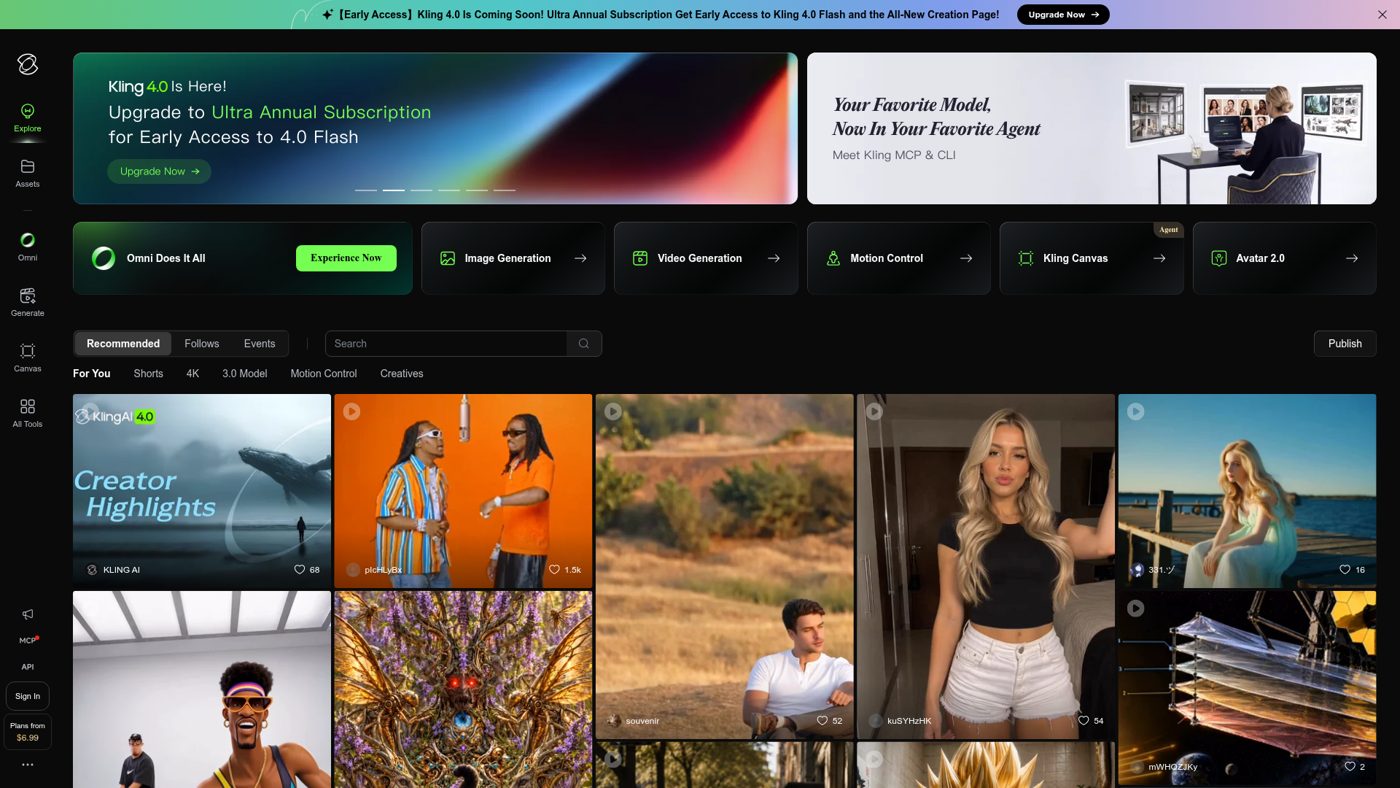
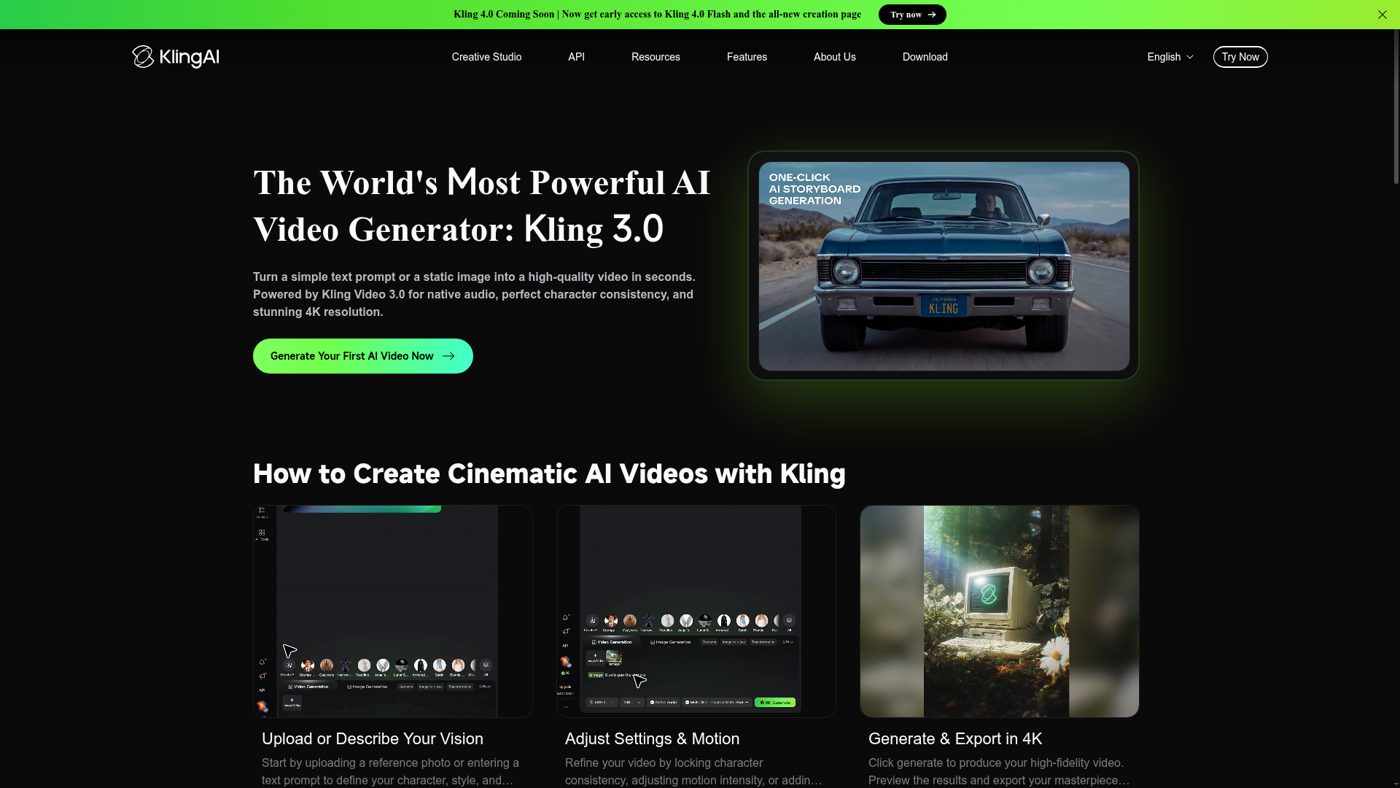
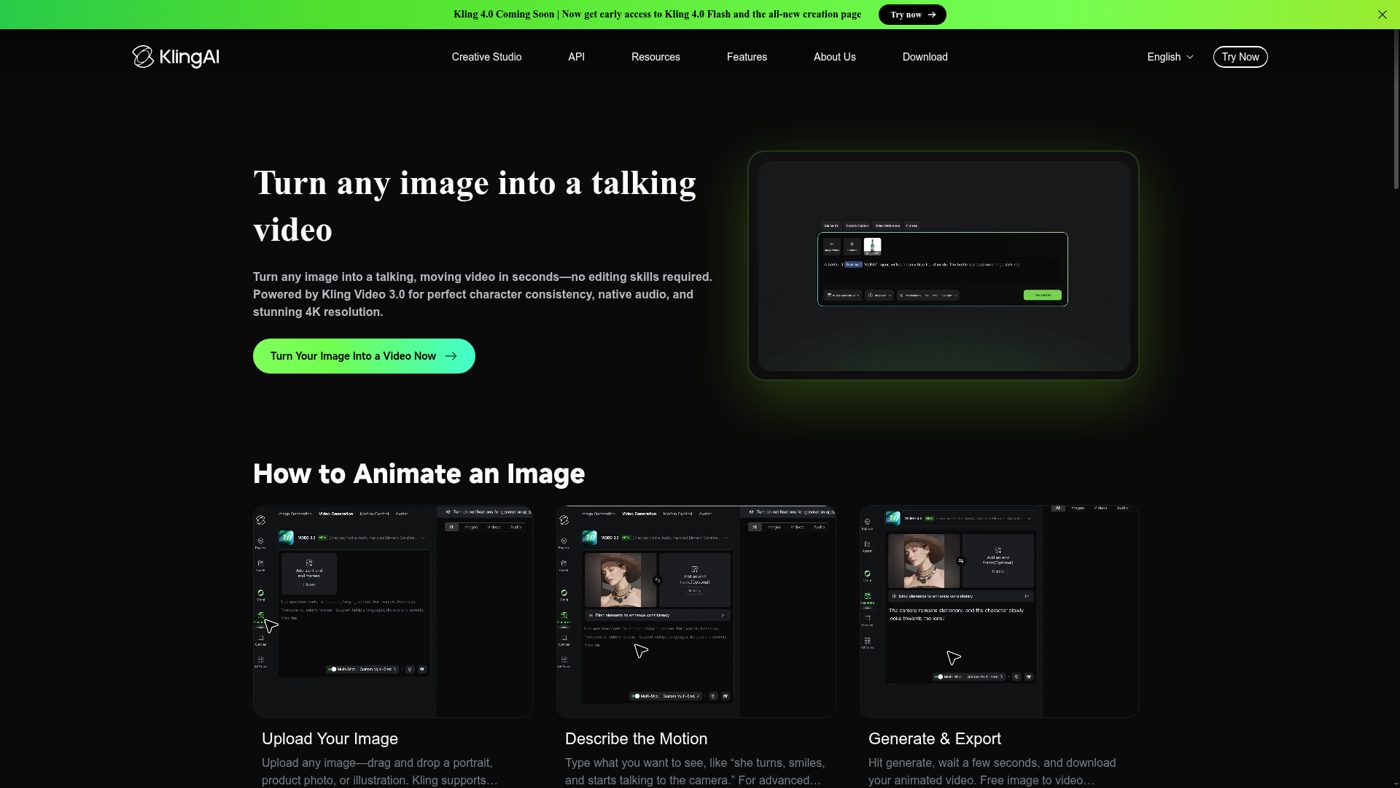
According to the official platform descriptions, these memberships are built to support both AI video and image generation. Creators often turn to this page when mapping out specific project assets, such as a short video clip for a website background or a series of detailed images for marketing materials. These plans are designed to act as a bridge between your initial concept and the final digital output.
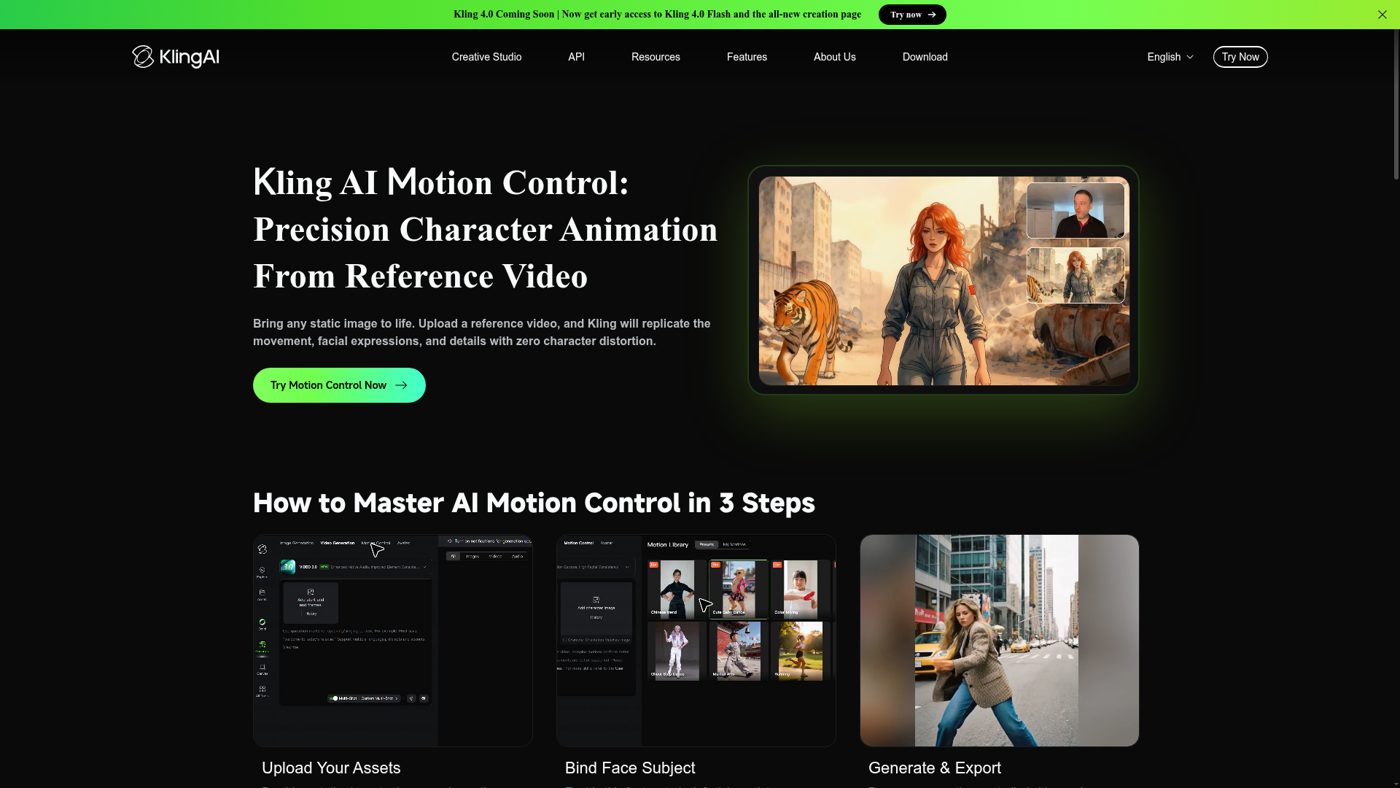
However, it is vital to separate your creative tasks from the actual membership decision. Before entering your credit card details, verify whether the service possesses the precise generation capabilities and editing controls your workflow demands. The documentation outlines the broad categories of creation but does not specify custom parameters or complex editing workflows, so you should not make assumptions about granular features.
Analyzing your pipeline beforehand ensures you do not overpay for unused tools. For example, if your primary interest is high-resolution still images, you must confirm that the plan offers native scaling tools that do not consume your entire credit allocation. Planning your deliverables first prevents unexpected costs down the road.
See the current product and plans on the official partner site.
Visit Kling AIHow the Kling AI Membership Models and Plan Tiers Differ
The platform subscription structure spans several levels, starting with the Basic plan and scaling up to the premium Ultra tier. While these endpoints are clearly established, the specific differences in performance and speed are not fully detailed in the high-level descriptions. Creators must look past the tier names and actively check the live membership details to understand what each payment level actually yields.
When comparing these plans, pay close attention to the generation credit system and how files are exported. A critical detail for any creator is whether a watermark is applied to downloaded assets, as this can severely restrict how you use the files in professional portfolios or client projects. Furthermore, you must verify if a free access option exists and whether its usage terms allow for any form of commercial use or if such rights are locked behind paid tiers.
Do not assume that the Ultra plan automatically guarantees superior resolution or faster rendering speeds without checking the active documentation. Each tier serves a specific user profile, meaning a mid-range plan could easily be the most cost-effective choice for your regular workload. Reviewing the credit consumption rates for video versus image generation will help you calculate the true value of each tier.
See the current product and plans on the official partner site.
Visit Kling AIWhich Documented Account Features Matter for Daily Use?
Beyond the core plan names, the platform provides several functional elements designed to improve the user experience. These include a dedicated chat assistant, an English language localization option, and a multi-platform app download entry point. Additionally, the page gives users direct access to essential terms of service, privacy policies, and subscription agreements.
While these options are helpful, they should be treated as starting points rather than comprehensive feature lists. The presence of a chat assistant does not guarantee continuous technical support or immediate troubleshooting for complex generation errors. Similarly, the app-download entry indicates that mobile or desktop versions exist, but it does not specify which operating systems or device specifications are officially supported.
We recommend reviewing the legal policies and subscription agreements before completing your checkout. These documents outline your rights regarding data privacy, automatic renewal terms, and how to cancel your account if your creative needs change. Understanding these administrative details helps prevent billing surprises and ensures your data remains secure.
See the current product and plans on the official partner site.
Visit Kling AIReady to look at it yourself? Paid link — price and availability change.
Visit Kling AIWhat Account Restrictions Should Buyers Verify First?
Any digital creation tool comes with specific operational boundaries that are not always highlighted on the main pricing page. Unconfirmed details in the marketing materials are not automatically drawbacks, but they do require extra research from the buyer. For instance, we cannot evaluate the learning curve of the generator or how smoothly assets move through the export pipeline without direct, prolonged exposure.
The primary task for any prospective subscriber is to identify hidden limitations before spending money. You should confirm the exact credit allowances per billing cycle and find out what happens when those credits are exhausted. Some services allow for top-up purchases, while others require you to wait until the next billing cycle or upgrade to a higher tier.
Furthermore, clarify the processing queues associated with each membership level. Premium tiers often promise priority processing, which can be a critical factor if you are working under tight project deadlines. Knowing whether your generation requests will be queued behind other users can help you decide if a higher subscription level is necessary.
See the current product and plans on the official partner site.
Visit Kling AIHow to Choose the Right Subscription Level for Your Projects
To choose the correct plan, we recommend conducting a straightforward project-based comparison. Start by writing down the exact specifications of a single upcoming project, including the format, resolution, volume of assets, and where the final files will be published. Once you have these requirements, match them against the documented limits of the Basic, mid-range, and Ultra tiers.
Compare this service directly with alternative AI video and image generators on those exact terms rather than relying on brand reputation. Look closely at the cost-per-credit ratio and the licensing agreements of each competitor. This focused approach ensures you select a plan that supports your practical workflow instead of paying for excess capacity you do not need.
If your work is highly specialized, such as only producing still graphics, a dedicated image-only platform might offer better value than a hybrid subscription. Conversely, if you require a blend of both video and static assets, the convenience of a unified platform may justify a premium membership. Always choose the plan that documents a clear alignment with your active deliverables.
Final Decision: Should You Register for a Subscription?
This platform belongs on your shortlist if you are actively planning to generate AI video or image assets and are willing to double-check the current terms. You should only complete the subscription process when you are certain that a plan's specific limits and commercial permissions match your project goals. Budget-conscious creators should start with the lowest viable tier to assess the platform structure before scaling up.
On the other hand, you should delay your purchase if you require verified performance ratings, independent speed tests, or detailed quality comparisons. Our editorial analysis recognizes the broad scope of the tools and the clear policy access points, but these documented elements do not replace the need for hands-on validation. Take your time to review the active terms to ensure your investment is sound.
Ultimately, the best subscription is one that works within your creative budget while giving you the freedom to export and use your assets without legal friction. By prioritizing verified terms over marketing tier names, you can protect your budget and ensure a smooth creative process from start to finish.
Bottom line
The verdict
We recommend investigating the Kling membership options, but you should hold off on purchasing a subscription until you have verified the specific credit limits, licensing agreements, and export rules on the official site. Our analysis credits the platform's versatile video and image generation scope, but a truly successful subscription must align perfectly with your project demands and budget rather than relying on premium tier names.
Questions
Frequently asked questions
Transparency
How we selected these ai video tools
- We start with the product’s official website and documented feature pages.
- We compare the published workflow, plans and limitations with the needs of the intended user.
- We verify time-sensitive details on the official website before publishing.
- We do not claim hands-on testing unless the article documents it explicitly.
We researched these ai video tools using the official website, documented features and published plans; we did not run a hands-on lab test. The Pickveo score reflects workflow, usability, limitations and fit for the intended user.
Written by Pickveo Editorial Team
Pickveo editors review official product information, documented features and published plans to help readers choose software confidently. We do not claim hands-on testing unless explicitly stated.
Products last checked on .
Affiliate disclosure & transparency
Some links are affiliate links: we may earn a commission if you sign up or buy through them, at no extra cost to you.
Editorial review, not a hands-on test. We did not personally test this product. This review is based on the official website, published plans and features. The Pickveo score weighs workflow, usability, documented limitations and fit for the intended user.
Our recommendations are based on documented features, workflow and suitability. Plans and availability can change, so verify current details on the official website before subscribing.
Weekly pick
One AI tool worth trying, every week.
Short, practical, no spam. Unsubscribe any time. By subscribing you agree to our privacy policy.