The Best GetResponse Alternatives for Your Marketing Workflow
Compare the best GetResponse alternatives like Mailchimp, MailerLite, and ActiveCampaign to find the ideal email marketing and visual automation tools.

Some links are affiliate links: we may earn a commission if you sign up or buy through them, at no extra cost to you.
On this page7 sections
The short answer
- ActiveCampaign is the premier alternative for building highly complex, branching customer journeys.
- MailerLite provides a clean, fast drag-and-drop designer perfect for straightforward newsletters.
- Mailchimp remains the industry standard for seamless third-party software integrations.

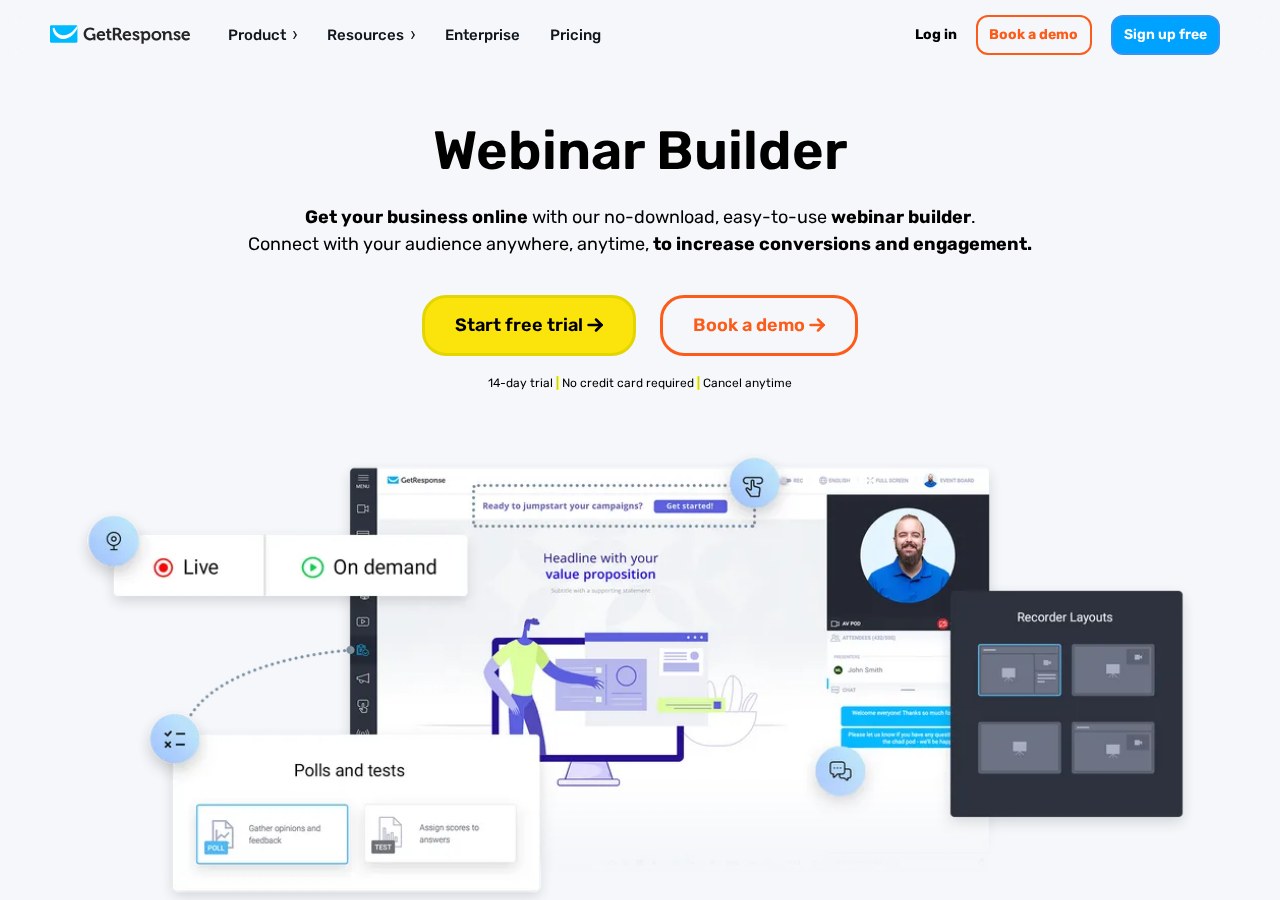
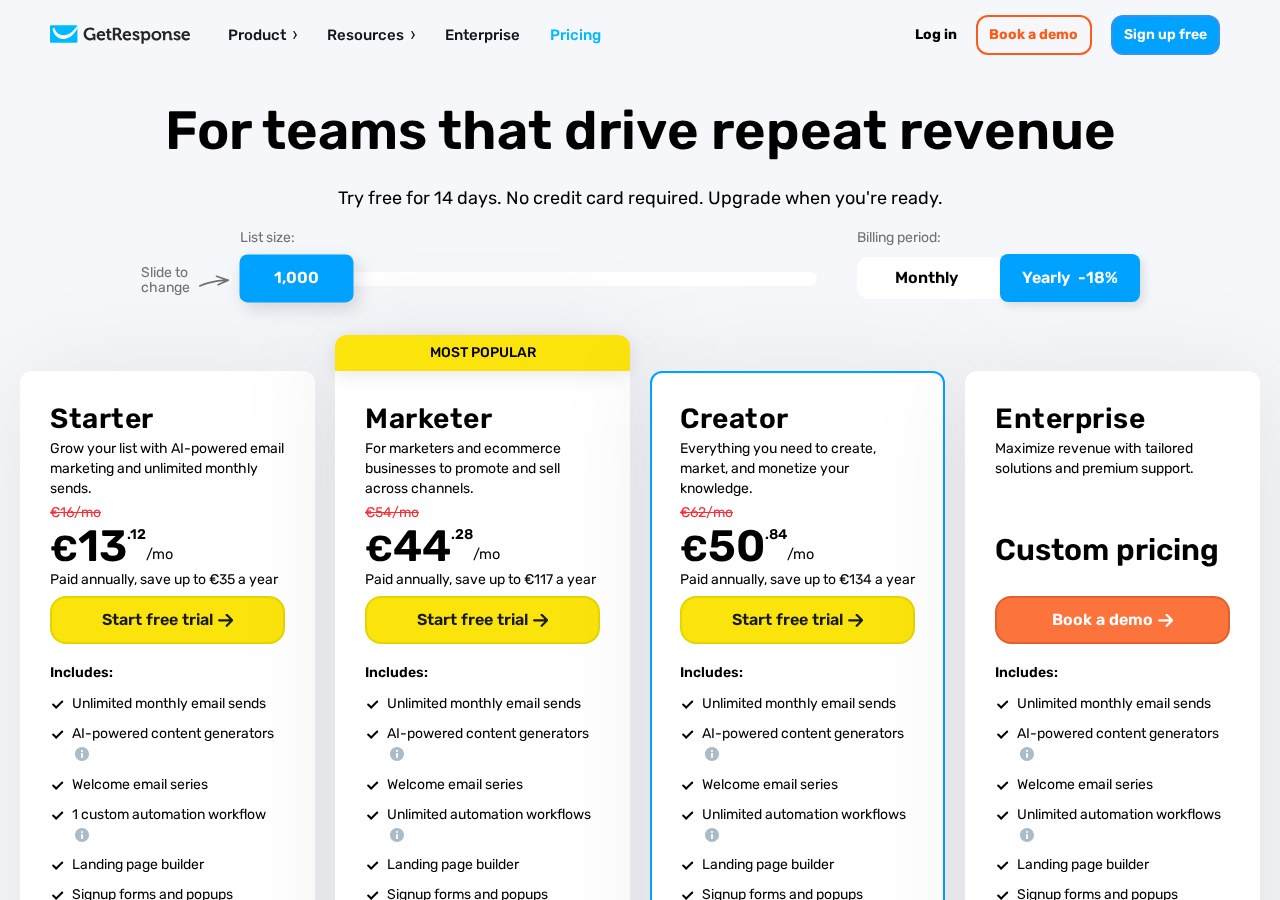
The best GetResponse alternatives depend on your workflow, with Mailchimp leading for integrations, ActiveCampaign excelling at automation, and MailerLite focusing on simplicity. Each platform addresses different limitations in GetResponse's marketing tools. While GetResponse offers an impressive suite of marketing tools, including webinars and website builders, many users find it tries to do too much at the expense of simplicity. A specialized email platform can streamline your daily work by focusing on intuitive builders and faster campaign deployment. Finding the right fit requires looking closely at how competitors handle list management, campaign design, and automated workflows. In this guide, we analyze the top choices to help you choose. To compare these options against your current setup, read our comprehensive GetResponse Review 2026: Pricing, Free Plan and Who It's For.
Evaluating Visual Automation and Workflow Engines
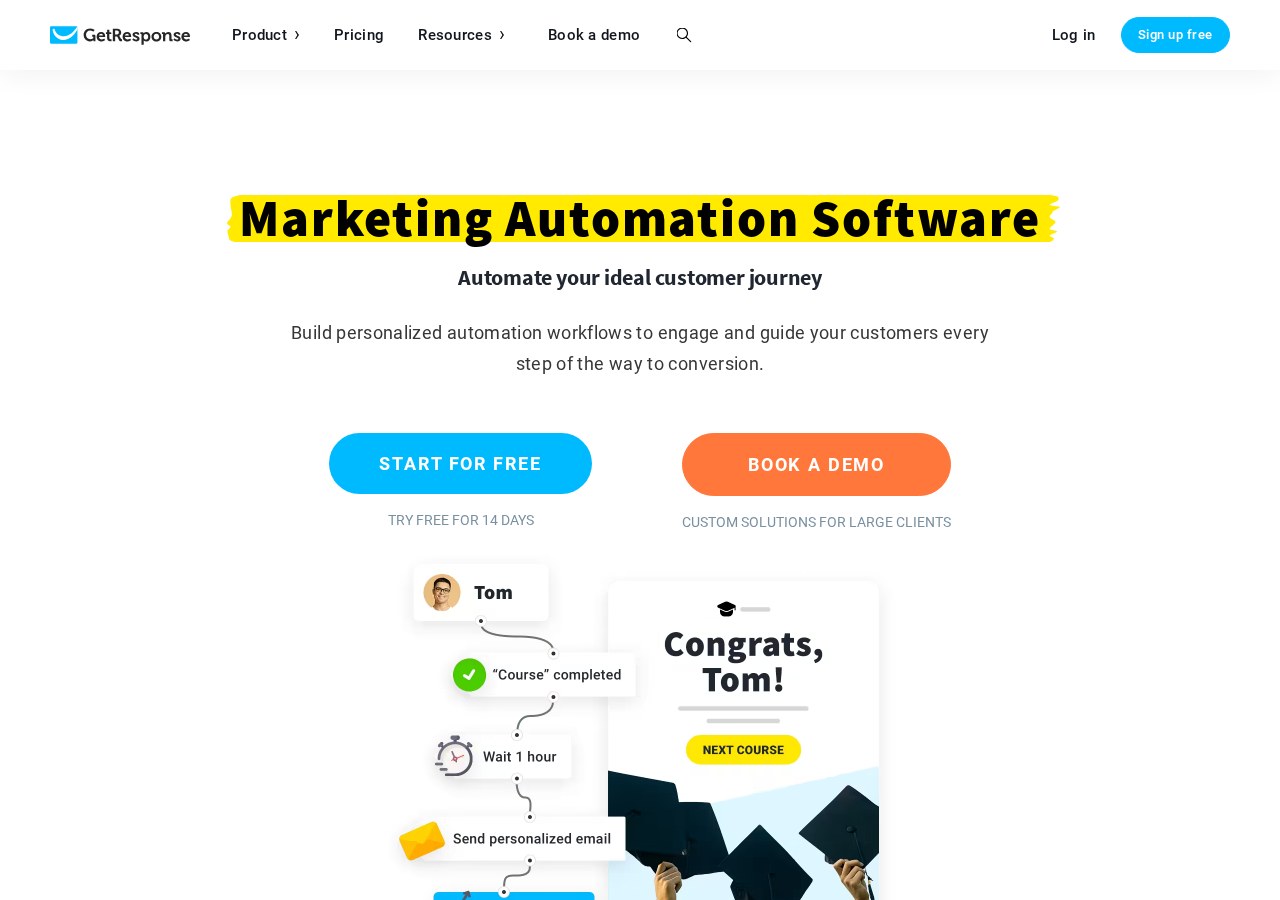
Building automated email sequences is a core requirement for modern marketing campaigns. GetResponse uses a visual visual workflow builder that allows you to drag and drop different actions, but it can sometimes feel rigid when you try to build highly personalized subscriber journeys. If your business depends on complex trigger paths, you will want to evaluate how other platforms structure their automation steps. ActiveCampaign is the primary choice for advanced visual workflows. It lets you create highly detailed pathways based on how users interact with your website, their purchase history, and their engagement with previous emails. This level of customization ensures that subscribers receive the exact message they need at the right moment. In contrast, simpler platforms focus on linear automation sequences. These are ideal for basic welcome series or follow-up messages but lack the conditional branching needed for sophisticated sales funnels. When deciding on an alternative, assess whether your team has the time to configure and maintain intricate multi-step pathways. Finally, consider how each platform handles automation reporting. A good workflow engine should not only send emails but also show you exactly where subscribers drop off in your sequence. This allows you to make data-driven adjustments to improve your overall conversion rates.
Comparing Email Designers and Template Libraries
Creating clean, professional newsletters should not require a degree in web design. While GetResponse provides a functional editor, some users find the interface heavy and slow when making quick adjustments. A faster, more intuitive drag-and-drop designer can save your team hours of frustration during weekly campaign creation. MailerLite offers a streamlined builder that focuses on simplicity and speed. Its interface is clean and highly responsive, allowing you to drag in pre-formatted blocks for articles, video links, and social feeds without any lag. This makes it an incredibly popular choice for content creators who value direct writing workflows over complex design tools. Template variety is another important element of your design workflow. A diverse template library gives you a solid starting point for holiday promotions, product launches, and company updates. However, look for platforms that prioritize modern, mobile-responsive layouts that require minimal adjustment to look good on smartphones. You should also check how easily you can customize the underlying code. While visual editors are great for most campaigns, having access to an HTML editor is crucial if you ever need to import custom-coded templates from an agency or external designer.
Analyzing List Management and Database Structure
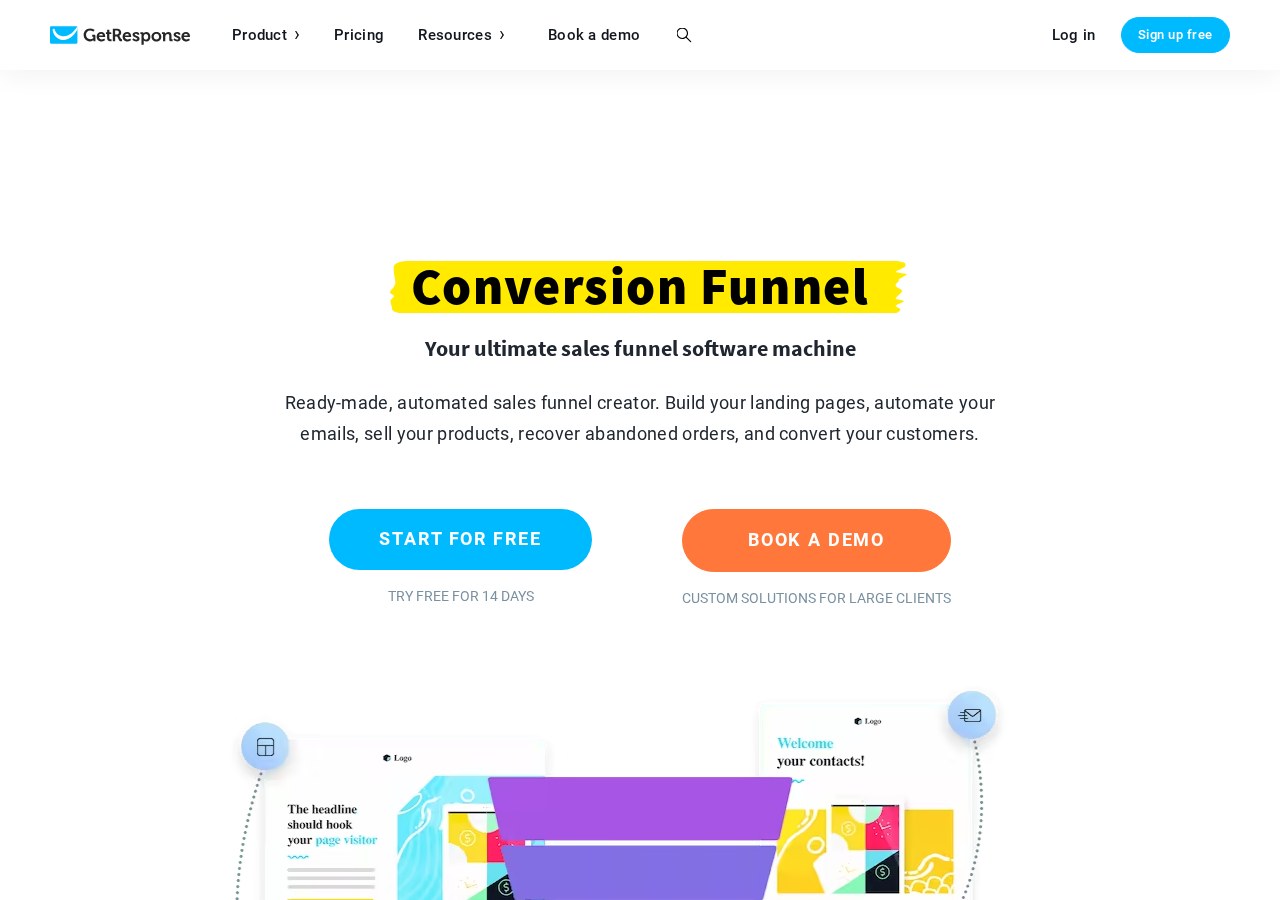
The way a marketing platform structures its subscriber database directly impacts your deliverability and your subscription costs. GetResponse utilizes a traditional list-based system. In this model, a single subscriber can exist on multiple lists, which can complicate your targeting and lead to duplicate messages if you are not careful. Mailchimp uses a subscriber-centric database where each email address exists as a unique profile. You then use tags and custom fields to segment your audience rather than creating entirely separate lists. This prevents you from accidentally emailing the same contact multiple times during a broad broadcast. Effective segmentation allows you to send highly targeted messages to specific subsets of your audience. For example, you might want to email only subscribers who opened your last newsletter but have not made a purchase. The ease of setting up these filtered segments is a major differentiator among alternatives. Proper list management also protects your sender reputation by handling opt-outs automatically. When a contact unsubscribes, a subscriber-centric system ensures they are opted out globally, protecting your business from potential spam complaints and compliance issues.
Comparing Top Alternatives Side by Side
When shopping for a replacement, looking at key features side-by-side helps clarify which platform fits your technical skillset. Different tools focus on different strengths, ranging from raw automation power to extreme simplicity. Here is how the primary competitors stack up across the key categories that impact your daily marketing tasks. Understanding these practical differences prevents the frustration of migrating your entire subscriber list only to find the new platform lacks a critical workflow capability: - Ease of use: Mailchimp offers an intuitive dashboard, whereas ActiveCampaign has a steep learning curve. - Automation power: ActiveCampaign supports intricate, branching customer journeys, while MailerLite focuses on straightforward linear sequences. - Integration depth: Mailchimp connects directly with thousands of third-party apps, whereas smaller platforms may require a connector tool. - Landing pages: MailerLite provides robust page building tools, while Mailchimp keeps page layouts simple and focused on lead capture. Your final choice should align closely with the daily operator's comfort level. An advanced platform with nested conditions is only useful if you have the resources to build and monitor those paths. For many teams, a simpler tool that is easy to update is far more valuable.
How to Choose Your Next Marketing Platform
Deciding on an alternative requires balancing your current marketing needs against your future growth plans. If your primary goal is to send clean weekly newsletters and simple automated welcome emails, MailerLite is the ideal choice for keeping your daily workflow uncomplicated and highly efficient. If you run an online store and need to trigger emails based on detailed purchase data, you will need a system with deeper integration capabilities. For this scenario, ActiveCampaign provides the robust automation needed to maximize your sales pipeline. It effectively bridges the gap between basic email broadcasts and full CRM automation. For businesses that want a reliable all-rounder with excellent third-party integrations and straightforward templates, Mailchimp remains a reliable industry standard. It integrates seamlessly with almost every major software application, making it a safe choice for teams that do not want to worry about compatibility issues. Before making your final choice, we highly recommend reading our detailed GetResponse Review 2026: Pricing, Free Plan and Who It's For. Reviewing its specific feature set ensures you do not accidentally abandon a feature that your business relies on daily.
Frequently asked

Some links are affiliate links: we may earn a commission if you sign up or buy through them, at no extra cost to you. Affiliate disclosure