What Are the Best Higgsfield Alternatives for AI Video?
Find the ideal AI video generator to replace Higgsfield by comparing character consistency, camera controls, and motion tools across top alternative platforms.
Some links are affiliate links: we may earn a commission if you sign up or buy through them, at no extra cost to you.
On this page8 sections
- 1The short answer
- 2The Prompt and Image-to-Video Interface
- 3The Camera Control and Director Panel
- 4The Inpainting Canvas and Regional Editing Tools
- 5The Character Consistency and Identity Engine
- 6Comparing the Core Platforms Feature by Feature
- 7How to Transition Your Workflow to a New Engine
- 8Frequently asked
The short answer
- Runway offers precise camera and motion controls for creators seeking cinematic control.
- Luma Dream Machine excels at rendering rapid, physics-compliant actions and complex camera pans.
- Kling and Pika prioritize character consistency and targeted local adjustments over full-scene recreation.
The best Higgsfield alternatives for mobile-first character animation and video generation are Runway Gen-3, Luma Dream Machine, Kling AI, and Pika. These platforms replace the character control and fluid motion that define the Higgsfield workflow.
Higgsfield gained attention for its personalized character animation capabilities, specifically on mobile devices. When looking for an alternative, you must weigh how well a platform handles character consistency, motion steering, and mobile responsiveness. Some tools excel at cinematic camera movements, while others focus on direct character manipulation.
In this guide, we break down the workflows, control interfaces, and generation screens of the leading alternatives. Understanding these structural differences helps you select the engine that aligns with your specific video production needs without wasting generation credits.
Watch it in action
The quick version
- Export your base character images
- Set up your character profile library
- Test basic motion mechanics
- Adjust prompt weighting formulas
- Use regional canvas tools for refinement
The Prompt and Image-to-Video Interface
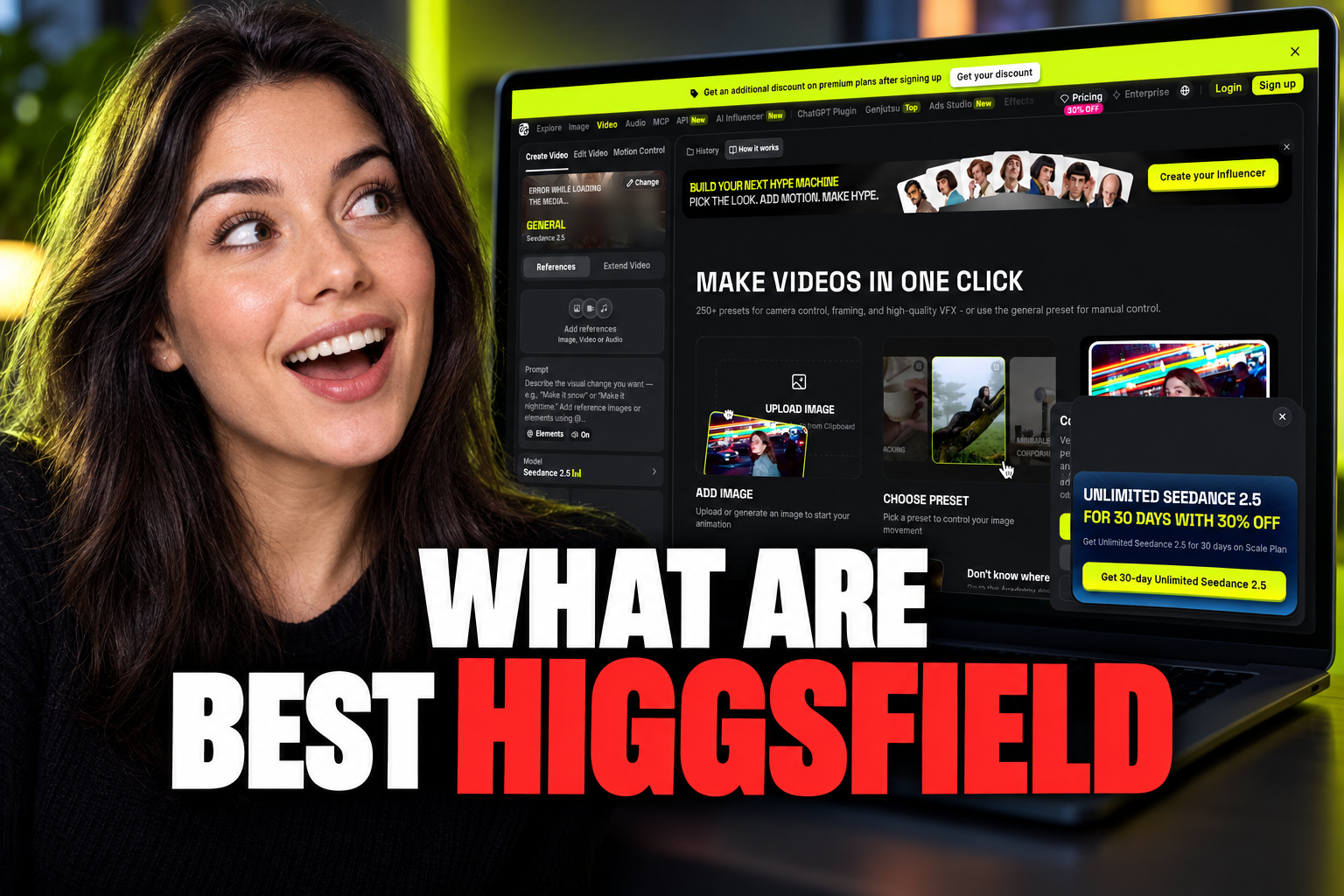
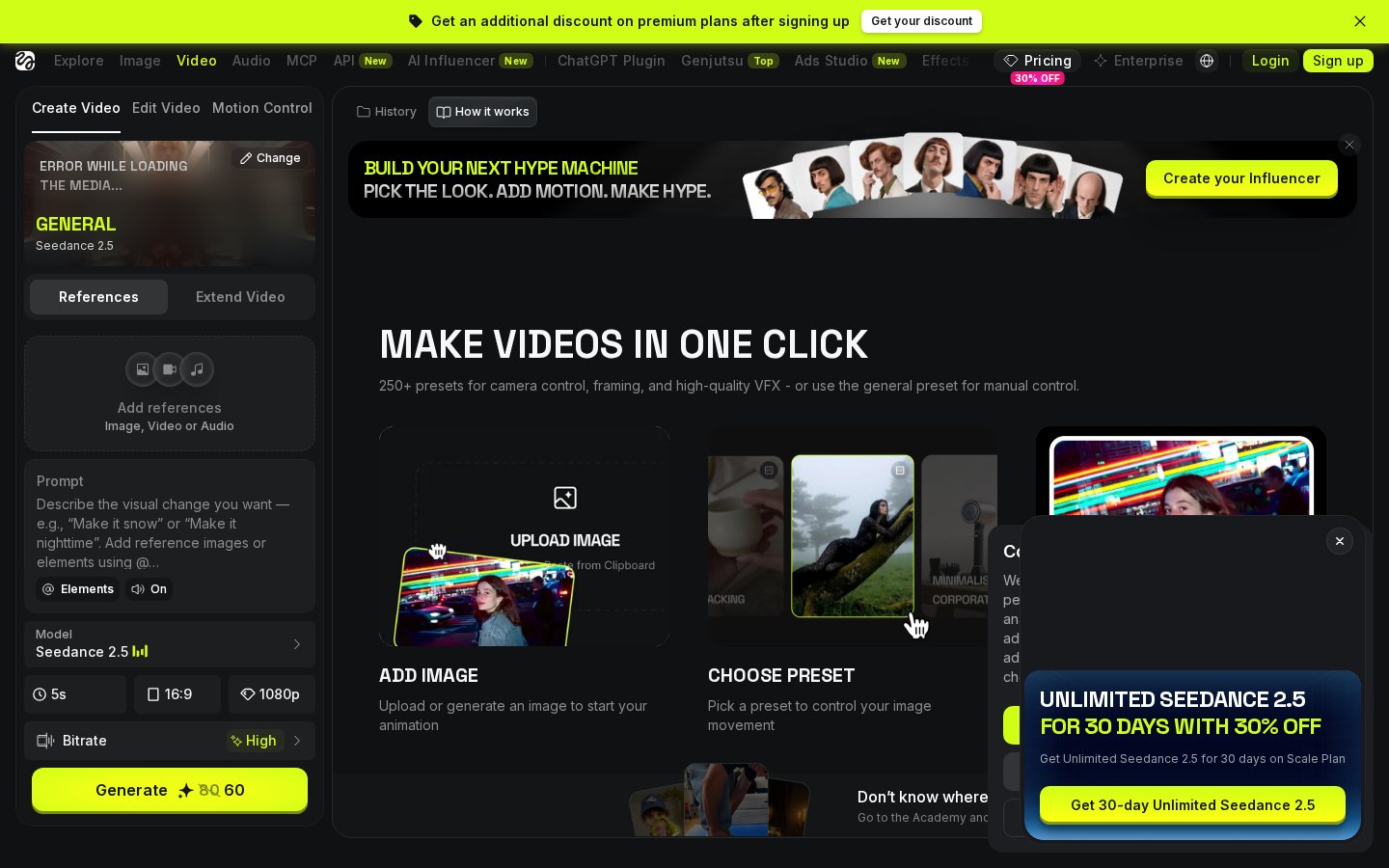
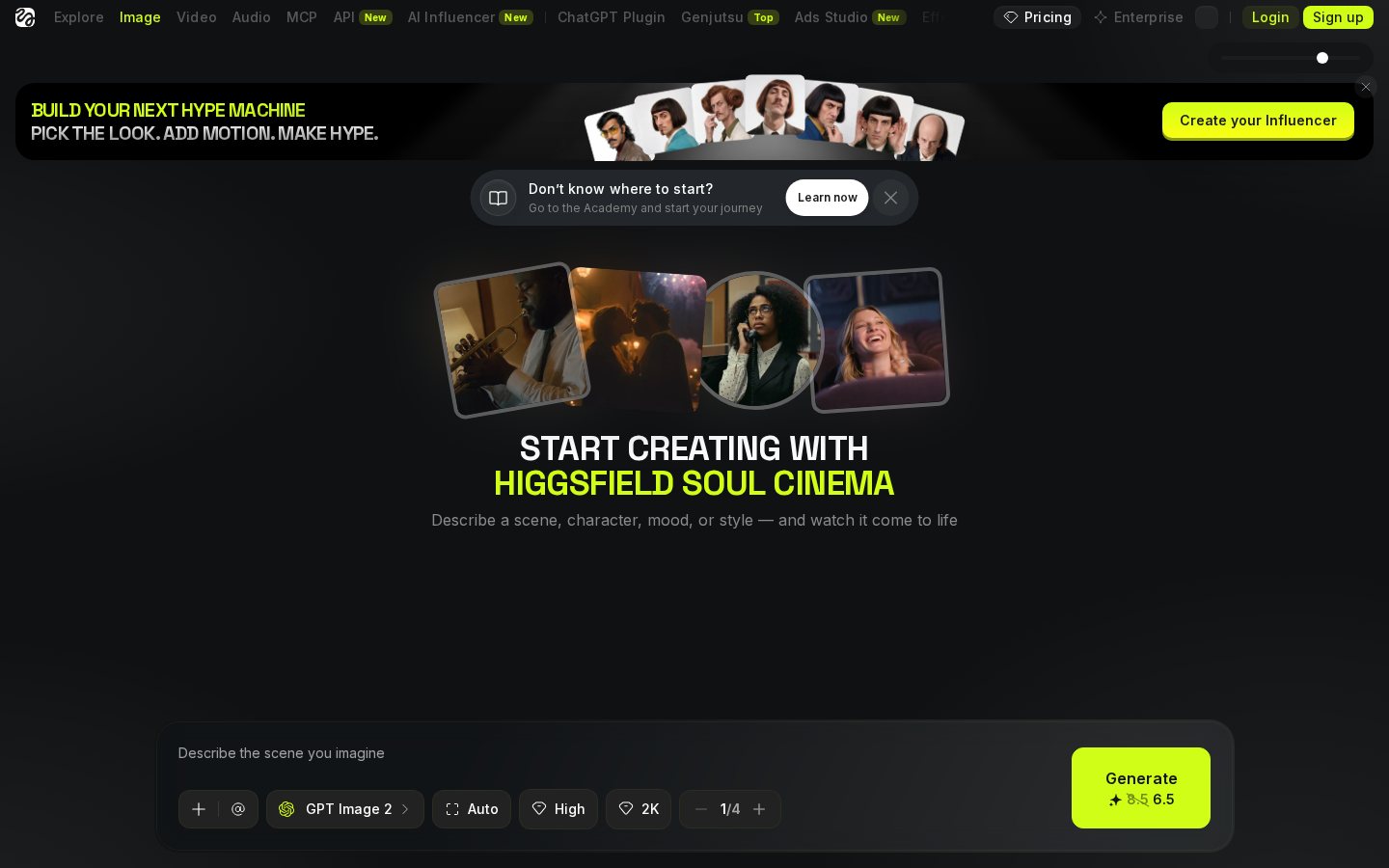
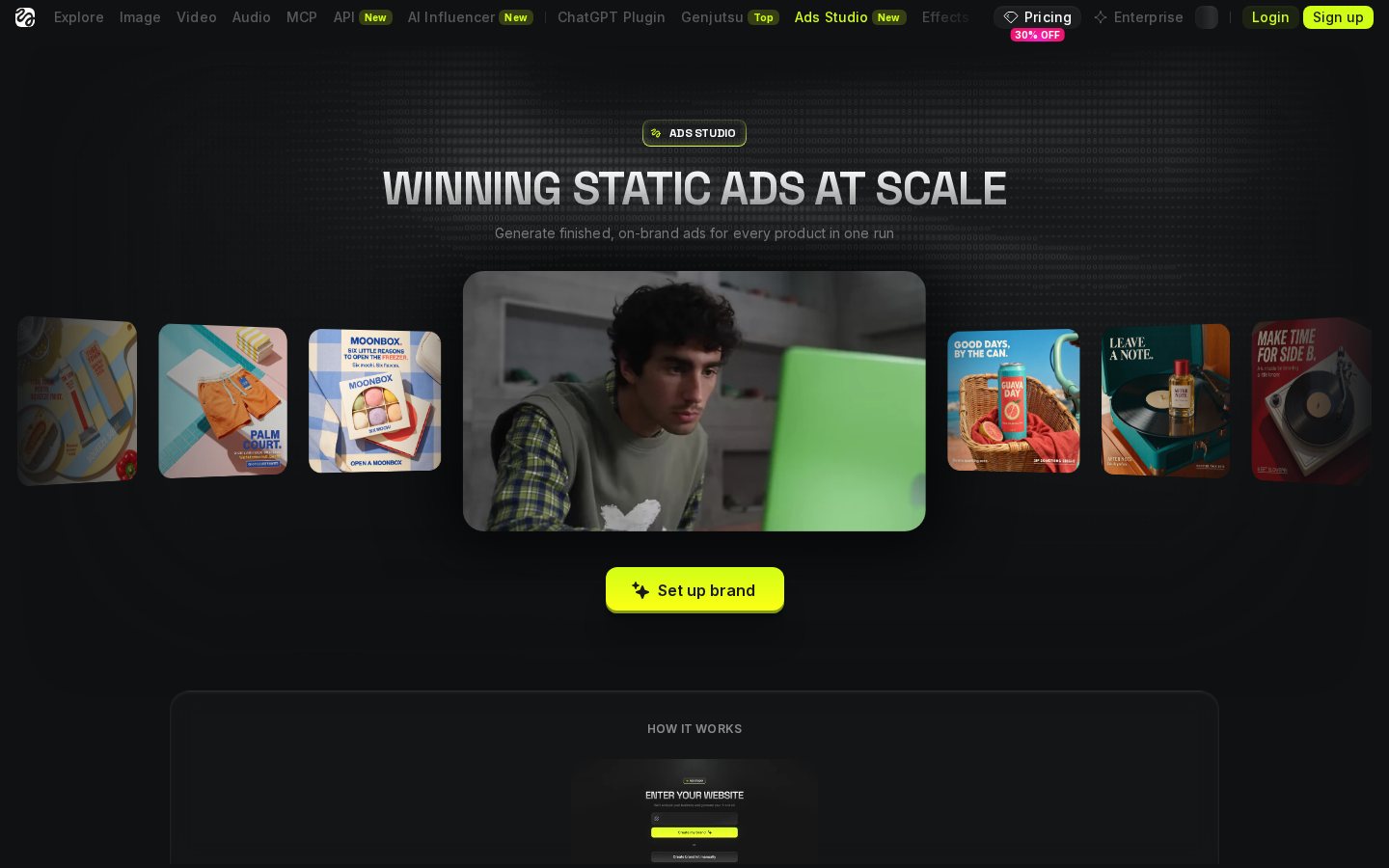
The initial creation screen is where your video begins, and its design dictates how much control you have over the output. In Higgsfield, you typically upload a character reference image to drive the animation. Alternatives like Runway Gen-3 structure this around a split input layout, separating text prompts from image prompts to prevent the AI from confusing background styles with character details.
On this interface, the way you write prompt instructions changes based on the tool. For instance, Luma Dream Machine uses a unified prompt box where you describe the entire scene sequence in chronological order. This differs from Higgsfield's style, where the system interprets character movement separately from environmental changes.
Navigating this screen requires understanding how the model prioritizes inputs. If you upload a highly detailed character portrait, some engines will treat the background of that portrait as a strict rule, while others will allow you to describe a completely new setting in the text field. Your choice depends on whether you want to preserve the exact background of your original photo.
The Camera Control and Director Panel
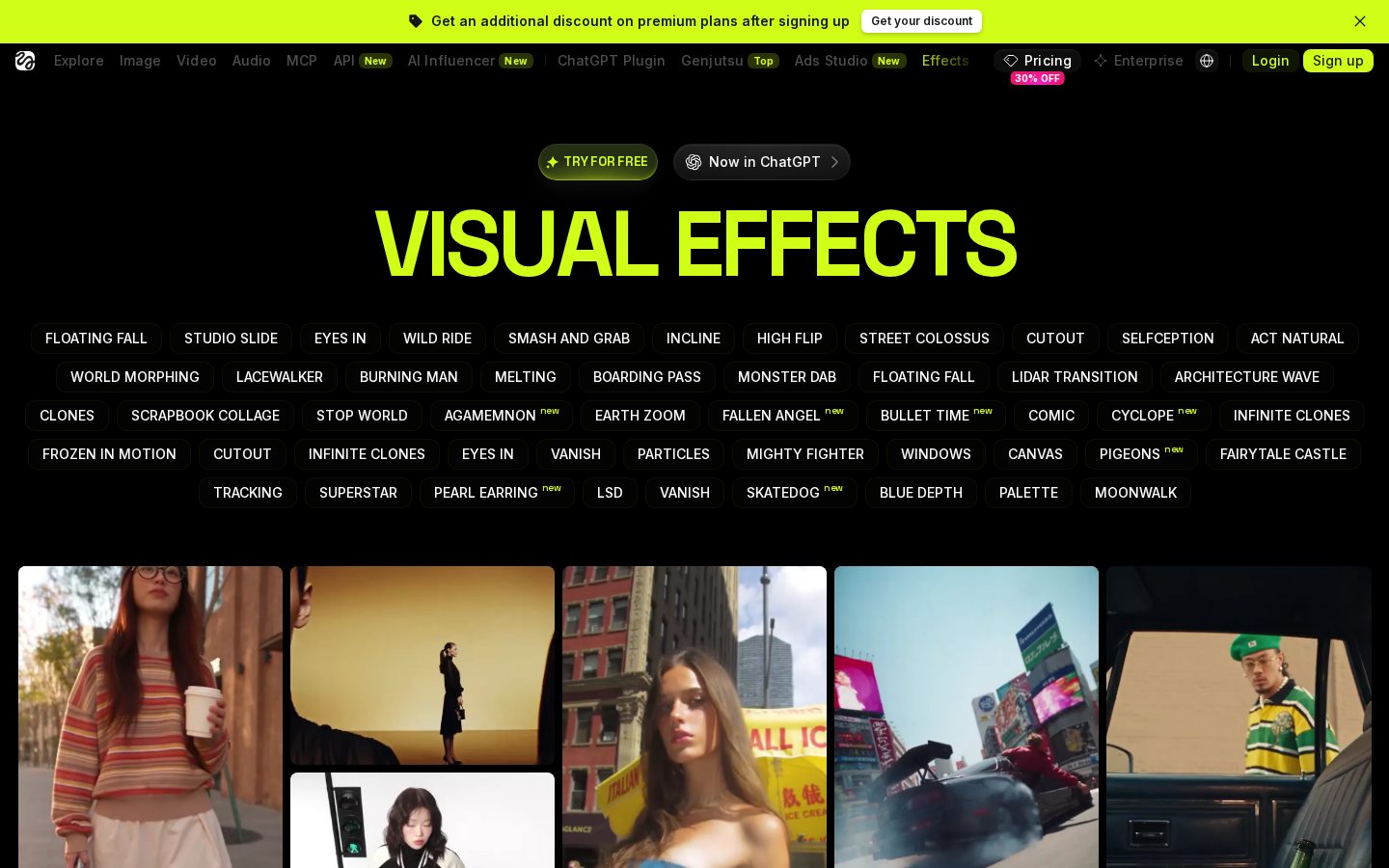
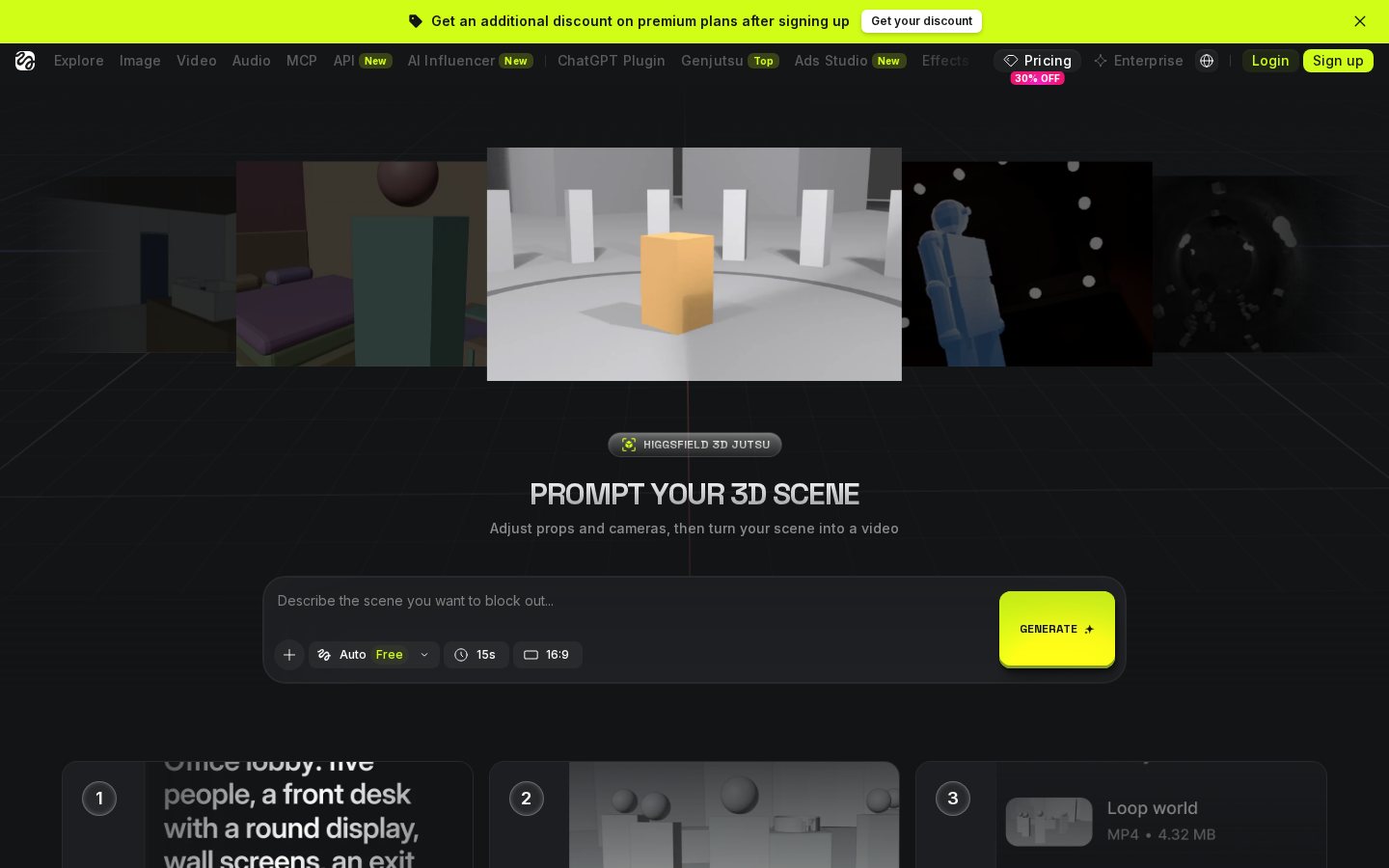
Once you establish your subject, the camera control panel determines how your audience experiences the scene. Where our Higgsfield Review highlights simple mobile gesture controls, platforms like Runway introduce a dedicated camera director wheel. This virtual steering wheel allows creators to dial in exact pan, tilt, zoom, and roll movements before hitting generate.
This panel changes the buying decision because manual camera controls eliminates the randomness of purely text-based motion prompts in video generators. Instead of typing a long description of a camera pan, you select the horizontal slider and define the speed of the sweep. Luma Dream Machine handles this differently, relying on a text-driven camera physics model that infers natural momentum.
Choosing between these interfaces depends on your editing style. If you want absolute, predictable control over your frame's composition, a tool with a visual camera wheel is essential. If you prefer natural camera shakes and organic momentum shifts, a tool that relies on text-guided camera descriptions will serve your workflow better.
The Inpainting Canvas and Regional Editing Tools
Editing a video after generation is a critical step where Higgsfield users often look for deeper functionality. Regional editing, often called inpainting, allows you to brush over a specific part of a video frame and alter only that section. This is done on a dedicated canvas screen where you can highlight clothing, objects, or background elements.
Pika features a robust regional editing canvas that lets you select a specific area, such as a character's shirt, and type a prompt to change its color or style. This prevents you from having to regenerate the entire video just to fix a single mistake. It saves massive amounts of rendering time compared to full-scene generation models.
This stage of the workflow is highly visual. You use a brush tool to mask the area of concern, set your modification strength, and input the new visual instructions. If you frequently need to fix minor character details or swap out objects in a scene, prioritizing a platform with a dedicated canvas editor is your best path forward.
The Character Consistency and Identity Engine
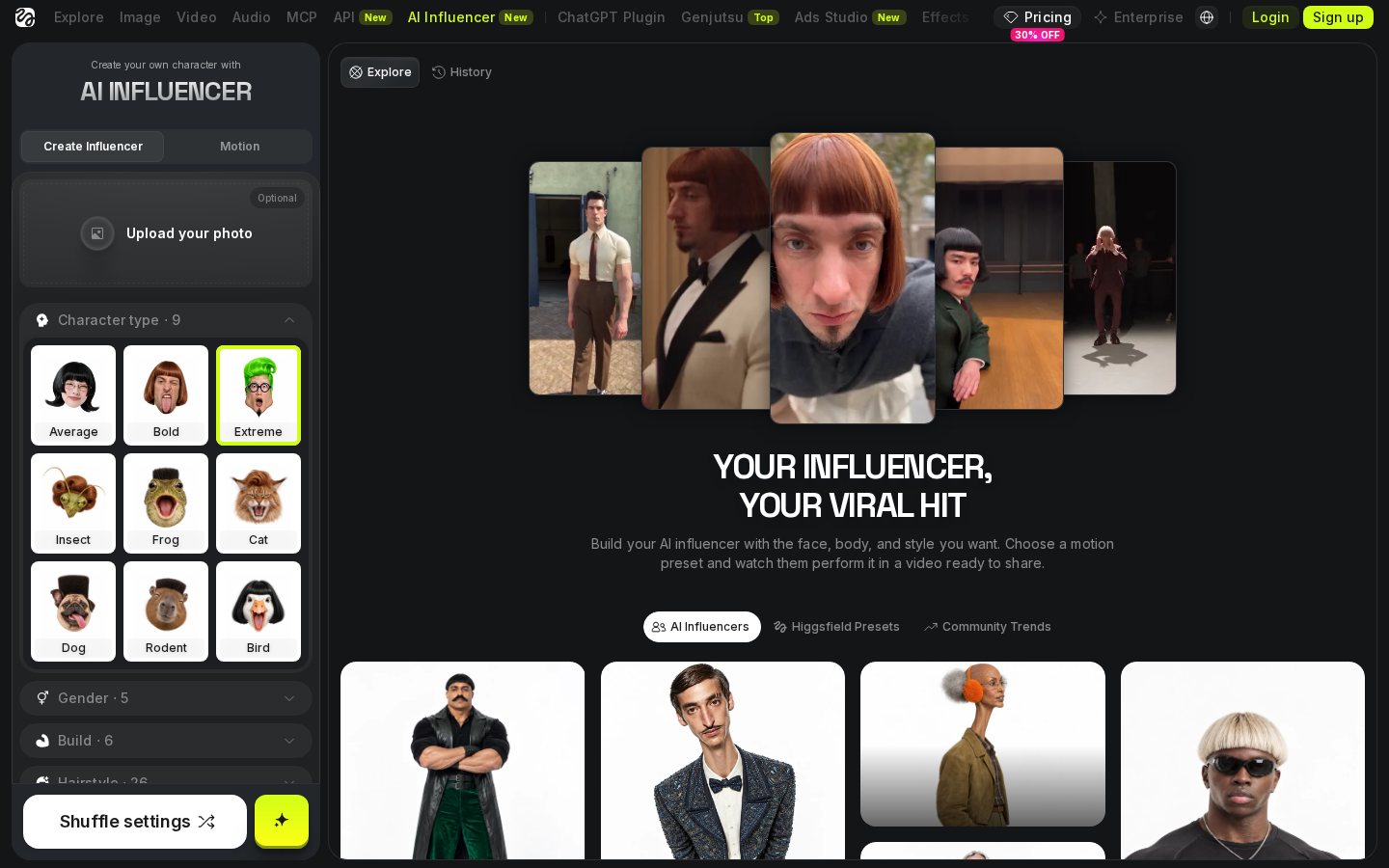
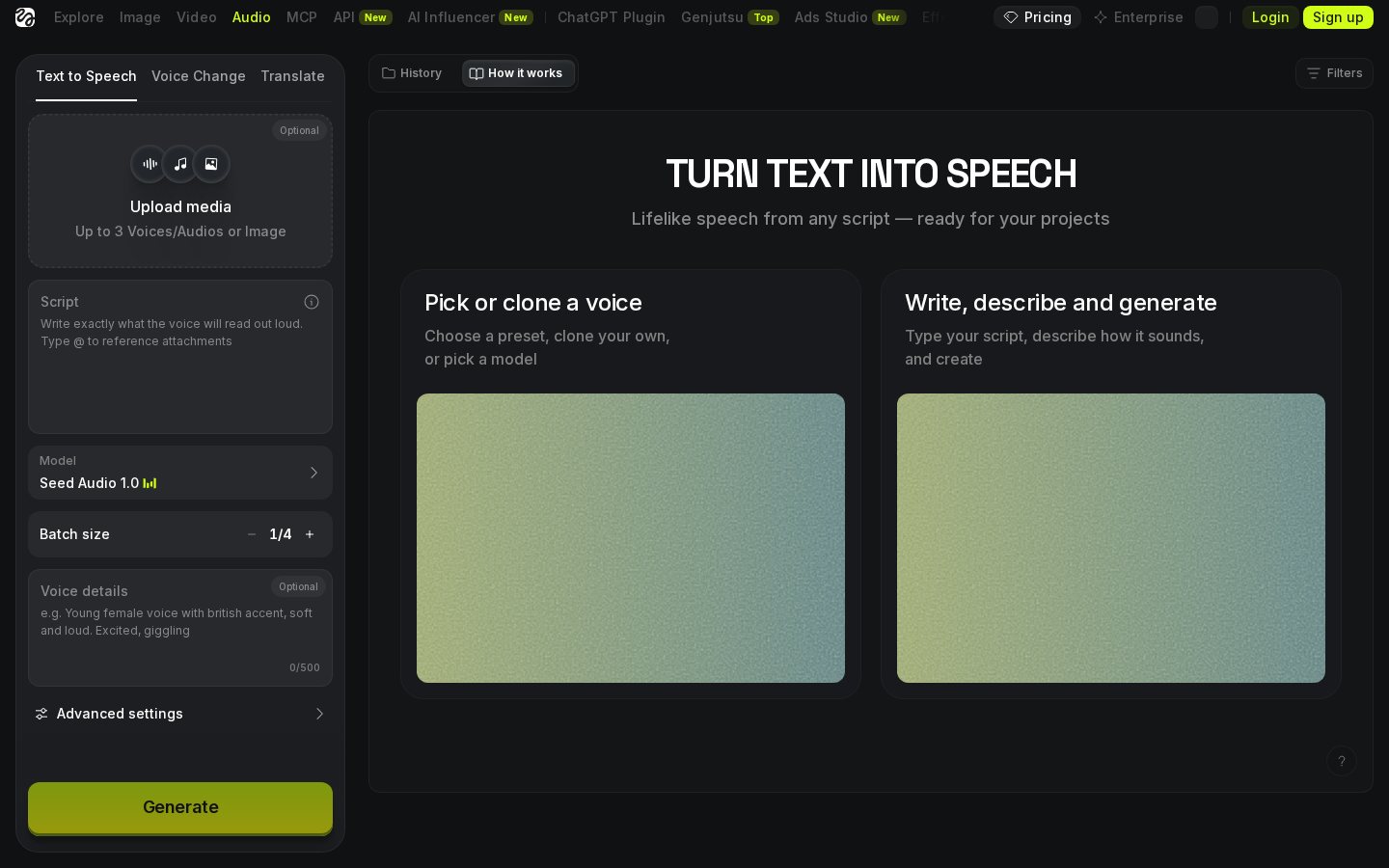
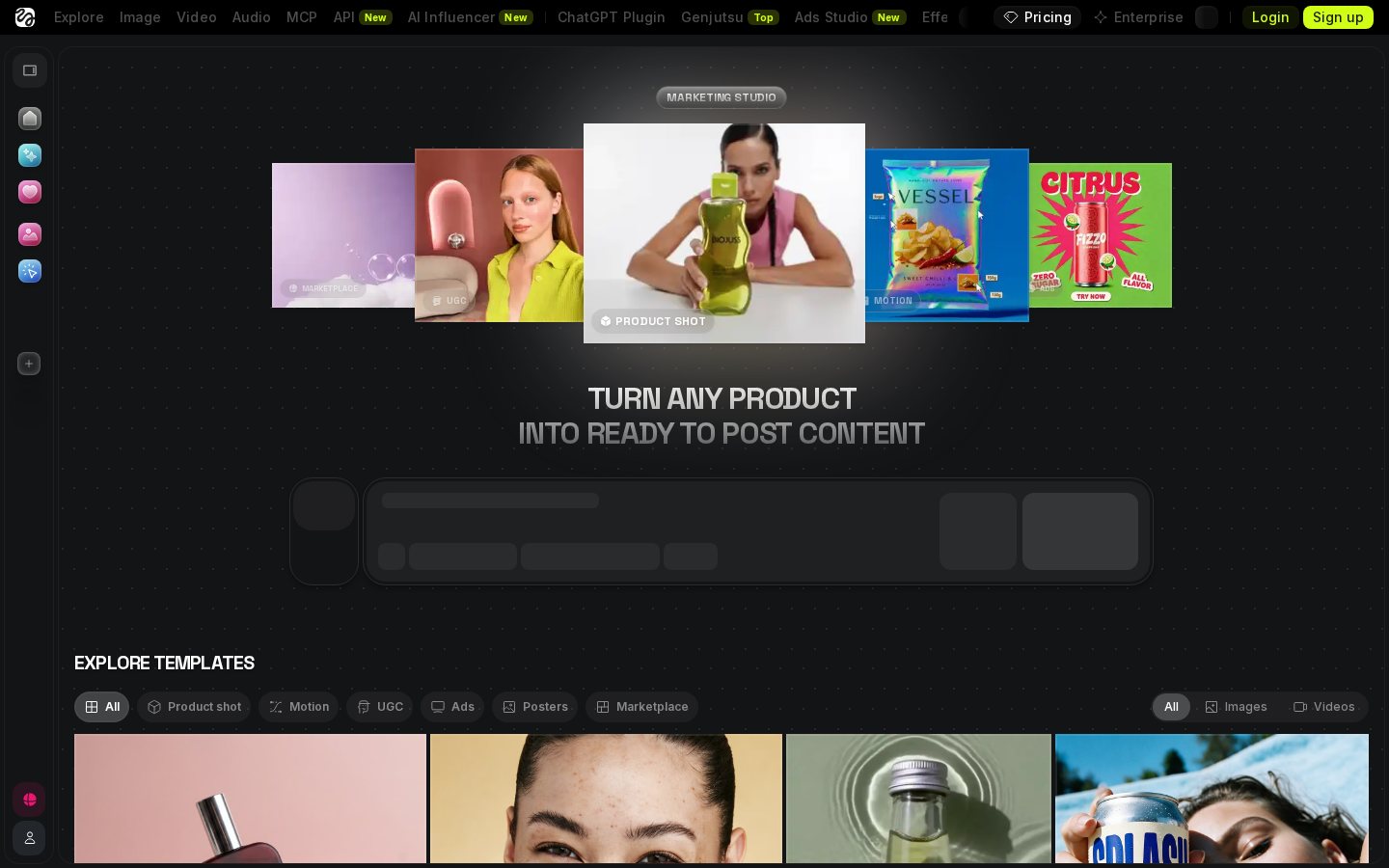
Maintaining the same face and body shape across multiple shots is the hardest task in AI video creation. Many creators refer to their Higgsfield Review experience when comparing identity lock features, as Higgsfield was built specifically to animate personal avatars. Alternatives tackle this by offering specialized character reference slots or custom actor training modules.
Kling AI utilizes a specialized identity lock button on its interface, which keeps your character looking consistent across scenes even during movement. When you activate this lock, the engine prioritizes the skeletal structure and facial landmarks of your source image, even when the character is turned away from the camera or moving through heavy shadows.
The workflow shift here is massive. Instead of generating dozens of random videos hoping for a consistent character, you manage a library of saved character profiles directly within the generation screen. If your primary goal is episodic storytelling or social media content featuring a recurring host, an identity-locking engine is a mandatory requirement.
Comparing the Core Platforms Feature by Feature
Understanding how these alternatives stack up directly against each other requires looking at how their core interfaces and features are built. Each platform has optimized its workflow for a different type of creator, meaning the best choice depends on whether you value speed, precision, or raw realism in your projects.
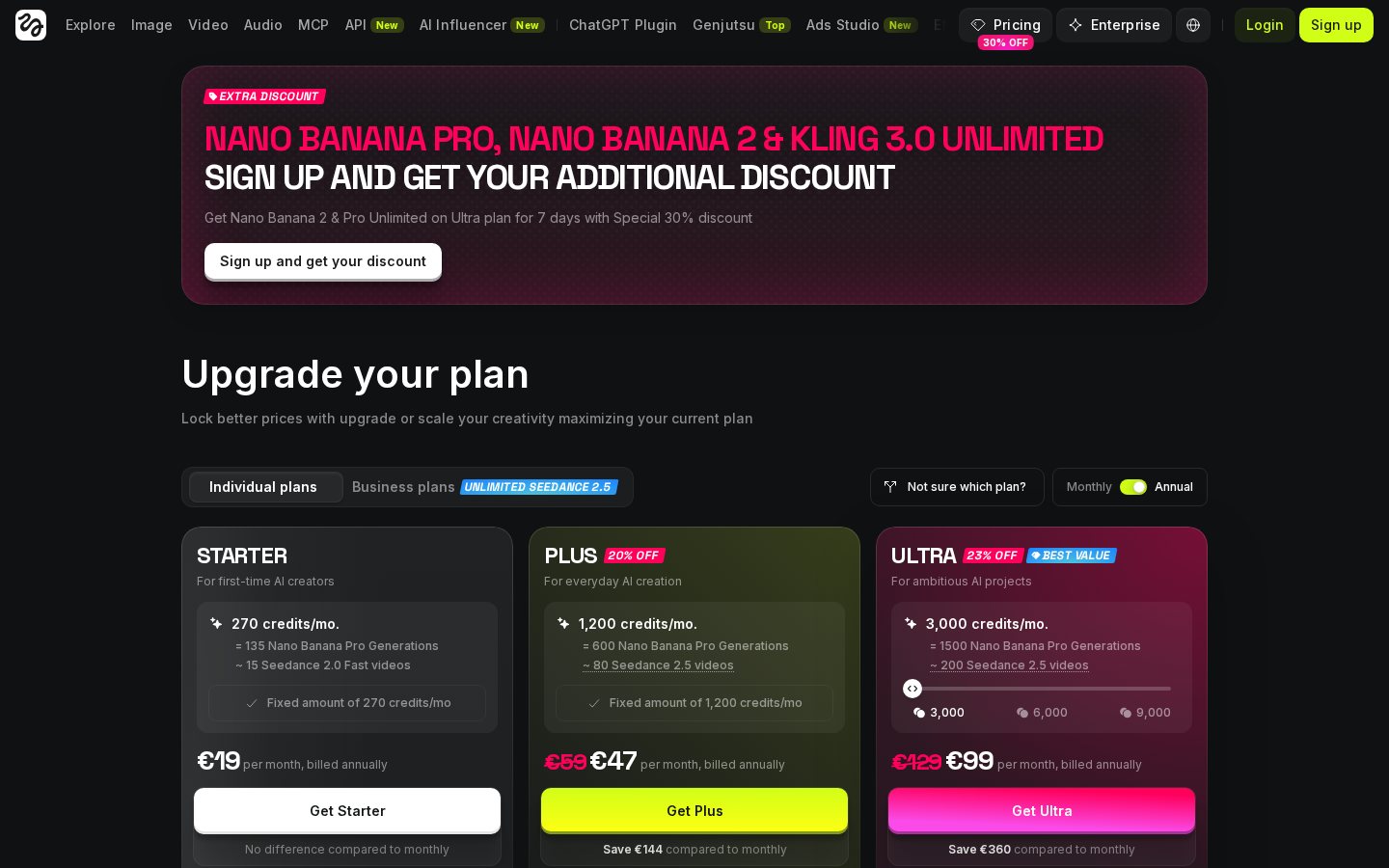
Here is how the key characteristics of these alternative platforms compare: - Camera Control: Runway Gen-3 provides manual directional sliders, while Luma relies on descriptive text commands, and Kling uses preset motion templates. - Editing Screens: Pika offers an on-canvas brush for regional modifications, whereas Luma requires full-clip regeneration to change any element. - Character Lock: Kling feature-locks facial geometry using specialized reference slots, Runway relies on advanced prompt weights, and Pika uses character seed numbers. - Interface Priority: Runway and Pika are built around comprehensive desktop workspaces, while Kling and Luma offer simplified, browser-first interfaces.
Selecting a platform from this list comes down to your primary editing screen. If you prefer a desktop dashboard with precise sliders and masking brushes, Runway and Pika are natural fits. For creators who want simple, high-fidelity generations from simple text prompts on a clean browser layout, Luma and Kling are better suited.
How to Transition Your Workflow to a New Engine
Moving your assets and workflow away from Higgsfield to an alternative platform requires a structured approach to prevent losing your progress. Because each tool interprets character images and movement commands differently, you must adapt your reference assets to fit the new system's canvas rules. This step-by-step sequence will help you transition smoothly.
Follow these steps to migrate your creation process: 1. Export your base character images. Save high-resolution, neutral-expression portraits of your characters with clean, simple backgrounds. 2. Set up your character profile library. Upload these portraits into the identity lock or reference slot of your chosen alternative platform to lock in facial geometry. 3. Test basic motion mechanics. Run a short generation using a simple camera pan to see how the engine interprets your character's natural weight and clothing physics. 4. Adjust prompt weighting formulas. Modify your text descriptions to match the platform's specific style, using commas to separate character descriptions from camera movements. 5. Use regional canvas tools for refinement. Polish any clipping errors or facial distortions using the platform's brush-in editors rather than starting over.
Following this sequence ensures that you do not waste your creation credits on unpredictable generations. By testing the motion mechanics with simple prompts first, you can learn how the new model reacts before attempting complex action sequences or cinematic camera movements.
Frequently asked
Some links are affiliate links: we may earn a commission if you sign up or buy through them, at no extra cost to you. Affiliate disclosure