Best InVideo AI Alternatives for Every Video Project
Discover the top video generation tools to replace InVideo AI, focusing on realistic talking-head avatars, voiceovers, and timeline controls.

Some links are affiliate links: we may earn a commission if you sign up or buy through them, at no extra cost to you.
On this page8 sections
- 1The short answer
- 2Understanding Different AI Video Generation Workflows
- 3HeyGen: The Avatar and Lip-Sync Specialist
- 4Synthesia: Enterprise-Grade Training and Localization
- 5Fliki: Rapid Voiceover and Social Media Layouts
- 6How to Transition Your Projects From InVideo AI
- 7Which Tool Should You Pick for Your Workflow?
- 8Frequently asked
The short answer
- Choose HeyGen if your main priority is creating videos featuring highly realistic, speaking digital human presenters.
- Opt for Synthesia to build structured corporate training modules with advanced multi-language localization features.
- Select Fliki if you want a fast, script-first editor that pairs voiceover text with stock footage.
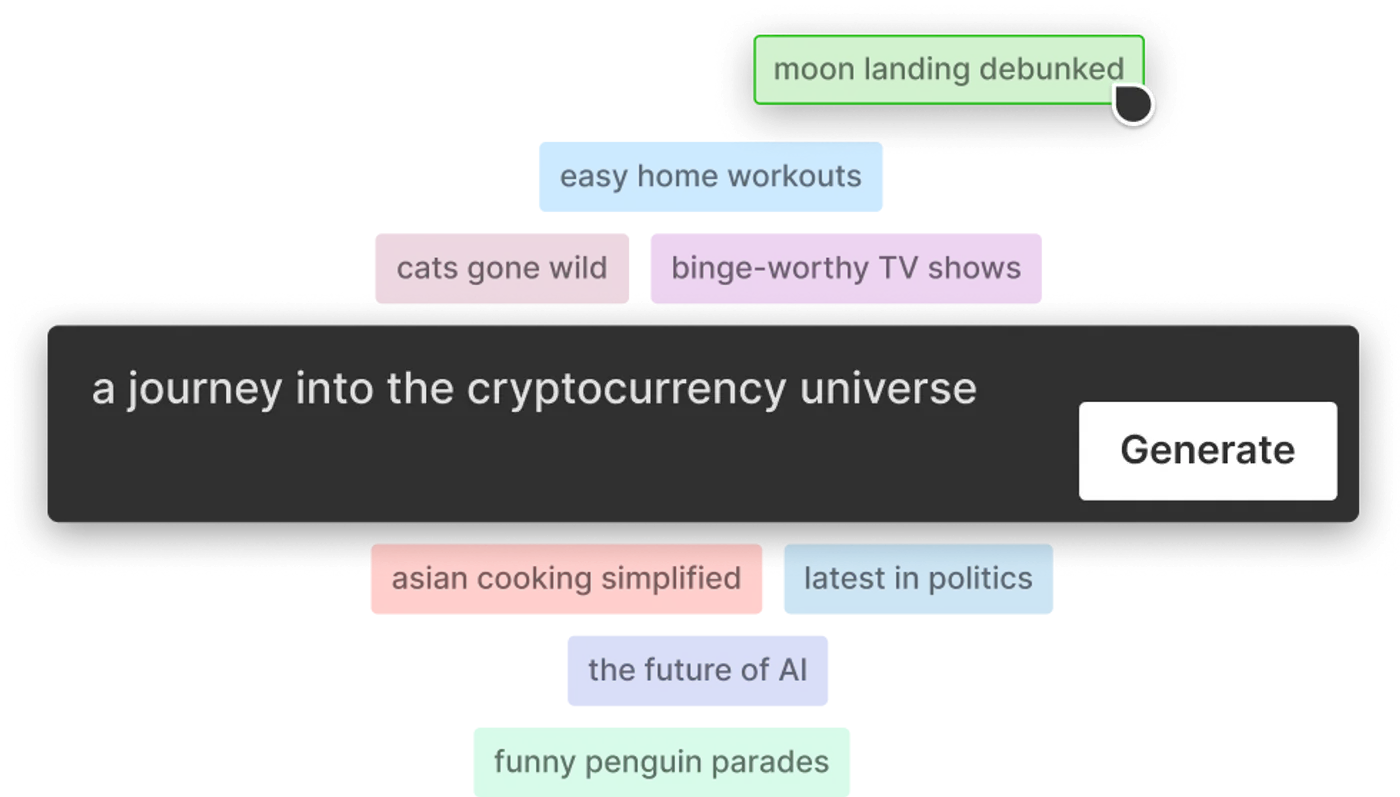
The best alternatives to InVideo AI include HeyGen for avatar-based presentations, Synthesia for professional corporate training, and Fliki for rapid voiceover-to-video editing. Depending on whether your project requires realistic human presenters, automatic screen recordings, or fast social media clips, your ideal platform will vary.
While InVideo AI has made a name for itself by generating comprehensive templates and stock footage sequences from basic prompts, other platforms excel in specialized workflows. Finding the right match means analyzing how you edit, whether you need custom actors, and how much control you want over individual scenes.
The quick version
- Export your existing scripts
- Download your completed renders
- Upload your corporate brand kits
- Reformat your prompt styling
- Run low-credit test scenes
Understanding Different AI Video Generation Workflows
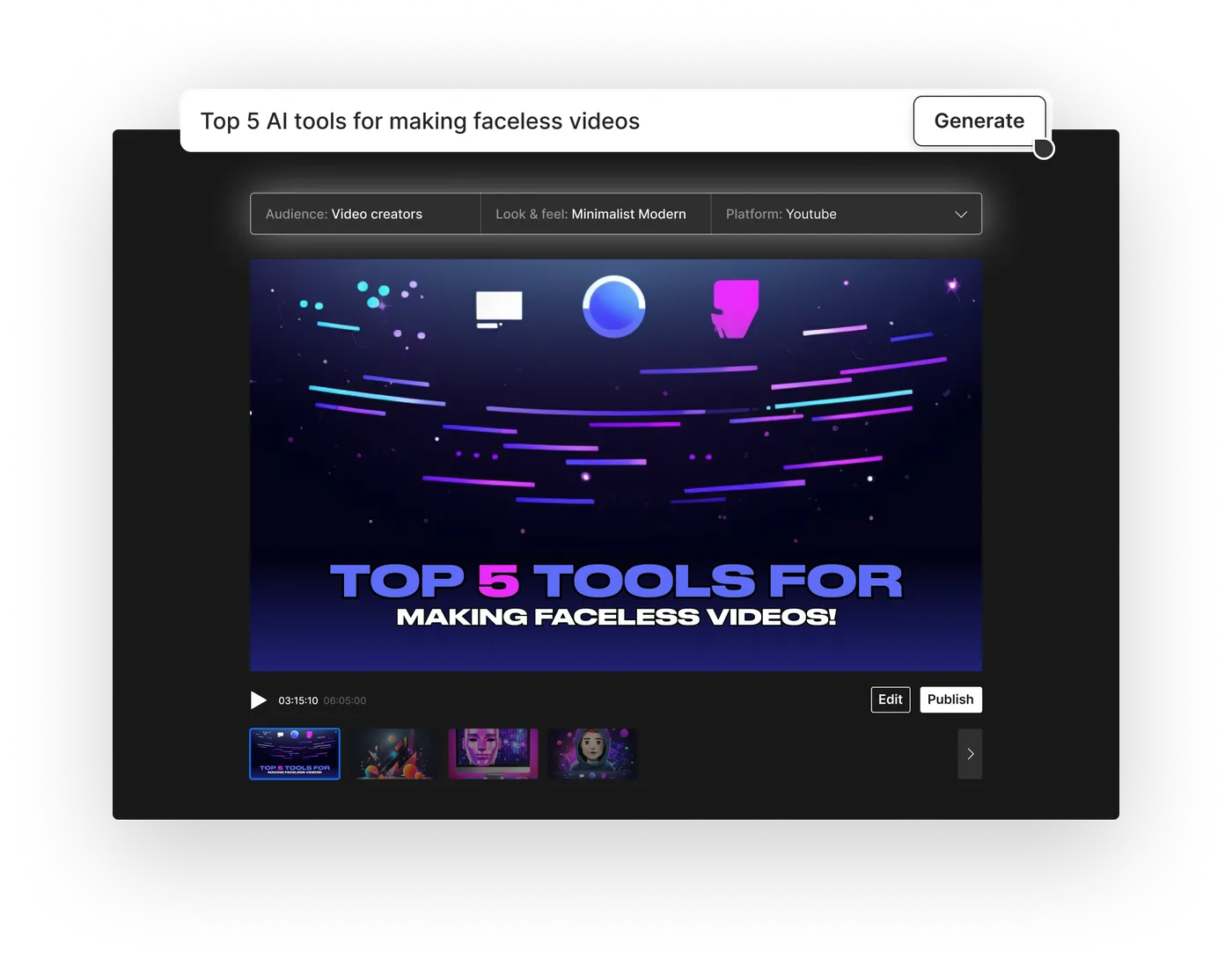
To choose an alternative, you must understand how these tools differ in their core editing screens. InVideo AI focuses heavily on generating complete timelines of stock B-roll from single text prompts. However, if you find that style too generic or difficult to edit after generation, you might prefer platforms built around a structured canvas editor. This distinction is crucial because editing a pre-made timeline requires different steps than building a video scene-by-scene.
Our comprehensive InVideo AI Review: Pricing, Credits and Limitations details how the prompt-to-video process handles media selection. When you transition to other platforms, you will notice that they either emphasize human-like avatars or focus on turning written articles into slide-based presentations. These interfaces change how you interact with the software, shifting your focus from writing prompts to designing visual layouts.
Ultimately, the workflow you choose dictates your production speed. A script-first layout lets you focus entirely on your message, leaving the visuals as secondary elements. On the other hand, an avatar-first layout requires you to spend more time matching facial animations with voice track timing, which yields a much more personal feel.
HeyGen: The Avatar and Lip-Sync Specialist
HeyGen offers a distinct change of pace by placing virtual human presenters at the center of its editing dashboard. Instead of generating abstract stock montages, the creator selects a realistic digital actor and enters a script for them to speak. The editor organizes projects into individual slides, making it easy to swap background images or add text overlays behind the presenter.
For marketing teams targeting international audiences, translation localization in this platform is a major differentiator. The software automatically adjusts the avatar’s lip movements to match translated audio tracks, creating a seamless viewing experience in dozens of languages. This is a massive step up from traditional voiceover tools that often leave audio and video out of sync.
The main control screen provides deep customization over the avatar's outfit, framing, and positioning. While InVideo AI generates a sequence of different clips automatically, this tool requires you to build the visual flow slide by slide. This gives you far greater control over the final output, though it does demand more initial planning and asset preparation.
Synthesia: Enterprise-Grade Training and Localization
Synthesia is designed from the ground up to support corporate learning and development teams. The interface resembles a modern presentation program, where each slide represents a distinct part of your training module. Instead of searching for flashy social media templates, users write scripts that professional-looking avatars deliver in front of clean, corporate backgrounds.
The system relies on advanced text-to-speech engines that produce natural-sounding accents and inflections. This focus on vocal quality ensures that long training videos remain engaging without sounding robotic. Additionally, the platform allows companies to generate custom avatars of real employees, helping organizations maintain a consistent brand voice across training libraries.
For teams used to the rapid, prompt-driven style of other tools, a structured slide-based approach is often better than automated stock compilation. If you are transitioning from the credits-based system outlined in our InVideo AI Review: Pricing, Credits and Limitations, Synthesia offers a more predictable environment for long-term project planning. It prioritizes consistency and professional standards over viral aesthetic templates.
Fliki: Rapid Voiceover and Social Media Layouts
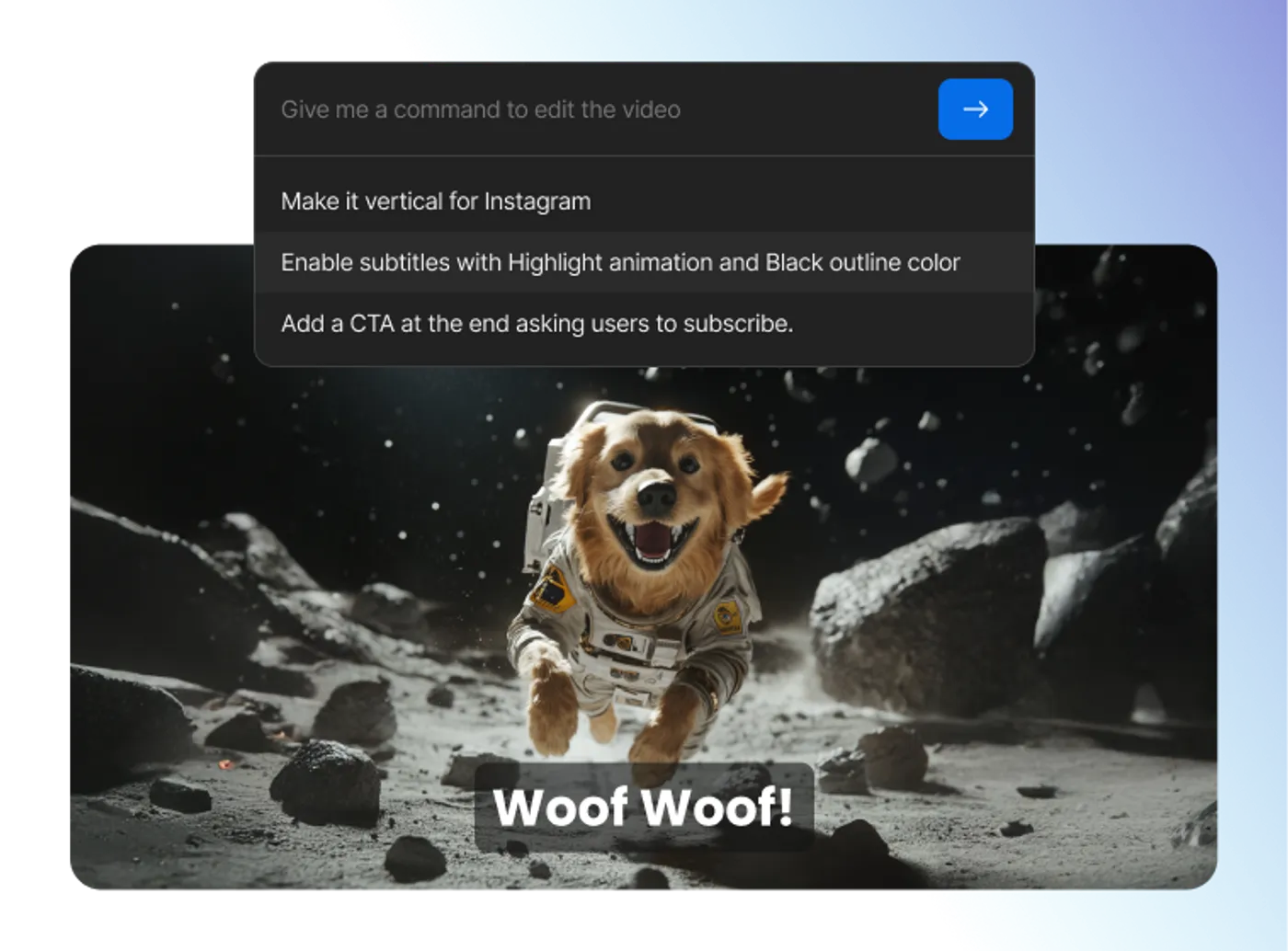
Fliki offers an interesting middle ground for creators who want to produce voiceover-driven videos without dealing with complex timelines. The layout looks like a script document, where each block of text corresponds to a specific visual scene. This script-first approach makes it incredibly simple to turn blog posts, podcast transcripts, or written essays into complete video files.
The platform’s voice library is highly diverse, offering emotional tones and regional dialects that feel surprisingly human. If you want to quickly turn articles into social media videos, you can paste your text directly into the dashboard and let the media matcher automatically pair your words with appropriate B-roll footage and background music. This is highly efficient for content syndication.
Editing visual elements is as simple as clicking on the auto-selected media and choosing a replacement from the built-in library. While it does not offer the advanced avatar realism of HeyGen, it provides a much faster workflow for creating faceless YouTube channels or daily social media updates. The focus remains on speed, ease of use, and vocal clarity.
How to Transition Your Projects From InVideo AI
Switching to a new video generator involves more than just changing websites. transitioning to an alternative tool requires adapting your creative approach to fit different timeline structures and generation systems.
- Export your existing scripts. Save all your written voiceovers and prompts in a separate document before cancelling your current subscription.
- Download your completed renders. Ensure you have high-quality, watermark-free versions of your video library stored locally for future reference.
- Upload your corporate brand kits. Add your custom colors, fonts, and brand logos to your new platform’s asset library to maintain visual consistency.
- Reformat your prompt styling. Rewrite your single-paragraph prompts into structured slide scripts if moving to an avatar-based system.
- Run low-credit test scenes. Generate short five-second clips to check the pronunciation and pacing before running a full video render.
Which Tool Should You Pick for Your Workflow?
Your choice of alternative should align closely with the specific type of video you produce on a regular basis. There is no single correct platform, but rather different tools designed to solve distinct creative bottlenecks.
- Aspect: HeyGen focuses on lifelike virtual presenters, whereas InVideo AI builds montages from stock media.
- Aspect: Synthesia provides enterprise-grade training templates, while Fliki targets social media creators who need voiceovers.
- Aspect: InVideo AI relies heavily on prompt-to-video automation, while competitors favor structured canvas-style scene editors.
By focusing on these differences, you can avoid paying for advanced features that do not match your daily workflow. Selecting the right platform depends on whether you value talking-head realism over automated editing flow when managing your production pipeline.
Frequently asked
Some links are affiliate links: we may earn a commission if you sign up or buy through them, at no extra cost to you. Affiliate disclosure