Best Lovable Alternatives: Top AI Code Generators Compared
Evaluate the best Lovable alternatives like Bolt.new, v0, and Cursor to generate web apps using natural language prompts without losing code ownership.

Some links are affiliate links: we may earn a commission if you sign up or buy through them, at no extra cost to you.
On this page8 sections
The short answer
- Bolt.new offers browser-based execution with full stack capability and terminal access.
- v0 by Vercel specializes in generating pristine frontend components optimized for React and Tailwind.
- Cursor provides an AI-first code editor designed for developers who want local control.
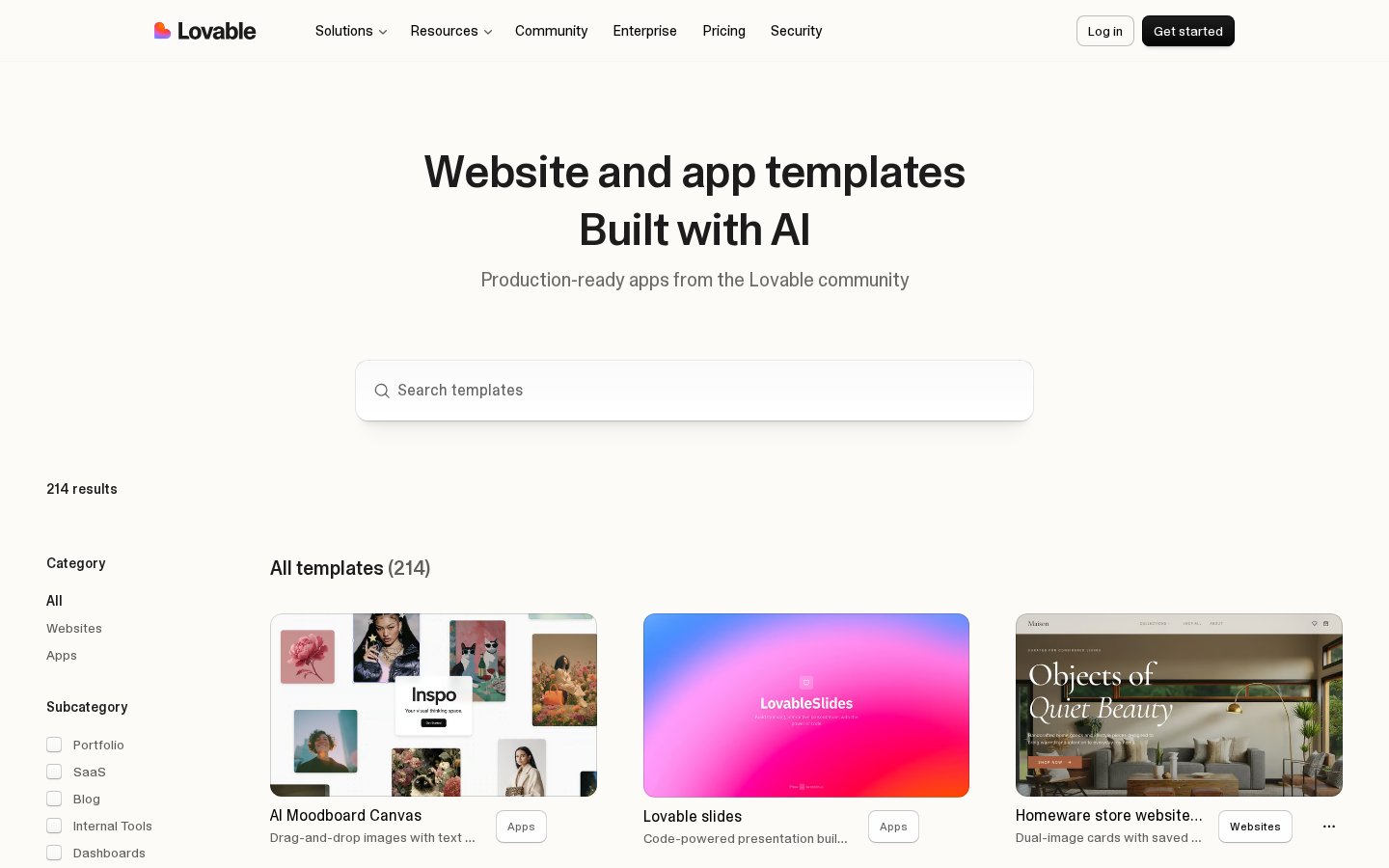
The best Lovable alternatives for full-stack AI development include Bolt.new, v0 by Vercel, and Cursor. These platforms allow you to generate, iterate, and deploy web applications using natural language prompts instead of writing code manually.
If you are evaluating these tools, you need to look beyond the basic chat window. While Lovable excels at rapid front-end generation with connected backend capabilities, developers often look for alternatives when they need deeper Git control, lower infrastructure costs, or integration with specific cloud databases. Reading our comprehensive Lovable Review 2026: Pricing, Free Plan & Who It's For can help you understand the baseline features before comparing other options.
Choosing the right tool depends on whether you want a visual playground that handles deployment for you, or an AI-powered editor that plugs directly into your local development environment. Some alternatives focus strictly on user interfaces, while others construct complete databases and APIs behind the scenes.
The quick version
- Export the latest codebase
- Verify the project dependencies
- Initialize the target workspace
- Update the environment variables
- Run local diagnostic tests
Evaluating the AI Prompt Interface
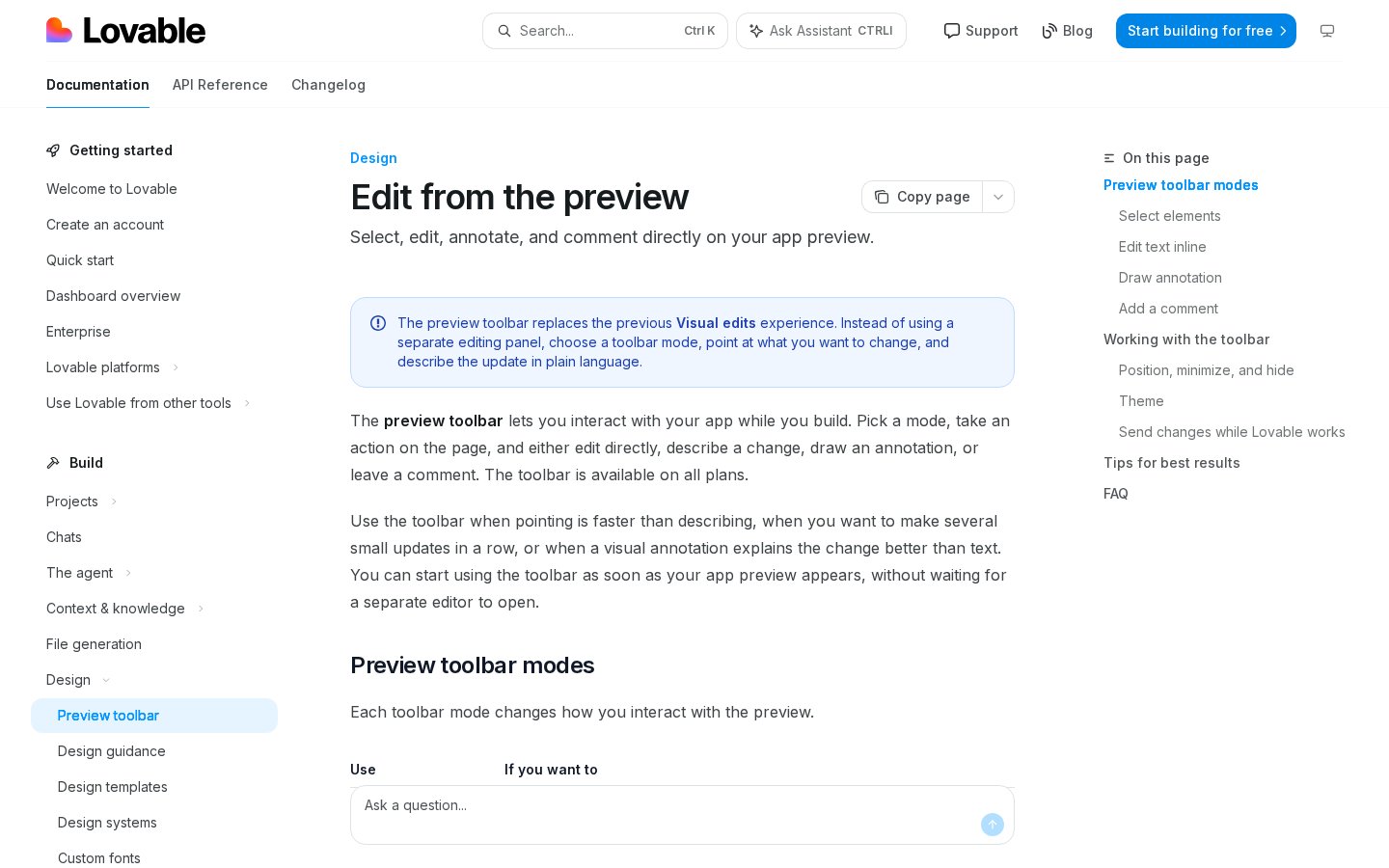
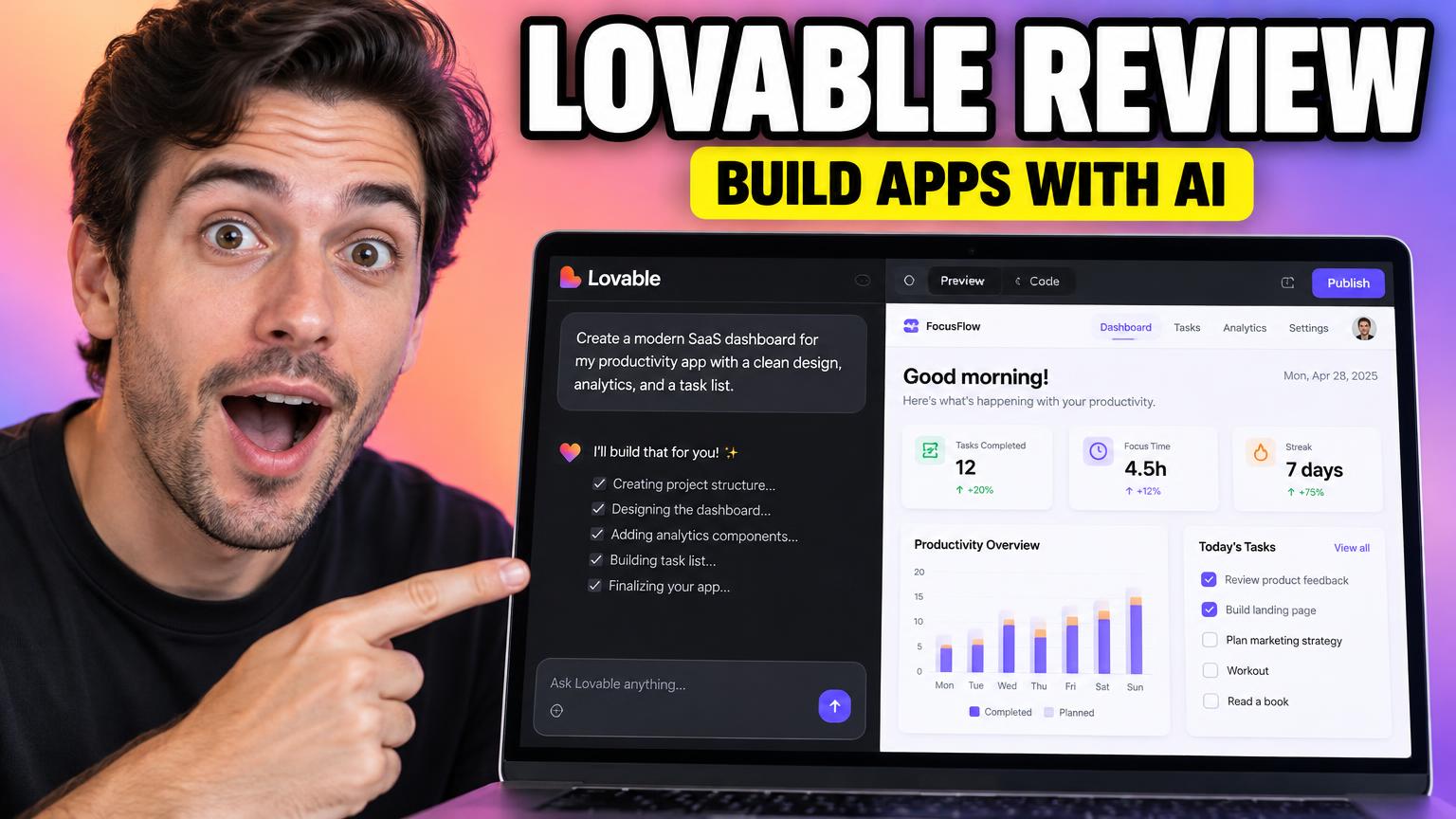
The entry point for all AI app generators is the prompt input box and side-by-side preview canvas. When you write instructions, the system must parse your intent, construct files, and compile them on the fly. In Lovable, this process is highly optimized for visual feedback, displaying live renders as changes compile in real-time. This dynamic setup allows non-technical users to build functional interfaces without looking at underlying syntax.
Other platforms handle this initial step differently. Some tools limit their preview to simple front-end components, while others spin up virtual containers that run a full node server in your browser. This initial sandboxed environment determines how quickly you can verify that the AI understood your instructions. If the platform lacks a real-time runtime preview, you must deploy the code elsewhere just to test a minor change.
If your workflow relies on fast visual loops, look closely at the rendering speed and the error-recovery mechanism. When an error occurs during build time, a quality interface will read the terminal logs automatically and apply a silent patch without requiring you to write a detailed bug report. Platforms that offer interactive terminal outputs alongside the preview canvas make debugging far more transparent.
Comparing Key Features Head-to-Head
When choosing between these systems, look at how they manage application logic and state. Some focus entirely on building polished UI layers, while others attempt to wire up database relations and authentication systems with minimal user intervention. These architectural differences affect what you can build. If you select a tool that only creates visual components, you will have to manually write the server code to make those components functional.
To see how they stack up, let us examine how Lovable compares to its closest competitors across key operational areas:
- Build Environment: Lovable relies on cloud compilation, whereas Bolt.new runs an entire development server inside your web browser using WebContainers.
- Frontend Frameworks: Lovable prioritizes React and Vite setups, whereas v0 focuses on shadcn/ui components optimized for Next.js.
- Local Integration: Lovable exports code zip files or links to GitHub, while Cursor functions as a desktop app operating on your local files.
- Database Provisioning: Lovable integrates closely with Supabase for data storage, while other tools require manual configuration of backend systems.
Understanding these structural differences ensures you do not hit a wall when your application grows. A tool that excels at building a simple landing page may struggle when asked to manage complex relational database schemas or process multi-step user authentication flows. Some platforms also enforce strict framework selections, making it hard to pivot if your team prefers Vue or Svelte.
Managing Database and Backend Integrations
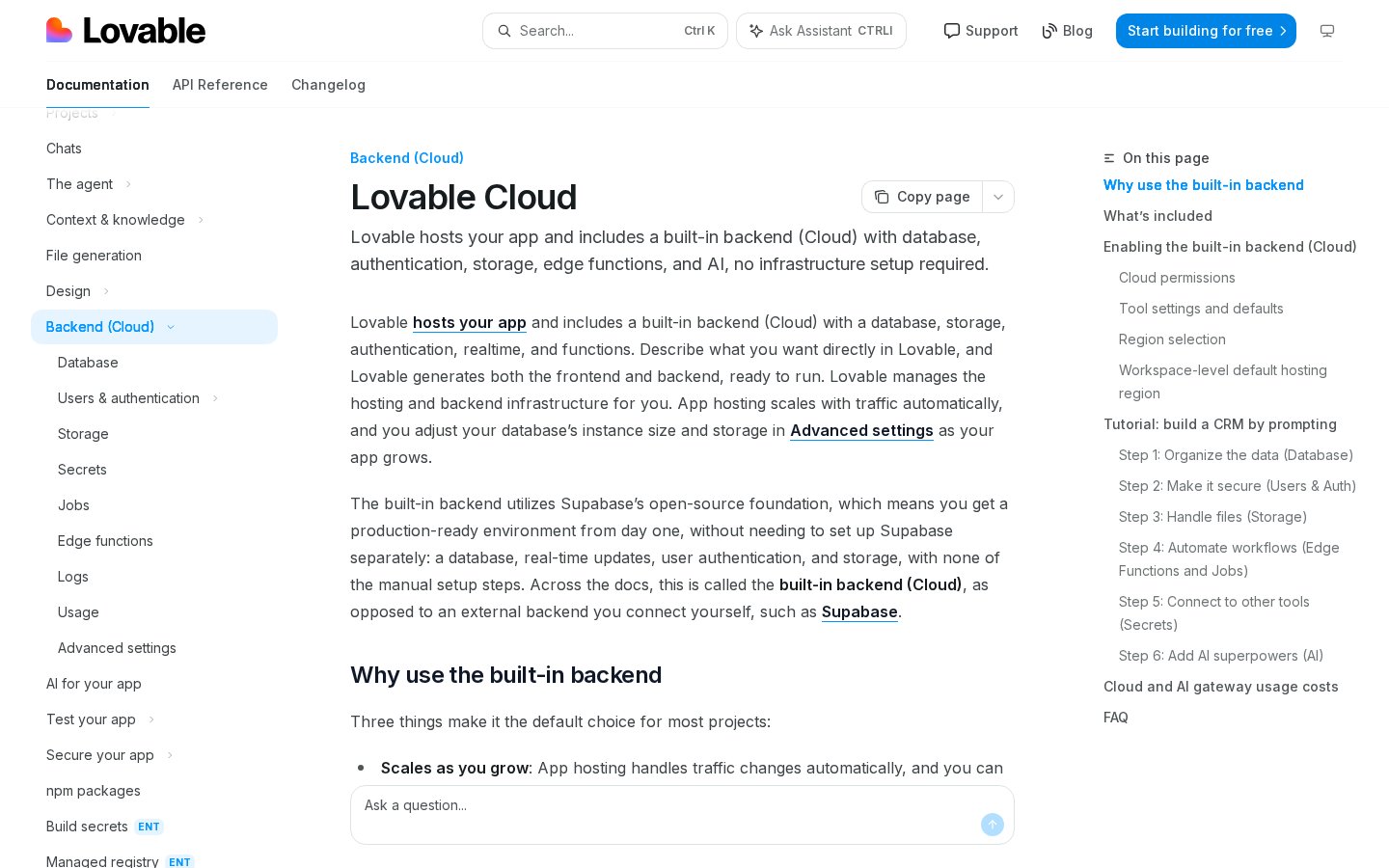
A functional application requires more than just buttons; it needs a way to store user information and process data. Most AI code generators use external backends to avoid managing databases themselves. The way a tool establishes this bridge is a major differentiator. If the integration is clunky, you will spend more time debugging network errors than designing new user experiences.
In many systems, you must configure external services manually by pasting API keys into a settings panel. Lovable approaches this by offering a direct visual connection to Supabase, which allows the AI to write database migrations and schema changes on your behalf. This is a massive timesaver for creators who do not want to write SQL. The visual database editor allows you to inspect tables directly inside the builder.
However, if you already have an existing database on PostgreSQL, MySQL, or Firebase, you might find other platforms more accommodating. Tools that do not lock you into a specific backend provider give you the freedom to write custom connection strings and environment variables without restricting your infrastructure choices. This flexibility is vital if you need to adhere to strict corporate data compliance rules.
Exporting Code and Local Development Workflows
Eventually, your application may outgrow the browser-based editor. Whether you need to implement proprietary algorithms or deploy to a custom cloud network, you will need access to the underlying repository. The export and version control screen is where this transition happens. If the export process is overly complex, you run the risk of getting locked into a single hosting ecosystem.
The best Lovable alternatives provide clean, standard code architectures that you can open in any text editor. Look for platforms that use standard package managers and build configurations. If an alternative uses a proprietary rendering engine or custom frameworks, you will find it incredibly difficult to modify the code after exporting it. Standard React, Next.js, or Vite templates are highly preferred.
Git integration is another feature where tools diverge. Some platforms merely offer a basic file download, forcing you to manually initialize a repository. Higher-tier options connect directly to GitHub, committing changes automatically as the AI generates new features, which preserves your project history. Having a clean Git history makes it easy to collaborate with human developers who can review the AI-generated code.
How to Migrate an App From Lovable to an Alternative
Moving your application off one platform and onto another requires a systematic approach to preserve your data and styles. If you decide to transition, following a clean migration path prevents code corruption and missing dependencies. This process requires careful planning because different tools structure their configuration files and bundlers in distinct ways.
Here is the safest way to execute this migration:
- Export the latest codebase. Download the full source files or pull the latest commit from your GitHub repository to your local machine.
- Verify the project dependencies. Open the package JSON file to ensure all required npm packages are listed and not tied to proprietary runtimes.
- Initialize the target workspace. Import the repository into your new AI-first editor or paste the code directly into the workspace canvas.
- Update the environment variables. Re-configure your database keys, authentication secrets, and API endpoints inside the new workspace environment.
- Run local diagnostic tests. Build the application locally to confirm that the bundler resolves all imports without producing compilation errors.
This sequence ensures your application remains operational throughout the transition. Skipping steps or failing to check dependencies can lead to broken references that are difficult for an AI to debug afterward. Keeping a clear backup of your database tables is also critical during this phase.
Which AI Development Tool Should You Pick?
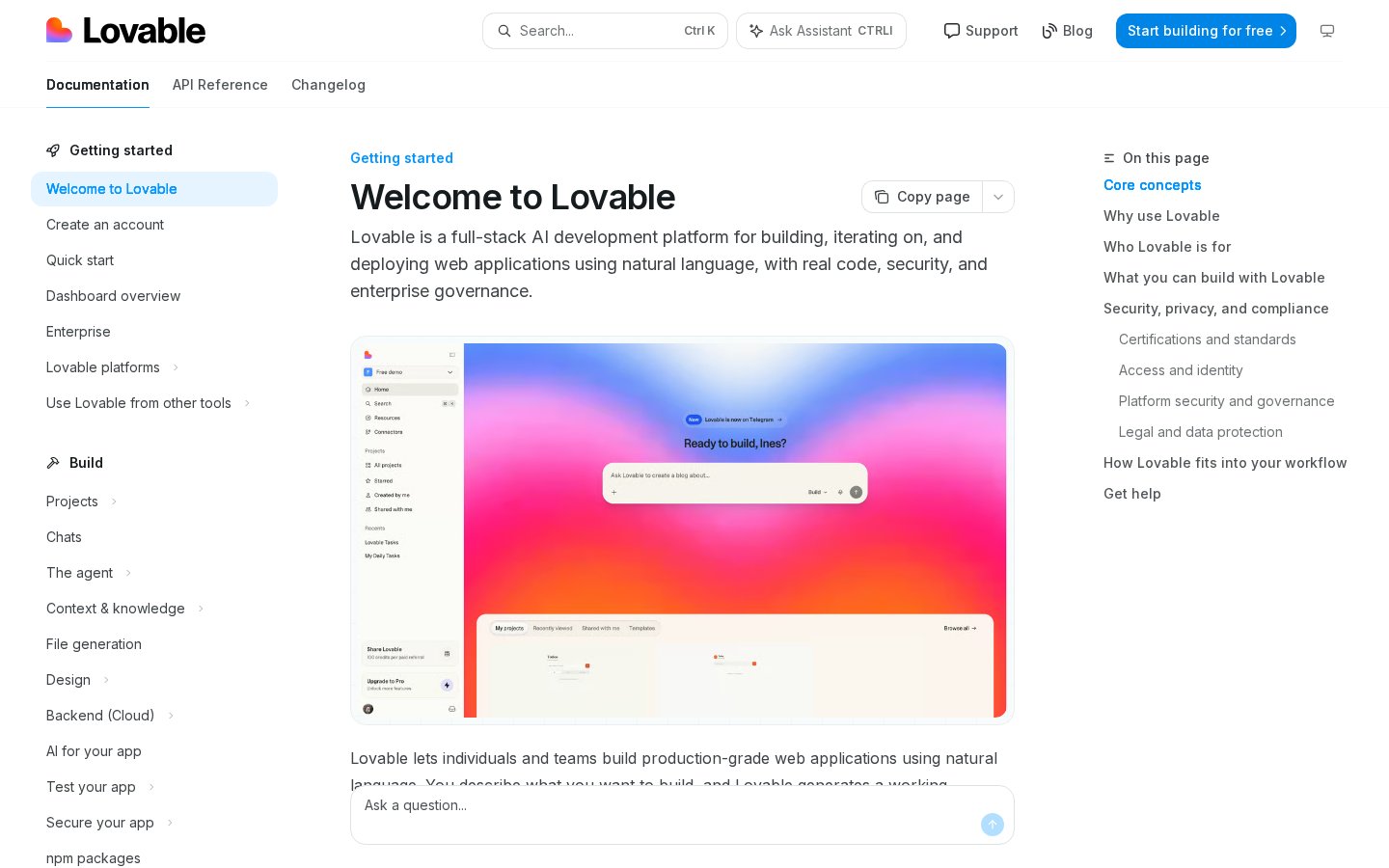
Selecting the right platform comes down to your current programming expertise and project requirements. There is no single utility that satisfies every developer, so you must weigh the tradeoffs between automated hosting, local file access, and visual ease-of-use. A platform that works perfectly for a quick MVP might not support a complex enterprise application.
If you want a seamless visual builder that handles backend creation automatically, sticking with Lovable or choosing a dedicated database-centric visual generator is your best path. These platforms are designed for rapid prototyping where speed is valued over fine-grained system control. Read our detailed Lovable Review 2026: Pricing, Free Plan & Who It's For to see if its specific feature set aligns with your team's budget and technical timeline.
On the other hand, if you are a developer who wants to run the code locally, write custom functions, and maintain complete control over your file tree, a desktop-based AI editor like Cursor is the logical choice. For those who want the middle ground—fast in-browser previews with full terminal access—a workspace built on web containers like Bolt.new is highly effective.
Frequently asked
Some links are affiliate links: we may earn a commission if you sign up or buy through them, at no extra cost to you. Affiliate disclosure