Best Pollo AI Alternatives for High-Quality AI Video
Find the best Pollo AI alternatives for your editing workflow, comparing avatar tools, timeline editors, and automated video generators.
Some links are affiliate links: we may earn a commission if you sign up or buy through them, at no extra cost to you.
On this page8 sections
The short answer
- Synthesia excels at avatar-led presentations and corporate training videos.
- Filmora offers traditional desktop timeline editing with integrated AI assist tools.
- Canva and Simplified streamline multi-channel social media asset creation.
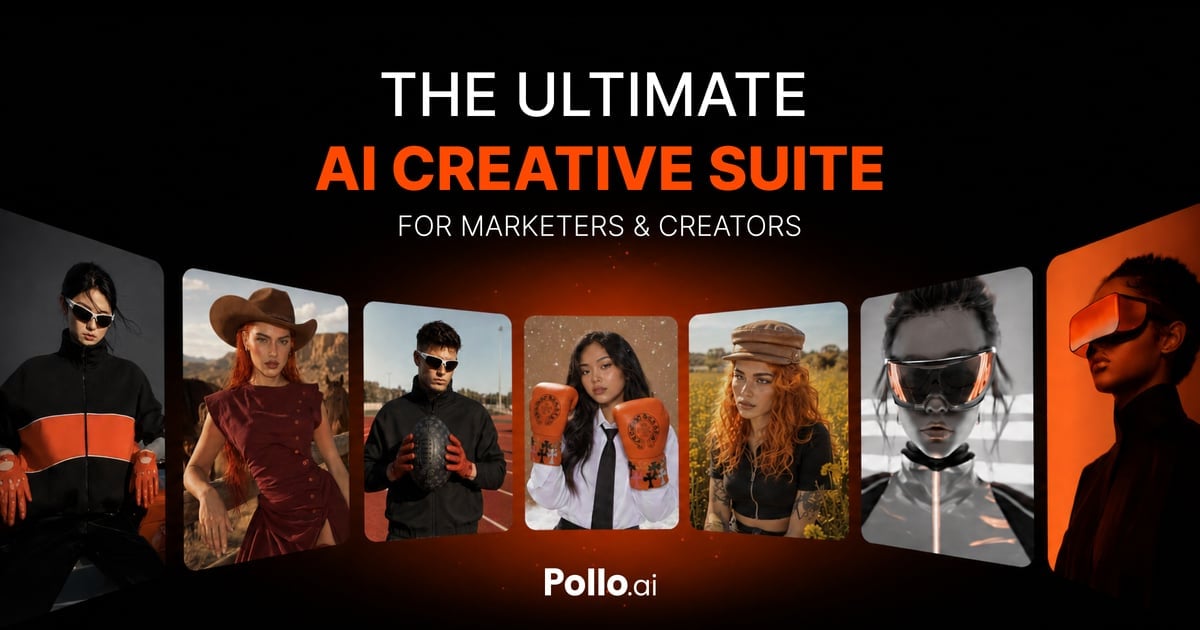
The best Pollo AI alternatives are Synthesia, Filmora, Simplified, and Canva, each serving different production workflows. Your choice depends on whether you need AI-generated avatars, full-scale timeline editing, or quick social media templates.
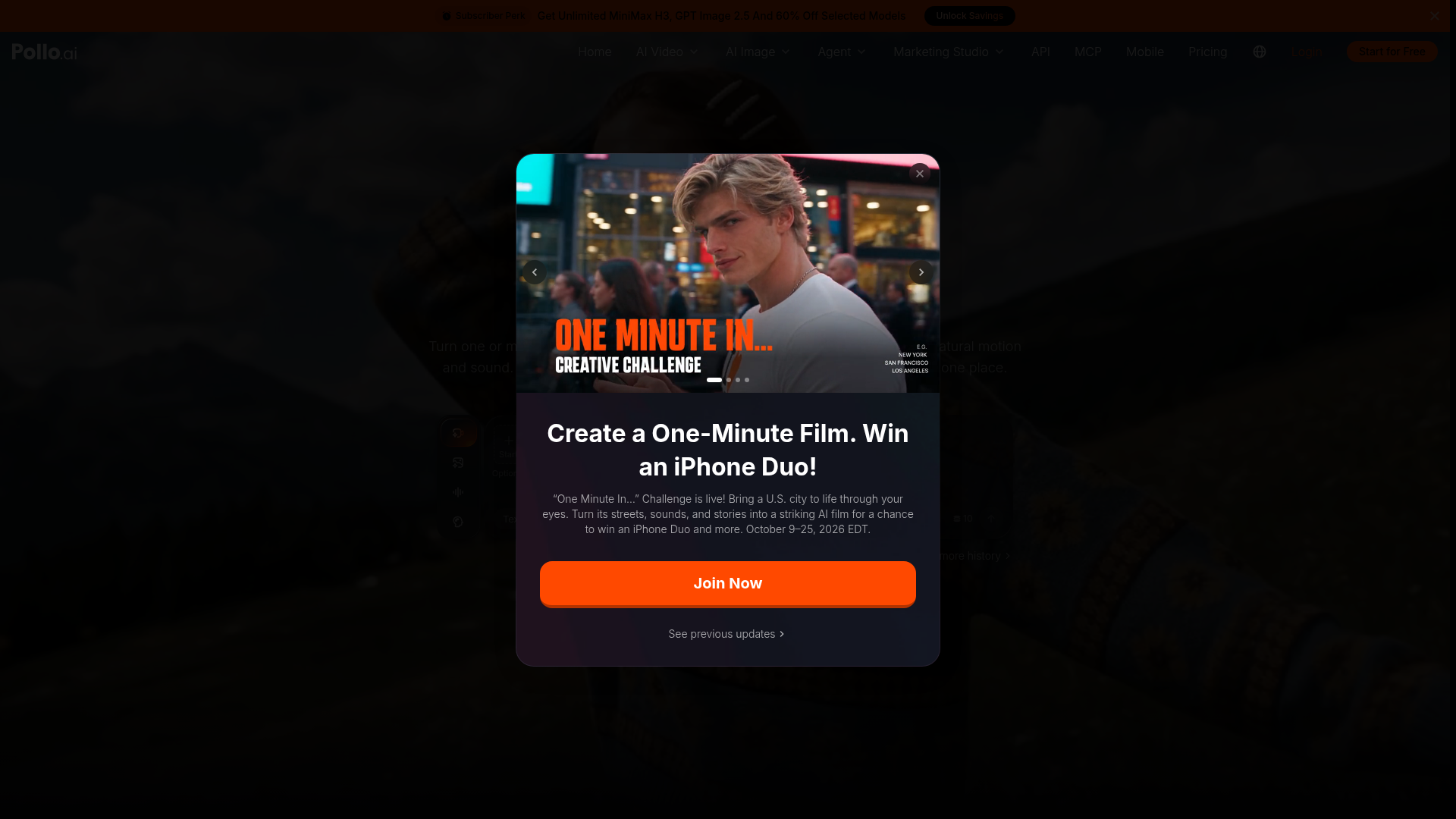
While Pollo AI excels at generating realistic motion directly from simple text prompts, many creators eventually run into limitations with credit structures and manual editing features. If you need more direct control over your final output, switching to a dedicated video platform can streamline your design and rendering pipeline immediately.
To understand which platform fits your production business, you need to look beyond flashy marketing buzzwords and analyze actual editing structures. We explore how these competitors handle essential tasks like clip stitching, automated text overlays, and final file rendering so you can make an informed transition without wasting your valuable budget.
Why Creators Seek Alternatives to Pollo AI
Selecting a video generator requires a clear understanding of your daily production goals. While Pollo AI offers rapid clip generation directly from text prompts, many creators find that relying solely on AI prompt inputs limits their creative control. Traditional video editors require frame-by-frame adjustments, whereas early generative engines often force you to accept whatever random motion the software generates.
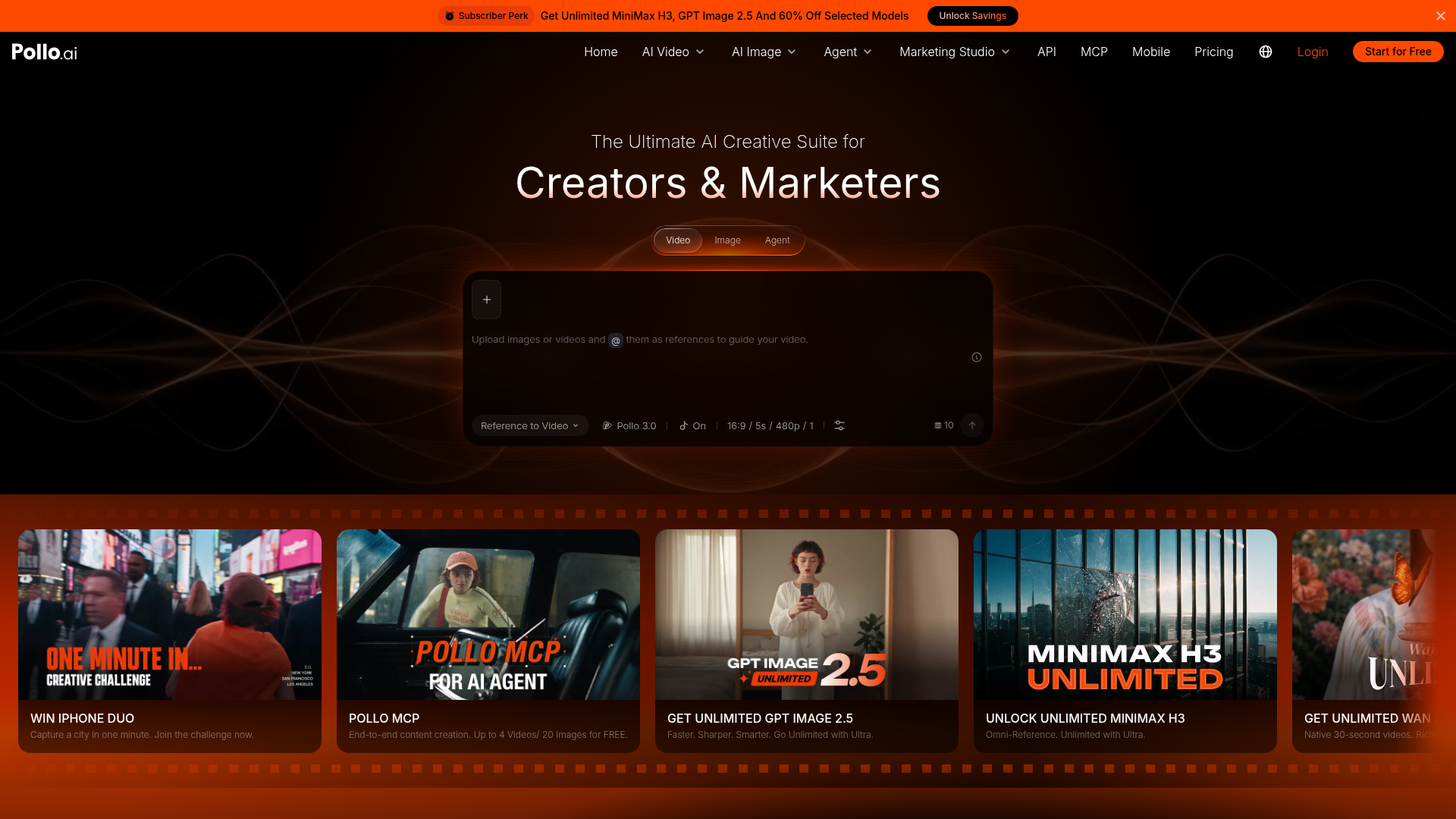
Users searching for alternatives often run into barriers with monthly credit distribution and slow parallel generation queues. When you need to generate multiple variations of a marketing campaign, waiting for a single processing queue to clear can disrupt your entire scheduling calendar. Reading a detailed Pollo AI Review 2026: Pricing, Credits and Who It's For reveals how these credit limits shape your workflow decisions.
Additionally, the lack of robust built-in timeline editing within simple generator engines means you must export raw clips and import them into a secondary application. This dual-tool pipeline increases your production time, complicates file management, and breaks your creative focus. Finding an alternative that combines generation with direct editing capabilities can solve this friction point immediately.
Synthesia for Realistic Avatar Presentations
If your primary goal is to create instructional videos, customer support clips, or corporate training modules, an avatar-focused generator is often the most practical choice. Synthesia shifts the design focus away from abstract scenery generation toward human-like digital speakers to keep viewers engaged. Instead of typing descriptive environment prompts, you input a text script and select a highly realistic presenter to speak your lines.
The web-based user interface operates like a slide presentation combined with a professional video rendering engine. You place your digital speaker on the screen, select an appropriate voice style, and add text or image slides in the background. This structured approach eliminates the unpredictable morphing shapes and surreal visual glitches often seen in standard text-to-video diffusion models.
However, this structured approach is less suitable for high-action cinematic projects or artistic social media campaigns. The avatars remain relatively stationary, using natural hand gestures and lip synchronization to maintain viewer engagement. For professional corporate communication, this predictable structure is far more useful than hoping an AI model correctly interprets a complex action sequence.
Wondershare Filmora for Timeline Editing Control
Wondershare Filmora presents a highly compelling balance for creators who want a traditional editing experience bolstered by automated features. Unlike web-only generation tools, this application runs directly on your desktop, utilizing your local hardware performance for fast previews. The screen layout features a standard multi-track timeline, allowing you to slice audio and video tracks with millisecond precision.
Filmora integrates smart tools directly into the desktop timeline, such as automated background removal, audio ducking, and smart template matching. You can generate custom stickers, backgrounds, or short transitions using text prompts without leaving your main editing project. This keeps your assets organized in a single media bin instead of scattering downloads across multiple browser folders.
This desktop setup changes your buying decision if you already have existing footage that needs polishing. Instead of starting from scratch with an AI prompt, you use the software to enhance or patch real-world recordings. It successfully bridges the gap between old-school manual editing and modern automated asset generation, making it a versatile workspace.
Simplified and Canva for Social Media Teams
Marketing agencies and content creators often require high-volume production schedules that prioritize assembly speed over cinematic depth. Canva and Simplified offer cloud-based canvases where video creation is treated similarly to graphic design principles. You can select premade dimension templates for vertical social channels and drag stock media assets directly onto your timeline.
These platforms specialize in rapid content creation, allowing you to design multiple video variations simultaneously for diverse online campaigns. Their video editors focus heavily on bold typography, animated stickers, and brand kit integration rather than heavy visual synthesis. You can easily lock your brand colors and logos to ensure consistency across every single rendered clip.
Simplified also integrates social media scheduling tools directly into its video workspace, letting you schedule posts immediately after rendering. This eliminates the tedious process of downloading giant files only to re-upload them to your publishing dashboard. It is an ideal workflow for small business owners who manage their own marketing campaigns from one screen.
Feature Comparison Across Top Competitors
To choose the right platform, you must compare how each tool handles file asset organization and output rendering. While one service might give you stunning cinematic visuals, it may lack the tools to overlay text or synchronize background tracks. Understanding these structural differences helps you avoid paying for specialized features you do not actually use.
Let us examine how these alternatives compare on key operational aspects: - Aspect: Synthesia focuses on corporate presentations using digital presenters, whereas Filmora emphasizes traditional multi-track timeline editing. - Aspect: Canva uses drag-and-drop templates designed for rapid social publishing, while Pollo AI targets raw text-to-video generation. - Aspect: Simplified integrates social media scheduling alongside creation, while desktop suites prioritize local system rendering and high-definition export. - Aspect: Credit structures on browser platforms charge per generation attempt, while desktop editors rely on yearly subscription licenses.
Evaluating these specific points allows you to match your subscription costs with your actual output requirements. For example, paying for an expensive avatar generator is wasteful if your content consists primarily of product close-ups and text overlays. Conversely, using a basic text-to-video engine for educational courses often leads to inconsistent and unprofessional visual results.
How to Choose Your Next AI Video Platform
When comparing platforms, deciding on a replacement tool comes down to identifying your production bottleneck first. If your biggest hurdle is writing scripts and filming presenters, an avatar-driven cloud engine will save you hours of recording time. It removes the need for expensive cameras, studio lighting, and multiple recording takes, letting you update video content by simply editing a text document.
If your challenge is arranging clips, syncing audio tracks, and adding professional transitions, a desktop editor with automated enhancements is much more valuable. This approach gives you absolute authority over the timeline while reducing the hours spent on tedious masking or color-correction tasks. It keeps your creative decisions firmly in your own hands.
Finally, if you need to generate high-frequency social media assets on a tight budget, look toward template-based design suites. These workspaces allow you to build layouts once and swap out video backgrounds or text headlines in seconds. Matching your daily workflow to the correct interface ensures your production pipeline remains smooth and cost-effective.
Frequently asked
Some links are affiliate links: we may earn a commission if you sign up or buy through them, at no extra cost to you. Affiliate disclosure