What Are the Best VEED Alternatives for Faster Video Editing?
Discover the top alternatives to VEED for browser-based video editing, focusing on timeline response, AI subtitling, and automated transcription workflows.

Some links are affiliate links: we may earn a commission if you sign up or buy through them, at no extra cost to you.
On this page8 sections
The short answer
- CapCut Online offers superior multi-track responsiveness and a massive free library of assets.
- Descript is the premier choice for creators who prefer editing video by modifying text transcripts.
- InVideo AI works best for generating complete video drafts directly from single text prompts.
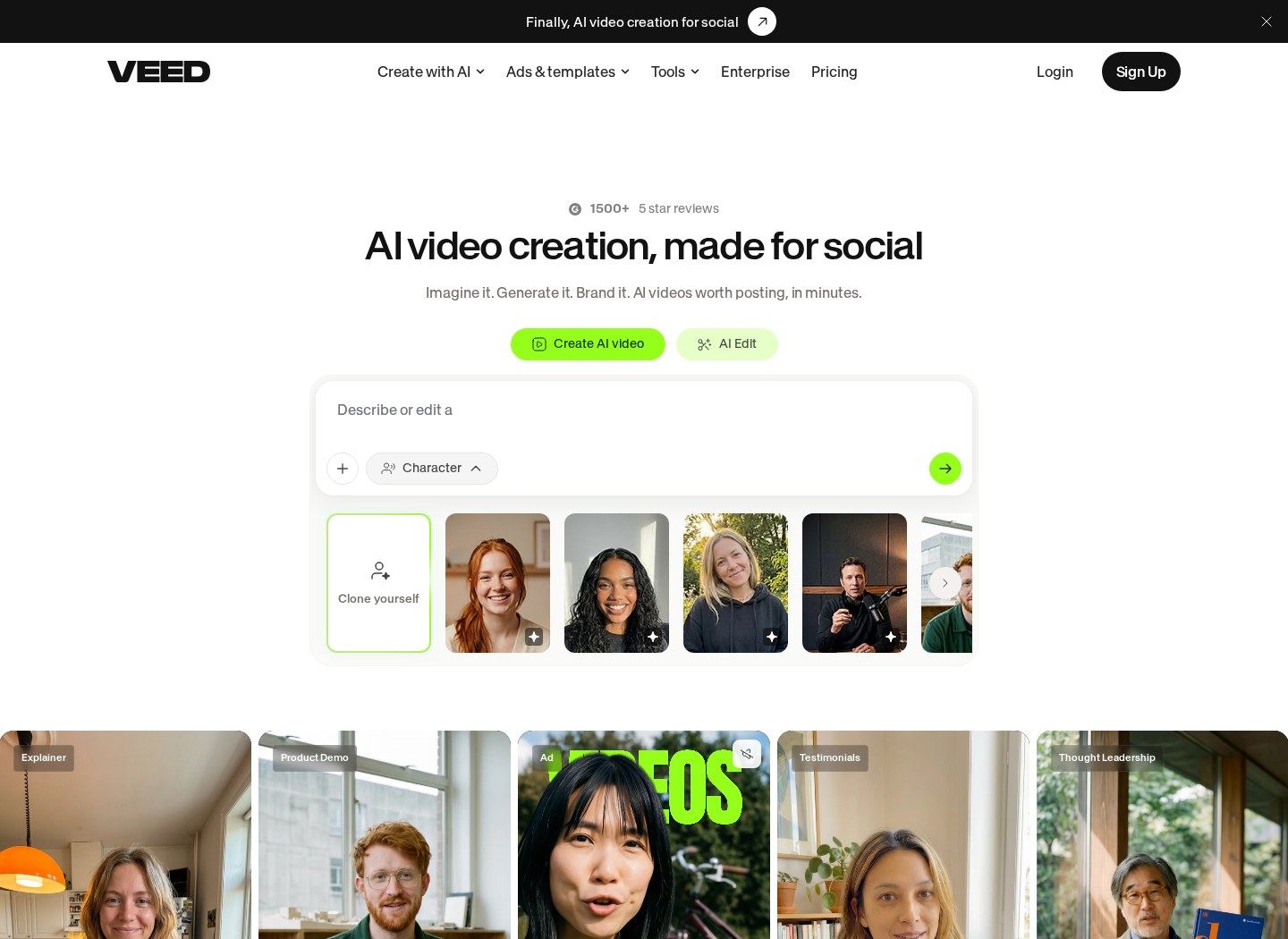
The best VEED alternatives for creators seeking browser-based video editing are CapCut Online, Descript, InVideo, and Runway. Each of these platforms excels in areas where VEED might feel limited, such as advanced timeline control, automated transcription workflows, or generative AI art tools. Choosing the right one depends on whether you edit by manipulating audio waveforms, cutting text transcripts, or typing prompts for automatic generation.
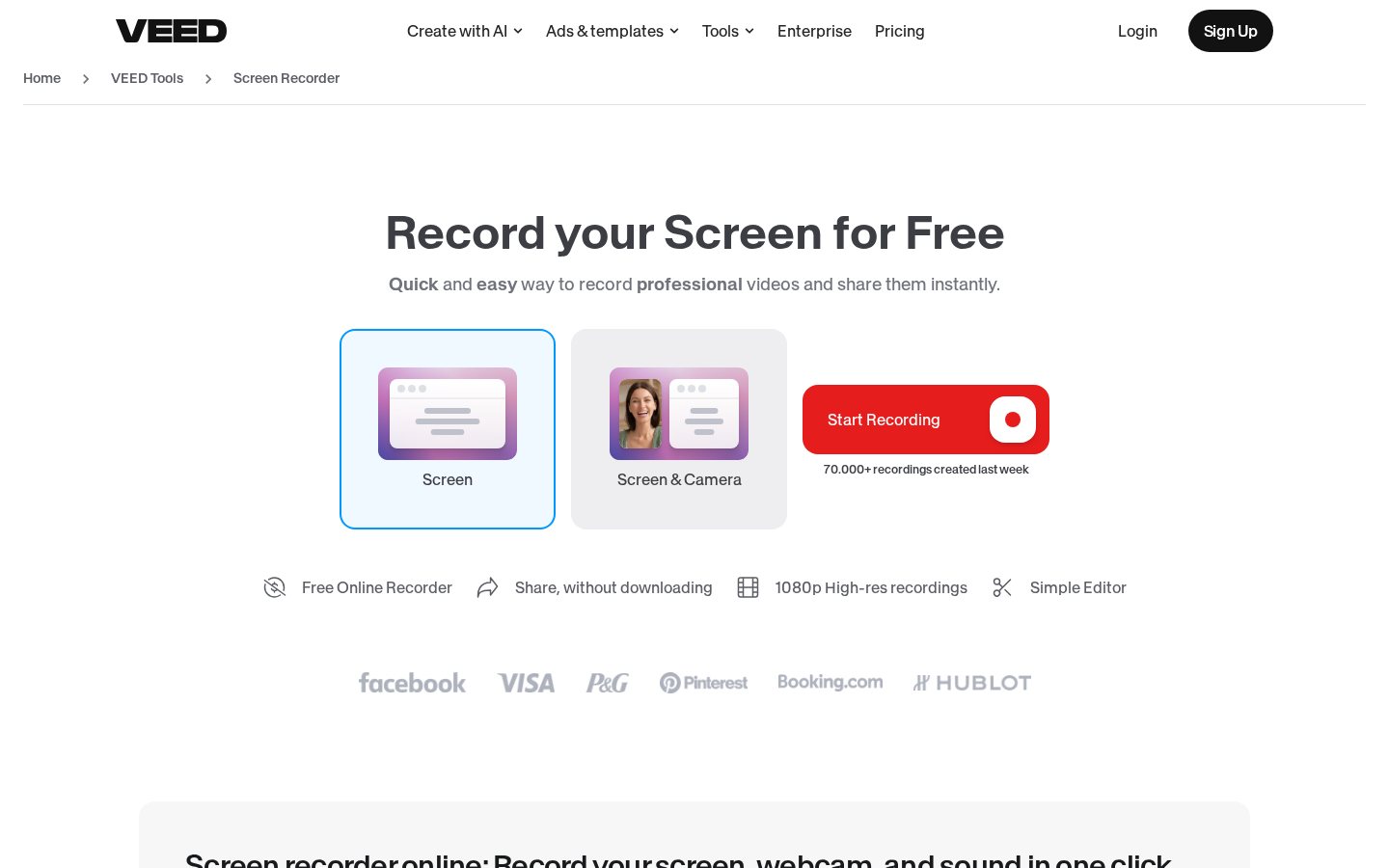
While VEED remains a popular entry point, as explored in our VEED Review 2026: Pricing, Free Plan and Who It's For, its rendering speeds can sometimes stall on larger projects. Creators often seek alternatives when their production demands more robust multi-track capabilities or advanced styling options that do not lag during long browser sessions.
Understanding the practical differences between these browser-based and desktop hybrid systems is essential. By comparing how they handle text editing, automatic captioning, and timeline operations, you can bypass frustrating export delays and choose a tool that matches your precise editing speed.
Watch it in action
The Subtitle and Captioning Interface
Automating captions is one of the primary reasons creators turn to web-based video platforms. In a typical captioning interface, you upload a raw file and wait for an AI model to parse the speech into timed text. VEED has long been known for its simple captioning generator, but alternatives have developed more specialized tools for styling and synchronization. For instance, CapCut Online provides extensive presets for kinetic typography that animate text in sync with vocal emphasis automatically.
When working with transcription screens, the main issue is edit latency. In some tools, clicking a word to correct a misspelling takes several seconds to update on the preview canvas. If you find yourself correcting a lot of technical jargon or industry-specific terms, you need an editor with a highly responsive text-correction sidebar. Some programs allow you to upload custom dictionaries or glossary lists before transcribing, saving hours of manual correction on the back end.
For those who rely heavily on subtitles to drive engagement on social media, the visual styling of the text is just as important as the accuracy. Some platforms restrict you to a handful of basic fonts and simple background blocks. If you want to build a distinct brand identity, look for tools that support custom font uploads and allow you to save global text styles as reusable templates across different projects.
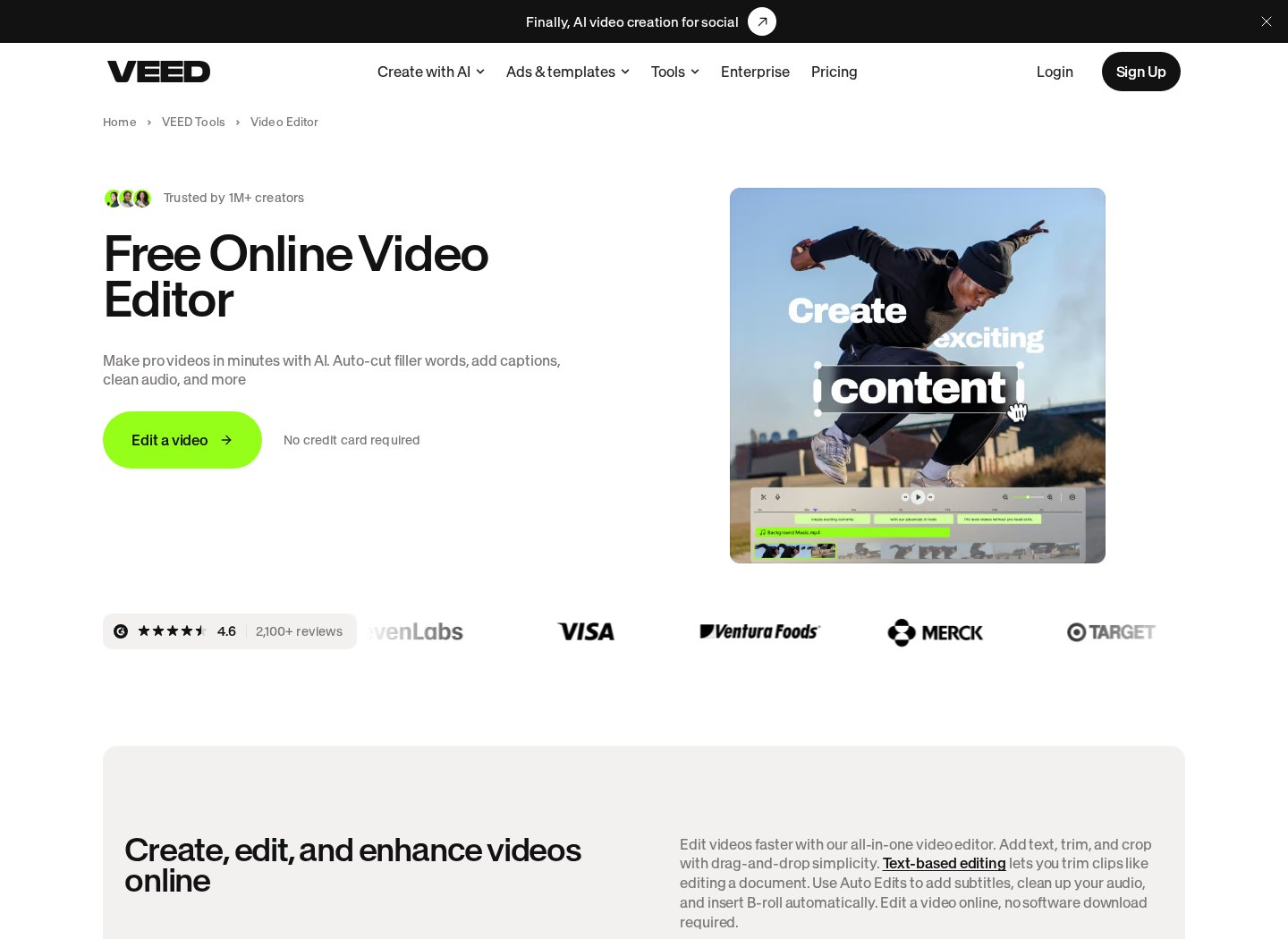
The Multi-Track Timeline Screen
The timeline is the engine room of any video editor. In a standard non-linear editor, the timeline layout determines how easily you can layer background music, sound effects, voiceovers, b-roll, and main footage. VEED uses a simplified timeline that can feel restrictive when you attempt to build complex sequences with multiple overlapping elements. When your projects grow beyond simple cuts, a more robust multi-track timeline screen becomes necessary.
CapCut Online offers a traditional, responsive timeline layout that handles complex layering with ease. CapCut Online provides a highly responsive multi-track timeline that magnetizes clips to prevent accidental gaps while still allowing you to overlap multiple audio and video tracks. The system feels snappy, even when editing high-definition footage in a standard web browser window. This makes it a great choice for YouTube creators who cut highly edited video essays.
On the other hand, Clipchamp offers a native Windows application that mirrors this timeline experience without relying entirely on browser performance. This hybrid approach helps when working with large local files, as it minimizes the need to upload gigabytes of footage before you can start cutting. The timeline controls remain visible and functional even during background processing, preventing the editing screen from freezing up.
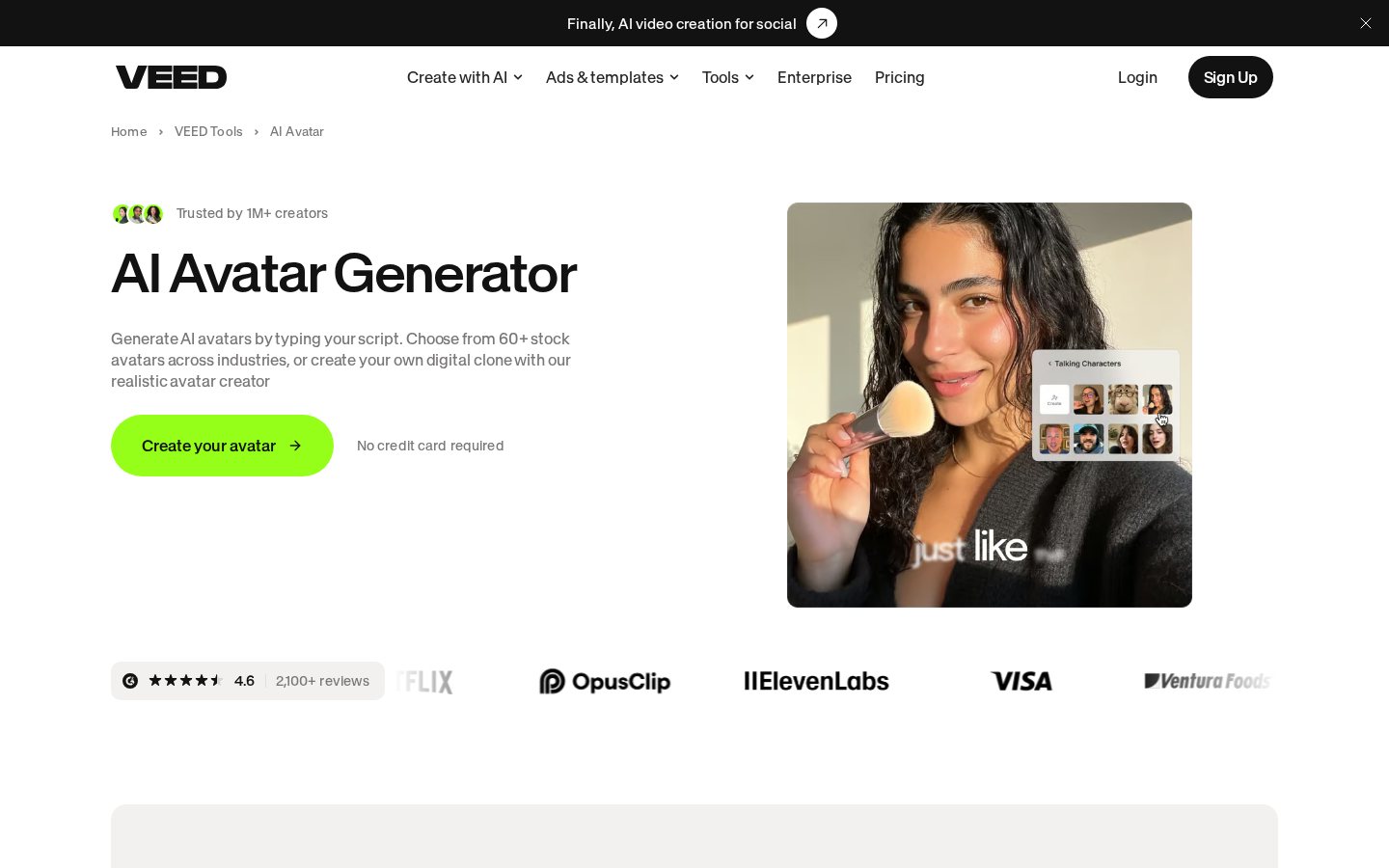
The Text-Based Video Editing Dashboard
Editing video by deleting words in a written transcript is a radical departure from traditional timeline slicing. This workflow turns the video editor into a text document editor, making it incredibly intuitive for podcasters and talk-show creators. While VEED offers basic text-editing capabilities, Descript is the pioneer of this specific interface design. To see how the original platform stacks up in detail, you can read our comprehensive VEED Review 2026: Pricing, Free Plan and Who It's For.
In the Descript dashboard, the left pane displays a complete transcription of your audio, while the right pane shows your video preview. Descript uses a document-based workflow where editing text edits the video instantly. If you highlight and delete a sentence in the script, the corresponding video and audio frames are trimmed from the timeline automatically. This eliminates the need to zoom in on complex waveforms just to remove filler words.
This text-centric workflow also introduces advanced audio-cleaning tools. For example, you can identify filler words like 'um' or 'uh' with a single click and delete them globally across the entire project. While VEED has introduced similar features, Descript's dedicated focus on transcription accuracy and multi-speaker identification makes it far more reliable for long-form dialogue editing. It changes editing from a visual chore into a simple reading and writing exercise.
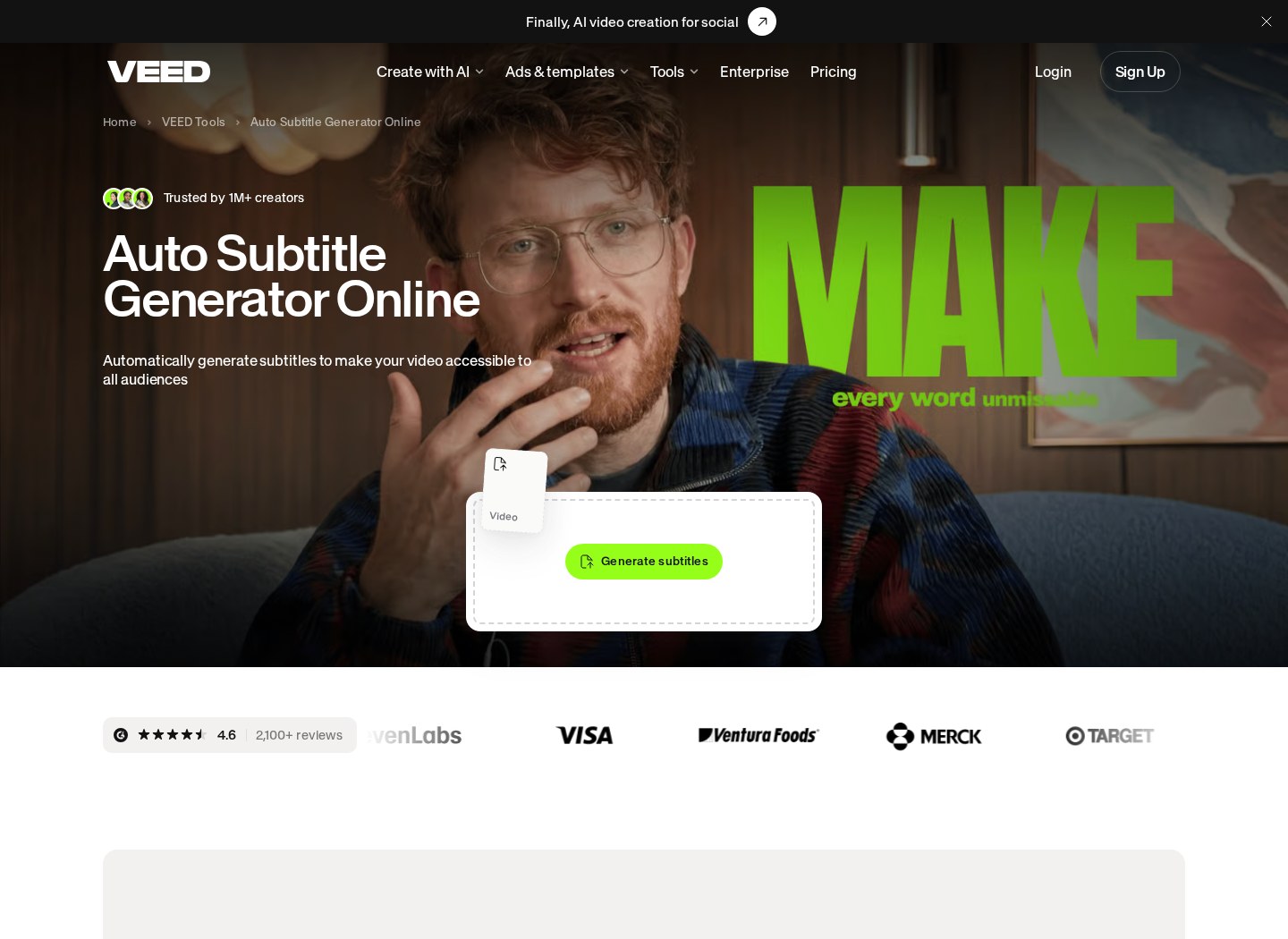
The Generative AI and Text-to-Video Workflow
Sometimes you do not have any footage to start with and need to build a video entirely from a script. In this scenario, generative AI tools take center stage. Rather than editing existing clips, the workflow starts with a text prompt that the system uses to generate raw assets, voiceovers, and layout designs. This is where specialized platforms like InVideo AI and Runway diverge significantly from VEED.
InVideo AI specializes in turning written prompts into complete drafts by automatically selecting stock footage, generating a voiceover, and applying relevant captions. You simply type a description of the video you want, and the generator constructs a fully assembled timeline. You can then edit the video by typing instructions in a chat box, such as instructing the system to change the background music or replace a specific clip.
For creators who want to push the boundaries of visual style, Runway offers advanced video generation models. Instead of using standard stock footage, Runway generates unique synthetic video clips based on text descriptions or reference images. This workflow is highly experimental and ideal for creating surreal b-roll generation or unique visual effects that would be impossible to shoot in real life. VEED's built-in AI tools are far more conservative in comparison.
How to Choose Your Next Video Editor
Selecting the right video editor requires analyzing your specific production bottlenecks. Creators often make the mistake of choosing a platform based on flashy features they will never use. Before moving to a new service, monitor your daily timeline tasks and note where you experience the most resistance. If you spend hours correcting spelling errors in automatic captions, your bottleneck is text editing, not timeline responsiveness.
Next, evaluate how the platform behaves under heavy file loads. A browser-based tool might work perfectly with small files but stall when processing larger high-definition clips. Upload a typical five-minute video file to test the performance of the timeline preview canvas. If the playback stuttering forces you to lower the preview quality constantly, look for a tool with a dedicated offline application or better proxy file handling.
Finally, review the built-in asset library and export policies. Make sure the media library matches your creative aesthetic, as relying on external stock databases can slow down your delivery speed significantly. Check the rendering settings to ensure you can export in your required file formats and aspect ratios. Some platforms restrict high-definition exports to their highest tiers, making them less practical for independent creators.
Which VEED Alternative Should You Pick?
To help you decide which tool fits your daily production schedule, it is useful to compare their main practical capabilities directly. Each platform organizes its workflow around a specific core strength, meaning the right choice depends heavily on how you work. Let us look at how these prominent alternatives stack up against VEED across three essential design aspects.
Comparing these tools directly reveals clear functional differences: - Timeline Control: CapCut Online does responsive multi-track layering, VEED does simplified single-track edits. - Audio Editing: Descript does text-based transcript editing, VEED does manual visual cutting on a waveform. - AI Generation: InVideo does prompt-to-video draft generation, VEED does clip-by-clip modification of uploaded files.
Ultimately, the best VEED alternatives focus on specific creative workflows rather than trying to be a one-size-fits-all solution. If you need standard social media editing with rich templates, choose CapCut. For dialogue-heavy podcasts, select Descript. If you need prompt-driven drafting, go with InVideo. Choose an alternative based on your primary production bottleneck to ensure your new software actually speeds up your editing schedule.
Frequently asked

Some links are affiliate links: we may earn a commission if you sign up or buy through them, at no extra cost to you. Affiliate disclosure