Can You Use Pollo AI for Commercial Work?
Understand the licensing terms, subscription tiers, and watermarking rules of Pollo AI before using its generated videos in commercial projects.
Some links are affiliate links: we may earn a commission if you sign up or buy through them, at no extra cost to you.
On this page8 sections
The short answer
- Paid plans grant full commercial rights for generated video outputs.
- Free tier videos feature permanent watermarks and are restricted to personal use.
- Commercial rights persist for generated videos even if you cancel your subscription later.
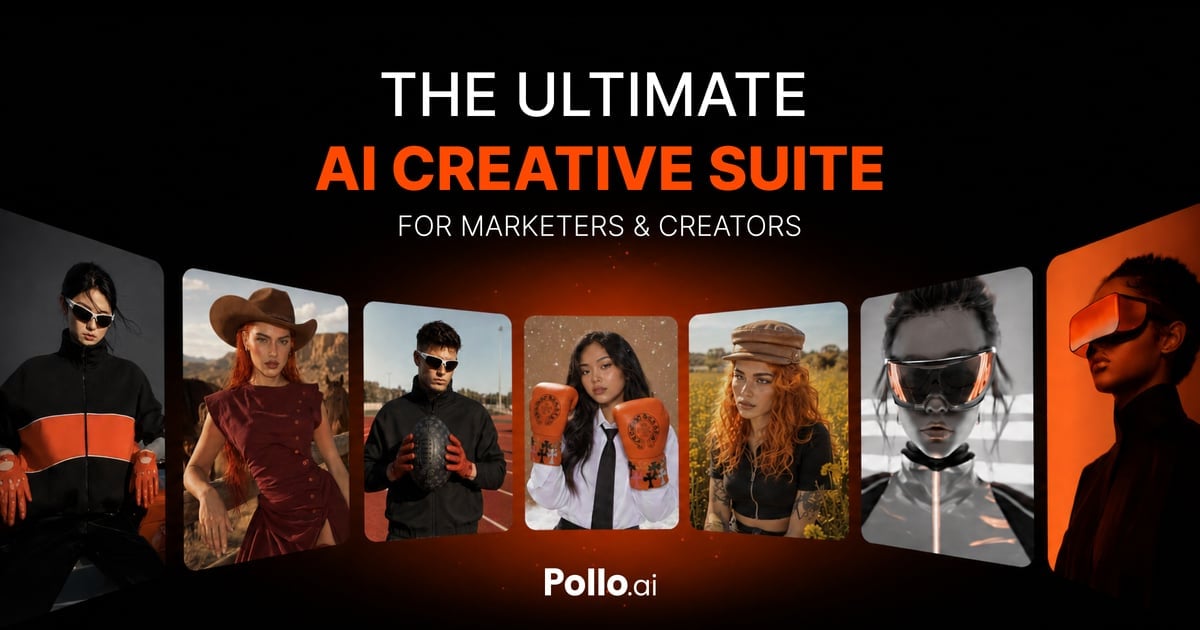
Yes, you can use Pollo AI for commercial work, but only if you generate your videos under an active paid subscription tier. Free tier accounts are strictly limited to personal, non-commercial use and include visual watermarks that you cannot legally use for business. For video editors, marketing agencies, and social media creators, understanding where the line is drawn between personal experimentation and commercial deployment is vital. Let's look at how the license changes when you upgrade.
Decoding the Pollo AI Terms of Service
To use Pollo AI for marketing campaigns, promotional videos, or monetized YouTube channels, you must navigate the platform's licensing framework. The software platform separates its users into free and paid tiers, which directly dictates your legal rights. Under the standard user agreement, any video generated using a free account remains under a non-exclusive, personal-use license. This means you cannot display these videos on business websites or use them to generate revenue. To access business rights, you must upgrade to one of the premium tiers. When you pay for a subscription, Pollo AI transfers the operational rights of the output videos to you, allowing you to utilize them in client work, digital advertisements, and broadcast media. However, you must ensure that your input materials—such as prompt scripts, uploaded images, or reference videos—do not violate third-party trademarks or copyrights, as the platform does not assume liability for input violations. Understanding the distinction between ownership and licensing is crucial when deploying AI tools in professional workflows. While you hold the rights to use the generated video commercially under a paid plan, the platform may still retain the right to use your generations for model training or internal development, depending on your account settings. Reviewing these toggles in your profile is a necessary step before launching client campaigns.
Navigating the Pollo AI Creation Interface
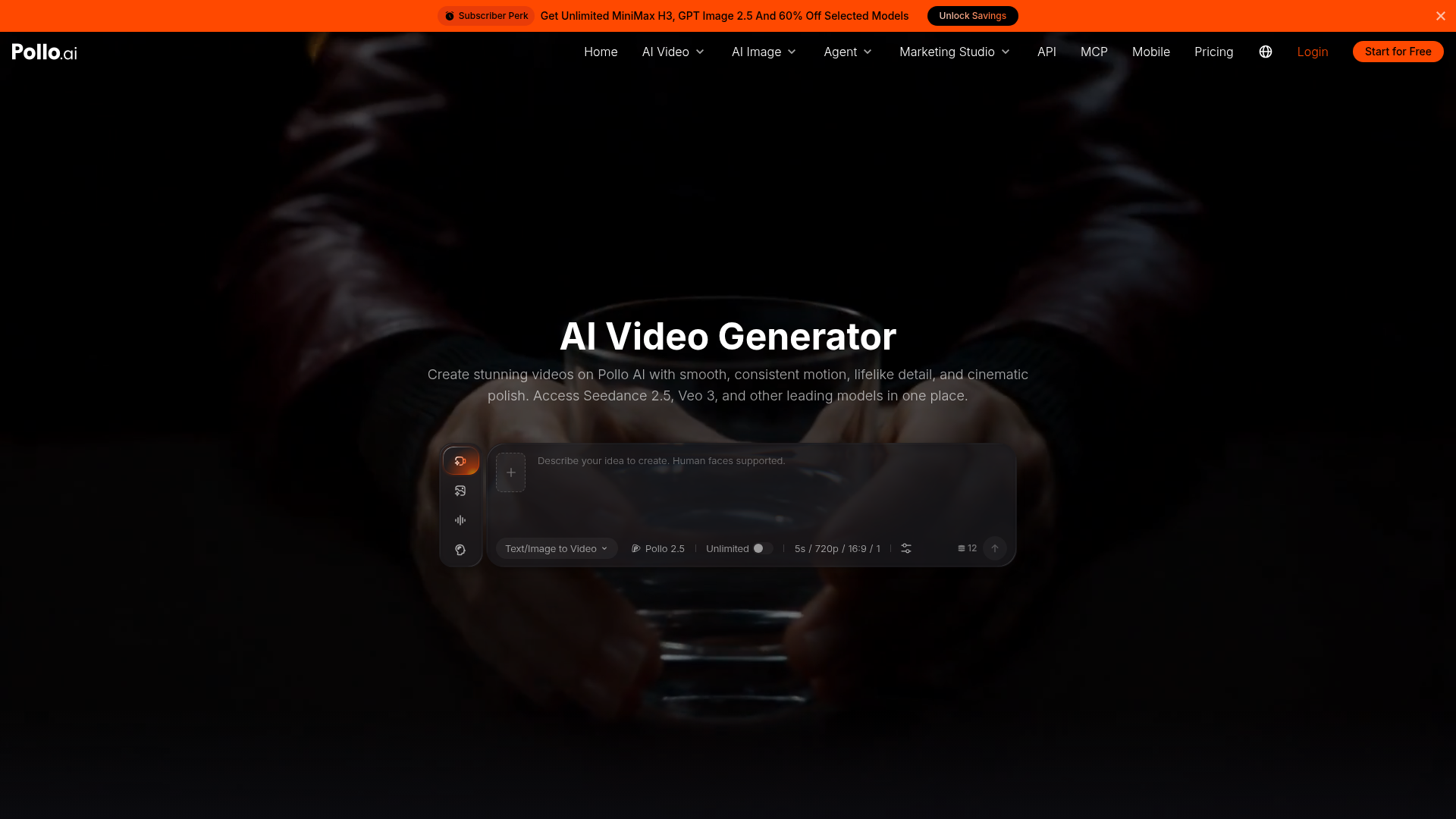
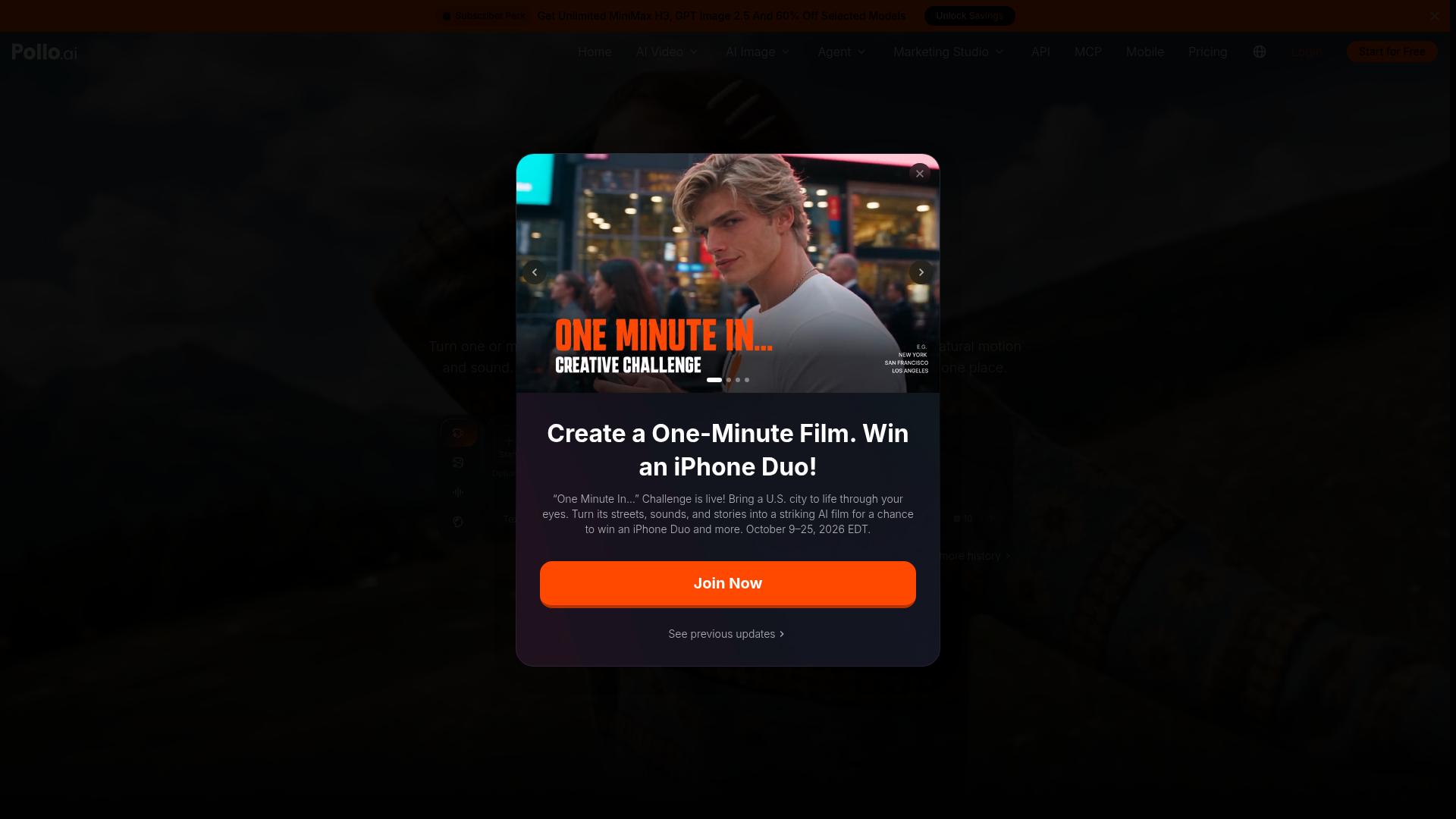
The main creation workspace is where your commercial workflow begins. When you log in, the interface displays your available generation credits at the top of the screen, which helps you monitor your budget for client projects. If you are on a free tier, a warning banner will typically remind you that outputs are limited to non-commercial projects and will feature a visible watermark in the corner of the video. To prepare a video for commercial distribution, you must set your generation parameters carefully within the control panel. This panel lets you select the resolution, aspect ratio, and motion intensity. For professional projects, choosing the higher resolution output options ensures your media looks clean on large screens and social feeds. Keep in mind that higher-quality generations consume more system credits from your monthly pool, making efficient prompt planning essential. Furthermore, the advanced settings tab allows you to input negative prompts to prevent unwanted visual artifacts. By defining what elements the generator should exclude, you save credits and avoid generating unusable files. The interface also displays your processing queue, allowing you to track multiple render tasks simultaneously, which is highly beneficial when managing tight client deadlines.
How to Export Commercial-Ready Video
Exporting your final files requires specific steps to ensure your files do not carry promotional branding or restrictive licenses. This workspace operates with specific visual indicators to show whether an output is cleared for commercial deployment. Follow these steps to properly render and download your assets for business use. 1. Select your target generation from the history gallery on the main dashboard to open the detailed file view. Look for the project details panel to verify the clip does not contain any active personal-use restrictions. 2. Choose the maximum available export resolution to ensure the output matches professional broadcast or web standards. Avoid utilizing low-resolution preview files, as these may still contain embedded trial markings. 3. Verify the watermark removal toggle is active before initiating the final render sequence. This step is only available to users with active paid plans and is required to clear the visual frame. 4. Click the download button to save the MP4 or WebM file directly to your local workstation. Once saved, you can safely import the asset into your professional video editing software for final post-production. 5. Store your subscription receipt and generation log in your project files as a reference of legal clearance. This documentation is highly useful if you ever need to resolve a platform copyright claim or verify licensing for client projects.
What Happens to Rights After Subscription Cancellation
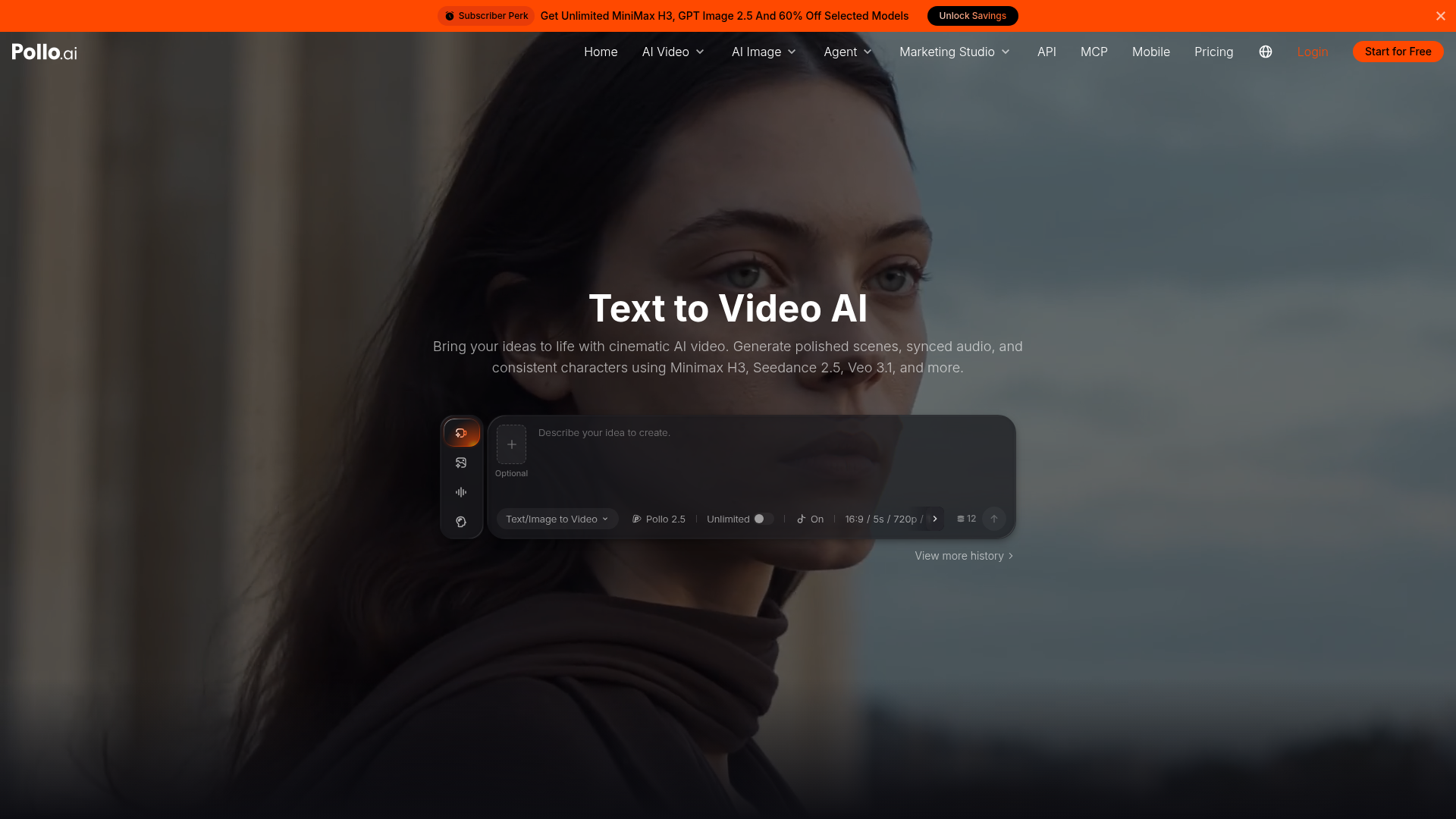
A common point of confusion for digital creators is whether they can continue using their videos after they stop paying for their monthly plan. According to the platform's standard licensing rules, any video generated during an active paid subscription retains its commercial license indefinitely. This means you do not need to maintain an ongoing subscription to keep your past promotional campaigns or monetized videos online. However, the situation changes immediately once your account reverts to the free tier. Any new videos you generate after your subscription ends will fall under the personal-use license and will feature the default brand watermark. If you need to produce additional assets for your business, you will have to reactivate your paid tier to secure the necessary rights for those new files. To understand more about how these billing cycles work, check out our Pollo AI Review 2026: Pricing, Credits and Who It's For to see how different tiers handle rollover credits and system limits. Keeping track of your billing dates ensures you do not accidentally generate commercial assets on a downgraded account, which could lead to copyright complications down the road.
Managing Copyright and Third-Party Assets
While your subscription grants you the commercial rights to the video outputs, it does not shield you from third-party copyright claims if your inputs violate existing trademarks. For example, if you upload a copyrighted image or refer to a protected intellectual property in your prompt, the resulting video could still face legal challenges. The commercial license only covers the technology platform's own claims on the generated output, not the external assets you feed into it. To minimize risk, always utilize royalty-free or custom-designed assets when feeding images or reference videos into the generation engine. If you are creating promotional content for a brand, ensure you have written permission to use their logos and product designs within the AI model. This step prevents trademark disputes and ensures your client work remains legally secure. Additionally, be mindful of music and voiceovers added during post-production. The video files exported from the generator are typically silent. If you intend to run ads or post to monetized social channels, you must source your accompanying audio tracks from libraries that offer valid commercial synchronization licenses.
Choosing Your Path: Free vs Paid for Businesses
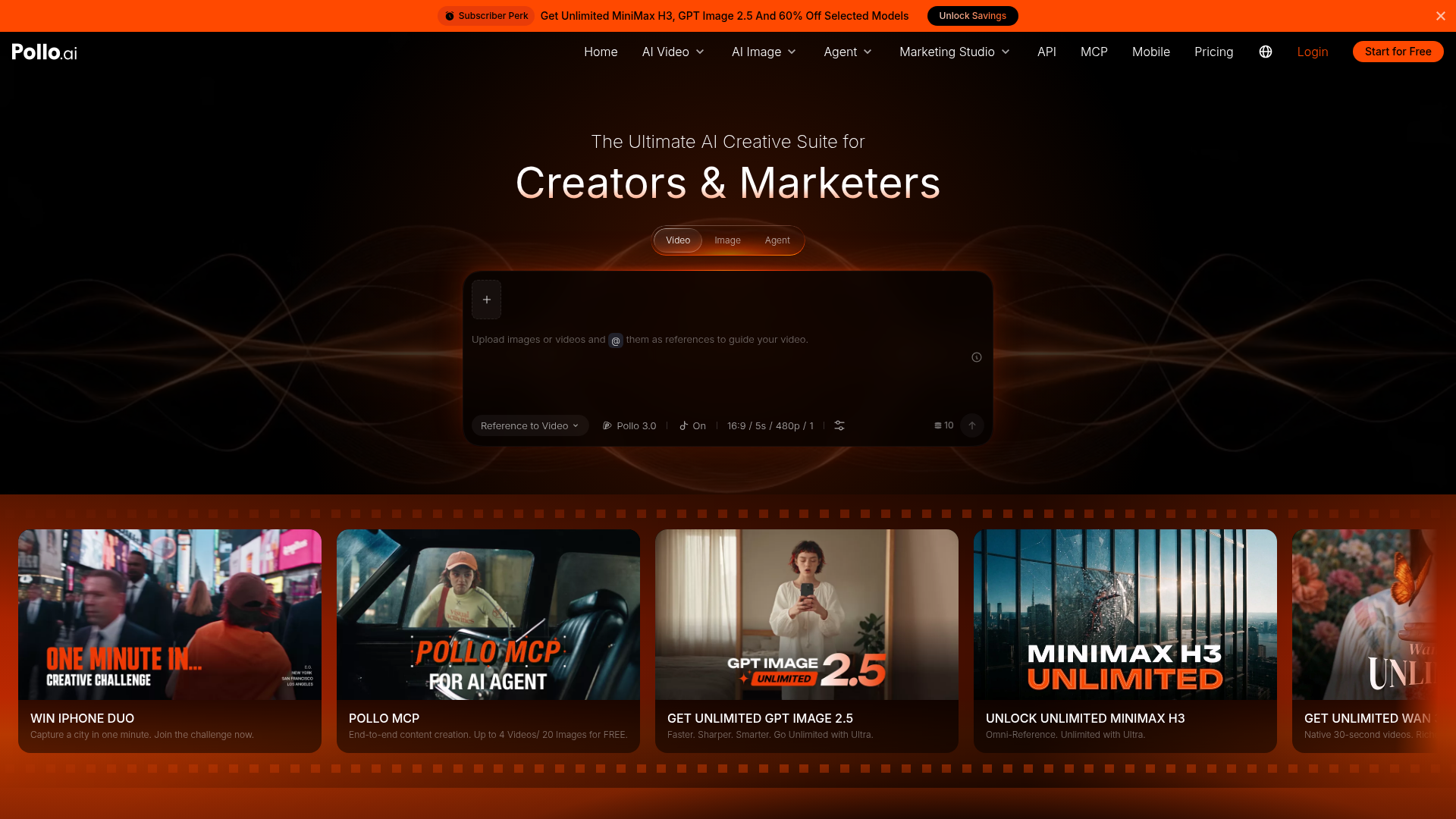
Deciding whether to stick with a basic account or upgrade depends heavily on your monthly video output requirements and how you intend to share your creations. If you are a casual creator experimenting with AI video generation for fun, the free tier offers a risk-free way to test the system controls and visual capabilities. You will have to accept the watermark and the personal-use restriction, but this is perfectly fine for social sharing among friends. On the other hand, if you are a professional editor, agency owner, or independent marketer, upgrading to a paid tier is mandatory. The ability to remove the watermark is essential for maintaining a professional brand image, and the commercial license protects your business from legal liabilities. To see a detailed comparison of the features available at each tier, check our comprehensive Pollo AI Review 2026: Pricing, Credits and Who It's For. For most businesses, starting with a mid-tier monthly subscription provides a balanced pool of generation credits to handle normal client demands. If your workload fluctuates throughout the year, look for flexible subscription options that allow you to pause or upgrade as your commercial needs shift.
Frequently asked
As an Amazon Associate I earn from qualifying purchases. This does not affect the price you pay. Affiliate disclosure