Can You Use VEED for Commercial Work? Rules Explained
Using VEED for business videos requires understanding plan limits, stock media licensing, and how to remove watermarks before publishing.
Some links are affiliate links: we may earn a commission if you sign up or buy through them, at no extra cost to you.
On this page8 sections
- 1The short answer
- 2The Workspace Interface and Plan Limitations
- 3Navigating the Media Library and Asset Licenses
- 4How to Set Up Your First Commercial Project
- 5The AI Toolsuite and Voiceover Generation
- 6Collaborating and Sharing with Client Teams
- 7Choosing Between Free and Paid Commercial Workflows
- 8Frequently asked
The short answer
- Paid plans grant watermark-free video downloads suitable for clean commercial and promotional usage.
- Stock audio, video, and avatars carry specific usage rights tied to your active subscription level.
- Free accounts are meant for personal testing due to permanent watermarks on final video exports.
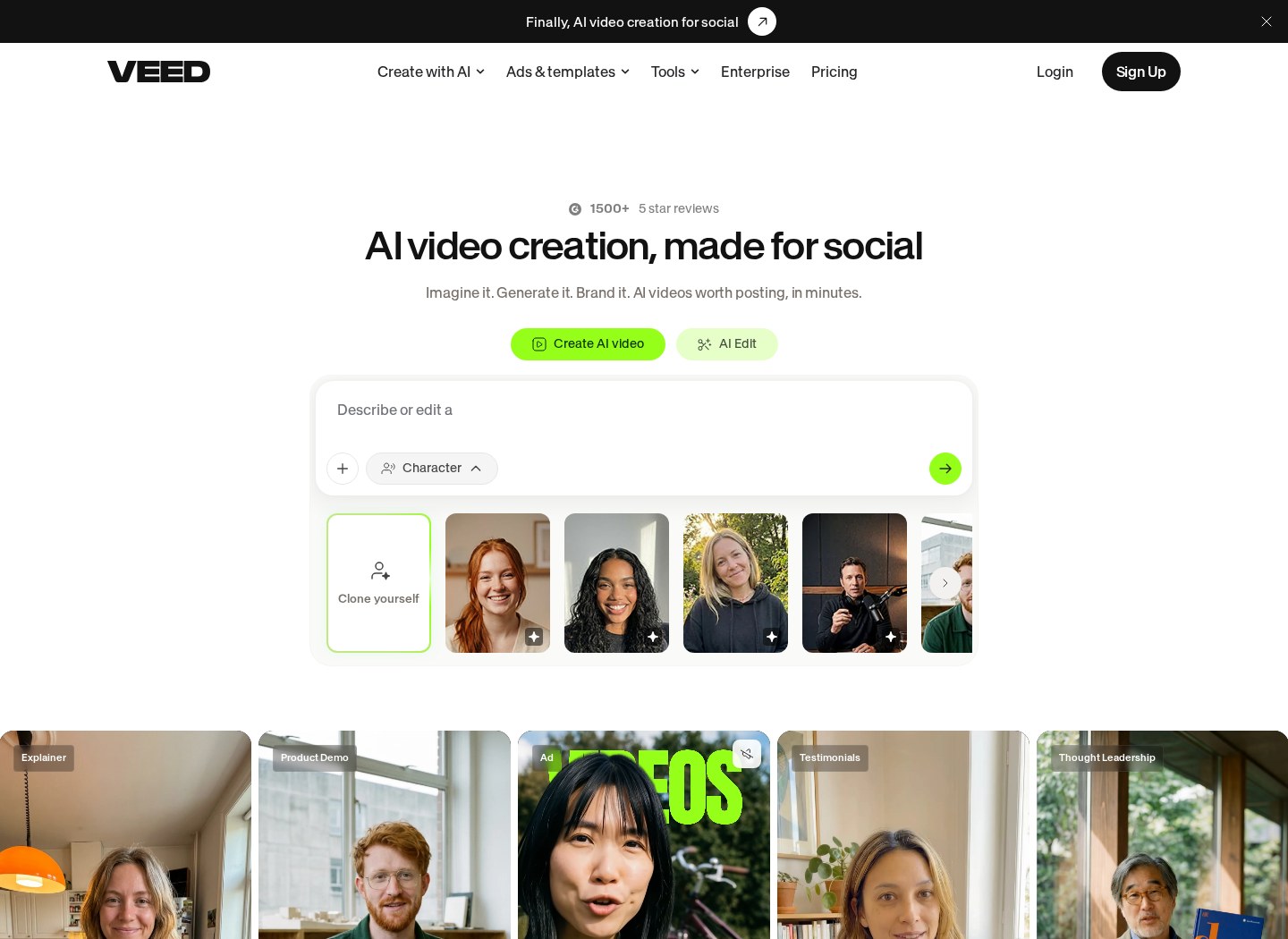
Yes, you can use VEED for commercial work, provided you subscribe to a paid plan and adhere to the licensing terms for built-in stock media assets. The free version leaves a watermark on your video, which generally makes it unsuitable and legally restricted for commercial distribution. Creating promotional content, video ads, or client projects requires a clear path to licensing. By choosing the right plan and respecting the digital assets within the software, you can safely deploy these videos across various marketing platforms. Check out our comprehensive VEED Review 2026: Pricing, Free Plan and Who It's For to see how the software fits into your budget and creator goals.
Watch it in action
The Workspace Interface and Plan Limitations
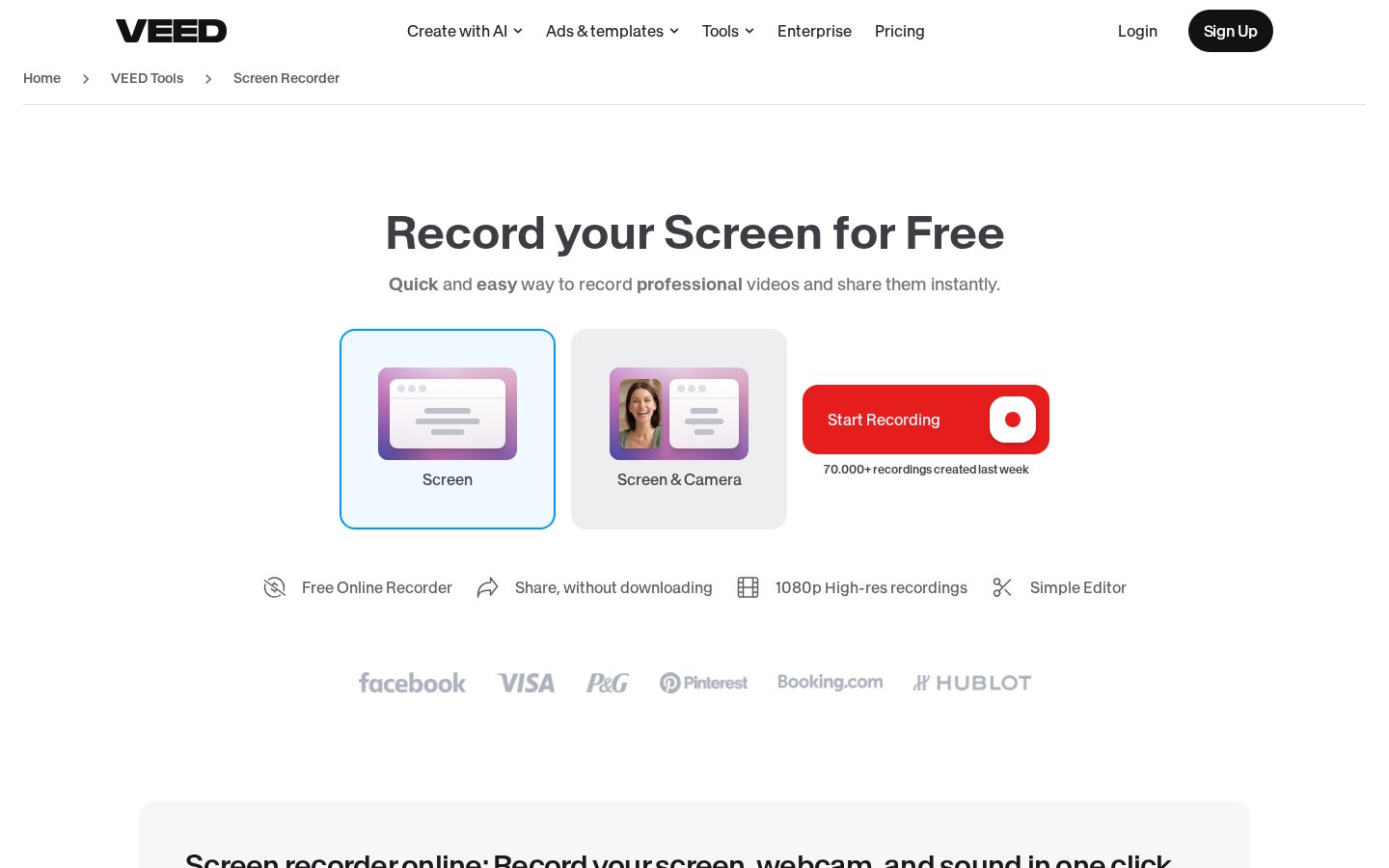
When you first log into the browser-based video workspace, you are greeted by the main project dashboard where you upload raw footage or select a template. If you use the free tier, the editor allows access to basic trimming tools, text overlays, and automated subtitle generation. However, any export from this free environment will carry a permanent brand watermark in the corner of your screen. To produce clean, unbranded videos for marketing campaigns, client handoffs, or digital storefronts, you must upgrade your account. Removing this watermark is not just an aesthetic upgrade; it is a primary requirement for establishing professional credibility. The paid plans provide access to higher export resolutions and clean layouts that align with corporate brand guidelines. Navigating the workspace settings menu allows you to set default brand kits, upload custom fonts, and store company logos. These workspace features are essential for marketing agencies that produce hundreds of social media clips. For a complete look at how these account tiers differ, read our VEED Review 2026: Pricing, Free Plan and Who It's For analysis.
Navigating the Media Library and Asset Licenses
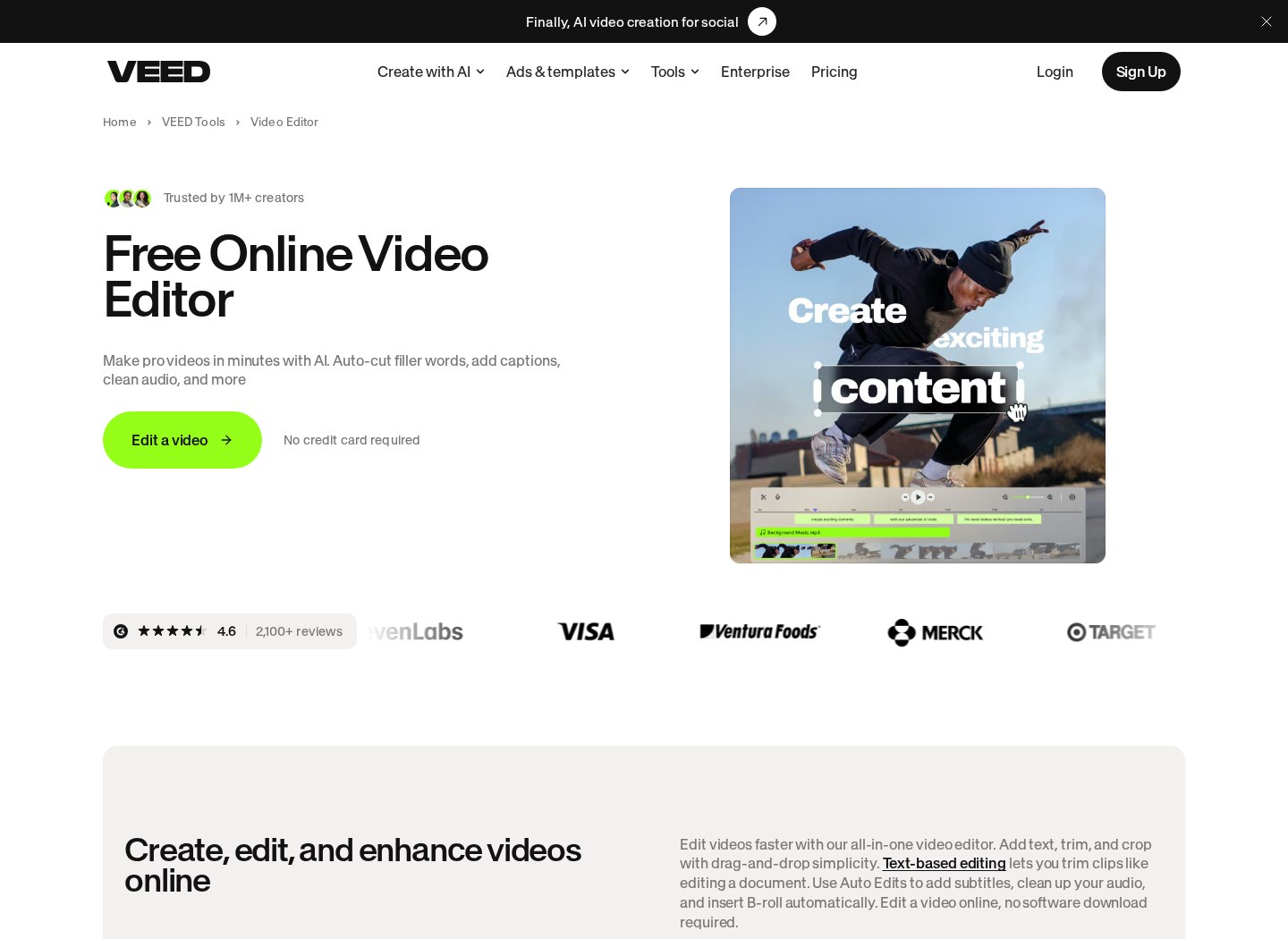
The left-hand sidebar contains the media library tab, which hosts thousands of stock video clips, audio tracks, and sound effects. When building a commercial video, you might rely heavily on these assets to fill gaps in your footage. It is vital to recognize that these files are managed under a specific digital rights management framework built into the platform agreements. Using these stock audio, video, and avatars is fully permitted for commercial projects, but only if they are edited and exported directly inside your active, paid account. You cannot download the raw stock files separately to use them in external editing suites. The platform secures these licenses on your behalf for completed, exported files. For businesses managing client accounts, keeping track of these licenses is simple because the platform embeds the usage rights into your finished video file. If you plan on running paid ad campaigns on social channels, having these cleared assets prevents copyright strikes. Utilizing these assets correctly keeps your campaign safe from sudden takedown notices.
How to Set Up Your First Commercial Project
Starting a business-ready project requires a methodical approach in the editor to ensure compliance and visual appeal. To build a solid framework for your corporate videos and client presentations, you should follow this structured process: 1. Choose your aspect ratio. Select square or widescreen from the project settings panel to fit your social media platform. 2. Upload custom brand assets. Save your corporate fonts, primary brand colors, and company logo files to the asset manager. 3. Drag stock media onto the timeline. Utilize cleared footage and audio tracks from the library tab for quick production. 4. Generate automated captions. Use the built-in subtitle tool to create accessible text overlays for silent mobile viewers. 5. Export high-quality files. Select a premium output resolution in the render menu to generate a clean, watermark-free video. Managing these steps inside the cloud interface guarantees that your projects are structured consistently from start to finish. This workflow saves countless rendering hours for growing design departments.
The AI Toolsuite and Voiceover Generation
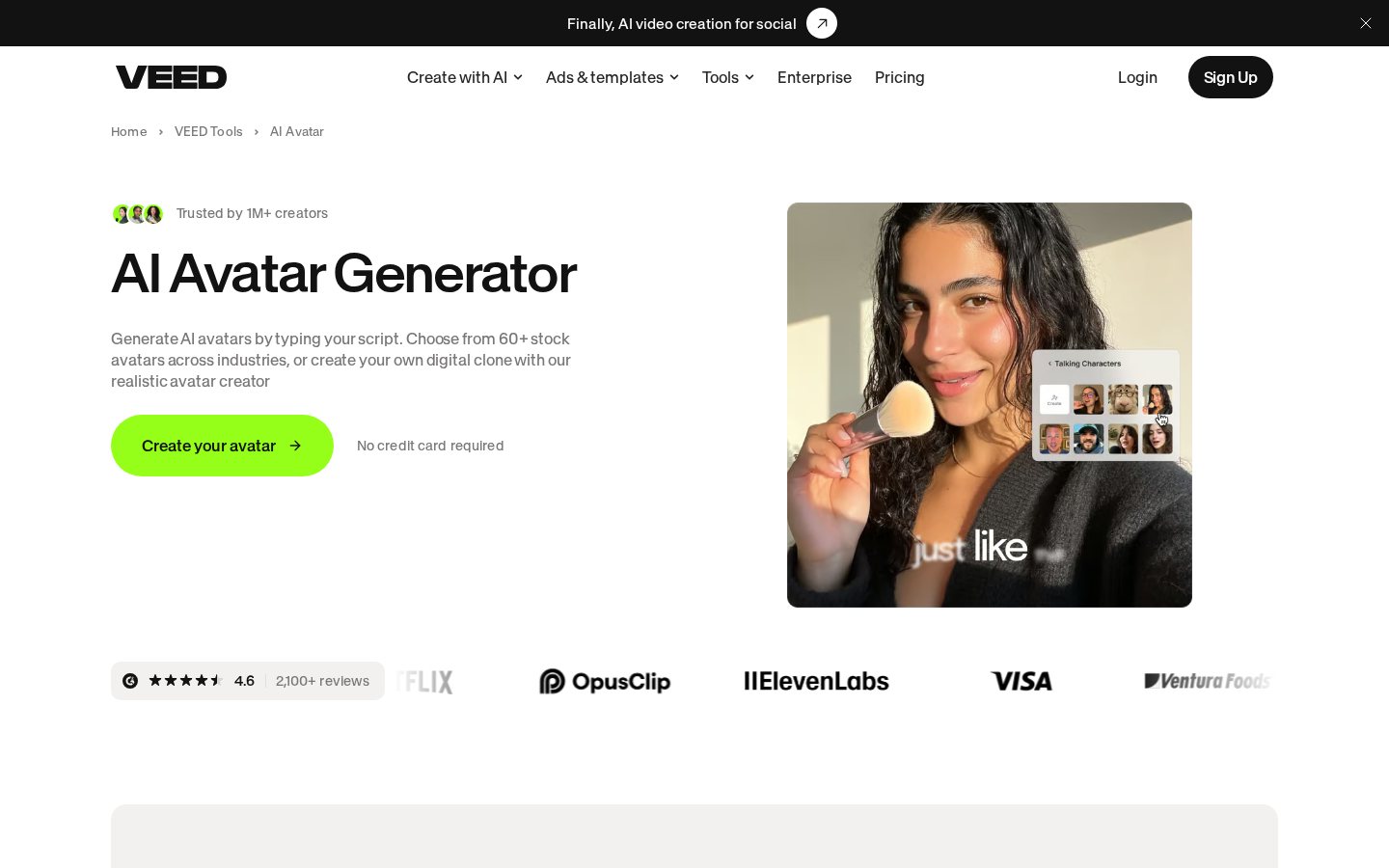
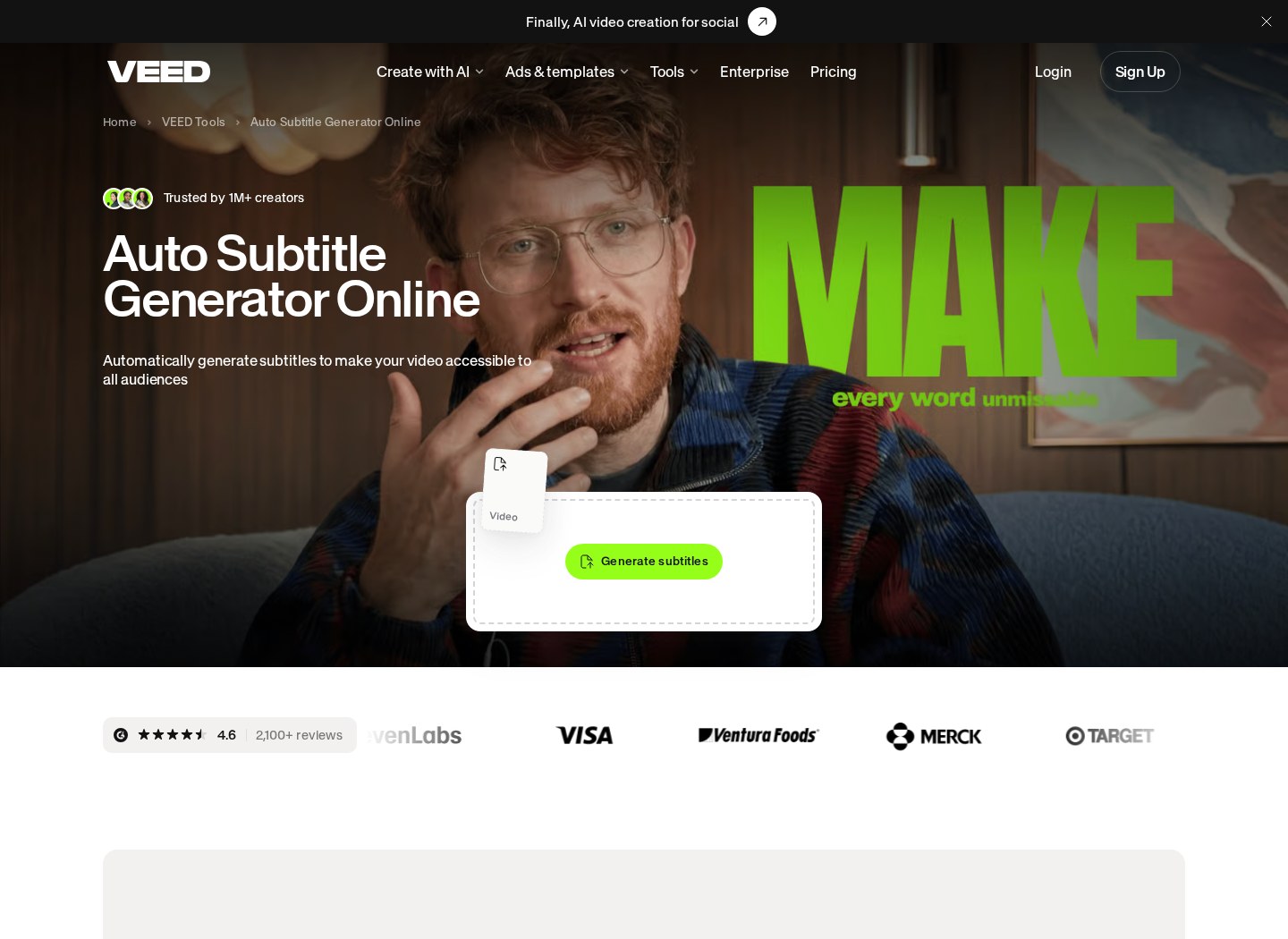
The platform features a robust suite of artificial intelligence tools, including an automated transcription tool and digital avatars. These tools live in a separate tab on the left-hand panel of the editor. Utilizing AI-generated voices or avatars allows small marketing teams to scale up production without hiring live actors or voice talent. From a commercial standpoint, the audio generated from the text-to-speech engine is cleared for use in your marketing videos. The AI tools synthesize speech that can be attached to your video timeline as a background track. However, you must ensure that the synthesized voices are not used to misrepresent real individuals or violate community guidelines. The AI features are designed to integrate seamlessly into rapid video creation cycles. When you generate subtitles or use translation tools, the platform handles the complex processing on its cloud servers. This means your local computer does not need heavy hardware to process high-resolution files.
Collaborating and Sharing with Client Teams
For agencies and freelance creators, the project sharing screen is where final reviews happen. The collaboration panel allows you to generate review links that clients can access without creating their own accounts. Clients can leave time-stamped comments directly on the video player, showing exactly where changes are needed. When you perform commercial work for a client, you might wonder who owns the final output. According to the platform terms, you retain the rights to any videos you assemble and create, which allows you to sell the final exported files to your clients. The client then receives the right to broadcast and publish that video on their own channels. To streamline this workflow, the platform supports multi-user workspaces where team members can edit the same project. If you manage multiple brands, you can organize your dashboard into separate folders for each client. For more details on team features and collaboration tools, check our VEED Review 2026: Pricing, Free Plan and Who It's For.
Choosing Between Free and Paid Commercial Workflows
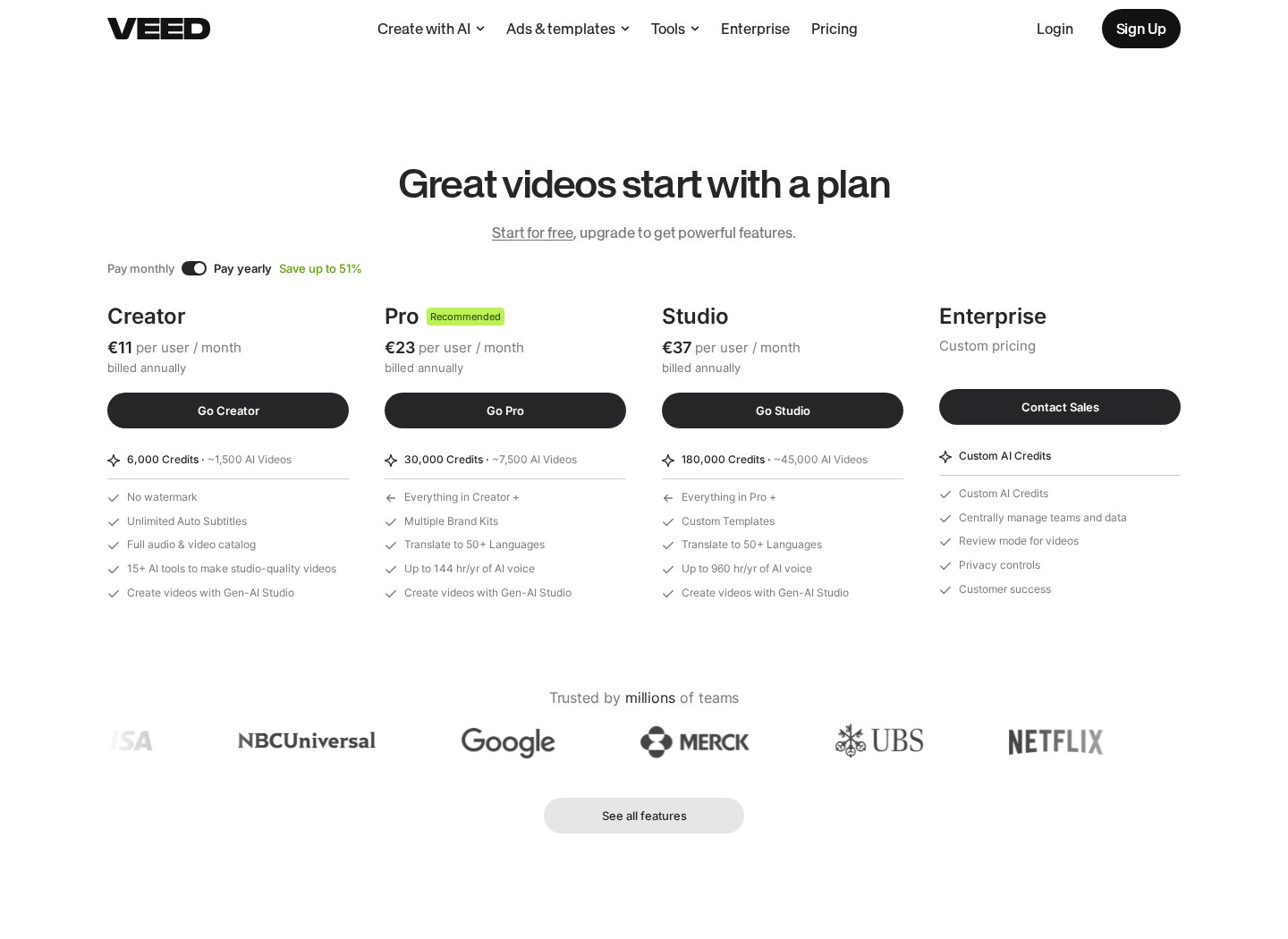
Deciding whether to build your corporate projects on this browser platform depends heavily on your production scale. While a free setup allows basic testing, serious creators require a commercial environment. Let us examine how the different workspace settings align with your operational needs: - Aspect: Licensing: Free users receive watermarked files meant only for personal experimentation, whereas paid subscribers get clean exports cleared for promotional campaigns. - Aspect: Stock Media: Free accounts have limited stock access, while paid plans provide a broad library of cleared audio, video, and stock characters. - Aspect: Subtitle Generation: Free setups restrict transcription minutes, whereas commercial options provide extended monthly rendering hours. - Aspect: Collaboration: Individual tiers restrict team edits, while corporate solutions allow real-time shared workspaces for agencies. Ultimately, if your business depends on frequent, professional, and rapid social media output, setting up a paid commercial pipeline is a necessary step. The visual cleanliness and asset licensing protect your business from legal complications. To weigh your options thoroughly, read our VEED Review 2026: Pricing, Free Plan and Who It's For guide to make an informed choice.
Frequently asked
As an Amazon Associate I earn from qualifying purchases. This does not affect the price you pay. Affiliate disclosure