
Can You Use GetResponse for Commercial Work? Guide
Scale your business operations using GetResponse email tools while staying compliant with commercial sending laws and platform rules.

Some links are affiliate links: we may earn a commission if you sign up or buy through them, at no extra cost to you.
On this page8 sections
- 1The short answer
- 2Navigating the Commercial Account Dashboard
- 3Configuring Your Custom Sending Domain
- 4Building Automation Workflows for Sales Funnels
- 5Managing Subscriber Lists and Contact Consent
- 6Connecting E-Commerce Stores and External CRMs
- 7GetResponse vs Standard Email Clients: Which to Choose
- 8Frequently asked
The short answer
- GetResponse is built for commercial use, supporting sales, newsletters, and business automation workflows safely.
- Senders must respect anti-spam regulations, list hygiene standards, and opt-in laws to protect deliverability.
- E-commerce and CRM integrations allow automated customer tracking across multiple commercial digital storefronts.

Yes, GetResponse is fully built for commercial work, allowing businesses to sell products, run promotional campaigns, and automate outreach. The platform provides specific tools designed to help commercial senders grow their revenue.
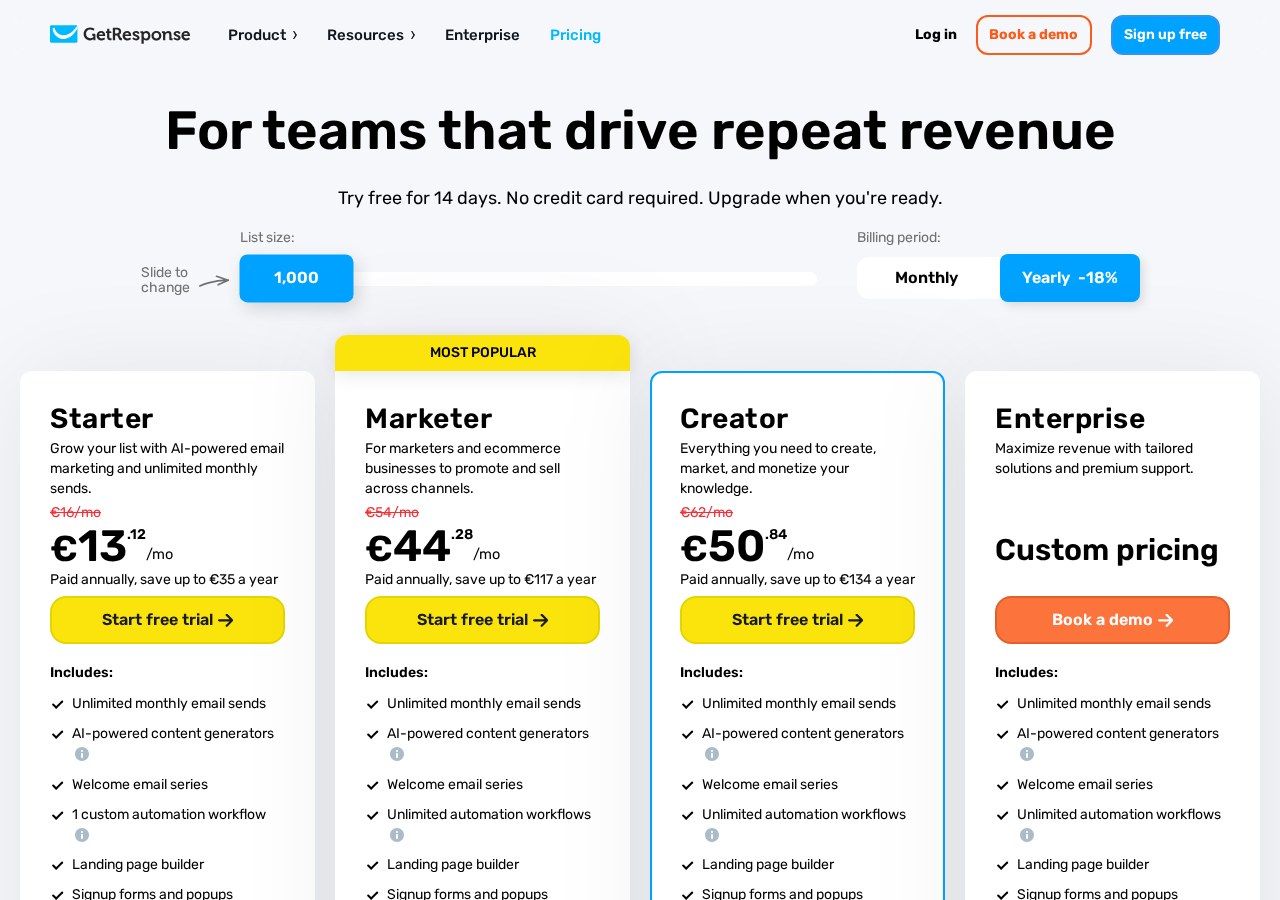
When using a platform like GetResponse for commercial purposes, you are not just sending letters; you are managing customer databases, running transactional messages, and integrating with online stores. To get the most out of your campaigns, you should read our comprehensive GetResponse Review 2026: Automation & Email to see how its pricing tiers match your commercial growth.
However, doing business online requires strict adherence to international commercial laws and platform-specific guidelines. Let's break down exactly how GetResponse handles commercial workflows, what screens you will interact with, and how to stay compliant.
The quick version
- Navigate to your Account Settings and
- Click the "Add Domain" button and
- Copy the generated TXT and CNAME
- Log in to your domain registrar
- Add the copied records as new
- Return to your dashboard and click
Navigating the Commercial Account Dashboard
Upon logging into your GetResponse portal, you enter the main dashboard. This workspace is your control center for all commercial activities. Unlike personal email platforms, this dashboard displays immediate metrics regarding list growth, campaign performance, and landing page conversions. You can customize this space with specific widgets that show real-time click-through rates and registration statistics for your commercial events.
For businesses running multiple outreach campaigns, the dashboard serves as the central hub. It allows you to organize your visual workspace according to your daily priorities. For example, a business focused on immediate sales might prioritize the e-commerce performance widget, while a consulting firm might focus on new subscriber sign-ups. Managing these visual priorities ensures you spot critical trends before they affect your daily sales.
To ensure your commercial messages reach their destination, the account settings section requires immediate attention. Here, you must verify your identity and confirm your business details. GetResponse uses these details to establish your sending authority, which directly influences whether your emails land in the primary inbox or the spam folder. Proper initial configuration prevents unexpected account pauses during high-volume sales.
Configuring Your Custom Sending Domain
Sending commercial emails requires a verified custom domain. You should never use free webmail addresses like Gmail or Yahoo for commercial work, as most receiving servers will reject them outright. Setting up your commercial sending domain in the Domain Settings screen establishes your brand authority and secures your outgoing mail streams.
This setup process configures DKIM (DomainKeys Identified Mail), which acts as a digital signature verifying that your business actually sent the message. Setting this up is crucial for passing spam filters, and establishing proper domain verification protects your reputation from being flagged by major providers.
- Navigate to your Account Settings and select the "Emails and Domains" menu. This panel displays your active sending addresses and domain authentication status.
- Click the "Add Domain" button and enter your business website address. Ensure you enter the root domain or a dedicated subdomain for marketing emails.
- Copy the generated TXT and CNAME records provided by the platform. These strings contain the unique cryptographic keys for your domain security.
- Log in to your domain registrar and access the DNS management settings. This is where you control your domain's public routing records.
- Add the copied records as new TXT and CNAME entries in your DNS zone. Double-check for typos, as even a single missing character will break the validation.
- Return to your dashboard and click the "Verify" button. Note that DNS changes can take several hours to propagate across global networks.
Once verified, your domain is ready to handle large-scale business outreach safely. Having a verified domain is a legal requirement in many jurisdictions for sending promotional mail. In our detailed GetResponse Review 2026: Automation & Email, we explain how these security records interact with overall deliverability.
Building Automation Workflows for Sales Funnels
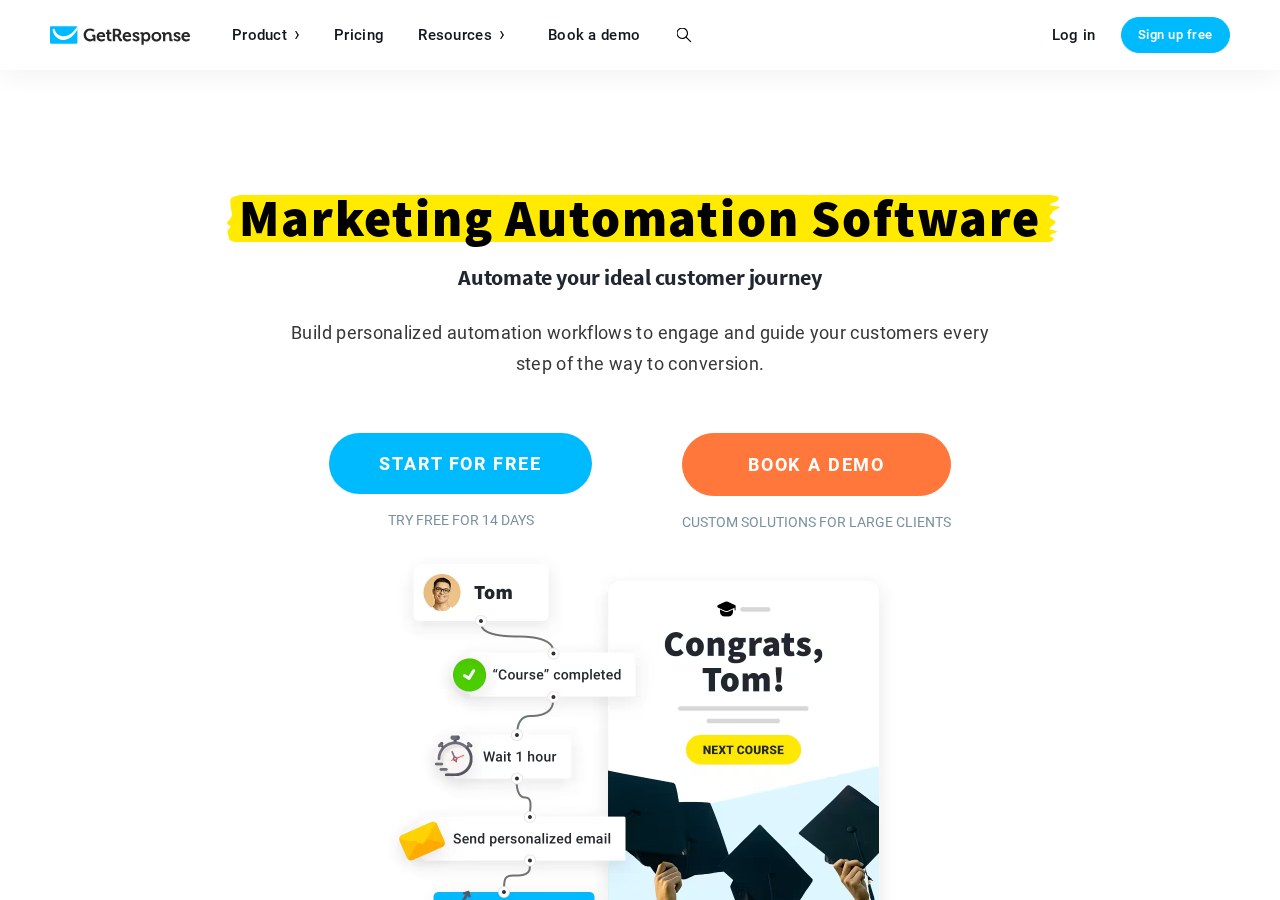
The Automation Flow Creator is where your commercial strategies turn into automated systems. This visual interface uses a drag-and-drop workspace where you can build customer journeys based on actions and triggers. Instead of manually emailing every customer, establishing automation workflows save critical time and keep your communications organized.
In this workspace, you can construct a path that begins when a user subscribes to your mailing list. From there, you add conditional steps: did they open the first message? If yes, the system waits two days before sending a product offer. If no, the system triggers a different, educational message. This approach allows you to nurture leads without manual intervention.
For complex commercial structures, you can apply lead scoring to your contacts. This feature assigns points to subscribers based on their engagement, such as opening an email or visiting a specific landing page. Once a contact reaches a high score, the automation can automatically notify your sales team to reach out directly.
Utilizing automation ensures that your brand remains engaged with prospects at the exact moment they show interest. It eliminates the delay associated with manual marketing processes and helps maintain a steady stream of qualified opportunities. It is one of the most powerful tools available for modern digital sales.
Managing Subscriber Lists and Contact Consent
Commercial work requires absolute dedication to list hygiene and legal compliance. The List Management screen is where you organize your contacts into specific segments based on their purchase history, location, or sign-up source. Keeping these lists clean prevents you from sending unwanted messages to inactive accounts.
Implementing double opt-in verification is essential for maintaining a high-quality mailing list. When users sign up, they receive a confirmation link they must click before officially joining your list. This step ensures that every contact on your list is genuine and actively wants to receive your business communication.
GetResponse monitors your bounce rates and spam complaints continuously to preserve your account's deliverability rate. If your list contains too many invalid addresses or generates frequent complaints, your account risk rating increases. High bounce rates signal to email providers that your list acquisition practices are poor, which can permanently damage your sending reputation.
Consistently cleaning your lists by removing inactive subscribers who have not opened an email in several months keeps your metrics accurate. It also ensures you are only paying to host engaged subscribers who are likely to purchase your services or products.
Connecting E-Commerce Stores and External CRMs
To maximize the impact of your commercial email campaigns, you must link your marketing system with your external sales software. The Integrations menu provides access to hundreds of ready-to-use connections. These connections allow your customer data to flow smoothly between your online store, your CRM, and your email database.
Connecting platforms like Shopify, WooCommerce, or Salesforce allows you to track customer purchases in real time. When a customer buys a product, the integration immediately updates their profile inside the email system. This allows you to send automated purchase confirmations, shipping updates, and targeted post-purchase follow-up offers.
This integration also enables advanced features like cart abandonment tracking. If a customer adds an item to their cart but leaves your site without buying, the system can automatically send a reminder. This simple automated reminder recovers significant revenue for online retailers every single day.
Setting up these integrations requires no advanced coding knowledge. Most platforms connect through simple authorization prompts, making it accessible for business owners without dedicated IT support staff. Combining these systems creates a unified marketing machine that operates continuously.
GetResponse vs Standard Email Clients: Which to Choose
When deciding how to handle your commercial communications, you must choose between a dedicated marketing platform or a standard business email client like Outlook or Google Workspace. While standard clients are perfect for individual, direct communication, they fail completely when used for mass marketing or automated sales campaigns.
- Aspect: GetResponse does bulk sending, automated sequencing, and detailed tracking, whereas standard email clients do single-recipient sending, basic sorting, and zero analytics.
Standard business mail servers limit the number of messages you can send daily and will suspend your account if you attempt to send thousands of bulk emails.
Choosing the right platform depends entirely on your daily business requirements. If your work involves sending personalized, one-on-one proposals, a standard email client is the correct tool. However, if your business goals require sending automated newsletters, tracking user engagement, or building custom landing pages, you need a dedicated system.
Ultimately, using a dedicated platform is mandatory for any serious commercial marketing strategy. It provides the infrastructure needed to scale your operations safely while protecting your business domain from blacklists. Reviewing your specific marketing goals in our GetResponse Review 2026: Automation & Email will help you determine which features match your business structure.
Frequently asked

As an Amazon Associate I earn from qualifying purchases. This does not affect the price you pay. Affiliate disclosure