
Is GetResponse Free? What the Free Plan Includes
Discover what features you actually get on the GetResponse free tier, from contact limits to landing pages, before upgrading your email marketing tool.
Some links are affiliate links: we may earn a commission if you sign up or buy through them, at no extra cost to you.
On this page8 sections
The short answer
- GetResponse has a free plan supporting up to 500 contacts and basic newsletters.
- Premium features like automation and webinars are restricted to a 14-day introductory trial.
- Users can build one landing page and use an AI website builder on the free tier.
Yes, GetResponse offers a permanently free plan alongside its paid tiers, though its availability can vary by region. This free tier includes basic email newsletters, a single landing page, and signup forms for up to 500 contacts.
When you first sign up for this complimentary tier, the platform usually grants you a 14-day trial of its premium features. This allows you to test advanced tools like automated workflows and webinars before your account settles into the restricted, free-forever mode. It is a practical way for creators and small businesses to evaluate the dashboard.
Navigating the differences between the free version and the paid upgrades is essential for planning your marketing budget. By understanding where the limitations lie, you can decide whether this introductory tier meets your current project needs or if you need to transition immediately to a fully paid subscription. Let's look at what is under the hood.
The quick version
- Navigate to the official registration page
- Activate your account via email confirmation
- Complete your sender profile information
- Create your first contact list
- Build a simple signup form
Understanding the GetResponse Free Contact Limits
Managing your subscriber database is the core task of any email marketing system. On the GetResponse free tier, you are capped at a maximum of 500 contacts. This limit includes all email addresses stored in your lists, whether they are active subscribers or unconfirmed signups.
If you exceed this 500-contact threshold, the platform will restrict your ability to collect new leads or send out scheduled campaigns. This means you must regularly perform list hygiene to remove inactive addresses and keep your database under the limit. For small projects, this manual maintenance is manageable, but growing businesses will quickly find this restriction tight.
To manage your audience details, you will use the main Contacts dashboard. Here, you can segment subscribers manually, but advanced automatic segmentation is locked behind the paid versions. If you want to learn more about how these database limits affect campaign performance, read our in-depth GetResponse Review to see how the software handles larger lists.
Creating Newsletters and Sending Emails
The primary communication tool available on the free plan is the standard newsletter editor. You can design and send unlimited emails to your allowed contacts, which is a generous offer compared to platforms that cap monthly send volumes. The drag-and-drop creator provides pre-designed templates to help you structure your layout.
However, the free tier lacks essential delivery features like A/B testing and advanced scheduling tools. You cannot test different subject lines or send times automatically to see which performs best. Instead, you must send your campaigns manually at the exact time you want them to land in your subscribers' inboxes.
Furthermore, every email sent from a free account includes GetResponse branding in the footer. This visible logo cannot be removed or customized unless you upgrade to a premium subscription. If maintaining a fully white-labeled brand image is important to your business, this footer display is a crucial factor to consider.
Building Landing Pages and Forms
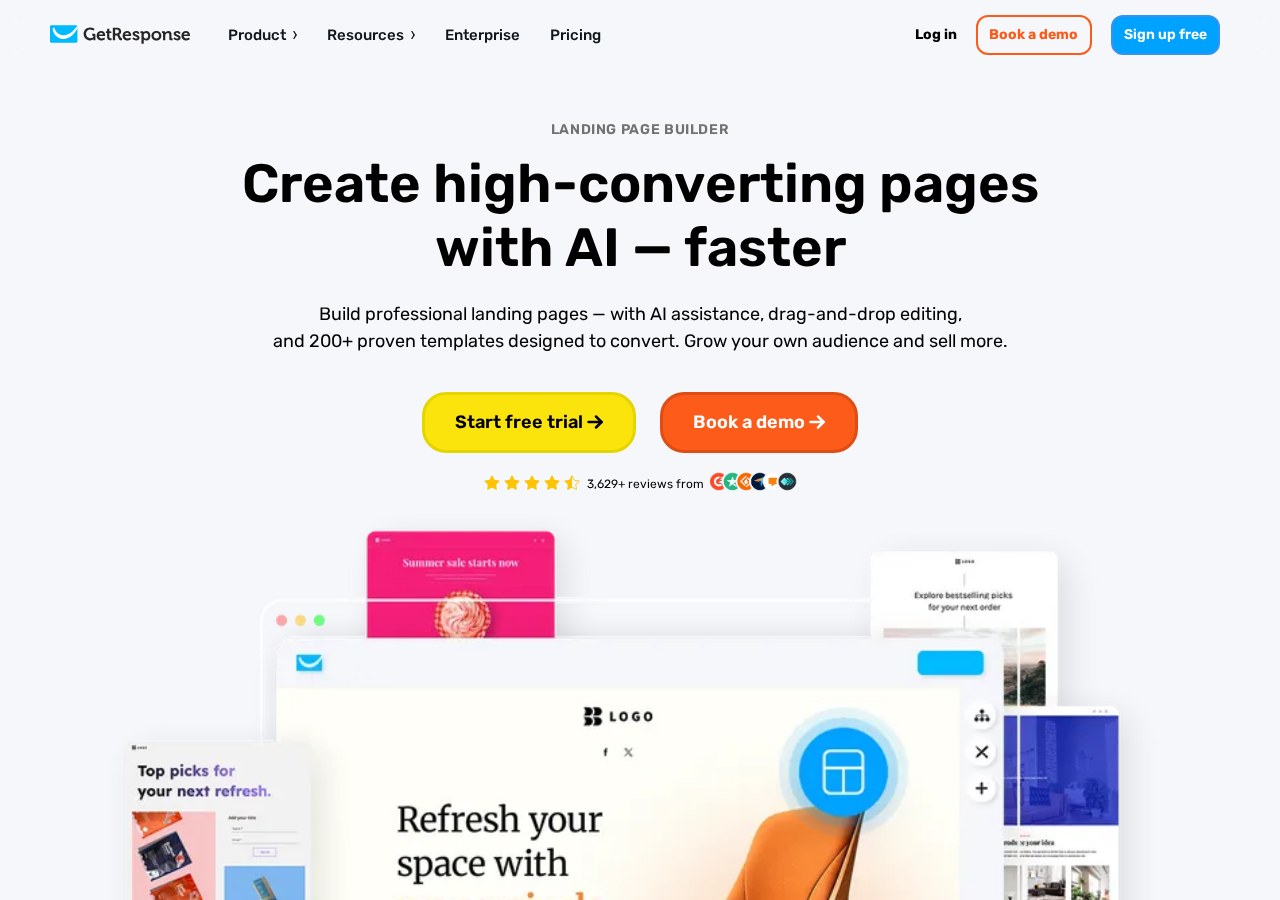
To grow your email list, you need functional signup tools on your website. The free tier gives you access to a basic AI website builder and allows you to publish one single landing page. This page can include signup forms to capture visitor information directly into your GetResponse database.
While the landing page builder is intuitive, it comes with limitations on traffic and customization. You are restricted in the number of visitors who can view your page each month, and you cannot connect a custom domain name without paying. Your page will instead live on a GetResponse-branded subdomain.
For simple lead generation or temporary event signups, a single landing page on a subdomain is often sufficient. However, if you plan to run multiple marketing campaigns or need a professional domain structure, the limitations of the free tier will quickly become a bottleneck. You can check how these page tools perform in real scenarios in our GetResponse Review.
What is Missing: Premium Automation and Webinars
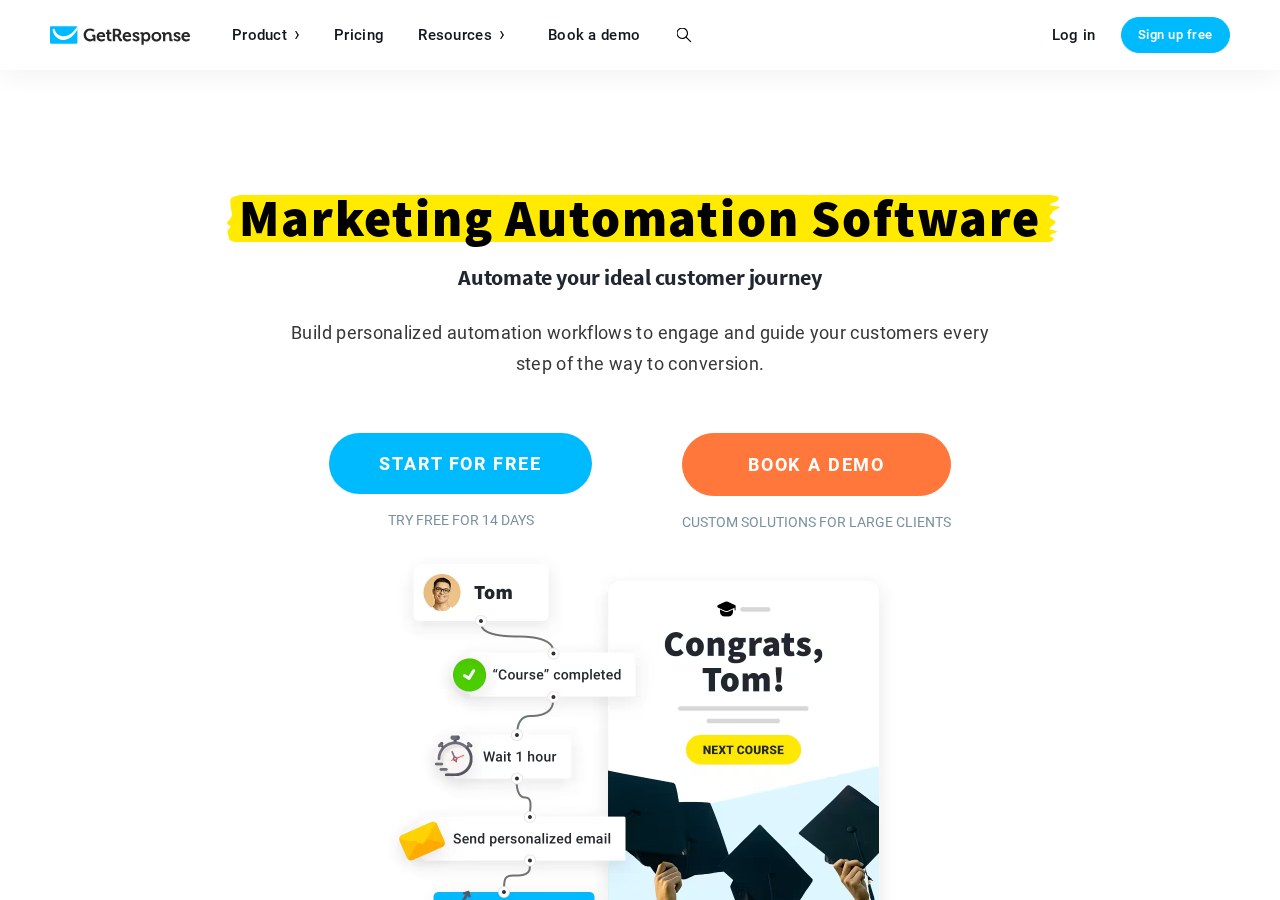
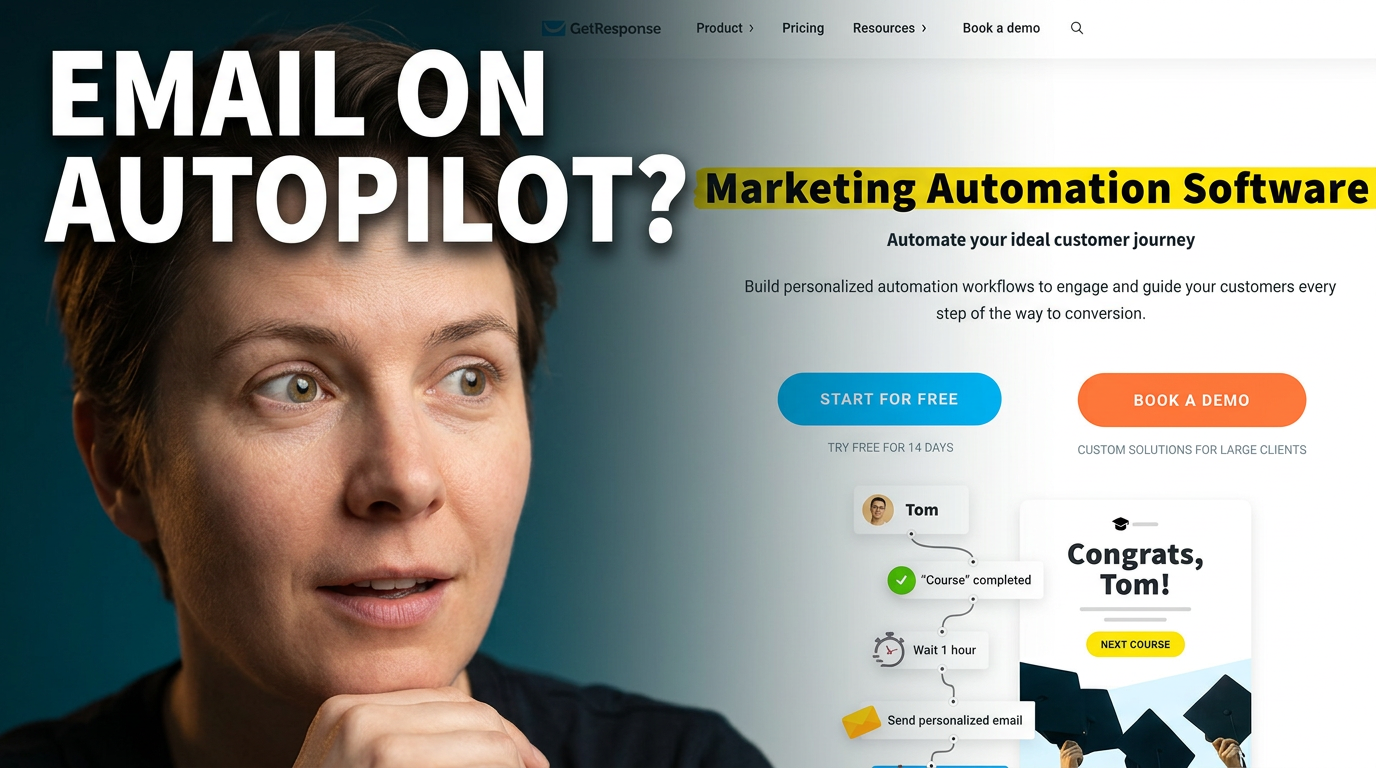
The major difference between the free and paid tiers lies in marketing automation. On the free plan, you do not have access to automated workflows that trigger emails based on subscriber behavior. For example, you cannot set up an automatic welcome sequence that sends a series of messages after someone signs up.
Instead, you are limited to basic autoresponders, which send a single message on a predetermined delay. True marketing automation—such as tracking abandoned shopping carts, scoring leads, or moving subscribers to different lists based on link clicks—is completely unavailable. This restriction severely limits your ability to scale your operations.
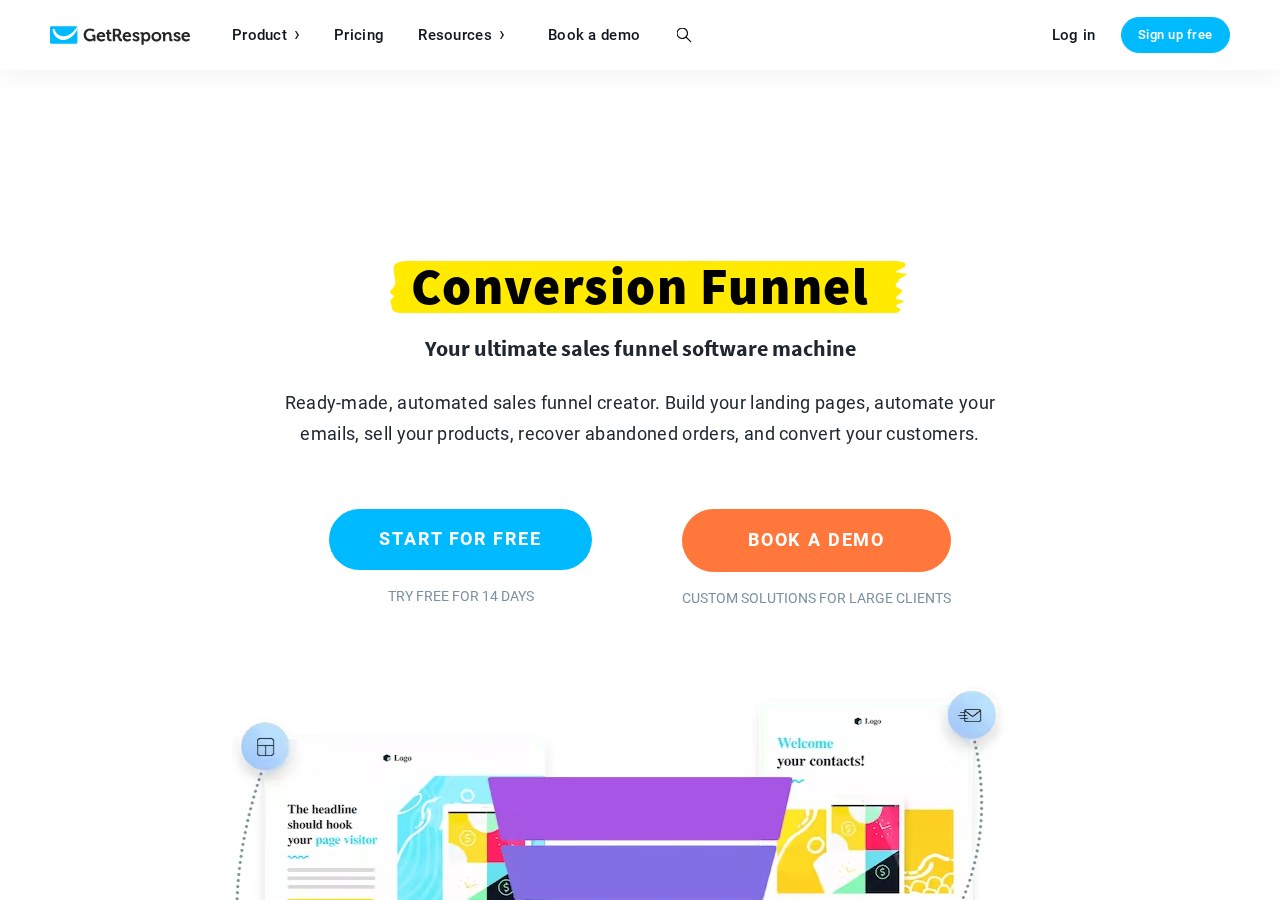
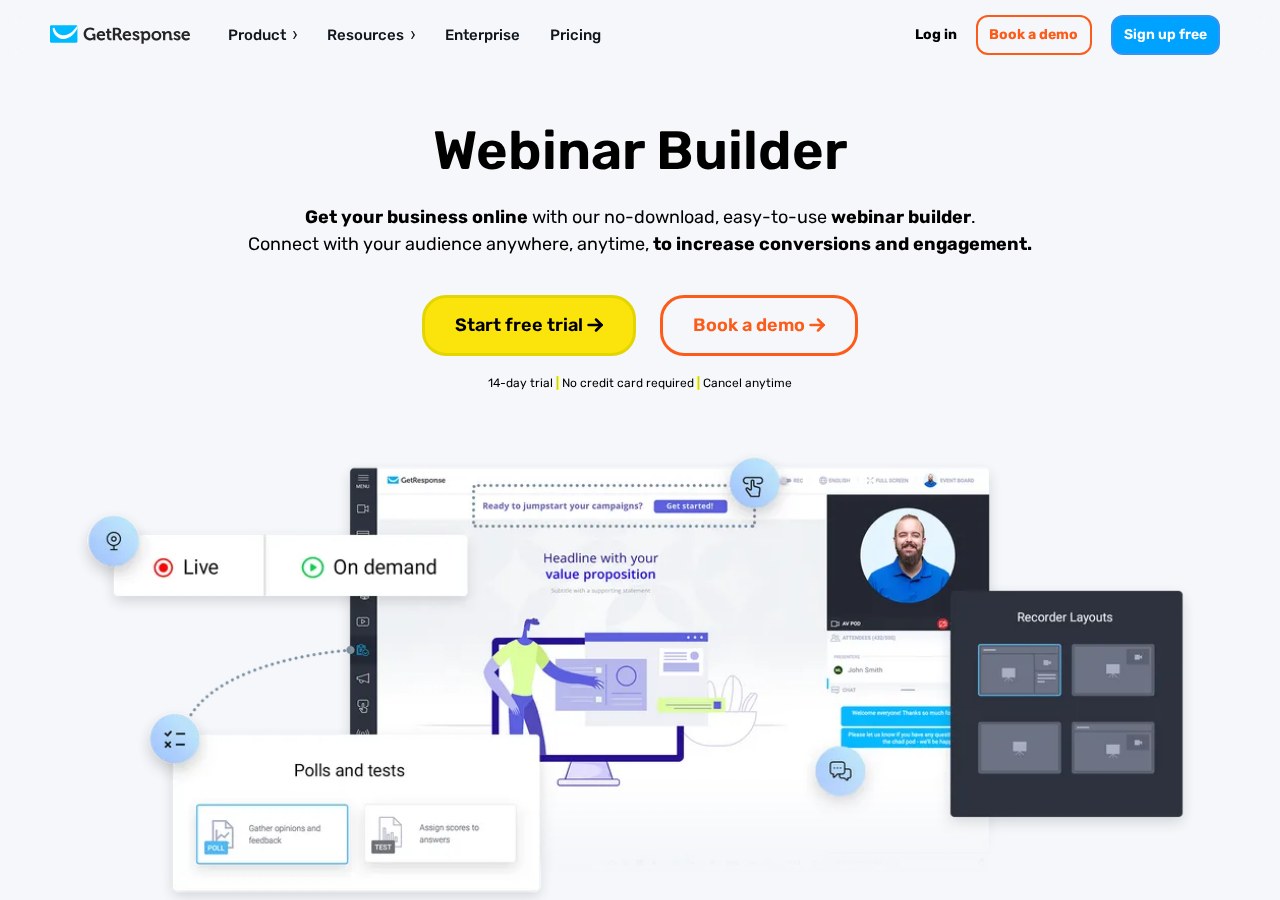
Additionally, the free tier excludes webinar hosting and advanced reporting features. While you might get a brief glimpse of these tools during the initial 14-day trial period, they will lock once that window closes. To build complex, hands-off sales funnels, an upgrade to a premium plan is practically mandatory.
How to Set Up Your Free GetResponse Account
Starting your marketing journey with a free account is a straightforward process that requires no financial commitment. You do not need to enter any credit card details to set up your profile and explore the dashboard. Following a structured setup sequence ensures you configure your account correctly from day one.
- Navigate to the official registration page. Enter your name, email address, and a secure password to create your account credentials.
- Activate your account via email confirmation. Click the link sent to your inbox to verify your email address and gain access to the dashboard.
- Complete your sender profile information. Provide your physical business address and sender name to comply with anti-spam regulations before sending emails.
- Create your first contact list. Set up a default list name where your initial subscribers and test signups will be stored.
- Build a simple signup form. Use the drag-and-drop form creator to design a basic form and embed it on your existing website.
Once these steps are complete, your basic setup is ready to go. You can begin importing your first few contacts or sharing your new subscription link with your audience. Remember that you will have temporary access to premium features for your first two weeks, so use that time to test the advanced options.
Which Plan Tier Should You Choose?
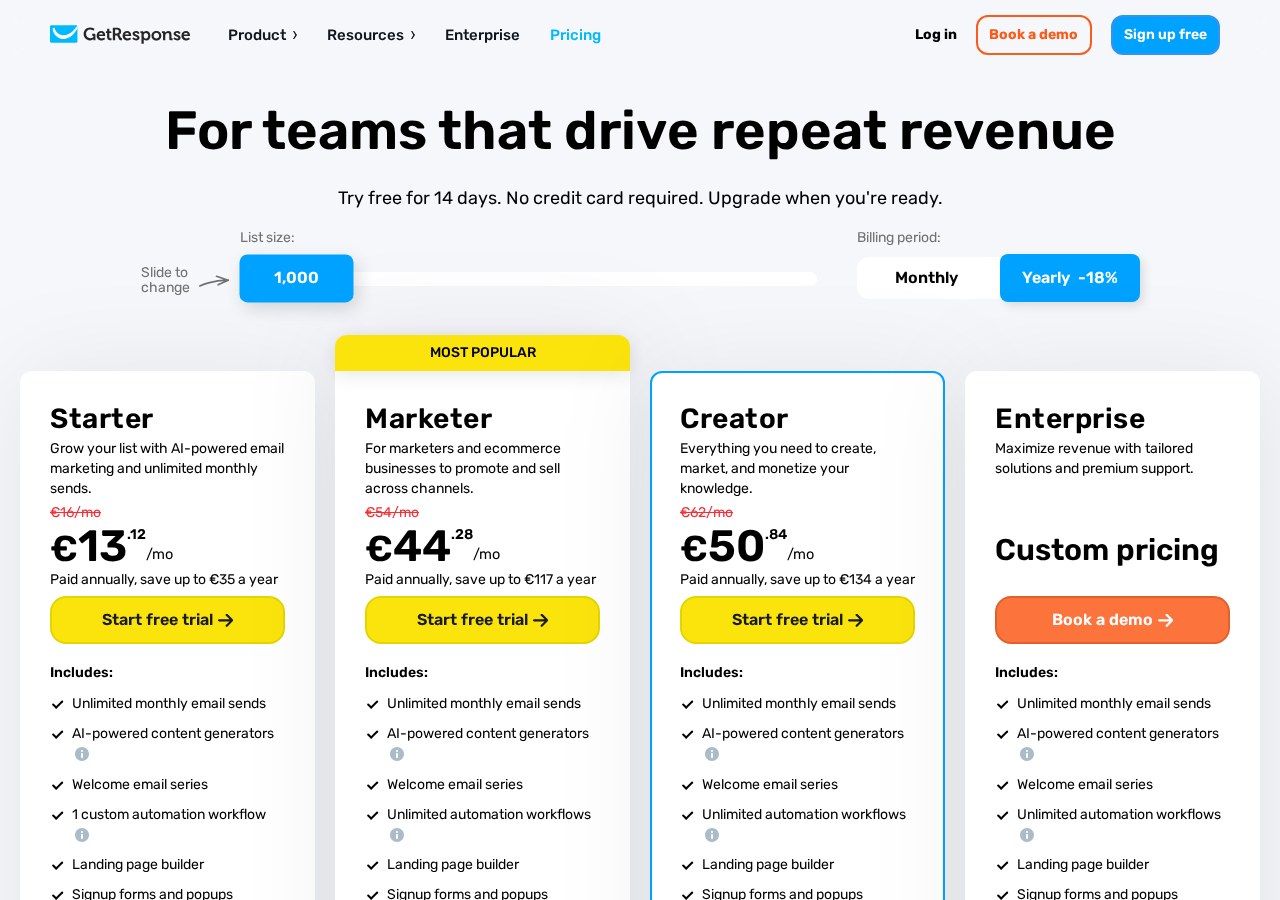
Deciding whether to stick with the free tier or invest in a paid plan depends entirely on your business goals and current audience size. The free version is an excellent choice for hobbyists, bloggers, and absolute beginners who are just starting to build an audience. It allows you to learn the basics of email design without any financial risk.
On the other hand, if you already have an established contact list or require automated marketing sequences, the paid tiers are necessary. Features like advanced segmentation, transactional emails, and multi-step automation workflows are vital for running an efficient digital business. These tools save time and help you convert leads into paying customers automatically.
To make the best decision, evaluate your monthly marketing needs against the restrictions of the free plan. If you find yourself constantly cleaning your contact list or wishing you could automate your follow-ups, it is time to transition. Explore our full GetResponse Review to compare the paid packages and see which one fits your growth strategy.
Frequently asked
As an Amazon Associate I earn from qualifying purchases. This does not affect the price you pay. Affiliate disclosure