Who Should Use GetResponse, and Who Should Skip It?
Evaluate your marketing automation needs by comparing GetResponse's webinar hosting, landing page builders, and list-segmentation features.

Some links are affiliate links: we may earn a commission if you sign up or buy through them, at no extra cost to you.
On this page8 sections
The short answer
- Choose GetResponse if you need native webinar hosting and conversion funnels integrated directly with your email list.
- Skip GetResponse if your primary goal is writing plain-text newsletters without complex marketing automation or landing pages.
- Prioritize platforms with simpler pricing models if you have a massive list but low conversion activity.
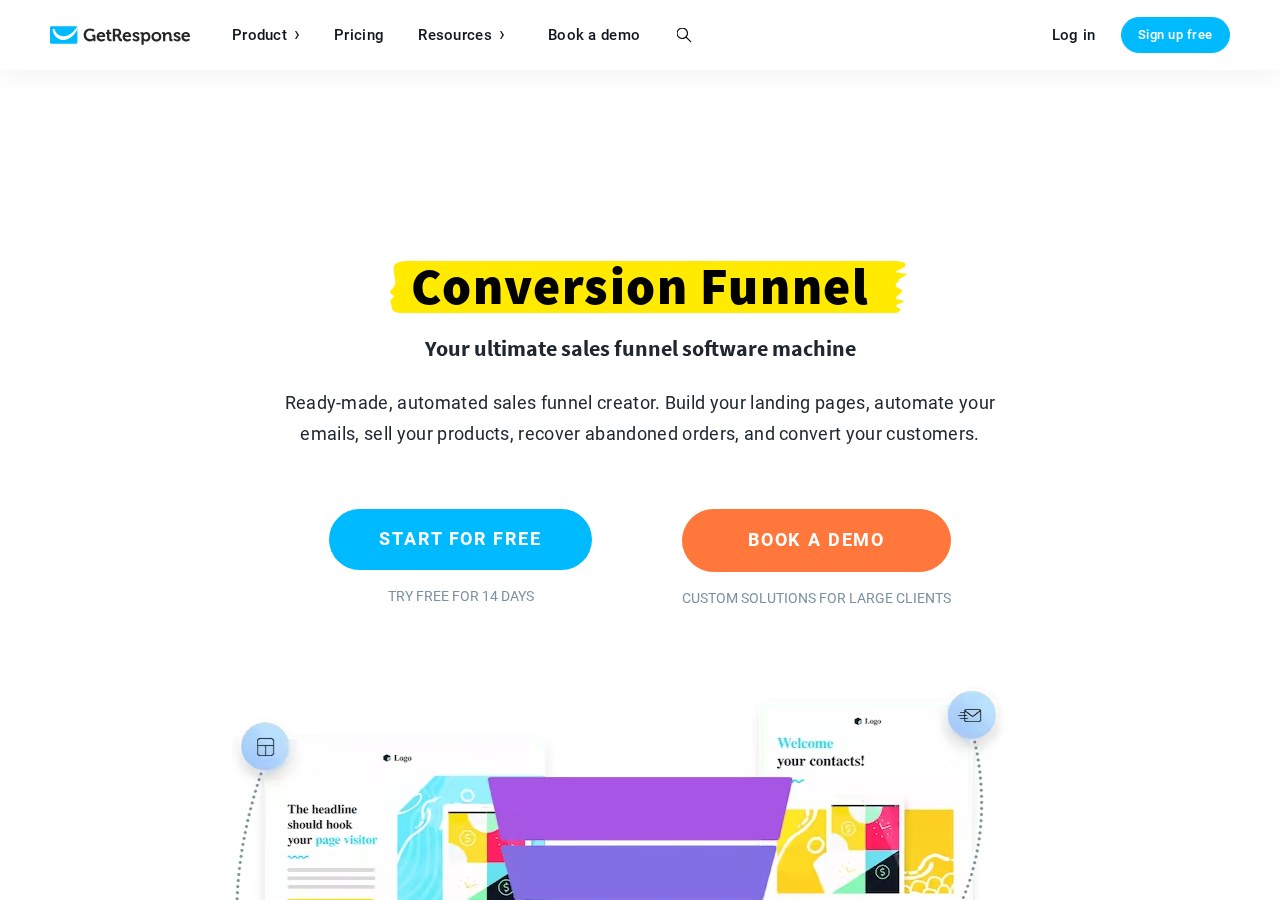
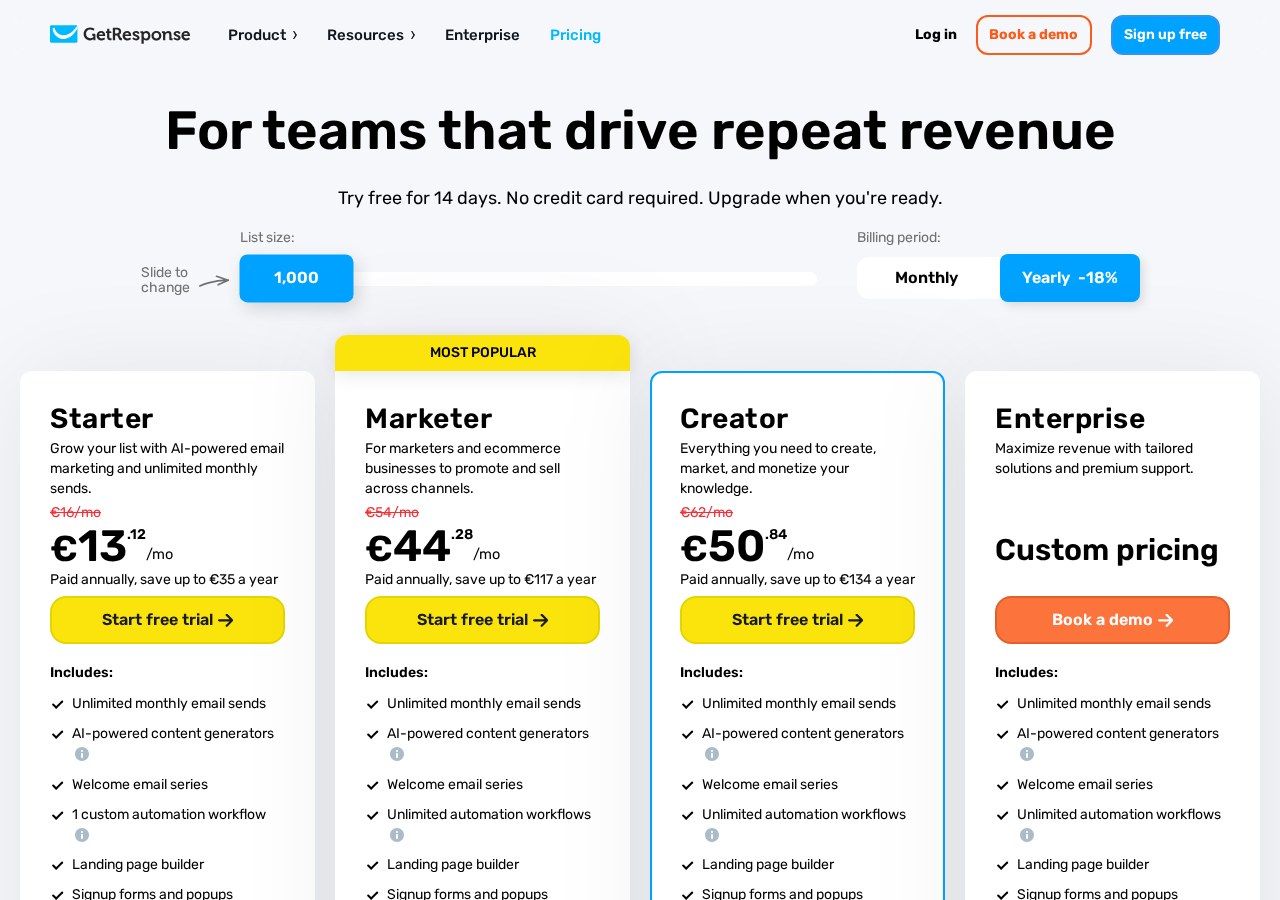
GetResponse is best for digital product sellers and mid-sized creators who need built-in webinars, funnel builders, and advanced marketing automation under one roof. However, simple bloggers and basic newsletter publishers should skip it for more streamlined, cheaper alternatives. Choosing an email platform often forces a tradeoff between ease of use and advanced capabilities. Many platforms specialize only in sending basic updates, leaving you to purchase secondary tools for landing pages, sales pipelines, and live events. This creates fragmented workflows and higher software bills. Deciding where to host your list requires looking closely at how you plan to nurture subscribers. If you want to know more about the platform's pricing structures and feature tiers before committing, you can read our comprehensive GetResponse Review 2026: Pricing, Free Plan and Who It's For to see how it fits your budget.
The Automation Builder and Campaign Workflow
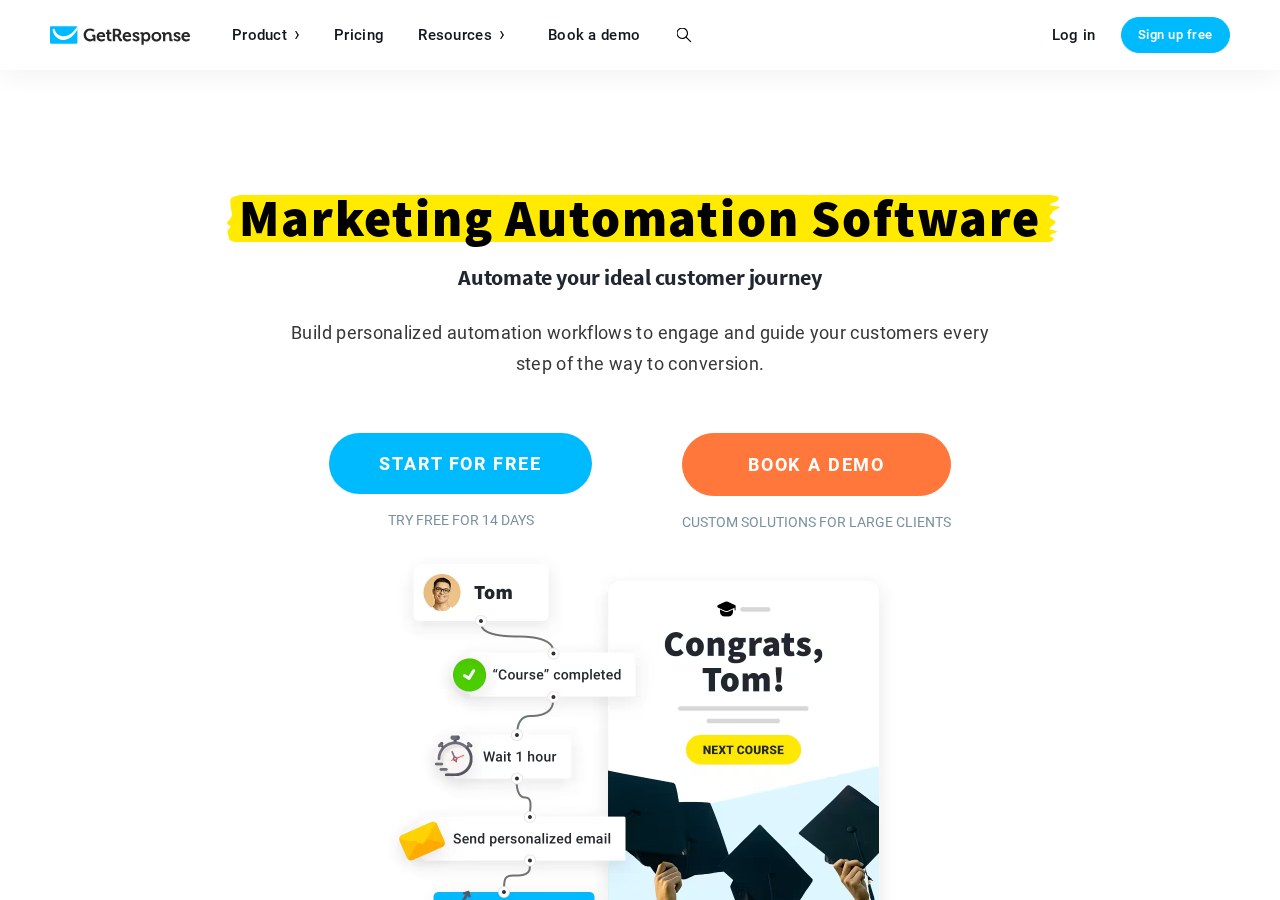
Managing complex customer journeys requires a visual interface where you can map out triggers, conditions, and actions. The platform uses a drag-and-drop workspace where you connect different elements, such as opening an email or clicking a link, to subsequent steps like sending a follow-up message or assigning a tag. This visual builder helps prevent overlapping campaigns and untangled list paths. Inside this builder, you can set up highly specific criteria for your subscribers. For instance, when a subscriber visits a specific product page on your website, the system can trigger an automated discount email. This level of behavioral tracking is excellent for e-commerce stores but can feel overwhelming for users who only want to schedule weekly broadcasts. You should use GetResponse if your marketing strategy relies on complex tagging, behavioral triggers, and branching automation paths. If your business model does not require tracking user behavior across your website, this elaborate visual setup might add unnecessary complexity to your daily writing routine.
Landing Pages and Conversion Funnels
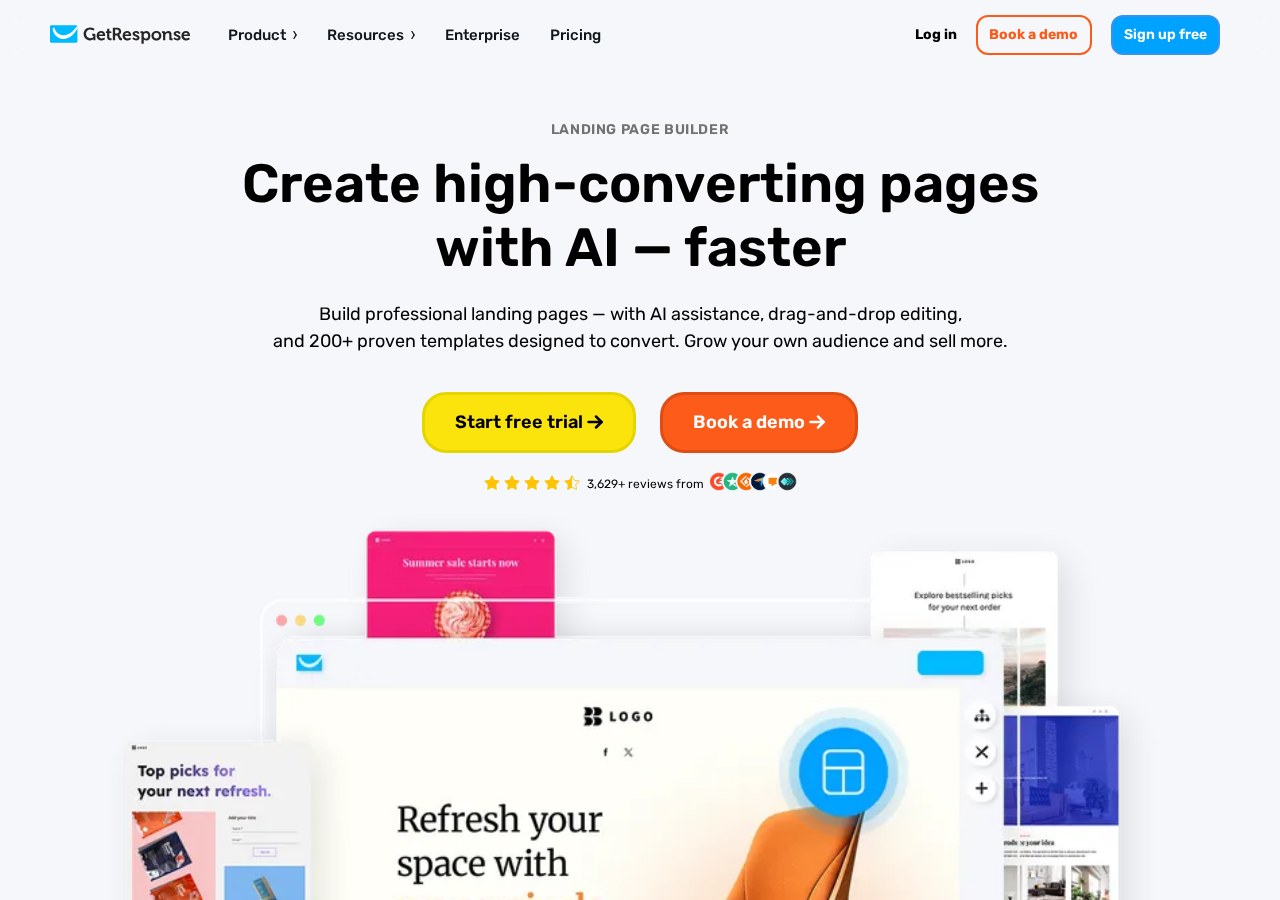
Beyond sending standard emails, the software includes built-in tools for designing landing pages and building complete conversion pathways. These conversion funnels let you coordinate signup pages, email sequences, and payment processors without stitching together multiple external services. This unified system simplifies tracking your customer acquisition costs across different campaigns. The landing page creator provides templates optimized for conversions, allowing you to add sign-up forms, countdown timers, and product showcases. While these tools are functional, they do not offer the advanced design flexibility of dedicated web-design platforms. For basic landing pages, however, having them built directly into your email platform saves money and setup time. For those looking to sell digital downloads or host events, this bundled approach minimizes technical friction. If you want to compare how these landing page and funnel features match up against standalone competitors, check out our GetResponse Review 2026: Pricing, Free Plan and Who It's For for a detailed breakdown.
Webinar Integration and Live Events
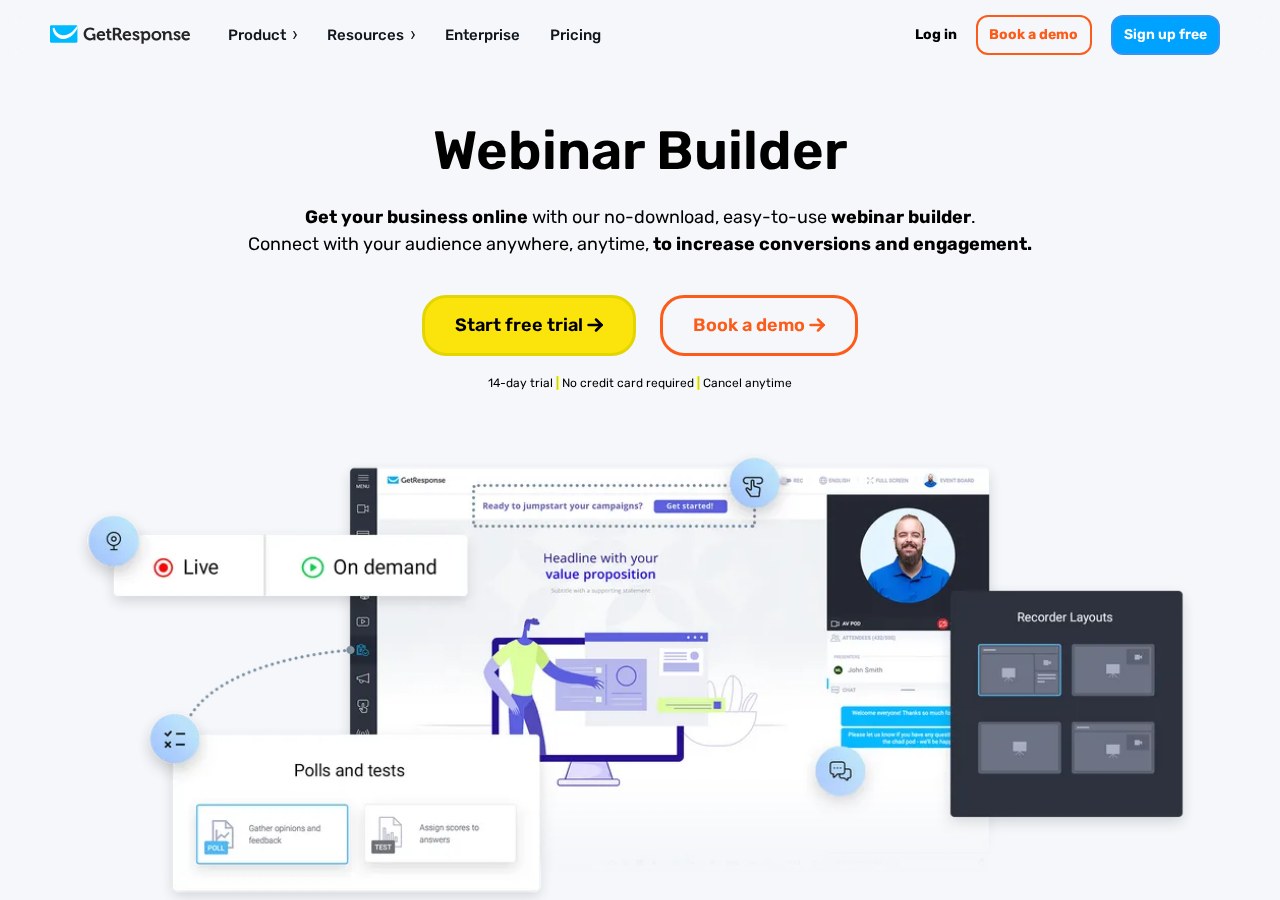
Hosting live presentations is one of the most distinctive features of this platform. Instead of paying for a separate video conferencing tool and then manually syncing attendee data to your email list, you can launch webinars directly from your dashboard. This native integration automatically registers leads, sends reminders, and tags attendees based on their participation. During the webinar, you can share slides, run interactive polls, and display call-to-action buttons that link directly to your checkout page. After the event concludes, the system automatically segments your list into those who attended and those who missed the session. This enables highly targeted post-webinar follow-up emails that significantly improve sales rates. Creators who rely heavily on live or recorded webinars to sell online courses and coaching programs should choose GetResponse. On the other hand, if you host meetings via third-party office suites or do not use video marketing, you are paying for an advanced infrastructure that your business simply does not need.
List Management and Deliverability Tools
Maintaining a healthy subscriber list is vital for ensuring your emails actually land in the inbox rather than the spam folder. The platform provides tools for automated list hygiene, helping you remove unengaged contacts and manage hard bounces easily. You can build dynamic segments using filters such as geographic location, sign-up source, and past email engagement levels. Using dynamic segmentation means your subscriber lists update automatically in real-time. If a contact stops opening your emails for several months, they can be moved automatically into a re-engagement sequence or suppressed entirely. This proactive approach keeps your deliverability rates high and ensures you are only paying to mail active subscribers. However, configuring these custom fields and segmentation rules requires a learning curve. If you only have a few hundred subscribers and do not plan to divide them into specific subgroups, simpler newsletter platforms offer a much faster route to sending your campaigns.
How to Evaluate Your Platform Needs
Choosing the right marketing software requires a clear understanding of your current technical complexity and your future business growth plans. It is incredibly easy to get distracted by advanced features that you might never actually implement in your daily campaigns. Following a structured assessment prevents you from overpaying for capabilities that remain untouched. Before committing your subscriber list to a new platform, you should carefully analyze how your team works and what your audience expects. Running a quick diagnostic check ensures you choose a system that simplifies your life rather than introducing unnecessary administrative overhead. Use these steps to audit your business before choosing your email provider. 1. Define your primary marketing channel. Decide if you only need standard email newsletters or if your business relies on landing pages and webinar funnels. 2. Audit your existing software subscriptions. List all the tools you currently use for landing pages, form builders, and payment processing to see if you can consolidate them. 3. Assess your team's technical expertise. Determine if you have the time to learn a visual automation builder or if a basic editor is more practical. 4. Calculate your list growth trajectory. Estimate your subscriber growth to understand how scaling will affect your long-term software budget. 5. Review the feature-specific plan limitations. Compare the subscriber limits and webinar capacities of different tiers by reading our GetResponse Review 2026: Pricing, Free Plan and Who It's For to find your target tier. By walking through this systematic evaluation, you can identify exactly which features are mandatory for your ongoing business model. This prevents you from getting locked into a complex system when a basic, highly streamlined newsletter tool would serve your audience perfectly well.
Comparing the Alternatives Side by Side
To make your final decision easier, it helps to contrast this platform directly against simpler, content-focused alternatives. Content creators and small businesses often find themselves choosing between comprehensive all-in-one marketing suites and streamlined writing tools that prioritize rapid delivery over complex logic. Let's compare how these two pathways handle the most common publishing tasks: - Automation: GetResponse uses multi-branch visual workflows triggered by site behavior, whereas simple platforms use basic linear autoresponders. - Landing Pages: GetResponse provides built-in conversion funnels with payment integrations, while basic tools offer simple signup forms with minimal design options. - Live Events: GetResponse features fully integrated webinar rooms that tag attendees automatically, while standard alternatives require external integrations. - User Interface: GetResponse presents a feature-rich dashboard with a steeper learning curve, whereas simple platforms focus heavily on clean, distraction-free writing screens. You should skip GetResponse if your main priority is a minimalist interface designed strictly for writing and sending clean text. Choosing a simpler platform will save you administrative overhead, keep your subscription costs manageable, and let you focus entirely on producing quality content for your readers.
Frequently asked

As an Amazon Associate I earn from qualifying purchases. This does not affect the price you pay. Affiliate disclosure