
Higgsfield vs Other AI Video Generators
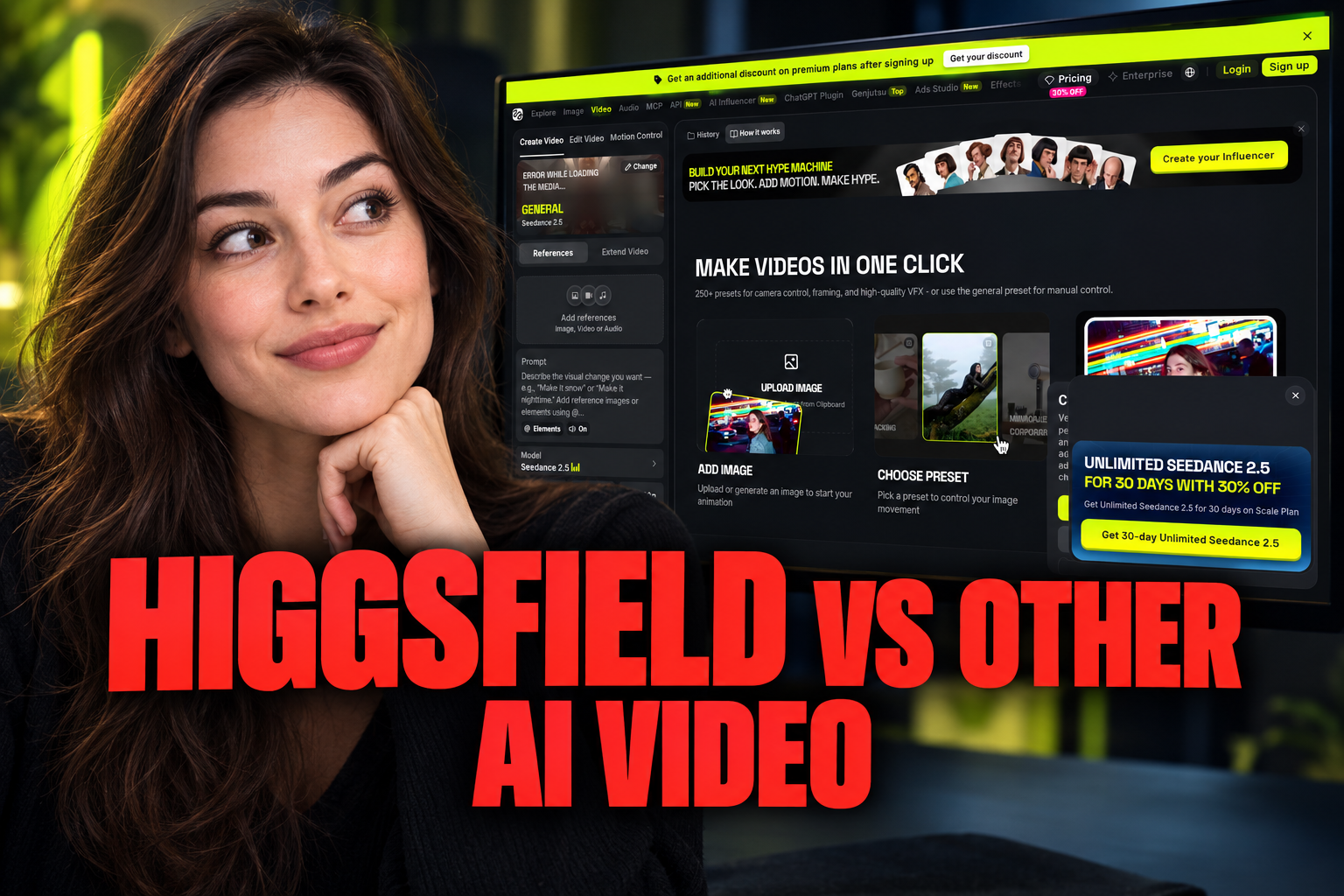
Higgsfield differs from broader AI video generators through its emphasis on reusable characters, directed motion, camera controls and social-video workflows rather than an open-ended prompt box alone.
Some links are affiliate links: we may earn a commission if you sign up or buy through them, at no extra cost to you.
On this page8 sections
- 1The short answer
- 2Higgsfield vs Other AI Video Generators: What Makes It Different?
- 3Character Reuse and Visual Continuity
- 4Motion Direction and Camera-Led Generation
- 5Prompting, Source Images and Creative Control
- 6Where Higgsfield Fits—and Where Broader Tools May Fit Better
- 7How to Compare Higgsfield With Another AI Video Generator
- 8Frequently asked
The short answer
- Higgsfield prioritizes character consistency across multiple shots, solving a major pain point for narrative animators.
- The platform uses advanced physics-based motion controls, giving creators influence over specific body movements.
- Unlike landscape-heavy competitors, Higgsfield is optimized for vertical, mobile-first social media content creators.
Higgsfield differs from other AI video generators by emphasizing reusable characters, directed movement and camera controls for short-form creative work. Instead of treating every clip as a standalone text prompt, its workflow is built around choosing visual inputs and controlling how a subject or camera moves. The practical difference is more directorial control, though results still depend on the source material and model.
That distinction matters because AI video tools are not interchangeable. Some prioritize broad text-to-video generation, cinematic imagery or general experimentation. Higgsfield is positioned around repeatable, stylized shots in which the creator defines more of the visual setup before generation. This article compares those workflow philosophies without claiming that one tool is universally better.
For a closer look at the tool itself, including the considerations that may affect a decision, read our full Higgsfield review.
Watch it in action
Higgsfield vs Other AI Video Generators: What Makes It Different?
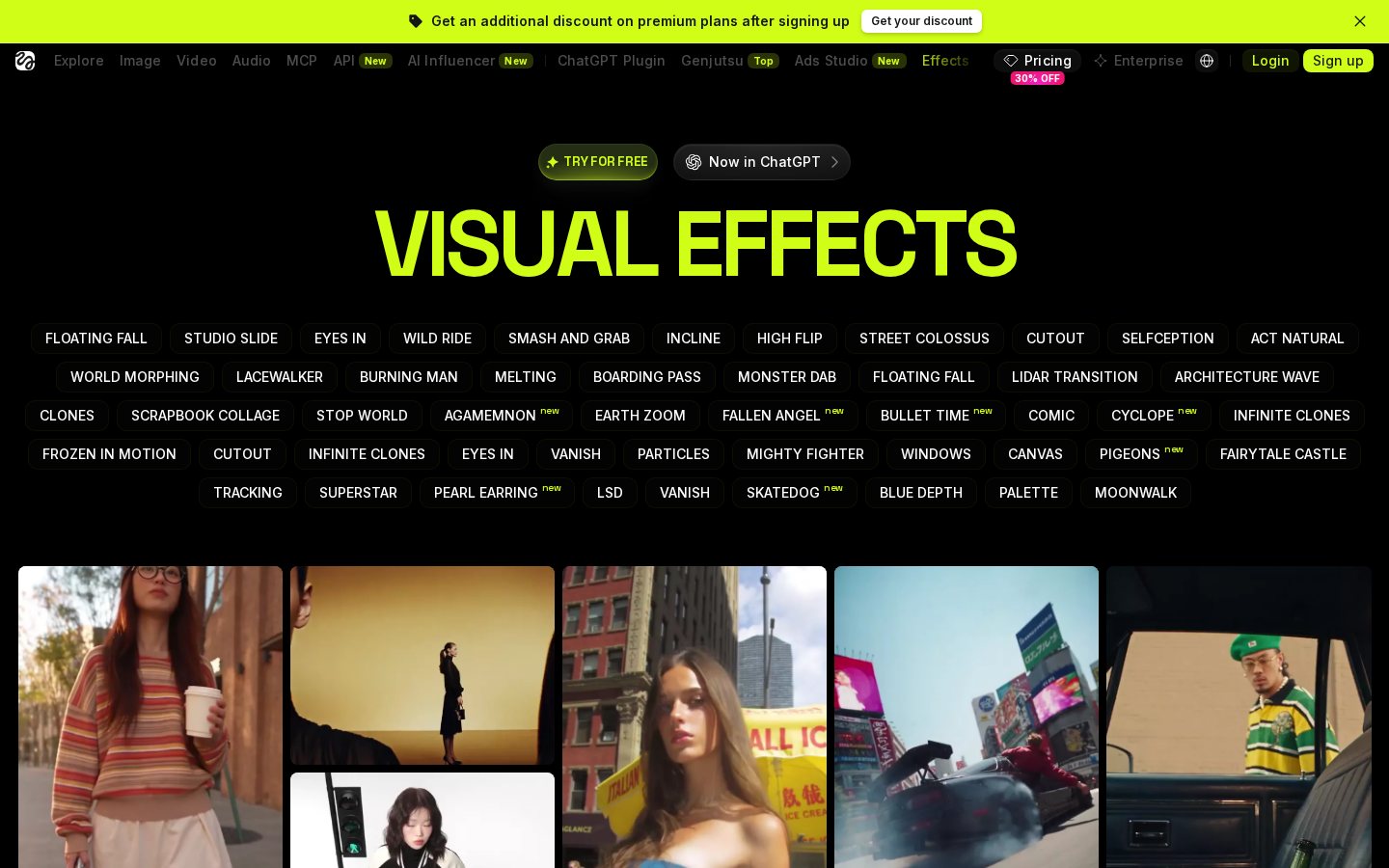
The clearest difference is the degree of structure around a generation. A general-purpose AI video tool may begin with a text prompt, an image or an existing clip and leave much of the interpretation to the model. Higgsfield instead emphasizes predefined motion and camera direction, giving creators a more guided way to compose a shot.
This changes the creative task. Rather than describing every movement in prose and repeatedly revising the wording, a creator can start with a visual reference and select the intended motion or shot behavior. That does not remove unpredictability: generative video can still introduce changes in anatomy, objects, textures or scene continuity. It does, however, shift part of the workflow from prompt writing toward visual direction.
The distinction is most relevant for short clips centered on a person, character, product or single action. Broad prompts for complex scenes may still suit more open-ended generators. Higgsfield is different because it narrows the process around controllable shot creation, not because it eliminates the limitations shared by generative video systems.
Character Reuse and Visual Continuity
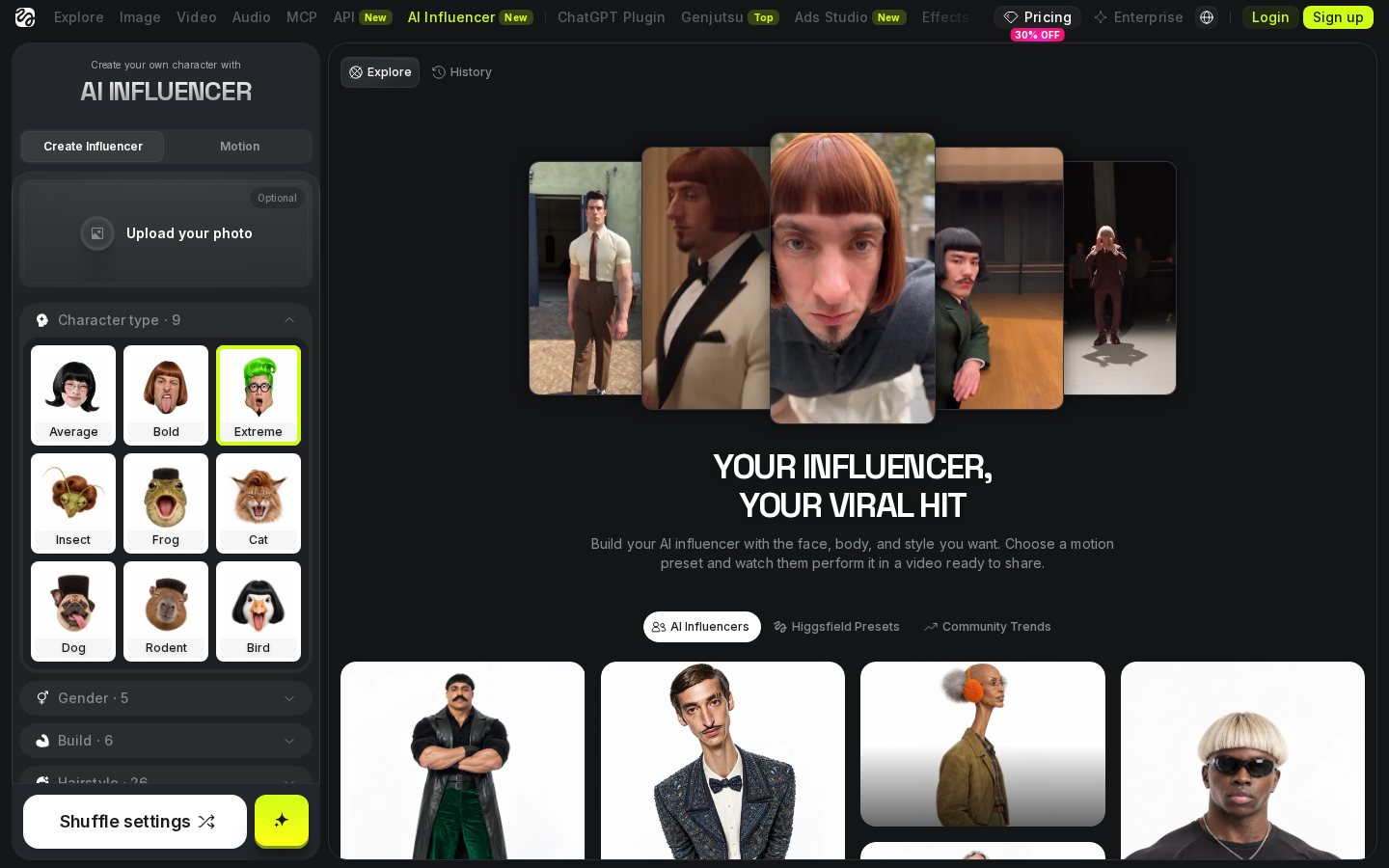
Recurring characters are difficult for generative video because the model must preserve recognizable features as pose, framing, lighting and surroundings change. Higgsfield's character-oriented workflow is intended to make a subject reusable rather than requiring a completely new description for every clip. This can be useful for a series in which the same visual identity needs to appear in several short scenes.
It is important to distinguish character reuse from perfect temporal consistency. Reusing the same source or character setup can provide a stronger starting point, but it does not mean every facial detail, garment or accessory will remain unchanged across all frames and generations. Close inspection may still reveal drift or artifacts, particularly during fast movement, occlusion or large changes in camera angle.
Compared with a blank prompt box, the advantage is organizational as well as visual. Saved source material can reduce repeated setup and make variations easier to plan. Creators evaluating this feature should compare facial stability, clothing details and silhouette across several outputs rather than judging a single favorable frame. Our Higgsfield Review provides additional context for assessing the overall workflow.

Motion Direction and Camera-Led Generation
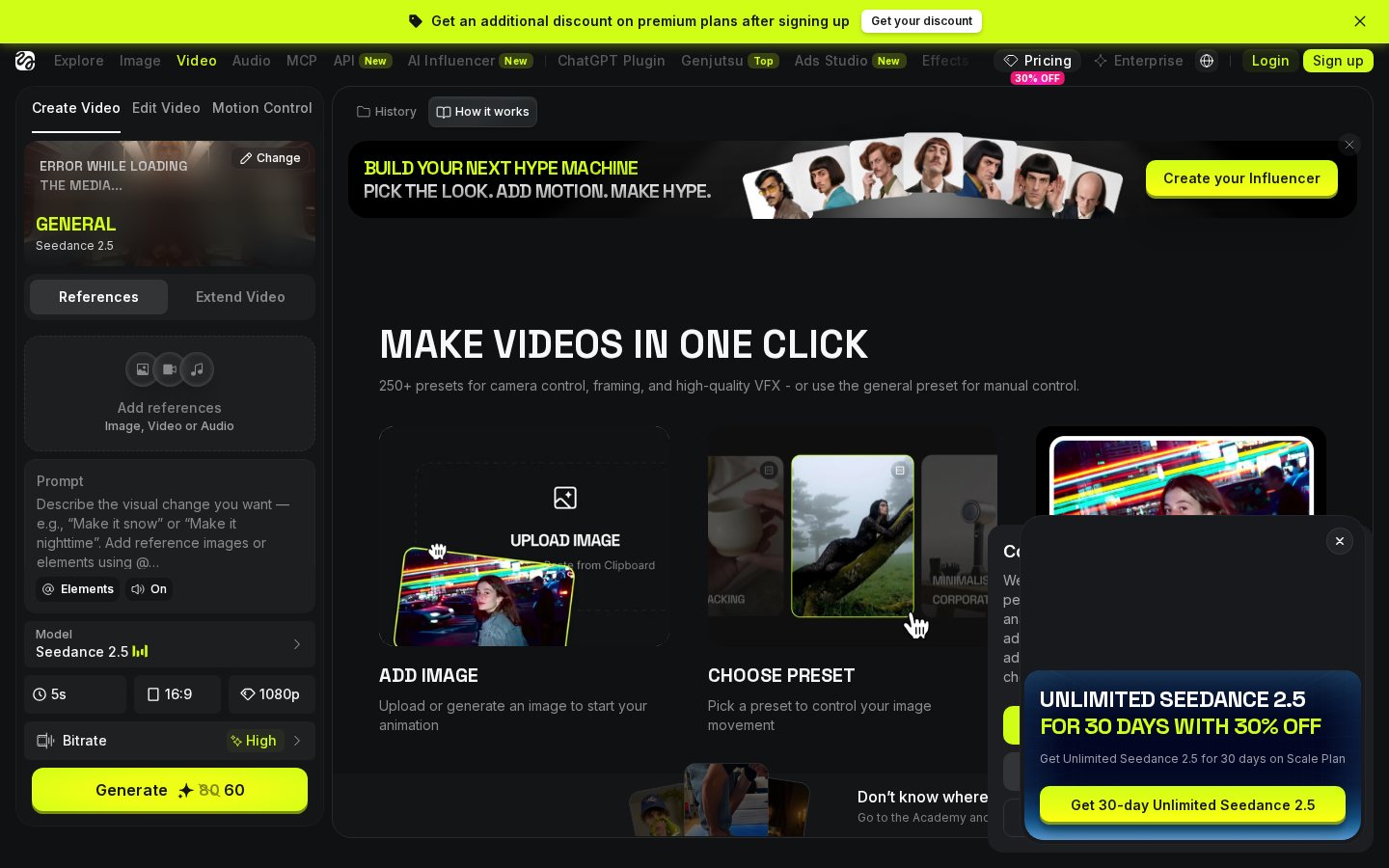
Higgsfield places visible emphasis on motion choices, including the way a subject moves and the way a virtual camera travels around a scene. This is different from relying only on a sentence such as “a person walks toward the camera.” A structured motion choice gives the model another form of guidance and can make the creator's intention clearer.
Two concepts are worth separating. Motion transfer uses movement from a reference to guide a generated subject, while camera-motion controls describe framing changes such as a push, pull, orbit or tracking move. Both can help establish the rhythm of a clip, but neither guarantees physically accurate results. Hands, overlapping limbs, reflections and interactions with props remain demanding cases for generative models.
This approach is useful when the movement itself carries the idea—for example, an entrance, reveal, turn or dramatic camera move. More general tools may be preferable when a creator wants the model to interpret a broad scene with minimal setup. The trade-off is therefore between guided motion choices and open-ended generation, not a simple contest between “controlled” and “uncontrolled” video.
Prompting, Source Images and Creative Control
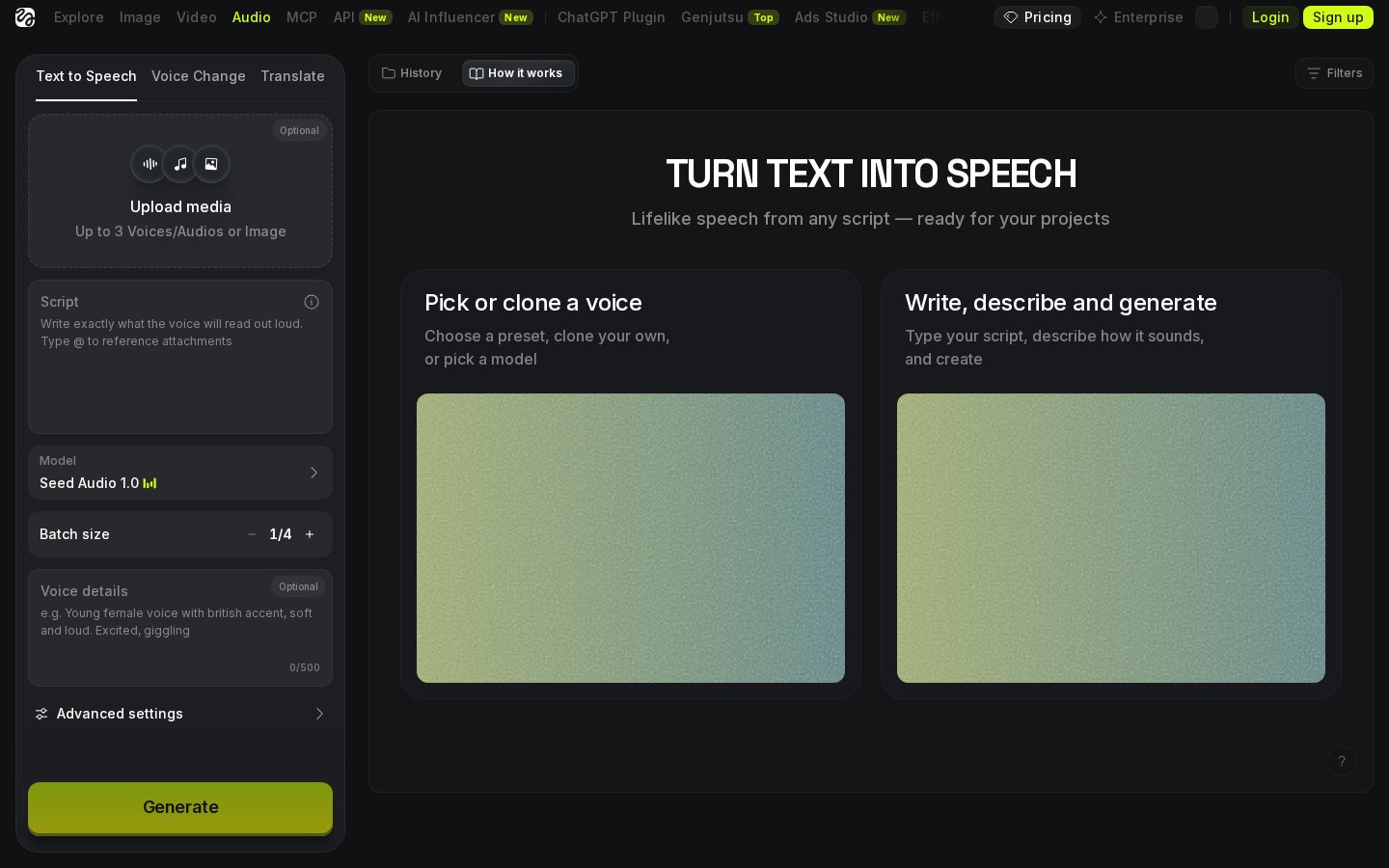
Text remains part of the process, but Higgsfield's differentiator is that text does not have to carry every instruction alone. A creator can combine a source image, a motion concept and descriptive language to define the result. This multimodal prompting approach can be easier to reason about because each input has a distinct role: the image establishes appearance, the motion choice guides action, and the prompt supplies scene or stylistic context.
A useful prompt should still be specific without becoming overloaded. Subject, setting, lighting, mood and desired action are clearer when expressed directly. Conflicting instructions—such as requesting a fixed camera and a dramatic orbit at the same time—can make the intended result harder for a model to interpret. Generating short variations and changing one input at a time also makes it easier to identify what caused an improvement or artifact.
Other AI video generators may support similar combinations of text, images and video references. The difference is one of workflow emphasis rather than an exclusive capability. Higgsfield foregrounds selectable visual direction, while some broader platforms foreground a general creation canvas with many generation and editing modes.
Where Higgsfield Fits—and Where Broader Tools May Fit Better
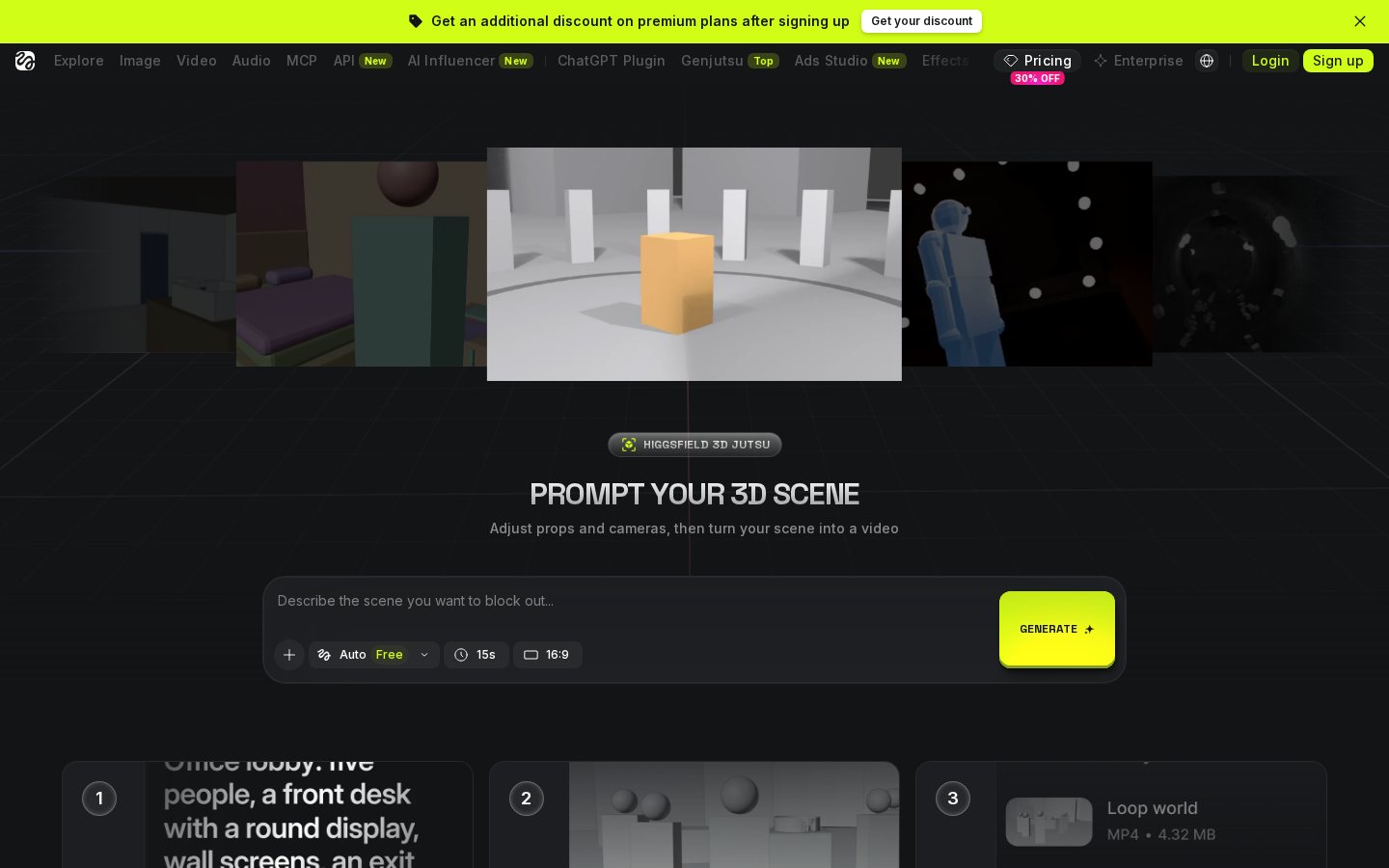
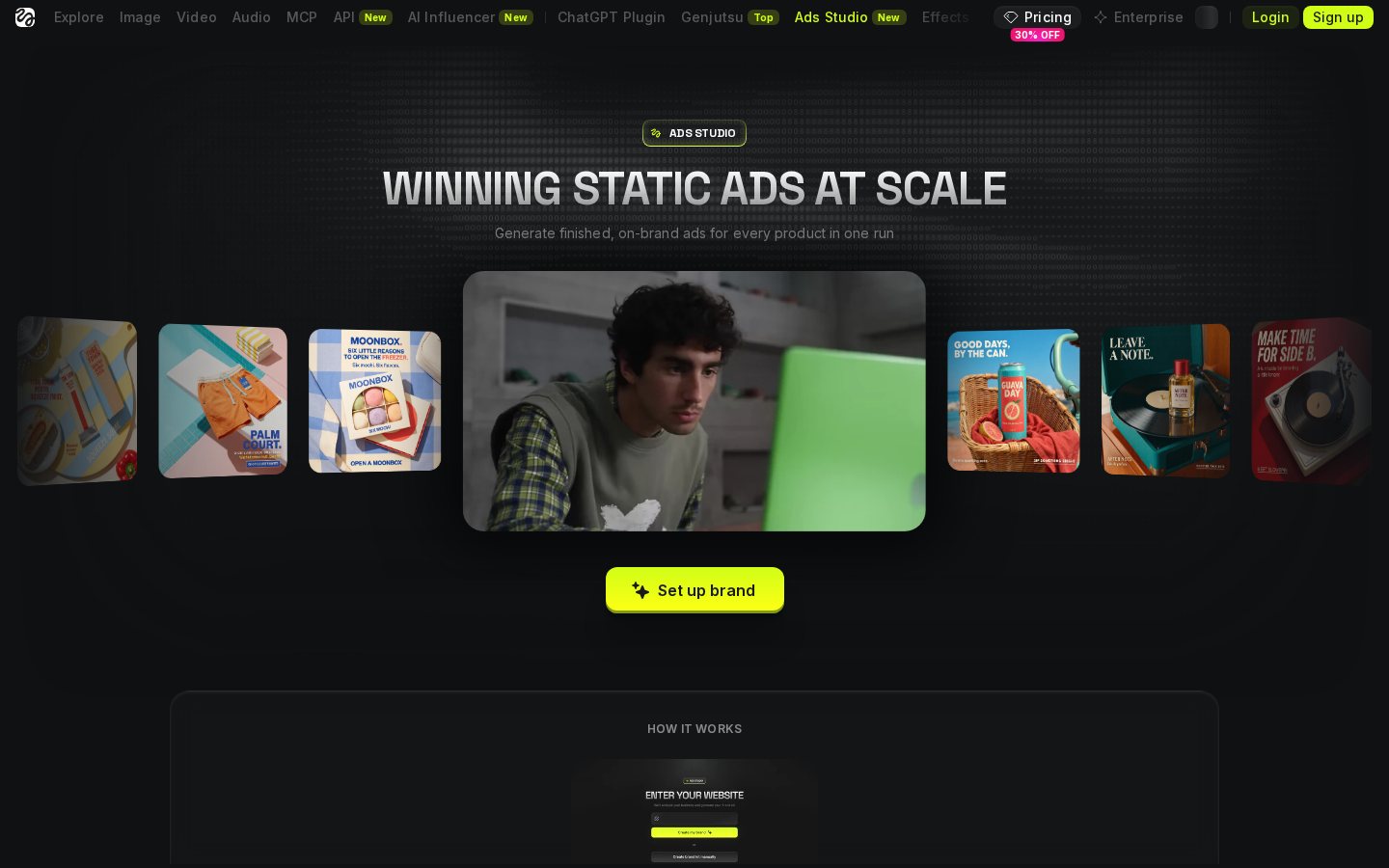
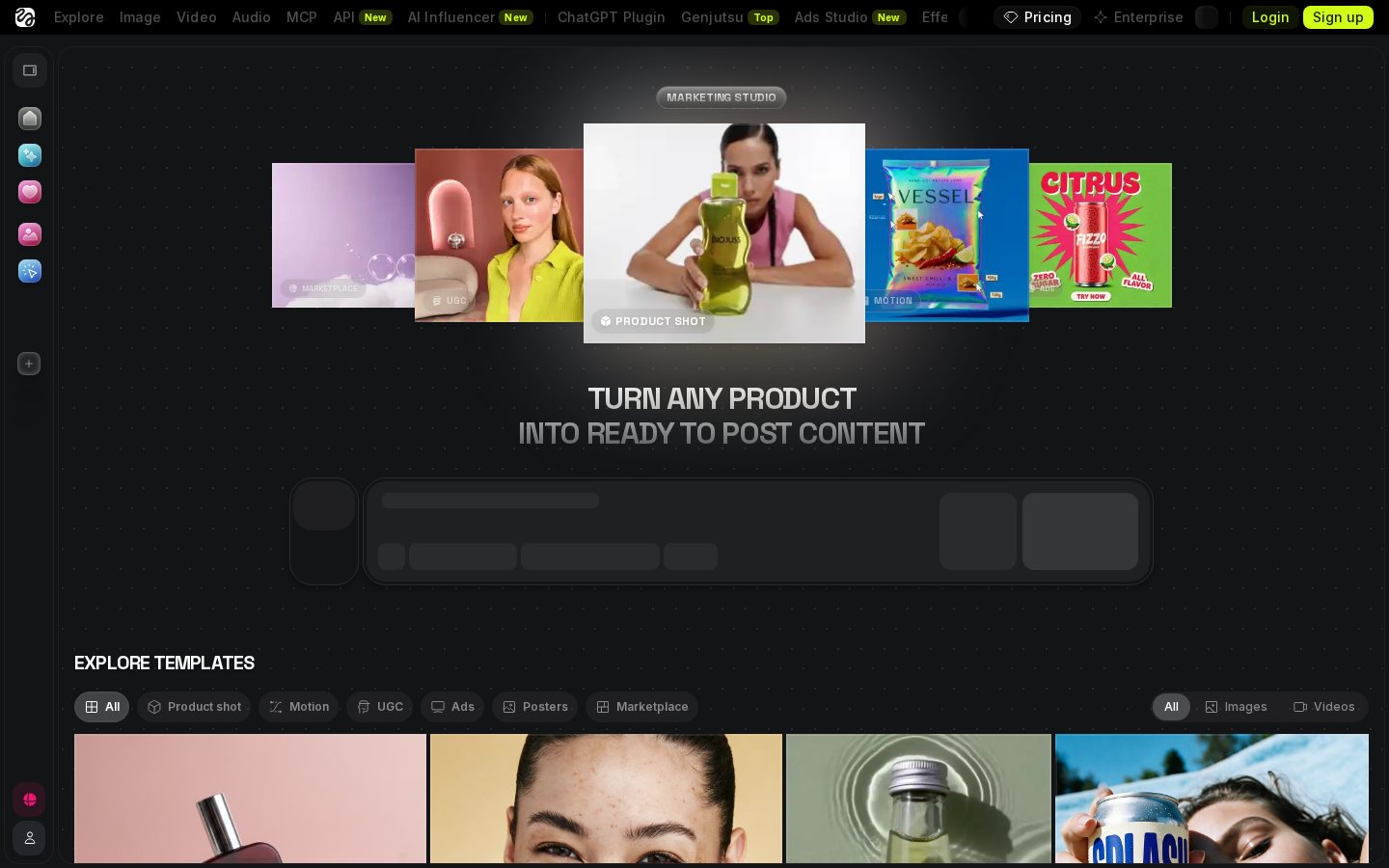
Higgsfield's structured controls are most relevant to creators making short, visually assertive clips built around a subject or a recognizable camera move. Social posts, concept shots, character-led sequences and visual experiments are natural examples of that workflow. The appeal is not merely output orientation; it is the ability to begin with a more defined shot plan than a text prompt alone provides.
Broader AI video platforms may make more sense for projects that require a wide range of generation modes, longer editorial workflows, extensive compositing or experimentation across many types of footage. A filmmaker seeking atmospheric establishing shots has different priorities from a creator producing repeated character clips. Resolution labels and polished samples are not enough to settle that choice because editability, continuity, generation limits and export requirements also matter.
The fairest comparison asks which tool reduces friction for the intended project. Choose according to shot type, control needs and tolerance for regeneration. Higgsfield's identity is tied to directable movement and character-focused creation; a general-purpose generator may provide more breadth. For a tool-specific overview before deciding, see our detailed Higgsfield review.

How to Compare Higgsfield With Another AI Video Generator
Start with the same creative brief for both tools. Use comparable source material and ask for the same subject, action, framing and duration where the interfaces allow it. Then compare the outputs frame by frame rather than relying only on the first impression. Look for changes in facial features, hands, clothing, background geometry and object permanence. These details reveal whether a clip will survive editing and repeated viewing.
Next, count the revisions needed to reach a usable result. A platform with more controls is valuable only if those controls reduce uncertainty for your task. Note whether motion selections produce meaningful changes, whether prompts are followed consistently, and whether the same character remains recognizable across variations. Also consider how easily the output fits the intended canvas and editing process.
Finally, separate model quality from workflow quality. One tool may produce a more attractive isolated clip, while another may make a series easier to direct and organize. That distinction is central to understanding Higgsfield versus other AI video generators: its main point of difference is the guided creation process, not a universal claim of superior output.
Frequently asked
As an Amazon Associate I earn from qualifying purchases. This does not affect the price you pay. Affiliate disclosure