How Much Does VEED Really Cost Per Month?
VEED’s real monthly cost depends on the current plan, billing cycle, included usage allowances and whether your workflow requires extra AI capacity or storage.

Some links are affiliate links: we may earn a commission if you sign up or buy through them, at no extra cost to you.
On this page9 sections
- 1The short answer
- 2How Much Does VEED Really Cost Per Month?
- 3Monthly Billing Versus the Monthly Equivalent
- 4What the Free Plan Does and Does Not Tell You
- 5Plan Features That Can Change the Real Cost
- 6AI Credits, Storage and Other Cost Triggers
- 7How to Estimate Your Own VEED Monthly Cost
- 8Which VEED Tier Fits Your Workflow?
- 9Frequently asked
The short answer
- Subscription fees scale based on feature access, export limits, and payment frequency.
- The free tier applies a permanent watermark and restricts export resolutions significantly.
- Annual billing structures offer lower overall costs compared to rolling monthly options.
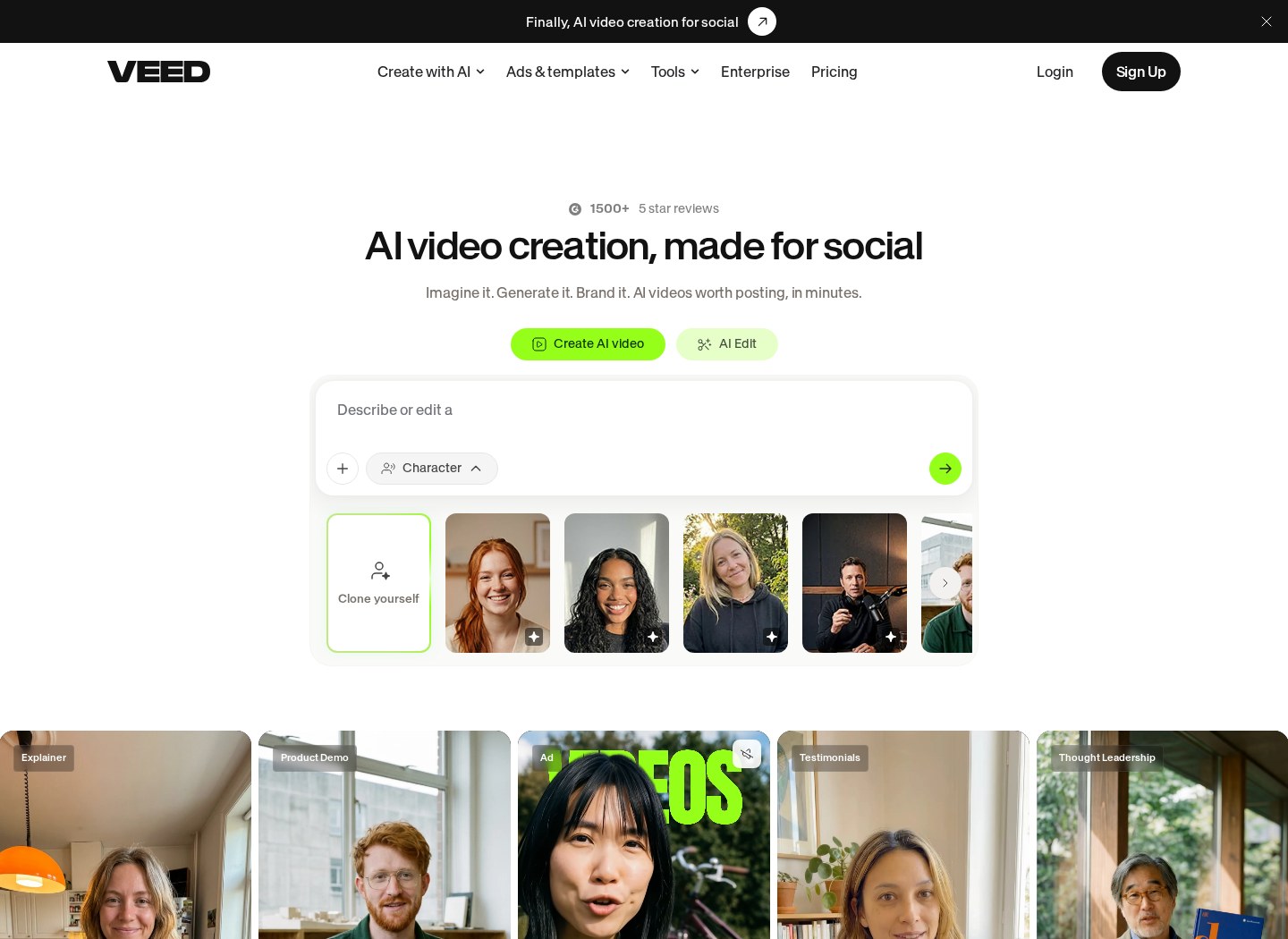
VEED’s real monthly cost is the subscription rate shown on its pricing page plus any extra capacity your workflow requires. Because prices can change and annual plans may be displayed as monthly equivalents, check whether the quoted amount is billed monthly or charged upfront for a year. Usage allowances, AI credits and storage can also affect what you pay.
There is no single monthly cost that fits every VEED user. The free plan can be enough for testing the editor, while paid tiers serve people who need cleaner exports, higher allowances or more advanced tools. The important comparison is not only the headline subscription rate but also what your likely workload consumes.
This guide explains how to read VEED’s pricing page, compare billing cycles and identify limits that could prompt an upgrade. For a broader assessment of the editor and its plans, read our VEED Review 2026: Pricing, Free Plan and Who It's For.
Watch it in action
How Much Does VEED Really Cost Per Month?
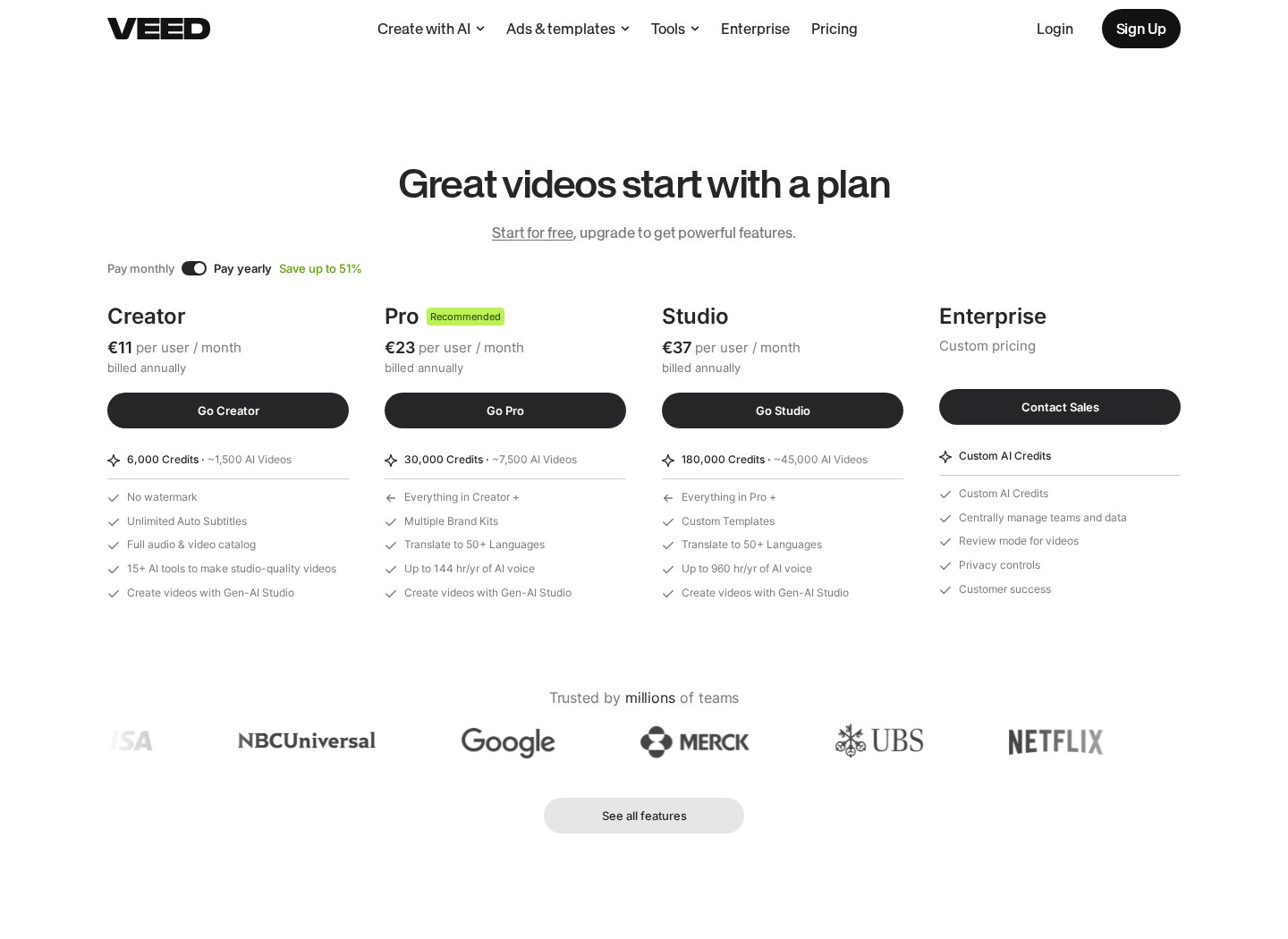
The answer depends on three variables: your selected tier, whether you pay monthly or annually, and how much included capacity you use. VEED’s official pricing page is the appropriate place to confirm the current rate because plan names, features and allowances can change. Do not treat an annual plan’s monthly equivalent as a rolling monthly charge. If the plan is billed yearly, you may have to pay the full annual amount at checkout even though the page expresses its cost per month.
Your practical monthly expense may also differ from the advertised subscription rate. A plan can be affordable on paper but unsuitable if its storage, export or AI allowances do not cover your normal workload. Conversely, a higher tier can be unnecessary if you only create occasional short videos. Start by recording your typical monthly output, including project length, export frequency, storage needs, transcription volume and use of AI features. Then compare that workload with the current plan details rather than choosing from the headline rate alone.
Monthly Billing Versus the Monthly Equivalent
Understanding how subscription models operate is the first step in determining your potential monthly expenses. VEED operates on a multi-tiered software-as-a-service model, offering distinct packages designed for casual creators, professionals, and collaborative teams. These plans are categorized by feature availability, storage space, and monthly processing capabilities.
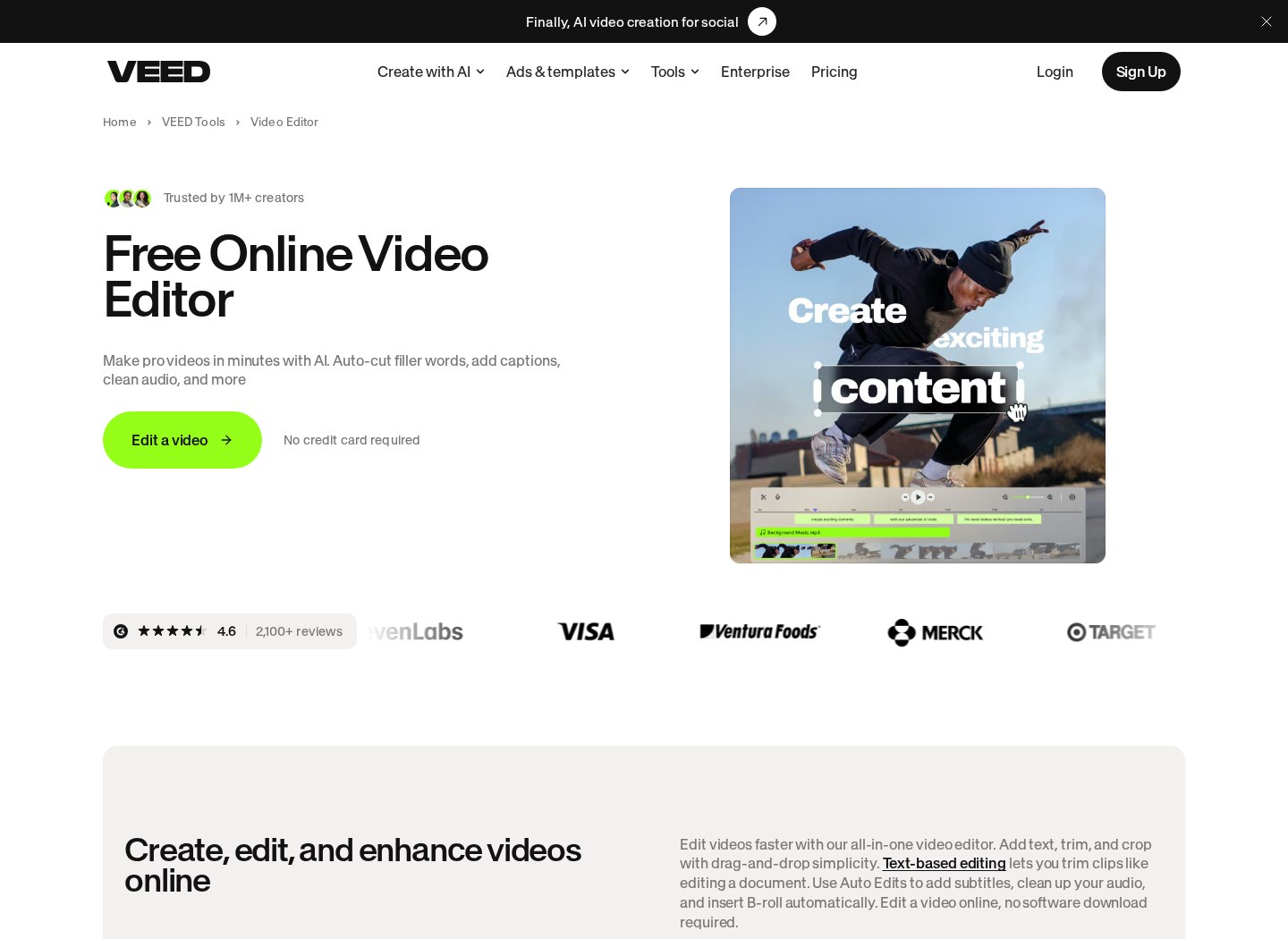
When evaluating these tiers, you must decide between a rolling monthly commitment and an upfront annual subscription. Paying month-to-month gives you flexibility, while annual billing may display a lower monthly equivalent. The monthly equivalent is not necessarily the amount charged each month, so inspect the checkout terms before committing.
The choice between these billing cycles ultimately depends on your content calendar. If you only have a single project to edit over a four-week period, a monthly commitment may suit that short period. For ongoing production, compare the total annual payment with the cost of maintaining a rolling subscription for the same length of time. Also check renewal terms and confirm how cancellation affects access for the remainder of the paid billing period.
What the Free Plan Does and Does Not Tell You
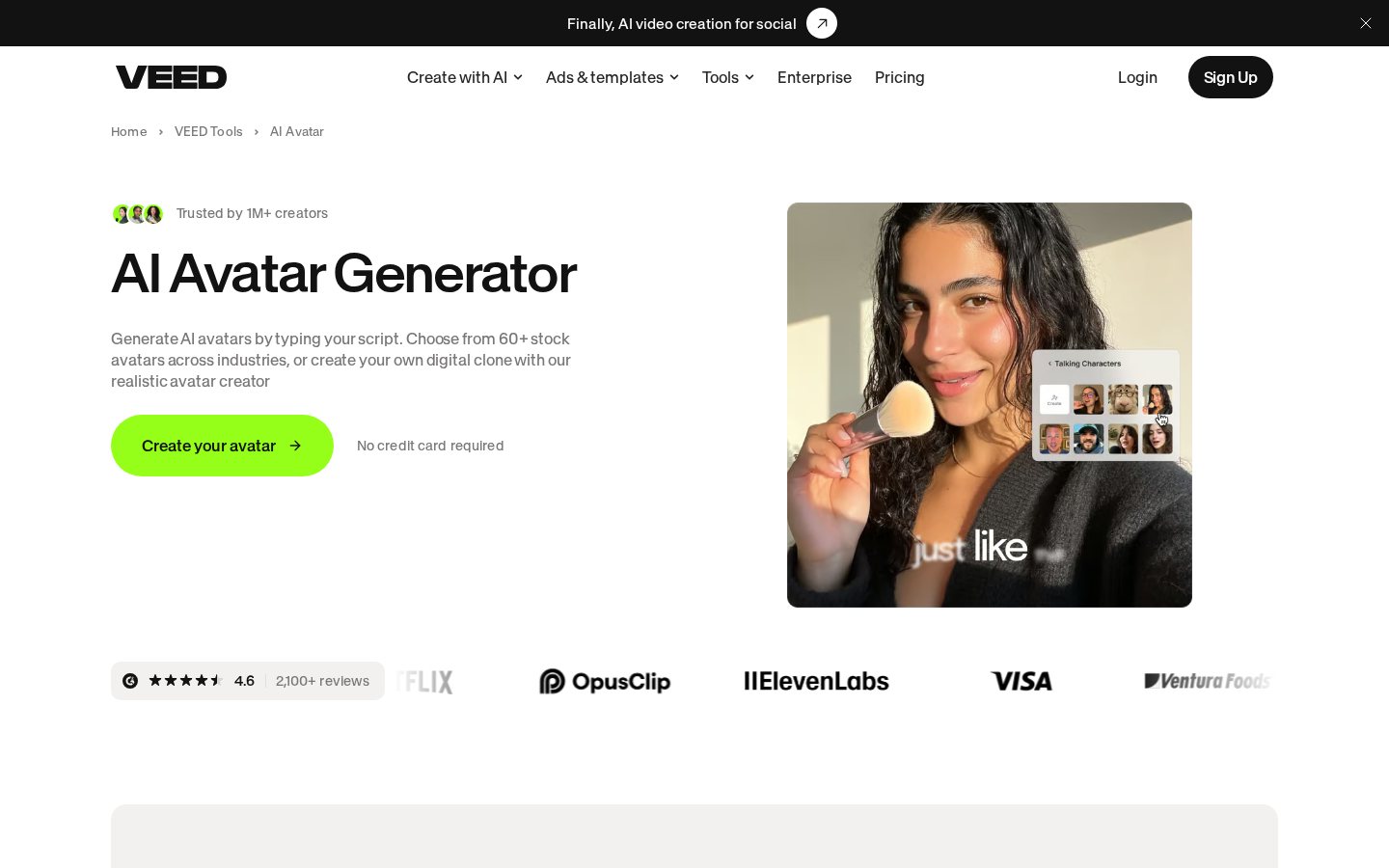
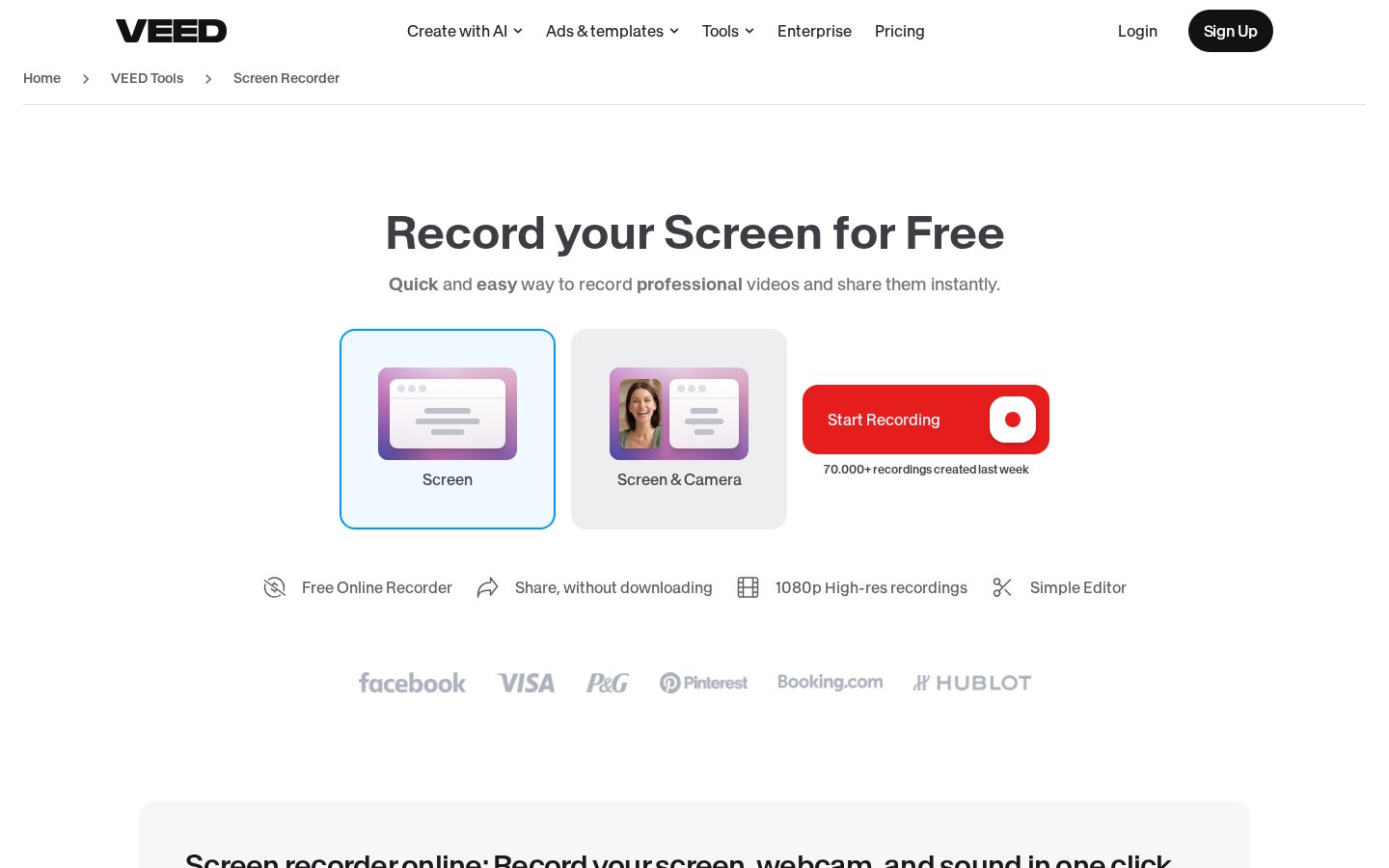
VEED’s free option can help you assess the interface before paying, but it does not establish what a professional workflow will cost. Free-plan restrictions can apply to areas such as exports, output quality, project length, storage and access to advanced tools. These details can change, so verify the current limits on VEED’s pricing page rather than relying on an old comparison.
A free account is most useful for answering practical questions: Can you navigate the timeline comfortably? Does the caption workflow suit your content? Can you arrange media and text efficiently? It is less useful for estimating paid capacity because a subscription may provide different allowances and features.
Before upgrading, create a representative project rather than an unusually short test clip. Note its source-file size, finished duration, number of captioned minutes and required output format. A realistic sample project exposes the limits most likely to affect your monthly cost. If your final videos must meet client or brand requirements, confirm that the relevant paid tier supports those requirements before choosing it.
Plan Features That Can Change the Real Cost
Paid tiers are not distinguished only by export quality. Depending on the current plan structure, differences may include storage, upload or project limits, collaboration controls, brand tools, subtitles, translation and AI-assisted features. The cheapest suitable tier is therefore the one that covers the functions and capacity you regularly need, not simply the lowest listed subscription.
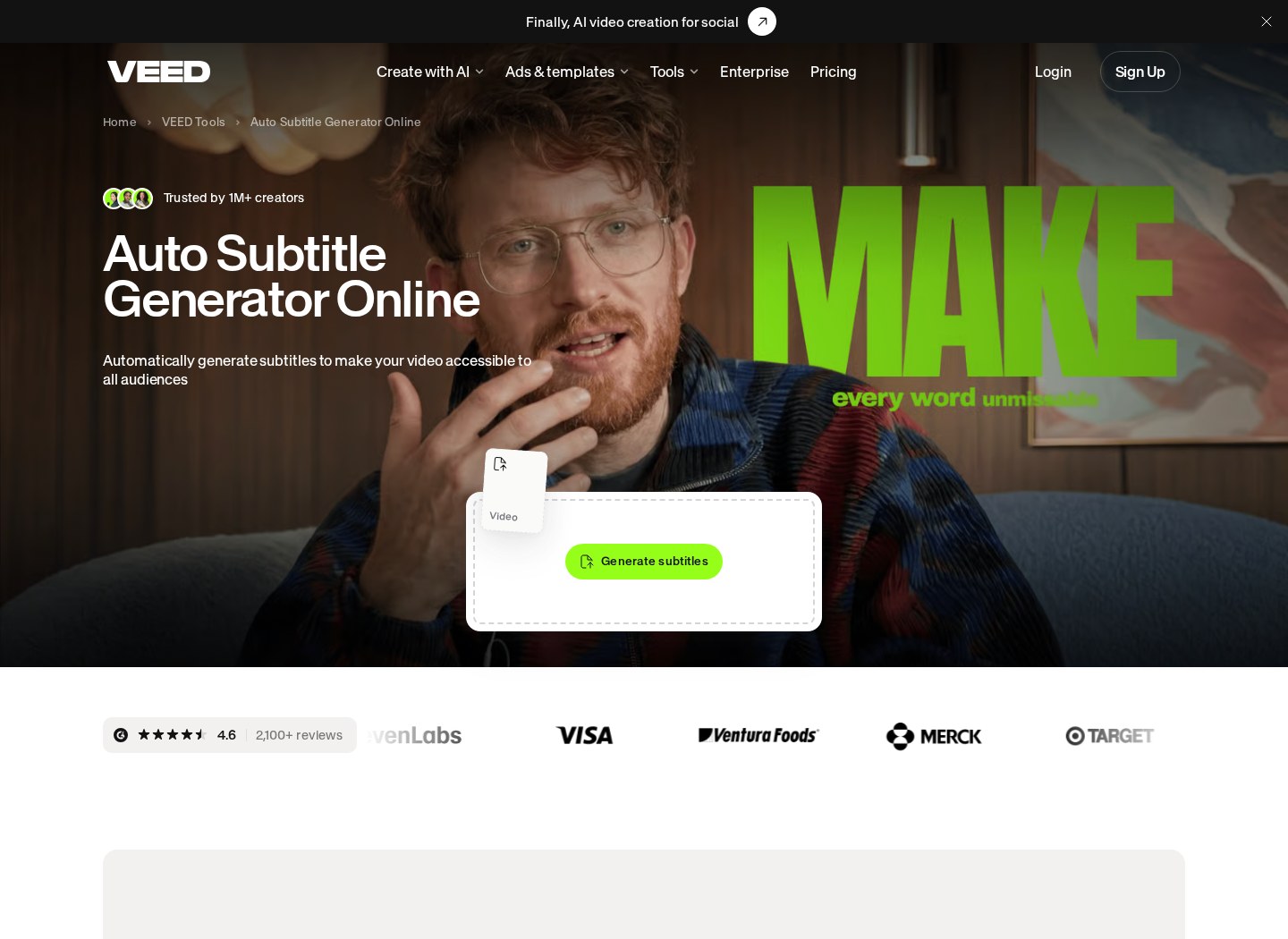
Pay particular attention to automatic transcription if captions are central to your workflow. Measure the duration of all videos you expect to transcribe in a normal month, including revisions or alternate versions. Translation can multiply usage if one video needs several language versions. AI voice, avatars or other generative features may use separate allowances, depending on VEED’s current terms.
Brand assets and collaboration can also influence the appropriate tier. A solo creator may not need shared workspaces or administrative controls, while a team may consider them essential. Compare the feature you need with the exact allowance attached to it. Our full VEED pricing and free-plan review provides additional context on who the service is designed for.
AI Credits, Storage and Other Cost Triggers
When assessing how much the software really costs, look beyond the flat subscription fee. The primary constraint may be the consumption of specialized processing allowances. Automated voiceovers, translation features and advanced AI editing tools can draw from plan-specific capacity, depending on VEED’s current pricing rules.
If your workflow requires heavy transcription or complex translations, you may exhaust an allowance before your billing cycle resets. The available response may involve waiting for renewal, reducing usage, purchasing more capacity where offered or moving to another tier. Do not assume extra usage is automatically available at a fixed overage rate. Confirm the current options in your account or on the official pricing page.
Cloud storage is another factor to monitor. High-resolution source files, duplicate projects and retained exports can consume space rapidly. Establish whether VEED counts source media, generated assets, exports or deleted projects toward storage, and check whether removal is immediate. Regular housekeeping can reduce unnecessary usage, but archive anything important elsewhere before deleting it. Usage dashboards are useful for spotting trends before a production deadline.
How to Estimate Your Own VEED Monthly Cost
Begin with a one-month production forecast. List how many videos you expect to make, their average duration and resolution, and the approximate size of the footage you will upload. Add the total number of minutes requiring captions, transcription or translation. If you use generative tools, estimate how often you will create alternate versions because unsuccessful or revised generations may still affect usage under the current terms.
Next, open VEED’s official pricing page and compare that forecast against each tier’s documented allowances. Check the billing selector, currency, tax treatment and whether the displayed rate is monthly billing or an annual equivalent. Review any separate explanation of AI credits rather than assuming every AI tool consumes capacity in the same way.
Finally, choose the lowest tier that covers your normal month with a reasonable margin for revisions. A small capacity buffer is more useful than paying for features you will not use. Reassess after one billing cycle using actual project data. For help comparing suitability as well as cost, see our VEED Review 2026 and plan guide.
Which VEED Tier Fits Your Workflow?
Selecting the appropriate subscription tier depends on your specific video output goals and how often you publish content. A free tier may suit someone learning the interface or producing drafts within its current restrictions. An entry-level paid option may fit an individual who needs paid features but has modest storage and automation requirements. Higher tiers may make more sense for frequent publishing, larger files, brand controls, AI-heavy workflows or collaboration.
Teams should also examine how VEED defines a user, seat and workspace. A plan that appears suitable for one editor may cost or operate differently when several people require access. Confirm whether collaborators need paid seats and which permissions or administrative features are included.
Matching your editing volume to the right tier helps prevent overpaying while reducing the risk of reaching an allowance mid-project. Avoid choosing solely by a tier’s name or target audience. Compare the current feature table line by line, then check the billing summary before payment. The complete VEED review for 2026 covers the broader question of who the platform is for.
Frequently asked

As an Amazon Associate I earn from qualifying purchases. This does not affect the price you pay. Affiliate disclosure