
How to Choose the Right invideo Review
Choose an invideo review that clearly identifies the product and workflow covered, demonstrates script and media editing, assesses manual control and voiceovers, and discloses its publication date, evidence, limitations, and commercial relationships.
Some links are affiliate links: we may earn a commission if you sign up or buy through them, at no extra cost to you.
On this page9 sections
- 1The short answer
- 2How Do You Choose the Right invideo Review?
- 3Confirm Which invideo Workflow the Review Covers
- 4Evaluate Script, Media, and Output Evidence
- 5Assess Timeline Control and Manual Editing
- 6Check Voiceover and Audio Evaluation
- 7Audit the Review’s Date, Method, and Disclosures
- 8Match the Review to Your Video Project
- 9Frequently asked
The short answer
- Look for reviews that clearly separate invideo AI features from the traditional invideo Studio timeline.
- Prioritize critiques showing the actual process of editing AI-generated scripts and replacing stock video clips.
- Verify if the reviewer explains the granular control over AI voices and background music synchronization.
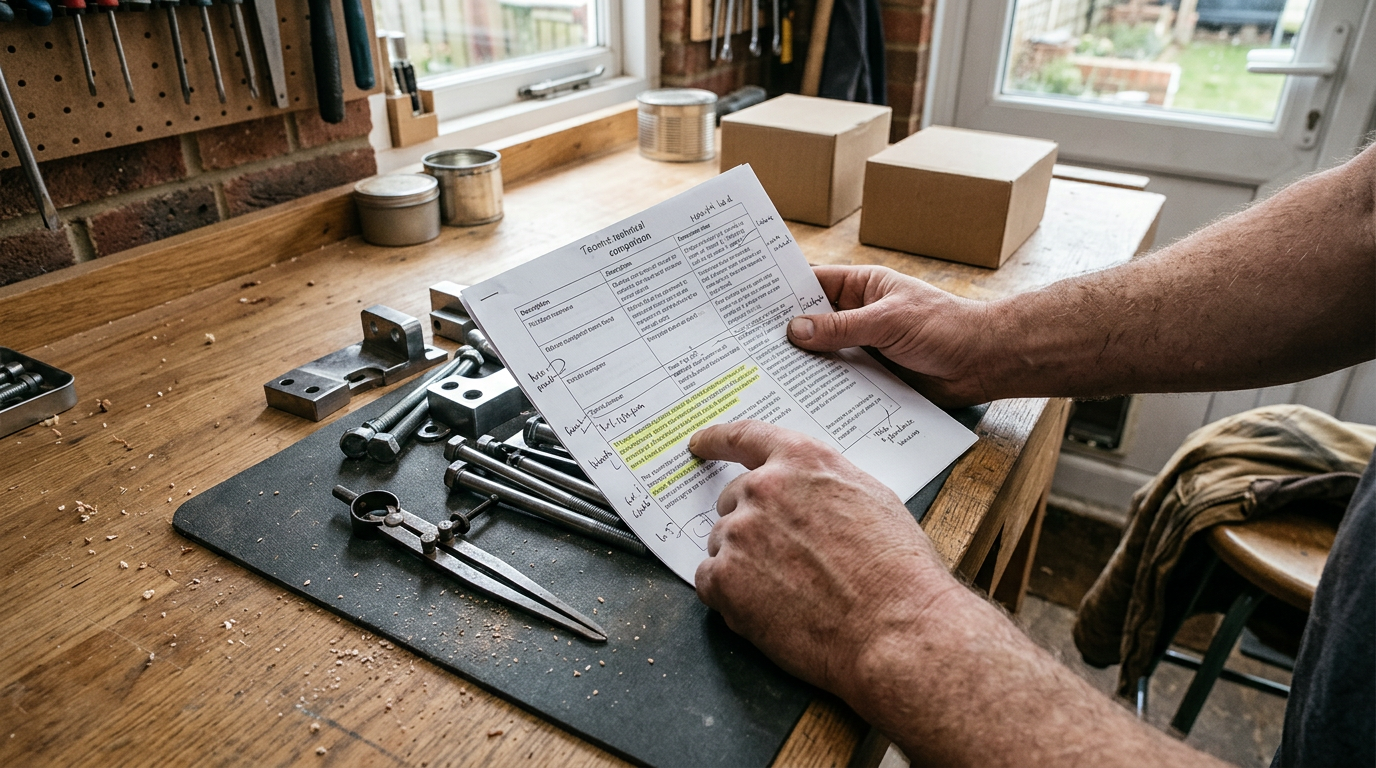
To choose the right invideo review, look for one that identifies the exact invideo product covered, shows the editing workflow, assesses output quality and limitations, and explains who the tool suits. Prefer current, evidence-led reviews with original interface images, clear evaluation criteria, and transparent disclosures over feature summaries or promotional copy.
Finding useful software feedback online is difficult because articles can become outdated or repeat product descriptions without examining practical workflows. A review should help you judge whether the software matches your editing experience, production process, desired level of control, and typical video format.
Use the checks below to compare reviews consistently. The aim is not to find the most enthusiastic verdict, but the analysis that gives you enough relevant evidence to make your own decision. For a focused platform assessment, read our invideo review and buying guide.
How Do You Choose the Right invideo Review?
Start by checking four things: scope, evidence, relevance, and transparency. Scope means the article clearly states which invideo product, interface, and workflow it covers. Evidence means the reviewer shows the steps behind the assessment rather than merely listing features. Relevance means the review examines tasks similar to yours, such as turning a prompt into a draft, replacing stock media, revising narration, or arranging clips manually. Transparency means the page identifies its publication or update date and discloses any commercial relationship that could influence the presentation.
Next, scan the headings before reading every paragraph. A useful review should cover creation, editing, audio, limitations, and the intended user. It should distinguish observations from opinions and explain the criteria behind its verdict. Choose the review that makes trade-offs visible, even if its conclusion differs from what you expected. Avoid relying on a single source where the page offers no interface evidence, methodology, date, or discussion of drawbacks.
Confirm Which invideo Workflow the Review Covers
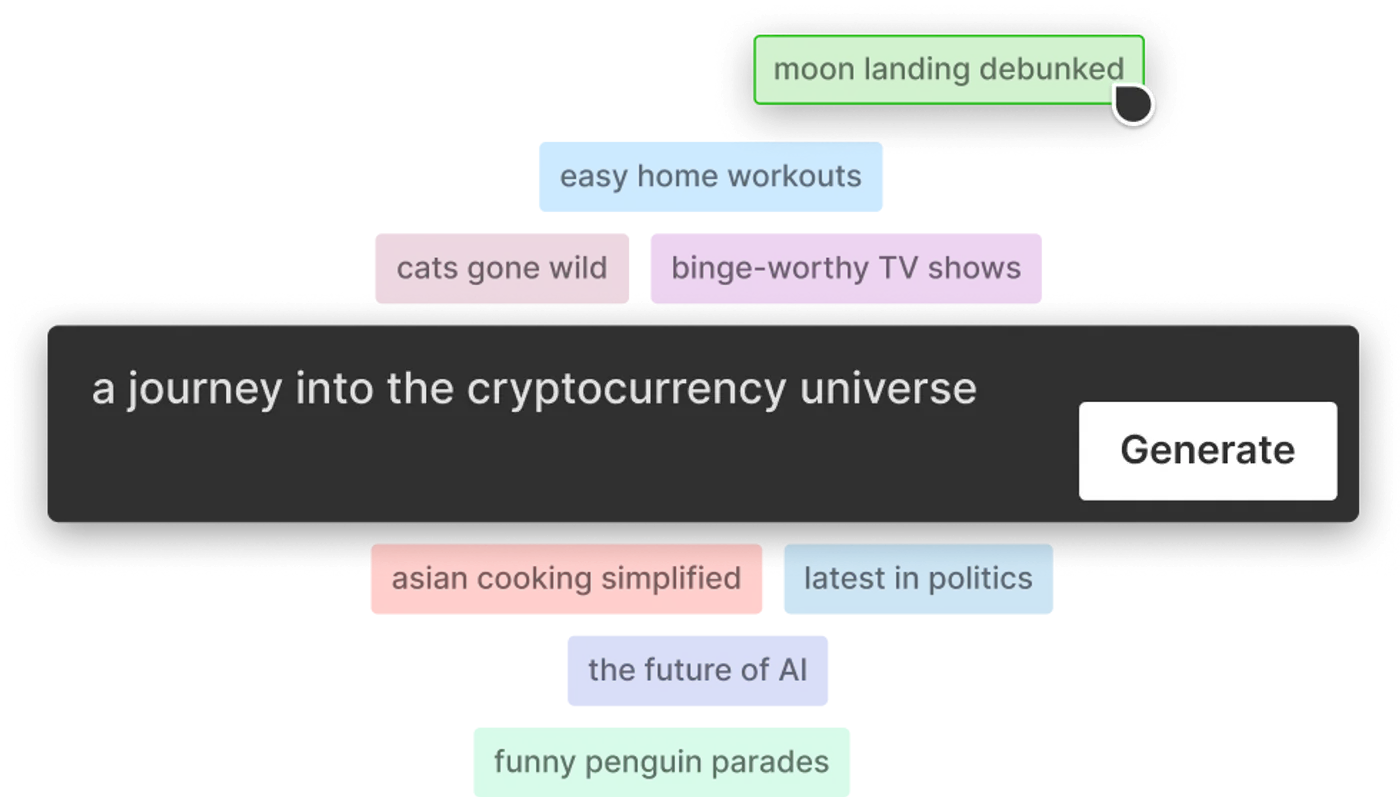
The first screen shown in a review can reveal which workflow the writer is assessing. Look for a clear explanation of whether the process begins with a text prompt, a template, or a manual editing canvas. An objective review must clearly separate automated generation from manual editing because those routes require different skills and offer different kinds of control.
A prompt-led review should explain what information the user provides, what the system generates, and which parts can be revised after the first draft. A manual-editor review should show how templates, scenes, media, text, and timing are adjusted. If the article moves between interfaces without identifying them, its conclusions about ease of use may not apply to the workflow you intend to use.
Also confirm that screenshots, captions, and terminology are consistent. Product interfaces change, so visible differences do not automatically make a review unreliable. However, the author should state when the article was published or updated and identify the version or interface being discussed where possible. This context makes comparisons far more useful.
Evaluate Script, Media, and Output Evidence
Once a video draft exists, the important question is how much work is required to make it usable. A high-quality invideo review with workflow analysis should show how the author changes the script, replaces unsuitable media, adjusts scene order, and checks the result. Screenshots or clearly described steps are more useful than broad claims that editing is easy or fast.
Look for an assessment of whether generated narration and visuals stay relevant to the subject. The review should explain how errors or mismatches are corrected, not simply show a polished final frame. For media replacement, useful details include how search works, how uploaded assets are inserted, and what happens to scene timing after a clip changes. These are practical questions that affect everyday editing.
Pay attention to prompt iteration as well. A careful review distinguishes between improving the original instruction and editing the generated result. It should note which approach gives the user more predictable control. The strongest evidence follows one example from input to revision, allowing you to see both the initial output and the corrective work behind the final version.
Assess Timeline Control and Manual Editing
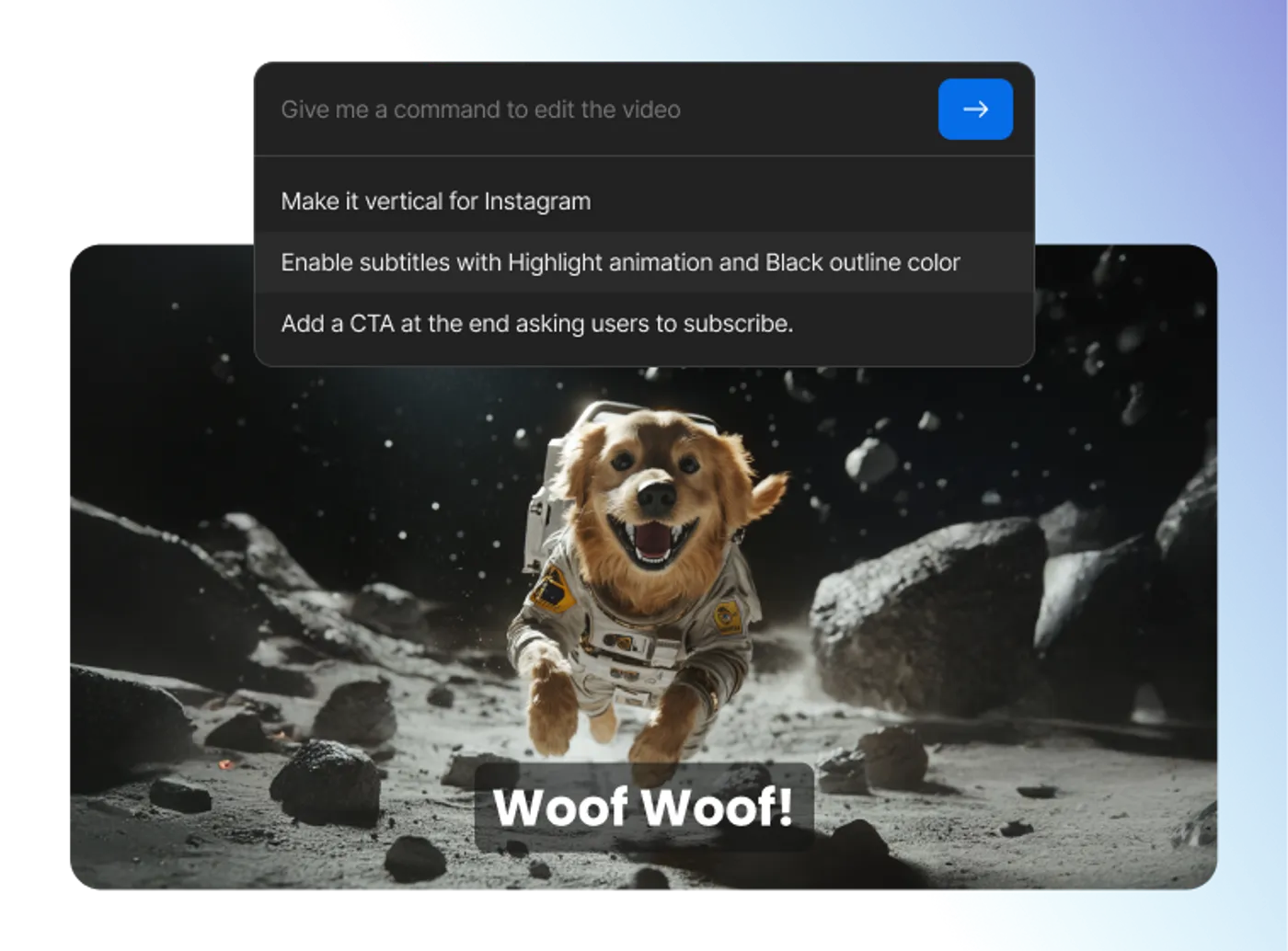
For projects that need precise pacing or branded layouts, examine how the review evaluates manual control. The article should explain whether editing is performed through scene-level controls, a multi-track timeline, text instructions, or a combination of methods. A useful review connects each control method to a realistic task, such as shortening a clip, moving an overlay, changing a transition, or synchronising narration with visuals.
Do not accept vague performance claims without context. If a writer describes the editor as responsive or slow, look for an explanation of the project involved, the action being performed, and the device or browser context if disclosed. Without that information, the observation may not transfer to your setup.
A balanced review should also distinguish convenience from precision. Automated scene adjustments may reduce repetitive work, while direct timeline controls may be preferable when exact timing matters. Neither approach is inherently right for everyone. The relevant question is whether the available controls match your production needs and tolerance for manual editing. For a broader assessment of those trade-offs, see the full invideo review.

Check Voiceover and Audio Evaluation
Audio assessment should go beyond counting voice options. A reliable review explains how narration sounds in context and whether the user can revise the script, switch voices, correct awkward phrasing, or adjust timing. Because speech quality can vary by sentence and subject, short isolated samples are less informative than narration assessed across a complete scene.
Look for discussion of pronunciation, pacing, pauses, and consistency. If the review makes claims about realism, it should explain what the writer heard and provide enough context for you to judge the observation. It should also cover the relationship between narration, music, and scene timing rather than treating each element separately.
The article may mention audio ducking, which refers to lowering background audio while speech is present. What matters is whether the review shows how mixing controls work and whether manual adjustment is possible. Good audio analysis describes both the default result and the available corrections. Be cautious if a review praises voiceovers without addressing editing controls, pronunciation problems, or music balance.
Audit the Review’s Date, Method, and Disclosures
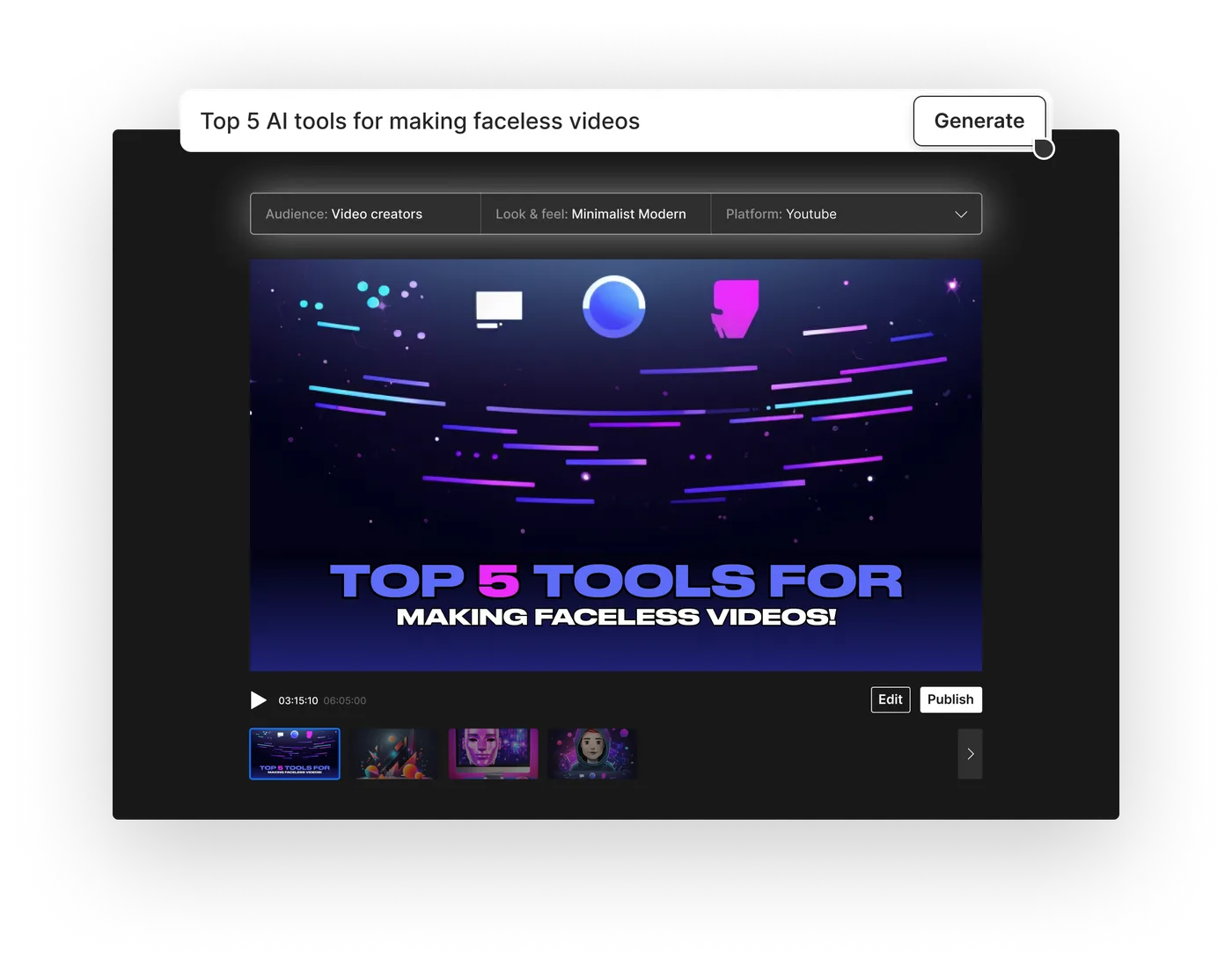
Run each candidate review through a simple editorial audit. First, check for interface-specific images or detailed workflow descriptions. Original evidence does not guarantee a sound verdict, but it helps you distinguish practical analysis from a rewritten product overview. Second, find the publication or update date. AI tools can change quickly, so a review should make its timeframe clear rather than presenting old observations as permanently current.
Third, examine the method. Does the writer state which tasks, inputs, or project types informed the evaluation? Does the article explain the basis for claims about usability, output quality, or control? A repeatable method is more valuable than an unsupported verdict. Fourth, look for limitations and suitable alternatives in workflow terms, even if the page does not recommend another product.
Finally, inspect disclosures. Reviews should identify affiliate relationships, sponsorships, supplied access, or other relevant commercial arrangements. A disclosure does not make an article unreliable; hiding the relationship is the concern. You can apply the same checklist while reading our detailed invideo assessment: verify that its scope and criteria align with your intended use before accepting its conclusion.
Match the Review to Your Video Project
The right review is the one that examines work resembling your own. A creator making short narrated explainers needs different evidence from someone building a presentation with precise brand assets, custom typography, and manually timed scenes. Before choosing a review, write down your expected inputs, output format, editing skill, required controls, and tolerance for revising AI-generated material.
Then compare those needs with the examples used in the article. If your priority is rapid drafting, look for coverage of prompt construction, first-draft relevance, script revision, media replacement, and export preparation. If you need detailed control, prioritise reviews that demonstrate timeline editing, layers, transitions, audio mixing, asset uploads, and scene-level adjustments. Do not let a general verdict replace your own requirements list.
Treat the final recommendation as a summary of the writer’s criteria, not a universal answer. A review can be well researched yet still focus on a different audience. The most useful article states who may benefit, who may find the workflow restrictive, and what compromises are involved. That is the review most likely to guide a sound decision without turning the page into a sales pitch.
Frequently asked
As an Amazon Associate I earn from qualifying purchases. This does not affect the price you pay. Affiliate disclosure