Is Lovable Worth Paying For? How to Decide in 2026
Decide if Lovable's premium tiers are worth your budget in 2026 by exploring key differences in code exports, database integrations, and daily usage limits.
Some links are affiliate links: we may earn a commission if you sign up or buy through them, at no extra cost to you.
On this page8 sections
- 1The short answer
- 2The Core Prompt Workflow: Launching Your First Build
- 3Managing the Component Tree and Code Customization
- 4Database Setup and User Authentication Tasks
- 5Step-by-Step Guide: Deploying a Lovable App
- 6Paid Tiers vs Free Tier: Where the Paywall Hits You
- 7Which Subscription Model Fits Your Development Goals?
- 8Frequently asked
The short answer
- Paid tiers are ideal for creators building complex, data-driven web applications.
- Free plans work well for simple, static front-end mockups and basic prototyping.
- Upgrading unlocks essential database sync, custom domain mapping, and higher AI limits.
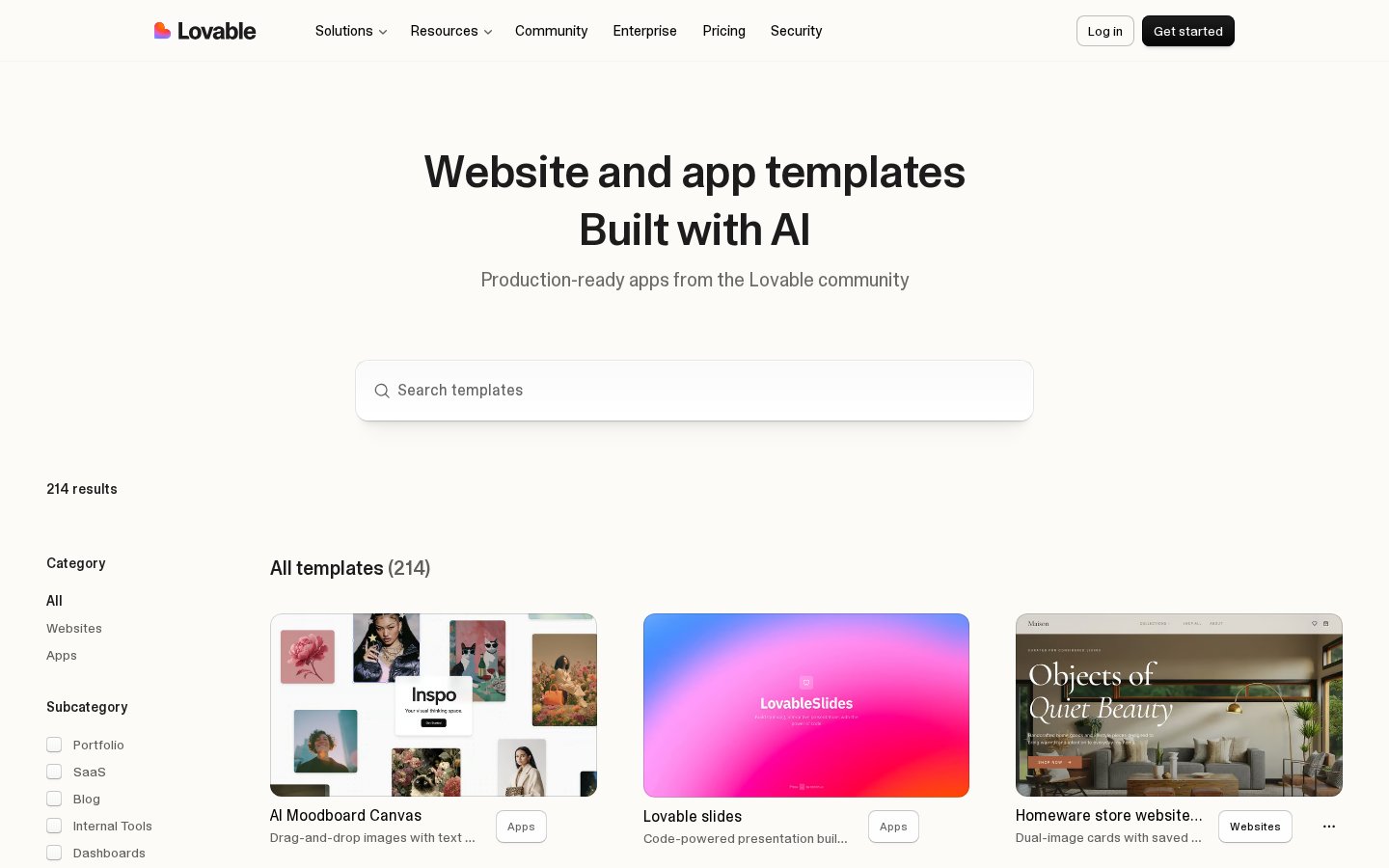
Paying for Lovable is highly worth it if you need to build and iterate on complex web applications without manual coding, but casual users can stick to the free limits. For creators launching production-ready MVPs with backend databases, the paid tiers remove crucial limitations on custom code export, API usage, and deployment slots.
Whether the tool is worth your money depends heavily on your development experience and project goals. While the platform offers an intuitive prompt interface that lets anyone build web interfaces, moving past basic mockups requires premium features that unlock full database integration and hosting controls.
Understanding these design capabilities helps you decide if a premium subscription will save you money on developer fees or simply sit idle. Let's examine how the workspace operates under various subscription tiers to clarify your purchasing decision.
The quick version
- Review your design in the live
- Open the deployment configurations tab
- Connect your hosting provider
- Generate the production build
- Link your custom domain name
- Monitor the deployment status bar
The Core Prompt Workflow: Launching Your First Build
At the heart of the platform sits the chat interface, where you describe your software ideas in plain language to generate functional applications. This prompt input acts as your main interaction portal, allowing you to ask for specific layouts, form fields, or interactive buttons. The AI translates these instructions into clean front-end components within seconds.
As the application generates, you can toggle between the preview window and the underlying file structure. This dual-view setup ensures you always know what is happening under the hood. In the free version, your overall generation speed and the complexity of these builds are constrained by strict daily usage limits.
Upgrading to a paid plan alters this dynamic by prioritizing your requests on faster processing nodes. Instead of waiting in a shared queue during peak hours, your software modifications execute immediately, which is vital when you are troubleshooting a live application during an active user launch.
Additionally, paid tiers offer a wider memory window, meaning the AI remembers older parts of your conversation as your app grows. On the free tier, the system can lose track of earlier changes once the application reaches a certain size, leading to broken layout elements.
Managing the Component Tree and Code Customization
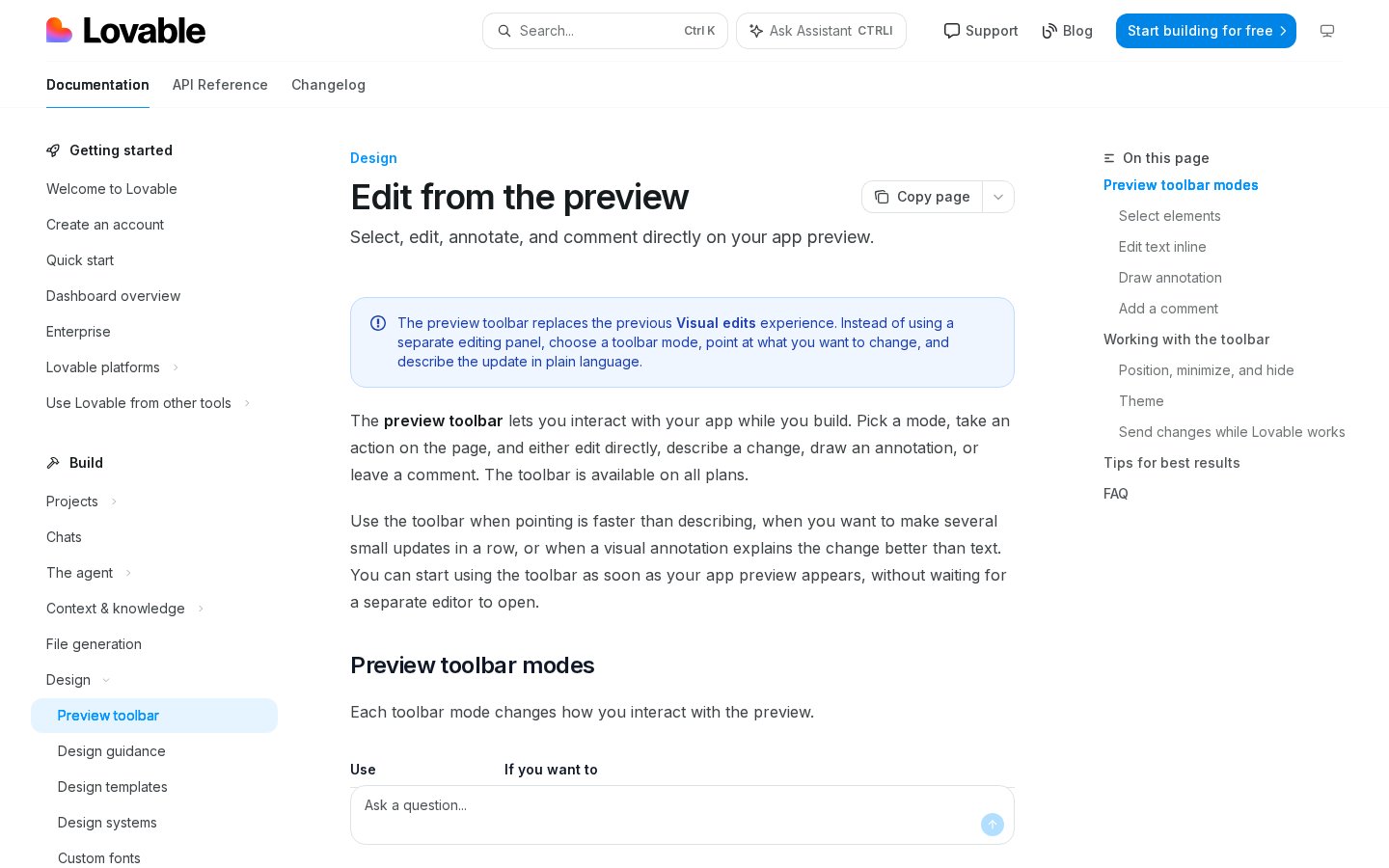
Once your initial layout is visible, you will likely need to adjust individual elements that the AI did not render perfectly. This is where the code editor panel becomes essential, giving you direct access to the generated files. Unlike pure no-code systems, this platform outputs standardized React code styled with Tailwind CSS.
For developers, this direct code access is a massive benefit. You can select individual UI elements, inspect their properties, and insert custom Javascript functions directly into the workspace. This integration of generative coding and manual editing makes it easy to fix minor bugs without waiting for the AI to rewrite the entire page.
The free plan lets you inspect this code but severely limits your ability to copy, download, or export the repository. If you plan to host your application on your own servers or work within an external codebase, paying for a premium subscription is virtually mandatory.
Furthermore, paid tiers allow you to link your active project directly to GitHub repositories. This means every change you make in the chat interface automatically triggers a commit, allowing for professional version control and seamless collaboration with external software engineers.
Database Setup and User Authentication Tasks
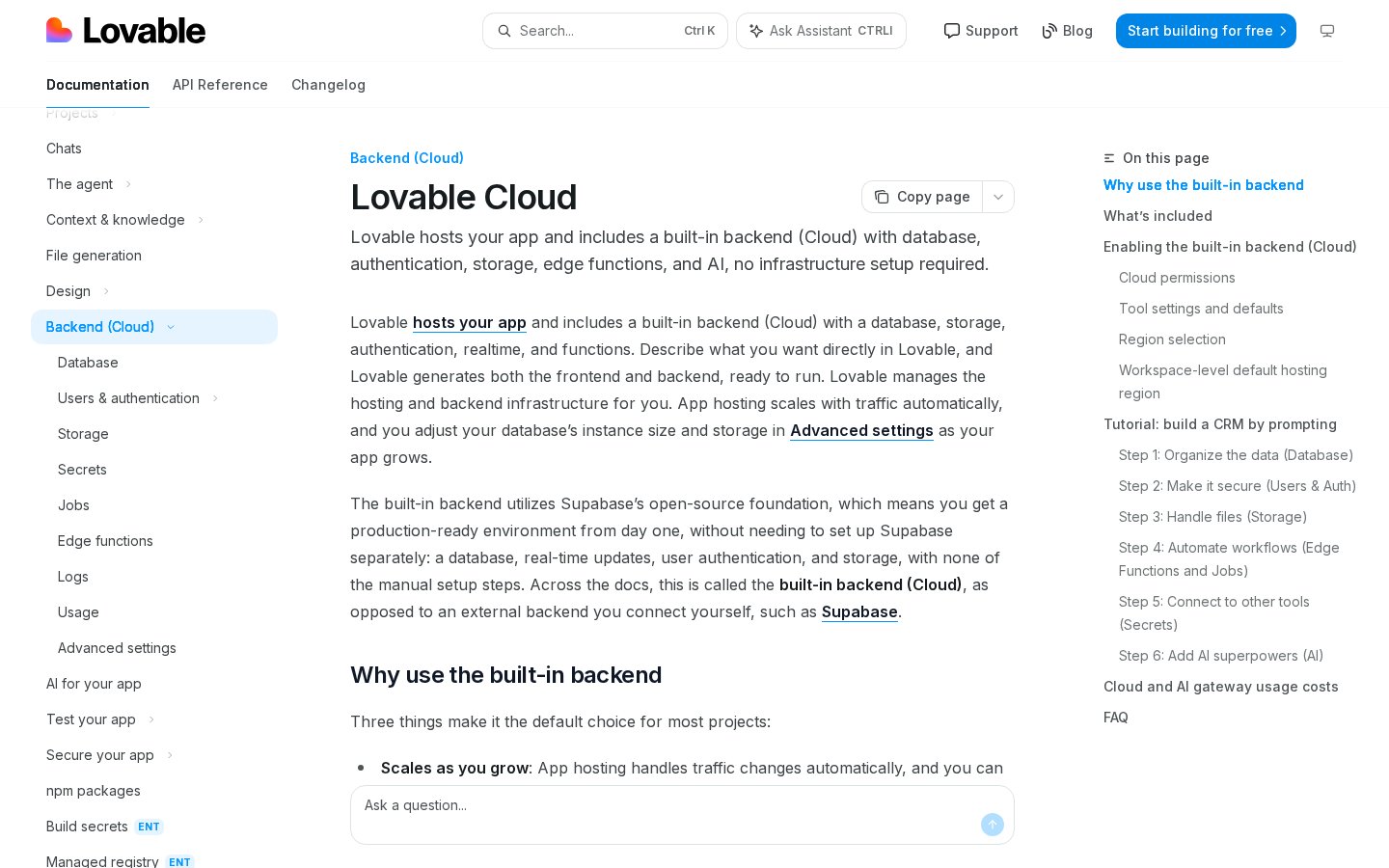
Building a modern app requires more than just interactive screens; you need a way to store user credentials, save preferences, and process transactions. The platform handles these requirements through a native integration panel designed for Supabase databases. This setup transforms static interfaces into full-stack tools.
Through this database panel, you can instruct the AI to build database tables, configure security policies, and set up user login screens. The platform automatically generates the backend endpoints required to link your front-end components to these database tables, eliminating the need to write backend API routing by hand.
On the free tier, managing these live database connections is difficult due to strict bandwidth caps and connection limits. If your application starts receiving consistent traffic, upgrading to a premium tier ensures your backend does not experience sudden downtime or connection timeouts during peak usage hours.
Advanced users will also appreciate the ability to run multiple database environments side by side. Paid subscriptions allow you to maintain separate development, staging, and production databases, which prevents accidental data loss when you are testing new database schema changes on your live customer database.
Step-by-Step Guide: Deploying a Lovable App
Publishing your application to the web is the ultimate goal of any design cycle, and the platform's native deployment panel makes this process remarkably straightforward. Follow these specific steps to take your software project from the drafting sandbox to a public, production-ready URL.
- Review your design in the live preview window. Ensure all buttons, forms, and navigation menus operate as intended.
- Open the deployment configurations tab. This is situated on the top navigation bar of the workspace.
- Connect your hosting provider. You can also select the native hosting options offered directly by the platform.
- Generate the production build. Click the publish button to initiate the automated compilation process.
- Link your custom domain name. Do this within the hosting settings to replace the default staging URL.
- Monitor the deployment status bar. Wait until the dashboard displays a successful launch notification.
The platform handles the underlying server configuration automatically, meaning you do not need to manage complex cloud infrastructure or server scaling manually. This highly streamlined deployment pipeline is specifically designed to save hours of technical configuration and server maintenance time for busy creators.
However, deploying your finished app on custom domains is a feature reserved primarily for paying members. Free users are typically restricted to using staging subdomains, which may look unprofessional if you are launching a product for paying customers or presenting your build to potential venture capital investors.
Paid Tiers vs Free Tier: Where the Paywall Hits You
Deciding to pay for this platform usually comes down to hitting specific usage walls that halt your development momentum. The free version serves as an excellent sandbox for learning the system and building basic prototypes. However, the system imposes daily limits on the number of edits you can request.
When you upgrade to a paid plan, these daily constraints lift significantly, allowing you to run long development sessions without interruption. You also gain access to advanced design components and the ability to upload custom assets directly into your project files. Refer to our Lovable Review 2026: Pricing, Free Plan & Who It's For to see how these tiers match your budget.
Perhaps the most significant difference lies in the export permissions. Paid users can easily download their complete codebase as a clean zip file, allowing them to continue development in local code editors if they ever choose to leave the platform. This flexibility eliminates the risk of vendor lock-in.
Without a paid subscription, your project remains hosted on the platform's infrastructure, meaning you are completely dependent on their servers to keep your app online. For serious business owners, this dependency is often a risk worth avoiding through an upgrade.
Which Subscription Model Fits Your Development Goals?
Choosing whether to upgrade depends entirely on your target output and your coding experience. If you are a solo founder looking to launch a commercial product, paying for the software is highly logical. The cost of a monthly subscription is a fraction of what you would pay a professional developer to write the same code.
On the other hand, if you are an educator, student, or designer who only needs to present static visual mockups, the free plan remains entirely sufficient. You can showcase designs and run basic interactive demonstrations for clients without ever entering a credit card or upgrading your account.
Ultimately, the premium plans are designed for those who view software as an active business tool rather than a casual hobby. To get a complete understanding of how the different subscription options compare, read our detailed pricing and plan breakdown before making your final financial decision.
Those prioritizing rapid iteration, robust database security integrations, and clean code exports will find the paid version highly rewarding. If you only build simple landing pages without database backends, alternative static site builders might suit your workflow better than a full application generator.
Frequently asked
As an Amazon Associate I earn from qualifying purchases. This does not affect the price you pay. Affiliate disclosure