
Is Lovable Worth Buying in 2026? An Honest Evaluation
Discover whether Lovable is worth its subscription cost for full-stack AI app development, covering code ownership, credits, and database limits.
Some links are affiliate links: we may earn a commission if you sign up or buy through them, at no extra cost to you.
On this page9 sections
- 1The short answer
- 2Navigating the Build Mode Interface
- 3Setting Up the Supabase Database Panel
- 4Standardizing Code in Build Mode
- 5How to Export and Host Your App Locally
- 6Navigating the Credit Consumption System
- 7Managing the Technical Bottlenecks and Visual Limits
- 8Which App Builder Should You Choose
- 9Frequently asked
The short answer
- Lovable is highly worth it for launching functional web apps without manual software development constraints.
- The software generates standard React and Supabase code, providing a seamless exit path for developers.
- Users must carefully monitor credit usage and manually configure database security settings before launching.
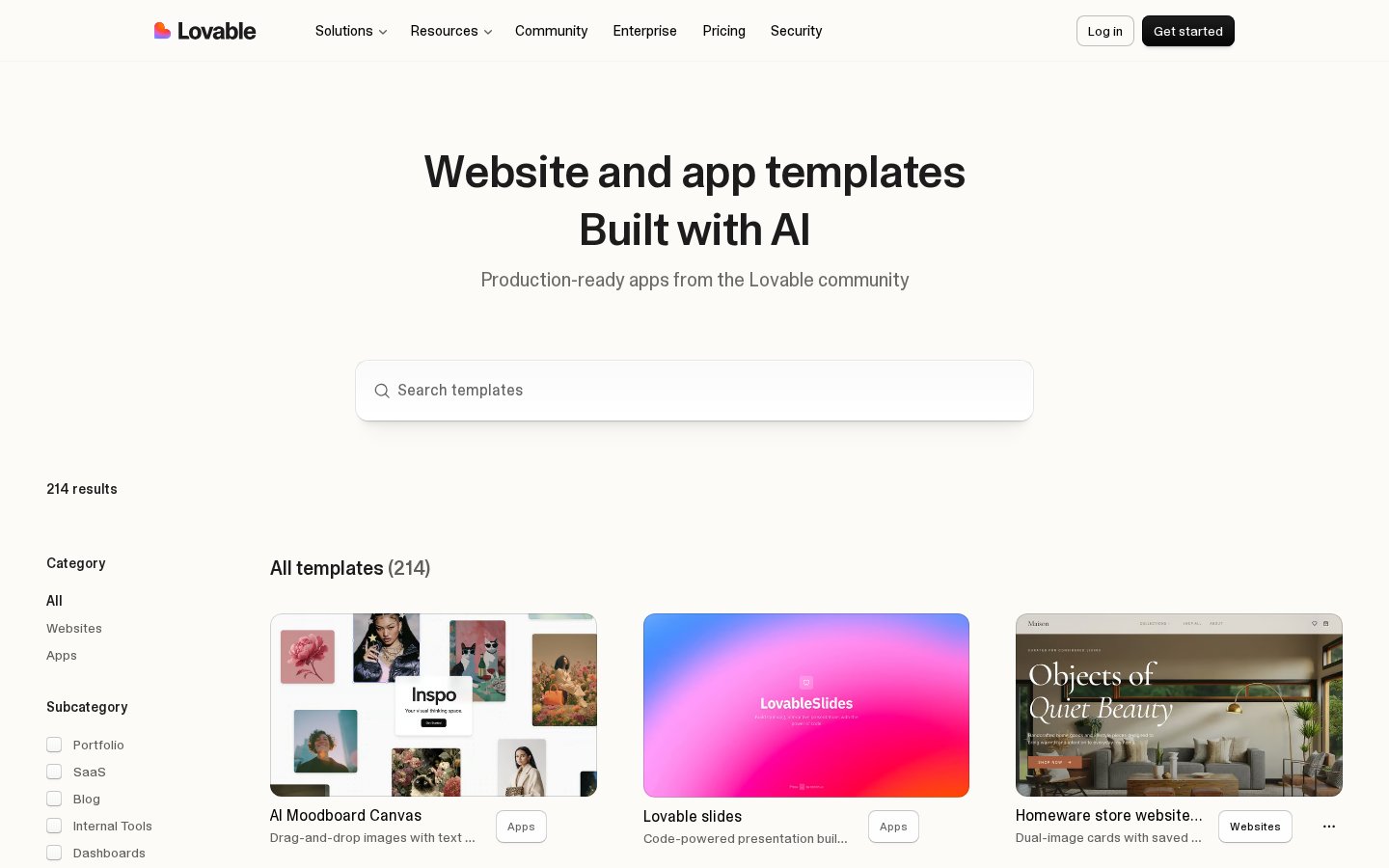
Yes, Lovable is highly worth buying in 2026 to build web applications without manual coding. It generates clean React code that developers can take over later, ensuring your business is never trapped in a closed ecosystem.
Unlike traditional no-code platforms that lock your data into a proprietary backend, this software focuses on clean code generation. It enables non-technical founders to launch a functional prototype or minimum viable product within hours rather than months.
Understanding the platform's boundaries is essential before purchasing a subscription. While the initial generation speeds are impressive, users must manage their monthly limits and realize that highly complex custom logic still requires manual refinement.
The quick version
- Connect your GitHub account
- Create a private repository
- Clone the files to your computer
- Install the necessary packages
- Setup your local environment variables
- Launch the local development server
Setting Up the Supabase Database Panel
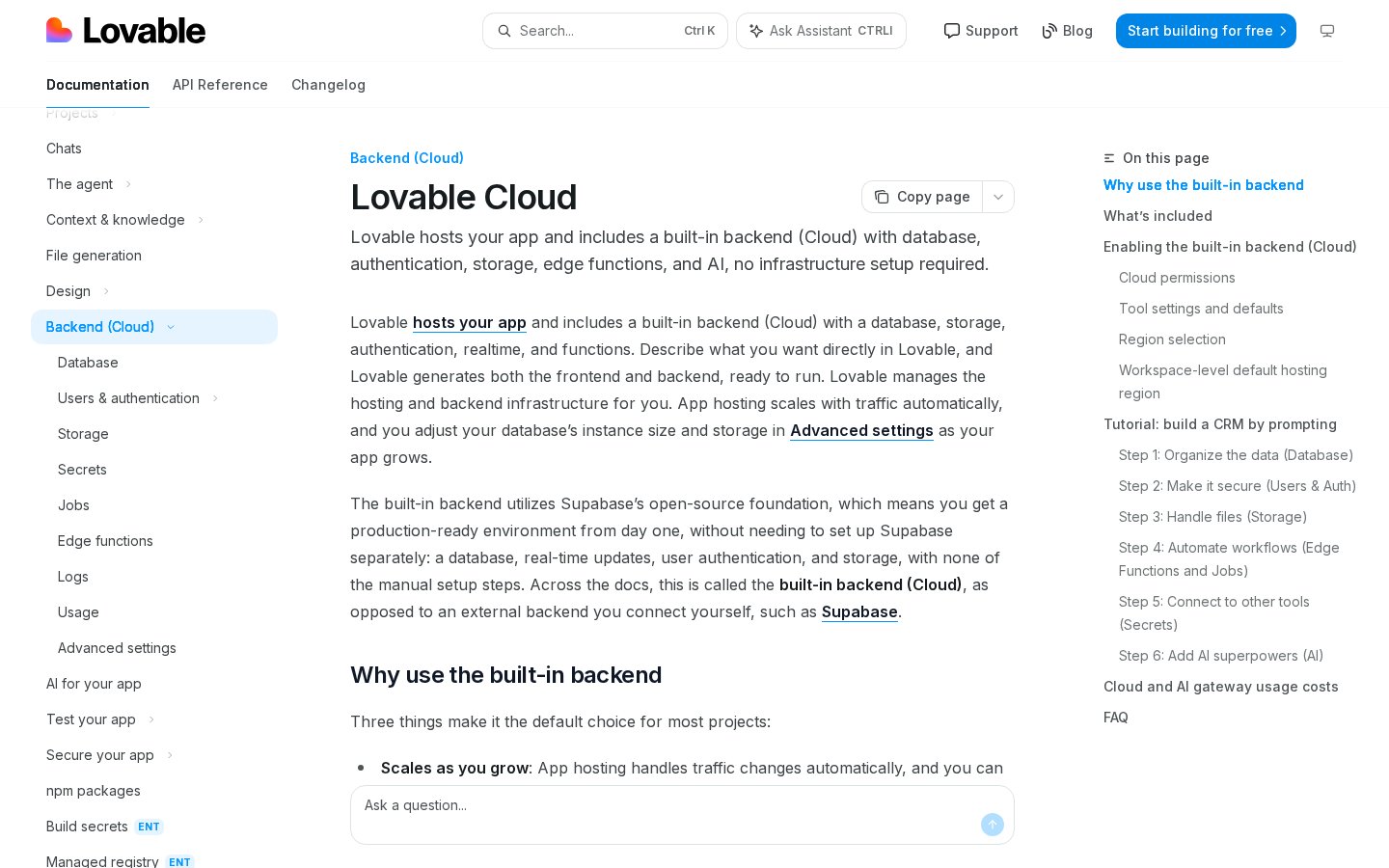
Building a dynamic application requires more than just a beautiful user interface; it demands a robust database. Lovable simplifies this by integrating seamlessly with Supabase to manage user authentication, storage, and relational database structures. The database panel enables users to define data tables and relationships using simple text instructions.
When you prompt the system to create a new user dashboard, it automatically generates the corresponding database schemas. It configures the necessary tables, columns, and relations behind the scenes, saving you hours of database administration work. This automatic synchronization between your visual frontend and backend database is a major strength of the platform.
However, automated database generation carries security risks that users must actively manage. The platform sometimes creates permissive access rules to prevent errors during early development stages. Before launching your web application to public users, you must inspect these settings to ensure sensitive data is not left vulnerable.
Standardizing Code in Build Mode
For many project creators, the biggest fear when using no-code platforms is vendor lock-in. Fortunately, this platform outputs standard React code and Vite configurations that adhere to modern programming conventions. Because the code is not hidden inside a black box, you maintain full control over your intellectual property from day one.
When your application requirements grow beyond the automated features, you can hand the repository over to a human engineer. Developers appreciate working with this platform because the output code does not contain the messy, unreadable markup typical of older visual software builders. The clean separation of components makes continuing the project offline incredibly smooth.
By utilizing standard web frameworks, your applications also load quickly and remain highly compatible with external hosting providers. You are never forced to use the platform's cloud servers to keep your site running. This code portability makes the subscription a highly secure investment for long-term business projects.
How to Export and Host Your App Locally
Transitioning your project from the cloud workspace to your local environment is a straightforward process. This allows you to host your application on your own servers or continue manual development using a code editor.
Follow these steps to safely export and run your application:
- Connect your GitHub account. Link your profile inside the settings panel to allow the platform to commit updates directly.
- Create a private repository. Select the option to export your current build to a new, secure GitHub project folder.
- Clone the files to your computer. Open your terminal and copy the repository down using standard git commands.
- Install the necessary packages. Run your package manager commands to configure the React and Vite environments locally.
- Setup your local environment variables. Input your database keys to connect your offline frontend to your live cloud database.
- Launch the local development server. Start the preview environment to test your changes locally before deploying them online.
Navigating the Credit Consumption System
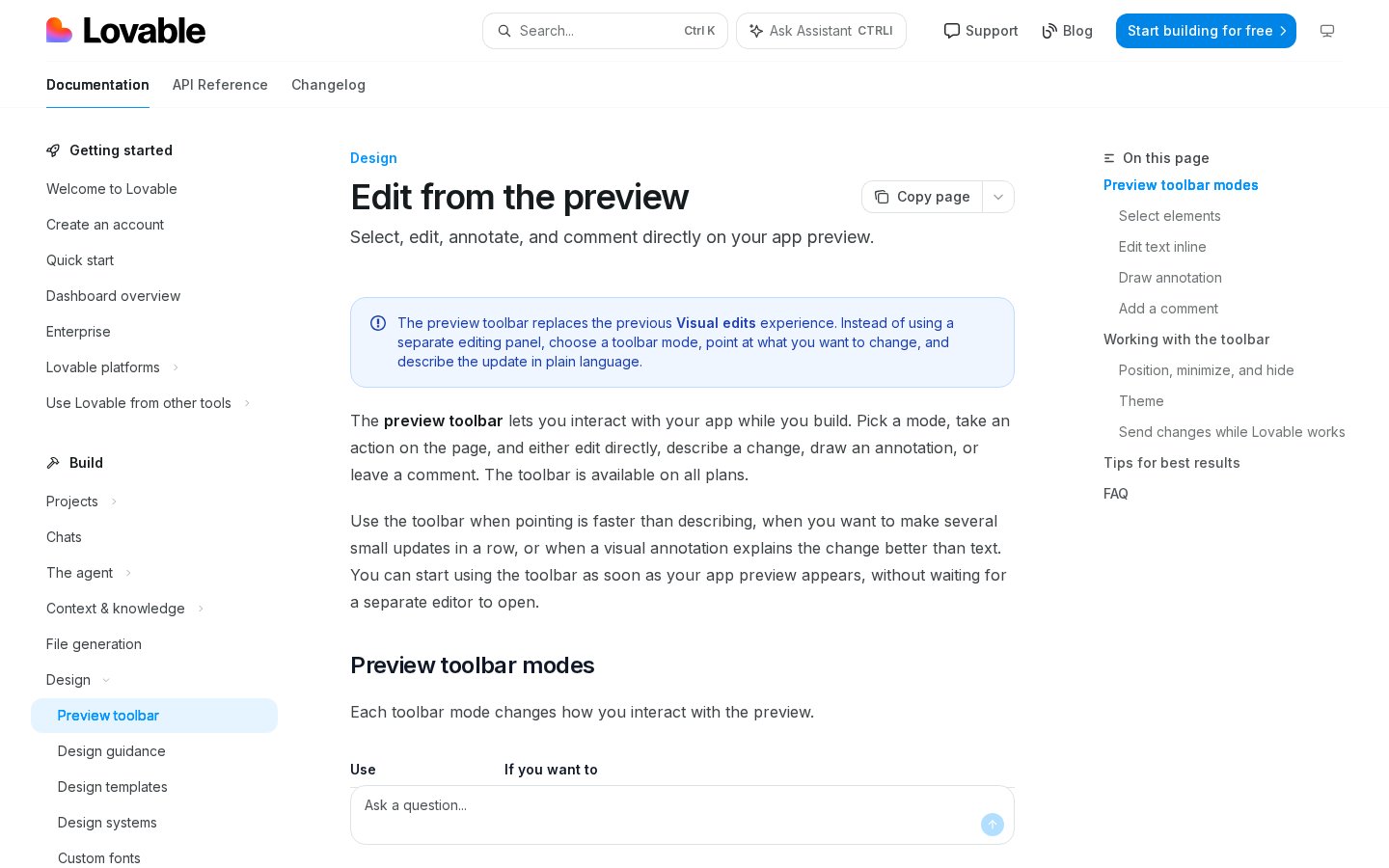
Every interaction with the AI assistant consumes platform credits, making usage monitoring a key part of your daily workflow. The account overview screen displays your remaining balance and shows how many tokens each code generation task requires. Understanding how these resources are deducted prevents unexpected work pauses during active development.
Users often deplete their monthly limits quickly by prompting the system for small, repetitive visual changes. For instance, asking the assistant to change a button color, then change the font, then adjust the padding in three separate messages uses three times more credits than asking for all three changes in a single prompt.
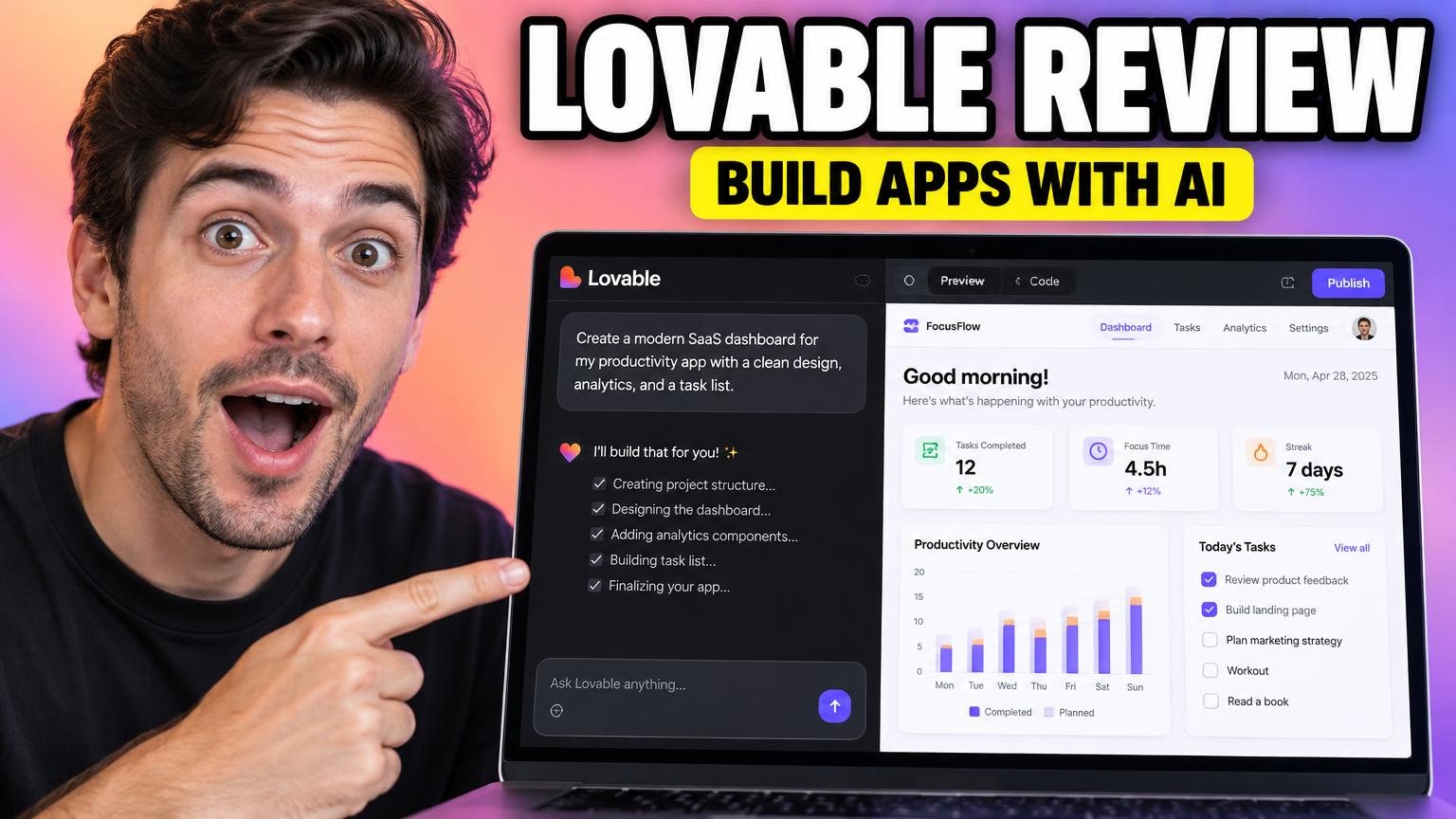
To maximize your subscription value, plan your software updates in advance. Draft a clear list of features before entering the workspace, then write comprehensive instructions that address multiple layout elements simultaneously. This structured approach helps you build complex features while keeping your generation costs to a minimum. You can find more detail in our comprehensive Lovable Review: How to Build Web Apps with AI in 2026.
Managing the Technical Bottlenecks and Visual Limits
While the application builder is exceptionally powerful, it is not without physical limitations. The platform excels at getting a minimum viable product up and running rapidly, but finishing the final details of your application can occasionally become tedious. Users frequently refer to this transition as the eighty-twenty rule of automated programming.
The software easily completes eighty percent of the standard functional structure, but resolving highly customized design details or intricate API integrations can require multiple iterations. During these complex phases, the automated system might run into circular logic issues or accidentally undo previously working features.
Additionally, native mobile app development is not supported directly within the main dashboard. If you need a smartphone application to list in mobile app stores, you must build a responsive web layout first, then manually wrap the exported code using third-party tools. Understanding this limitation ensures you select the correct tool for your project's specific distribution channels.
Which App Builder Should You Choose
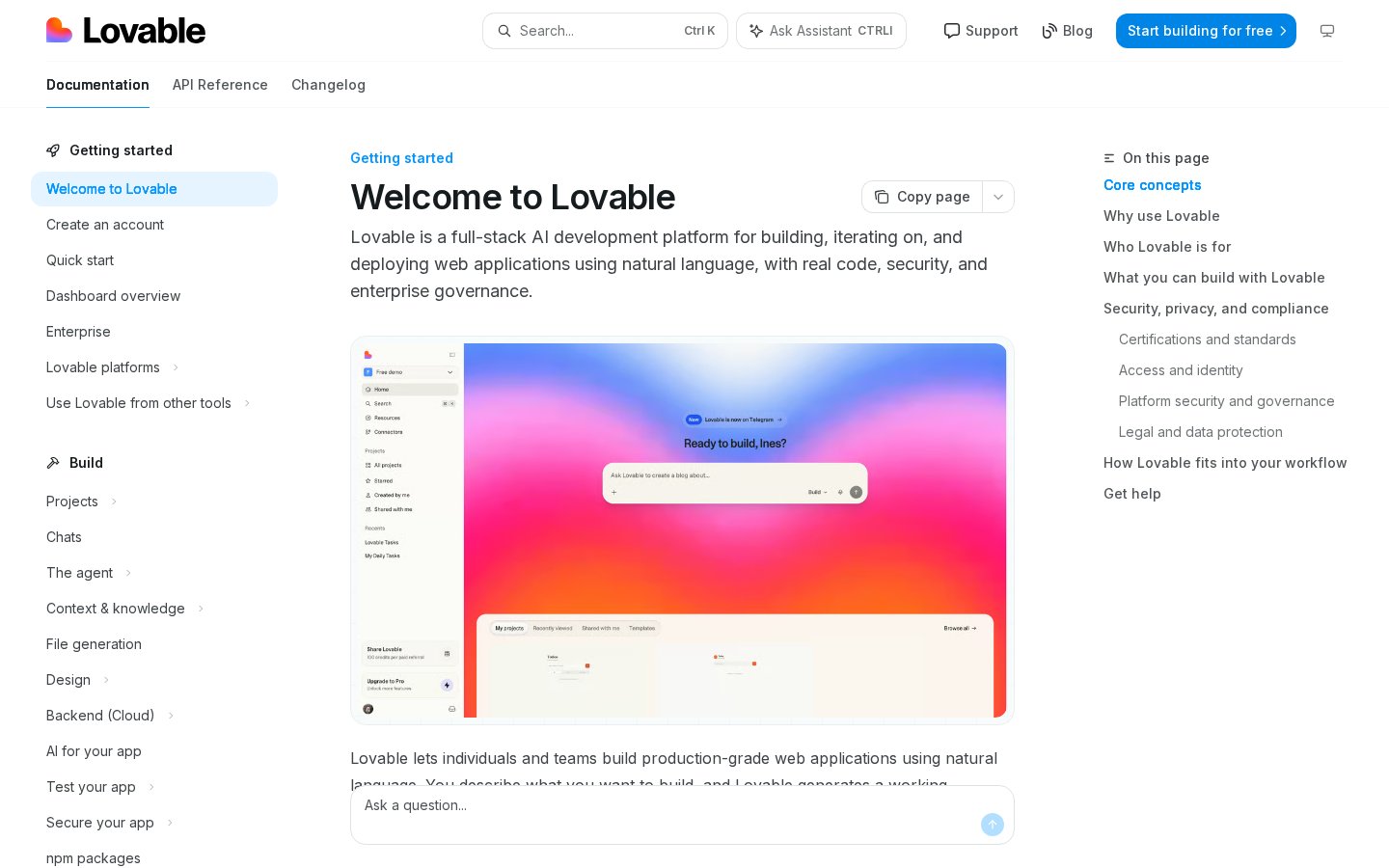
Choosing between this platform and traditional visual editors depends entirely on your project's scope and your team's technical capabilities. If your goal is to launch a static business website or a simple blog, drag-and-drop website builders are more cost-effective and require zero configuration.
However, if you want to construct a complex web application with secure user authentication, database management, and potential developer handoff, Lovable Review: How to Build Web Apps with AI in 2026 is the superior choice. The ability to export standard React code ensures your business is never trapped inside a closed software ecosystem.
Ultimately, the decision hinges on where you want your application to live in the future. If you value flexibility, code ownership, and the freedom to eventually scale your product with a professional development team, this workspace is well worth the subscription investment.
Here is how this tool compares to standard website editors: - Code Ownership: Standard no-code builders lock you into proprietary hosting, while Lovable generates raw React files that you can host anywhere. - Development Method: Visual builders require manual drag-and-drop alignment, whereas this tool relies on writing text prompts to generate components. - Scaling Capability: If your app scales to millions of users, you can migrate Lovable code to your own servers, whereas other platforms limit database sizes.
Frequently asked
As an Amazon Associate I earn from qualifying purchases. This does not affect the price you pay. Affiliate disclosure