Who Should Use Lovable, and Who Should Skip It?
Evaluate Lovable's natural language web app development tool to see if its automatic React code generation fits your software startup timeline.

Some links are affiliate links: we may earn a commission if you sign up or buy through them, at no extra cost to you.
On this page8 sections
- 1The short answer
- 2The Chat Prompt and Layout Editor UI
- 3Database Modeling and Backend Integrations
- 4The Code Inspector and GitHub Synchronization
- 5How to Evaluate Lovable for Your Next Project
- 6Comparing Lovable to No-Code and Traditional Development
- 7Which Development Path Should You Choose?
- 8Frequently asked
The short answer
- Ideal for rapid prototyping, letting non-technical founders launch functional web apps in hours.
- Integrates automatically with external backends to handle real user accounts and data storage.
- Unsuitable for legacy database migrations or highly specialized, low-level security compliance protocols.
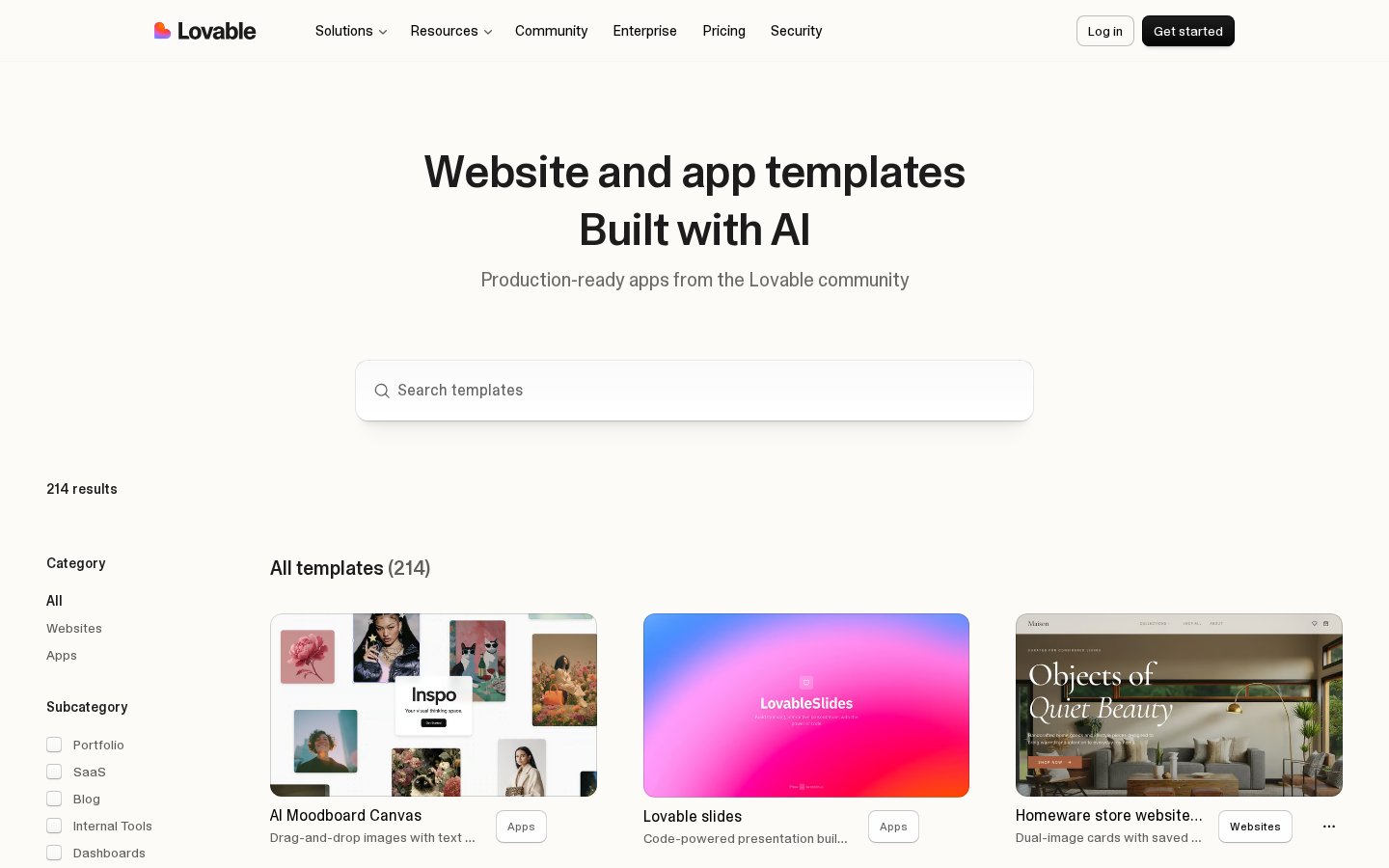
You should use Lovable if you want to build full-stack web applications quickly using natural language without writing code. You should skip Lovable if you need custom, low-level infrastructure control or must host all your data locally from the very start.
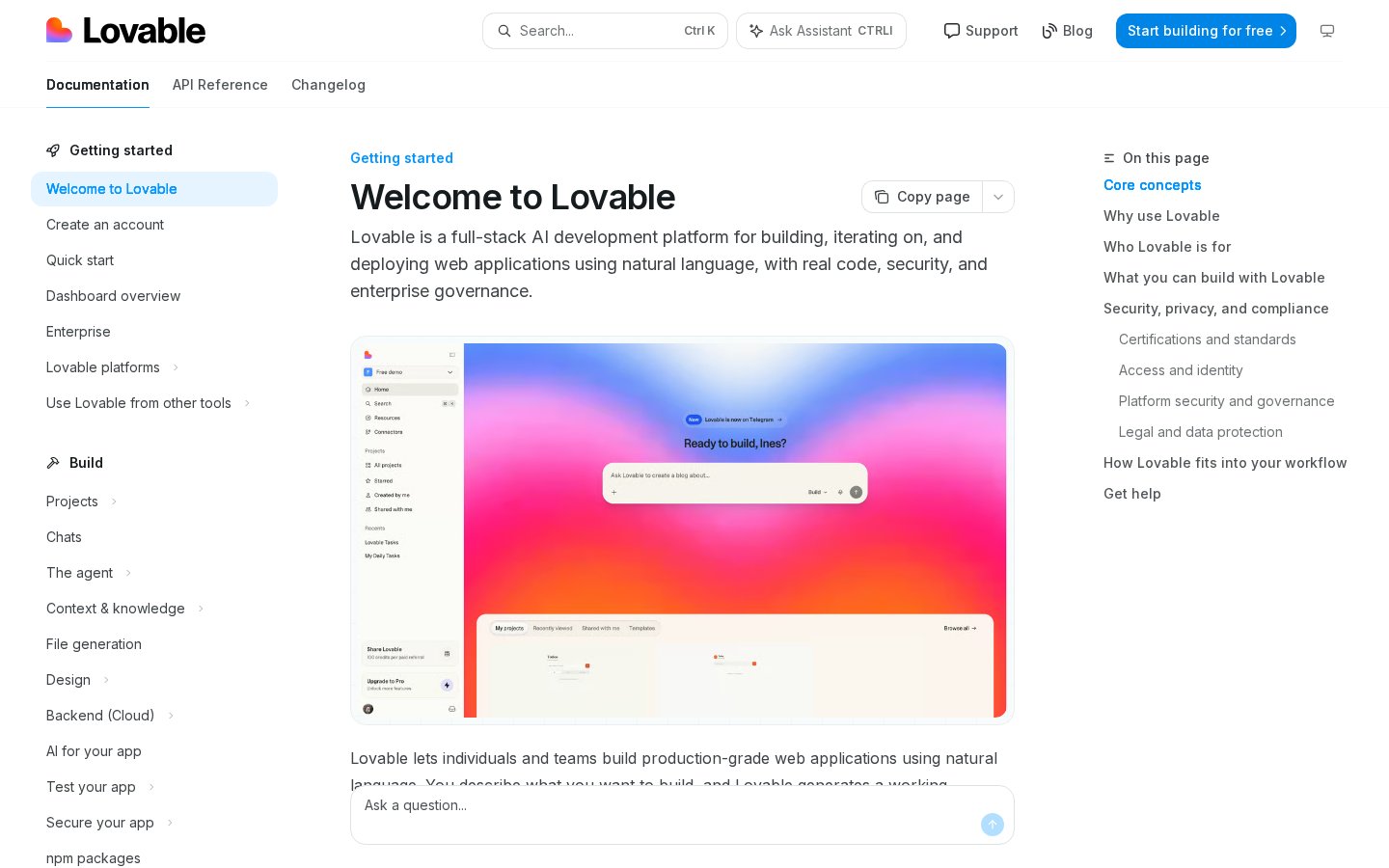
The software landscape is shifting from manual coding to generative development. Lovable represents this new wave, serving as an AI-powered co-developer that translates plain-English descriptions into functional, deployed web apps. It is not just a mockup generator; it writes actual frontend and backend code.
However, no development tool fits every project. To determine where this platform shines and where it falls short, you need to look closely at how it handles design, data, and deployment pipelines. Check out our comprehensive Lovable Review 2026: Pricing, Free Plan & Who It's For to see how its tiers align with your budget.
The quick version
- Define your core user stories clearly
- Create a basic proof of concept
- Connect a testing database to verify
- Inspect the generated GitHub repository stru…
- Run a deployment check using the
The Chat Prompt and Layout Editor UI
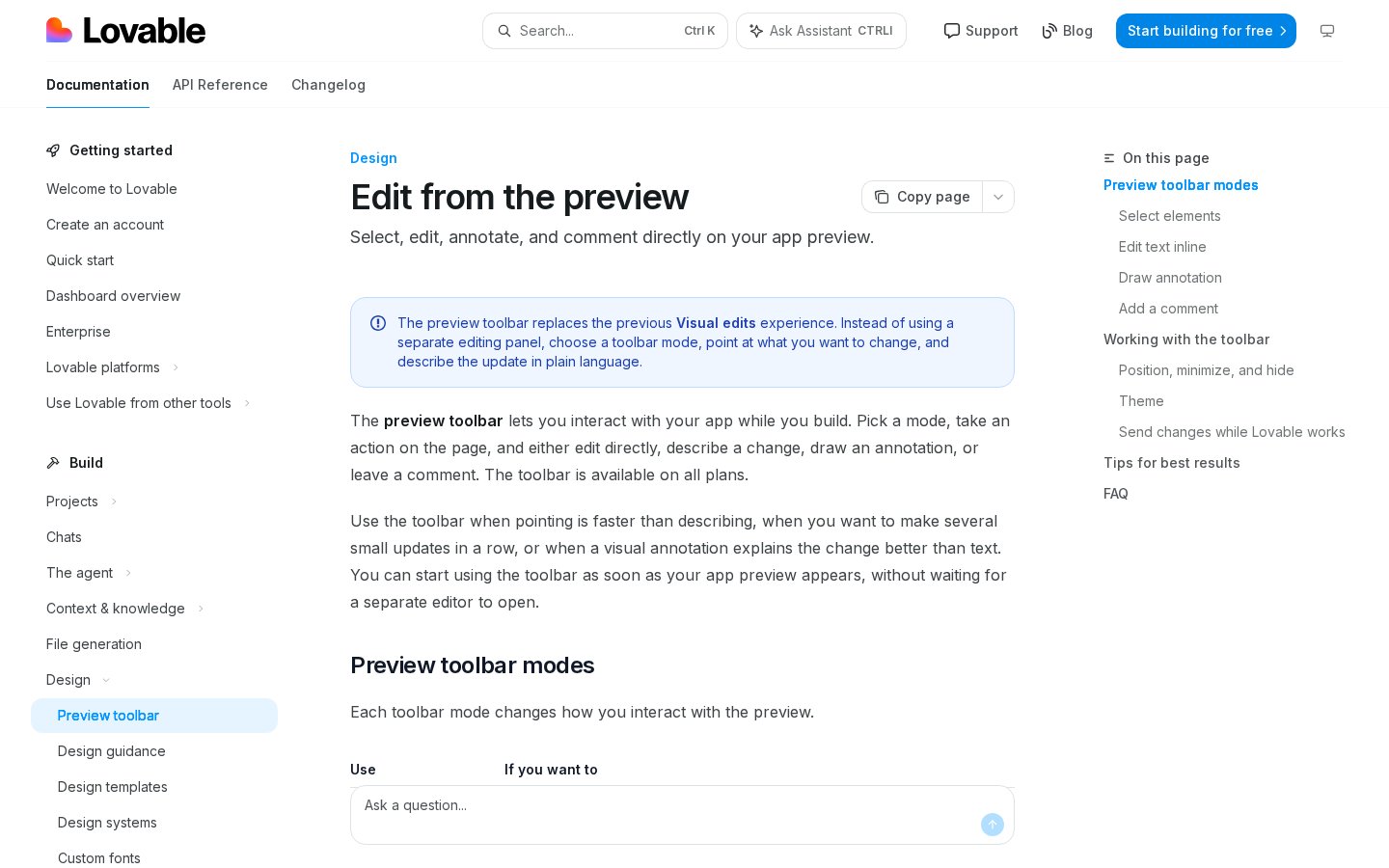
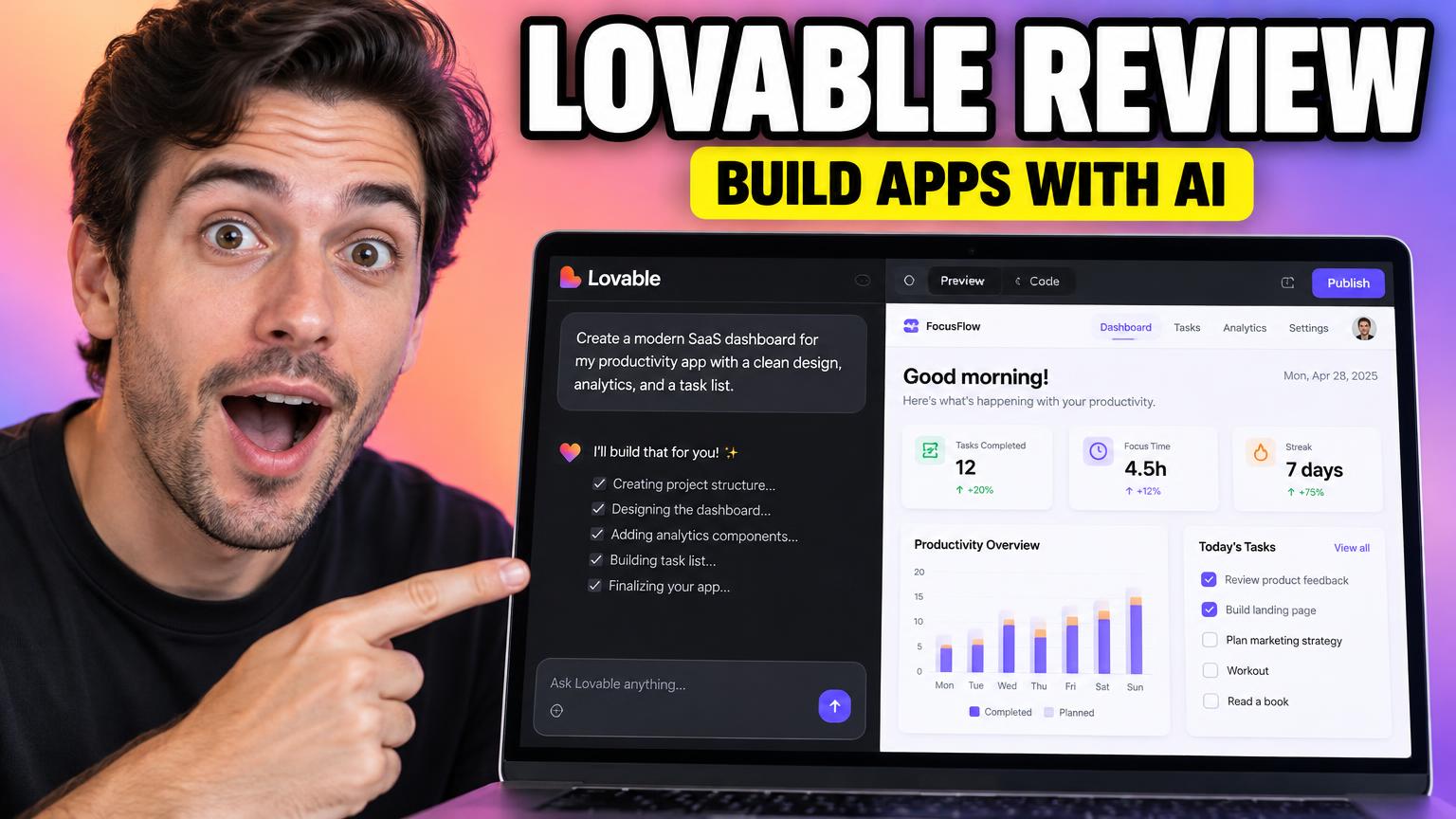
When you first open the workspace, the central interface combines a chat input with an interactive live preview. Unlike a static WYSIWYG editor, you do not drag individual buttons onto a grid. Instead, you tell the AI assistant what to create, such as a customer onboarding form or a real-time analytics dashboard, and watch the layout construct itself.
This setup is perfect for rapid design iteration. You can point directly to elements in the live preview and type a revision command, like changing the navigation layout or adjusting the color scheme. The platform instantly rewrites the underlying component structure to match your instruction.
However, users who prefer absolute manual precision over layout elements might find the conversational interface tedious. If you want to pixel-push every margin and padding value by hand, relying on an AI intermediary can feel slower than using traditional design tools.
Database Modeling and Backend Integrations
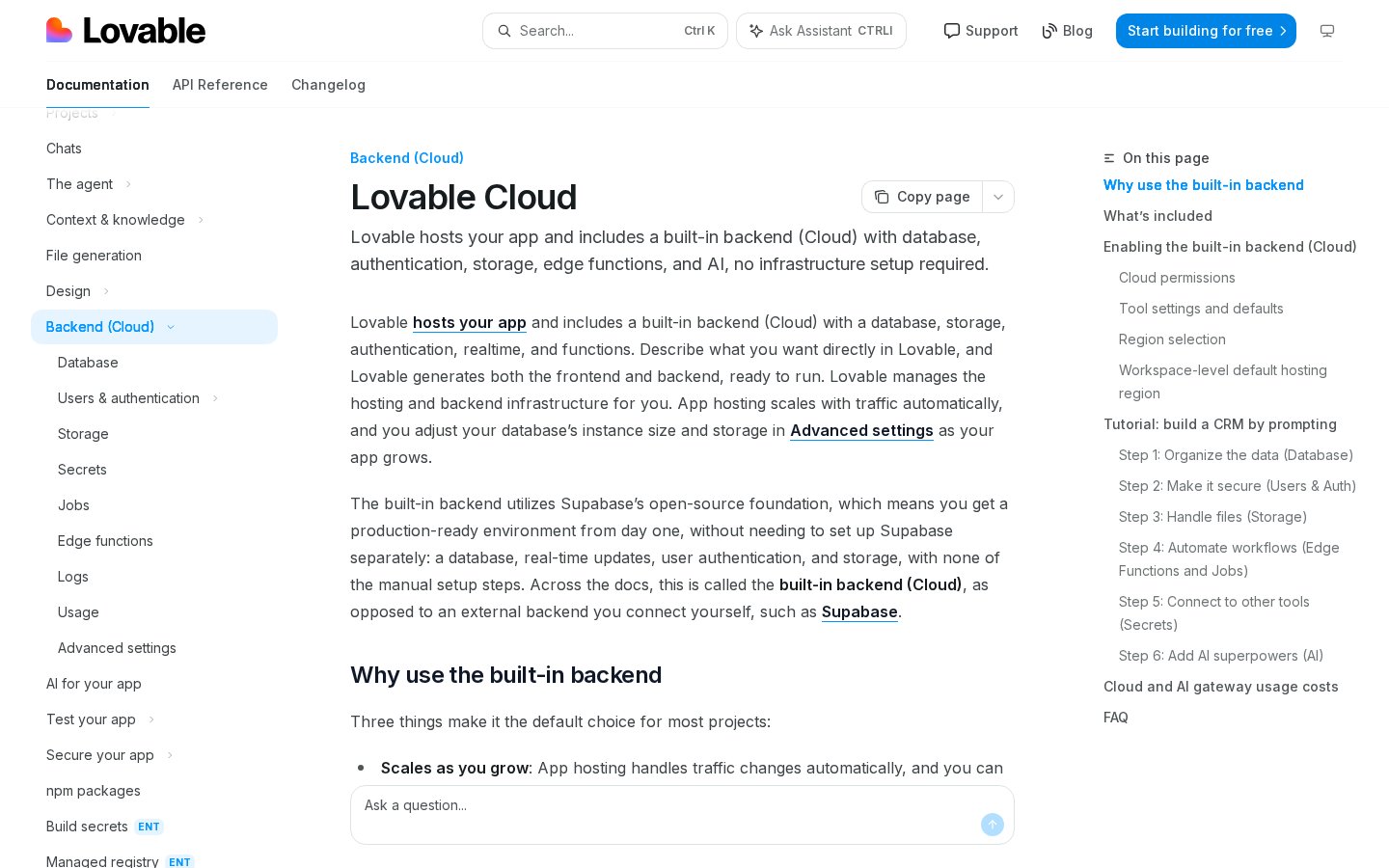
Beyond basic frontend mockups, this platform lets you build working web software by connecting to real databases. It heavily relies on BaaS (Backend as a Service) providers, particularly Supabase, to manage data storage, user authentication, and server-side logic automatically. When you prompt the tool to build a signup page, it generates the necessary database tables behind the scenes.
This integration represents a massive leap forward for non-technical creators who want to validate software ideas. You do not need to write complex SQL queries or configure secure API endpoints yourself. The system structures the data schemas based on how your app functions.
The major drawback occurs when you have an existing, highly complex legacy database. If your project demands custom enterprise integrations, specialized SQL procedures, or on-premises server environments, managing these through a natural-language assistant becomes highly complex and prone to errors.
The Code Inspector and GitHub Synchronization
For engineers and technical product managers, the platform provides a clean window into the generated codebase. It outputs standard React, Vite, and Tailwind CSS code that you can inspect at any point. Through direct GitHub integration, the tool commits updates directly to a repository as you prompt changes.
This transparent approach ensures you maintain complete ownership of your code. If you decide to leave the platform later, you can export the repository and host it on your own servers without vendor lock-in. Developers can clone the repository locally, write custom code, and push updates back to the project.
This workflow fails if your development team relies on custom JavaScript frameworks or proprietary backend languages. Because the system is optimized for a specific, modern web stack, trying to force it to output alternative frameworks will result in broken builds and frustration.
How to Evaluate Lovable for Your Next Project
Evaluating a generative development environment requires a systematic approach to ensure it meets your functional needs. Run through these sequential steps to test the platform against your project requirements.
- Define your core user stories clearly. Write down the primary actions your users must perform before opening the creation interface.
- Create a basic proof of concept using the standard prompt bar. Focus purely on the user signup and primary dashboard layout.
- Connect a testing database to verify user interactions. Ensure data saves correctly when submitting forms or updating user profile information.
- Inspect the generated GitHub repository structure. Verify that the clean React and Tailwind output matches your internal team standards.
- Run a deployment check using the built-in publishing tools. Test the live URL on both mobile and desktop screens to check responsiveness.
Comparing Lovable to No-Code and Traditional Development
Understanding where this tool fits in the current software landscape requires comparing it directly to existing app-building methods. Here is how the development experience differs across key categories:
- Workspace control: Lovable uses conversational prompts and automatic code generation, whereas classic no-code builders use visual drag-and-drop canvases, and traditional coding requires manual text entry.
- Data management: Lovable generates automated relational database schemas via external backends, whereas no-code options use proprietary built-in databases, and traditional coding demands manual database configuration.
- Code portability: Lovable allows complete export of clean React code via GitHub sync, whereas traditional no-code platforms lock your application into their ecosystem, and custom coding offers total environmental freedom.
- System architecture: Lovable operates best within a standardized React and Vite stack, whereas classic builders restrict you to their proprietary engines, and manual coding allows any framework configuration imaginable.
This comparison shows that the tool is designed to bridge the gap between visual design and production-ready code, giving you the speed of no-code alongside the exportability of custom software.
Which Development Path Should You Choose?
Your decision comes down to your technical skill level and the specific architectural needs of your software. If you are an entrepreneur trying to get a Minimum Viable Product (MVP) to market, or a designer who wants to build functional prototypes without waiting for engineering resources, Lovable is a highly efficient choice. It removes the syntax barriers that slow down product launches.
If your application requires highly non-standard state management, deep integrations with legacy enterprise servers, or compliance with strict local data storage laws that forbid cloud-based backend-as-a-service providers, you should skip this tool. Traditional, manual development remains the safest path for complex, highly regulated software systems. Keep these distinctions in mind as you map out your development timeline.
Frequently asked
As an Amazon Associate I earn from qualifying purchases. This does not affect the price you pay. Affiliate disclosure