How to Use OpusClip for Commercial Work Legally
Understand the licensing requirements for using OpusClip commercially, including plan differences, copyright ownership, and avoiding content strikes.

Some links are affiliate links: we may earn a commission if you sign up or buy through them, at no extra cost to you.
On this page8 sections
- 1The short answer
- 2Understanding the OpusClip Commercial License Terms
- 3How Original Content Ownership Affects Your Clips
- 4Navigating AI-Generated B-Roll and Stock Music Rights
- 5How to Prepare and Export Your Clips Safely
- 6OpusClip Free vs. Paid: Which Plan Meets Your Business Needs?
- 7Platform Guidelines for Uploading AI-Edited Commercial Videos
- 8Frequently asked
The short answer
- Paid subscription tiers grant full commercial distribution rights for all your generated short clips.
- You must own or have permission for the source footage you upload to the platform.
- Turn off automatic stock background music when creating video clips for paid advertisements.
Yes, you can use OpusClip for commercial work, provided you are on a paid subscription tier. Free accounts and trials typically contain watermarks and restrict commercial rights, meaning business use requires an active, paid membership.
Using an artificial intelligence tool to repurpose long-form videos into short clips can streamline your social media pipeline. However, navigating the legal aspects of AI-generated content requires clear knowledge of copyright boundaries, especially when publishing to platforms that monetize views.
To safeguard your brand, you need to understand how source material ownership, automated B-roll additions, and integrated audio tracks affect your final output. This guide breaks down the licensing terms so you can publish your marketing clips without facing copyright strikes.
Watch it in action
The quick version
- Upload your fully cleared source video
- Navigate to the brand template settings
- Configure the auto-caption and emoji settings
- Review the automated stock overlay suggestions
- Disable the automated background music option
- Export the finalized clip in high
Understanding the OpusClip Commercial License Terms
When evaluating software for business production, the primary concern is the end-user license agreement. OpusClip permits commercial use of its output videos, but this privilege is tied directly to your subscription status. Users on free trial accounts generally receive clips with visible watermarks, which are restricted to personal testing and evaluation rather than business marketing.
Once you upgrade, paid accounts grant you full commercial distribution rights for the clips you generate. This means you can post them on monetized YouTube channels, use them in paid social media advertising campaigns, or deliver them to freelance clients who pay you for video editing services. The platform relinquishes claims to the specific layouts and cuts it creates for paid members.
However, a common point of confusion is the distinction between software rights and asset rights. Having a paid license to use the editing engine does not grant you automatic immunity if your source file contains unauthorized media. You must ensure that every element within your master video is cleared for commercial exploitation before processing.
How Original Content Ownership Affects Your Clips
The core rule of editing with artificial intelligence is that the output is only as legally clear as the input. To safely distribute clips for business purposes, you must own the underlying copyright of the source video or have a clear license from the creator. Processing third-party podcasts, movie clips, or television shows without permission constitutes a copyright violation, regardless of the tool used.
OpusClip does not verify the ownership of the links or files you upload to its dashboard. The software simply processes the pixels and audio, slicing them into vertical segments using AI analysis. If you upload a popular creator's talk show to make quick clips, you risk platform bans and copyright lawsuits because the raw intellectual property belongs to someone else.
For agencies and freelance editors, the safest approach is to use client-provided footage or public domain records. When onboarding new clients, always secure a signed agreement stating that they hold all necessary rights to the media files they provide. This protects your business from legal liabilities if a copyright dispute arises later over an edited short.
Navigating AI-Generated B-Roll and Stock Music Rights
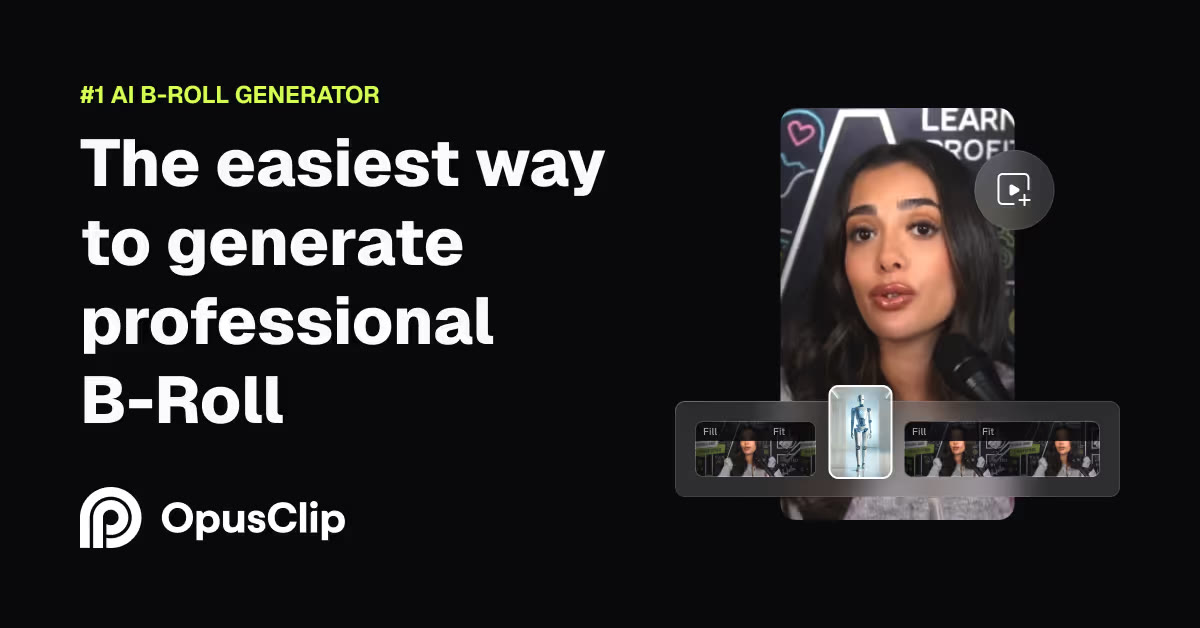
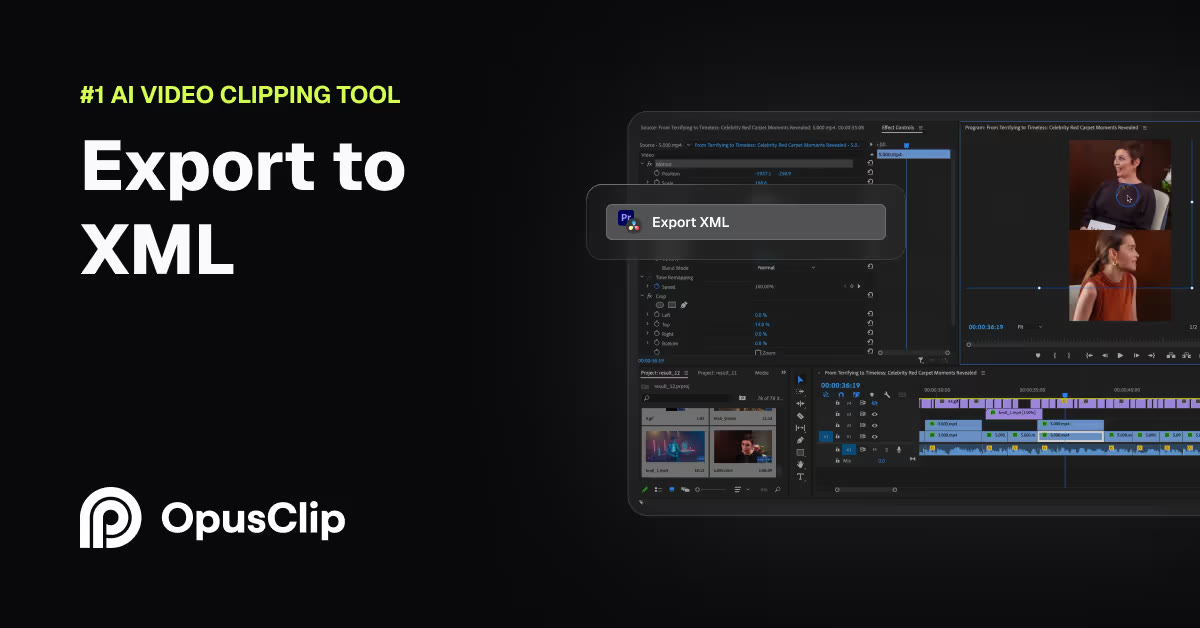
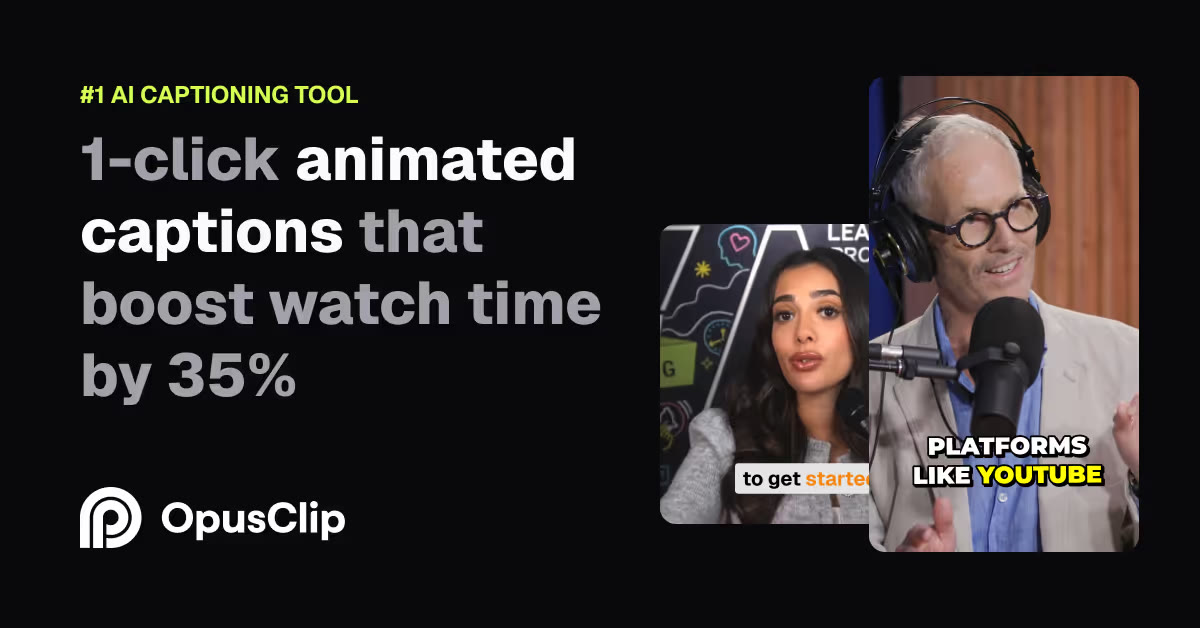
Modern video tools do more than just cut raw footage; they also insert brand-new elements to maintain viewer retention. OpusClip frequently adds automated subtitles, emojis, B-roll overlays, and background audio to keep short-form video clips engaging. While these features save hours of manual editing, they introduce additional layers of licensing complexity.
The platform sources its B-roll footage and sound clips from integrated third-party asset libraries. Under a paid plan, these assets are cleared for standard distribution on social media platforms like YouTube, Instagram, and TikTok. However, problems can arise if you use these same clips in television broadcasting, theatrical releases, or standalone digital products without verifying the specific stock provider's extended terms.
If you are producing highly sensitive promotional materials, the safest method is to turn off royalty-free music overlays if you plan to run paid ads. Because social media algorithms use an automated content ID system to flag potential audio matches, custom-made voiceovers are far less likely to trigger false claims than template stock tracks.
How to Prepare and Export Your Clips Safely
Setting up your workspace correctly before processing your video saves hours of manual correction later. The editing dashboard allows you to define brand templates and asset parameters prior to launching the AI extraction engine. Following a standardized setup sequence ensures your finalized videos comply with digital copyright standards.
- Upload your fully cleared source video. Make sure you have the direct rights or client consent for the raw file before pasting any video URL.
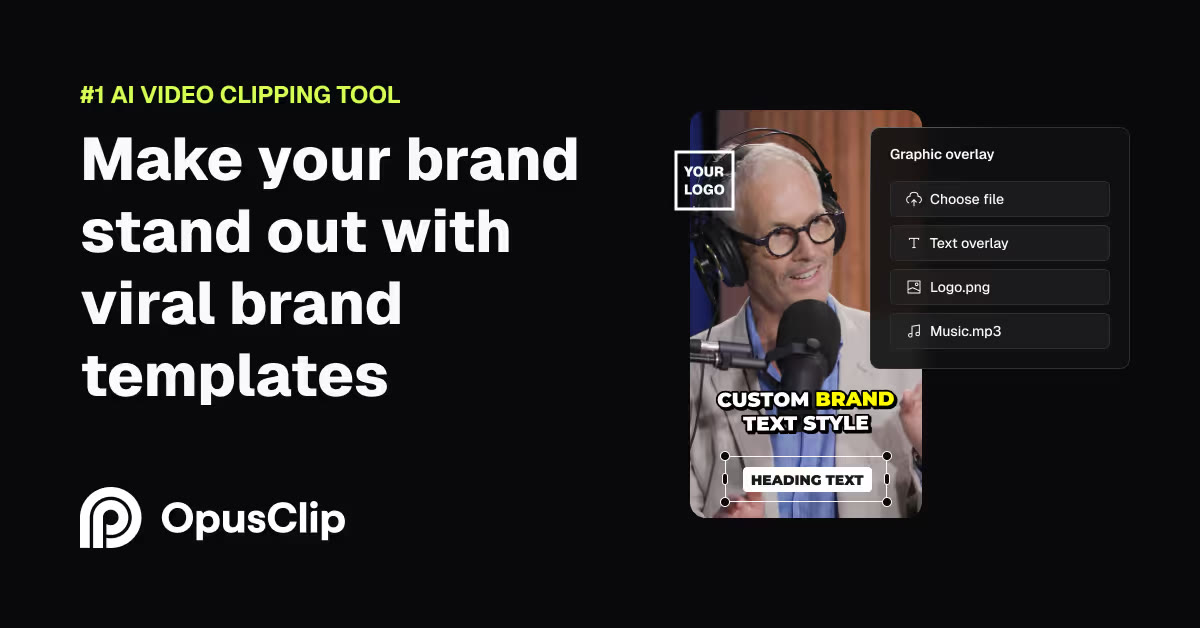
- Navigate to the brand template settings. Establish your preferred custom fonts, colors, and layout configurations to replace standard stock templates.
- Configure the auto-caption and emoji settings. Choose clean, standard fonts that do not carry separate commercial licensing restrictions.
- Review the automated stock overlay suggestions. Ensure every suggested stock scene directly aligns with your brand voice and does not feature copyrighted logos.
- Disable the automated background music option. Use this step if your final clip is destined for paid advertising platforms or client delivery.
- Export the finalized clip in high resolution. Download your watermark-free file from the dashboard once the processing is complete.
Once your project is processed, you can preview the generated timeline clip by clip. Taking the time to manually review every automated B-roll clip prevents embarrassing editing mistakes from slipping through to your public brand channels. Checking these frames ensures no copyrighted imagery or competing branding was accidentally imported by the auto-inserter.
OpusClip Free vs. Paid: Which Plan Meets Your Business Needs?
Choosing between the available account tiers depends largely on the volume of content you produce and your need for clean, unbranded exports. A free tier is excellent for exploring the interface, testing the AI's auto-caption accuracy, and determining if the layout styles fit your creative workflow. However, the watermarks applied to free exports make them unsuitable for professional client presentation.
For active creators and production agencies, upgrading to a paid tier is a necessity rather than an option. Paid plans eliminate the watermark, unlock higher-resolution exports, and grant the necessary commercial license for your assets. Additionally, paid tiers offer significantly faster processing speeds and priority queue placement during peak server hours.
To understand the detailed credit usage and plan structures that power these features, you can consult our comprehensive OpusClip Review 2026: Pricing, Credits and Who It's For. This review breaks down how credit consumption works so you can accurately budget your editing costs before committing to a monthly subscription.
Platform Guidelines for Uploading AI-Edited Commercial Videos
Even if your video editing tool gives you a clean bill of health, individual social media networks enforce their own monetization standards. Platforms like YouTube and TikTok have implemented strict rules regarding automated or repetitious content. If your profile uploads hundreds of identical, low-effort AI clips, the platforms may label your channel as spam and deny monetization.
To combat this, you should avoid relying solely on automated outputs. Take the time to customize your subtitles, adjust the crop focus manually, and write unique descriptions for each platform. Adding your personal perspective or combining multiple AI-generated clips into a larger, cohesive narrative helps satisfy the platform's requirements for original human effort.
Additionally, transparency is increasingly critical in digital advertising and media creation. You should always disclose AI-altered content when publishing to platforms that require synthetic media labels. While a simple cut-and-crop tool usually does not trigger this requirement, incorporating deepfake elements or synthetic voices absolutely does.
Frequently asked
As an Amazon Associate I earn from qualifying purchases. This does not affect the price you pay. Affiliate disclosure