How Much Does Pollo AI Really Cost per Month?
Pollo AI has free, Lite and Pro options, but the real monthly cost depends on billing frequency, credit allowance and the settings used for each video generation.

Some links are affiliate links: we may earn a commission if you sign up or buy through them, at no extra cost to you.
On this page8 sections
The short answer
- Pollo AI uses a credit-based subscription model with multiple paid tiers rather than offering unlimited video generation.
- Higher-resolution renders and professional-grade settings draw significantly more credits per video than basic standard drafts.
- Choosing the annual billing cycle option reduces the monthly overhead compared to month-to-month subscription plans.

Pollo AI’s real monthly cost is the fee for your chosen Lite or Pro subscription, plus any extra credits you need after using the plan’s allowance. There is also a limited free tier. Because published prices can change and Pro credit options vary, check Pollo AI’s pricing page for the current amount before subscribing. Your effective cost depends on whether you pay monthly or annually and how quickly your selected models and settings consume credits. Pollo AI uses a credit-based consumption model rather than unlimited generations, so the subscription fee alone does not reveal how much usable video you will produce. For a broader assessment of features and value, read our Pollo AI Review 2026: Pricing, Credits and Who It's For.
How Much Does Pollo AI Really Cost per Month?
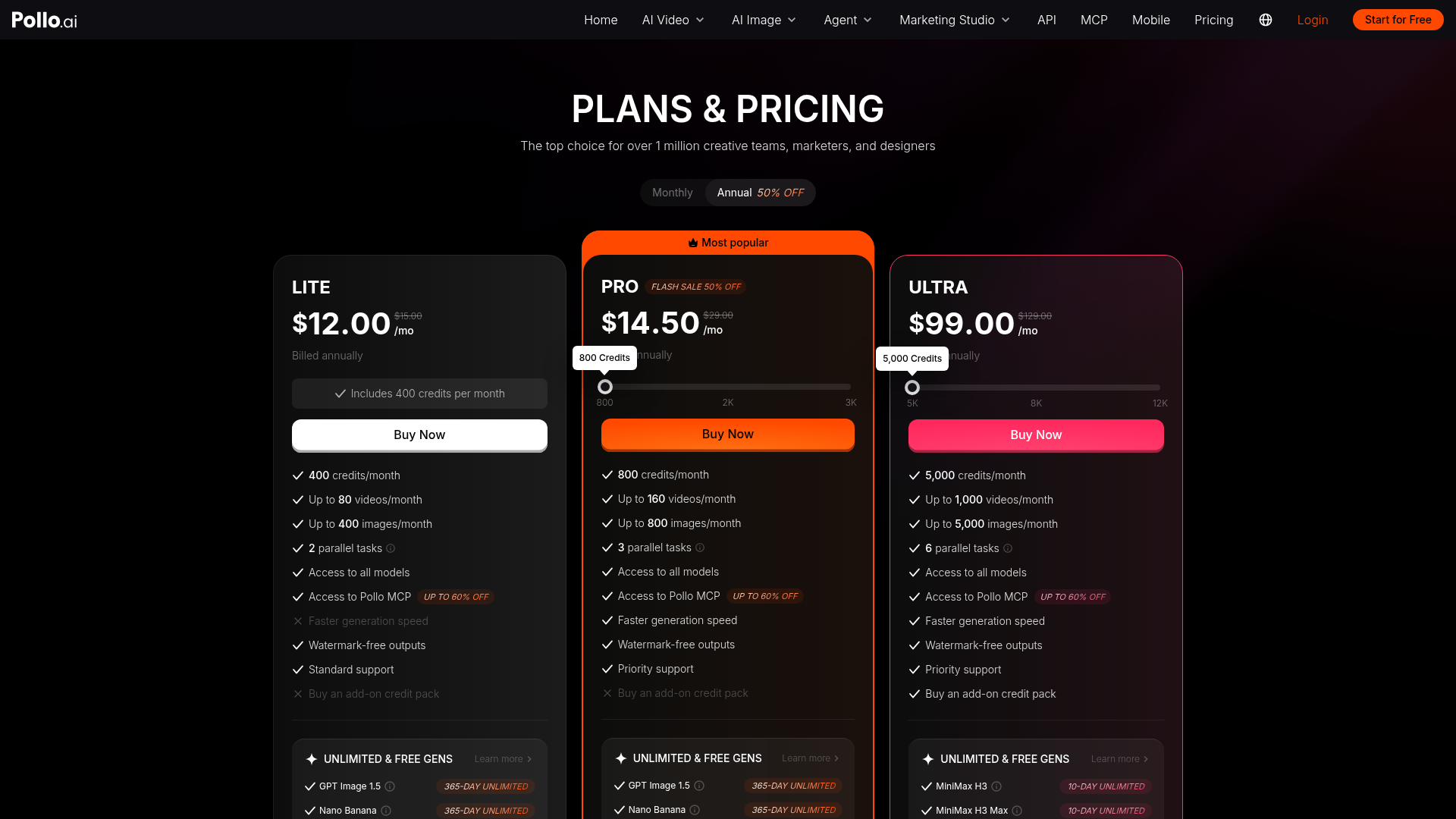
Pollo AI presents three main routes: a limited free tier, a paid Lite plan and a paid Pro plan with larger or adjustable credit allocations. The exact monthly charge should be confirmed on Pollo AI’s official pricing page because plan prices and included credits may change. The figure shown at checkout is only the starting cost. Your practical monthly spend also depends on the billing period, the number of credits included and whether you need extra credits before renewal. Annual billing may display a lower monthly equivalent, but it normally requires a longer commitment rather than a simple month-to-month payment. Before choosing a plan, compare the full billed amount, the renewal period and the included credit allowance. This gives you a more useful measure than comparing headline fees alone.
How Pollo AI Credits Affect the Real Cost
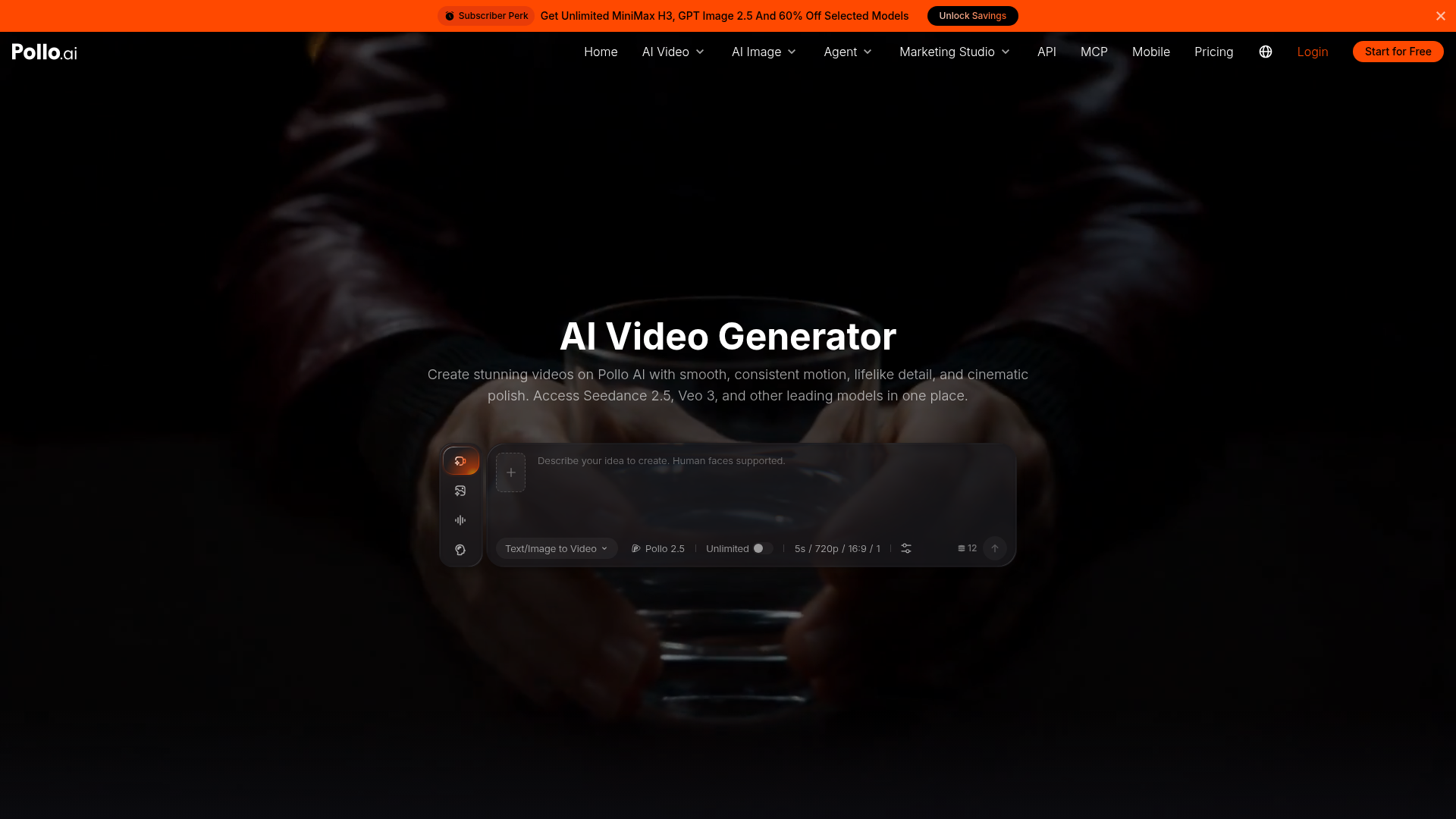
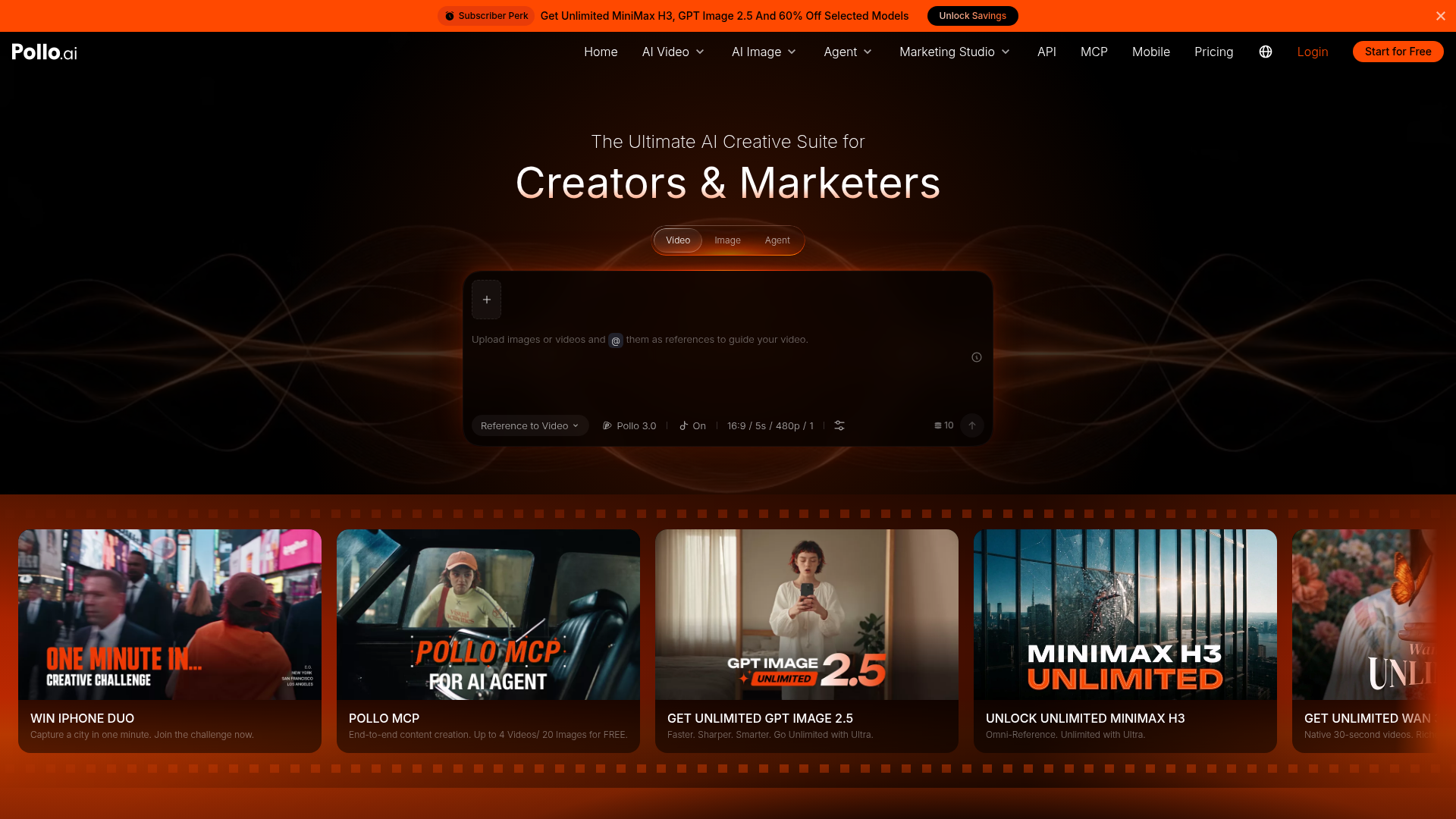
The heart of the software interface is the credit usage tracker, typically visible in the top corner of your workspace. This tracker does not count the number of videos you make, but rather the computational points used during rendering. Users often run into trouble by assuming one credit equals one video. In reality, the consumption rate is dynamic and can depend on the underlying model and generation settings you choose. A short draft made with lower-cost settings may use fewer credits than a longer or more demanding generation. Image-to-video, text-to-video and other tools may also have different requirements. Credits are therefore a usage allowance, not a fixed video count. Check the credit estimate shown in the interface before confirming each generation, then record the cost of several typical attempts to estimate how far a monthly allowance will go.
How to Estimate Your Monthly Credit Needs
Before inputting your payment details on the subscription screen, it is wise to calculate your true operational requirements. Following a systematic planning method prevents you from overpaying for unused capacity or running out of rendering power mid-project. First, define your average video length and the number of finished clips required each week. Next, choose a representative model, render resolution and other settings in Pollo AI, then note the displayed credit requirement before generation. Estimate how many attempts you normally need for each usable clip; counting only final exports will understate consumption. Multiply the credit cost per attempt by expected attempts per clip, weekly output and roughly four weeks of activity. Finally, compare that estimate with the current allowances displayed for Lite and Pro. Choose some headroom if deadlines would make an early credit shortage disruptive. Our Pollo AI pricing and credits review provides wider context for that decision.

Which Settings Can Use Credits Faster?
Your selected generation model and parameters determine how much of the allowance each request consumes. The interface may show different credit requirements for available modes, durations, resolutions or tools, so rely on the estimate displayed for the exact request rather than assuming every video costs the same. Longer clips and more demanding output settings can reduce the number of attempts available from a fixed balance. Test ideas with the least expensive suitable settings before committing credits to a final version where the interface provides that choice. Also account for prompt revisions, alternate shots and failed creative directions; even technically completed videos may not suit the project. Features such as aspect ratio customization affect workflow planning because you may need separate generations for different channels instead of one reusable output. Check the generation screen whenever you change a model or parameter, since the credit requirement may change with it.

Monthly Billing, Annual Billing and Extra Credits
The payment portal offers monthly and annual subscription choices. Pollo AI’s pricing page should be treated as the source for the current billed amount, renewal terms and any displayed savings because these details may change. A lower monthly equivalent is not the same as a monthly commitment: an annual option can involve paying for a longer period, so compare the total due rather than only the equivalent monthly figure. Before subscribing, verify whether subscription credits expire, reset or carry over, and read the current terms for cancellation and plan changes. If the account offers add-on credits, compare their cost and expiration terms with moving to a larger subscription allowance. Occasional top-ups may suit uneven use, while repeated shortages can indicate that the selected tier does not match the workflow. Do not assume add-on credits follow the same rules as credits bundled with a subscription.
Lite vs Pro: Which Plan Fits Your Usage?
Selecting between the two paid tiers comes down to rendering frequency and the credit demands of your preferred tools. Lite is the entry-level paid route and may suit people producing occasional clips or learning how their prompts translate into video. Pro is intended for higher usage and offers larger or adjustable credit options on the pricing interface. The right tier is the one that covers realistic monthly attempts with limited waste, not necessarily the one with the lowest headline fee. Start by comparing your measured credit use with each current allowance. If your workload varies, a monthly commitment can make it easier to reassess after one billing cycle, subject to Pollo AI’s current terms. If production is consistent, compare the total annual charge with continued monthly billing. For feature context alongside these limits, see our full Pollo AI review.
Frequently asked

As an Amazon Associate I earn from qualifying purchases. This does not affect the price you pay. Affiliate disclosure