How to Use Shopify for Commercial Work: Rules and Setup
Yes, Shopify is built specifically for commercial work, allowing business owners to list products, process payments, and manage orders legally and securely.

Some links are affiliate links: we may earn a commission if you sign up or buy through them, at no extra cost to you.
On this page8 sections
- 1The short answer
- 2Verifying Shopify's Commercial Licensing and Terms
- 3Setting Up Your Commercial Storefront Step-by-Step
- 4Managing Payment Gateways and Merchant Accounts
- 5Handling Taxes and Corporate Compliance
- 6Scaling with Third-Party Integrations and Apps
- 7Which Shopify Tier Should You Pick for Commercial Work?
- 8Frequently asked
The short answer
- Shopify is fully licensed and designed for commercial transactions, retail, and business-to-business sales.
- Users must comply with Shopify's Acceptable Use Policy to avoid sudden store suspension.
- Setting up a dedicated commercial payment gateway is essential for legitimate credit card processing.

Yes, you can absolutely use Shopify for commercial work. In fact, the platform is designed specifically for commercial transactions, enabling businesses of all sizes to sell physical or digital goods online legally.
While Shopify is built for commercial use, operating a business on the platform requires complying with specific Terms of Service, regional business regulations, and payment processing guidelines. Setting up your online store correctly ensures you avoid account suspension and transaction issues down the road.
Before launching your brand, it helps to understand how Shopify's infrastructure handles commercial activities like tax calculation, merchant accounts, and third-party integrations. For a deeper look at the costs involved, read our Shopify Review 2026: Pricing, Fees and Who It's For.
The quick version
- Register your business entity locally
- Configure your regional tax settings
- Choose and connect a custom domain
- Select your preferred payment gateway
- Publish your legal policy pages
Verifying Shopify's Commercial Licensing and Terms
When you sign up for Shopify, you enter into a commercial merchant agreement. Unlike personal blogging platforms that require expensive upgrades to unlock commercial features, Shopify's core code is written to support sales, inventory management, and invoice generation out of the box. Registering a formal business entity is highly recommended, as Shopify requires verifiable taxpayer identification for payout processing.
Every merchant must comply with Shopify's Acceptable Use Policy. This policy outlines prohibited items, intellectual property rules, and ethical standards that protect the platform's reputation. Selling counterfeit items, unauthorized copyrighted materials, or certain regulated products can lead to immediate account termination without warning.
To ensure your business model aligns with these platform rules, it is wise to review your local commercial compliance requirements before choosing a plan. You can read our detailed Shopify Review 2026: Pricing, Fees and Who It's For to see how different plan tiers match up with your intended scale of commercial operations.


Setting Up Your Commercial Storefront Step-by-Step
Launching a commercial storefront involves configuring key business parameters so that you can accept payments and fulfill orders legally. You need to transition from a trial sandbox into a live, secure environment where customers can trust their financial data is protected.
Setting up these backend parameters correctly from day one prevents payment delays and shipping errors. Follow these essential configuration steps to prepare your Shopify account for commercial transactions:
- Register your business entity locally. Obtain your federal employer identification number or local business license before configuring taxes.
- Configure your regional tax settings. Shopify allows you to automate tax collection based on customer shipping addresses.
- Choose and connect a custom domain. Using a custom domain instead of a default subdomain builds immediate buyer trust.
- Select your preferred payment gateway. Activate the native processor or integrate a third-party merchant account to handle transactions.
- Publish your legal policy pages. Create clear shipping, refund, and privacy policies using the built-in legal templates.
Once these steps are completed, your site is technically and legally equipped to handle customer traffic. Taking the time to configure these details safeguards your enterprise from administrative penalties and payment holds.
Managing Payment Gateways and Merchant Accounts
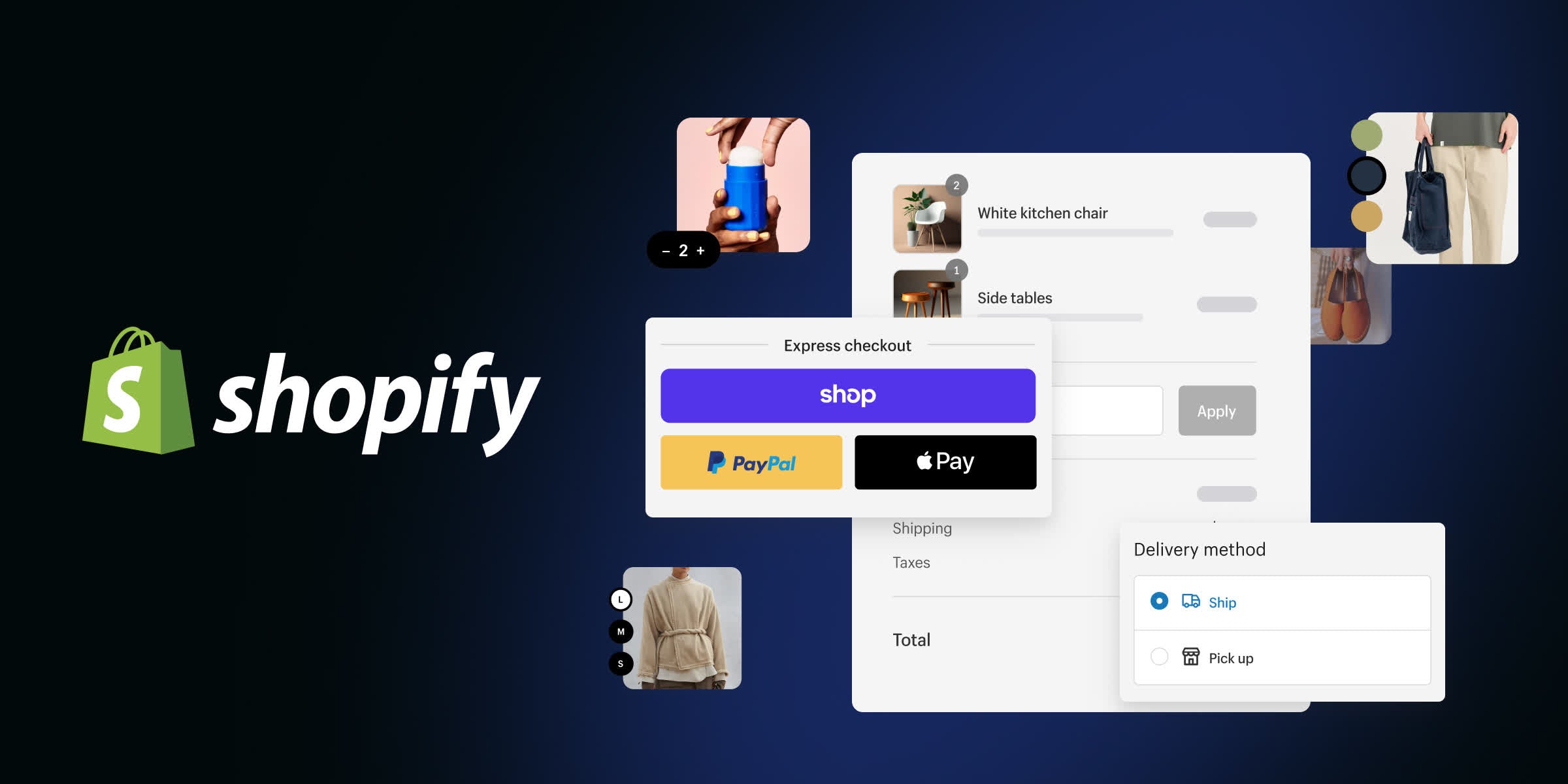
To process credit cards, your store relies on a payment gateway to securely route funds from buyers to your business bank account. Shopify offers its own built-in processor, which simplifies setup and eliminates external transaction fees. However, some merchants prefer to use third-party processors due to regional availability or specific industry relationships.
Using the native processing system requires you to provide official business identification, such as your tax registration number and banking details. This screening process ensures your commercial activities are legitimate and prevents financial fraud. If you choose an external processor, Shopify charges an additional transaction fee depending on your subscription plan.
Merchant accounts must remain in good standing to avoid payout freezes. High chargeback rates or sudden spikes in transaction volume can trigger security audits, so keeping clear documentation of your supply chain and shipping tracking is vital for commercial longevity.
Handling Taxes and Corporate Compliance
Commercial selling brings tax obligations, and Shopify provides robust automation tools to calculate regional sales tax. The software detects customer locations during checkout and applies the appropriate state, provincial, or national tax rates automatically. Having an automated sales tax configuration active prevents costly auditing errors at the end of the fiscal year.
While the platform calculates taxes, you are ultimately responsible for filing and remitting those collected funds to the correct government agencies. Shopify generates comprehensive financial reports that group tax collections by region, making quarterly or annual business filings significantly easier for your accounting team.
For businesses operating internationally, Shopify also supports cross-border tax handling and customs duty calculations. This keeps your international sales compliant with import regulations, preventing unexpected charges for your customers upon delivery.
Scaling with Third-Party Integrations and Apps
As your commercial work grows, you will likely need to connect your storefront to other software tools. Shopify features a massive ecosystem of native integrations and third-party apps through its official App Store. These apps allow you to sync your inventory with wholesale suppliers, run email marketing campaigns, and connect to accounting platforms.
While apps add valuable functionality, adding too many can slow down your site's loading speed and increase your monthly software expenses. It is crucial to evaluate each app's utility and check user reviews to ensure they do not conflict with your existing theme code.
Keeping your commercial stack lean and efficient ensures a smooth shopping experience for your buyers. For a breakdown of how app costs and platform subscription fees impact your profit margins, consult our comprehensive Shopify Review 2026: Pricing, Fees and Who It's For.

Which Shopify Tier Should You Pick for Commercial Work?
Choosing the right plan depends on your current transaction volume and the complexity of your business. A basic plan works best for solo entrepreneurs who are just launching their first online storefront and only need fundamental inventory and shipping tools. This entry-level option keeps overhead low while giving you full commercial selling capabilities.
Growing mid-sized businesses with higher monthly sales figures should opt for the standard plan tiers. These tiers offer deeper professional reporting, lower credit card processing rates, and additional staff accounts, which are essential when delegating administrative tasks to team members.
Large-scale enterprise operations require the highest-tier dedicated options, which offer advanced customization, headless commerce API access, and the lowest transaction fees available. Matching your store's tier to your current sales velocity ensures you do not overpay for unused features while maintaining the performance you need.

Frequently asked

As an Amazon Associate I earn from qualifying purchases. This does not affect the price you pay. Affiliate disclosure